




You are using an outdated browser. Please upgrade your browser to improve your experience.

Apps That
Went Free on
2017-09-21

Create pulsing sounds, turn any webpage into a PDF, and get cheered on throughout the day with today’s collection of apps and games.

Cheerleader - Stay Productive
iPhone
iPad
Cheerleader - Stay Productive

Cheerleader - Stay Productive

Monkey Taps

Get cheered on throughout the day with Cheerleader.
Those who need some extra motivation.

FREE ($1.99) For a limited time FREE ($1.99) For a limited time
Why we picked this?

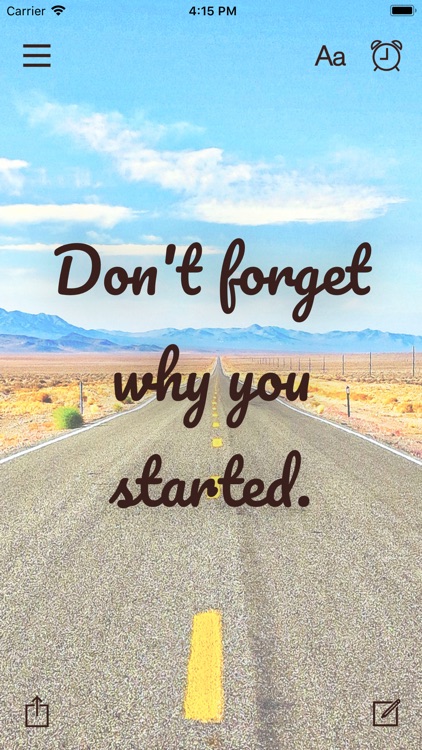
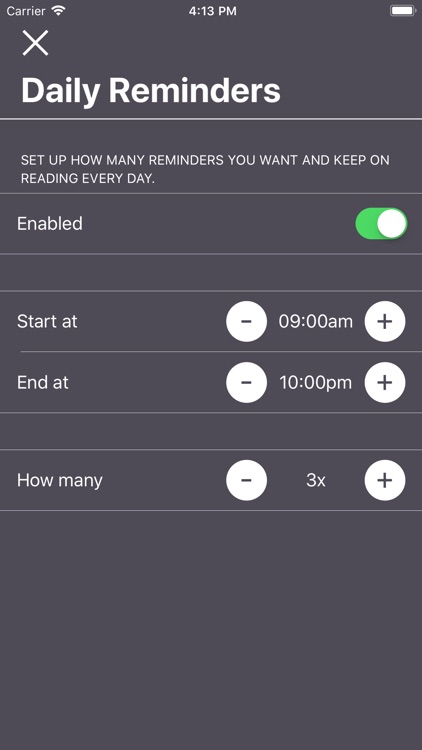
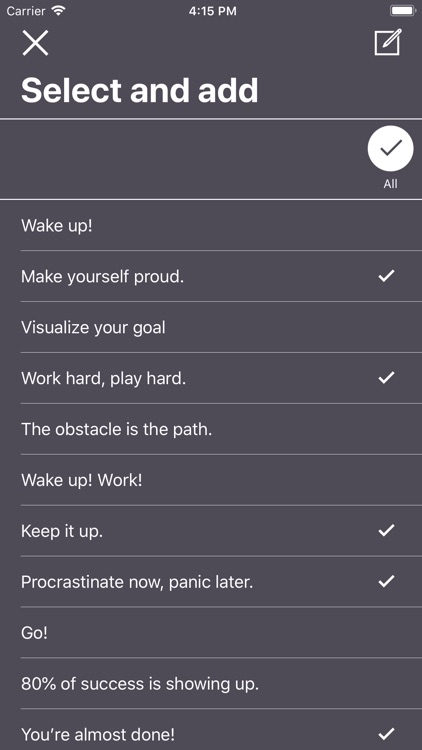
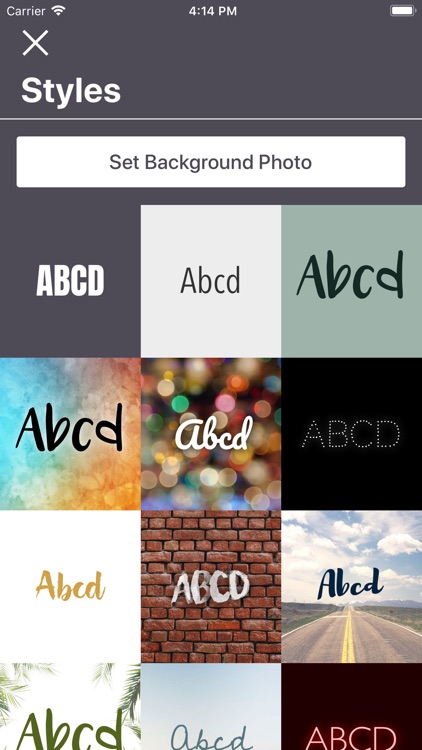
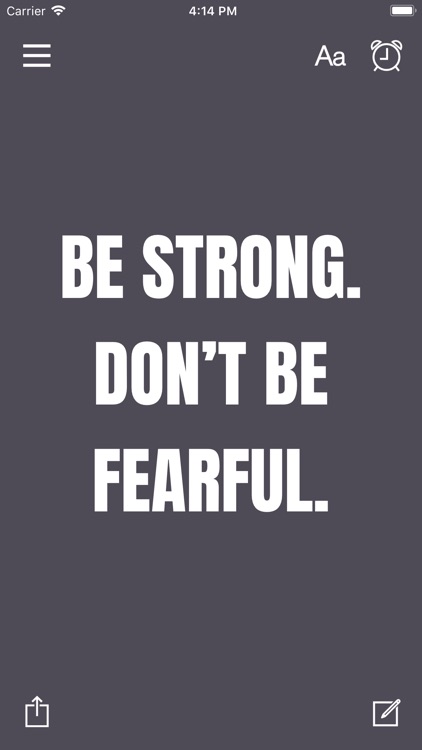
Cheerleader will get the positivity flowing. You’ll first be asked to set up when your daily reminders begin and end, and how many times you want them to be sent throughout the day. Then select your favorites from a wide variety of cheerful messages and they’ll help perk you up when needed. The app includes more than 30 themes to choose from, and the ability to share the messages.

Daily life gets you down. Cheerleader will pick you right back up.

You’re looking for a task manager. This is simply a way to receive positive messages through push notifications.

Web to PDF Converter & Reader
iPhone
iPad
Web to PDF Converter & Reader

Web to PDF Converter & Reader

DIGISET LLC

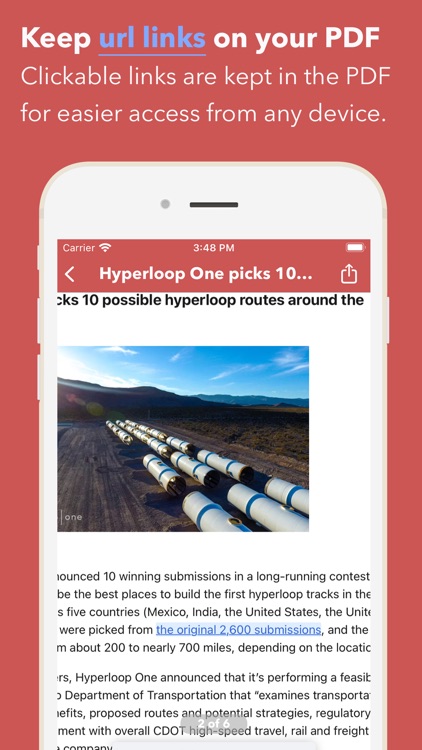
Turn any webpage into a PDF with InstaWeb.

Students, teachers, and business professionals.

FREE ($0.99) For a limited time FREE ($0.99) For a limited time
Why we picked this?

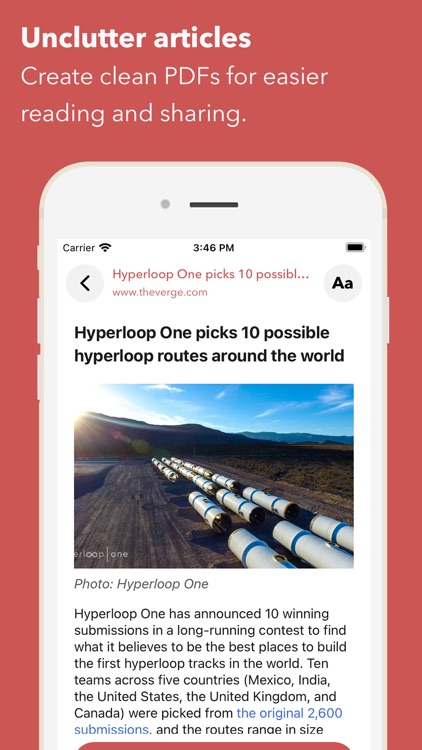
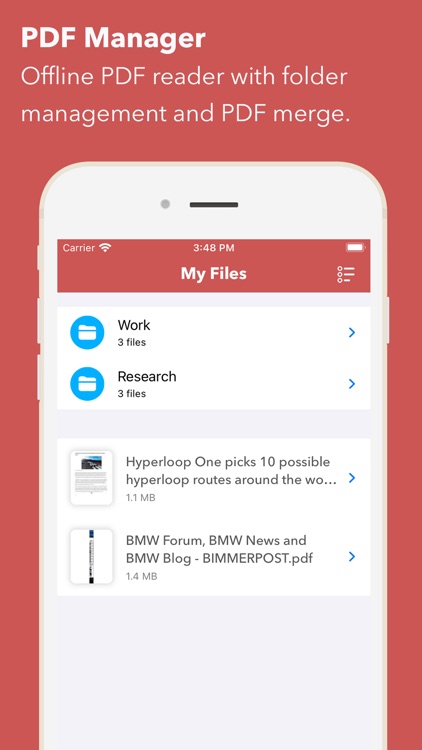
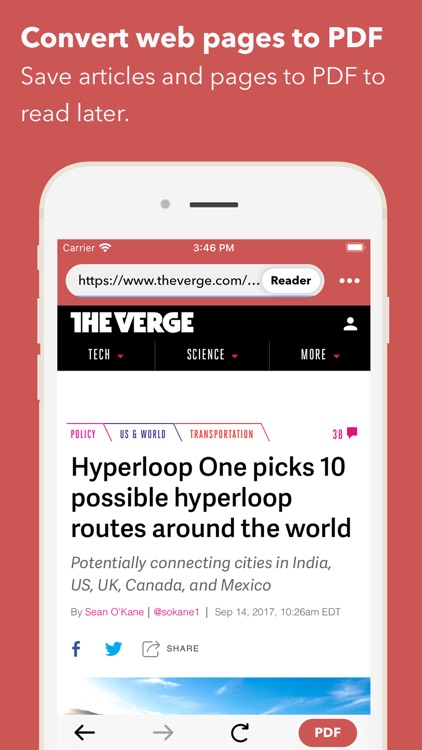
InstaWeb allows you to convert any webpage into a PDF for later use. Point the built-in browser at any webpage and tap the PDF button to capture it. The captured webpage must be named before it's converted. InstaWeb also features a nifty option that allows you to remove the clutter and just save the text from the web page. The app includes the ability to organize PDF documents within folders, share them via AirDrop or email, or store them in Dropbox, Evernote, SkyDrive, Box, or Google Drive.

You frequently find yourself without an internet connection. It’s fast and easy.

You intend to edit content.

NodeBeat Legacy
iPhone
iPad
NodeBeat Legacy

NodeBeat Legacy

AffinityBlue

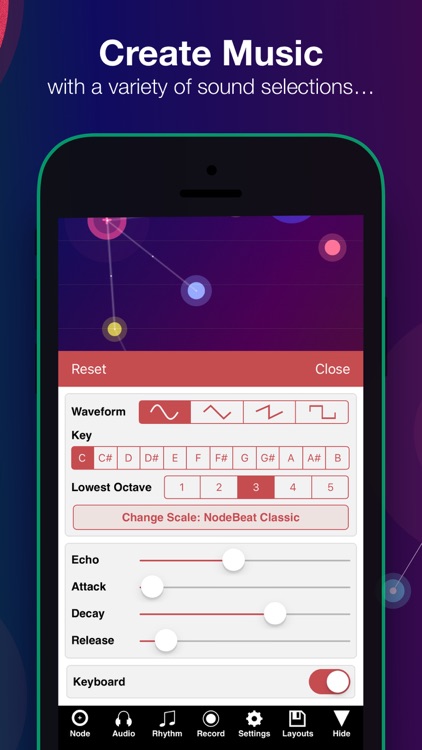
A node-based audio sequencer and generative music app.

Everyone from young children to their grandparents will enjoy creating music with NodeBeat.

$4.99 $4.99
Why we picked this?

Drag different nodes all around the screen and connect them to each other to create pulsing sounds. There’s no wrong way to go about it, so just have fun. The app includes a variety of customization options like the ability to add gravity to nodes, adjustable pulse rate and beat sync, and echo volume. It also includes 20 musical scales, a seven octave range, all 12 musical key signatures, and the ability to record and send your tunes via email.

You’re looking for some relaxing fun. Sure, professional musicians can utilize NodeBeat’s many features, but those without much musical talent will have the most fun because it’s so easy to use.

You’re looking for a digital instrument. It’s a generative music app that’s meant to be experienced.

miniSynth 2
iPhone
miniSynth 2

miniSynth 2

Yonac Inc.

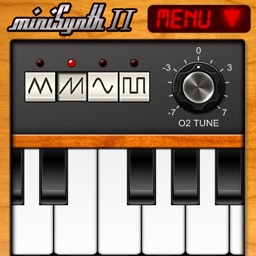
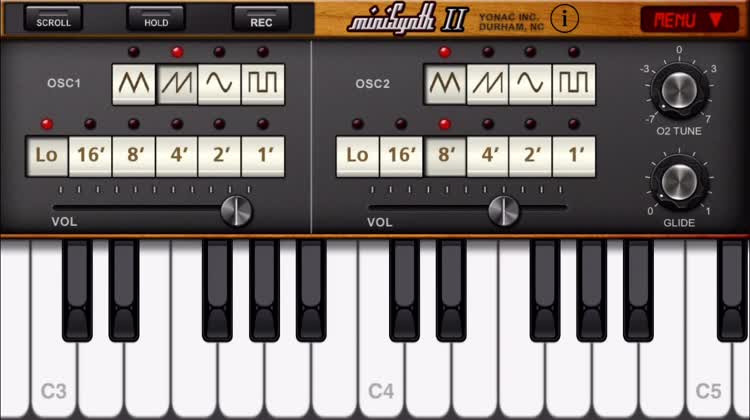
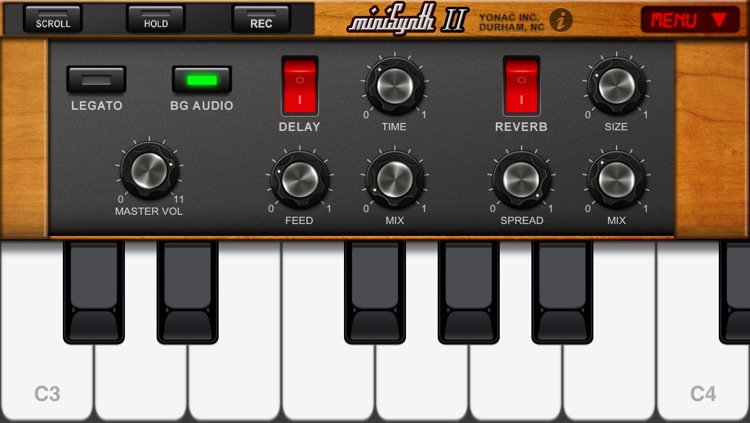
Make sweet synthesized music with miniSynth 2.

Musicians who want to be ready when inspiration strikes.

$0.99 $0.99
Why we picked this?

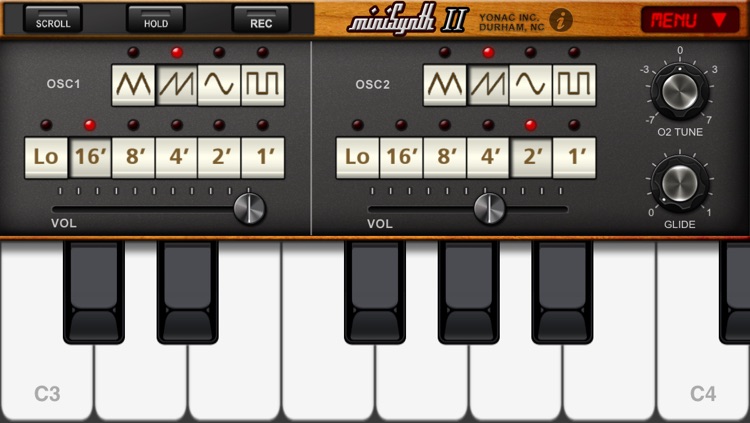
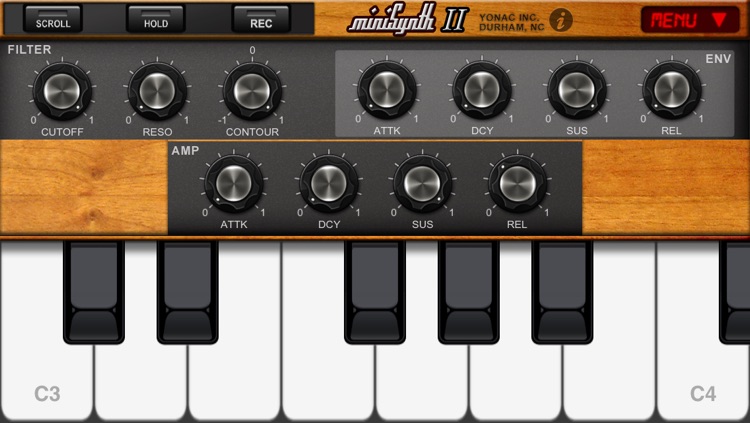
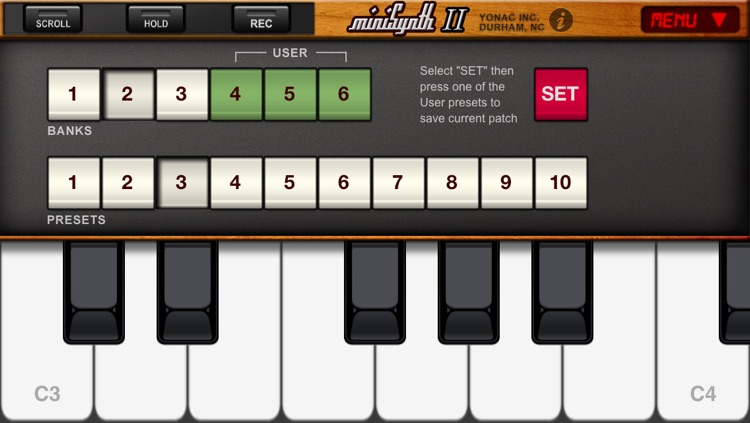
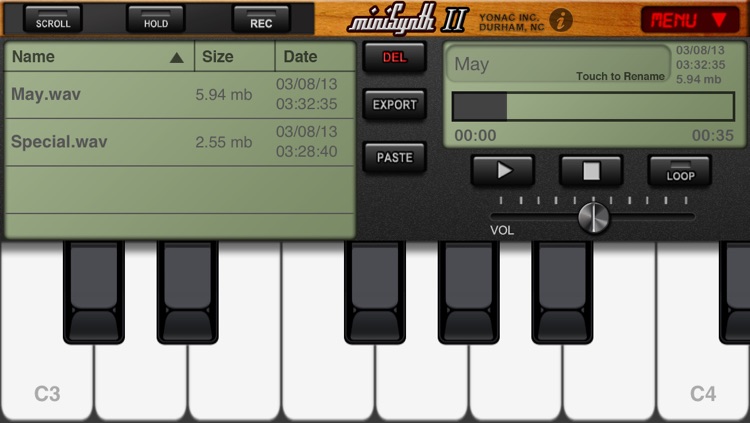
You're able to mash away on the scrollable keyboard to create and record tunes whenever the moment strikes. The app features a 32-bit professional quality digital signal processor, allowing you to hear your tunes just as they were intended. The app also includes dual analog modeling oscillators, Audiobus input, MIDI-in, SoundCloud support, and 30 factory presets.

You need an elegant and simple way to record your musical ideas, miniSynth 2 is the best way to go about it. The sounds are all produced in real-time. You won’t find any samples here.

You only play music on an iPad.

Color Accent
iPhone
iPad
Color Accent

Color Accent

205L Studio

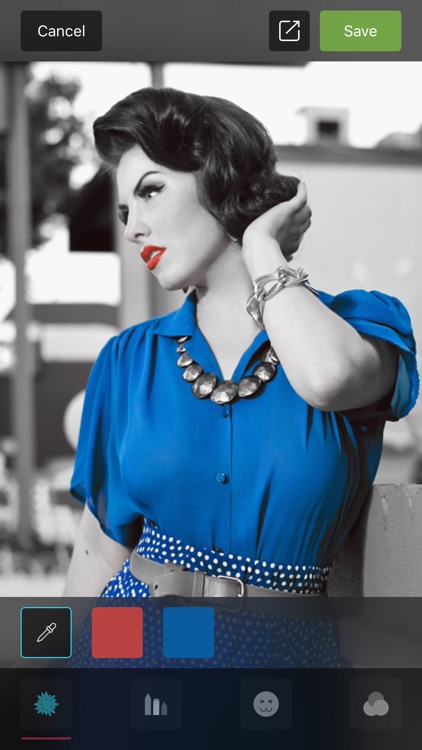
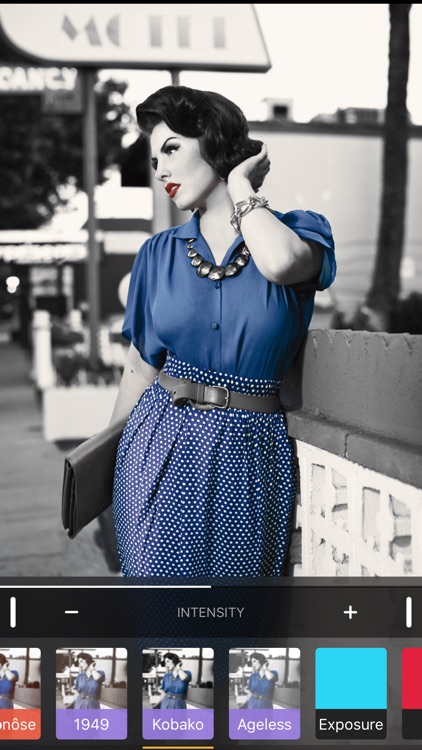
Highlight different colors in your photos with Color Accent.

iPhoneographers of all kinds.

$1.99 $1.99
Why we picked this?

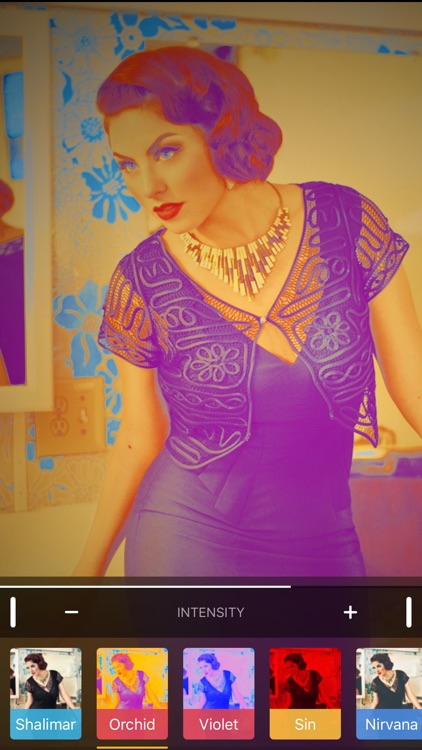
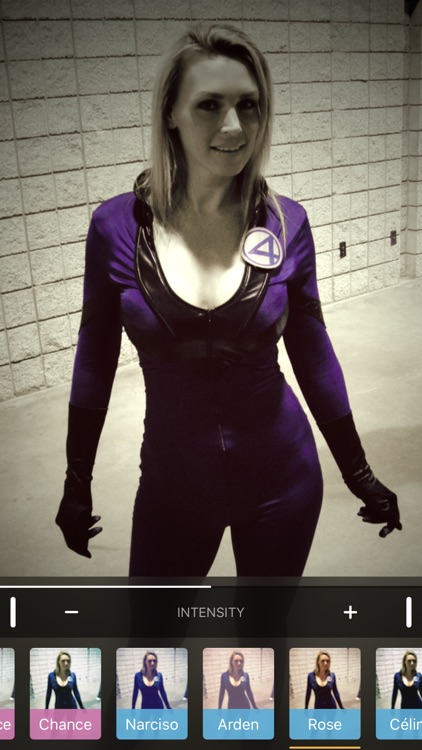
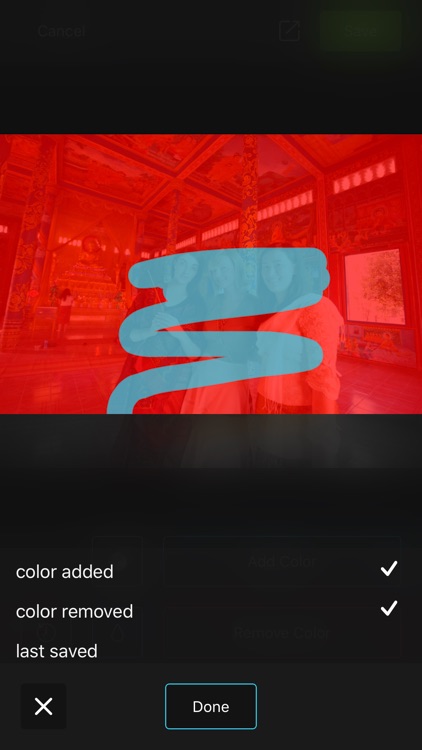
Color Accent allows you to apply color splash effects in seconds. Drag your finger over the color you want to highlight using the magnification tool. You’re able to select multiple colors and adjust their intensities. Color Accent will do the rest by isolating all of the colors for you. You’re also able to manually add or remove color with a paintbrush. Color Accent also includes a variety of filters to choose from, and the ability to add stickers, drawings, or text over the top of your photos.

You want your photos to pop. Color Accent makes the entire process a breeze.

You simply have no use for the color splash effect.

Pointillisted - Photo Artwork
iPhone
iPad
Pointillisted - Photo Artwork

Pointillisted - Photo Artwork

Eugene Liu

Create pointillist artwork with Pointillisted.

Those who like to tinker with photos.

$0.99 $0.99
Why we picked this?

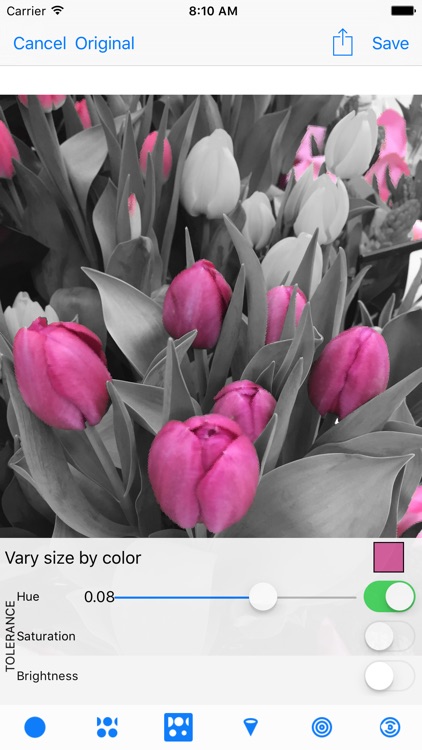
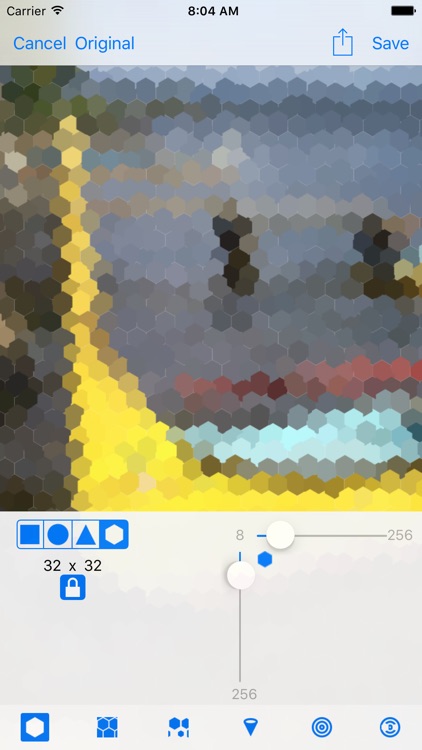
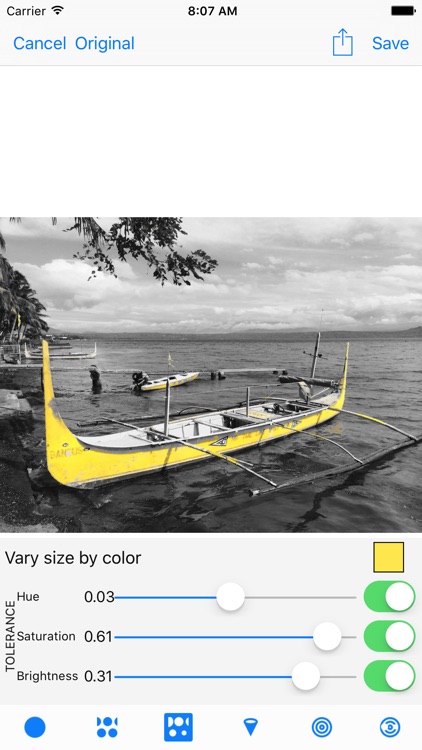
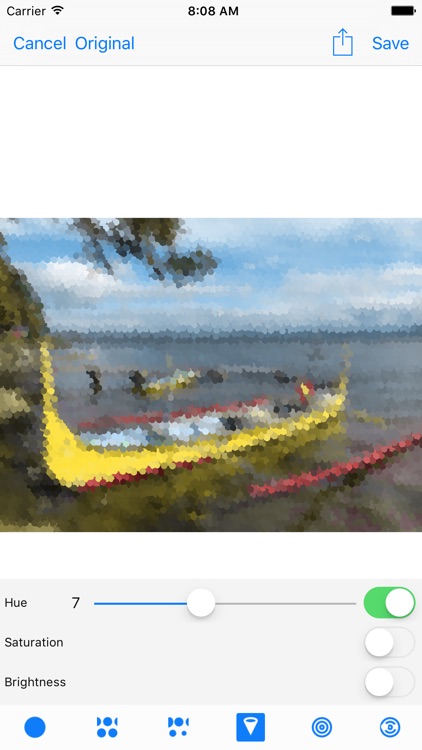
Pointillisted allows you to create abstract art with ease. You’re able to choose from four different shapes: rectangle, circle, triangle, and hexagon. The complexity and scale of each point can be adjusted via sliders. Pointillisted even allows you to vary the size by color and isolate by hue, saturation, and brightness.

You want your photos to stand out. It provides a bevy of features that will help you unleash your creative side.

You have an older iDevice. The complexity can put a real strain on the processor.