

You are using an outdated browser. Please upgrade your browser to improve your experience.

Apps That
Went Free on
2019-03-10

Create professional grade works of art, transfer and access files, and work out and eat better with today’s collection of apps.

Paint Hack
iPad
Paint Hack

Paint Hack

Paul Webb

Create professional grade works of art with Paint Hack.

Artists of all levels.

FREE ($0.99) For a limited time FREE ($0.99) For a limited time
Why we picked this?

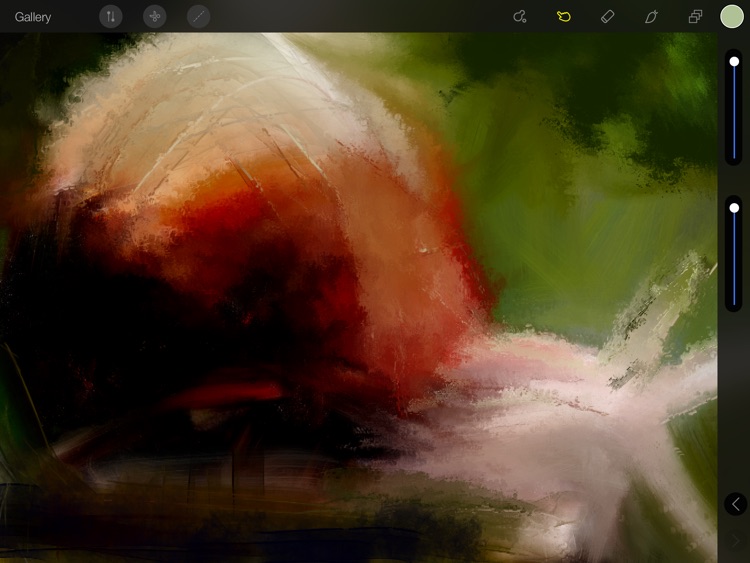
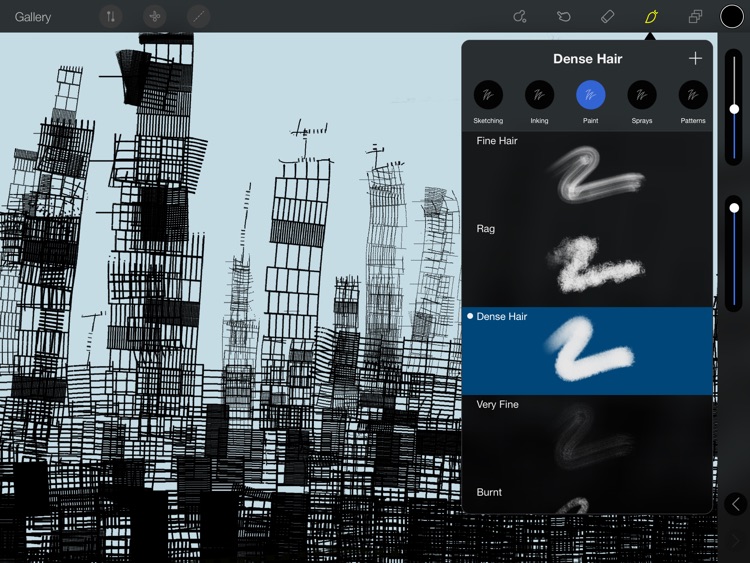
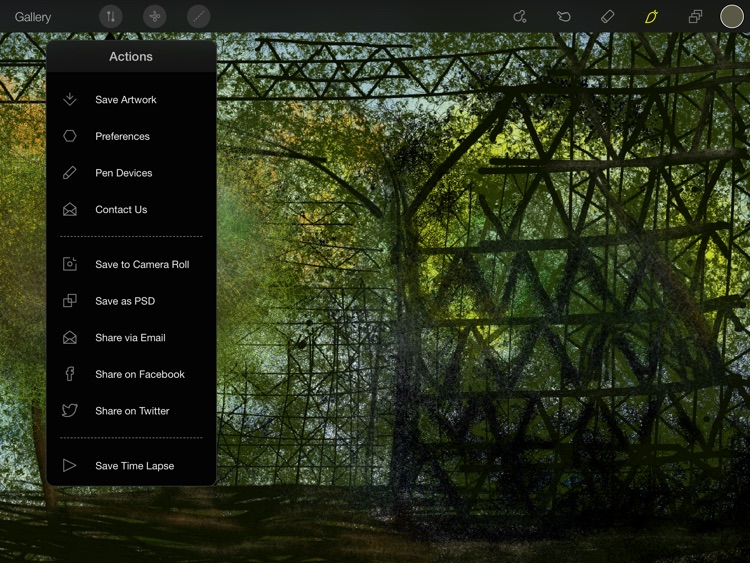
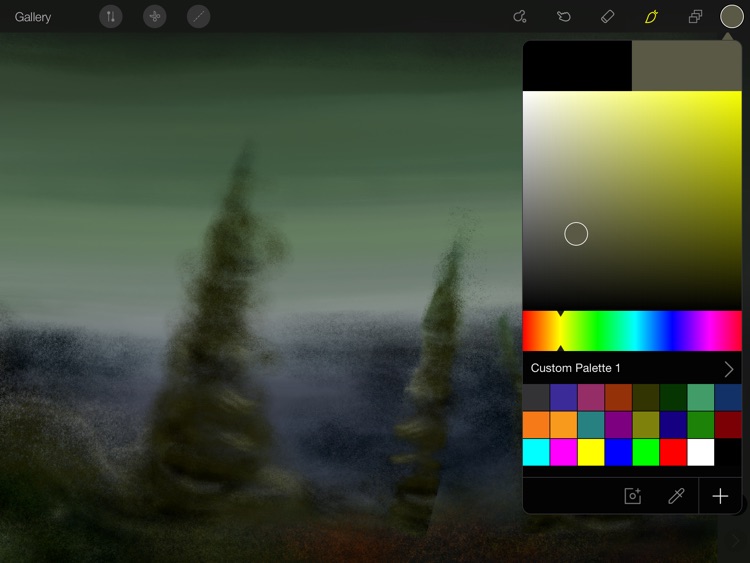
Paint Hack provides the biggest and craziest selection of brushes you’ll ever find in the App Store. With 90 brushes in total, including totally off-the-wall experimental brushes, there’s a tool for every artist. Paint Hack also features a smooth and versatile painting engine that’s able to assist in drawing lines, circles, and squares, and can even recognize corners and points to perfectly align shapes. The app includes support for thousands of undos and redos, stylus support, custom color palettes, video recording, and the ability to use as many layers as your iPad will allow.

You’re a digital artist. Its uncluttered interface will help you focus on your work.

You’re iPad is showing its age. Older devices will definitely struggle.

Gymster+ Weight Lifting Log
iPhone
iPad
Gymster+ Weight Lifting Log

Gymster+ Weight Lifting Log

Mark Runza

Work out and eat better with Gymster.

Those interested in changing up their routine.

$1.99 $1.99
Why we picked this?

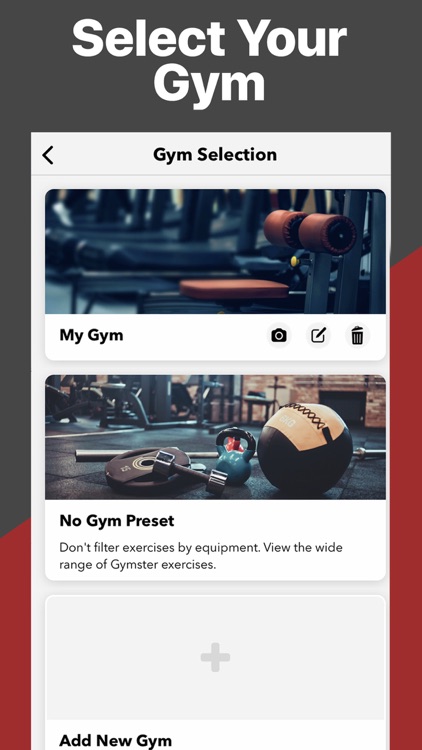
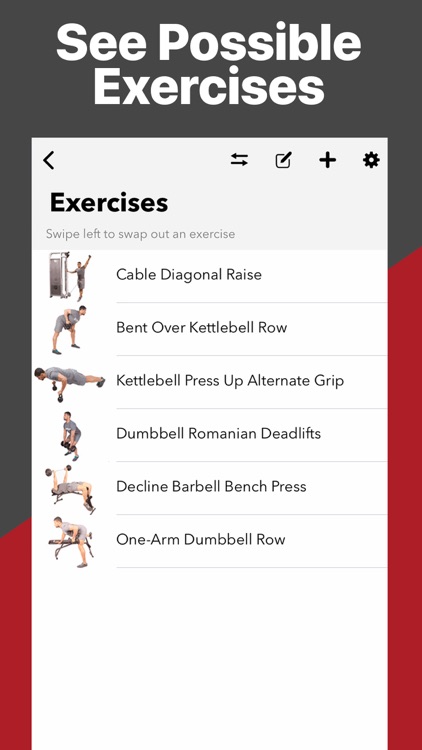
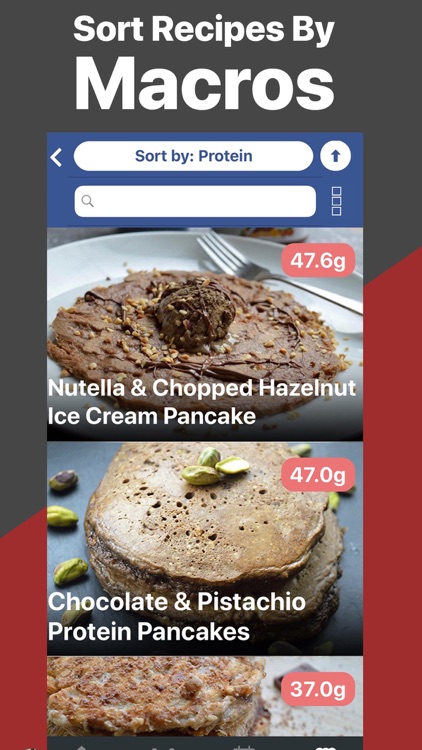
Gymster is a fitness app, weight tracker, and recipe generator all rolled into one. The workouts can be narrowed down by the equipment you have and the muscles you want to work. Each workout includes a demonstration animation and the ability to record reps and weights. Each day you’re able to record your weight and track your progress in chart form right on the dashboard. Gymster also includes more than 200 IIFYM recipes to spark your imagination.

You’ve lost interest in the gym. Gymster will help up your game.

You don’t work out.

Phone Drive Pro: File Sync
iPhone
iPad
Phone Drive Pro: File Sync

Phone Drive Pro: File Sync

Eightythree Technology

Transfer files and access them with ease with Phone Drive.

Everyone from students to business professionals.

$3.99 $3.99
Why we picked this?

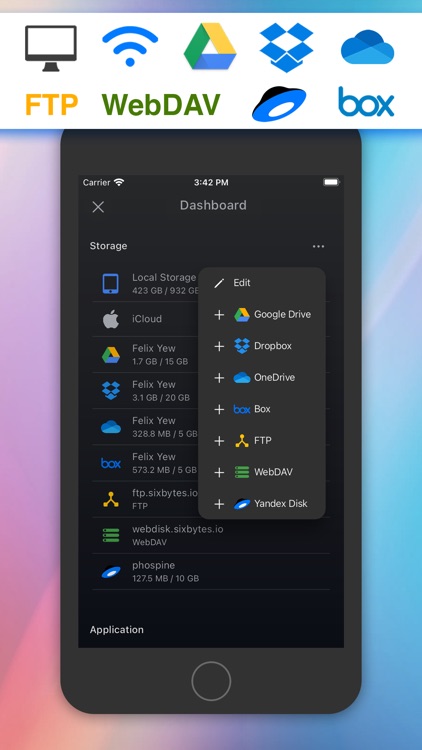
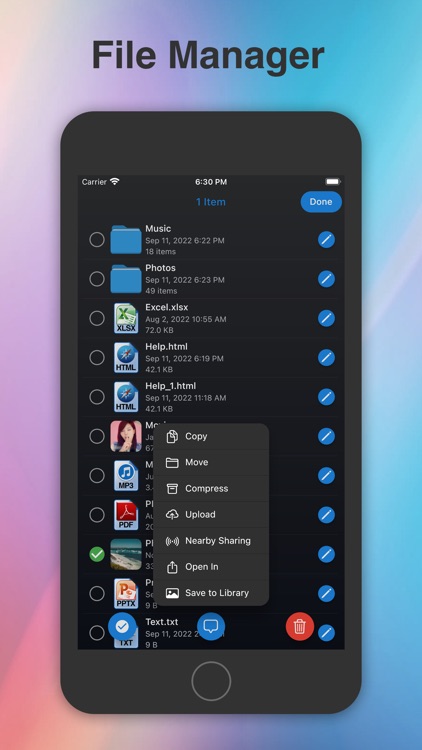
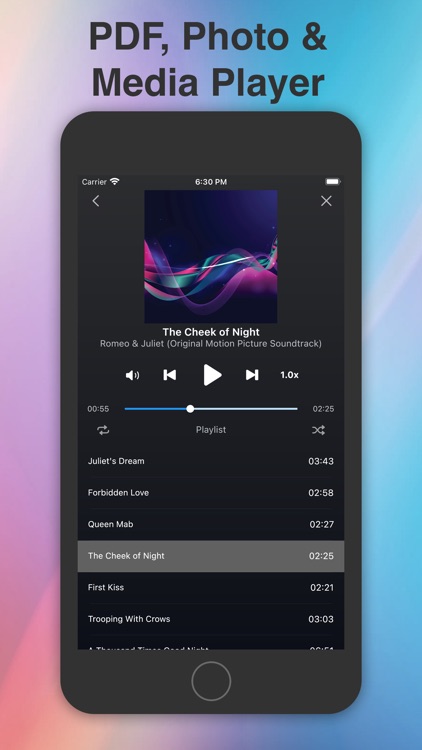
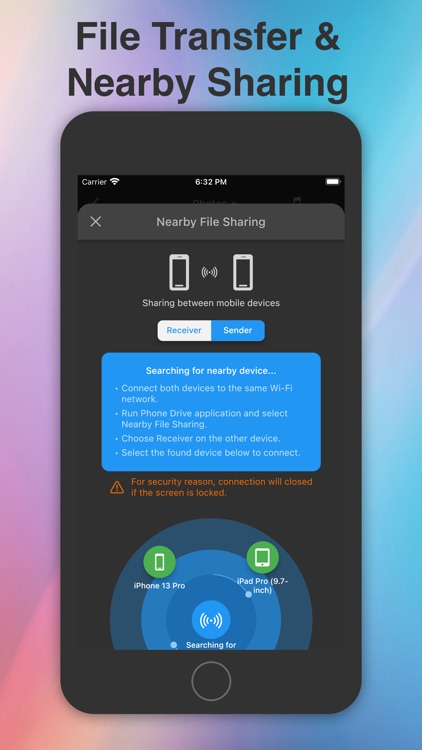
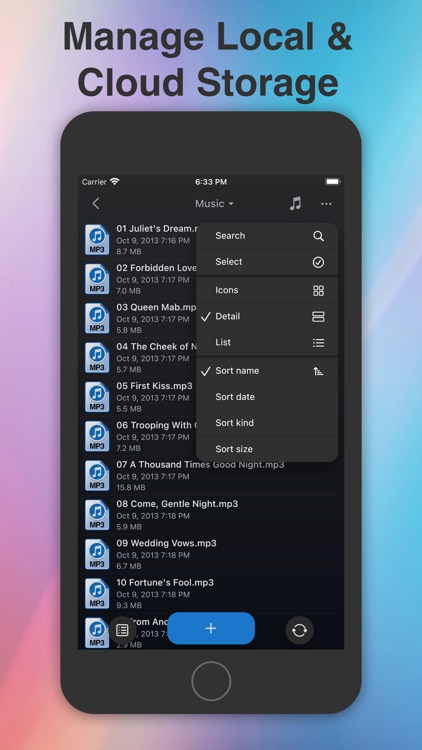
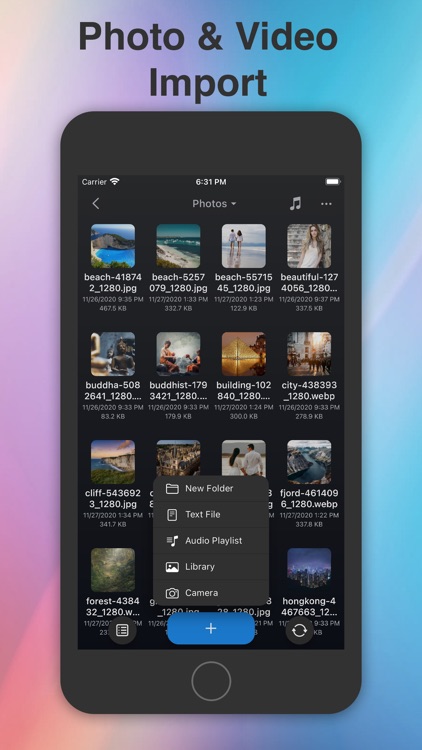
Phone Drive allows you to easily grab files from your home computer or a local iDevice. To download files from your computer, simply point your browser at the provided URL. To download files from another iDevice, all you need is to install and launch the app on both. Phone Drive is able to read and play a wide variety of text and media files, and you’re able to organize them within folders. Files can also be sorted by name, kind, or date modified. There’s even a built-in text editor that allows you to create files.

You prefer local storage over the cloud. It’s able to handle just about anything.

You want to sync with a cloud service like Dropbox. It’ll cost you.