

You are using an outdated browser. Please upgrade your browser to improve your experience.

Apps That
Went Free on
2019-04-21

Track spending, view where a photo was taken, and ask a question and receive an answer with today’s collection of apps.

Spending Log Pro
iPhone
Spending Log Pro

Spending Log Pro

MoneyBudgie

Track where your money is going with Spending Log.

Anyone who struggles with their finances.

$3.99 $3.99
Why we picked this?

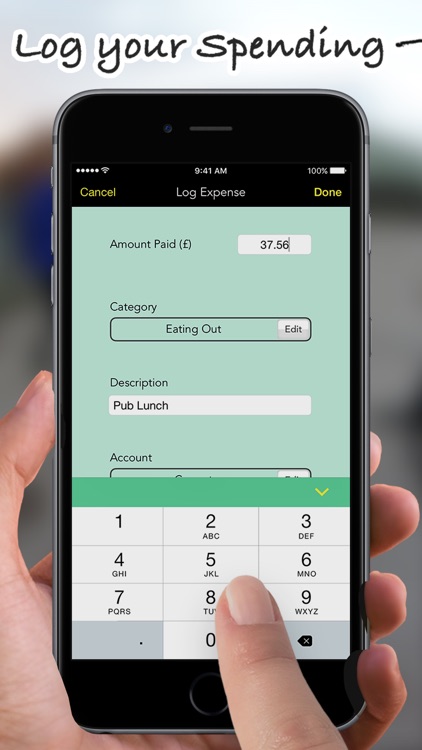
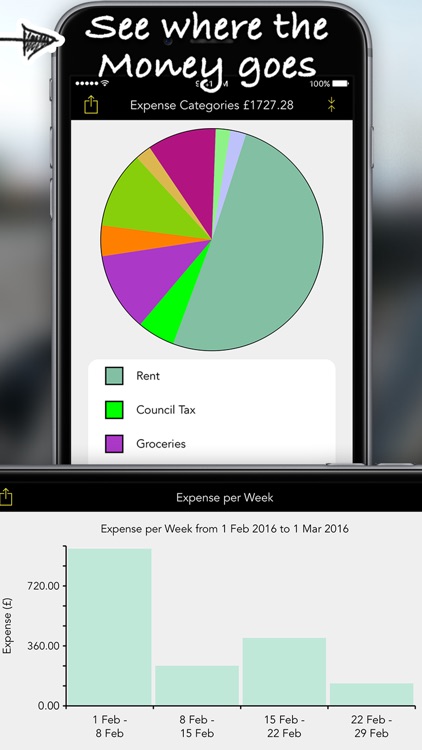
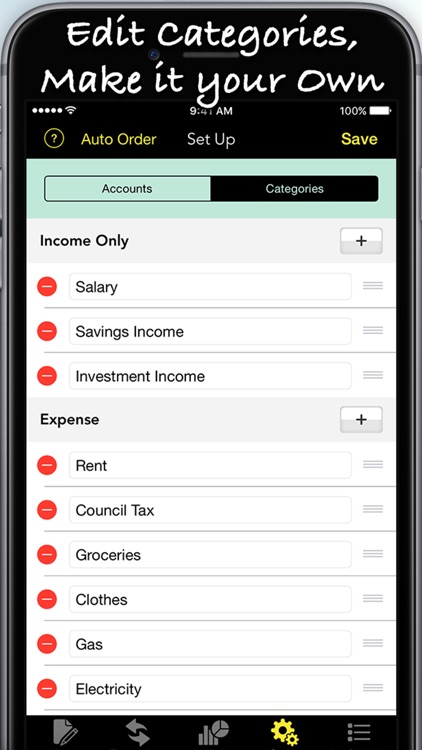
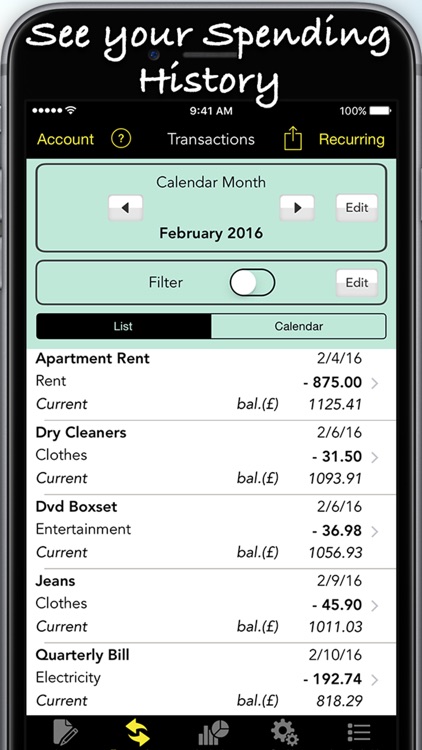
Spending Log helps analyze your finances. Start off by creating personal accounts and customizing categories in the “Set Up” menu. You’re able to prioritize types of income and expenses to make recording them even faster. Then every time you make a purchase or have money flow in, simply enter an amount, choose a category, attach a description, and define a date. Spending Log’s main screen allows you to easily check in on how things are going and analyze the data in chart form.

You never have enough cash in hand at the end of each month.

You never really worry about your finances or have things under control.

Modern Magic Ball
iPhone
iPad
Modern Magic Ball

Modern Magic Ball

Hayden Watson

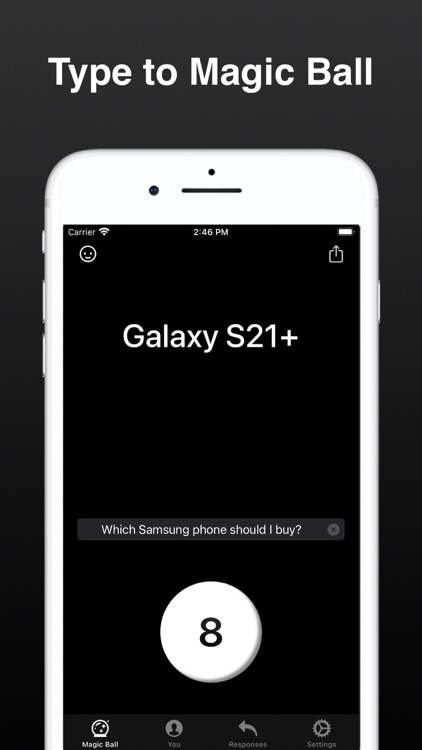
Ask a question and receive an answer with Modern Magic 8 Ball.

Those looking for a little fun.

$0.99 $0.99
Why we picked this?

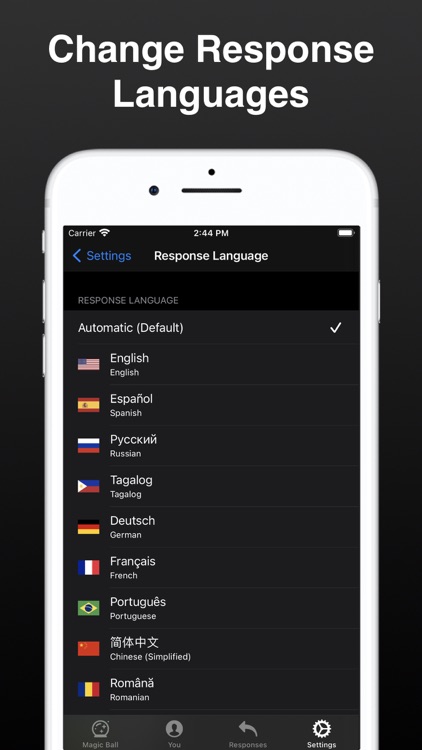
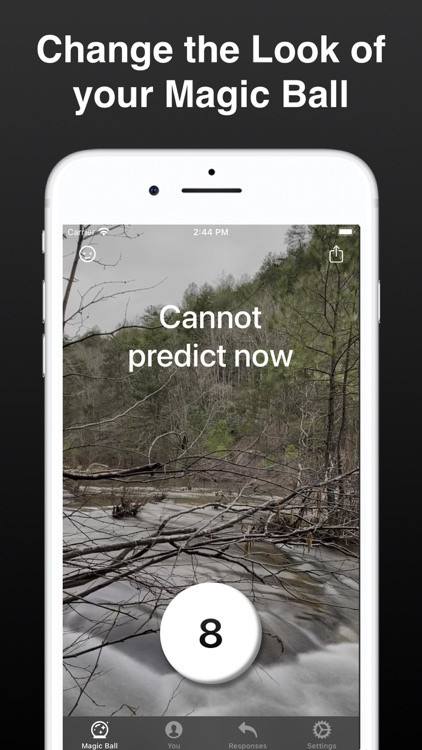
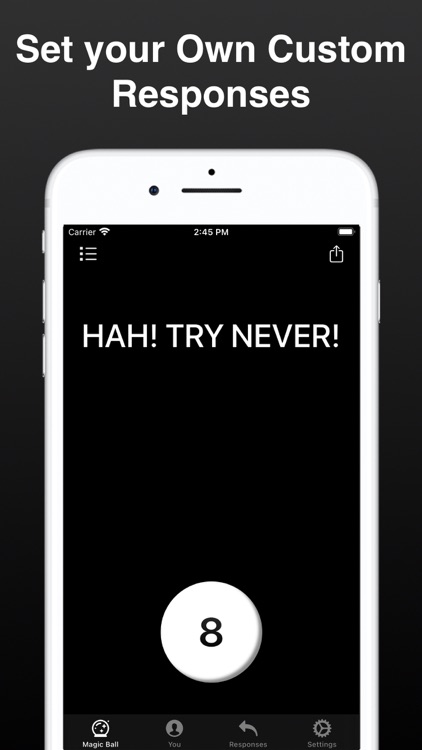
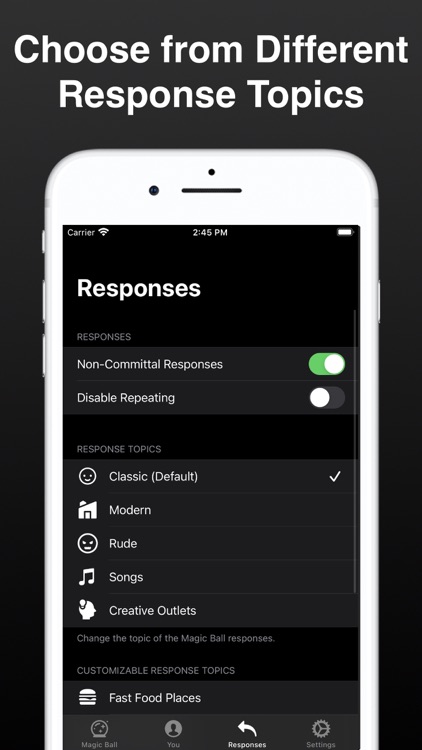
Modern Magic 8 Ball is an updated version of everyone’s favorite fortune-telling device. Just ask a yes or no question, tap the 8 button or shake your device, and receive an answer. You can choose to receive classic responses, new responses, or create your own. The app also includes various themes and icon designs to choose form, Smart Invert and VoiceOver support, Apple Watch support, and eight languages to choose from.

You need an answer.

You don’t trust the Magic 8 Ball.

FotoMap-where photo was taken
iPhone
FotoMap-where photo was taken

FotoMap-where photo was taken

Green Lake Technology Ltd

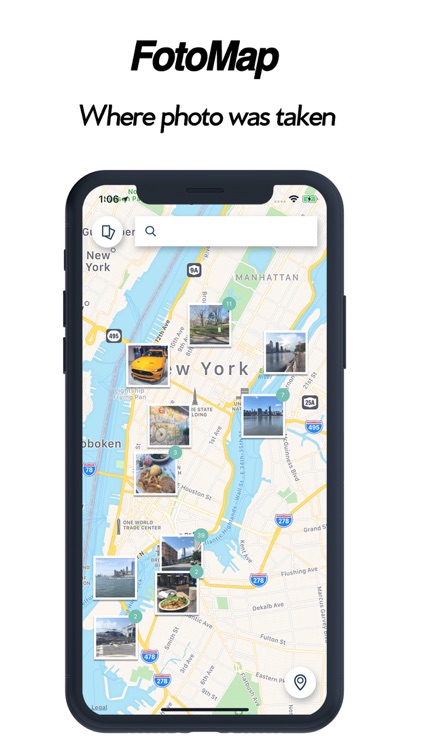
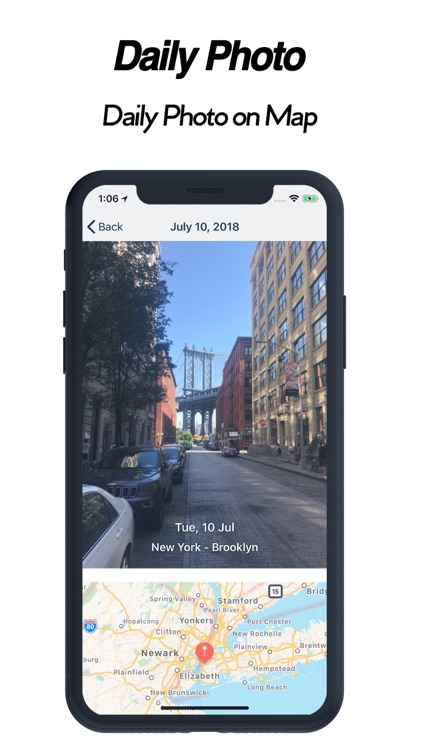
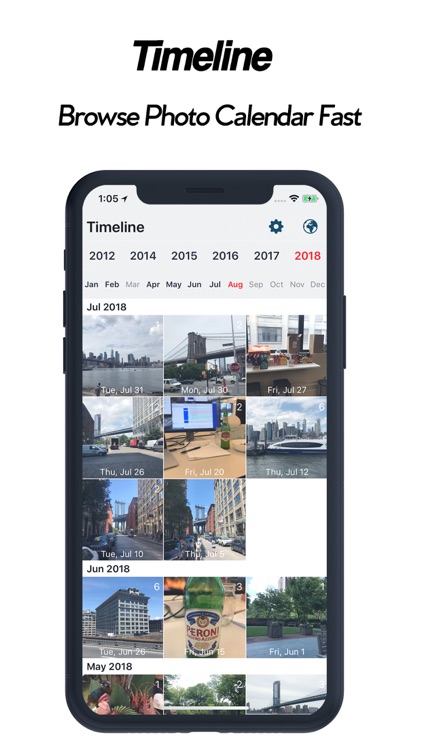
View your photos and where they were taken within a structured timeline with FotoMap.

Anyone who takes a lot of photos while traveling.

$2.99 $2.99
Why we picked this?

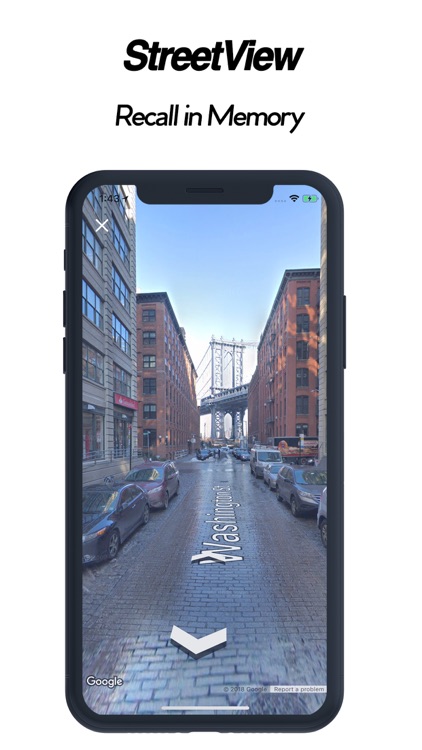
FotoMap does a fantastic job of reorganizing your photos into a scrollable timeline. Photos are grouped together based on where and when they were taken, and they are accompanied by a built-in map. Tap on the photos to scroll through them one by one, and tap on the map to bring it into full view and search around. You’re also able to earn achievements based on the places you have taken your photos.

You move around a lot. It’s clean and simple, and does a great job of grouping like photos together.

You rarely travel. Its selling point is its map integration.