

You are using an outdated browser. Please upgrade your browser to improve your experience.

Apps That
Went Free on
2019-05-16

Run a supermarket, hunt for treasure, and keep your life in order with today’s collection of apps and games.

Geocaching Compass
iPhone
iPad
Geocaching Compass

Geocaching Compass

Sid Baldwin

Get pointed in the right direction with Geocaching Compass.
Geocachers.

FREE ($0.99) For a limited time FREE ($0.99) For a limited time
Why we picked this?

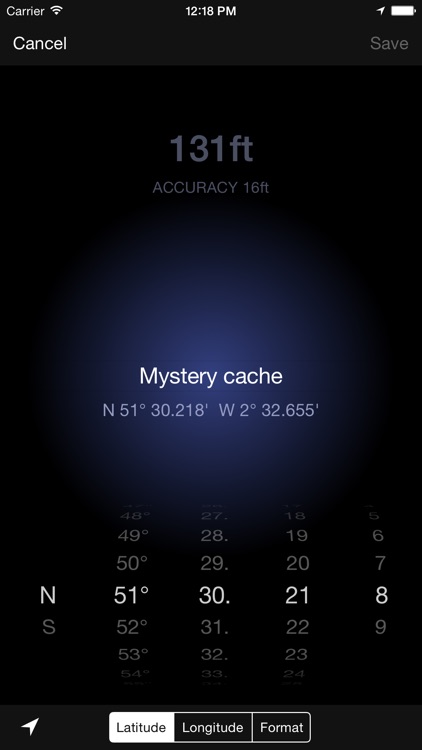
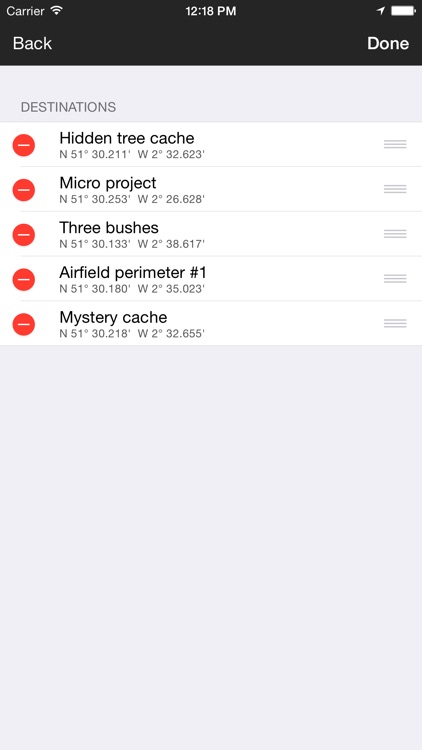
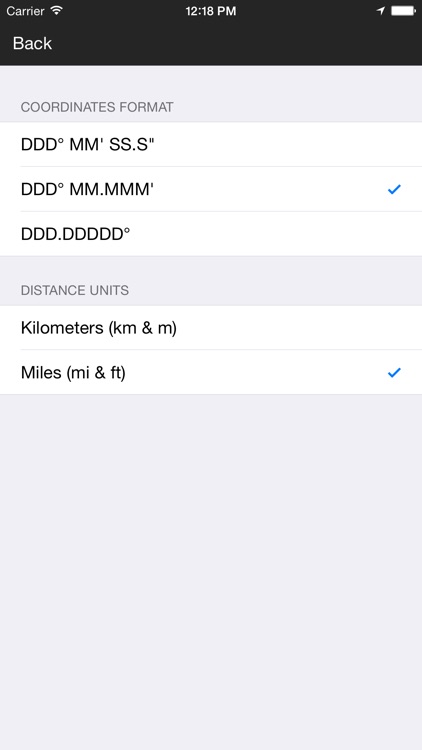
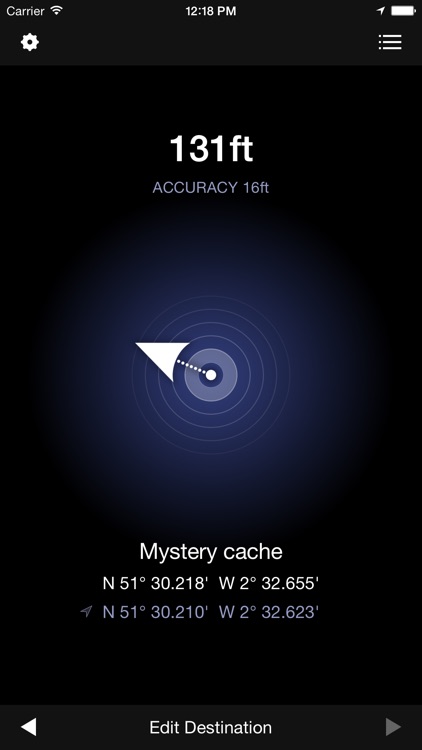
Geocaching Compass makes it easy to go on the hunt for treasure. It allows you to enter coordinates using any of the three most popular formats. The app will then point you in the direction of the cache and indicate how much distance remains in either miles or kilometers. Destinations can be saved, edited, duplicated, and rearranged. The app is able to pinpoint a spot to within about 15 feet, depending on conditions and device capabilities.

You enjoy the great outdoors. Go hunt for some cache.

You prefer to stay inside.

Dr. Panda Supermarket
iPhone
iPad
Dr. Panda Supermarket

Dr. Panda Supermarket

Dr. Panda Ltd

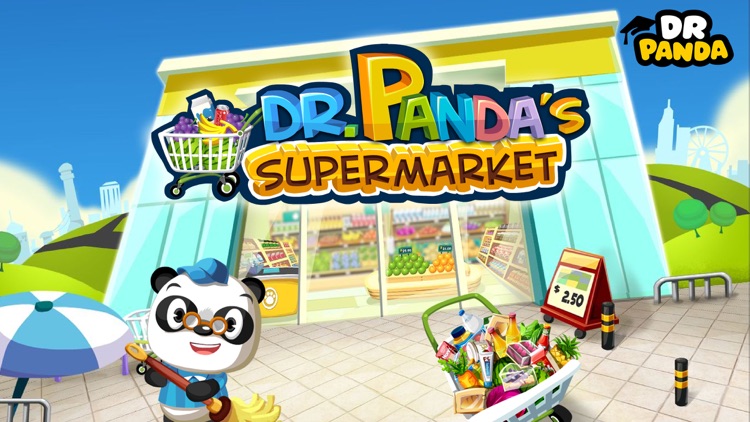
Run your very own store in Dr. Panda Supermarket.

Parents and teachers.

$3.99 $3.99
Why we picked this?

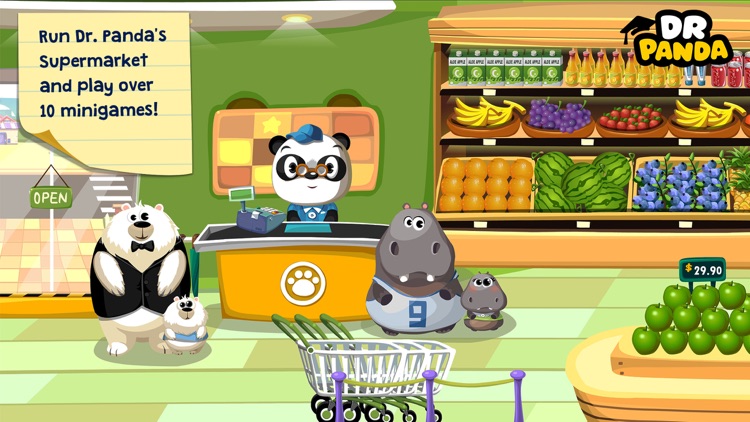
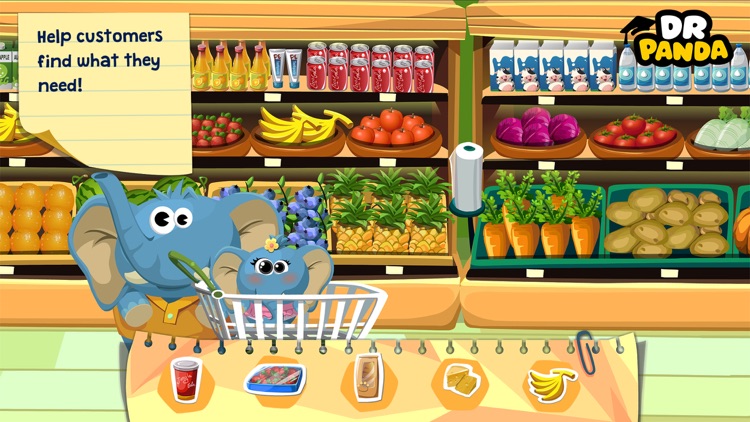
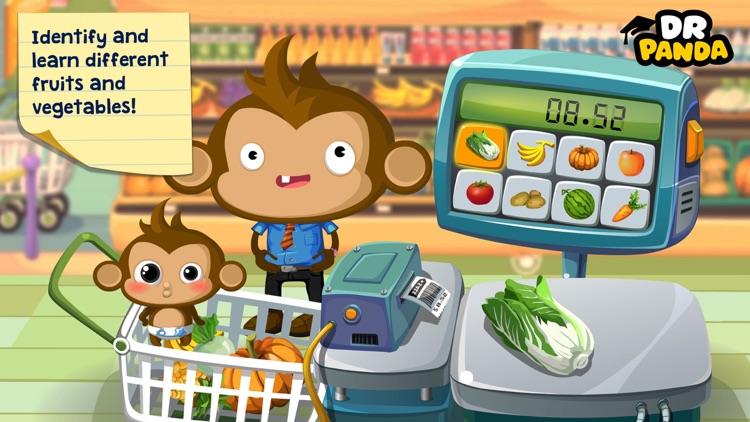
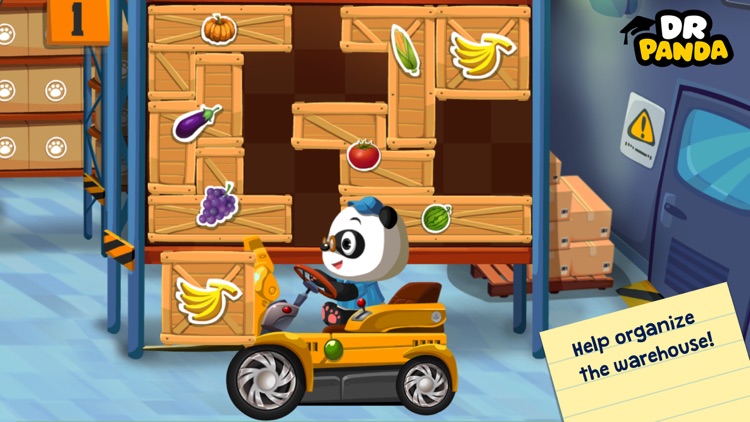
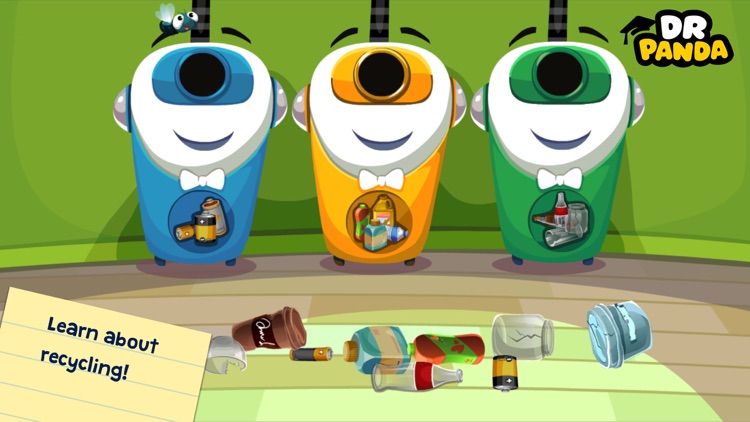
Dr. Panda Supermarket is loaded with fun educational activities for your child to enjoy. They’ll be tasked with helping find foods, weighing produce, collecting shopping carts, organizing crates of food, and much more. The 10 supermarket-themed mini-games will help teach your child numbers, currency, and organizational skills. The open-ended nature of the gameplay will keep them engaged for hours.

You’re looking for an app to teach your child while they play.

Your child is under the age of six. The interface and wide variety of options make it too complicated for younger children to handle.

Orderly Check Lists
iPhone
iPad
Orderly Check Lists

Orderly Check Lists

Tekton Technologies (P) Ltd.

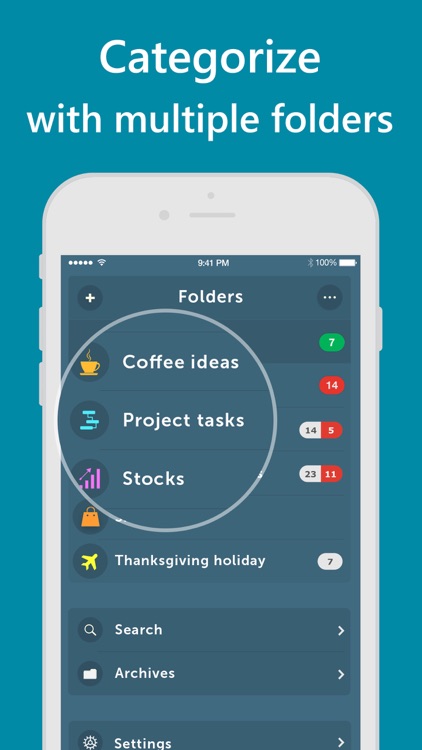
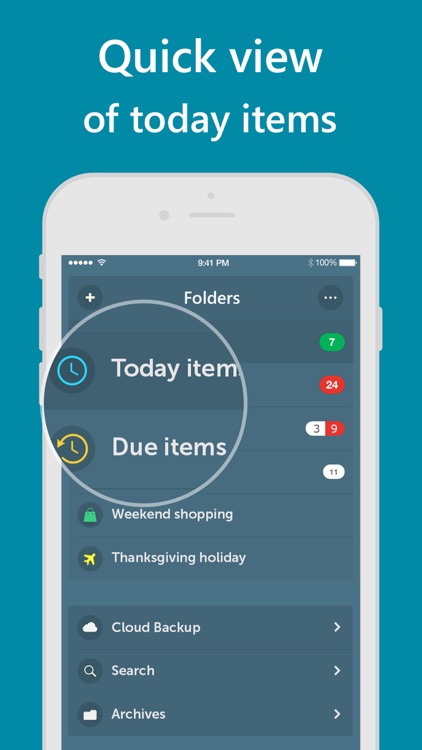
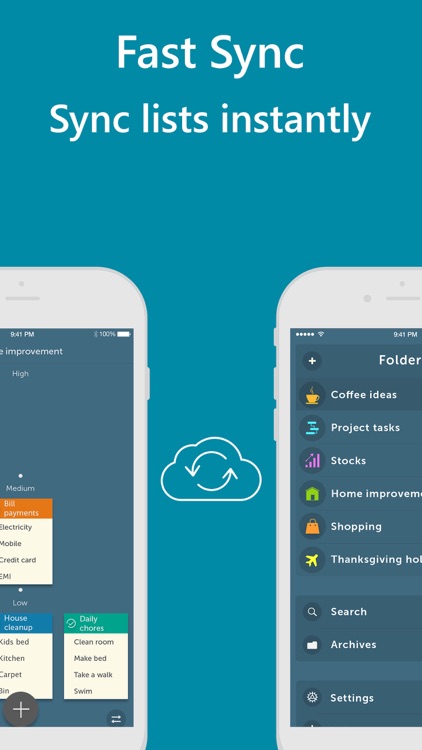
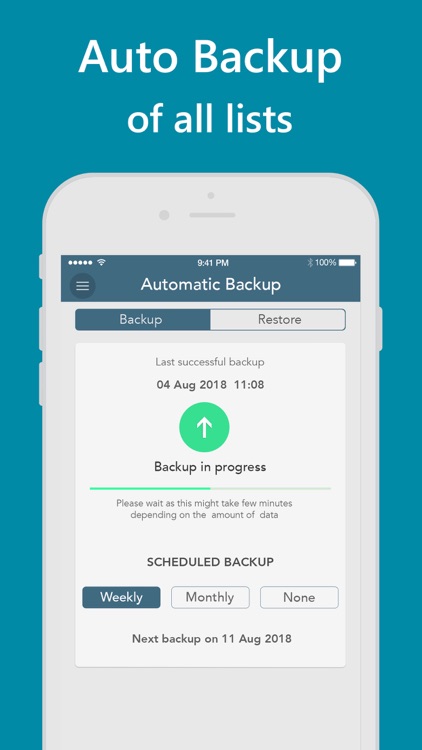
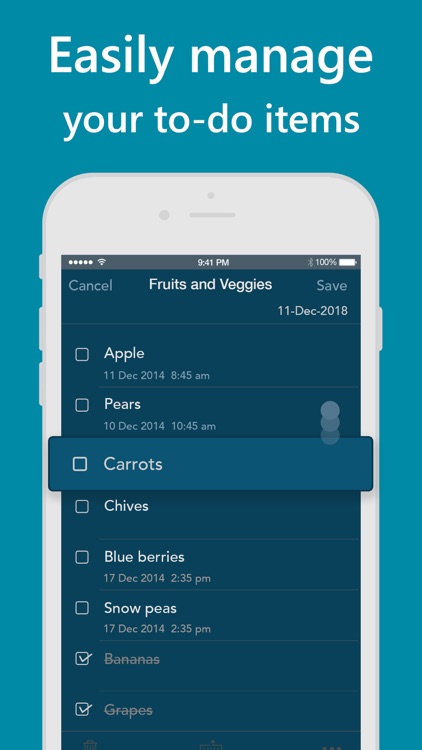
Keep your life in order with this gesture-driven productivity app.

AppsGoneFree users who want a more fluid way to manage their tasks.

$1.99 $1.99
Why we picked this?

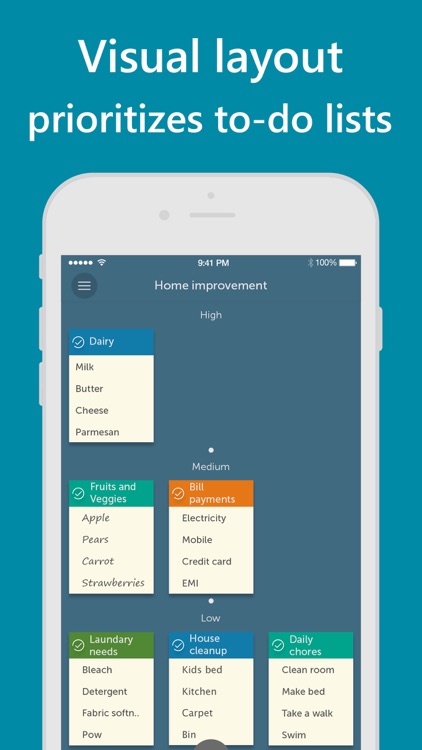
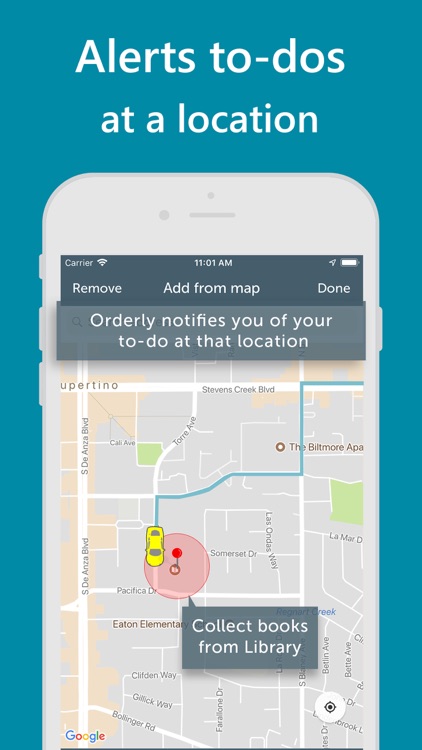
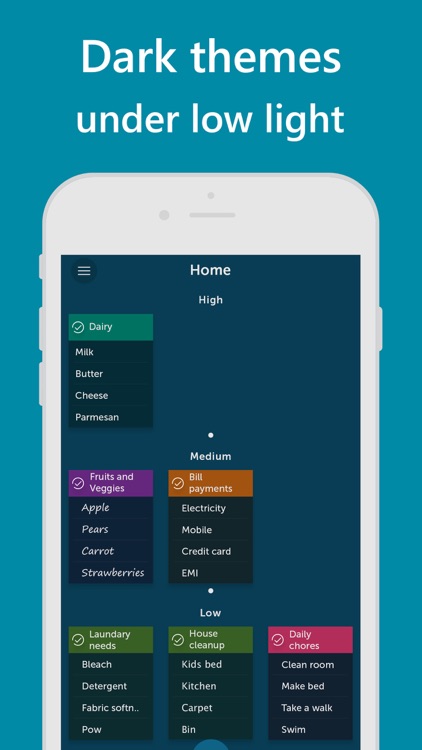
Orderly is all about prioritizing tasks to ensure you complete the most important ones on time. When creating a task list you’re able to title the group and add as many items as necessary. The menu bar icons at the top allow you to quickly change the background color, text, and font to make the list stand out. A priority level, reminder, and proximity reminder can be attached as well. All of your task lists will appear as little notes on the app’s home screen presented in order of importance.

Apple’s native Reminders app feels too limited and clunky for you. It was designed to streamline your task management instead of making it more difficult.

You need cloud syncing. It’s a premium feature.