

Printer Pro by Readdle
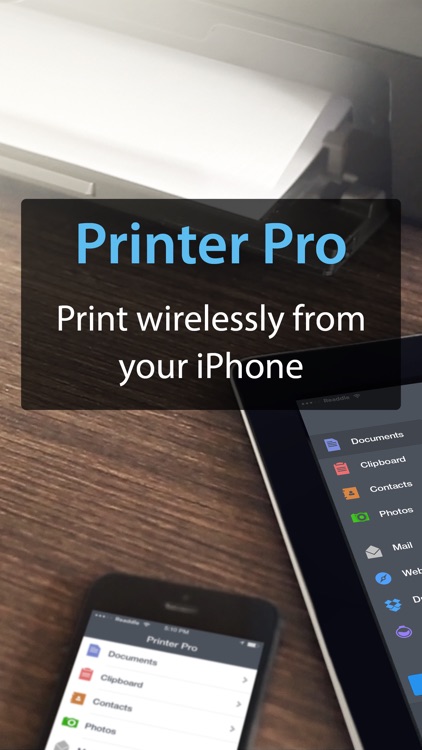
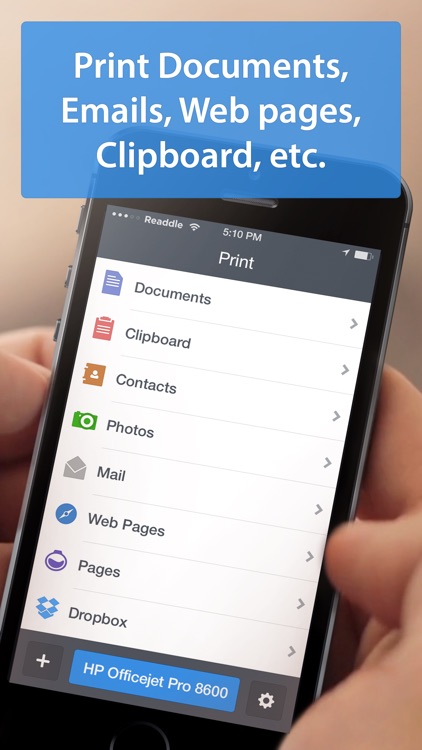
Print attachments, documents, and entire web pages right from your iOS device with Printer Pro.

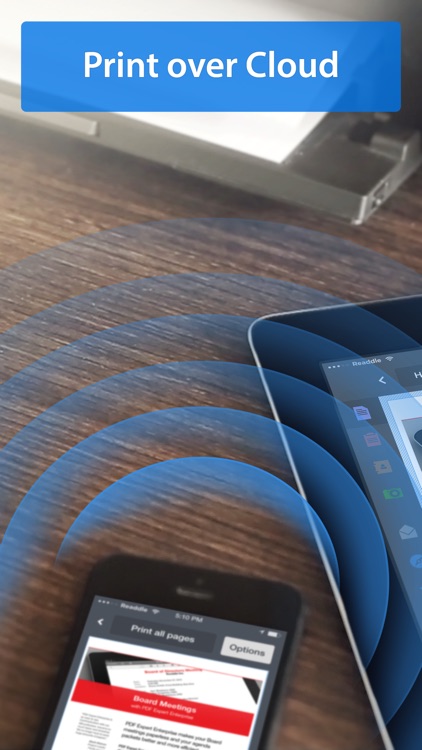
Anyone with Wi-Fi printer or a printer that’s always attached to a computer via USB.
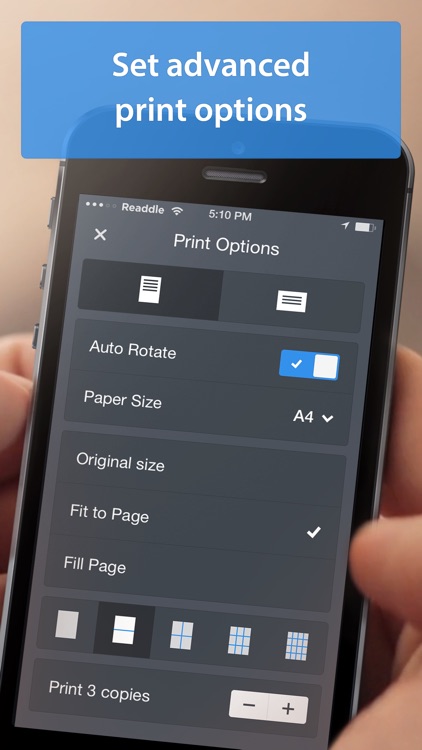
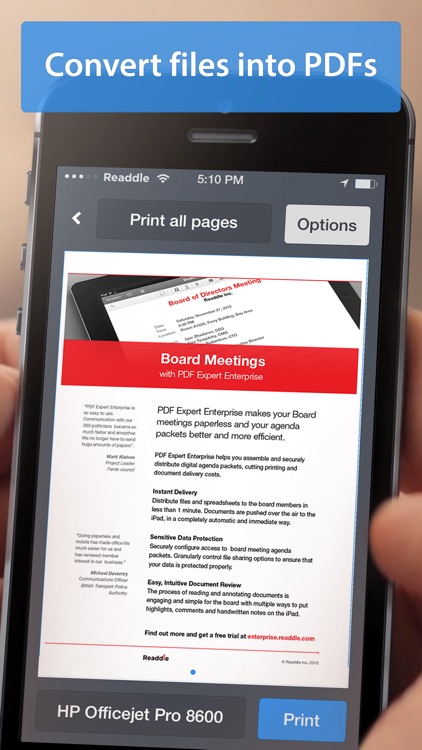
$6.99 $6.99Printer Pro will help streamline your workflow. After installing Printer Pro, it will appear in the “Open In…” list on your iOS device. This allows you to print from any app that supports the function including third-party apps like Dropbox and Google Drive. To ensure you get the best possible results, Printer Pro includes a detailed walkthrough for setting up a Wi-Fi or USB printer and importing files from different sources. Supported file formats include PDF, Word, Excel, Powerpoint, Pages, Numbers, Keynote, TXT, HTML, JPG, and Safari webarchive.
You do most of your work on your iOS device. Don’t forget to check out Readdle’s free helper app for PC and Mac, as it allows you to print even more file types and get better results.
You’re not somewhat tech savvy. Setup may just be too much of a pain for you. In that case, we recommend getting an AirPrint supported printer and using the native print function in iOS.