

You are using an outdated browser. Please upgrade your browser to improve your experience.

Apps That
Went Free on
2019-05-30

Prepare for standardized testing, take high quality photos, and jot down tasks and memos with today’s collection of apps.

Thankful for - Gratitude Diary
iPhone
iPad
Thankful for - Gratitude Diary

Thankful for - Gratitude Diary

Monkey Taps

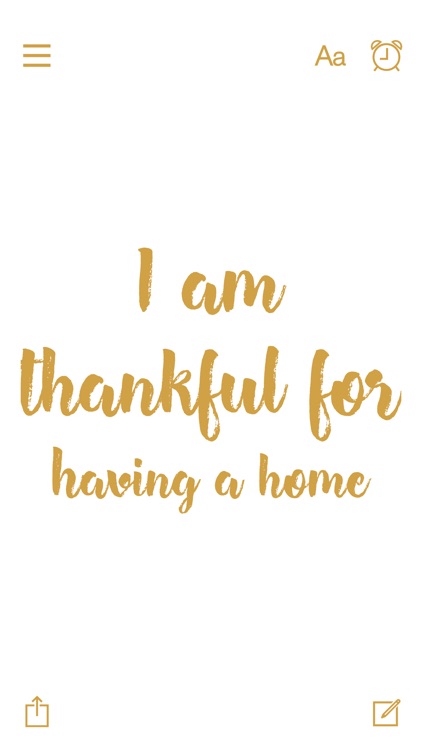
Take the time to acknowledge the good things in life with Thankful for.
Those who need a different perspective on life.

FREE ($1.99) For a limited time FREE ($1.99) For a limited time
Why we picked this?

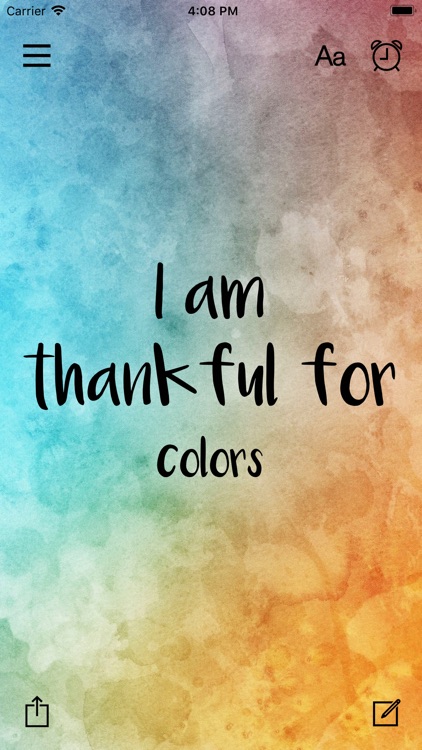
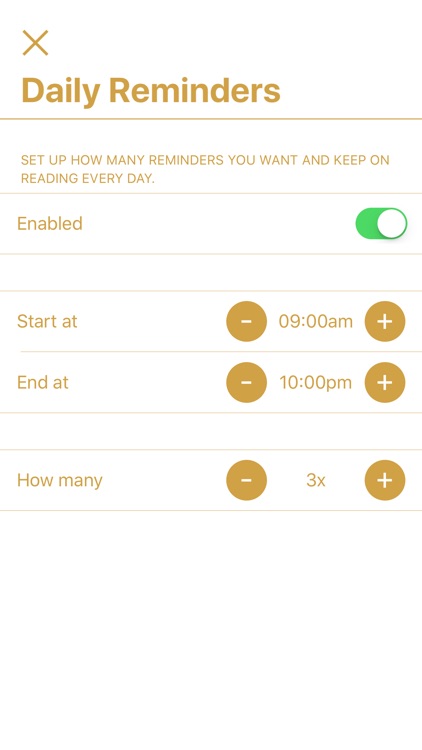
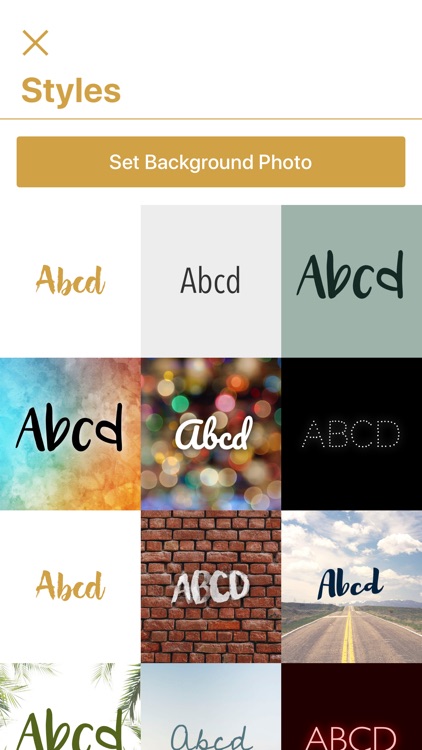
Thankful for will improve your mood and your day. The app features a wide variety of things to be thankful for that you can have delivered daily to your lock screen via a push. Just set up the time of day you want to be inspired. Each message can be shared via your favorite social network. The app also allows you to create your own custom messages.

You’re sick and tired of feeling down and negative. Pick yourself up with Thankful for.

You’re not interested in receiving alerts throughout the day.

4th Grade Math Testing Prep
iPhone
iPad
4th Grade Math Testing Prep

4th Grade Math Testing Prep

Peekaboo Studios LLC

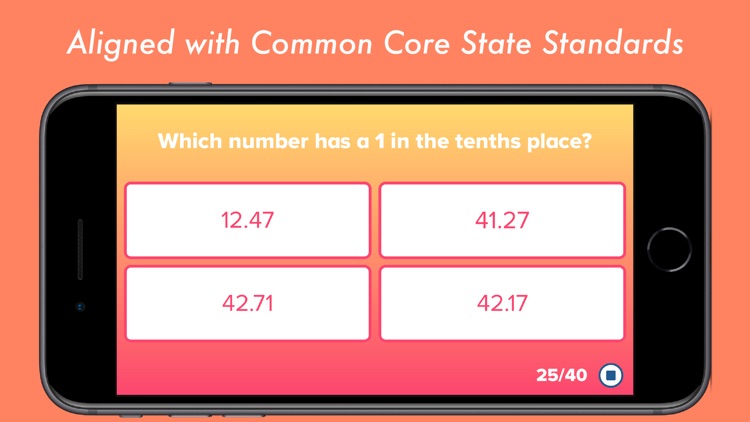
Get ready for standardized testing with 4th Grade Math Testing Prep.

Parents and teachers.

$2.99 $2.99
Why we picked this?

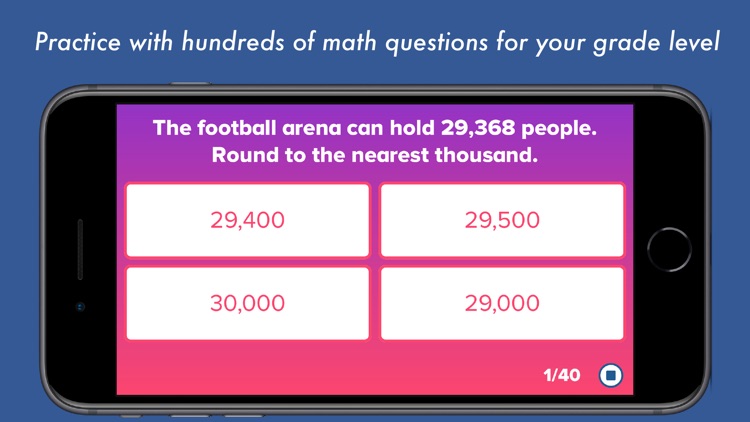
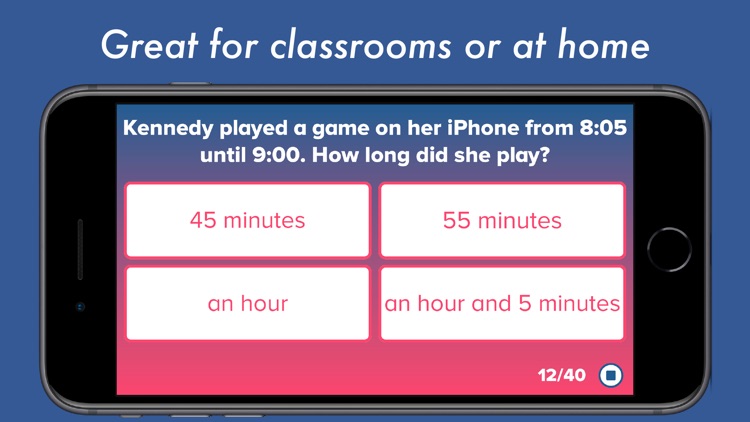
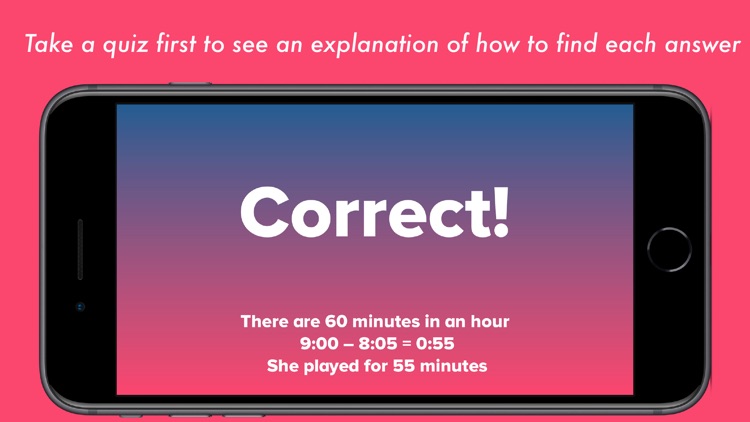
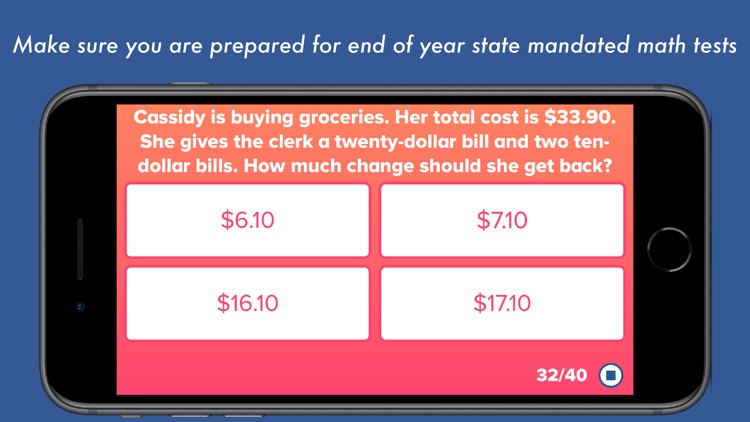
4th Grade Math Testing Prep will help any child increase their math knowledge. They’re able to work through test questions covering topics on a 4th grade level including algebra, angles, critical thinking, order of operations, and word problems. Test results will reveal where your child is struggling and where they shine, and you can share them with a teacher or parent via email. The app includes support for multiple students, password protection, and the ability to customize the test.

You’re interesting in helping your child improve upon their math skills.

Your child isn’t between the ages of eight and 12.

Tadaa SLR
iPhone
Tadaa SLR

Tadaa SLR

menschmaschine Publishing GmbH

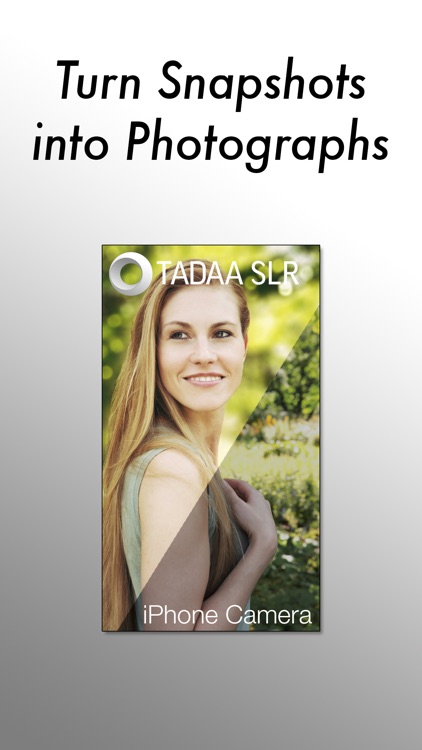
Take fantastic SLR-quality photos with Tadaa SLR.

Those who want to put their subject in focus.

$3.99 $3.99
Why we picked this?

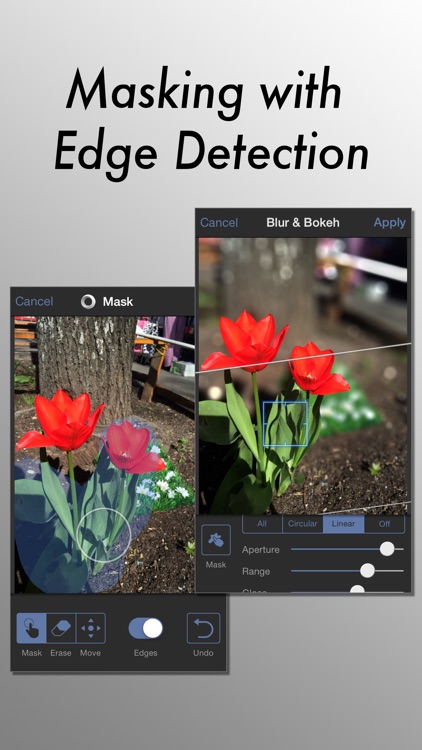
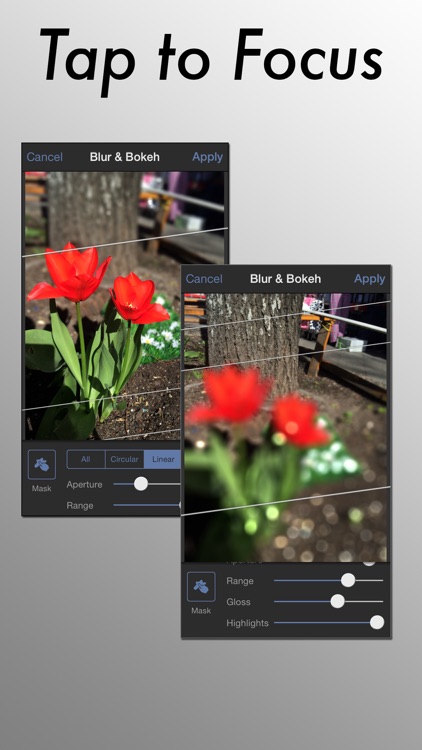
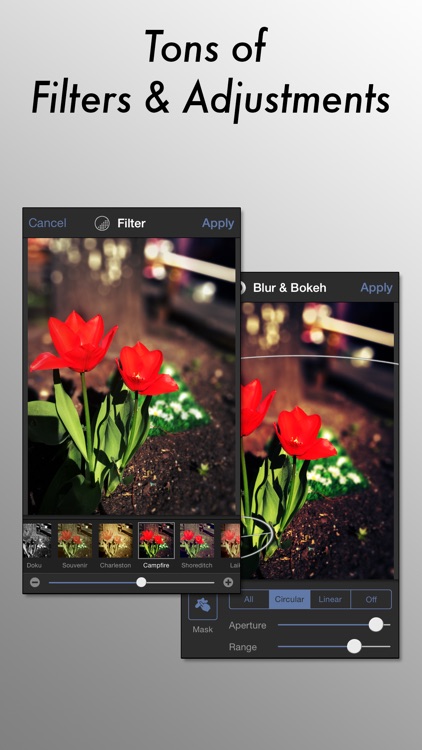
Tadaa SLR does most of the heavy lifting for you, but it includes a handful of powerful editing features that will please even the most seasoned iPhoneographers. After taking your photo you’re able to apply a mask to your subject manually or have Tadaa SLR detect the edges automatically. The aperture, highlight and gloss levels, and range of your blur effect can be adjusted via sliders. Circular, linear, and complete blur options are available as well. With your subject fully in focus and background blurred out, go ahead and add some filters before sharing it.

You want more control over your photos. Each step of the editing process can be done manually to provide you with perfectly in focus photos.

You want to simply snap and share photos. All of its features will simply get in the way.

Blink - Quick Memo + Widget
iPhone
Blink - Quick Memo + Widget

Blink - Quick Memo + Widget

EUIHYUNG JUNG

Jot down tasks and memos in a snap with Blink.

Those with a lot on their minds.

$1.99 $1.99
Why we picked this?

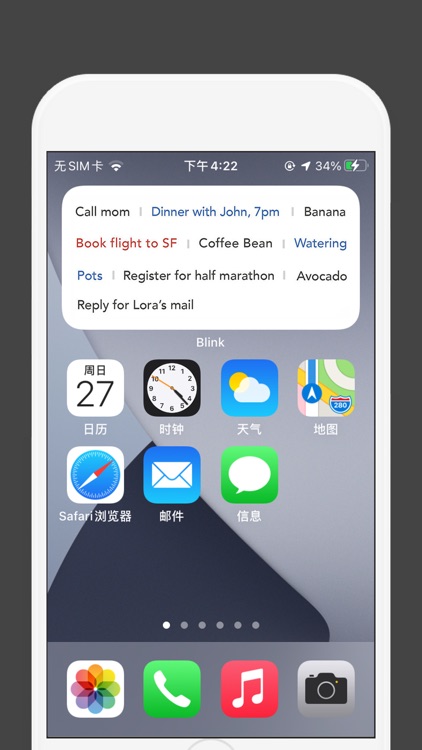
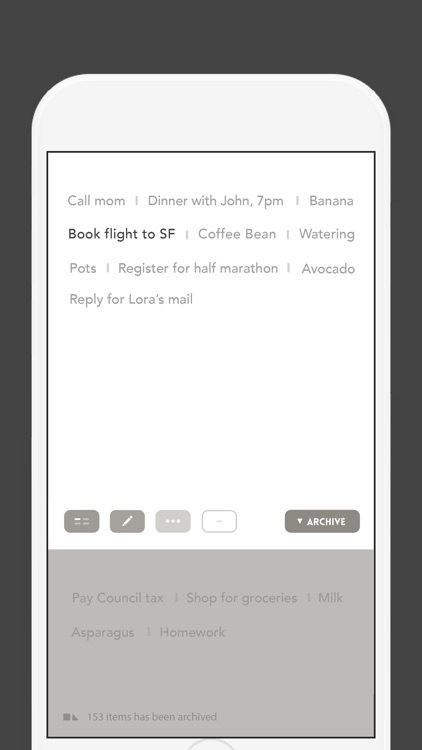
Blink’s minimal and clean design will help you get things done faster. Tap on an open space on the page and type what you want to record. The item will then be added to the top of the page. Tap on any item to give it one of two colors, which can indicate priority or whatever else you wish. Double-tap to archive items. Tap and hold to bring up additional options like editing, sharing, and the ability to move items to the top of the list.

The regular list method of recording tasks and memos just isn’t cutting it.

You require additional features like syncing data across devices.