You are using an outdated browser. Please upgrade your browser to improve your experience.

Apps That
Went Free on
2019-07-13

Create art that glistens, relax to the sound of rain, and work on your basketball shot form with today’s collection of apps.

TruRep Basketball Shot Trainer
iPhone
iPad
TruRep Basketball Shot Trainer

TruRep Basketball Shot Trainer

TRUREP, LLC

Work on your shot mechanics with ShotDoctor.

Basketball fans.

FREE ($4.99) For a limited time FREE ($4.99) For a limited time
Why we picked this?

ShotDoctor acts as your personal basketball trainer. It’ll teach you proper shooting form, mechanics, and rhythm through real-time wrist feedback. Simply install the app on your Apple Watch, select your guide hand and ability level, and start shooting. You don’t even need to train with a basketball in hand. You can simply practice the motion and receive quality feedback. Two additional training drills are available via in-app purchase.

Your shot needs some work.

You’re not at all interested in sports or don't own an Apple Watch.

Storm Rain Sounds
iPhone
iPad
Storm Rain Sounds

Storm Rain Sounds

Adam Ware

Listen to the sounds of rain and thunderstorms with this relaxation app.

Those who just need to let it go.

$2.99 $2.99
Why we picked this?

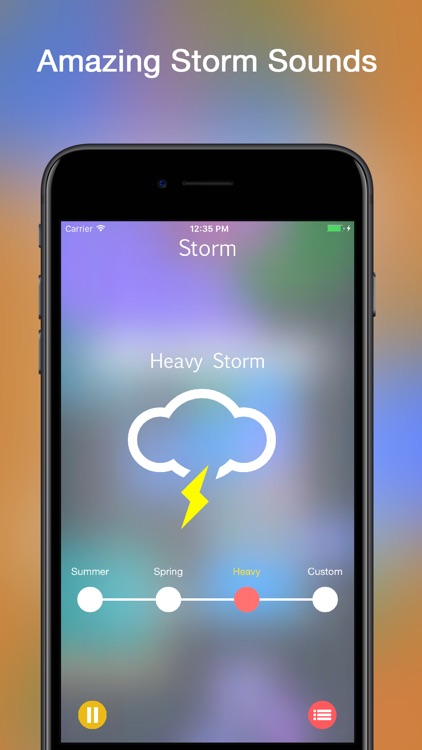
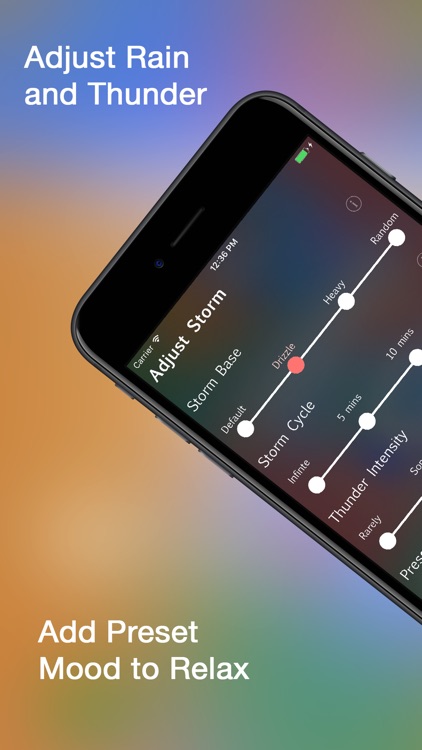
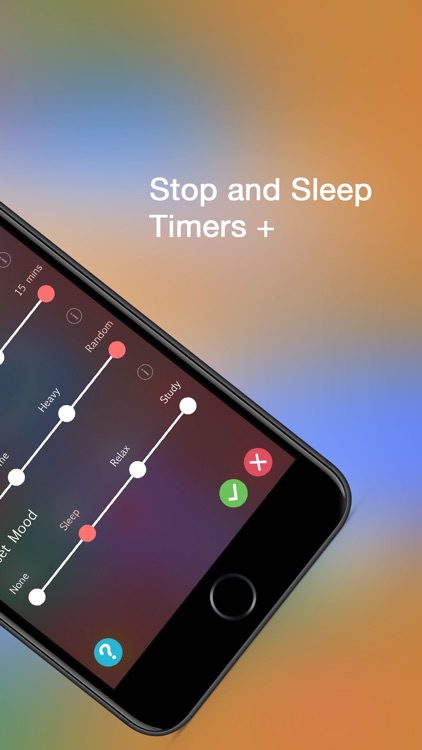
Storm will help you destress with its dynamic and fully customizable sounds. Sliders allow you to quickly adjust the storm base, storm cycle, thunder intensity, and mood your trying to achieve. A few presets are available in case you want to just jump right in. Storm also includes a sleep timer.

You need something to help you relax, study, or sleep.

You already have a go-to relaxation app.

Spektrel Art
iPhone
iPad
Spektrel Art

Spektrel Art

JixiPix Software

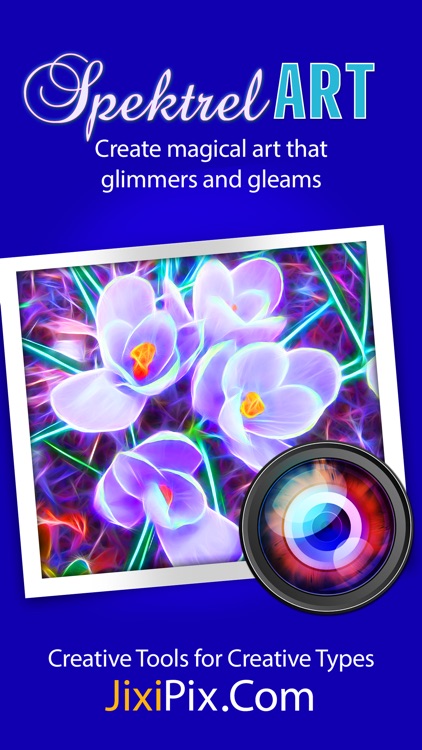
Create art that glistens with Spektrel Art.

Photographers and artists.

$2.99 $2.99
Why we picked this?

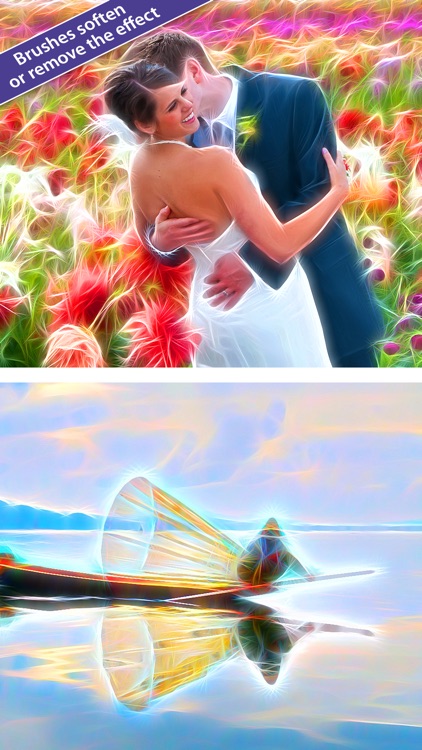
Spektrel Art turns everyday photos into vibrant works of art. It includes 27 presets to get you started, all featuring various levels of intersecting lines of tapered light. You’re able to manually adjust the detail, colorize detail, taper length, brightness, sharpness, and more via sliders. Brushes allow you to soften or remove the effect in specific areas. A randomize button is also available in case you need a little inspiration.

You want your photos to stand out.

You’re not interested in vibrant colors and effects.