
You are using an outdated browser. Please upgrade your browser to improve your experience.

Apps That
Went Free on
2019-07-31

Learn the rules to remove buttons, entertain your little one, and manage files with today’s collection of apps and games.

DOX: A Puzzle Game
iPhone
iPad
DOX: A Puzzle Game

DOX: A Puzzle Game

Canopy Limited

Learn the rules to remove all of the buttons in DOX.

Puzzle game fans.

FREE ($0.99) For a limited time FREE ($0.99) For a limited time
Why we picked this?

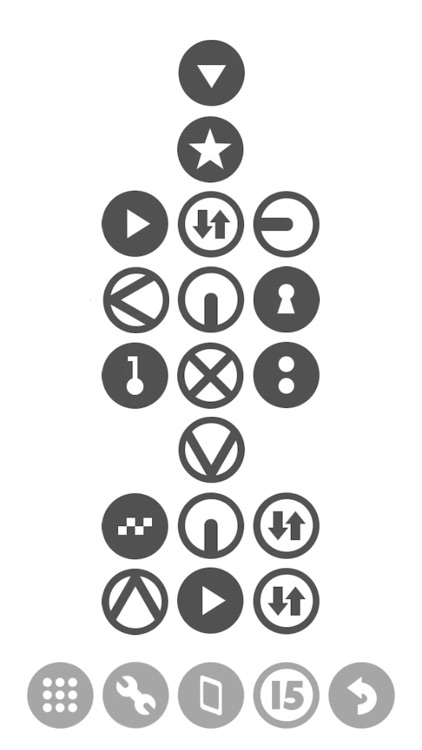
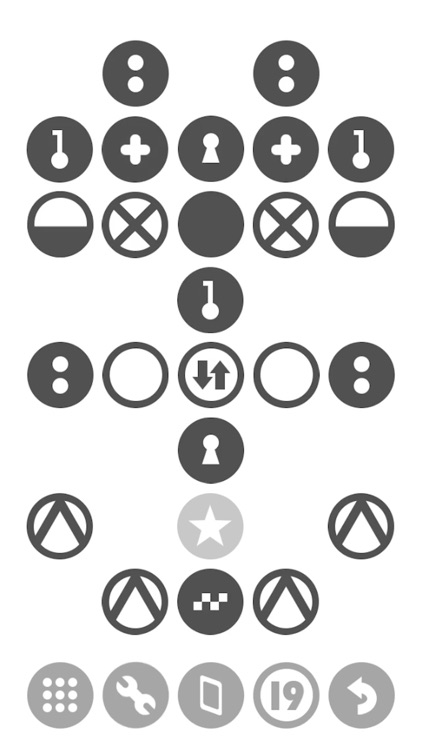
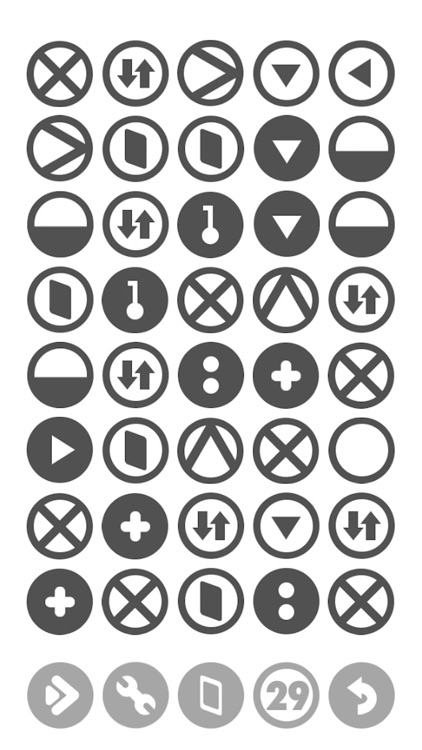
DOX is a mysterious little puzzle game that will keep you guessing. In each level you’re presented with a collection of buttons. You must experiment by tapping, swapping, dragging, destroying, and filling them in order to clear the screen. The game includes a story mode and an endless mode that is unlocked after level 25.

You enjoy brain teasers.

You’re easily frustrated.

Zoo Sounds – Safe Toddler Fun
iPhone
Zoo Sounds – Safe Toddler Fun

Zoo Sounds – Safe Toddler Fun

William Artamon

Entertain your little one with Zoo Sounds.

Parents.

FREE ($1.99) For a limited time FREE ($1.99) For a limited time
Why we picked this?

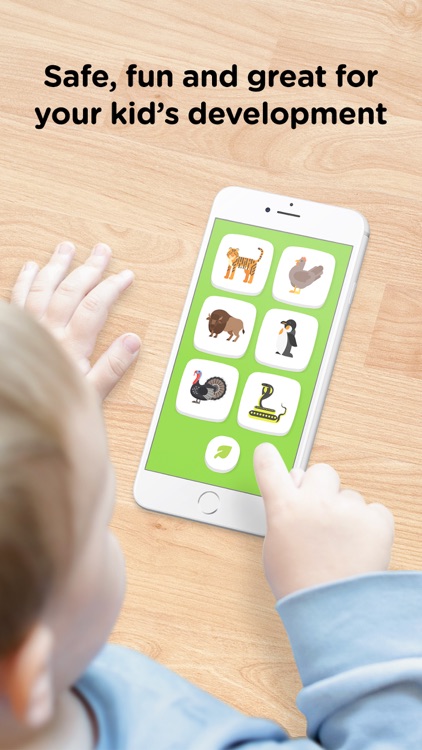
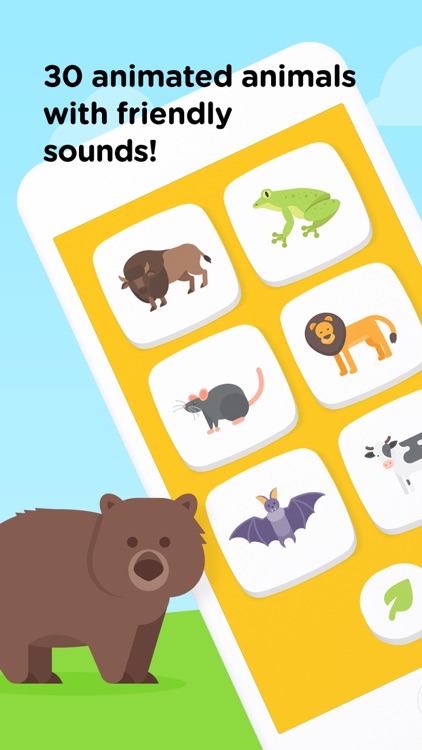
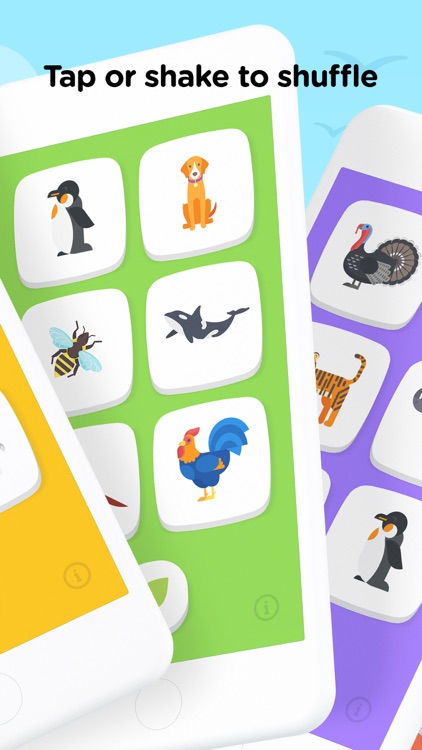
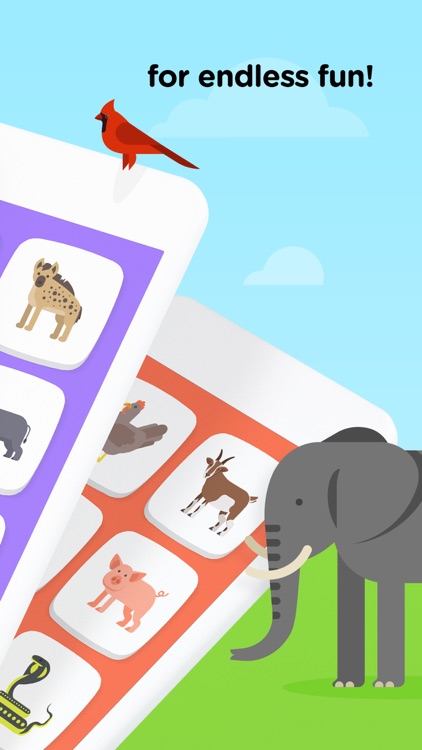
Zoo Sounds was designed to help give parents a break. It provides a safe and fun environment for your child to enjoy without your full supervision. Zoo Sounds includes 30 high quality animal sounds that can be activated via large and colorful animated buttons. Tap the leaf button or shake the device to generate a new set of animals and backgrounds.

You have a child near the age of one. This app will entertain.

Your child is too old for an animal sound board.

Phone Drive Pro: File Sync
iPhone
iPad
Phone Drive Pro: File Sync

Phone Drive Pro: File Sync

Eightythree Technology

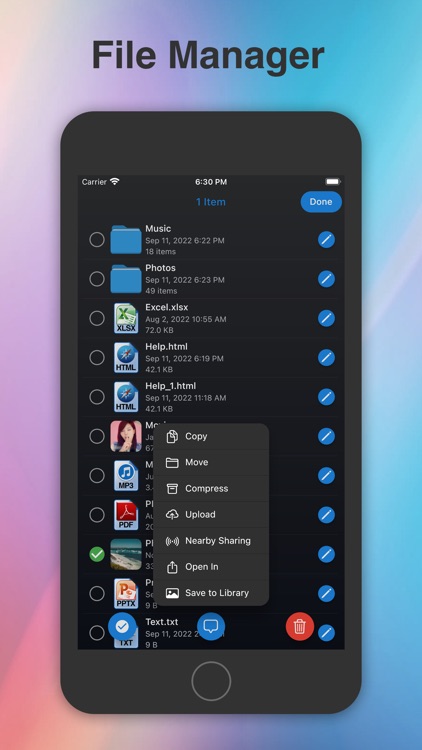
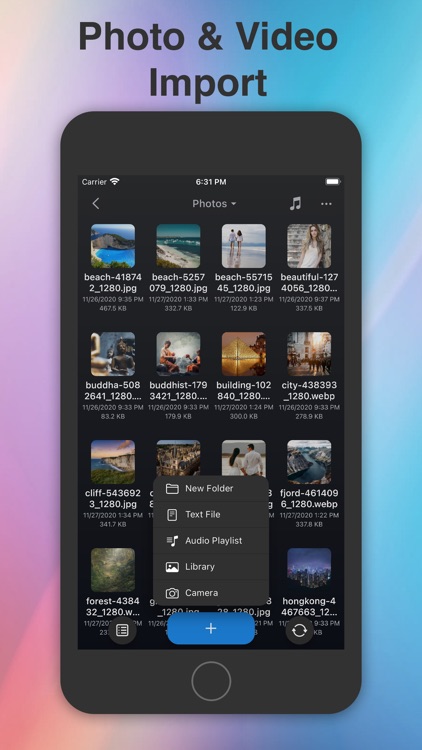
Transfer files and access them with ease with Phone Drive.

Everyone from students to business professionals.

$3.99 $3.99
Why we picked this?

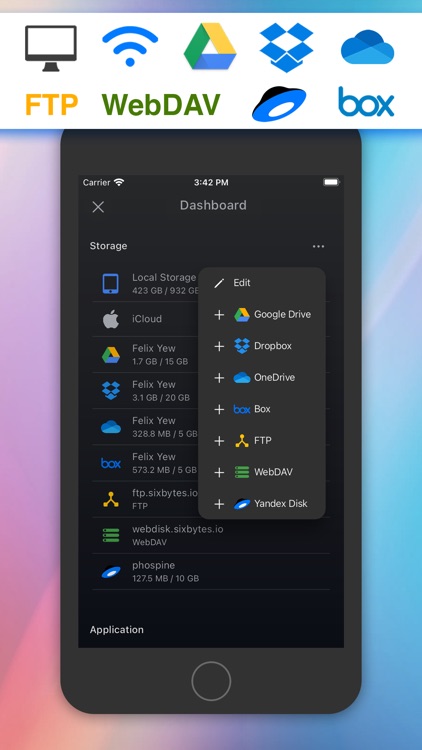
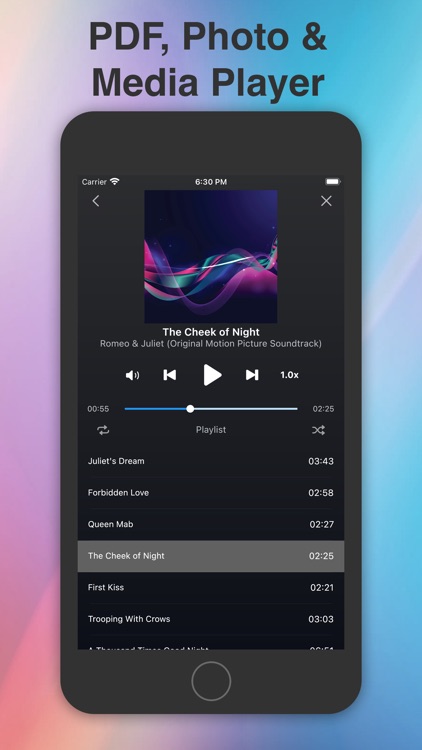
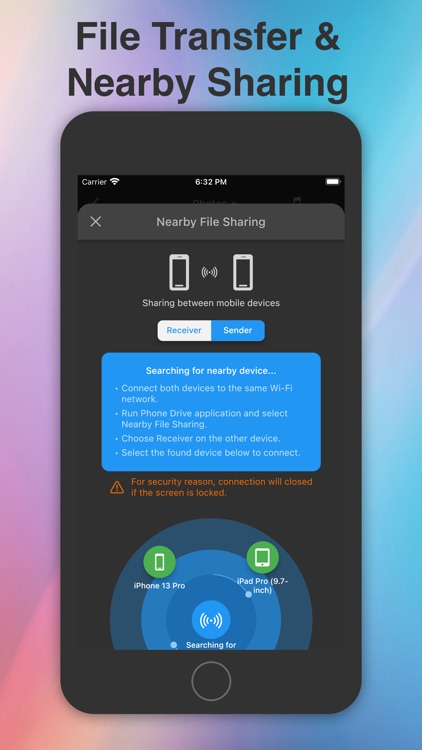
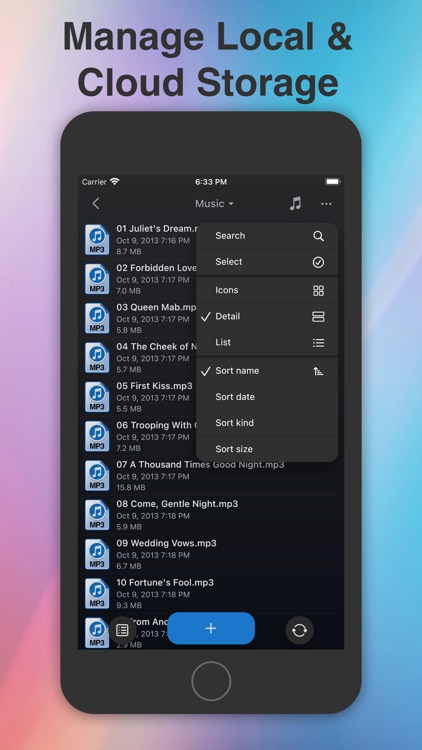
Phone Drive allows you to easily grab files from your home computer or a local iDevice. To download files from your computer, simply point your browser at the provided URL. To download files from another iDevice, all you need is to install and launch the app on both. Phone Drive is able to read and play a wide variety of text and media files, and you’re able to organize them within folders. Files can also be sorted by name, kind, or date modified. There’s even a built-in text editor that allows you to create files.

You prefer local storage over the cloud. It’s able to handle just about anything.

You want to sync with a cloud service like Dropbox. It’ll cost you.