


You are using an outdated browser. Please upgrade your browser to improve your experience.

Apps That
Went Free on
2019-08-15

Journey through a dream, compress images, and improve reading comprehension with today’s collection of apps and games.

Cubesc: Dream of Mira
iPhone
iPad
Cubesc: Dream of Mira

Cubesc: Dream of Mira

Cagri Gecin

Guide Mira through intricate puzzles in Cubesc: Dream of Mira.

Fans of logic puzzles.

FREE ($0.99) For a limited time FREE ($0.99) For a limited time
Why we picked this?

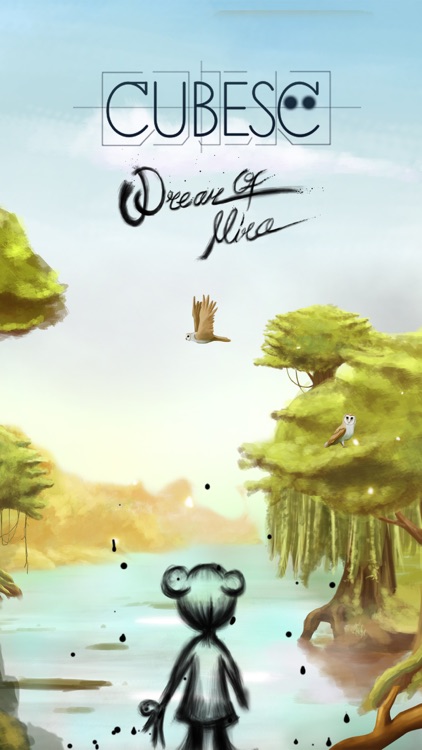
Mira’s brother Kira is lost in a nightmare. It’s up to you to take the right path and awaken him before it’s too late. Travel across cubes to remove them from the screen. The goal is to remove every last one before reaching the white cube. Plan your path carefully because there’s no going back. New cubes with different effects will be introduced as you progress deeper into the dream.

You’re looking for a relaxing puzzle game. Hints are available via in-app purchase.

You prefer fast-paced puzzle games.

3rd Grade Reading
iPhone
iPad
3rd Grade Reading

3rd Grade Reading

Peekaboo Studios LLC

Improve reading comprehension skills with 3rd Grade Reading.

Parents and teachers.

$2.99 $2.99
Why we picked this?

3rd Grade Reading allows children to learn anywhere. It features an assortment of stories and historical texts that can be read through at any pace. At the end of each passage your child will be asked a series of questions to find out how well they understood what they read. The results can be reviewed and shared via email. The app also includes support for multiple children or students, and password protection.

You have a 3rd grader.

Your child is outside of the age range.

Kompressor - Compress images
iPhone
iPad
Kompressor - Compress images

Kompressor - Compress images

Maysam Shahsavari

Compress images in a snap with Kompressor.

Those who frequently share images or need to save space.

$0.99 $0.99
Why we picked this?

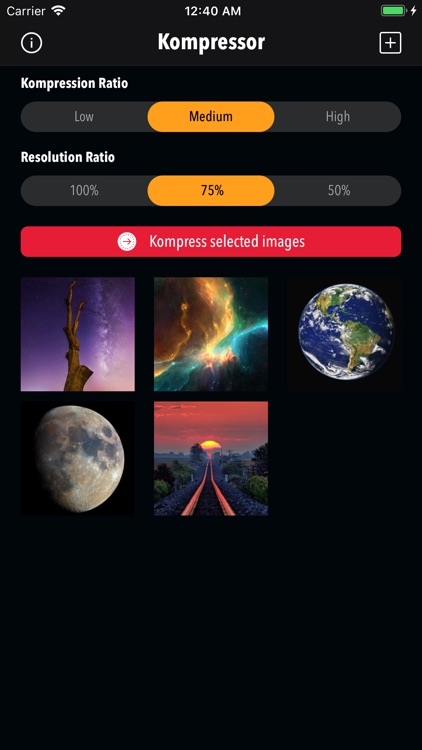
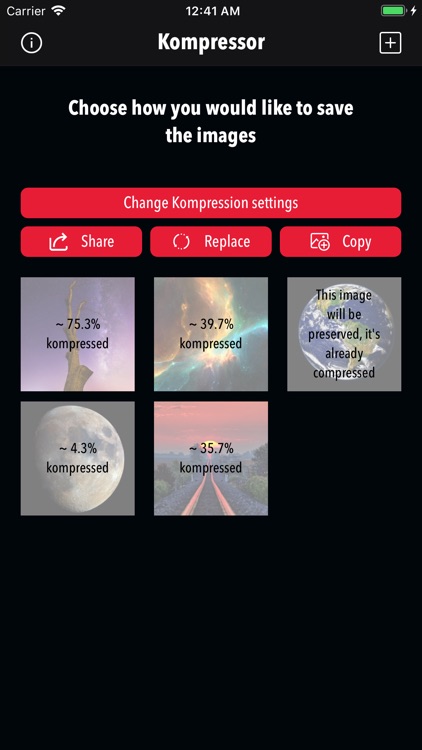
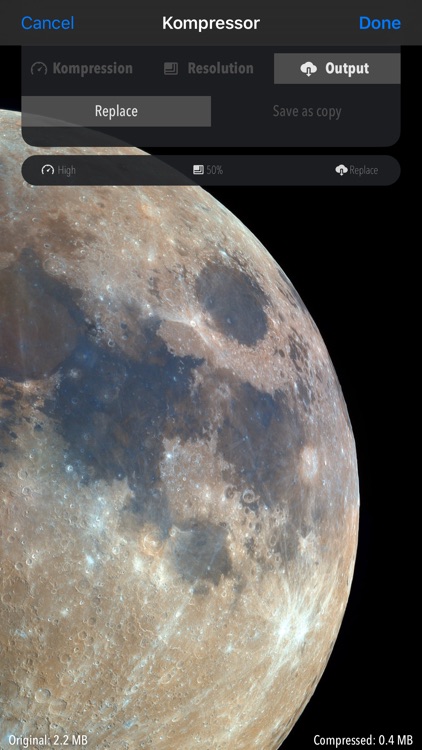
Kompressor is a handy extension that makes quick work of compressing images. You’ll first need to activate the extension by following the directions within the app. Then any time you need to compress an image, simply activate the extension via the share function. Kompressor can compress images three levels depending on the size you need to achieve, and you can preview the newly compressed image in real time.

Size matters. Kompressor can cut images down in size by more than half.

You simply don’t have any need for this type of functionality.