
You are using an outdated browser. Please upgrade your browser to improve your experience.

Apps That
Went Free on
2019-08-27

Plan the entire school day, resize photos, and apply filters to videos with today’s collection of apps.

Smart Resize - AI
iPhone
iPad
Smart Resize - AI

Smart Resize - AI

Enrique Garcia

Edit photos like a pro with Smart Resize 2x.
Photographers.

FREE ($2.99) For a limited time FREE ($2.99) For a limited time
Why we picked this?

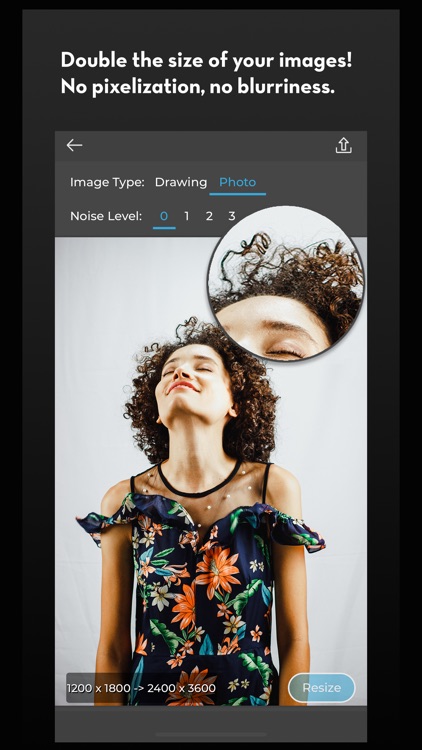
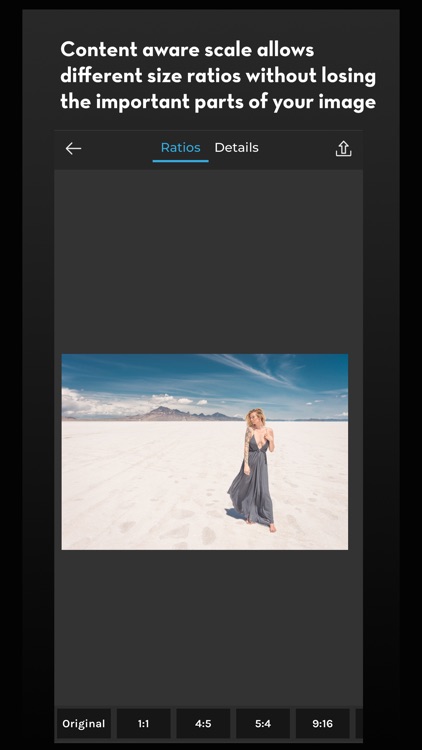
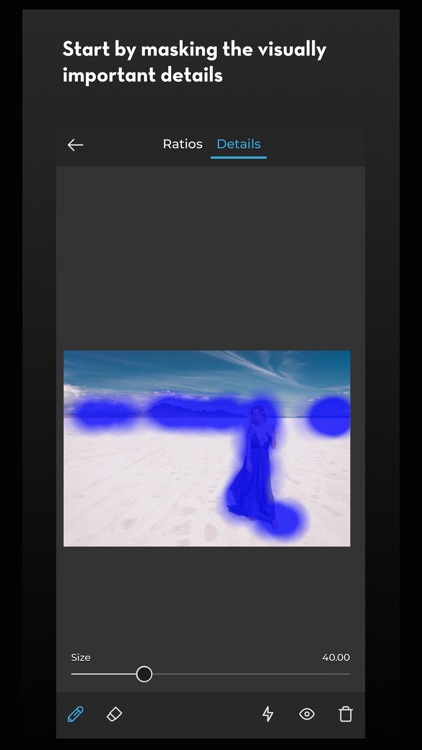
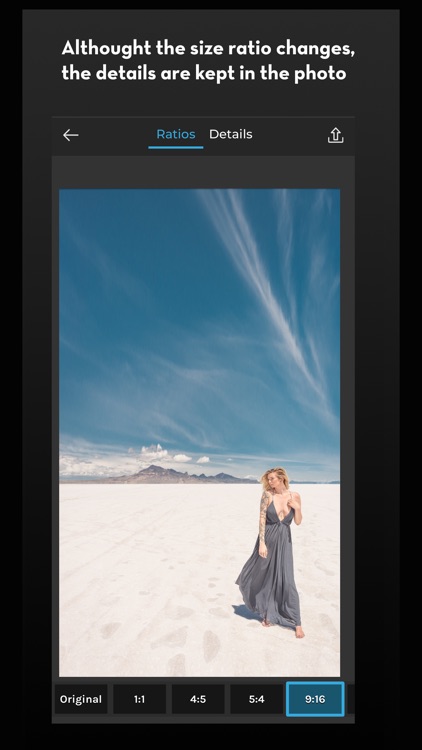
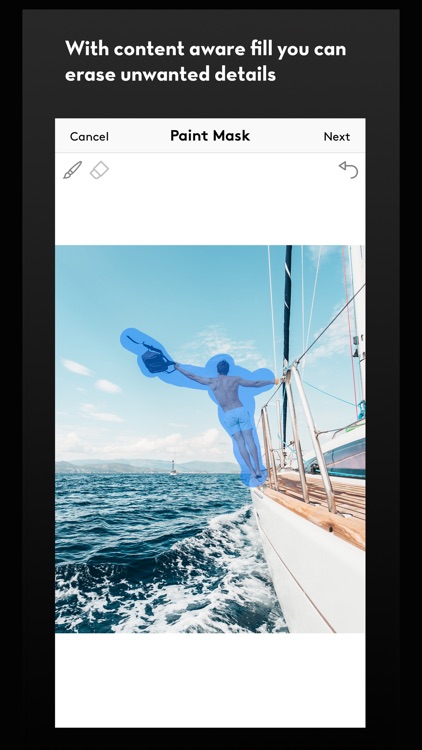
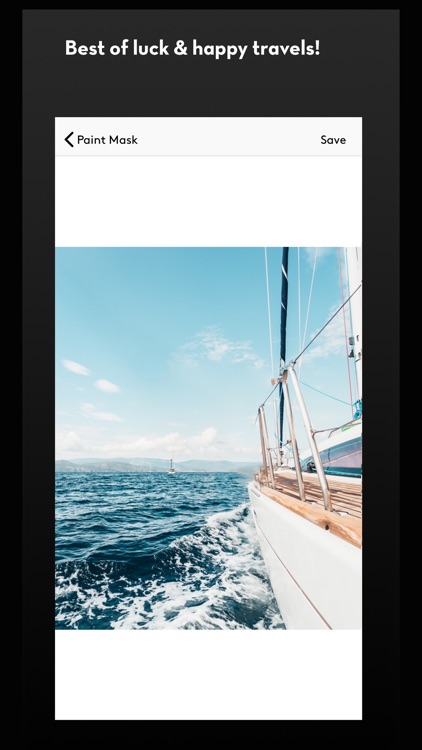
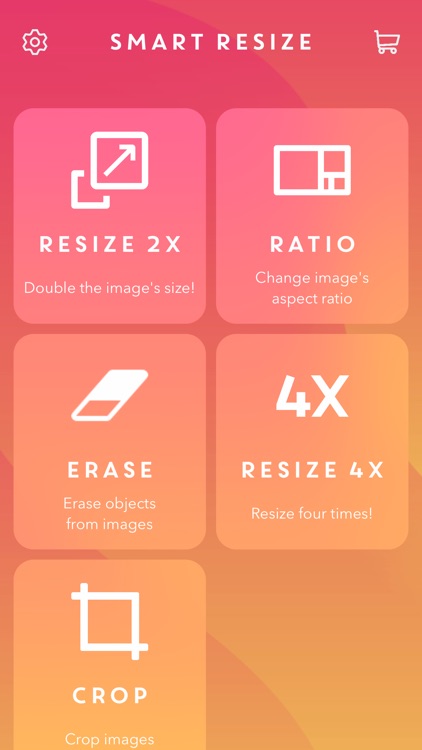
Smart Resize 2x is actually three apps in one. It allows you to double the size of any photo with a tap of a button without adding noise, blurriness, or pixelation. The app’s smart scale feature is able to adjust size ratios without losing important parts of your photo. Unwanted objects can be quickly removed by manually masking them and allowing Smart Resize 2x to automatically fill in the space.

Your photos need some work. Smart Resize 2x does most of it for you.

You’re looking for a photo filter app. This isn’t it.

Student Planner • Dog Ate It
iPhone
Student Planner • Dog Ate It

Student Planner • Dog Ate It

Birdsoft LLC

Get organized and plan your school day with Dog Ate It.

The modern student.

$9.99 $9.99
Why we picked this?

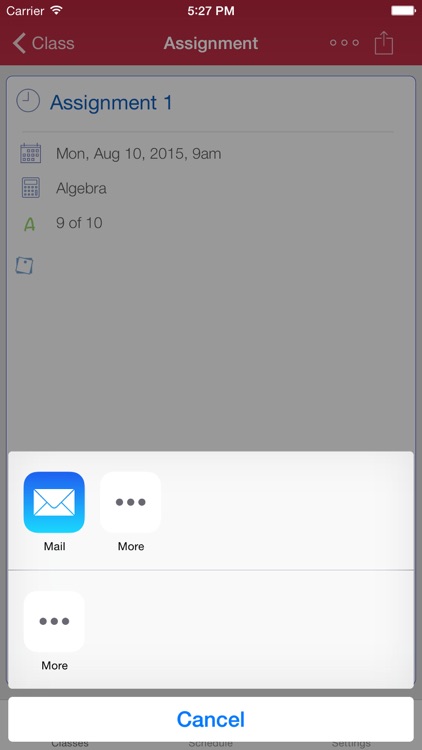
Dog Ate It will help you become a better student this year. For each class on your schedule you’re able to track the start time, books needed, credits, and grades. By enabling grade tracking, you’re able to see what grade is needed on each assignment to achieve your desired results for the class. The full calendar provides a weekly or monthly view of what’s coming up. The app also includes passcode protection, unlimited color schemes, the ability to share assignments, and the ability to badge the icon with the number of incomplete assignments.

This is the year you want to turn it all around. Dog Ate It will help you get organized.

You don’t want to put the time in. The Initial setup can be a bit tedious.

Videomator
iPhone
Videomator

Videomator

Enrique Garcia

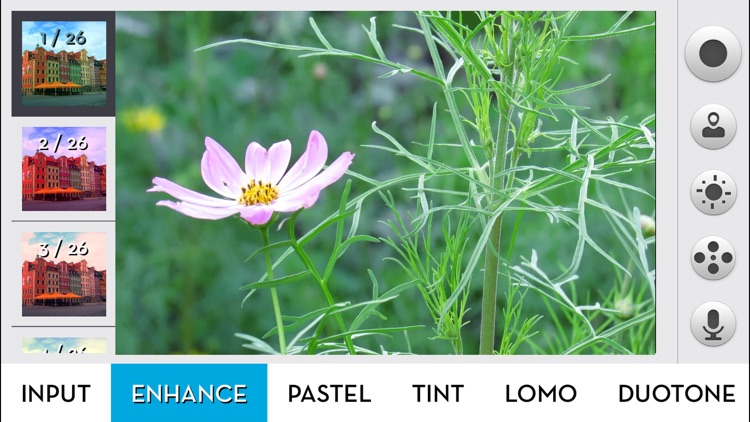
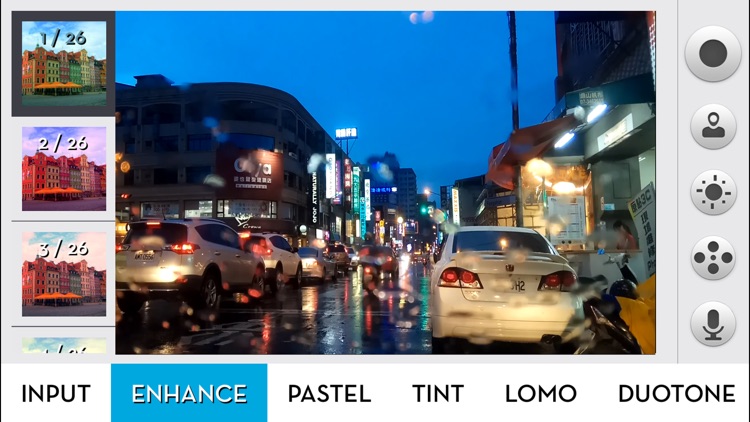
Make your videos stand out by applying different filters and colors with Videomator.

Anyone who is sick of standard videos.

$3.99 $3.99
Why we picked this?

Videomator couldn’t possibly be any easier to use. All of its filters and color option categories run across the bottom of the screen. Tap on a category to bring up a secondary menu that will allow you to choose a specific filter or color option. Everything is done in real-time, so just point your camera at your subject and start recording. Videomator includes a total of 317 different presets to choose from.

You want your videos to stand out. It has a wide variety of filters and color options to choose from, so get experimenting!

You want to cut, crop, and transition videos. The app doesn’t offer any editing options whatsoever.