



You are using an outdated browser. Please upgrade your browser to improve your experience.

Apps That
Went Free on
2019-09-20

Get control over your inbox, build 3D models, and join Peter on his big adventure with today’s collection of apps and games.

AI Email Inbox - MailTime Pro
iPhone
AI Email Inbox - MailTime Pro

AI Email Inbox - MailTime Pro

MailTime

Get control over your inbox with MailTime.

Anyone interested in improving the way they manage and respond to emails.

FREE ($2.99) For a limited time FREE ($2.99) For a limited time
Why we picked this?

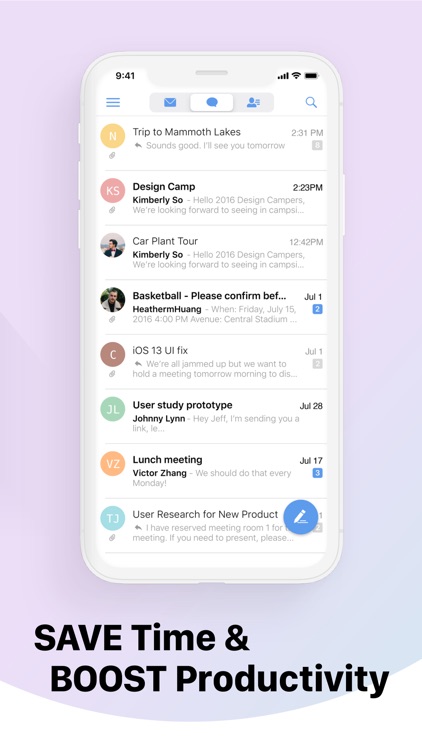
MailTime reimagines the way you deal with email. It grabs your email threads and turns them into bubble chats, allowing you to cut through the clutter and communicate more efficiently. If you want to view the original email, just tap the bubble. MailTime’s smart inbox system also learns from your email behavior, automatically sorting email from accounts you’ve already interacted with into a separate tab, helping you quickly find the threads that matter. The app also includes a bunch of other handy features like the ability to quickly create and assign to-dos using the "@" symbol, warnings for messages that ramble on, and quick access buttons to cloud services.

Email is slowly taking over your life. It supports all major clients including iCloud, Gmail, Yahoo, AOL, Hotmail, and Outlook.

You just don’t deal with email much these days.

Blox 3D
iPhone
iPad
Blox 3D

Blox 3D

Arjun Gupte

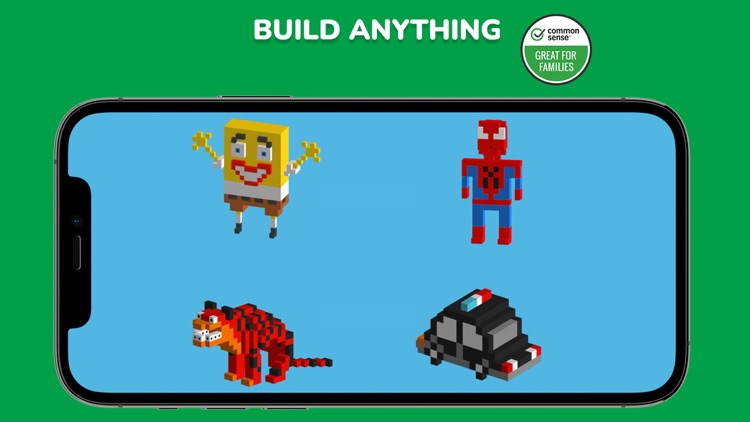
Unlock your creative side by building 3D models with this entertainment app.

Both children and adults.

$3.99 $3.99
Why we picked this?

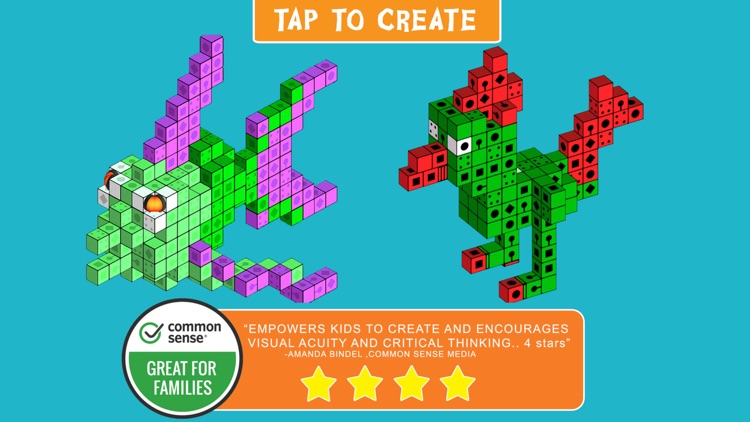
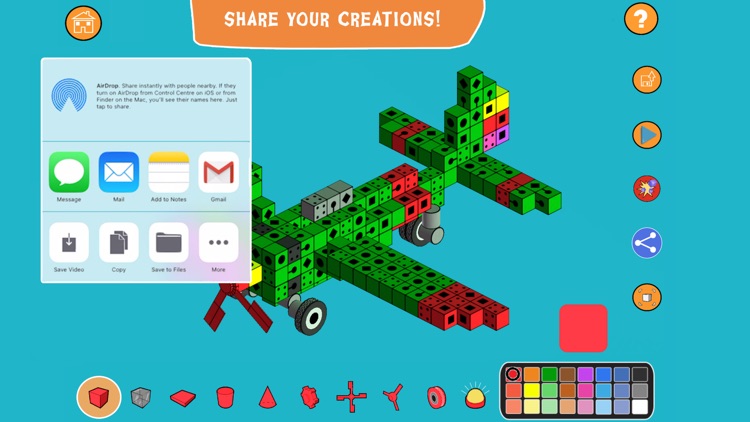
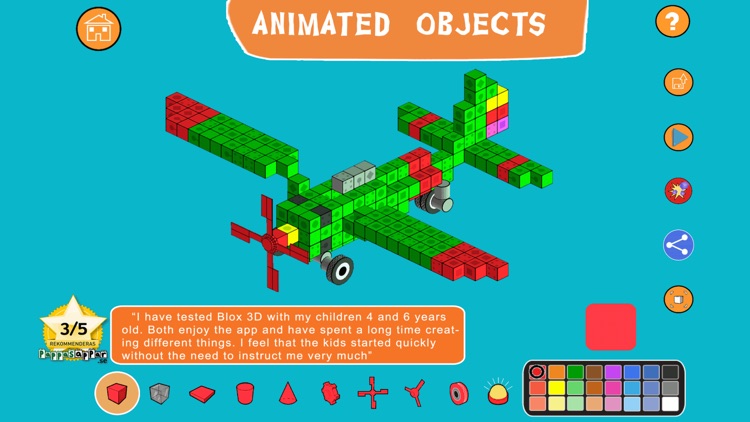
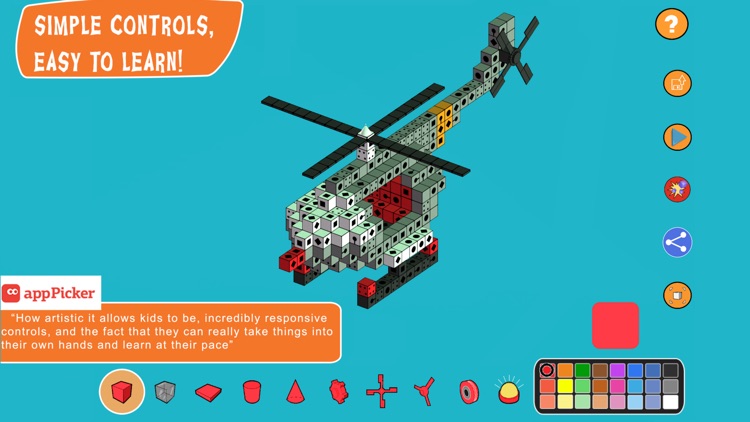
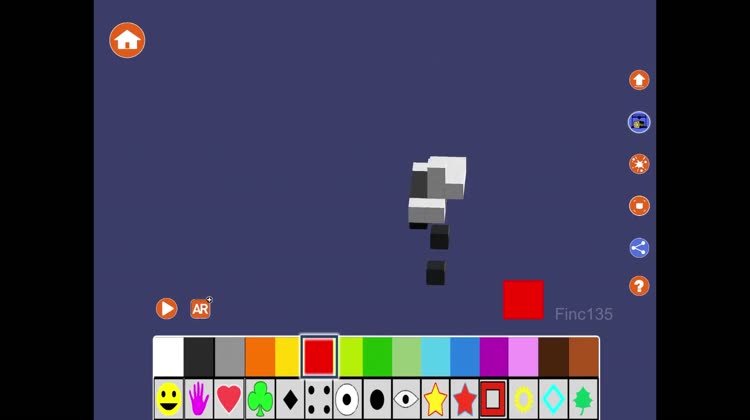
Blox 3D’s intuitive control scheme allows anyone to create. You start off with a single block, and you can build from there by tapping and pulling to create new blocks. Make sure to create your base and move upwards first, otherwise it can be difficult to navigate the blocks. The blocks can be rotated with a swipe and zoomed in on with a pinch. Double tap to delete any blocks you’ve created. Your creations can be played out within the app or saved to your photo library.

You like to create. It’s intended for children, but it’s even a whole lot of fun for adults.

You have a child under the age of four.

Blox 3D Junior
iPhone
iPad
Blox 3D Junior

Blox 3D Junior

Arjun Gupte

Unlock your child’s creative side by allowing them to build 3D models in Blox 3D Junior.

Children between the ages of one and five.

$8.99 $8.99
Why we picked this?

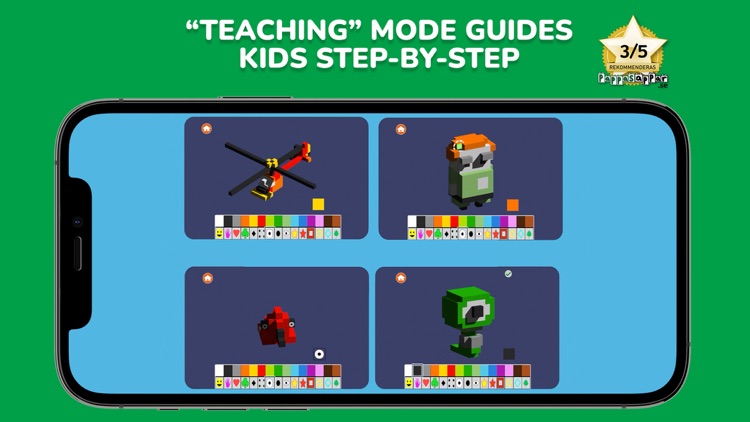
Blox 3D Junior’s intuitive control scheme allows anyone to create. They start off with a single block, and they can build from there by tapping and pulling to create new blocks. Make sure your child creates their base and moves upwards first, otherwise it can be difficult to navigate the blocks. The blocks can be rotated with a swipe and zoomed in on with a pinch. Double-tap to delete any blocks that have been created. Your child’s creations can be played out within the app or saved to the photo library. There are four pre-built modes included for inspiration.

You enjoy spending time with your child while building things. It’s a ton of fun for both children and adults.

You want something to entertain your small child on their own. Some younger children will still struggle with the UX element.

Peter Potato
iPhone
iPad
Peter Potato

Peter Potato

SPECTRUM48 LIMITED

Help Peter Potato build up his confidence in this story-based adventure.

Fans of mini-games will get a kick out of this quirky tale.

$2.99 $2.99
Why we picked this?

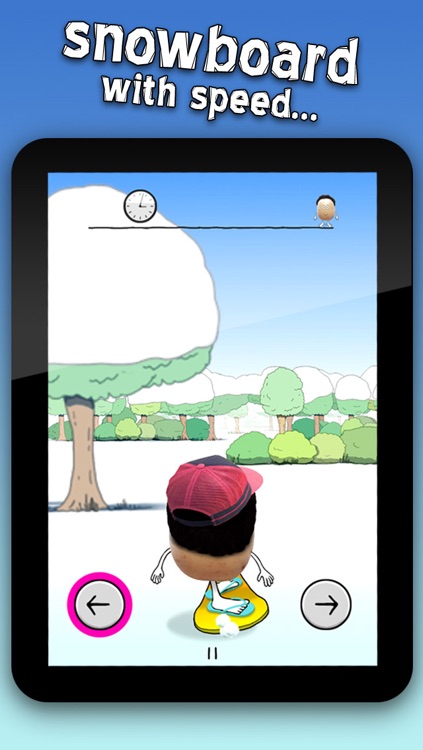
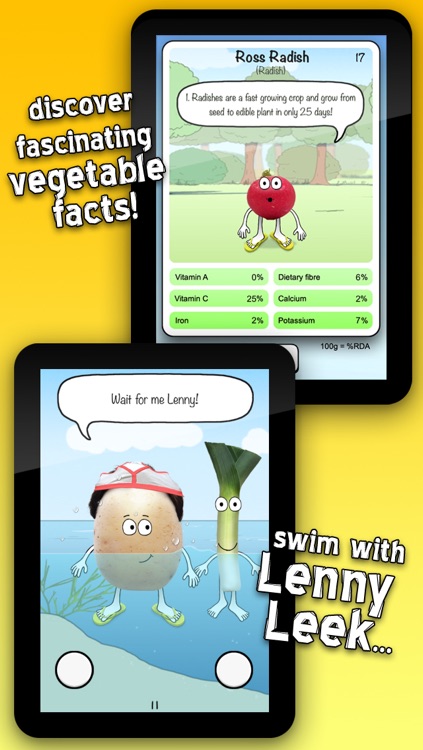
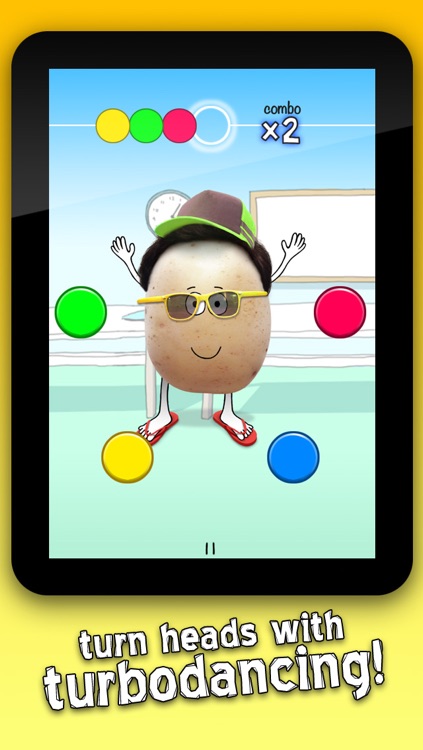
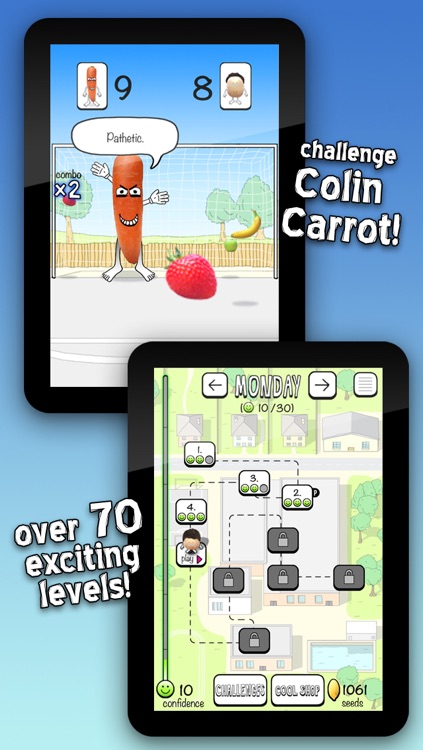
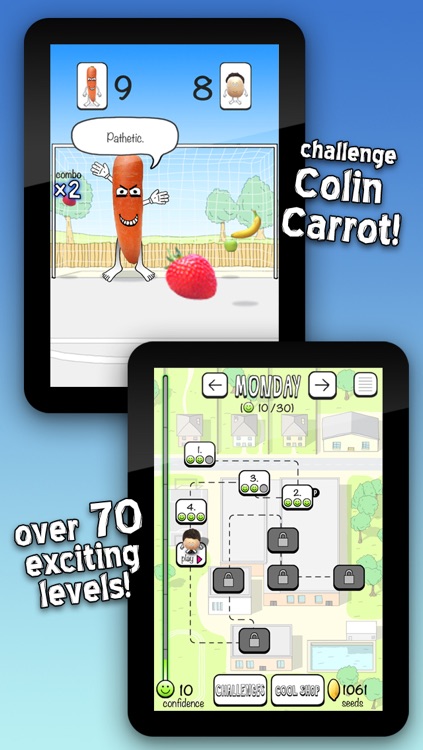
Peter Potato’s adventure will test your speed, skill, memory, rhythm, and intellect through 70 fast-paced mini-games. The charming and quirky story sets up each mini-game. The dialogue is not only amusing, it’s also loaded with more than 150 vegetable facts. Along the way you’ll be able to unlock new characters, clothes, and accessories.

You’re looking for something that will be fun for the whole family. It aims to inspire an interest in vegetables in a fun way.

You want action-packed gameplay. It’s just whimsical fun.