

You are using an outdated browser. Please upgrade your browser to improve your experience.

Apps That
Went Free on
2019-10-23

Learn to shoot on film, keep photos and videos away from prying eyes, and play dentist with today’s collection of apps and games.

#filmphotography
iPhone
iPad
#filmphotography

#filmphotography

Baglan Dosmagambetov

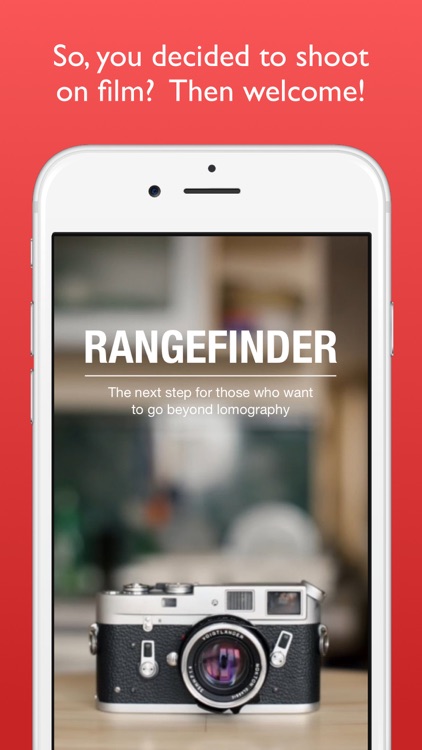
Learn to shoot on film with FilmPhotography.
Anyone interested in film.

FREE ($2.99) For a limited time FREE ($2.99) For a limited time
Why we picked this?

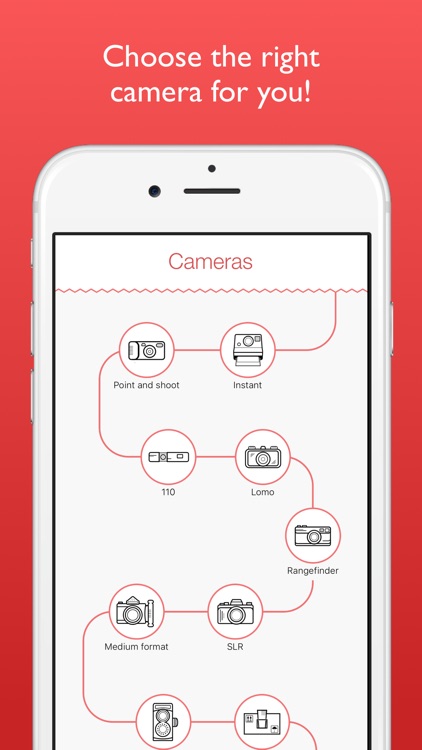
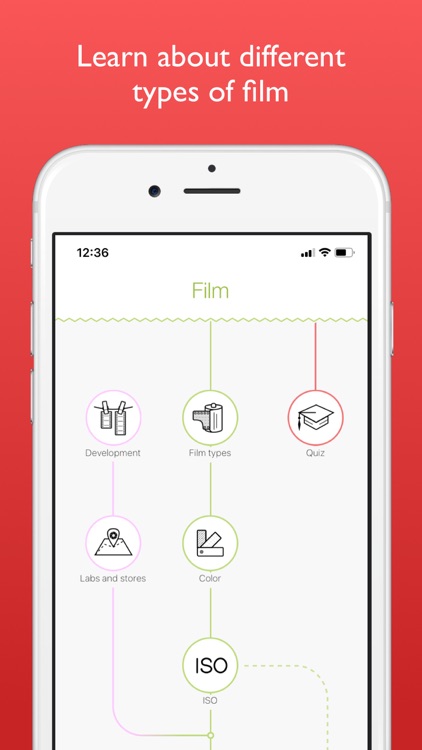
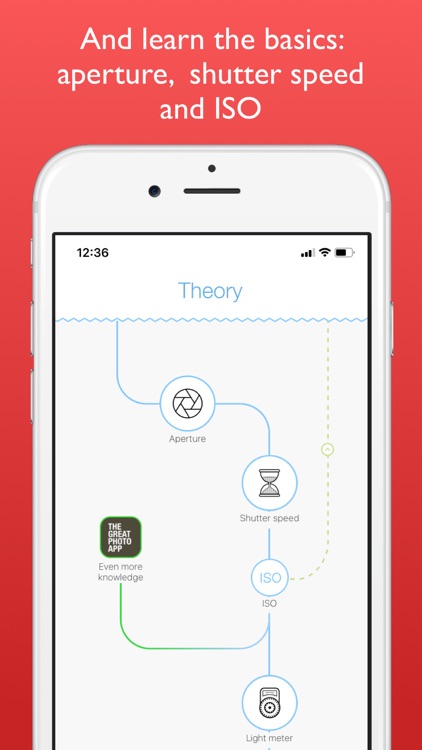
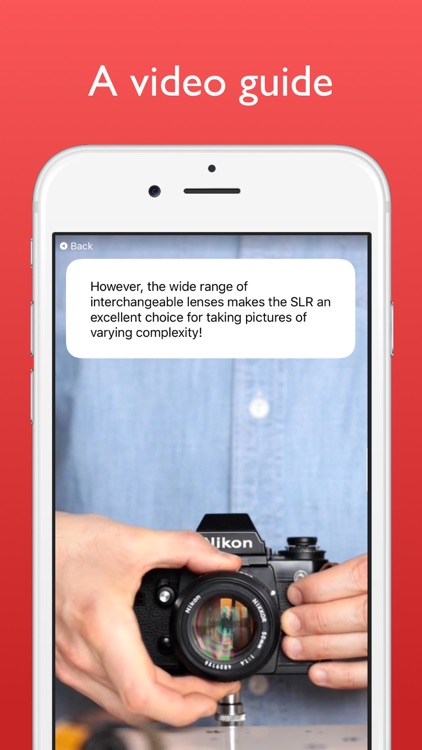
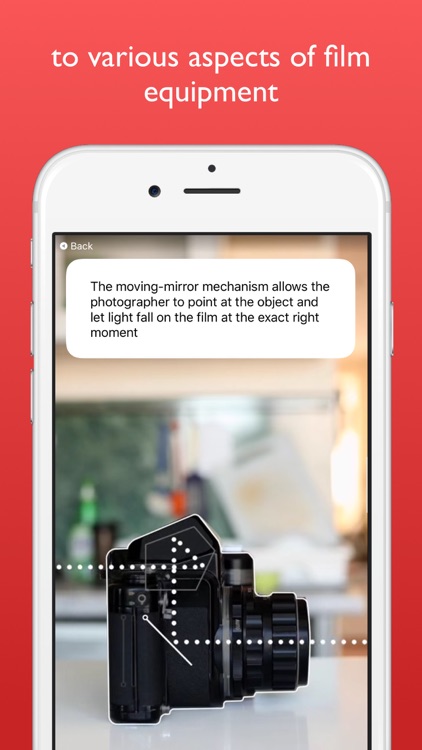
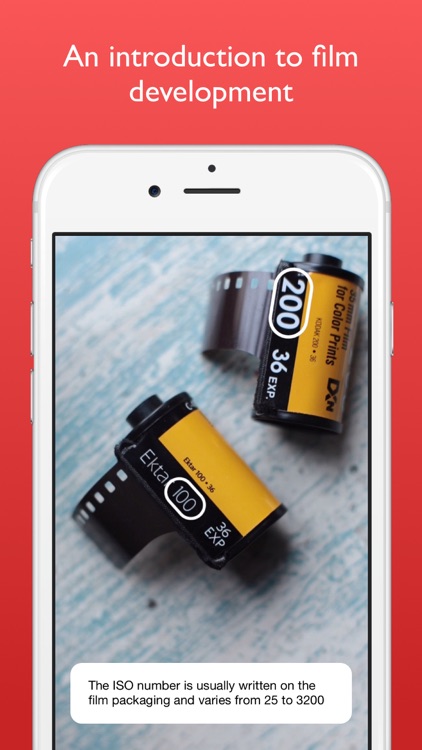
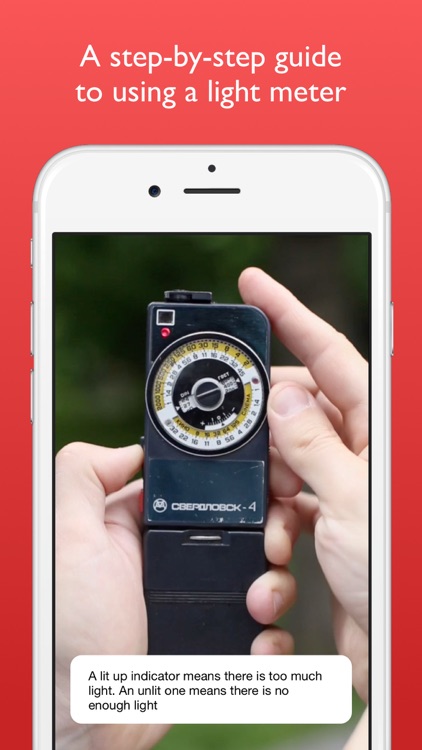
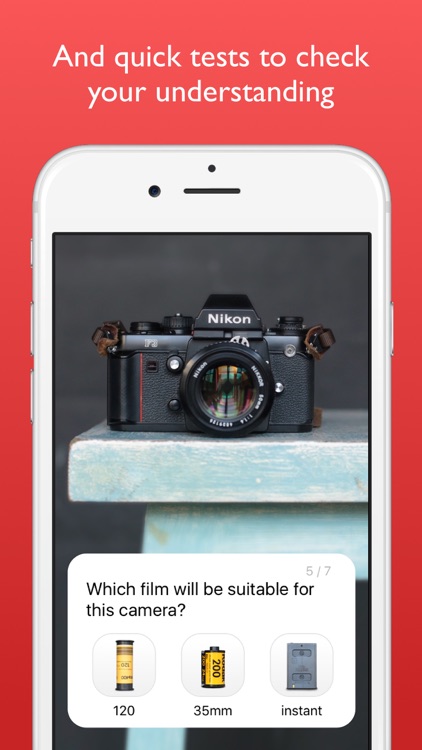
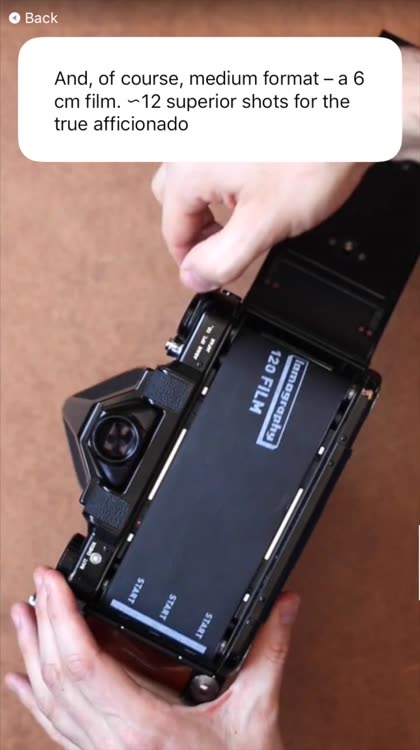
The app is an encyclopedia of film photography principles. Start your journey by learning about film camera types including their advantages and disadvantages. FilmPhotography has all of the details on types of film including black and white, color, infrared, slide, and lomography. You’ll even learn about basic photograph principles like aperture, shutter speed, ISO, using a light meter, and film development. At the end of each section you’ll be quizzed on what you’ve learned.

You’ve always wanted to shoot with film or just want to brush up.

You’re digital all the way.

Safety Photo+Video Pro
iPhone
iPad
Safety Photo+Video Pro

Safety Photo+Video Pro

Sixbytes PLT

Keep private photos and videos away from prying eyes with this utility app.

Those with something to hide.

FREE ($1.99) For a limited time FREE ($1.99) For a limited time
Why we picked this?

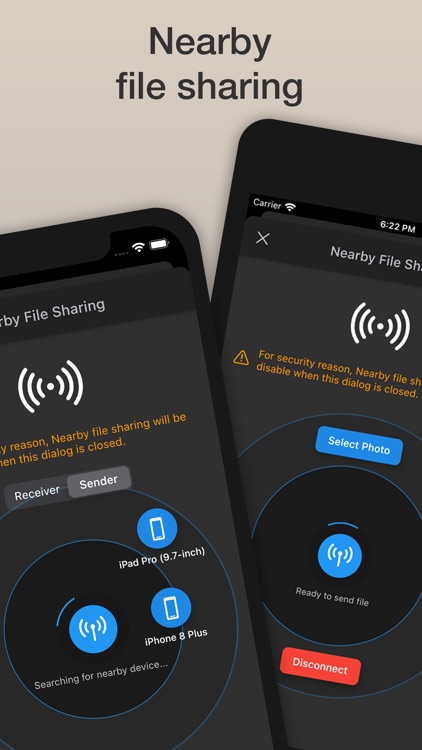
Safety Photo+Video allows you to import photos and videos from your library, web browser, iTunes File Sharing, or you can capture new ones from the app. Photos and videos can be organized into albums, and all include geotag and EXIF data. The app also includes three passcode styles, two themes, and a slideshow option.

You want to protect your privacy.

No one else ever handles your iOS device. Ever.

Blox 3D Junior
iPhone
iPad
Blox 3D Junior

Blox 3D Junior

Arjun Gupte

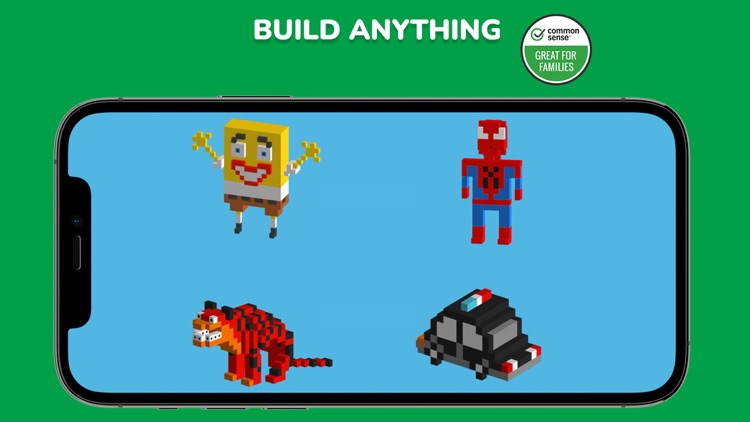
Unlock your child’s creative side by allowing them to build 3D models in Blox 3D Junior.

Children between the ages of one and five.

$8.99 $8.99
Why we picked this?

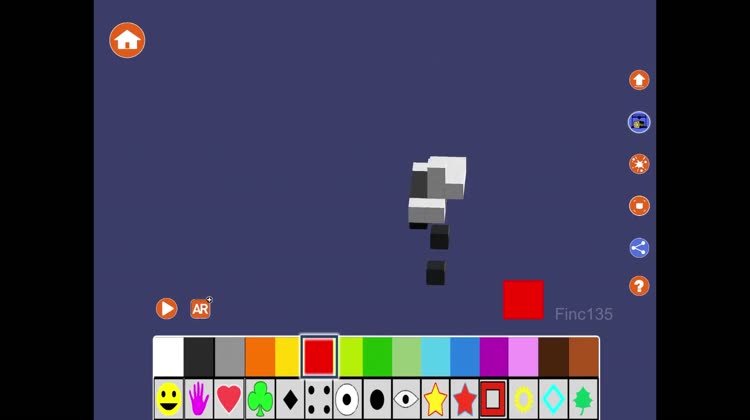
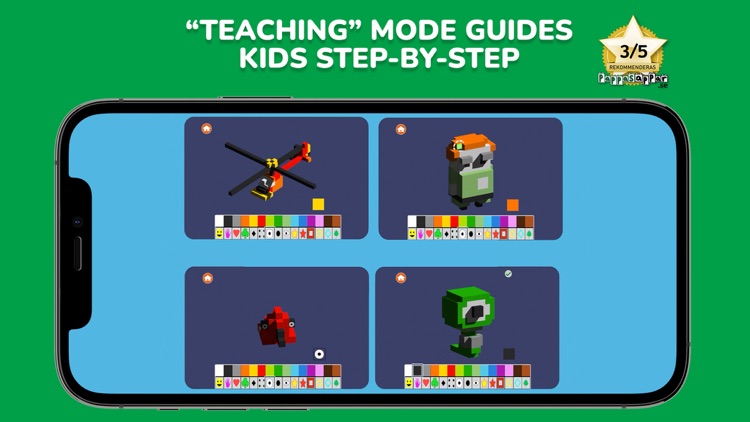
Blox 3D Junior’s intuitive control scheme allows anyone to create. They start off with a single block, and they can build from there by tapping and pulling to create new blocks. Make sure your child creates their base and moves upwards first, otherwise it can be difficult to navigate the blocks. The blocks can be rotated with a swipe and zoomed in on with a pinch. Double-tap to delete any blocks that have been created. Your child’s creations can be played out within the app or saved to the photo library. There are four pre-built modes included for inspiration.

You enjoy spending time with your child while building things. It’s a ton of fun for both children and adults.

You want something to entertain your small child on their own. Some younger children will still struggle with the UX element.

Tiny Dentist
iPhone
iPad
Tiny Dentist

Tiny Dentist

Anastazja Bagdziun-Markacheva

Your patients await in Tiny Dentist.

Parents.

$2.99 $2.99
Why we picked this?

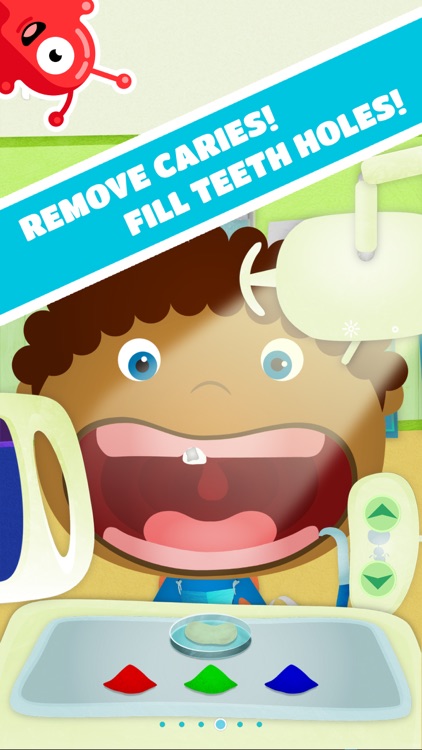
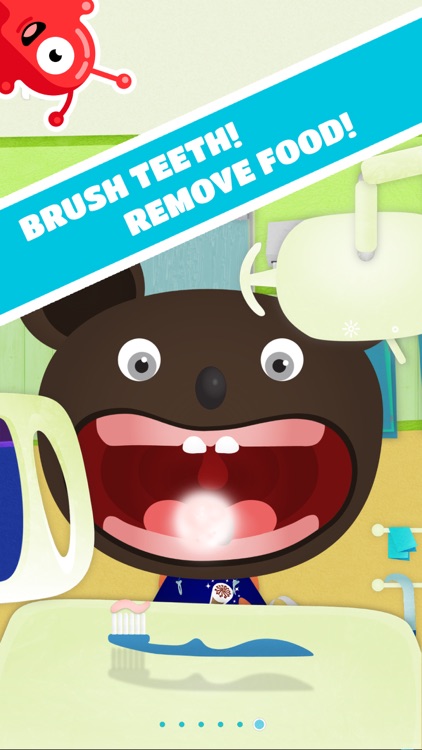
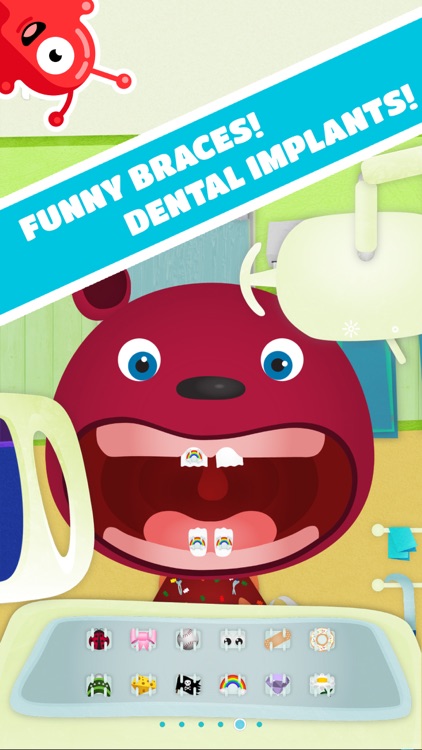
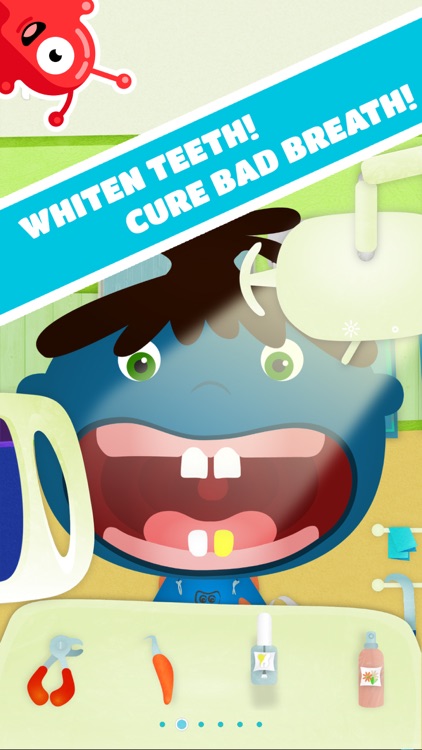
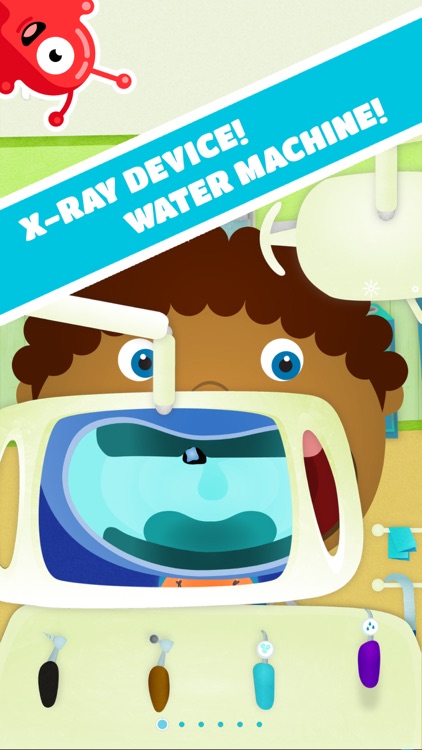
Tiny Dentist includes a vast number of colorful characters in need of dental help. Your child can scroll through all of the tools at the bottom of the screen and tap on the ones that want to use like an extractor, brush, bleach, x-ray, and braces. They can also snap pictures of their patient during or after the procedure.

Your child is between the ages of three and eight.

You have a toddler. They will struggle with the interface due to the amount of options.