

You are using an outdated browser. Please upgrade your browser to improve your experience.

Apps That
Went Free on
2020-02-29

Reveal the truth, capture photos with a long exposure effect, and visualize functions with today’s collection of apps and games.

Visual Math 4D
iPhone
iPad
Visual Math 4D

Visual Math 4D

Ronny Weidemann

Visualize functions with VisualMath 4D.

Students and engineers.

FREE ($1.99) For a limited time FREE ($1.99) For a limited time
Why we picked this?

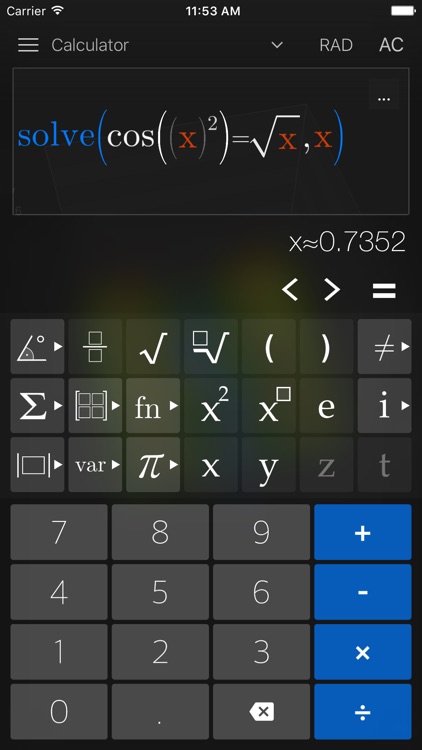
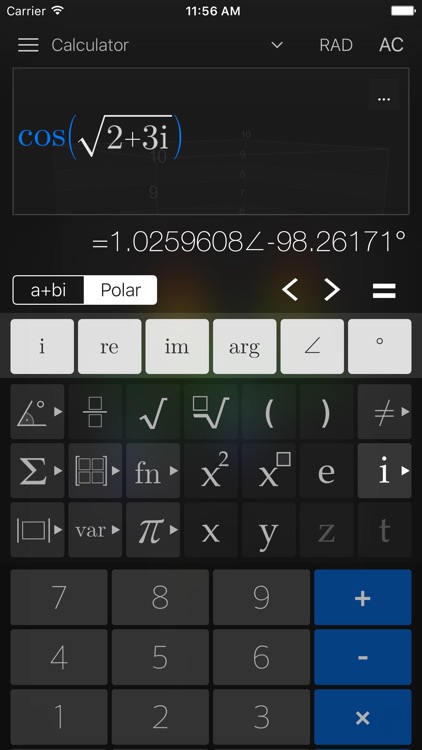
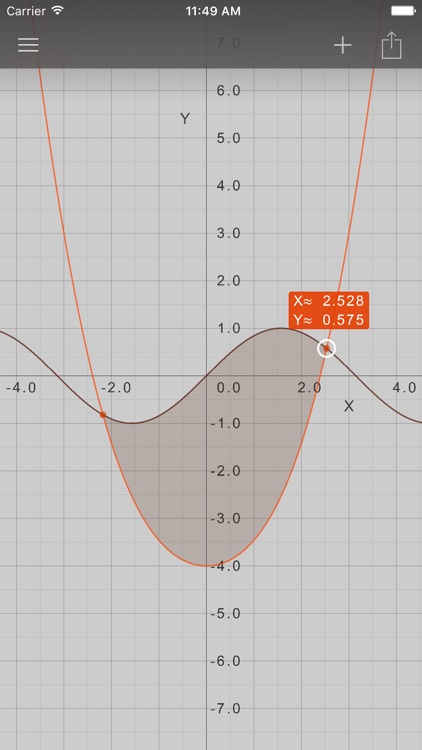
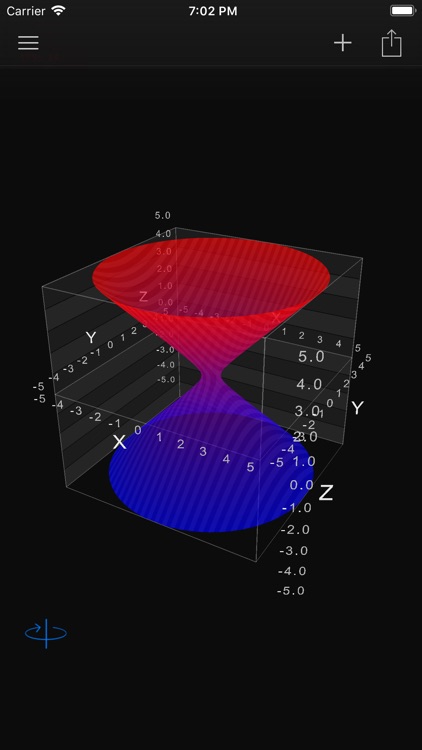
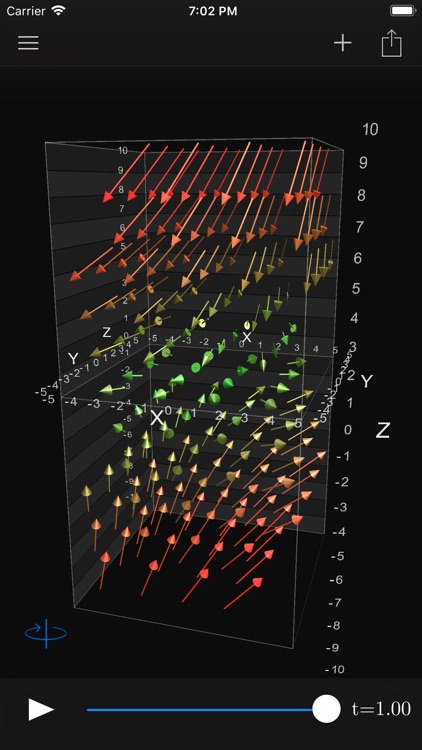
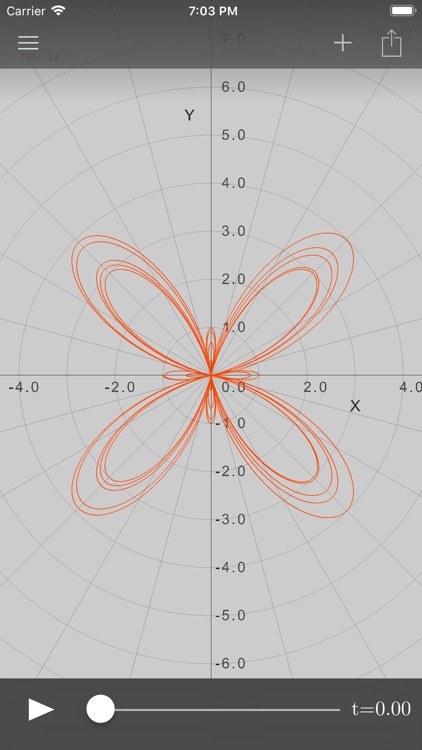
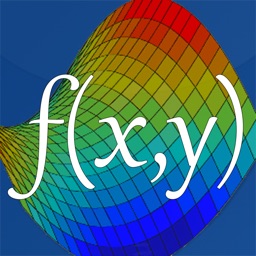
VisualMath 4D is a professional graphical calculator. It allows you to browse through a collection of built-in functions like trigonometrical, rounding, and sum and product or you can compute your own. Functions can be drawn in 2D, 3D, and 4D all with a time variable. You’re also able to save your functions, rotate and zoom in on the graph in three dimensions, and display multiple graphs at once.

You’re in need of a professional graphing calculator. It’s loaded with features and functions.

You have no use for scientific functions.

The Secret of Chimera Labs
iPhone
iPad
The Secret of Chimera Labs

The Secret of Chimera Labs

Aircamp Games

Track down the ever elusive Doctor Teresa Von Awesome and reveal the truth in The Secret of Chimera Labs.

Fans of classic point-and-click gaming.

$2.99 $2.99
Why we picked this?

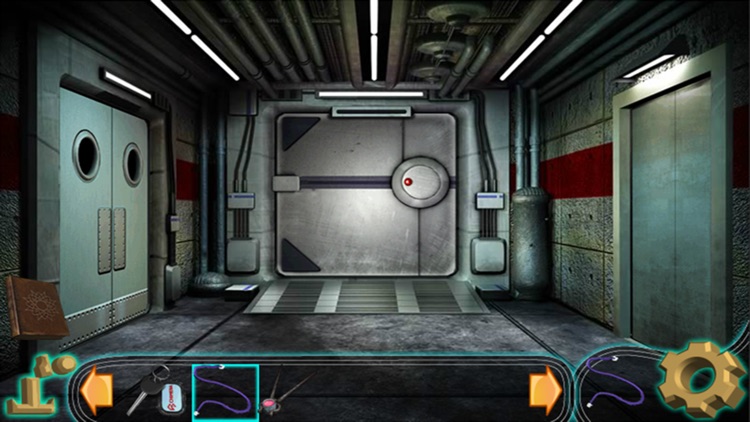
The Secret of Chimera Labs takes you on a fantastic journey. As lead detective, you’re put in charge of tracking down Doctor Teresa Von Awesome. In order to do so, you’ll need to sift through clues, discover items, and solve complex puzzles all within the curious confines of Chimera Labs. The game includes more than 100 environments, an in-game notebook, a hint system, and more than 80 unique items to hunt down.

You miss the good old days of gaming.

You lack patience. It can be a bit of a grind getting from one place to another.

Light | Long Exposure
iPhone
Light | Long Exposure

Light | Long Exposure

Alexander Sukhanov

Capture photos with a long exposure effect with Lightmatic.

Photographers of all levels.

$0.99 $0.99
Why we picked this?

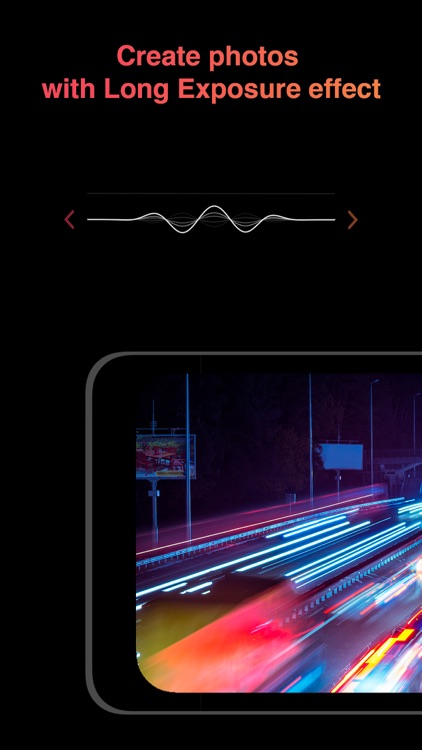
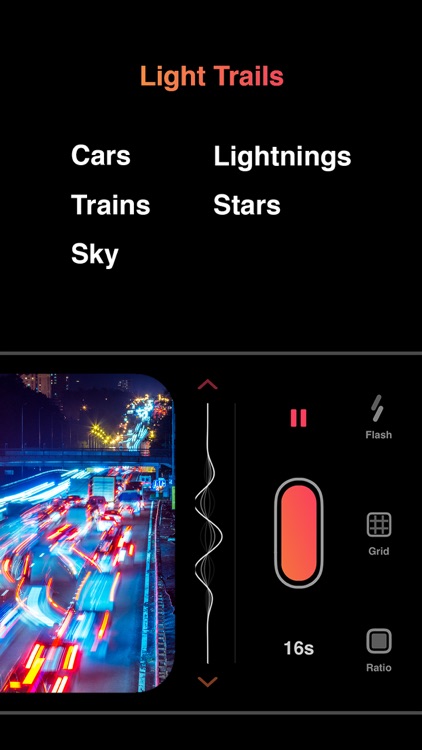
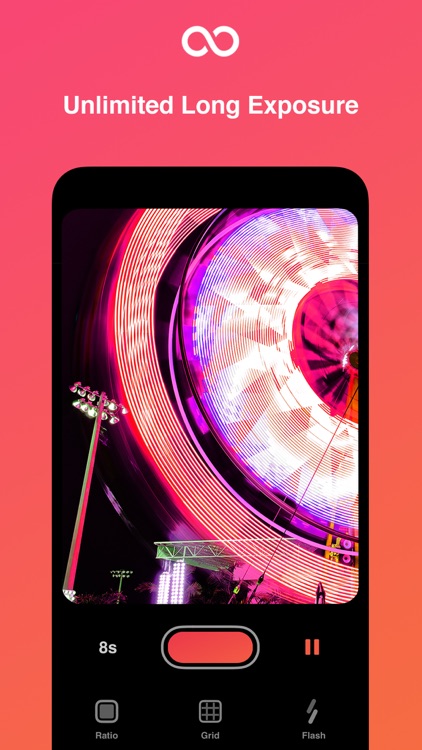
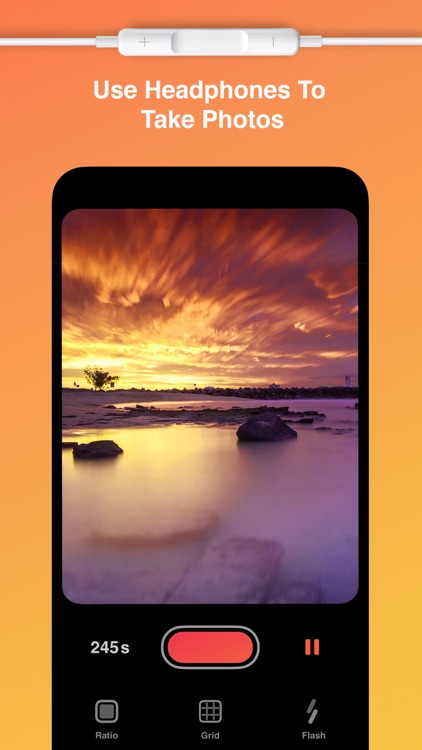
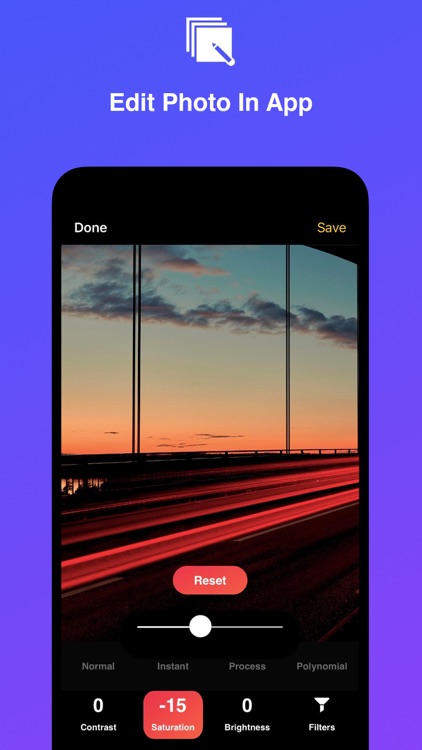
Lightmatic allows you to capture motion as a single event. Tap the shutter button to open it up and allow some time to pass before closing it. Anything in motion will become a beautiful blur of color while the rest of the image will remain intact. You’ll either need a steady hand or a place to mount your iPhone, otherwise the entire image will blur. You can utilize a set of headphones to open and close the shutter to avoid unnecessary movements. After capturing a photo you’re able to adjust the contrast, brightness, and saturation. The app also includes a timer, grid, and two aspect ratios to choose from.

You want to play with light.

You’re not a photographer.