You are using an outdated browser. Please upgrade your browser to improve your experience.

Apps That
Went Free on
2020-03-07

Stick to a budget, make lists of all types, and color in images on your Apple Watch with today’s collection of apps and games.

1Timer - Voice Timer
iPhone
iPad
1Timer - Voice Timer

1Timer - Voice Timer

Diffuse Thinking LLC

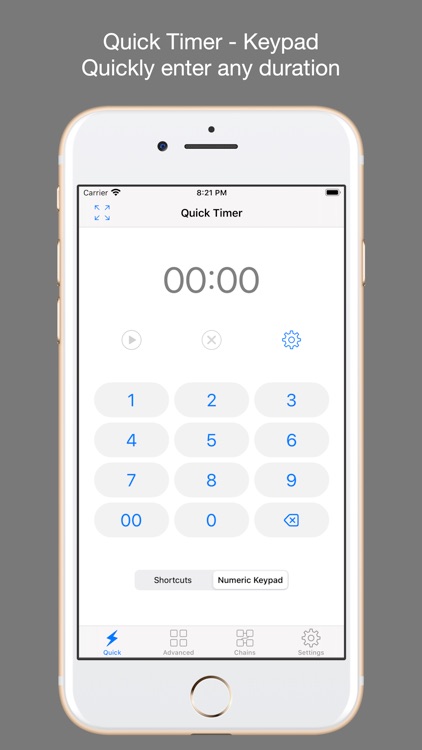
Never lose track of time again with 1Timer.

Everyone.

FREE ($1.99) For a limited time FREE ($1.99) For a limited time
Why we picked this?

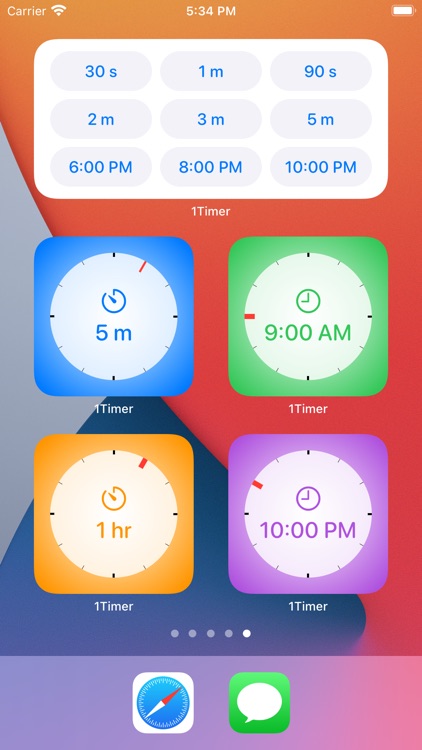
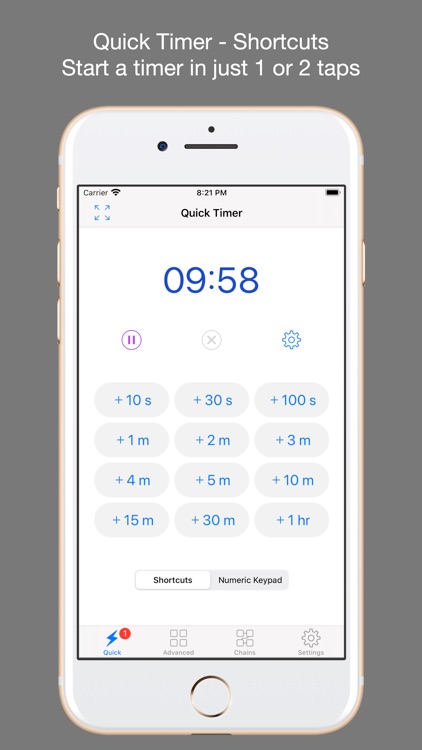
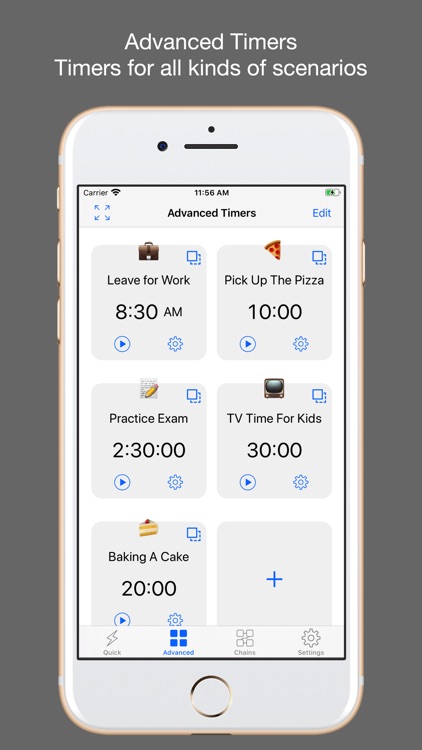
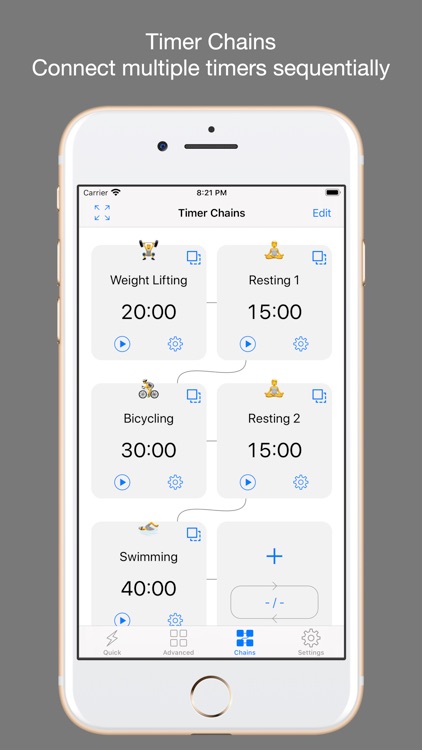
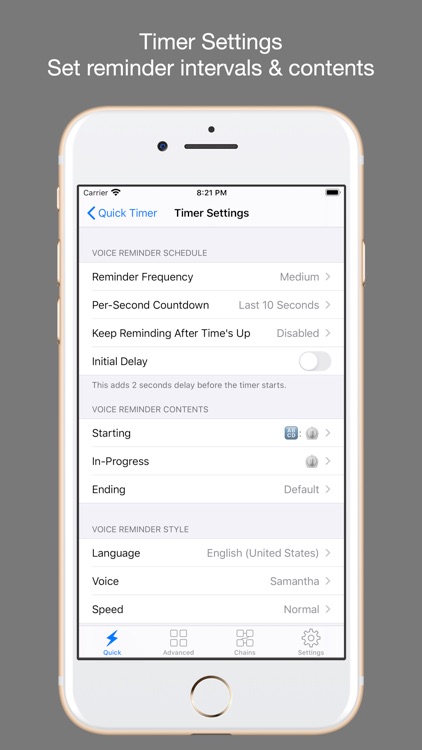
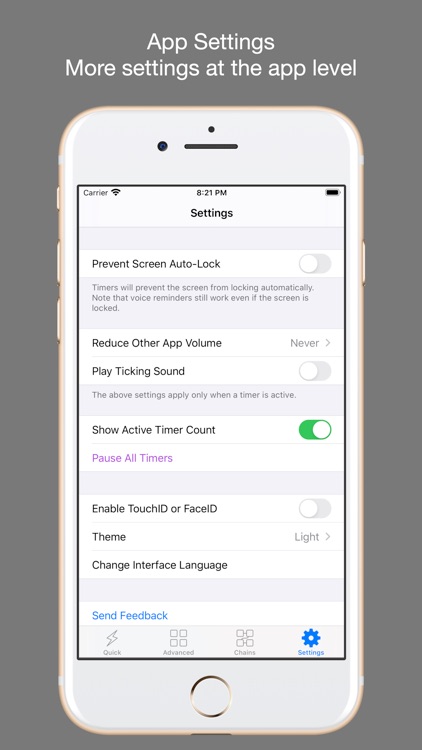
1Timer is one of those handy apps you never knew you needed. It can be used for just about anything, from athletics to daily chores. You’re able to create custom timers along with custom reminder frequencies. Then just tap to start. As the clock ticks down, you’ll receive helpful audio reminders until it reaches zero. 1Timer is absolutely loaded with customization options like the ability to choose different voices, speeds, languages, and themes.

You need to time something without constantly checking your phone or watch.

You prefer peace and quiet.

The Prax: Budget Tracker
iPhone
The Prax: Budget Tracker

The Prax: Budget Tracker

The Prax, LLC

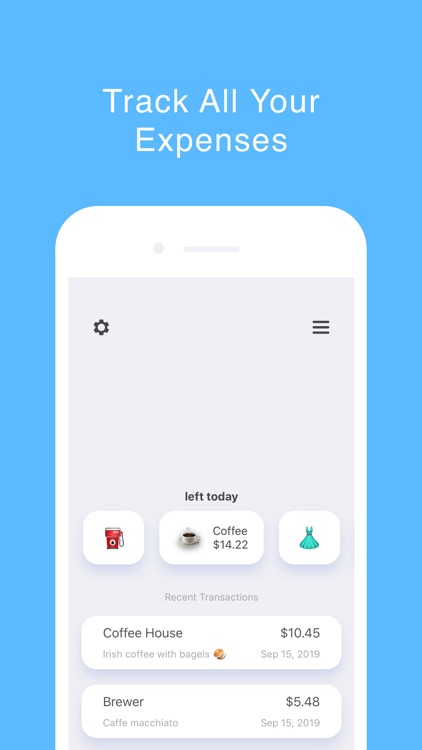
Stick to a budget with The Prax.

Those who tend to overspend.

FREE ($0.99) For a limited time FREE ($0.99) For a limited time
Why we picked this?

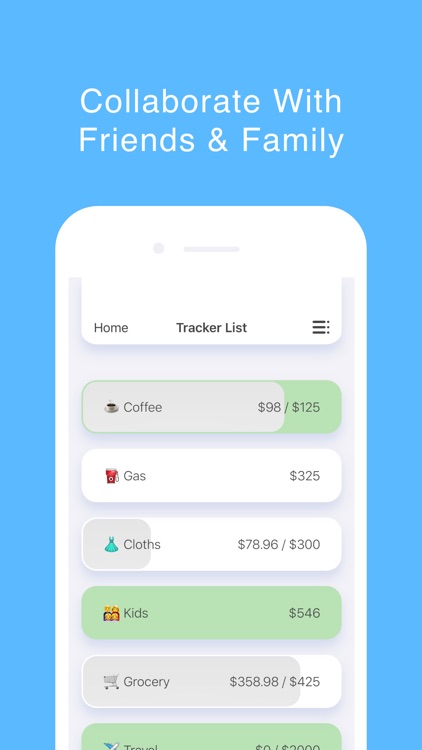
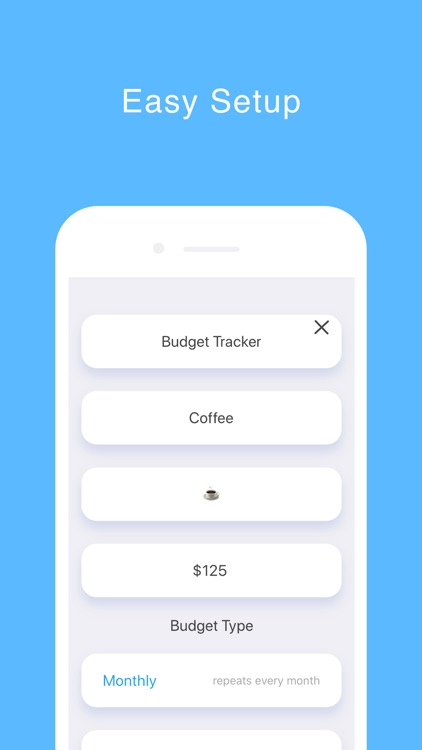
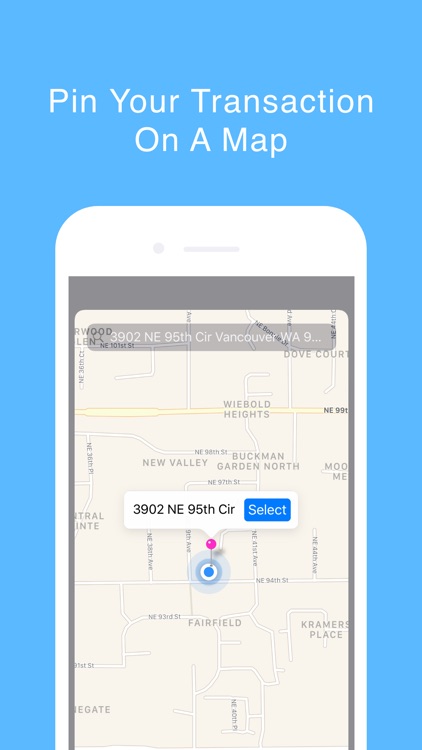
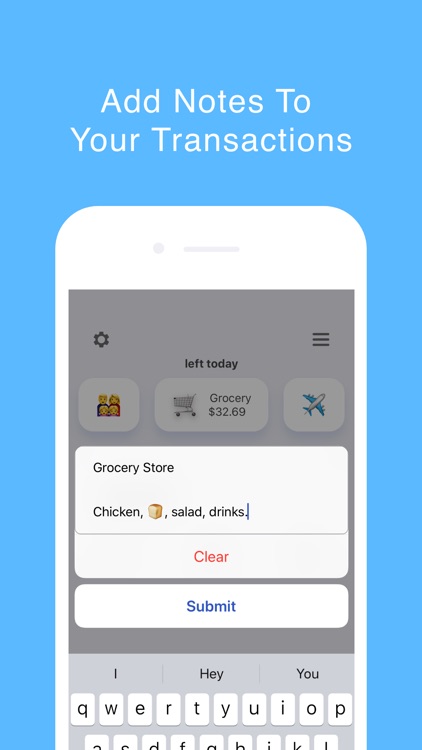
The Prax is as simple and straightforward as it gets in terms of finance apps. It allows you to create as many budgets or expense trackers as necessary, and have them recur on a weekly, monthly, or custom basis. Transactions are able to have notes and photos attached for reference. The app also includes the ability to create collaborative budgets, use emojis as budget and expense icons, and add past and future transactions.

All you need is a way to track where your money is going.

You want some bells and whistles like cloud syncing.

Life Lists: Organize your life
iPhone
Life Lists: Organize your life

Life Lists: Organize your life

DG Apps, Inc.

Make lists of all types with Life Lists.

Those who want to get organized.

FREE ($0.99) For a limited time FREE ($0.99) For a limited time
Why we picked this?

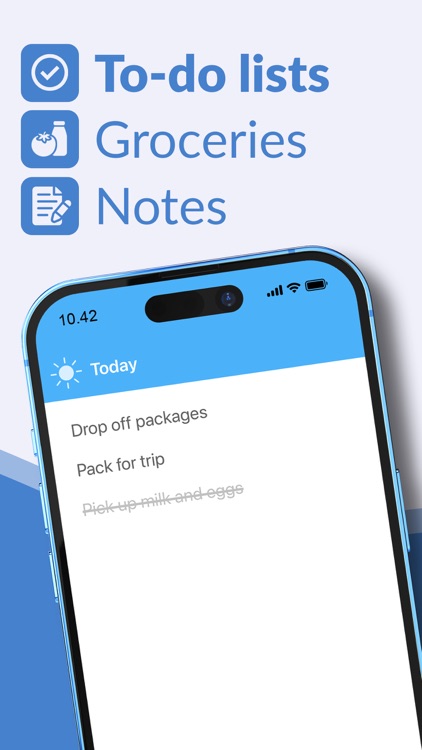
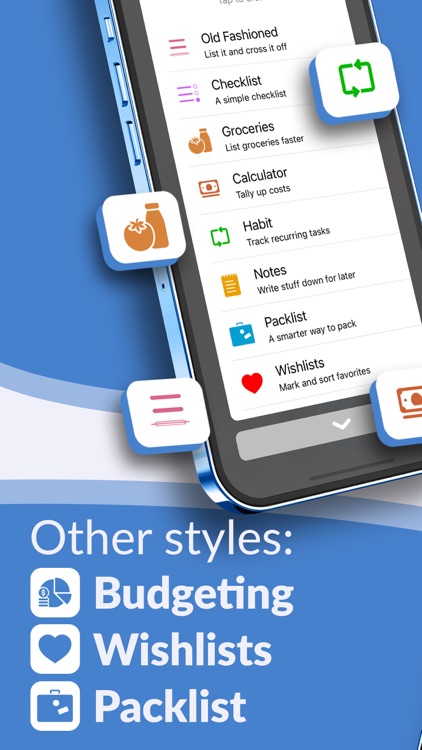
Life Lists is covers all facets of your life. You’re able to make checklists and grocery lists, schedule reminders, take notes, and even track habits all in one place. Lists can be customized with different icons, colors, and styles, and they can be rearranged however you wish. Tabs along the bottom of the screen allow you to search for specific items, view what’s inside of each list, and focus on important and upcoming tasks.

You have a lot going on in your life.

You need cloud syncing functionality.

Pocket Yoga Teacher
iPhone
iPad
Pocket Yoga Teacher

Pocket Yoga Teacher

Rainfrog, LLC

Create custom yoga sequences with Pocket Yoga Teacher.

Yoga teachers.

$4.99 $4.99
Why we picked this?

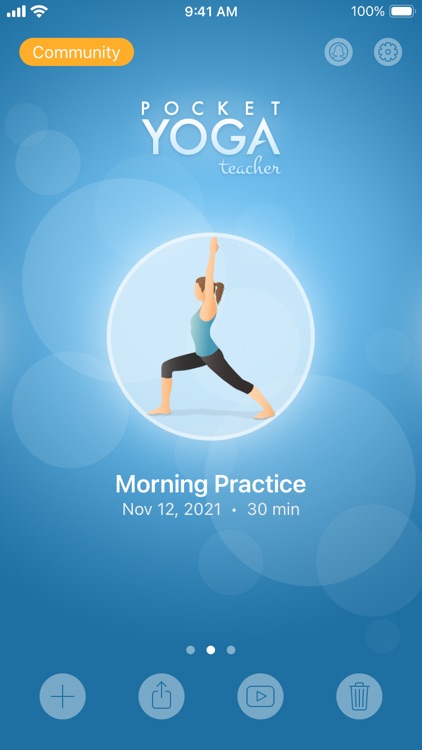
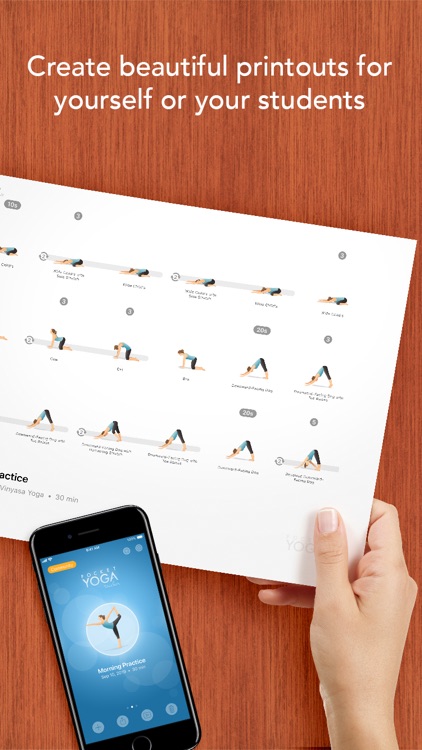
Pocket Yoga Teacher allows you to build, edit, and share entire yoga sessions. You’re able to choose from more than 300 poses and add them to the sequence with a tap. Pocket Yoga Teacher will suggest poses based on what you’ve already added, or you can sort the list by name, category, subcategory, or difficulty and choose your own. Tap on a pose to adjust its duration, voice guidance, side and direction, and music. Sequences can be reordered and previewed at any time. Pocket Yoga Teacher allows you to share your session with the community, via Messages or AidDrop, or you can convert it into a PDF.

You want to share your yoga sessions with the world.

You’re not at all into yoga.

Coloring Watch
iPhone
Coloring Watch

Coloring Watch

Sydvesti Oy

Take a break by coloring on your Apple Watch with Coloring Watch.

Anyone with an Apple Watch.

$4.99 $4.99
Why we picked this?

Coloring Watch is like having a mini coloring book on your wrist. It includes over 57 images to fill in, 11 of which are animated. Just tap to select image sections and rotate the digital crown to tune colors. Colored images can be viewed on iPhone and even used as watch faces. The app also includes 100 colors to choose from, and heart rate tracking for coloring sessions.

You need a moment to unwind. The coloring session progress is saved automatically so you don’t have to finish all at once.

You don’t own an Apple Watch.