


You are using an outdated browser. Please upgrade your browser to improve your experience.

Apps That
Went Free on
2020-04-02

Draw with ink, stick to a budget, and measure light with today’s collection of apps and games.

Tayasui Calligraphy - Cursive
iPhone
iPad
Tayasui Calligraphy - Cursive

Tayasui Calligraphy - Cursive

SKETCHES SRL

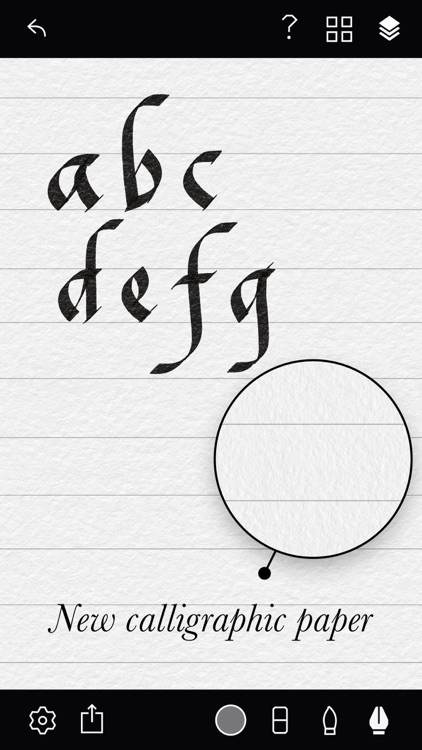
Draw with ink with Tayasui Calligraphy.

Creative types.

FREE ($1.99) For a limited time FREE ($1.99) For a limited time
Why we picked this?

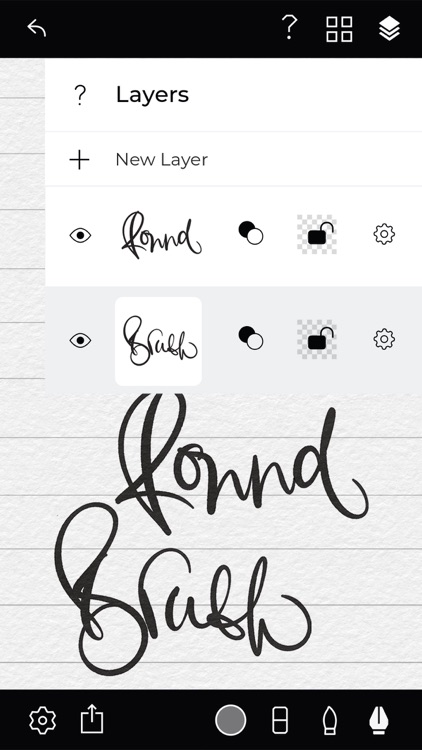
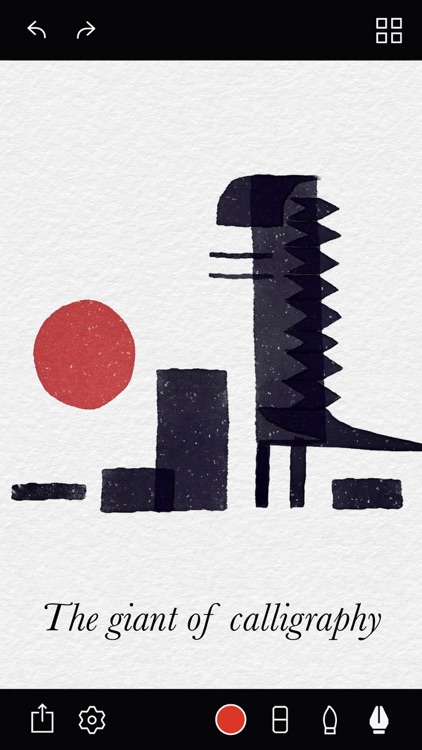
Tayasui Calligraphy provides a creative outlet for those who enjoy working with ink. The strokes look completely natural as they overlap and dry. It includes two main drawing tools: pen and brush. Both tools can be customized with different widths, angles, textures, and blending modes, and you’re able to save your adjustments as presets. Tap with two fingers to undo a stroke or tap with three to redo. Tayasui Calligraphy also includes Apple Pencil support.

You’re an artist or aspiring to be one.

You want more tools. This one focuses on pen and brush.

Multi Translate Voice AI
iPhone
iPad
Multi Translate Voice AI

Multi Translate Voice AI

XHLIU

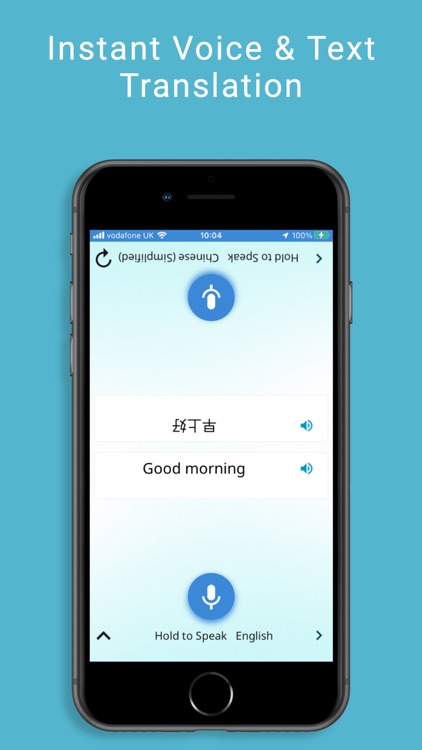
Translate any language into three others with Multi Translate.

Those who travel a lot or are learning a new language.

FREE ($12.99) For a limited time FREE ($12.99) For a limited time
Why we picked this?

Multi Translate is fast and efficient. First choose the language you want to translate from, and three other languages you want to translate to. You have more than 100 to choose from. Then either type or speak to translate. Multi Translate keeps a running history of everything you’ve translated, which is searchable via Spotlight. The app also includes iMessage support, Apple Watch support, and the ability to share results.

You need a way to communicate.

You’re without an internet connection.

Kiwake: smart alarm clock
iPhone
Kiwake: smart alarm clock

Kiwake: smart alarm clock

Kiwake inc

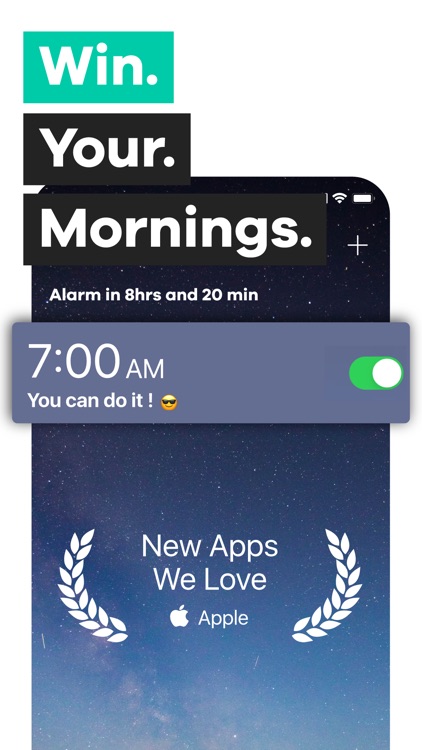
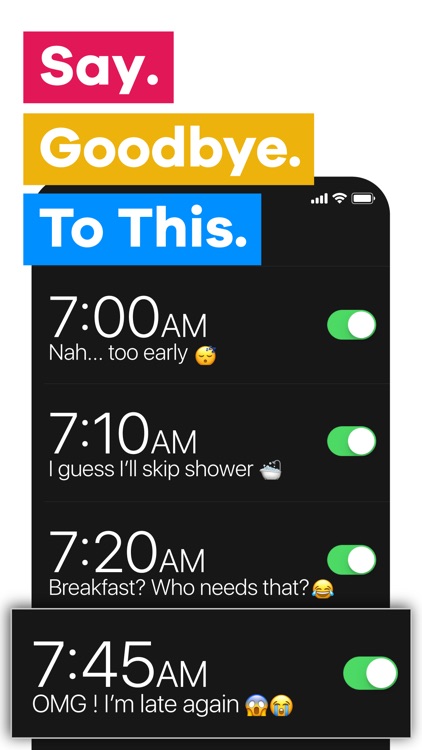
Stop hitting that snooze button and build a strong morning routine with Kiwake.

Those who aren’t morning people.

FREE ($7.99) For a limited time FREE ($7.99) For a limited time
Why we picked this?

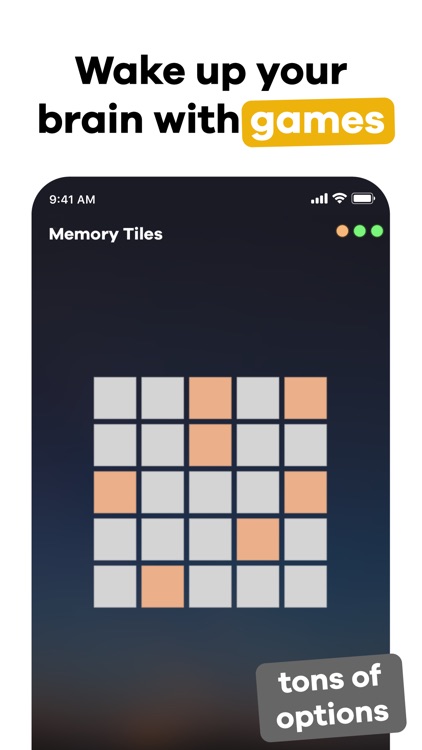
Kiwake ensures that you will get out of bed in the morning thanks to its three step wakeup process. Start off by creating your alarms for the week. You can create multiple alarms if necessary and have them repeat as often as you like. Kiwake then requires you to pick an object that’s away from your bed and take a picture of it, choose from a handful of mini-games, and create some goals for the day or add a motivational message. When the alarm sounds, you’ll have to return to that object and snap a picture, successfully complete all of the mini-games, and read your goals or message before you can disable it.

You’re always running late because you can’t get out of bed.

You just want a regular alarm clock.

Tide Guide: Charts & Tables
iPhone
iPad
Tide Guide: Charts & Tables

Tide Guide: Charts & Tables

Condor Digital

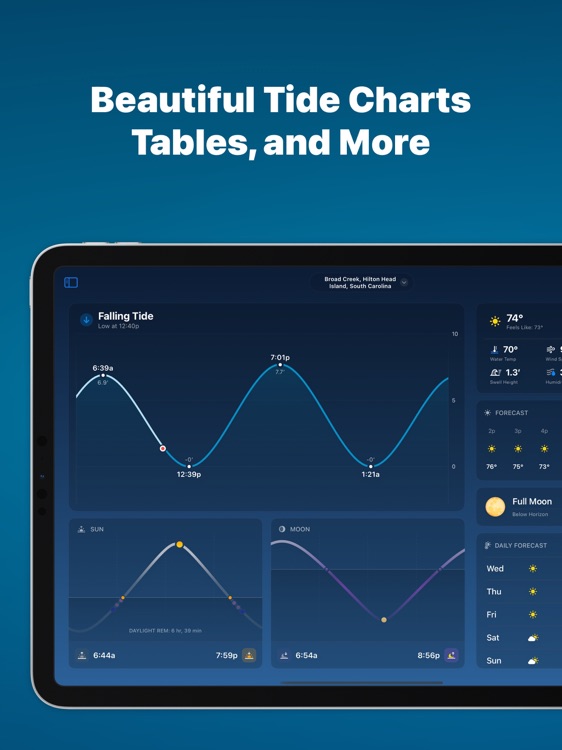
Track the tide with Live Tides.

Those who live or work near the shore.

FREE ($0.99) For a limited time FREE ($0.99) For a limited time
Why we picked this?

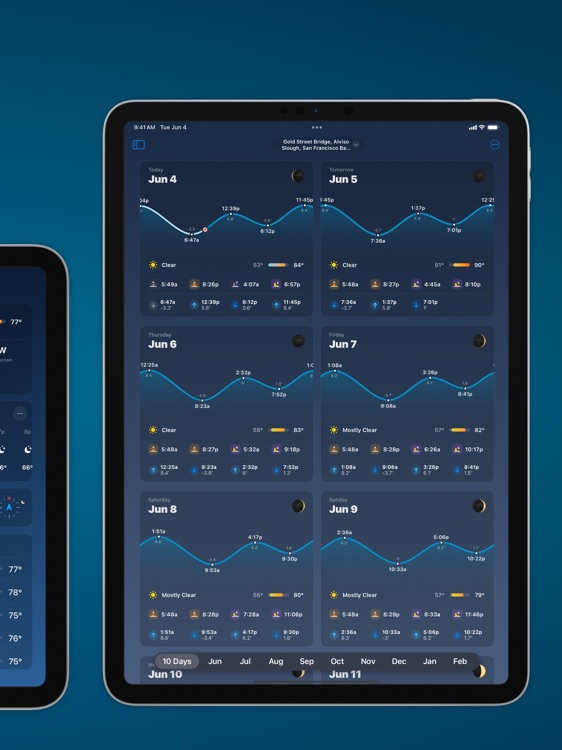
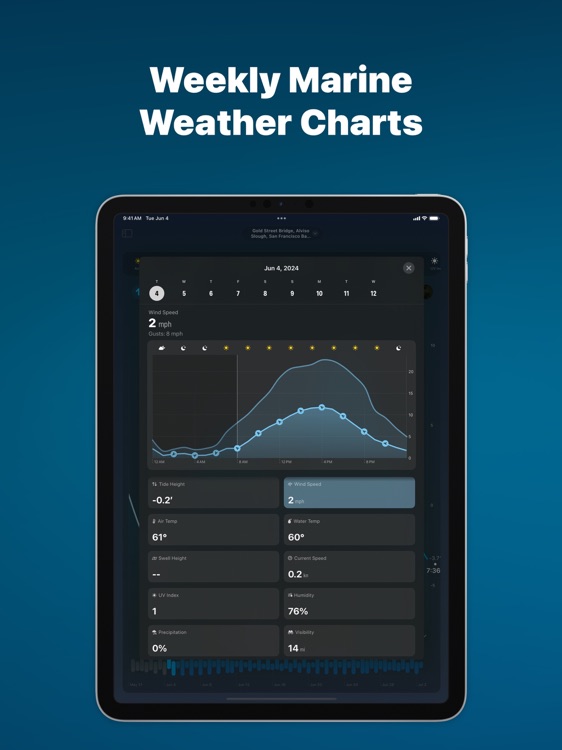
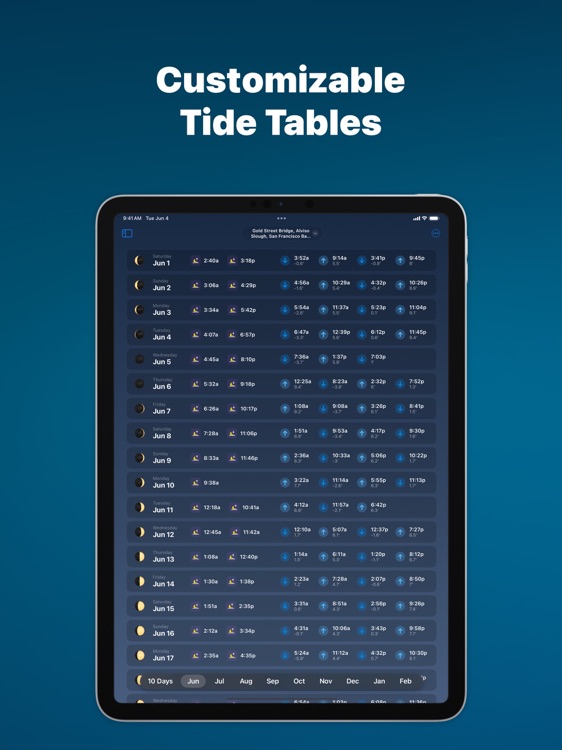
Live Tides provides a beautifully simple way to check tide levels. It features automatic location detection or you can browse the country. The app provides tide charts for 14 days out, complete with sunrise and sunset times.

Your job, hobby, or vacation depends upon the tides.

You don’t live in the U.S.

3rd Grade Reading Prep
iPhone
iPad
3rd Grade Reading Prep

3rd Grade Reading Prep

Peekaboo Studios LLC

Improve reading comprehension skills with 3rd Grade Reading Prep.

Parents and teachers.

$3.99 $3.99
Why we picked this?

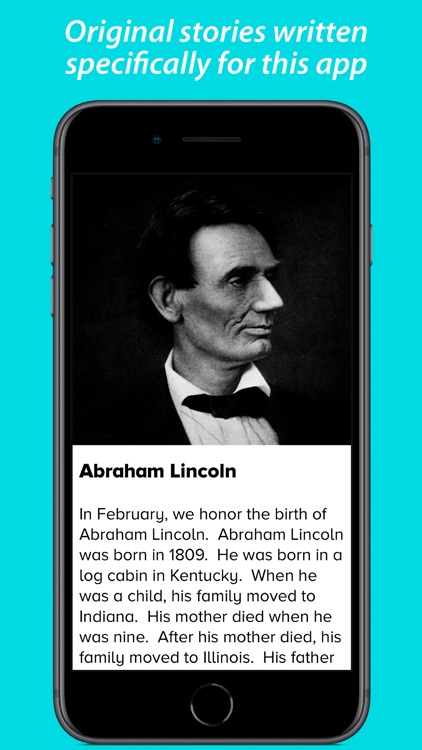
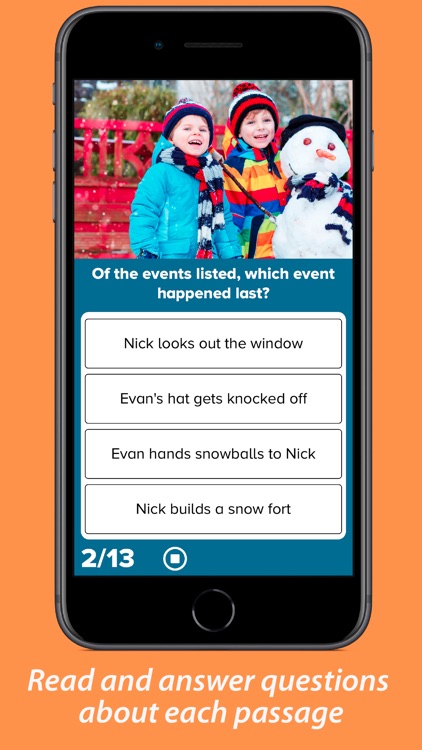
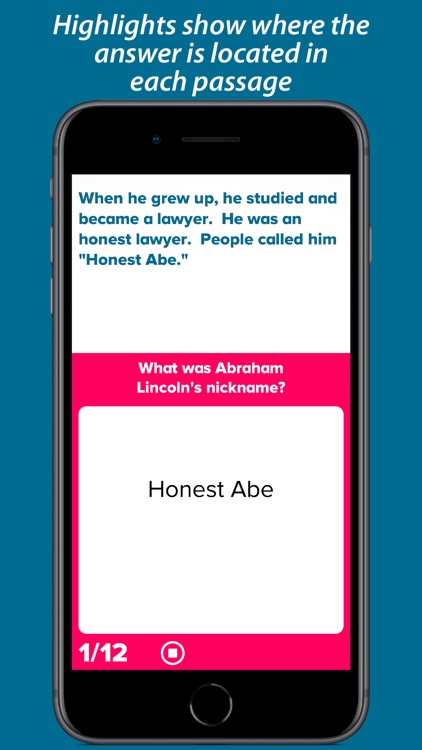
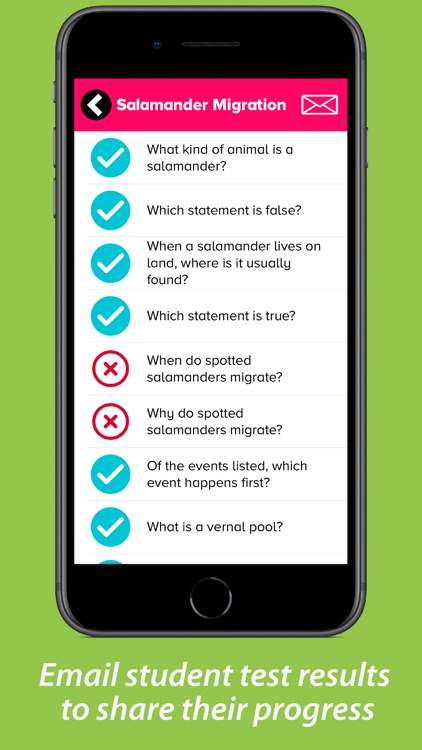
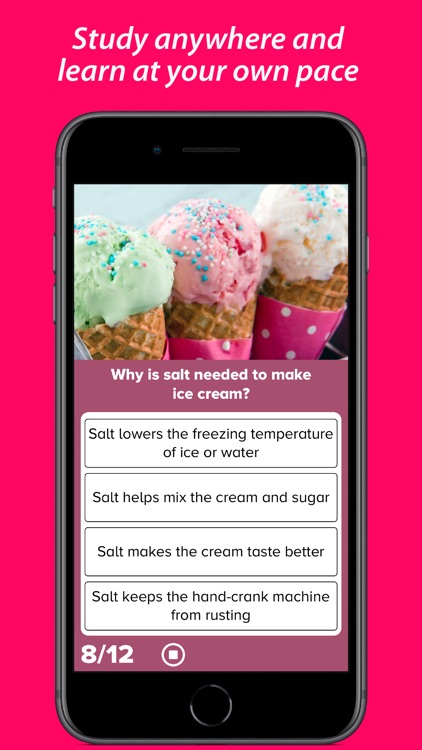
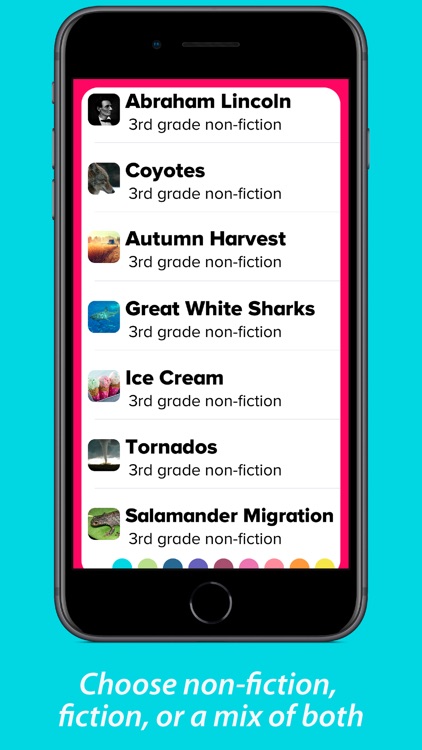
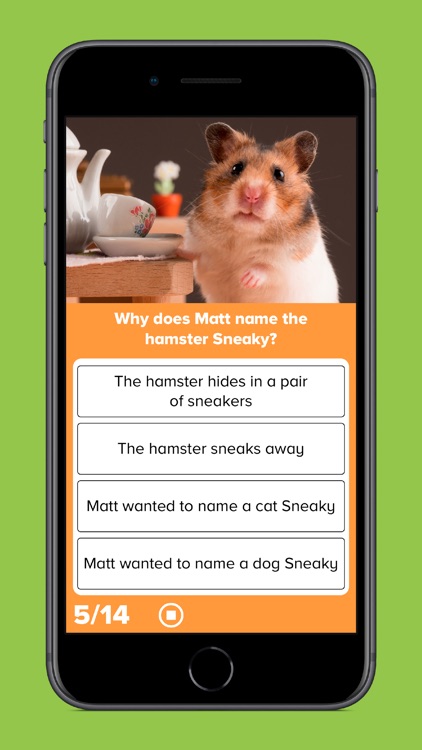
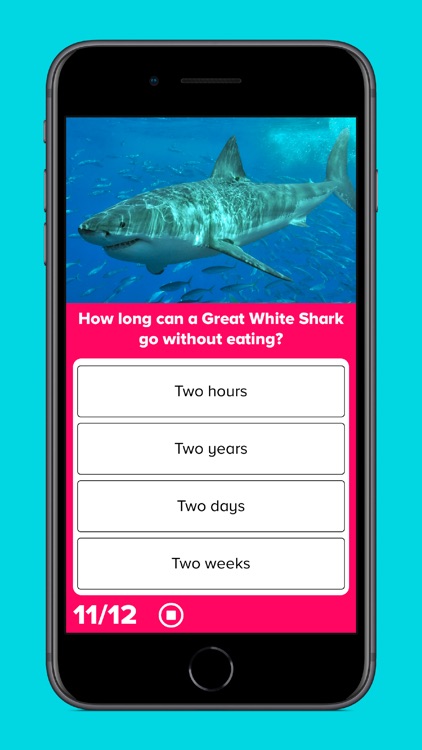
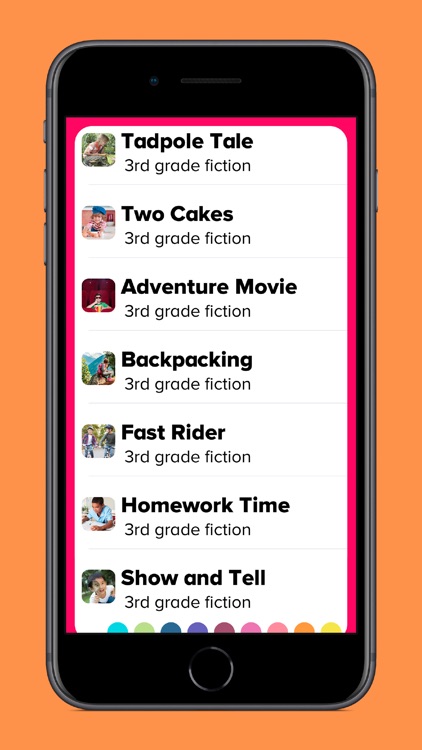
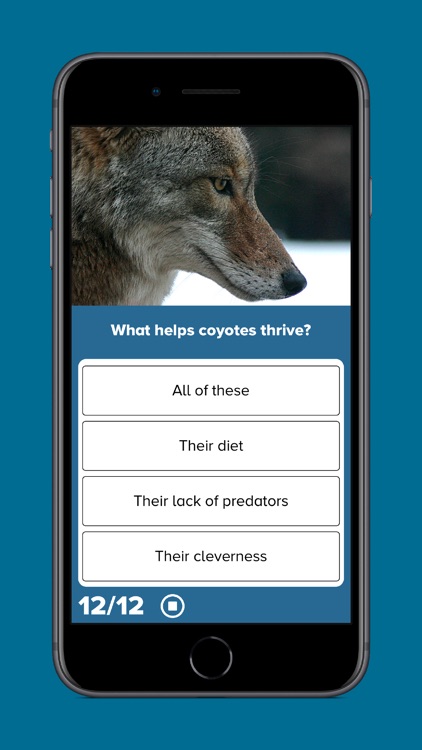
3rd Grade Reading Prep is one of the most advanced reading comprehension tools available in the App Store. It features an assortment of fictional stories and non-fiction texts that can be read through at any pace. At the end of each passage your child will be asked a series of questions to find out how well they understood what they read. The results can be reviewed and shared via email. The app also includes support for multiple children or students, and password protection.

You have a 3rd grader.

Your child is outside of the age range.

Plant Light Meter
iPhone
iPad
Plant Light Meter

Plant Light Meter

Studio Nano Ship, Inc.

Measure light levels with Plant Light Meter.

Those with indoor plants.

$2.99 $2.99
Why we picked this?

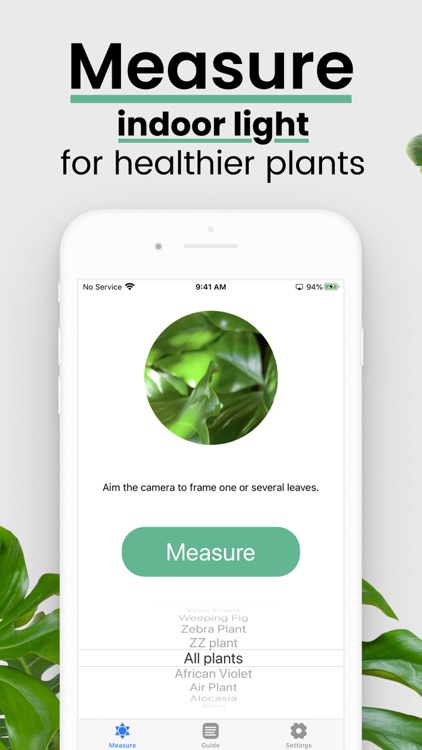
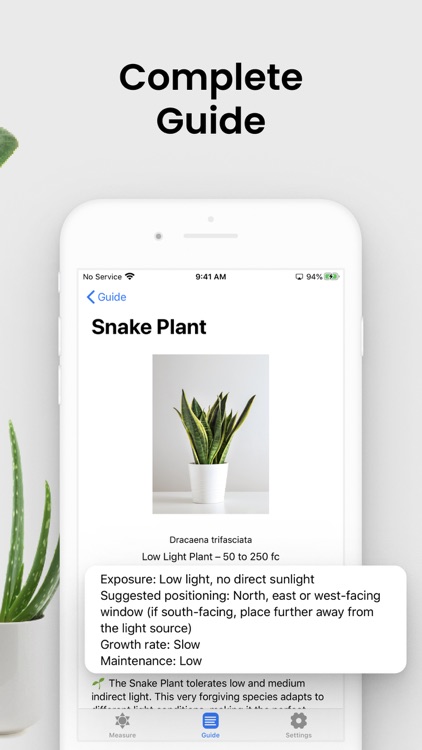
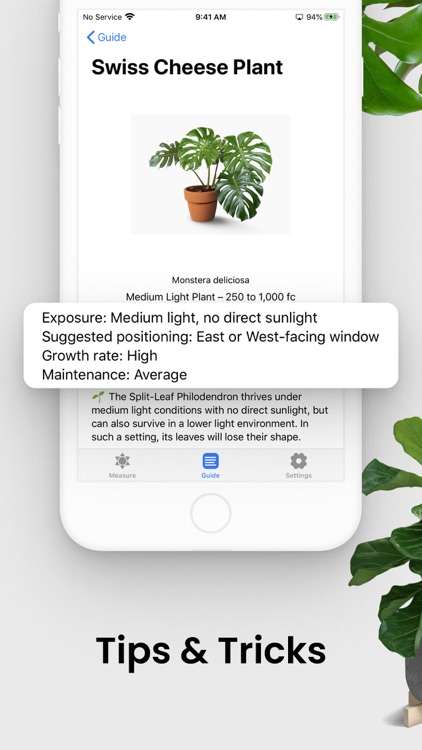
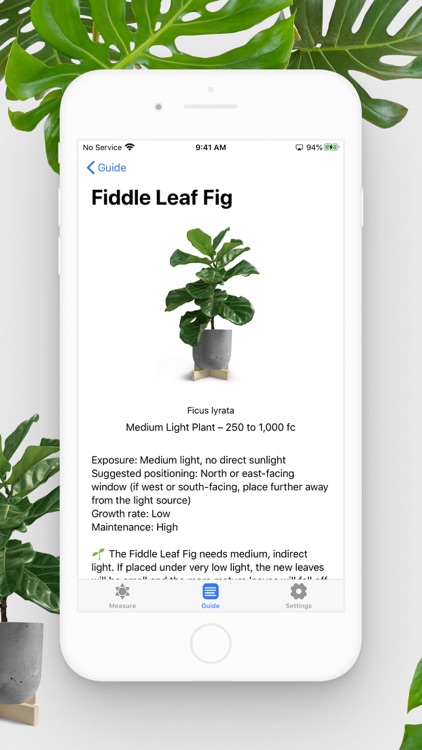
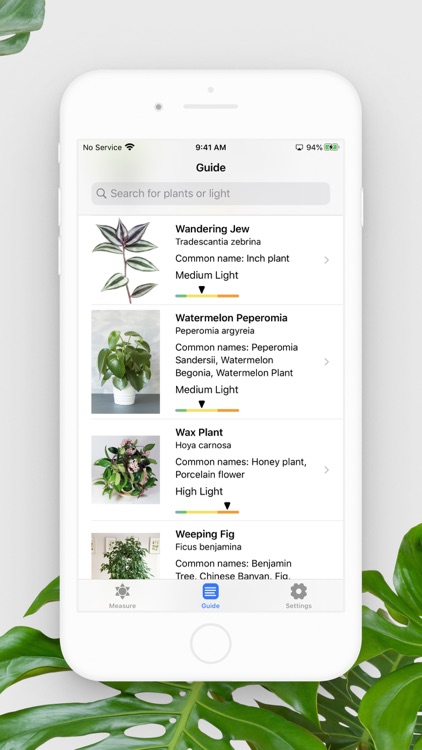
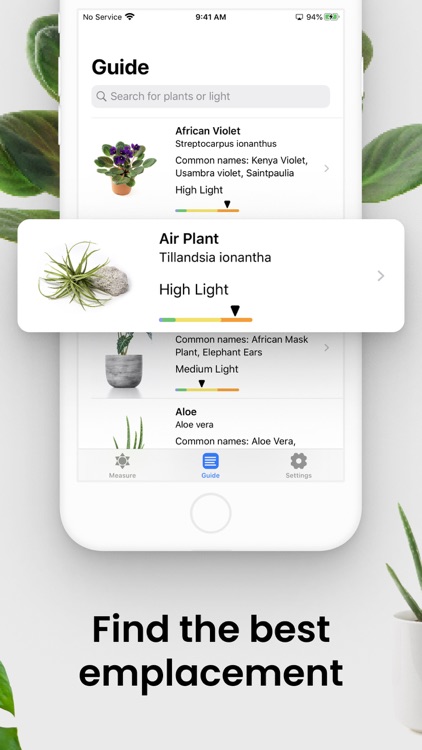
Give your indoor plants a fighting chance with Plant Light Meter. Determine a potential location for your new indoor plant and launch Plant Light Meter. Then point the camera in the direction of the natural light source. The app will measure the maximum light level value that your plant will receive: very low, low, medium, and high. If you’re unsure of how much light your plant needs, a helpful guide is available in-app.

Your indoor plants are always dying. A lack of light is the second leading cause of death.

You’re utilizing artificial light. This app only measures natural light.

Fudget Pro: Budget Planner
iPhone
iPad
Fudget Pro: Budget Planner

Fudget Pro: Budget Planner

Danny Connell

Manage your money with Fudget.

Anyone who wants to stay on a budget without a lot of fuss.

$3.99 $3.99
Why we picked this?

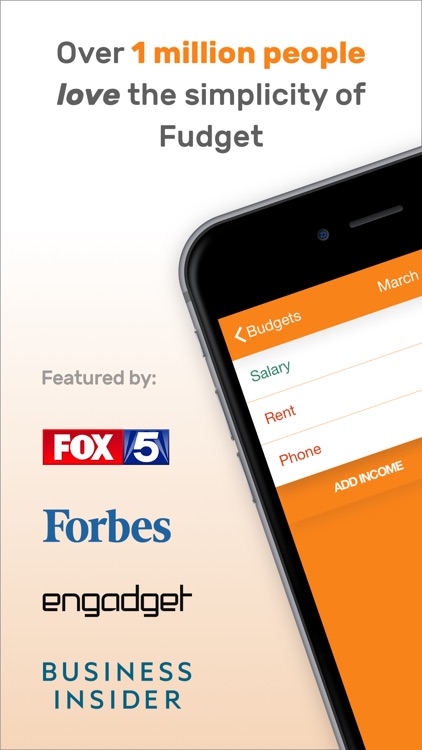
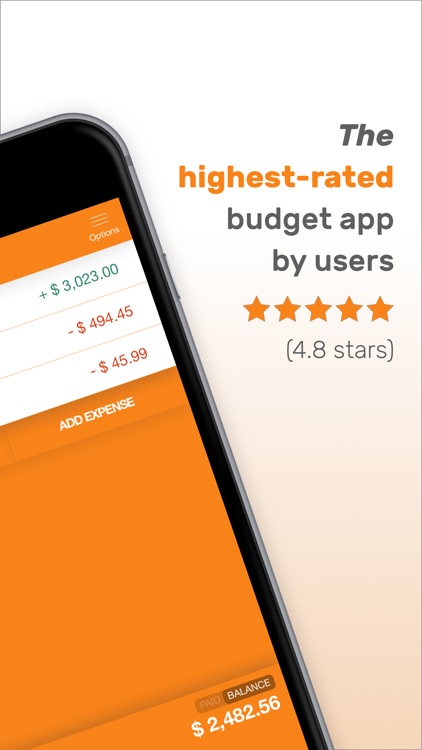
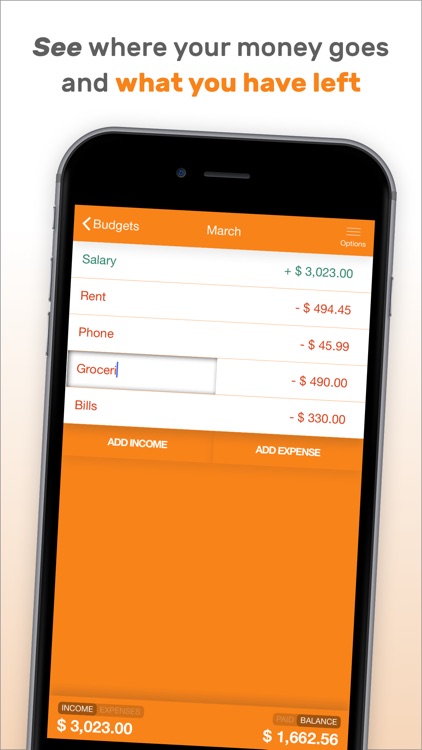
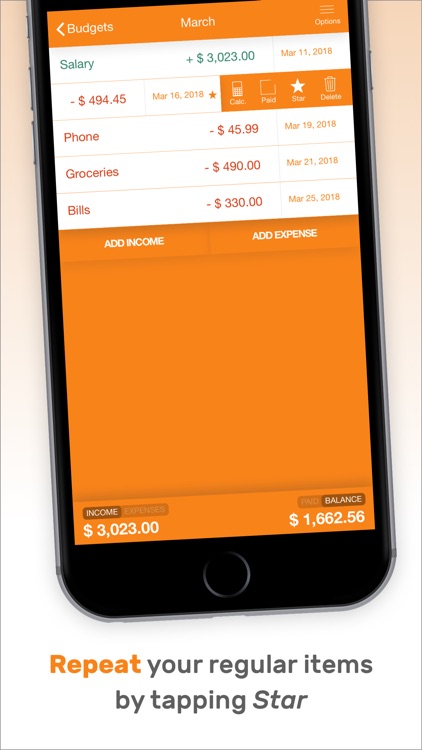
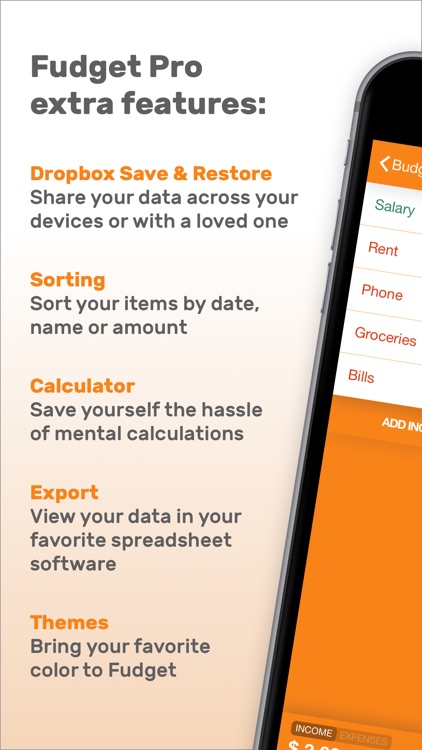
Fudget takes a less-is-more approach to finance tracking. You’re able to create separate budgets for each month, specific occasions, or anything else you deem necessary. It only takes one tap to add income or an expense, and you will see your totals updated in real-time at the bottom of the screen. Income and expenses can be favorited in order to be repeated in future budgets. Entries can be reordered, edited, and deleted at will. Fudget also includes Dropbox support, eight themes, and the ability to export budgets.

You want an easy way to stay on top of your finances. There aren’t any time constraints, so you can use it weekly, monthly, or however you wish.
You require power-user features like the ability to tag and attach symbols to entries.