You are using an outdated browser. Please upgrade your browser to improve your experience.

Apps That
Went Free on
2020-04-22

Design and share animated emoji faces, sketch out ideas, and practice math skills with today’s collection of apps and games.

Emoji Me Sticker Maker
iPhone
iPad
Emoji Me Sticker Maker

Emoji Me Sticker Maker

Focused Apps LLC

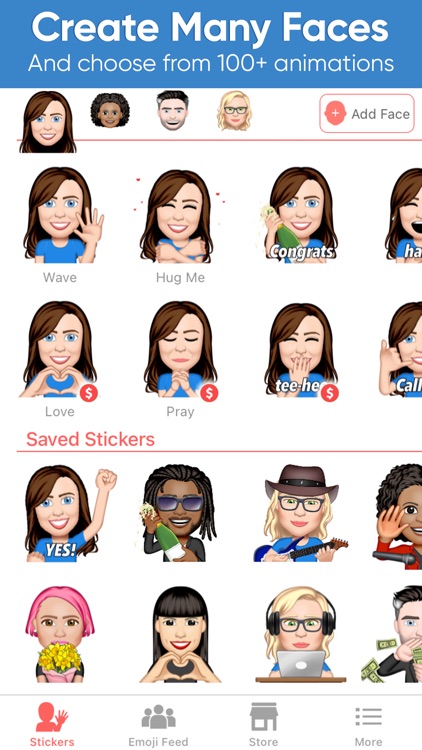
Design and share animated emoji faces with Emoji Me. Today only: Unlock the Favorites Bundle free of charge! Just tap the store icon at the bottom of the screen, and scroll all of the way down until you see the Favorites Bundle. Tap on it, and then tap on the $0.00 price tag to begin the download.

Those who frequent social media and chatty types.

FREE ($7.99) For a limited time FREE ($7.99) For a limited time
Why we picked this?

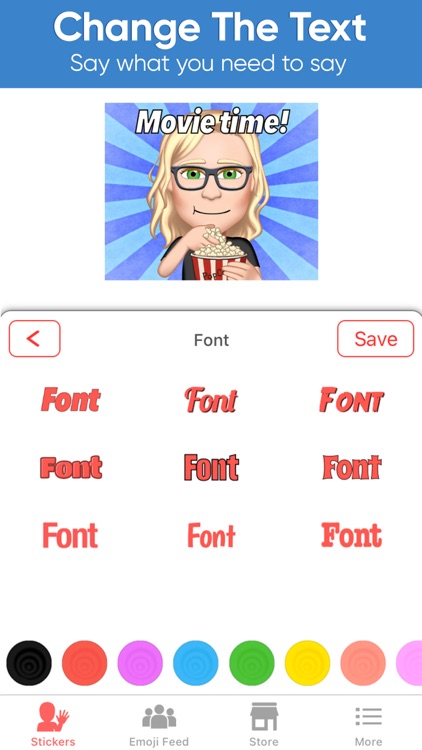
Emoji Me includes hundreds of face, hair, eye, mouth, nose, and accessory styles to choose from. Whether you’re making a clone of yourself or a celebrity, you’re able to import an image for reference. All of your designs are saved locally and can be shared via your favorite social media or messaging apps.

You’re a fan of apps like Bitmoji. It’s similar but animated.

You want all of the things. Some of the other animations are only available via in-app purchase.
PhotoTangler Collage Maker
iPhone
iPad
PhotoTangler Collage Maker

PhotoTangler Collage Maker

Kurt Miller

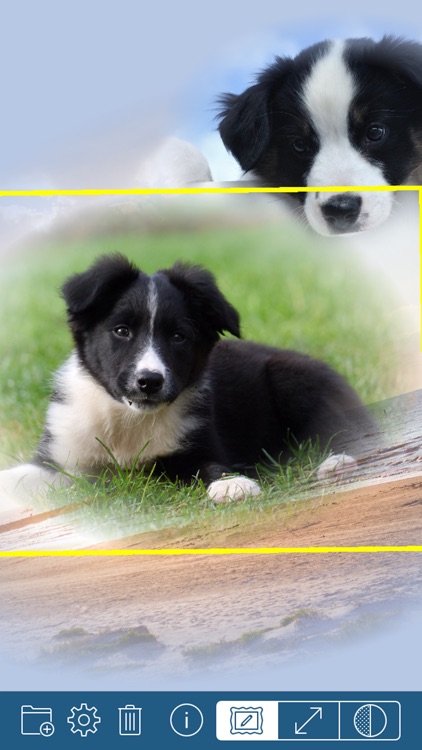
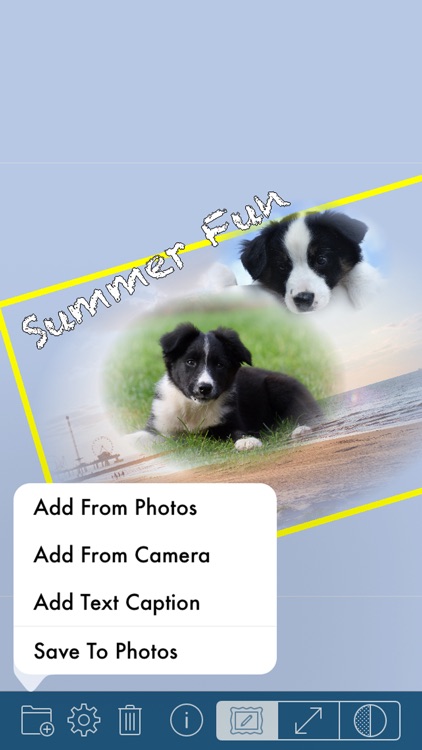
Blend photos together with PhotoTangler.

Those in need of bringing similar photos together.

$2.99 $2.99
Why we picked this?

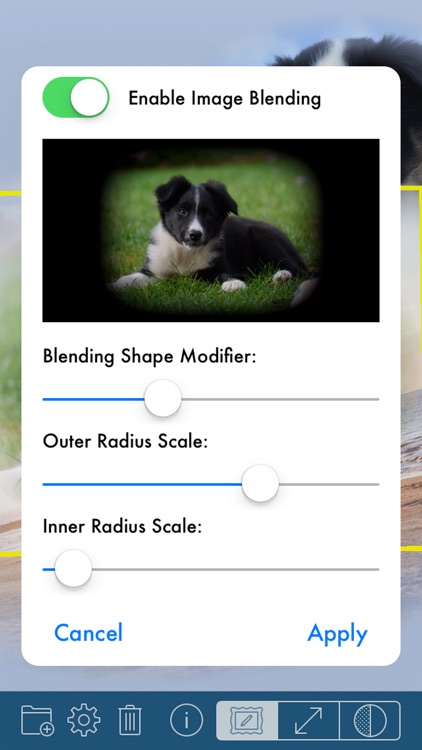
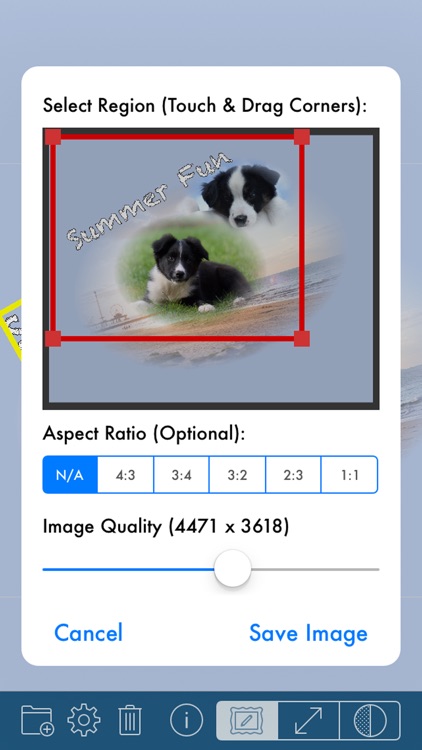
PhotoTangler doesn’t require any professional photo editing experience to achieve great results. Simply import related photos or take new ones from within the app. You’re able to crop photos down if necessary. PhotoTangler will automatically apply a fade, which can be adjusted in a variety of ways. Layer as many photos as you like before finishing off your work of art with a background color and text.

You want to make perfectly blended photo collages.

You intend to rely on it for the entire editing process. It’s limited in terms of text and background options.

Modern Magic Ball
iPhone
iPad
Modern Magic Ball

Modern Magic Ball

Hayden Watson

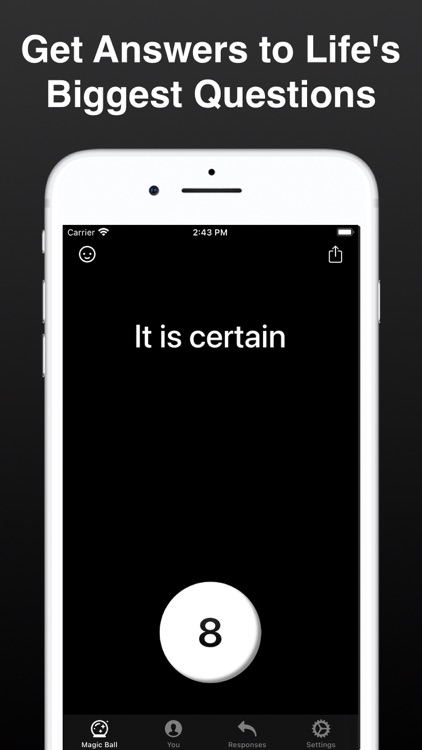
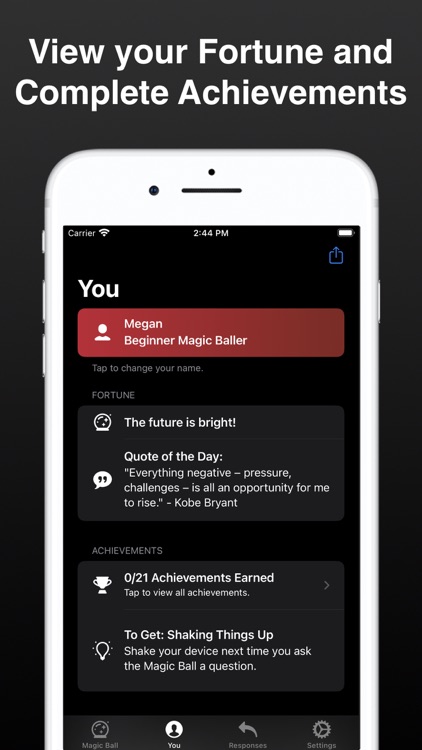
Ask a question and receive an answer with Modern Magic 8 Ball.

Those looking for a little fun.

$0.99 $0.99
Why we picked this?

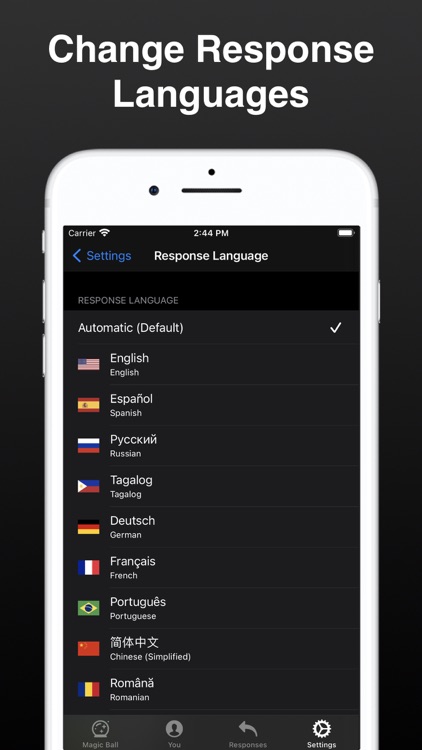
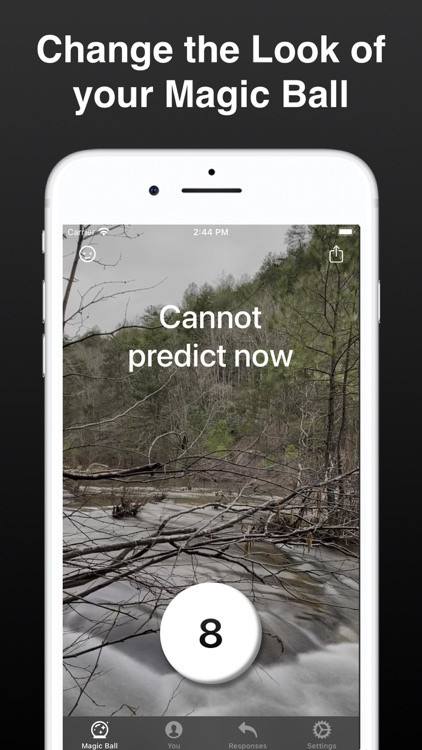
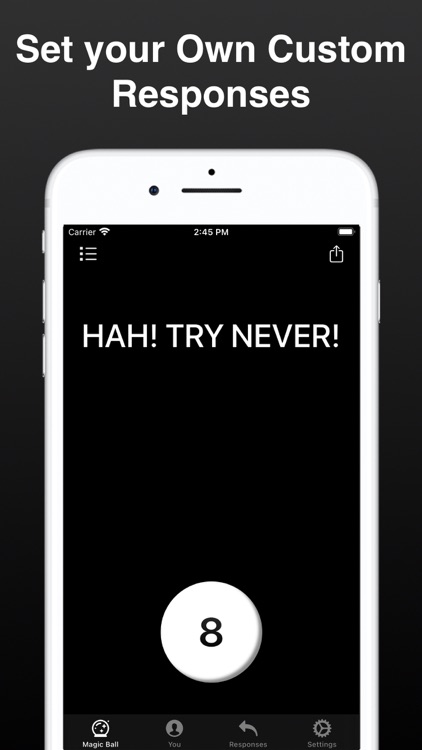
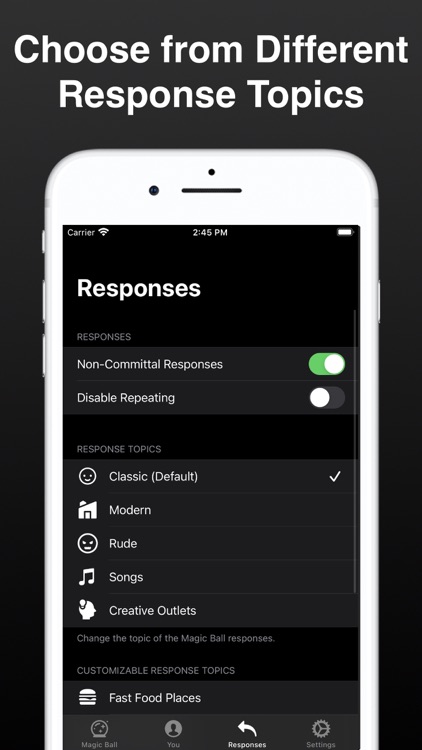
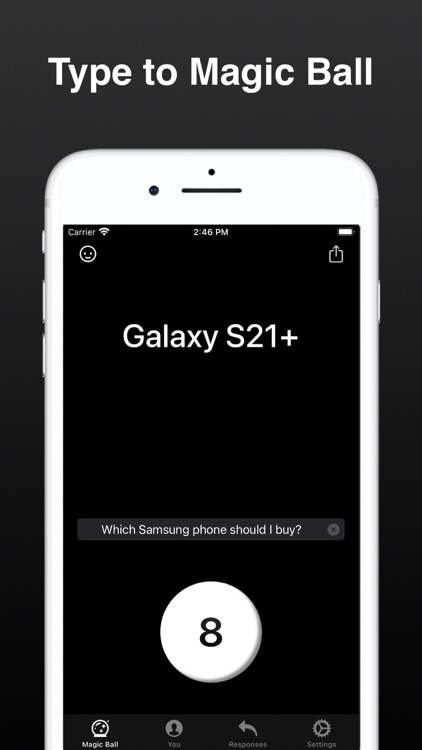
Modern Magic 8 Ball is an updated version of everyone’s favorite fortune-telling device. Just ask a yes or no question, tap the 8 button or shake your device, and receive an answer. You can choose to receive classic responses, new responses, or create your own. The app also includes various themes and icon designs to choose form, Smart Invert and VoiceOver support, Apple Watch support, and eight languages to choose from.

You need an answer.

You don’t trust the Magic 8 Ball.

Draw with Math
iPhone
iPad
Draw with Math

Draw with Math

Besher Al Maleh

Practice math skills with Draw with Math.

Parents and teachers.

$1.99 $1.99
Why we picked this?

Draw with Math is both fun and educational. You’re able to practice math skills on your own by selecting one of three game types or you can compete on the same device with friends and family. Before each game begins, you’re able to choose one of three difficulty settings and decide what type of operations will be included. Then simply draw the answer to each problem as quickly and accurately as possible. The game also includes unlockable drawing colors and a freeform drawing mode.

You want to work on your mental math skills.

You want more than basic operations.

Asketch
iPhone
iPad
Asketch

Asketch

Andrew Kern

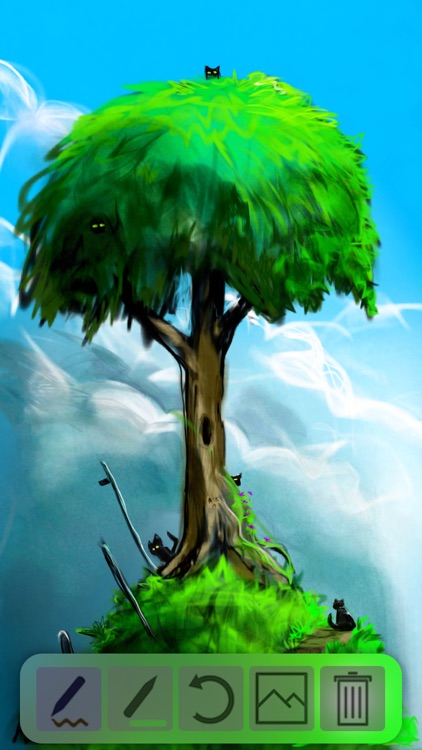
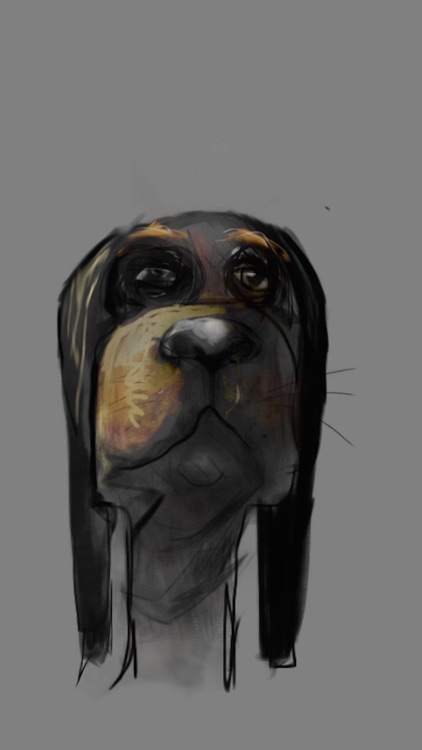
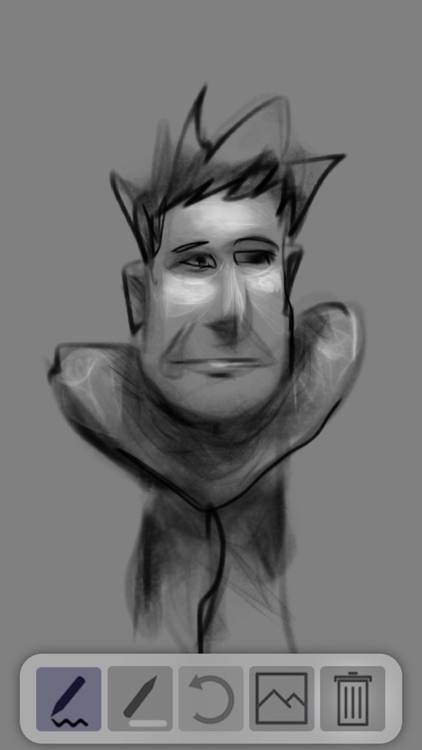
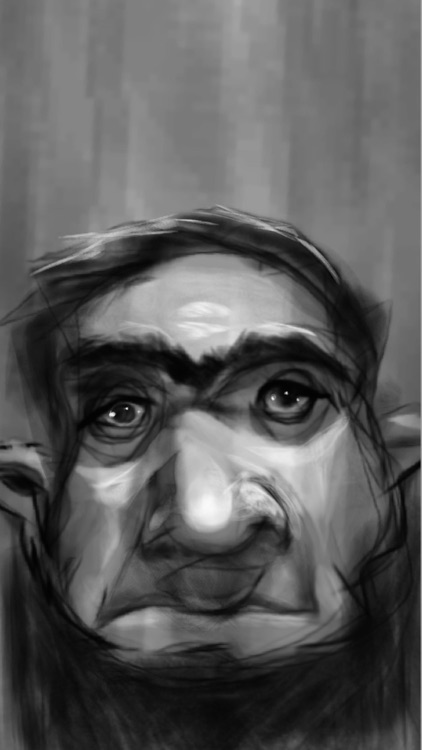
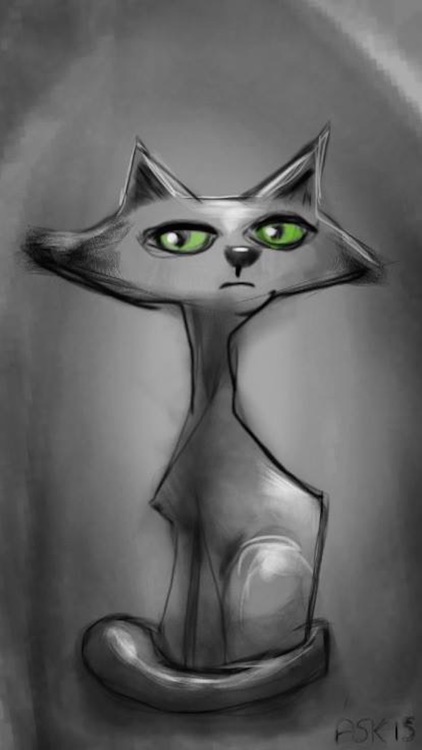
Sketch out ideas with Asketch.

Everyone from doodlers to designers.

$1.99 $1.99
Why we picked this?

Asketch puts your work into focus with its fullscreen canvas. Tap with two fingers to access the tool tray to choose different colors, drawing tools, and manage content. A two-finger pinch and rotate gesture allows you to adjust the weight of the pencil’s line. The same two-finger gesture allows you to adjust the eraser’s size and transparency. Asketch includes 20 levels of undo and redo.

You want to be able to get creative anytime, anywhere.

You already have a go-to drawing tool.