

You are using an outdated browser. Please upgrade your browser to improve your experience.

Apps That
Went Free on
2020-04-25

Track where your money is going, explore the city, and know when and where to take the best outdoor photos with today’s collection of apps and games.

My City : After School
iPhone
iPad
My City : After School

My City : After School

My Town Games LTD

Spend an afternoon in My City: After School.

Children ages four through 12.

FREE ($2.99) For a limited time FREE ($2.99) For a limited time
Why we picked this?

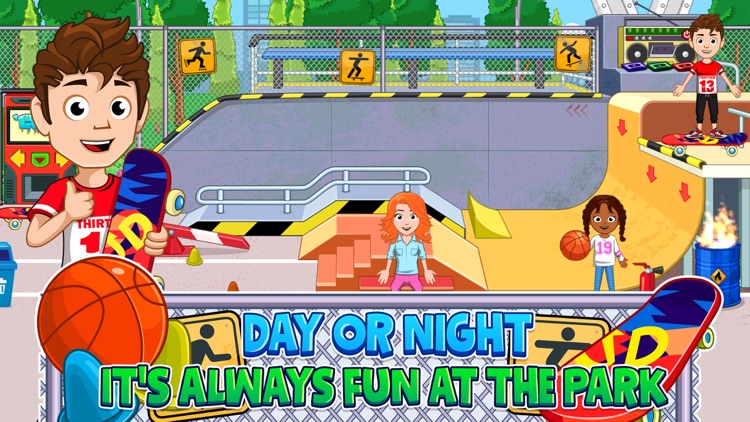
Everyone knows the fun really begins after the bell rings, so join your friends and explore My City: After School. Check out the library, karate class, fountain park, pizza store, pond, and skate park. Everything is fair game. Just tap and swipe to see what happens. The game also includes 20 characters to dress and customize, daily gifts, and day and night cycles.

You have a child with a big imagination. My City: After School is an open world for them to explore.

Your child doesn’t fit within the age range.

Dog Whistle & Clicker
iPhone
Dog Whistle & Clicker

Dog Whistle & Clicker

Gaurav Babbar

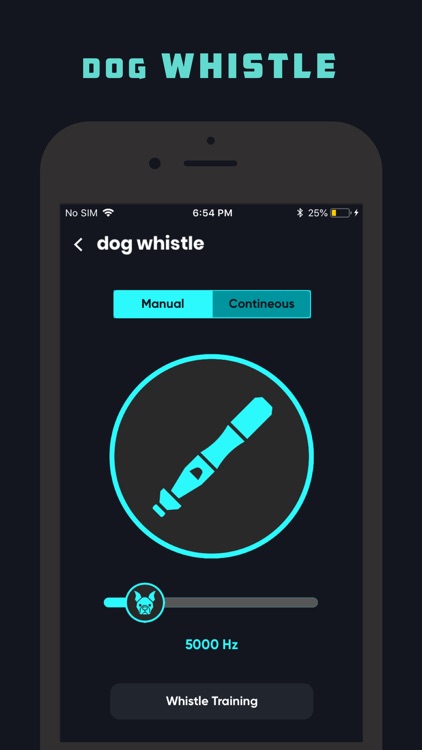
Train your dog with this helpful collection of tools. Today only: Unlock Dog Trainer Pro free of charge! The Pro upgrade provides access to every clicker sound, lesson, animal sound, and sticker. It also disables ads.

Anyone with a dog.

FREE ($2.99) For a limited time FREE ($2.99) For a limited time
Why we picked this?

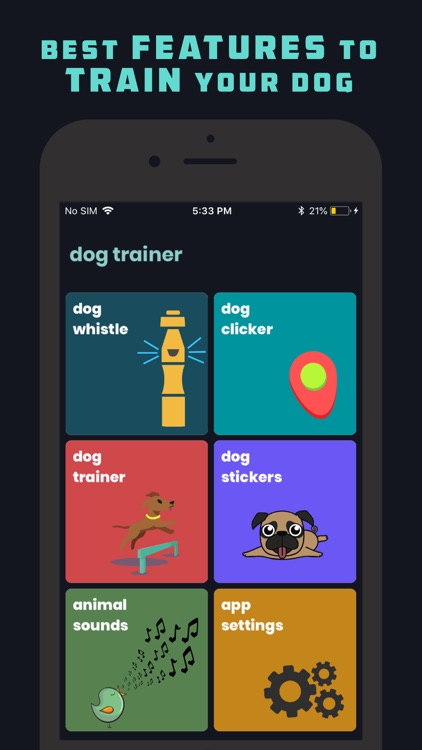
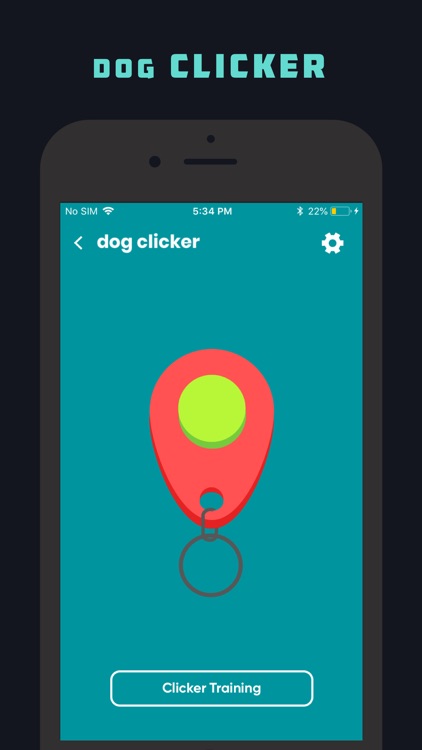
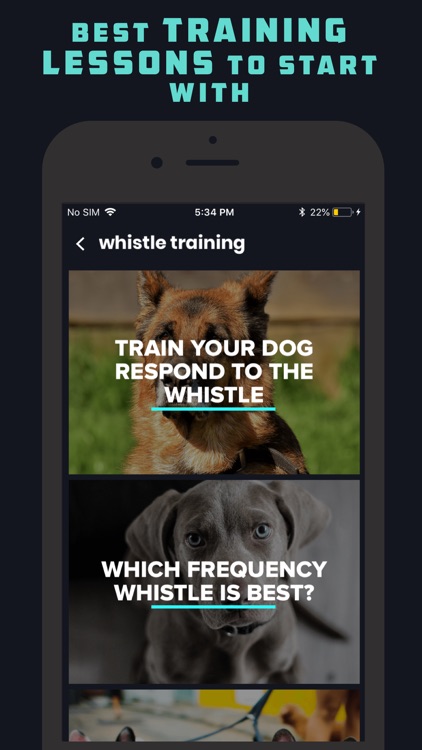
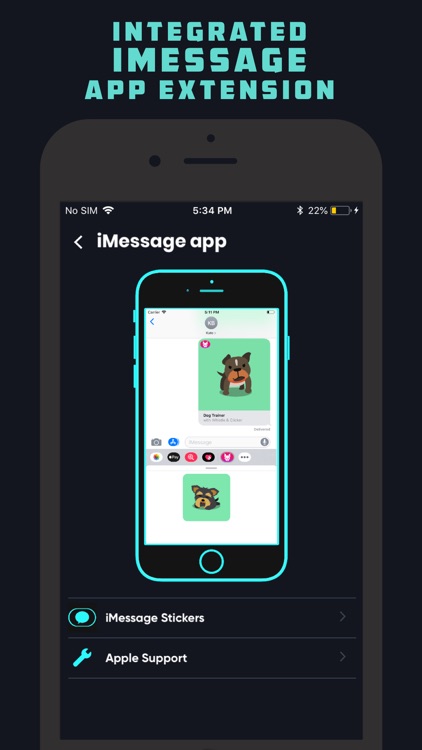
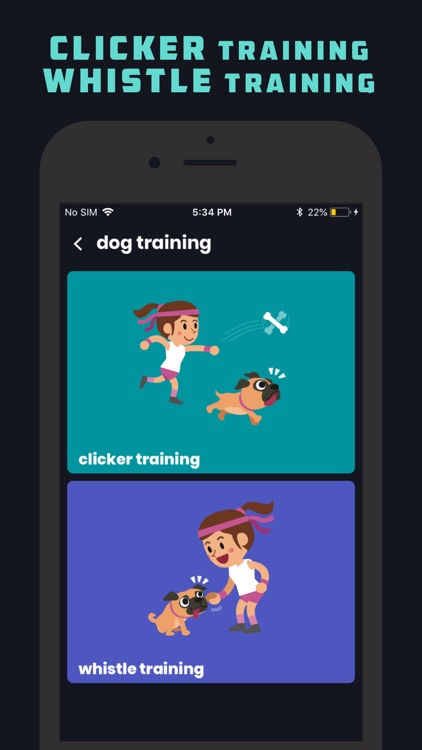
Dog Trainer provides all of the tools you need to help your pooch reach their true potential. The dog whistle features a range from 0 to 40,000 Hz, and the dog clicker features five sounds to choose from. Both the whistle and the clicker include a wide variety of lessons that’ll help you train your dog to respond to its name, sit, stand, lay down, stay, spin, and much more. The app also includes a collection of stickers to share, and a collection of other common animal sounds to help train your dog.

You want your dog to be the best it can be.

You don’t have a dog.

Spending Log Pro
iPhone
Spending Log Pro

Spending Log Pro

MoneyBudgie

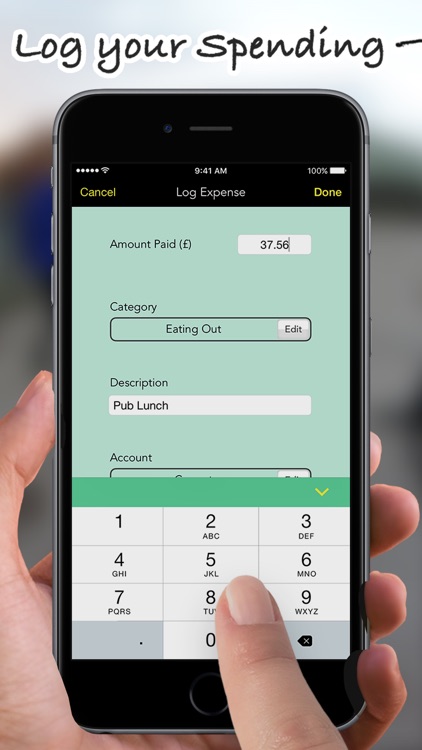
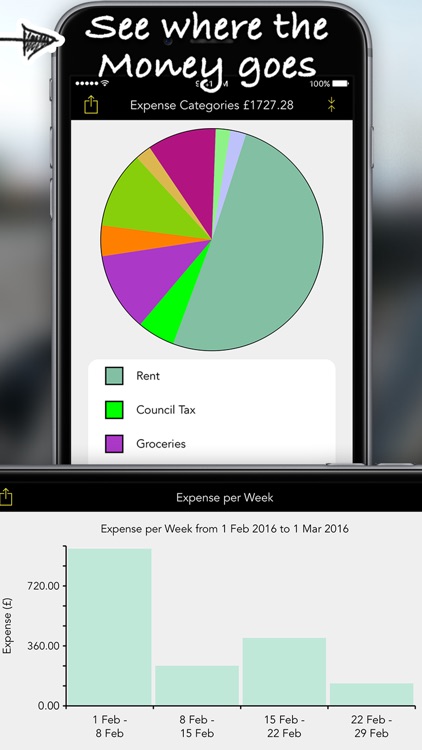
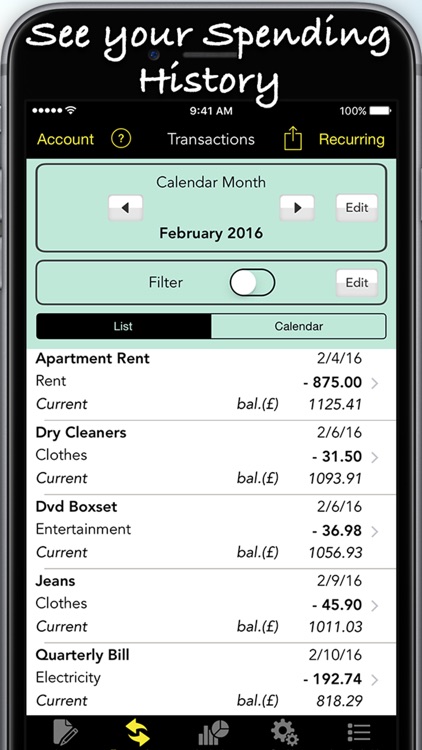
Track where your money is going with Spending Log.

Anyone who struggles with their finances.

$3.99 $3.99
Why we picked this?

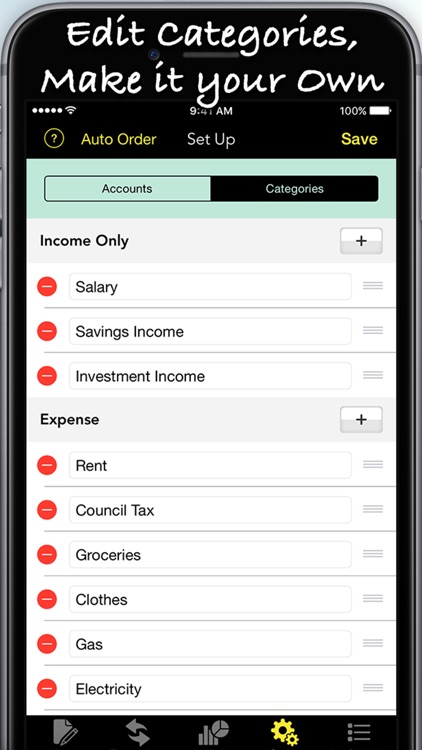
Spending Log helps analyze your finances. Start off by creating personal accounts and customizing categories in the “Set Up” menu. You’re able to prioritize types of income and expenses to make recording them even faster. Then every time you make a purchase or have money flow in, simply enter an amount, choose a category, attach a description, and define a date. Spending Log’s main screen allows you to easily check in on how things are going and analyze the data in chart form.

You never have enough cash in hand at the end of each month.

You never really worry about your finances or have things under control.

Knots 3D
iPhone
iPad
Knots 3D

Knots 3D

Nynix

Learn how to tie 135 different types of knots with this detailed reference app.

Almost everyone will find Knots 3D to be handy at some point.

$5.99 $5.99
Why we picked this?

With Knots 3D, anyone can learn to tie a knot. You're able to watch each knot tie itself, and you can pause or adjust the speed of the animation at any time. You can also rotate each knot 360 degrees, and zoom in using multitouch gestures. Knots can be broken down by category or class, and they can be added to favorites for quick reference.

You can’t tie more than a basic knot. The 3D animations will help ensure you’ll never have another knot come undone.

You’re a master knot tier who has earned every scout badge.

Blue Golden Hour
iPhone
iPad
Blue Golden Hour

Blue Golden Hour

Lorenzo Piccinini

Know when and where to take the best outdoor photos with B&G.

iPhoneographers.

$2.99 $2.99
Why we picked this?

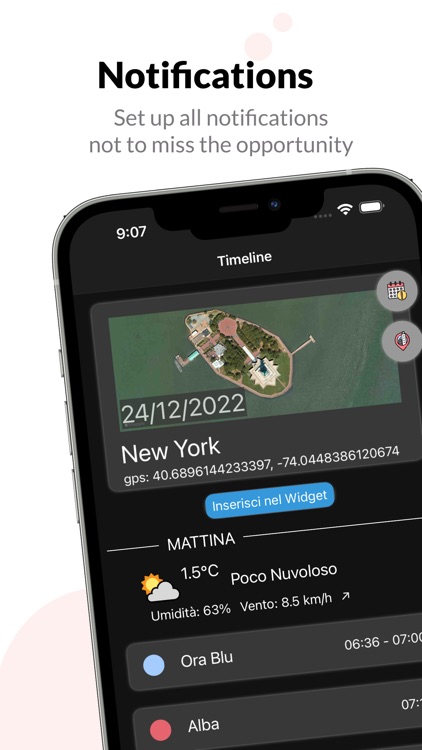
Never miss another great photo opportunity again with B&G. It helps you identify the golden and blue hour range for both morning and evening. Weather data along with sunrise and sunset times are also available, ensuring you have all of the information you need before heading out for a photo shoot. Custom notifications can be created for gold hour, blue hour, sunrise, and sunset times with just a tap.

Outdoor lighting matters.

You’re not interested in photography whatsoever.