
You are using an outdated browser. Please upgrade your browser to improve your experience.

Apps That
Went Free on
2020-07-14

Create surreal sculptures, turn an iPhone or iPad into a remote control, and find suitable word replacements with today’s collection of apps and games.

Super Sculptor
iPhone
Super Sculptor

Super Sculptor

Michael Shillingburg

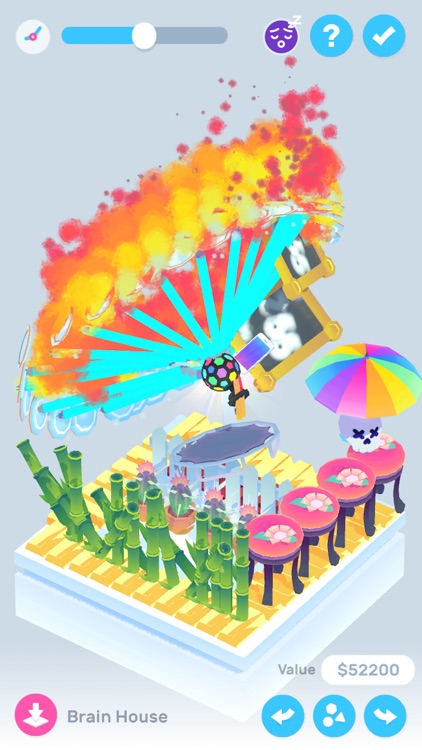
Construct surreal sculptures with Super Sculptor.

Creative types.

FREE ($0.99) For a limited time FREE ($0.99) For a limited time
Why we picked this?

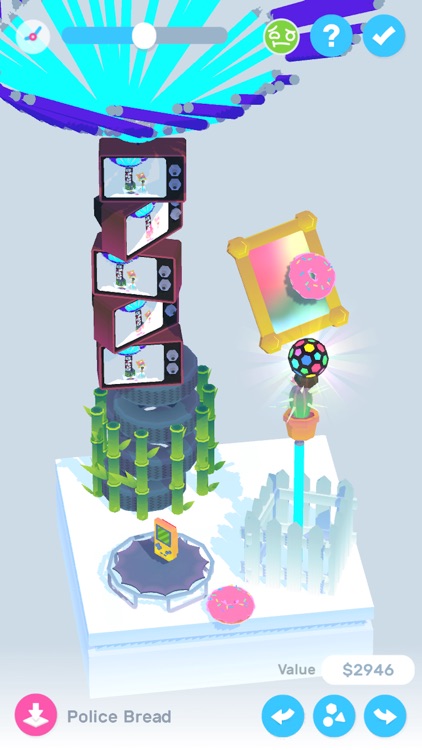
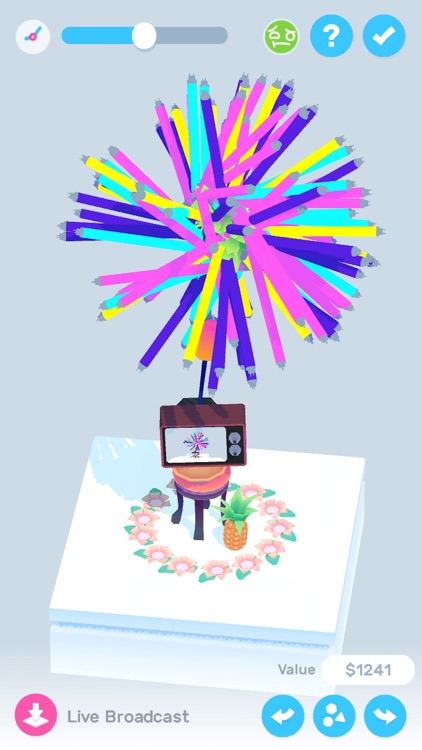
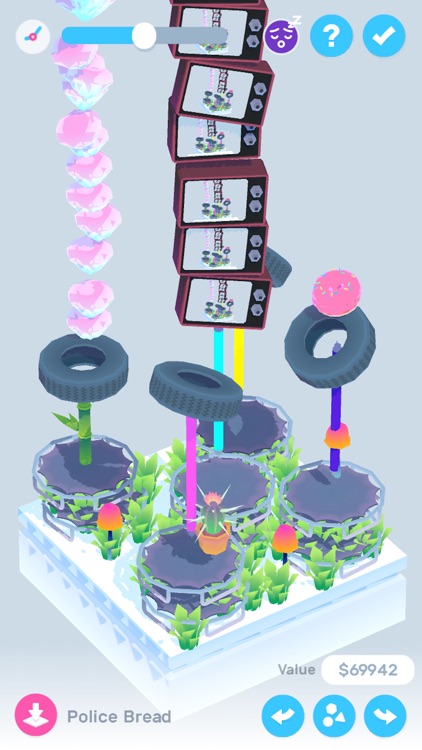
Super Sculptor will get your creative juices flowing. It allows you to utilize 40 different items to create the sculpture of your dreams. You’ll find everything from trampolines and umbrellas to TVs and saw blades. Some items are in motion while others are able to utilize your iPhone’s camera, allowing you to create elaborate and completely unique works of art for your audience. Super Sculptor also includes the ability to speed up or slow down time, pick your own objects, and generate names for works of art.

You’re looking for a way to pass some time and unwind.

You have an iPad. The app just wasn’t designed to take full advantage of the screen size.
MathEdge Addition for Kids
iPhone
iPad
MathEdge Addition for Kids

MathEdge Addition for Kids

Peekaboo Studios LLC

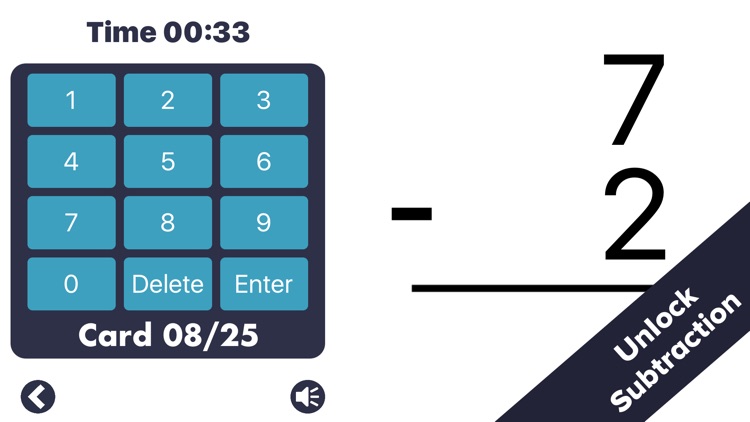
Learn addition and subtraction with MathEdge. TODAY ONLY: Unlock the full version of MathEdge free of charge for one month!

Parents and teachers.

FREE ($2.99) For a limited time FREE ($2.99) For a limited time
Why we picked this?

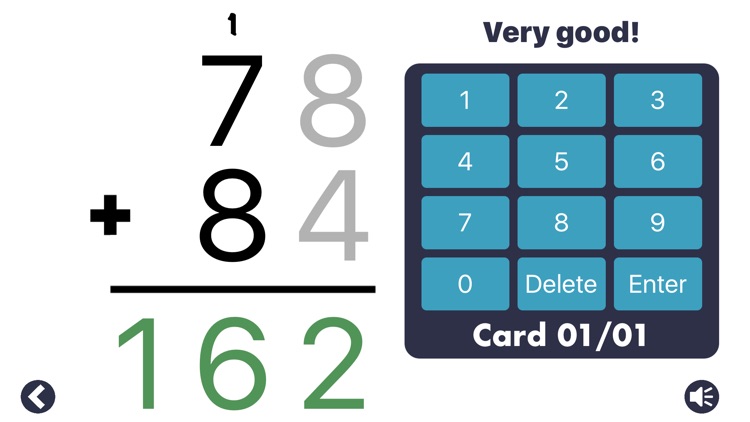
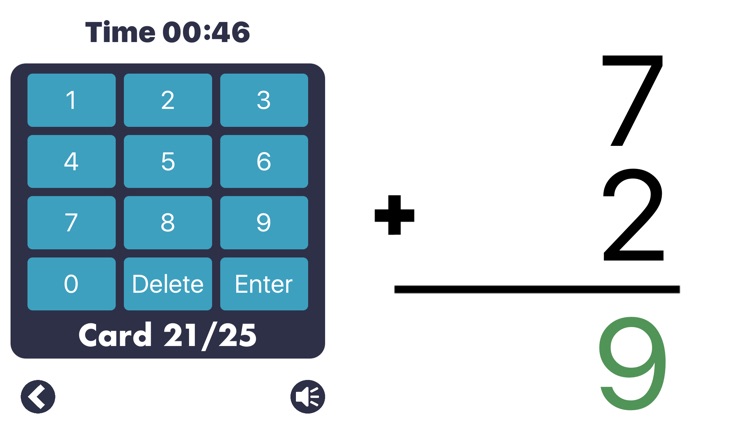
MathEdge provides a step-by-step guide to learning addition and subtraction. You’re able to create custom questions for your child or simply select one of the built in difficulty levels. The step-by-step guide will walk your child through the problem with audio hints and even carrying the one for them. The app also caters to left and right handed children. A flash card option is available as well to help your child hone their skills.

You want to get your child started on the right foot.

Your child is outside of the recommended age range of eight through 10.

Remote, Mouse & Keyboard Pro
iPhone
iPad
Remote, Mouse & Keyboard Pro

Remote, Mouse & Keyboard Pro

Remote Sunrise LTD

Turn your iPhone or iPad into a remote control with Remote Control.

Those who desire convenience.

FREE ($6.99) For a limited time FREE ($6.99) For a limited time
Why we picked this?

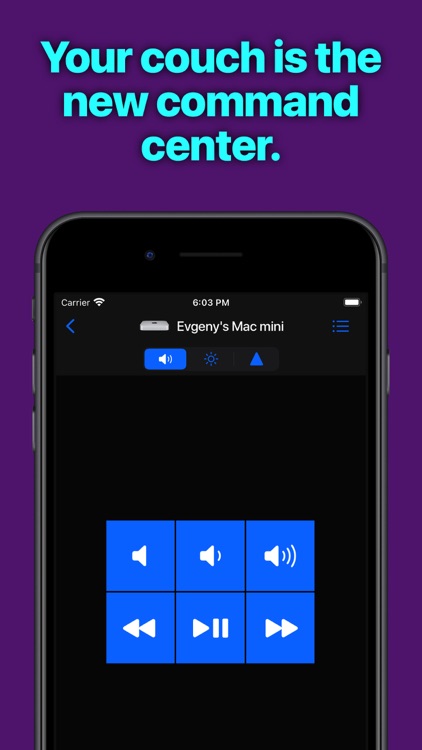
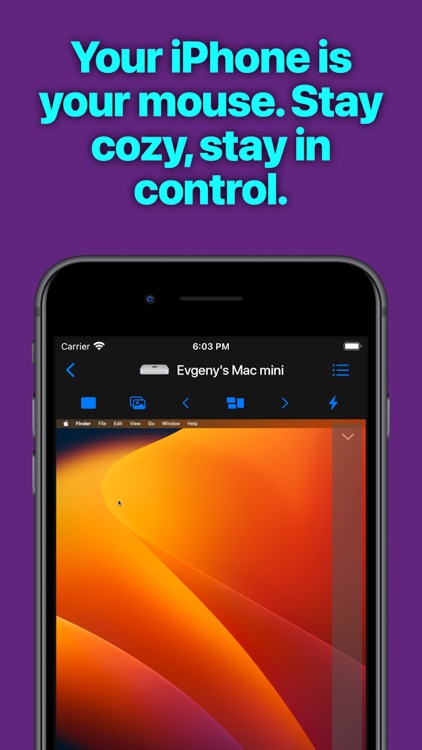
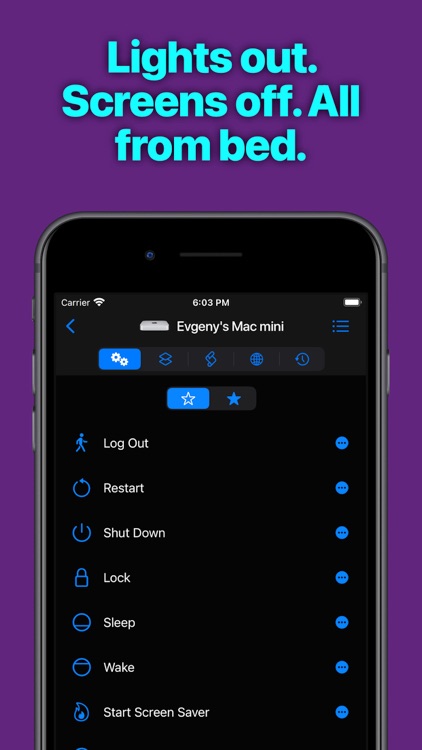
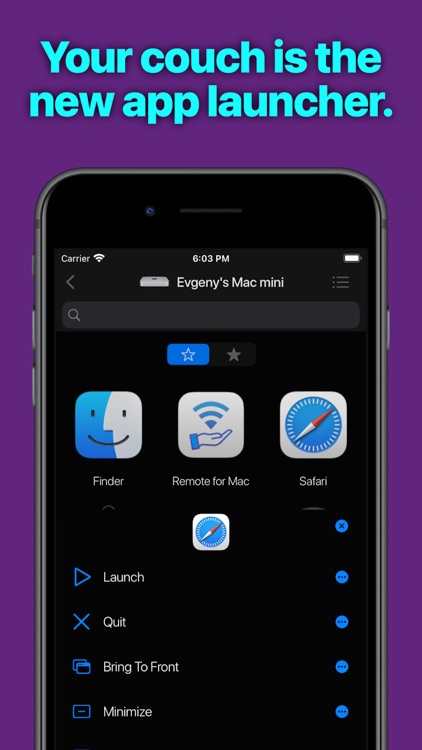
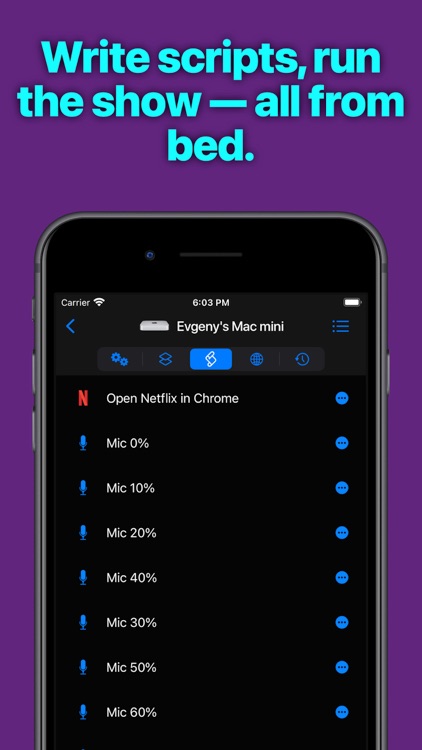
Remote Control just works. Simply visit https://cherpake.com/get and install the companion software onto your Mac or PC. Then launch Remote Control on your iPhone or iPad and it’ll automatically connect. Remote Control cannot only act as a trackpad with touch gestures but also a functional keyboard, application launcher and switcher, and remote.

You want to control your Mac or PC from anywhere in your home or office.

You don’t have a use for such a tool.

Interactive Thesaurus
iPhone
iPad
Interactive Thesaurus

Interactive Thesaurus

Alexey Tataurov

Find suitable word replacements and extend your vocabulary with WordMap.

Everyone from students to professionals.

$2.99 $2.99
Why we picked this?

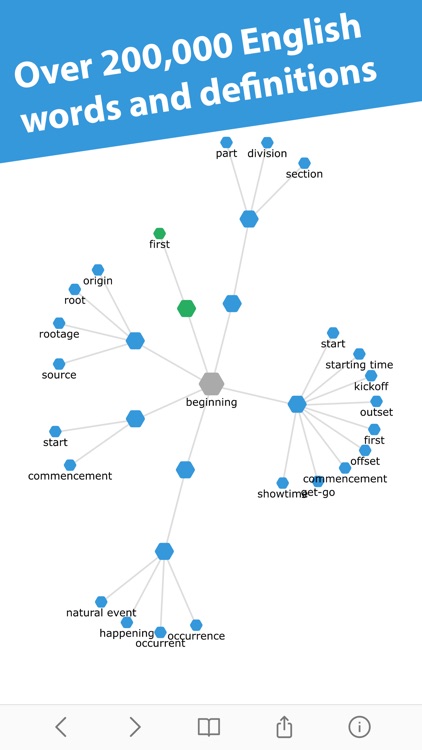
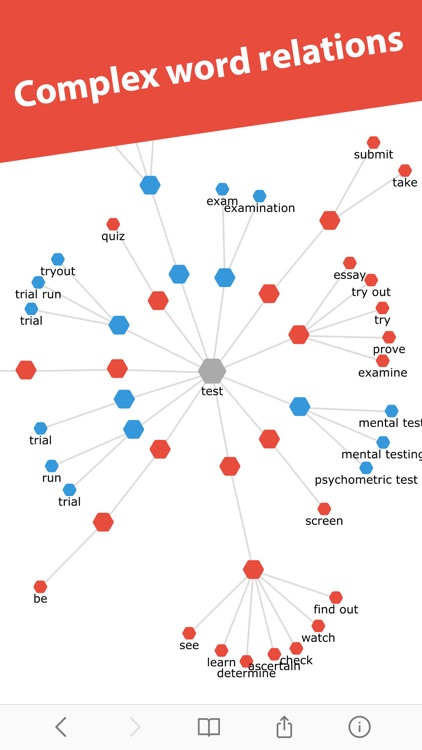
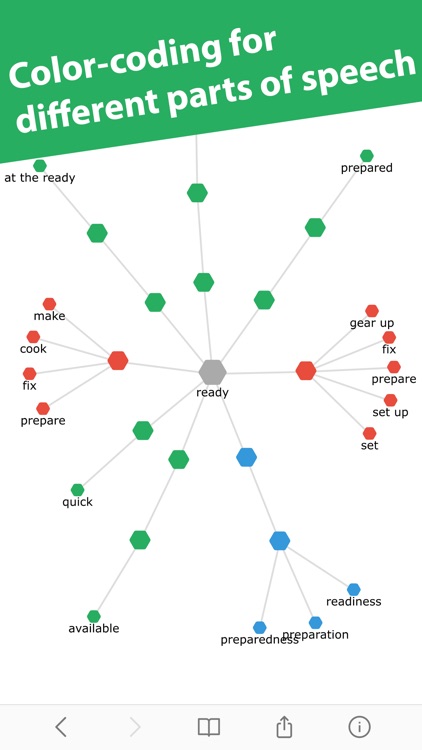
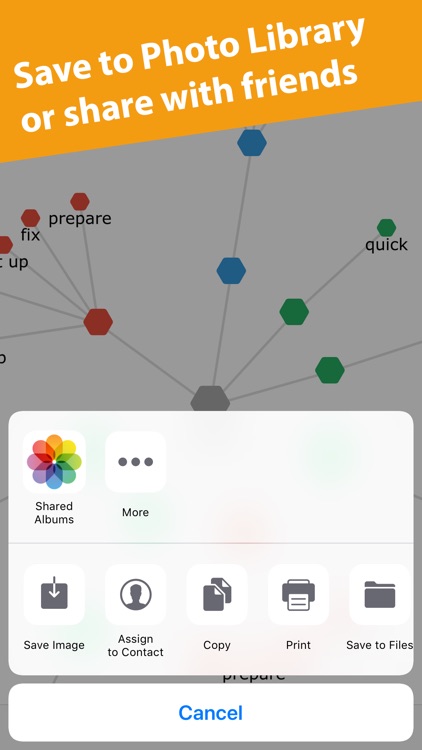
WordMap is best described as an interactive thesaurus. Input any word and WordMap will not only provide a definition but also map out associated words. Tap on any of the associated words to dig deeper. The intuitive interface displays semantic relations between words and color codes them for different parts of speech. WordMap also includes editable bookmarks, undo and redo, and the ability to save the result map.

You need a way to visualize words.

You have no use for an English thesaurus.