
You are using an outdated browser. Please upgrade your browser to improve your experience.

Apps That
Went Free on
2020-08-04

Turn any iPad into a whiteboard, calm your mind and body, and manage attendance with today’s collection of apps.

Rest: White Noise Sleep Sounds
iPhone
iPad
Rest: White Noise Sleep Sounds

Rest: White Noise Sleep Sounds

Olivia Rivera

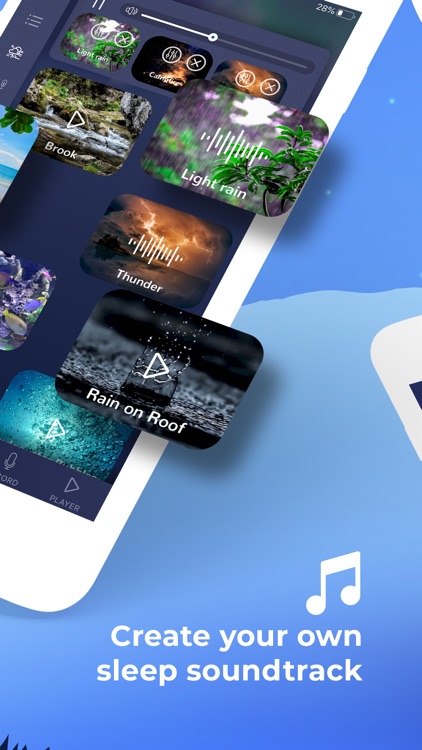
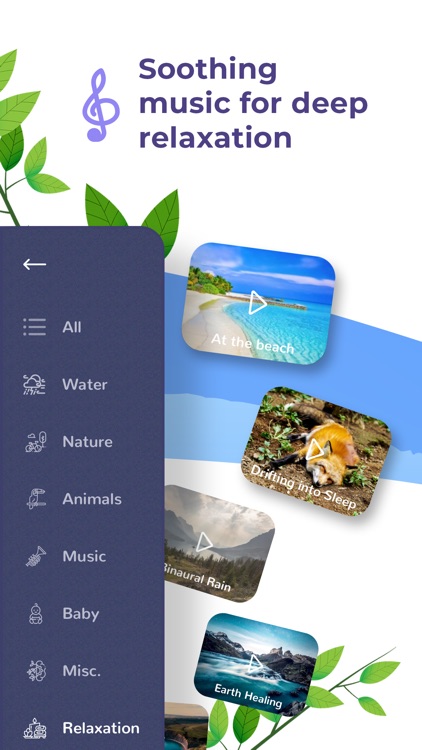
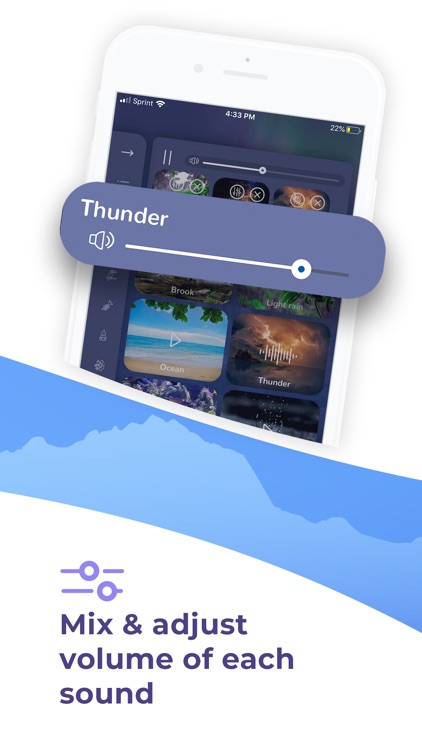
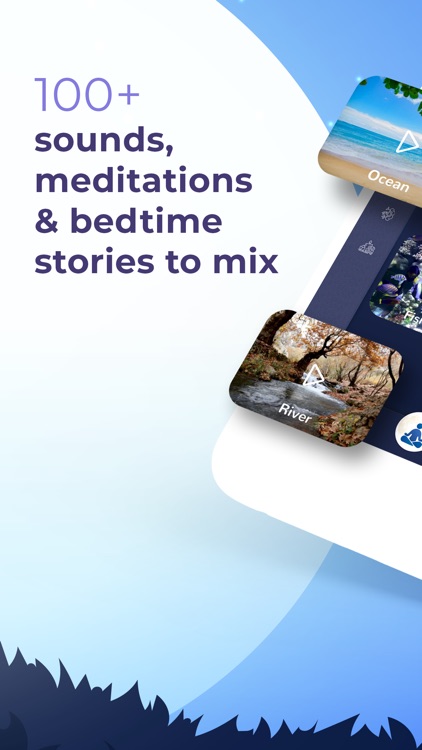
Calm your mind and body with Rest. TODAY ONLY: Play and mix sounds for free for one week! No action is required. Simply enjoy all 78 soothing sounds.

Those who experience anxiety and stress.

FREE ($2.99) For a limited time FREE ($2.99) For a limited time
Why we picked this?

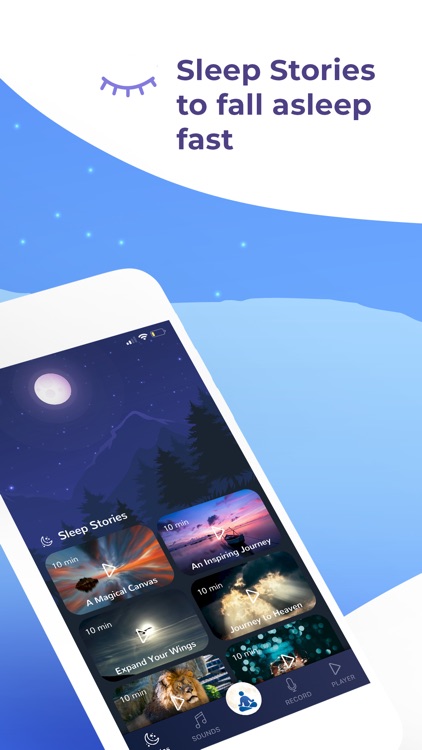
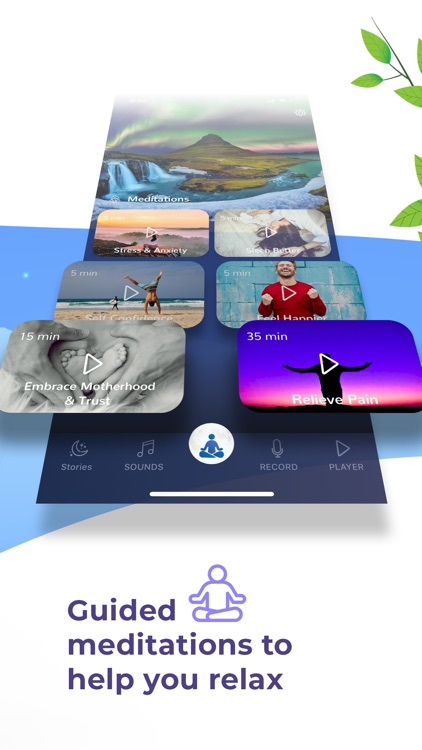
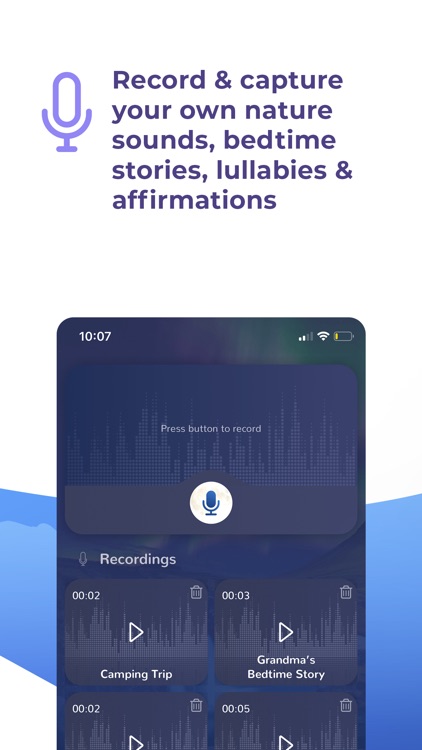
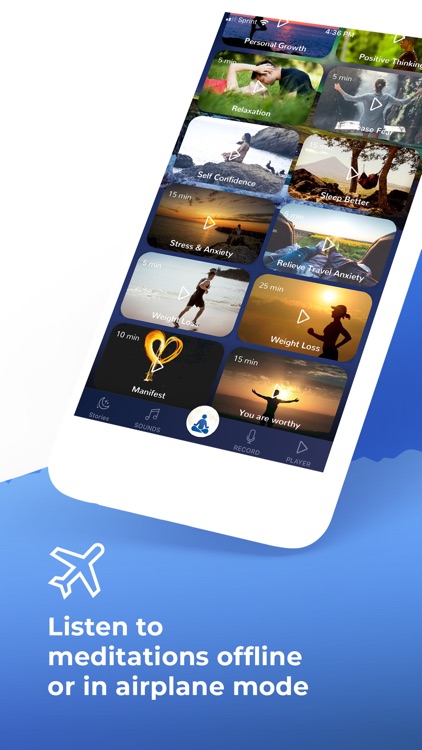
Rest has all of the tools you need to find your happy place. It includes guided meditations that can help with pain, stress, self confidence, focus, and even weight loss. Listen to sleep stories to distract your mind and drift off into dreamland, or mix and play soothing sounds to calm your nerves. Rest also includes the ability to capture and play your own sounds, stories, and affirmations.

Your job or life in general stresses you out.

You’re not fond of subscription services.
Attendance (For Students)
iPhone
iPad
Attendance (For Students)

Attendance (For Students)

Neel Makhecha

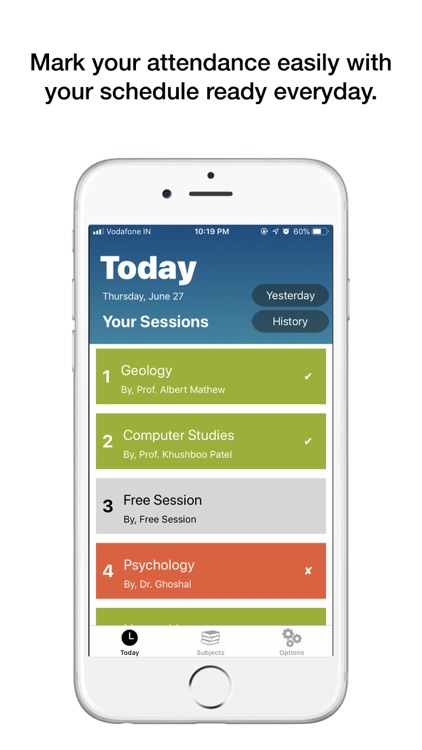
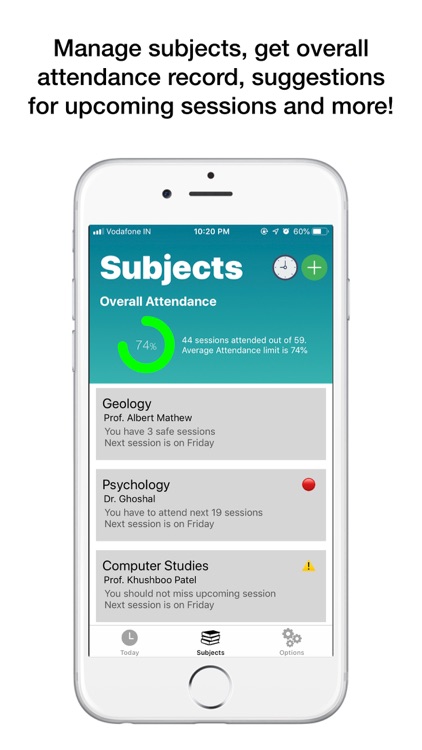
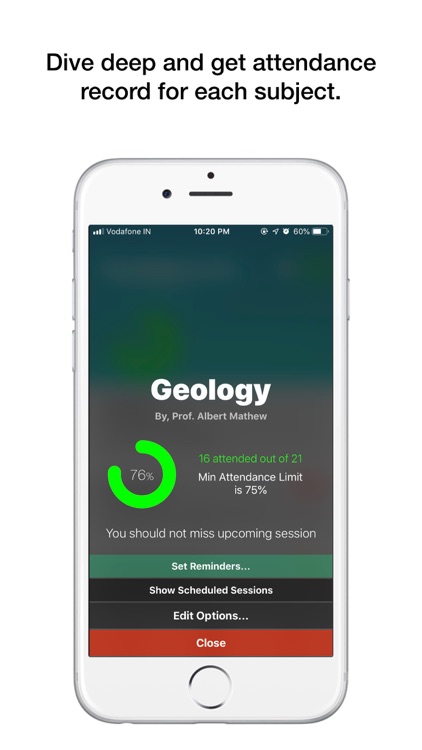
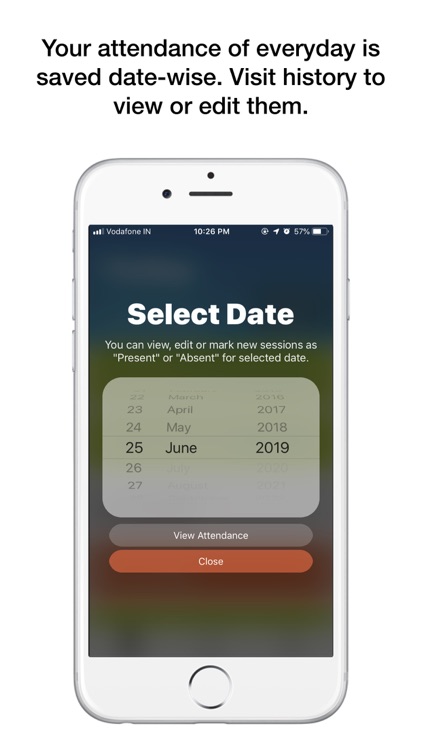
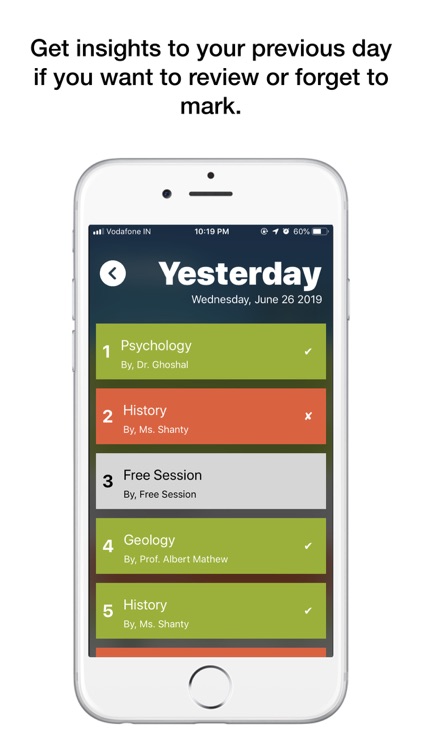
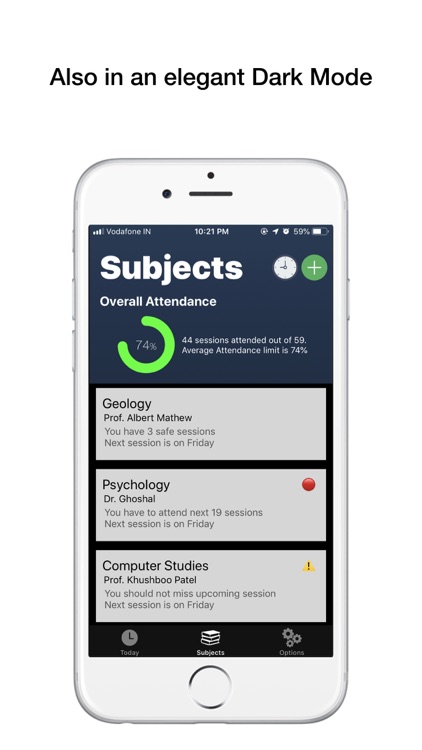
Manage your college attendance with this handy productivity app.

Students.

FREE ($2.99) For a limited time FREE ($2.99) For a limited time
Why we picked this?

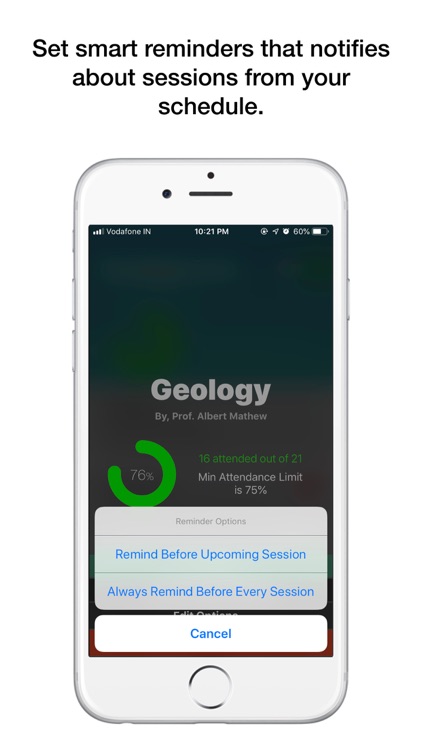
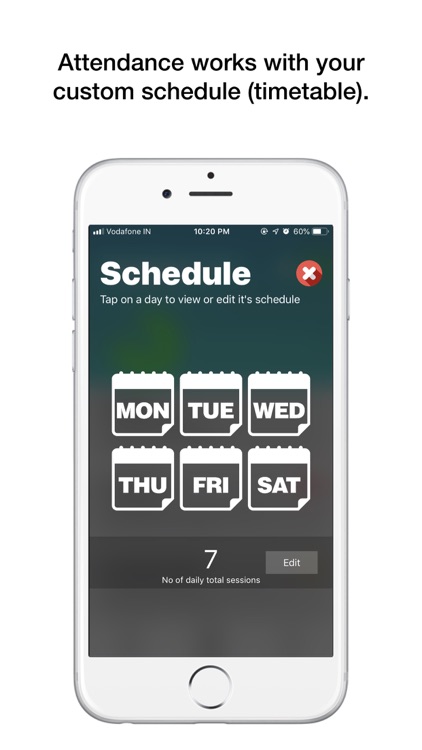
Attendance will help you become a better student. You’ll need to set up your weekly schedule by entering your subjects and their corresponding attendance limits, and assigning them to days of the week. Then simply mark each class as present, absent, or cancelled as the week progresses. Attendance can suggest how many upcoming classes you need to attend to meet your attendance limits, and generate weekly attendance reports.

You’re in college and need help keeping track of attendance.

You don’t attend college.

Stickyboard 2
iPad
Stickyboard 2

Stickyboard 2

Qrayon, LLC

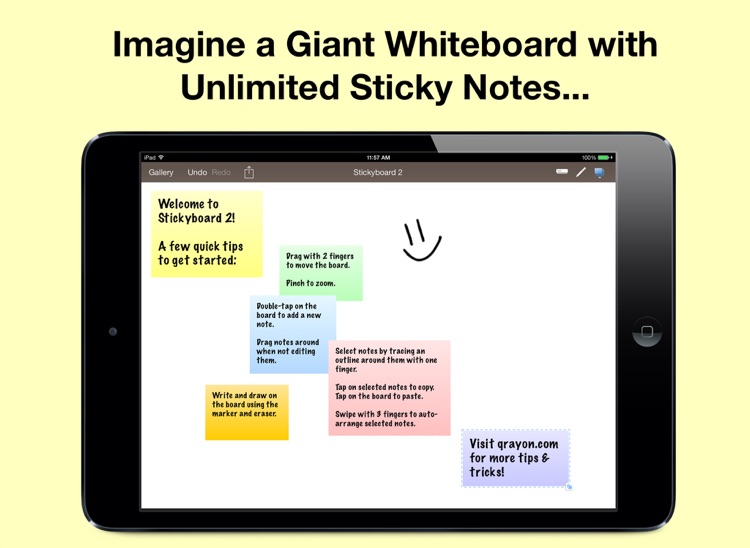
Stickyboard 2 turns your iPad into a giant whiteboard with a never-ending stack of sticky notes.

Anyone who needs to track thoughts or map ideas.

FREE ($4.99) For a limited time FREE ($4.99) For a limited time
Why we picked this?

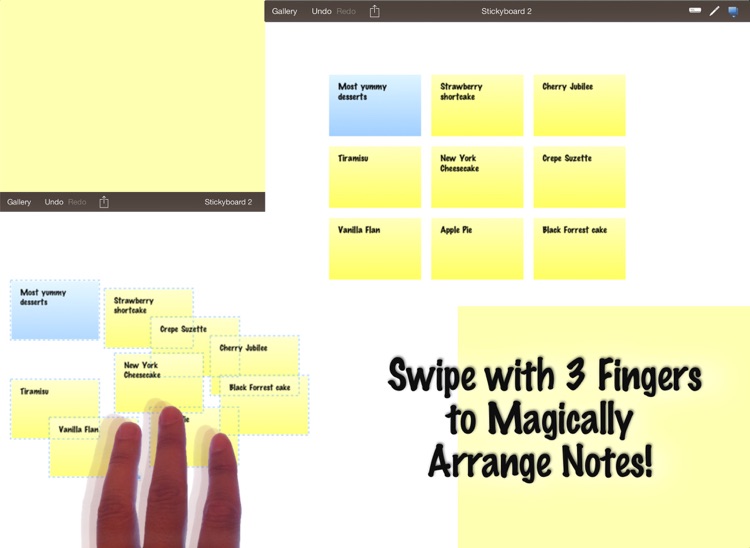
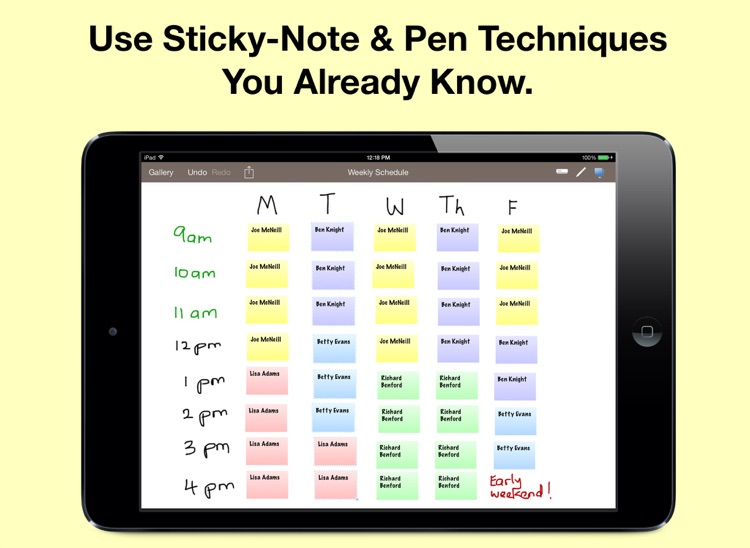
Sticky notes of different sizes and colors can be created by double-tapping on the whiteboard. They can also be moved and resized with a tap and drag of your finger. You're able to select and organize multiple sticky notes by first dragging your finger over them, and then using three-finger swipe gestures to choose a layout. The app also includes the ability to write on the whiteboard with different colored markers, undo and redo, a gallery view, and the ability to share your stickies as a PDF or text.

You’ve always been a sticky note fanatic. It’s infinitely flexible, so it can be used for a variety of applications.

You want to be able to write freely or doodle directly on the sticky notes themselves.