
You are using an outdated browser. Please upgrade your browser to improve your experience.

Apps That
Went Free on
2020-08-08

Make album art flow, work your body into shape, and solve colorful puzzles with today’s collection of apps and games.

Colorzzle
iPhone
iPad
Colorzzle

Colorzzle

JU HWAN KIM

Mix and match colors in Colorzzle.

Puzzle game fans.

FREE ($0.99) For a limited time FREE ($0.99) For a limited time
Why we picked this?

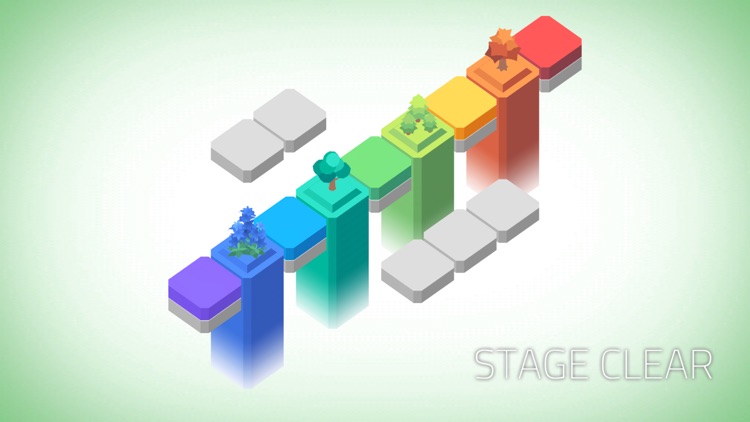
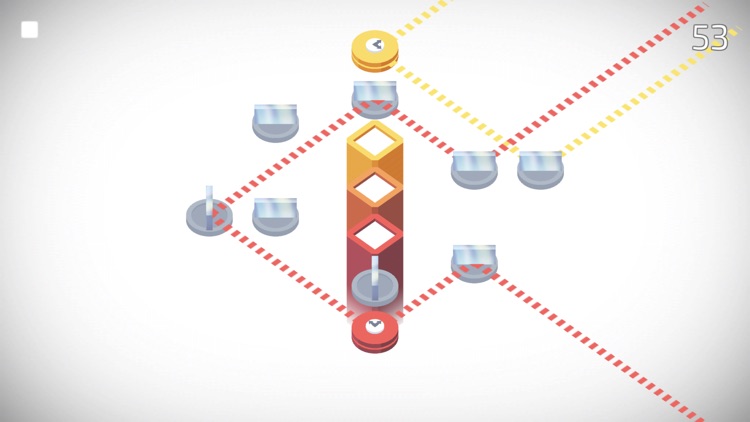
Colorzzle will help you unwind with colorful puzzles. The object of the game is to move colored tiles in order to mix and match them to the target colors. Trees and flowers will sprout out of the tiles once mixed correctly. The best part is, you won’t find any move counters, timers, or other elements to force you along. Just a totally relaxing puzzle experience. The game includes 100 puzzles in all.

You’re looking for a calming experience.

You prefer competitive elements.

PushFit Pro
iPhone
iPad
PushFit Pro

PushFit Pro

Ben Humphries

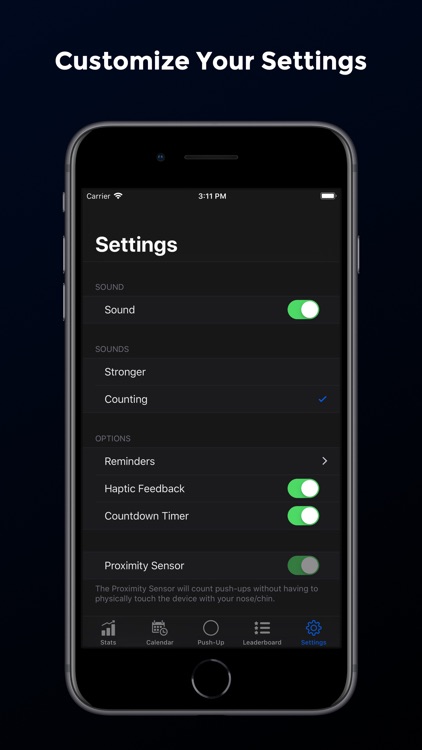
Work your body into shape with PushFit.

Those who want to increase strength and endurance.

FREE ($1.99) For a limited time FREE ($1.99) For a limited time
Why we picked this?

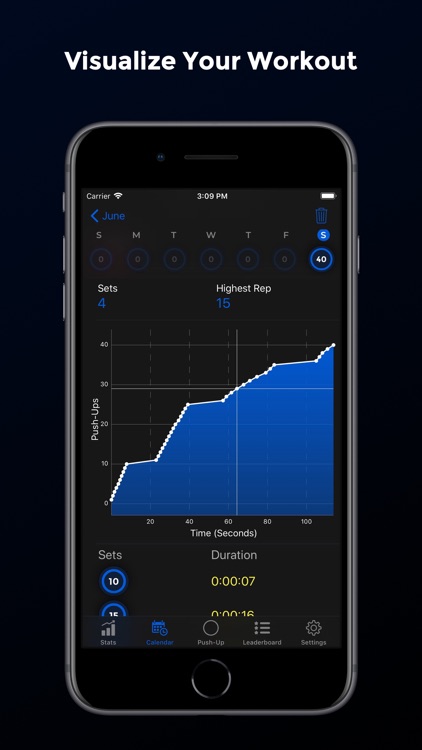
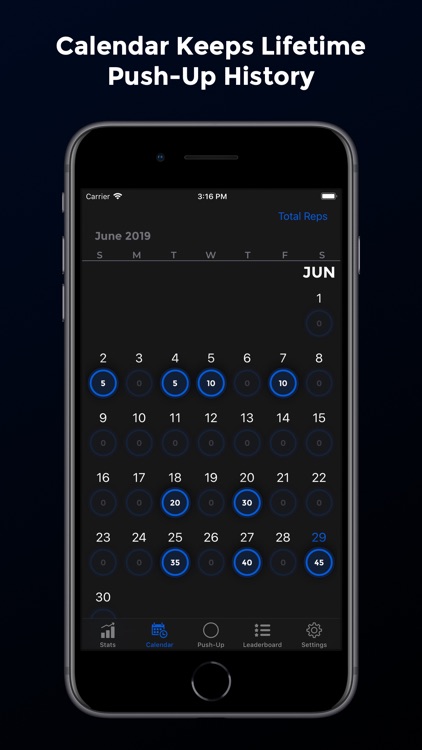
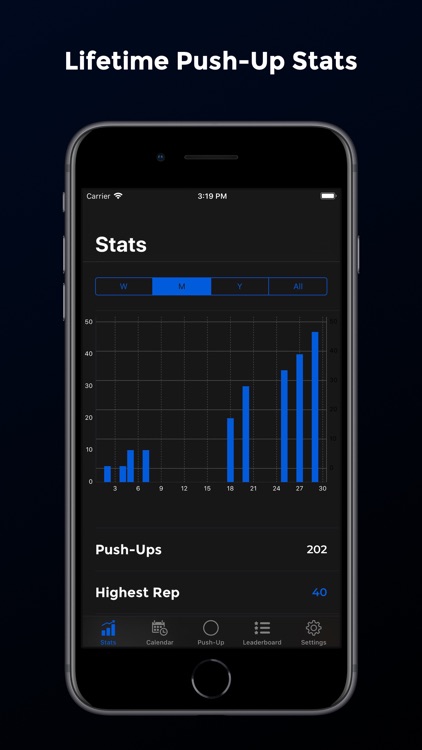
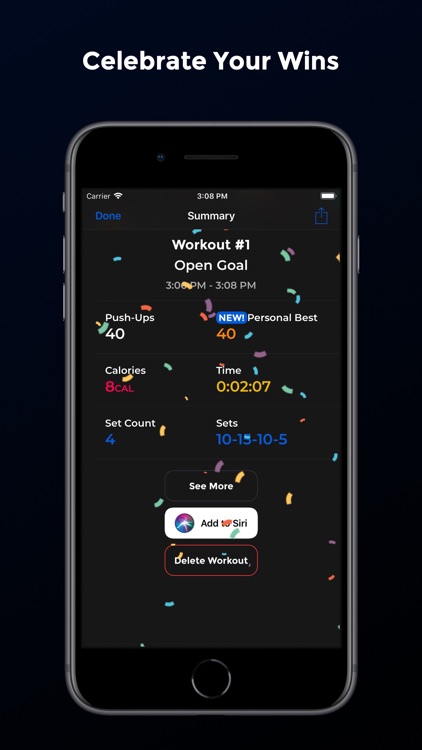
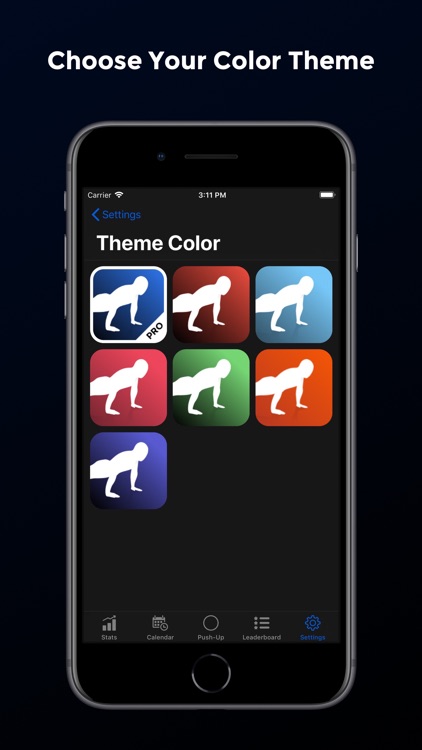
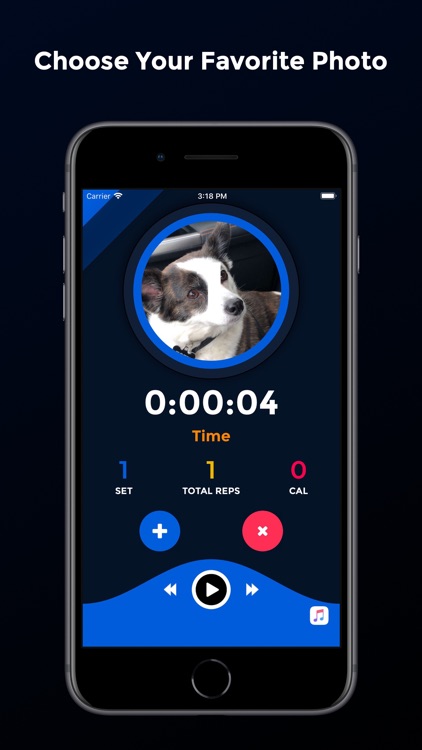
PushFit allows you to perform workouts anywhere at anytime. Place your iPhone or iPad on the ground under your chest. If you’re using an iPhone, PushFit will utilize its proximity sensor to count and record your push-ups. If you’re using an iPad, you’ll have to touch it with either your chin or nose to count. PushFit records push-ups, sets, total reps, and calories burned, and charts all of the data so you can visualize your progress. It also includes workout reminders, haptic feedback, customizable themes, the ability to play music automatically from your library, and Game Center leaderboards so you can compete with friends and family.

You want to target your upper body.

You don’t want to do push-ups or don’t care if they’re recorded.

Pin Points Distance Calculator
iPhone
iPad
Pin Points Distance Calculator

Pin Points Distance Calculator

Dennis Donner

Measure the distance between points with Pin Points.

Travelers.

$0.99 $0.99
Why we picked this?

Pin Points allows you to create trips with multiple waypoints. Each trip can include any number of points. You’re able to add points by your current location, dropping a pin on the map, or address. Points can also be deleted and reordered at any time. When you’re finished adding points, tap calculate and you’ll be presented with the distance and time it takes to travel to each point by air, foot, or car. Your’e also able to visualize your trip and access it offline.

You’re planning some summer travels.

You need points of interest.

Album Flow Pro
iPhone
iPad
Album Flow Pro

Album Flow Pro

Imre Katai

Make your album art flow with this music player.

Those who miss Cover Flow.

$2.99 $2.99
Why we picked this?

Album Flow brings is a replacement for Apple’s now iconic Cover Flow user interface element. It allows you to browse through your music library simply by swiping across album art. Tap on an album to display its tracks and play music. Album Flow also includes search, playlist support, a dark theme, and four sorting options.

Your prefer visual music players.

You don’t have a local music library.

Stars Wheel
iPhone
iPad
Stars Wheel

Stars Wheel

particlemade

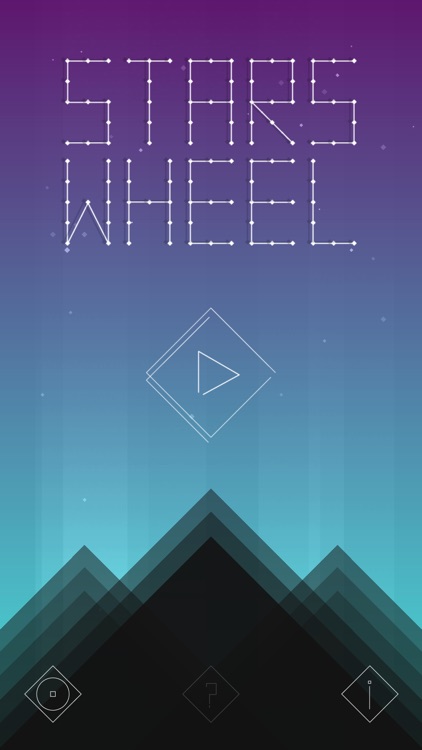
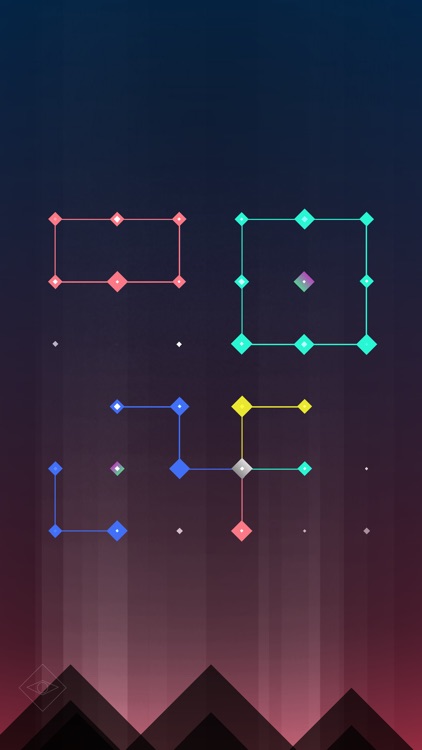
Connect the stars in Stars Wheel.

Fans of brain teasers.

$1.99 $1.99
Why we picked this?

The object of the game is to connect the stars in order to bring the counter down to zero. Simply tap to rotate the cells until two stars are adjacent to each other and they will automatically connect. Keep in mind that every star must connect to at least one of the same color. Stars of different colors can be connected using neutron stars, which are indicated by their larger mass. Some levels require you to capture stellar stars by surrounding them with at least four other connected stars. The game is best enjoyed with headphones thanks to its ambient sounds.

You enjoy sitting back and relaxing with a puzzle.

You’re easily frustrated.