

You are using an outdated browser. Please upgrade your browser to improve your experience.

Apps That
Went Free on
2020-09-18

Transfer photos from any computer to an iPhone, connect with people, and track your expenses with today’s collection of apps.

Youpendo: Make Friends & Talk
iPhone
Youpendo: Make Friends & Talk

Youpendo: Make Friends & Talk

Youpendo GmbH

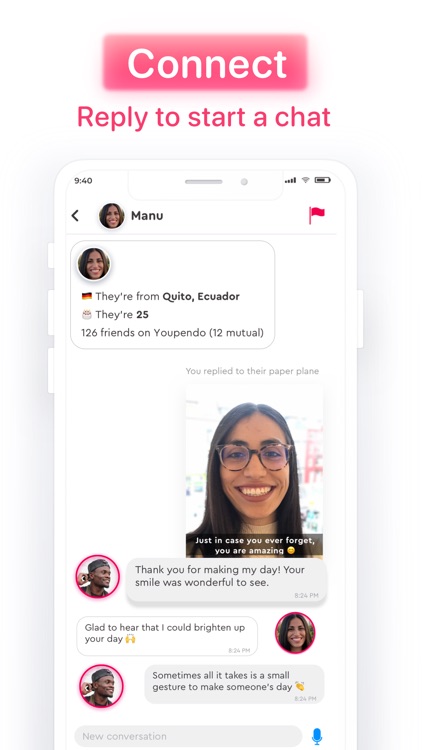
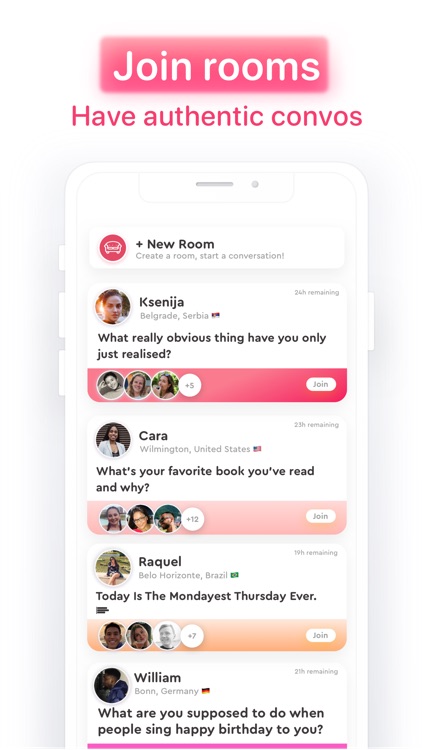
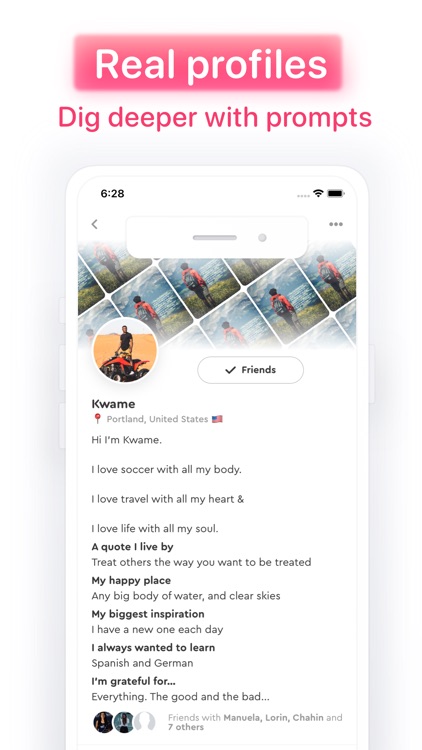
Connect with people in a more positive way with Youpendo. TODAY ONLY: Get 3 months of ad-free experience ($19.99 value). After creating your profile, go into the settings within the profile page. Look for the "Limited Offer" link and then accept the offer.

Anyone who feels overwhelmed by regular social media.

FREE ($19.99) For a limited time FREE ($19.99) For a limited time
Why we picked this?

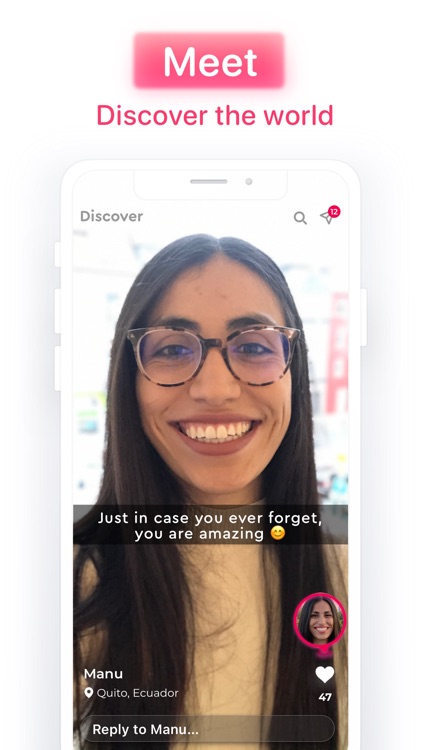
Youpendo focuses on connections rather than instant gratification. It does away with the usual impersonal wall of scrollable content and instead allows you to send and catch paper airplanes. The airplanes act as content vessels. You’re able to catch random airplanes, open them up to see what’s inside, and either like or respond to the user’s content. When creating your own paper airplane, you’re able to gain inspiration from an expert-approved list. The app also includes a built-in photo and video editor, the ability to follow other users, and the ability to revisit content you’ve shared.

You want to open up and be yourself without worrying how your content is perceived.

You don’t enjoy sharing personal content.

Music Downloader / MP3 Player
iPhone
iPad
Music Downloader / MP3 Player

Music Downloader / MP3 Player

Aktis Inc

Play music from your favorite artists with Music Downloader & Player. TODAY ONLY: Get 7 days of premium service for free! Music Downloader & Player Premium includes unlimited listening, unlimited downloading, full playlists, and an ad-free experience. ***Please keep in mind that the subscription must be canceled before the trial period is up in order to avoid being charged.***

Anyone who wants free music.

FREE ($3.99) For a limited time FREE ($3.99) For a limited time
Why we picked this?

Music Downloader & Player makes it easy to enjoy the music you love. Search for your favorite artist, album, or song and the app will provide the best possible results. Then just tap to play. You’re able to create custom playlists from any of the songs you discover. You’re also able to download music for offline playback as long as it’s not sourced from YouTube. Music Downloader & Player also includes FM radio, a sleep timer, Sonos and Dropbox support, an equalizer, and intelligent recommendations.

You want to listen to music for free.

You already have a go-to music service that you prefer.

DayCost Pro - Personal Finance
iPhone
iPad
DayCost Pro - Personal Finance

DayCost Pro - Personal Finance

良峰 侯

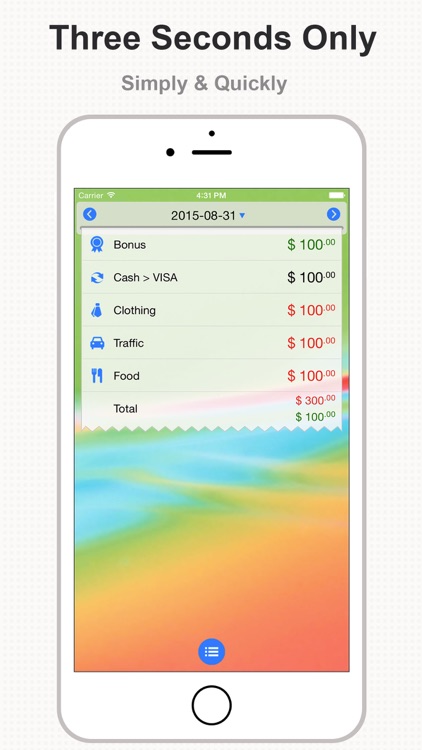
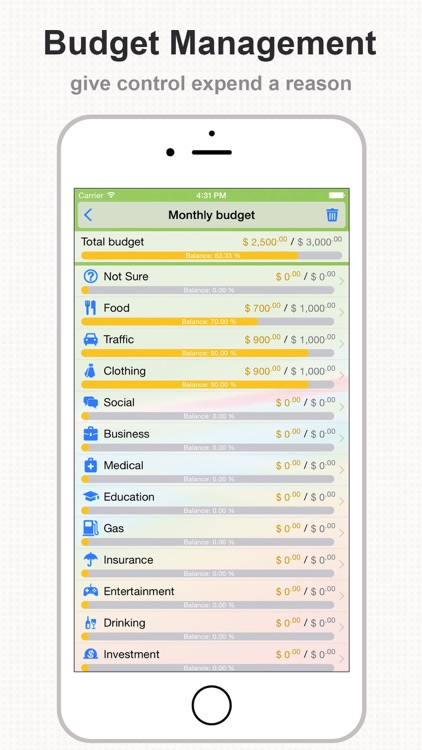
Track your expenses throughout the day with this easy to use finance app.

Anyone who wants a simple and elegant way to keep tabs on their finances.

FREE ($2.99) For a limited time FREE ($2.99) For a limited time
Why we picked this?

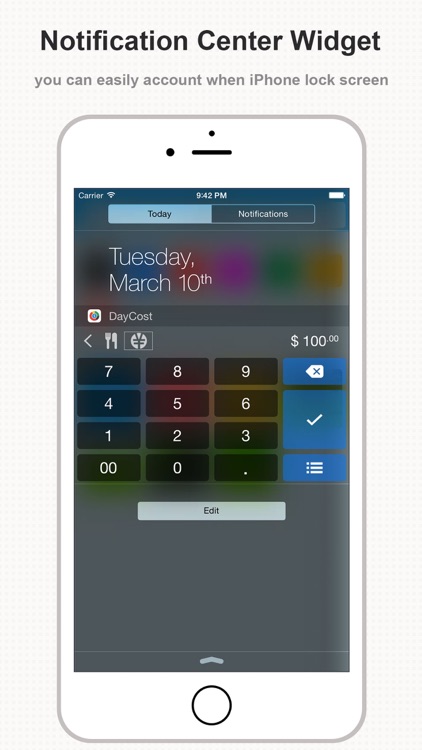
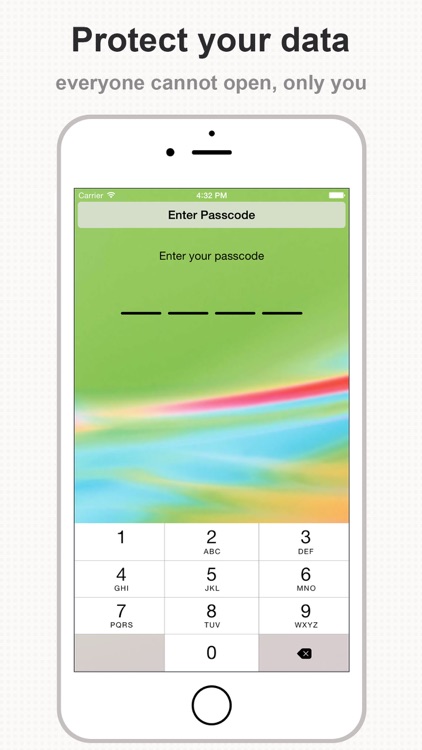
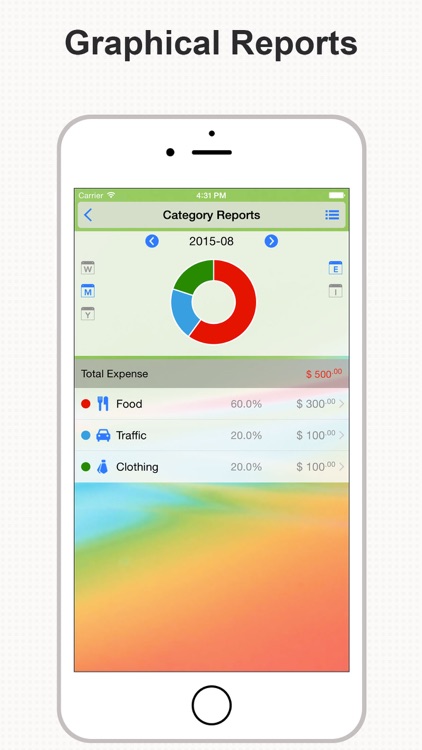
It takes mere seconds to record a transaction in DayCost. Just swipe down on the screen, pick a category, enter an amount, and swipe up to record. You’re also able to attach a payment type, photo, and note to your transactions. DayCost allows you to create a budget and view graphical reports to keep your finances in check. It also includes passcode protection, iCloud support, and the ability to create custom categories.

You want a convenient and customizable finance app. It can be used however you wish. The best part is, transactions can be recorded from the Today widget or your Apple Watch.

You don’t like learning new interaction methods. It can take some time to get the hang of things due to the use of gestures for just about everything.

Rollit: Photo Transfer App
iPhone
Rollit: Photo Transfer App

Rollit: Photo Transfer App

chaman chlach

Transfer photos from a computer to an iPhone with Rollit.

Those with large amounts of photos to move.

$2.99 $2.99
Why we picked this?

Rollit provides one of the fastest and easiest ways to transfer photos from your computer to your Camera Roll. Connect your iPhone to your computer using a USB cable. Launch iTunes on your Mac or PC and select your iPhone. On the left sidebar select File Sharing. A list of supported apps will appear including Rollit. Select Rollit and simply drag and drop photos into the documents area. All of your photos will appear in the Rollit app without even having to sync the two devices. Rollit supports all popular media file extensions and preserves metadata.

You have a lot of photos on your Mac or PC that you need back on your iPhone.

You have nothing to transfer.