

You are using an outdated browser. Please upgrade your browser to improve your experience.

Apps That
Went Free on
2023-02-17

Customize your entire Lock Screen, open map links to your favorite map app, and impress your audience with today’s collection of apps and games.

Locknload: Lock Screen Widgets
iPhone
Locknload: Lock Screen Widgets

Locknload: Lock Screen Widgets

Actowise LLC

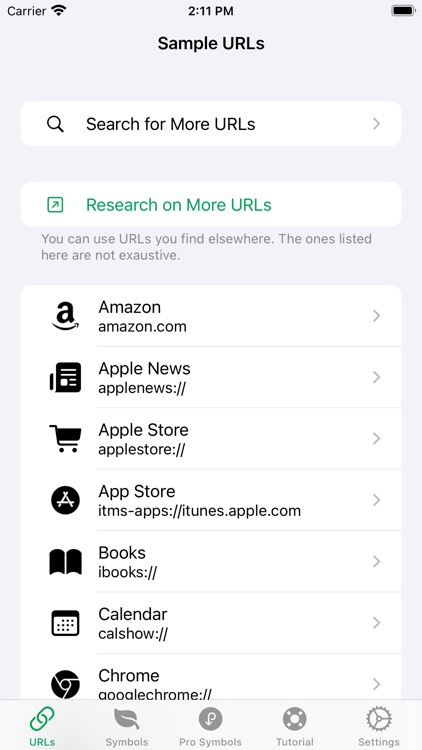
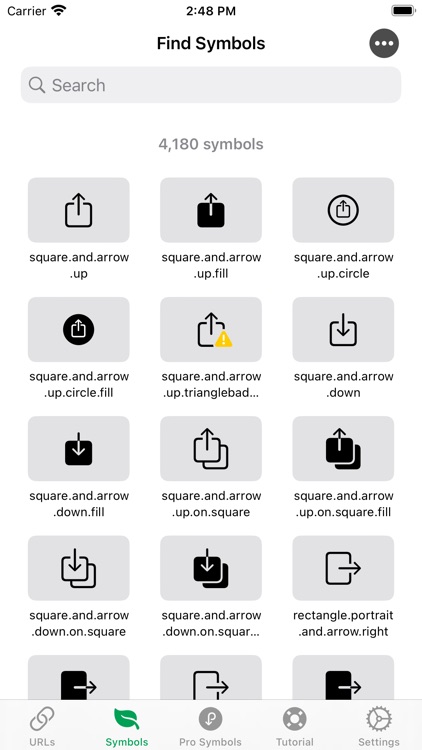
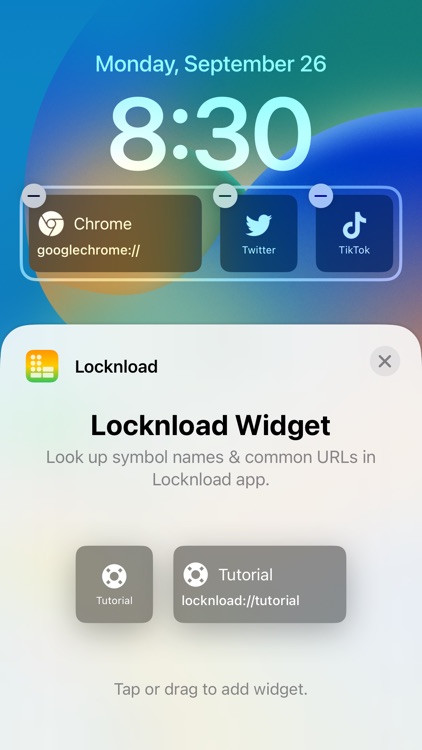
***THIS OFFER HAS EXPIRED*** Customize your entire Lock Screen with Locknload: Lock Screen Widgets. TODAY ONLY MUST CLAIM WITHIN THE APP: Unlock the pro lifetime version for free that removes ads and unlocks Pro symbols. Download the app, go into Settings, and select “Upgrade to Pro $0.00”.
Those who prefer customization.

FREE ($3.99) For a limited time FREE ($3.99) For a limited time
Why we picked this?

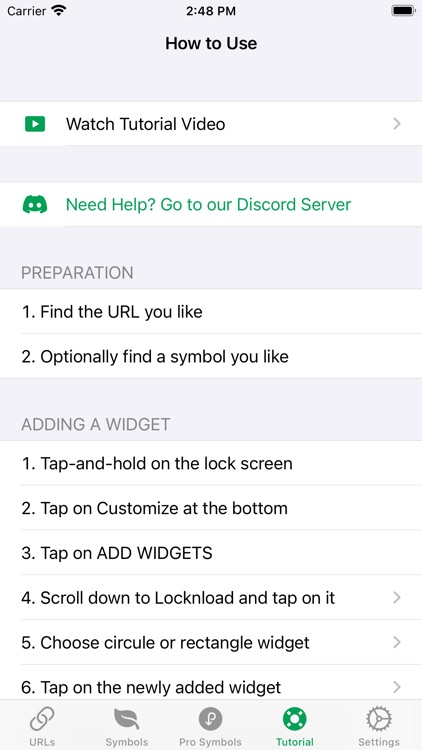
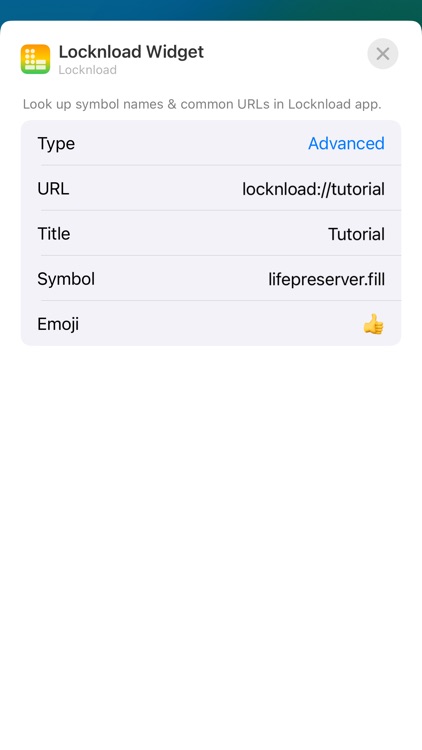
Locknload: Lock Screen Widgets lets you create any launcher with your own icon, name, and URL. You can quickly open any app from the Home Screen. The app is powerful yet simple. It includes a tutorial with complete instructions.

You like utilizing shortcuts.

You rarely use widgets.

bProgress - Manage Daily Tasks
iPhone
iPad
bProgress - Manage Daily Tasks

bProgress - Manage Daily Tasks

碧成 黄

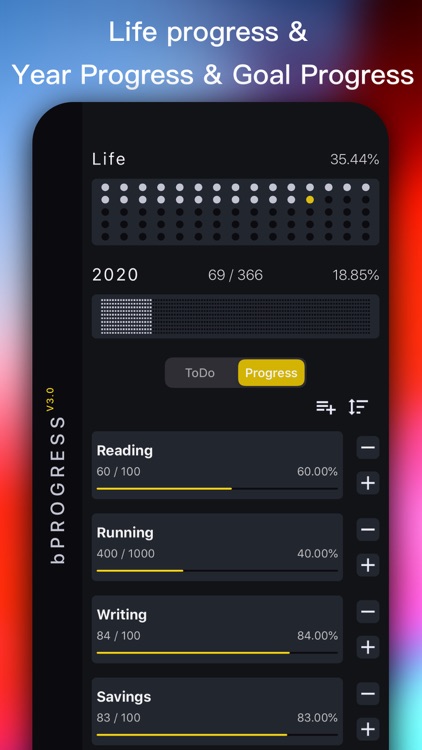
Manage your busy life with bProgress.

Those with a lot going on.

FREE ($0.99) For a limited time FREE ($0.99) For a limited time
Why we picked this?

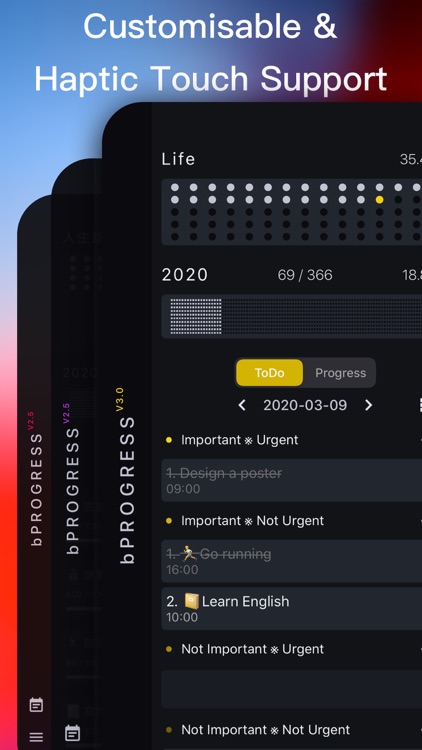
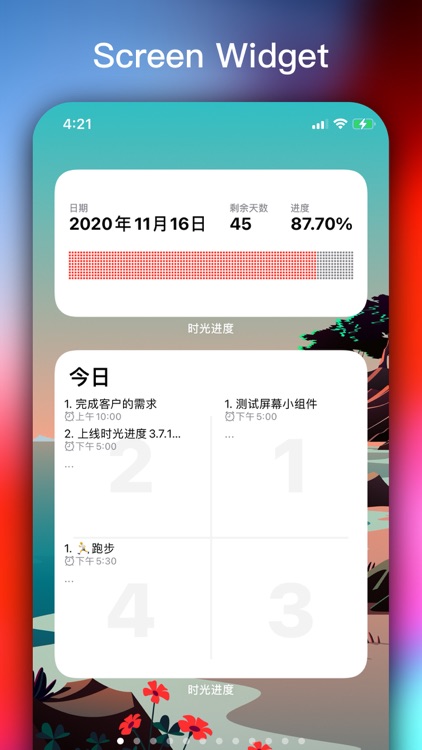
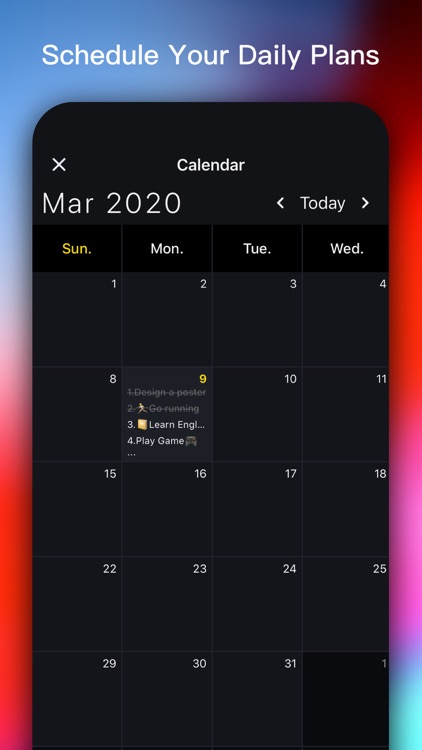
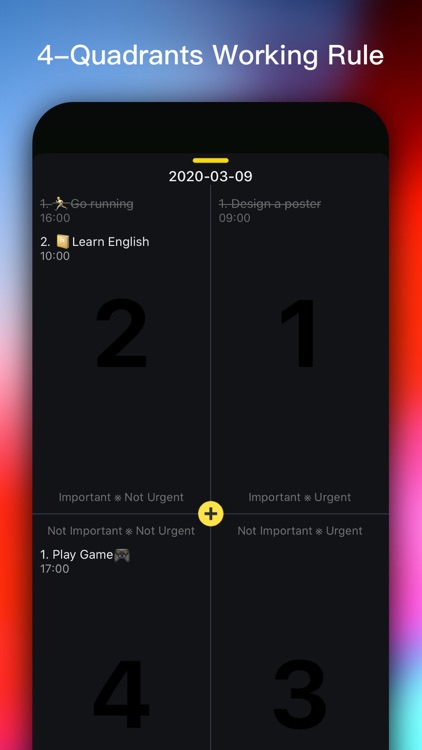
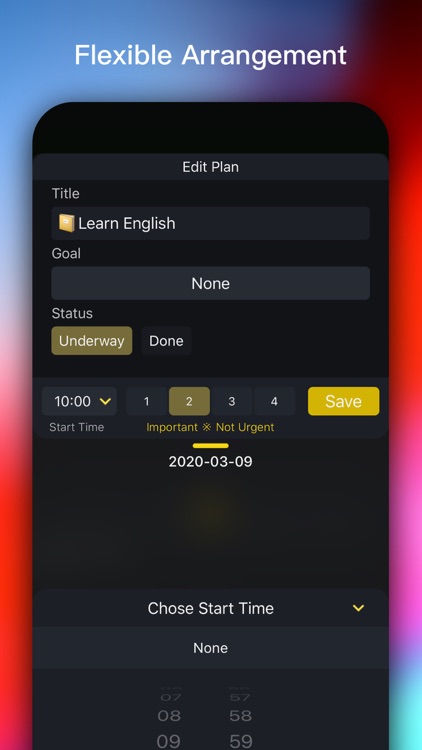
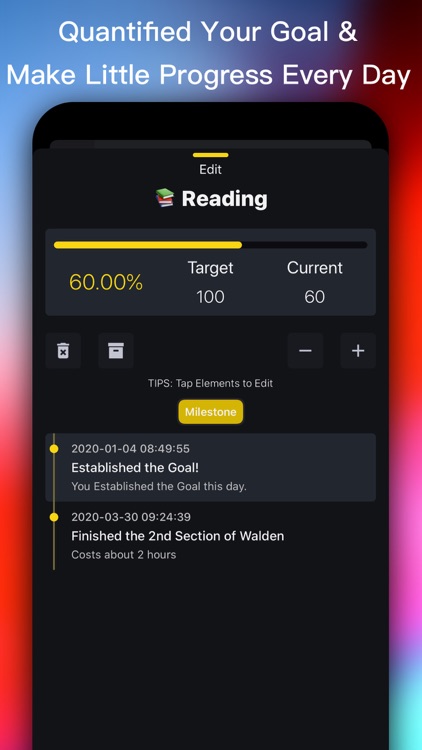
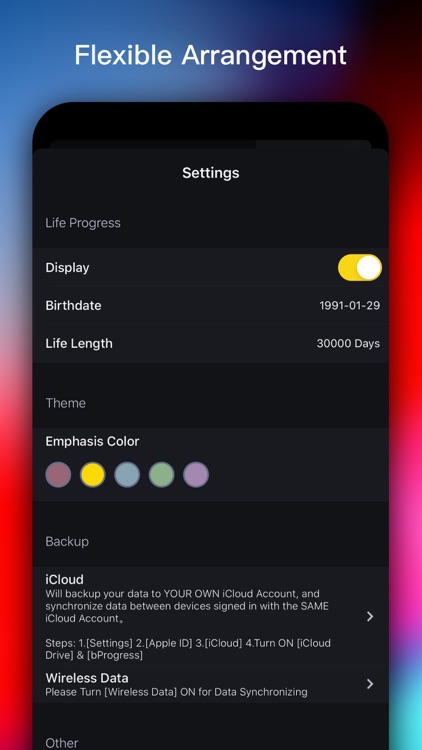
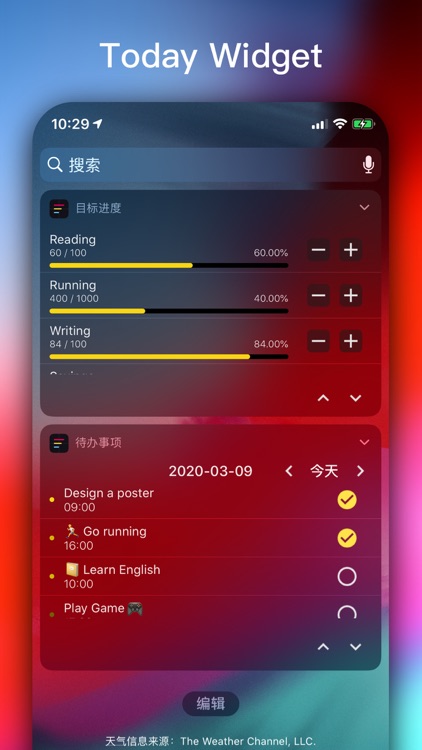
bProgress is a lightweight productivity tool that combines progress management with schedule planning. Set your daily tasks or plans in the calendar and filter by priority. The app uses the four-quadrant rule for time management. It supports iCloud data backup and data synchronization across multiple devices.

You want to develop better habits.

You already have a trusty todo app.

InstantGrid
iPhone
iPad
InstantGrid

InstantGrid

Thomas Coomer

Impress your audience with InstantGrid.

Instagramers.

FREE ($1.99) For a limited time FREE ($1.99) For a limited time
Why we picked this?

InstantGrid is a no-frills editing tool designed for all your Instagram needs. Just upload a photo from your camera roll or iCloud Drive and select from one of the three grid modes to move your photo to a desired position. Use the panorama tool to cut photos into three images where you can then upload them to Instagram so others can swipe for the full effect. You can also make use of the watermark tool to add your signature or brand to your photos.

You want to edit and post photos faster.

You don’t use Instagram, simple as that.

cRate Pro - Currency Converter
iPhone
iPad
cRate Pro - Currency Converter

cRate Pro - Currency Converter

良峰 侯

Convert currencies with cRate.

Those who deal with foreign currency.

FREE ($0.99) For a limited time FREE ($0.99) For a limited time
Why we picked this?

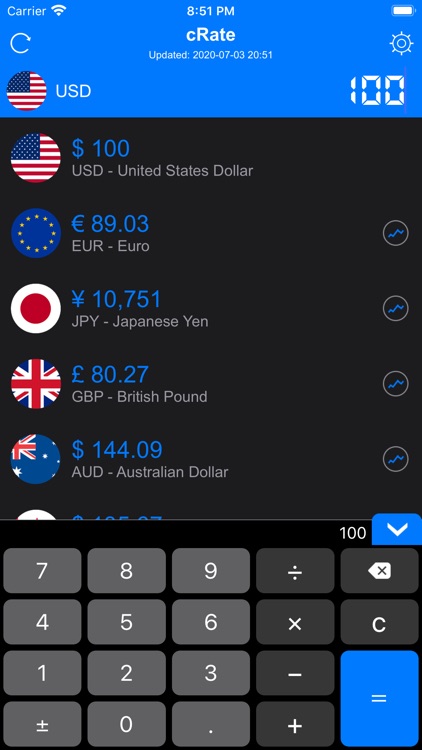
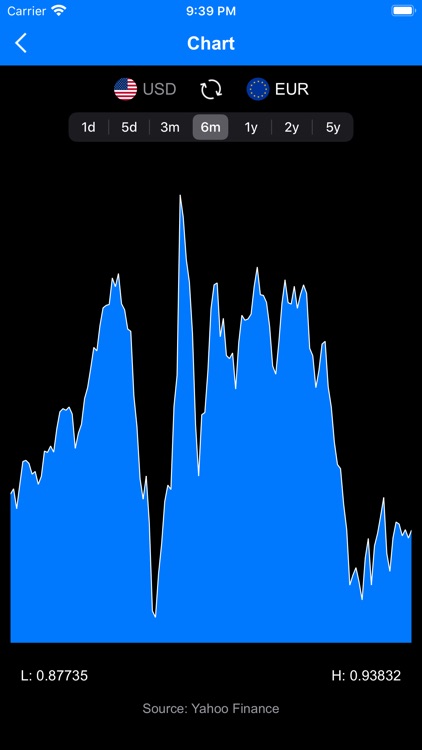
cRate is fast and convenient. You’re able to choose from over 160 world currencies and organize them as you see fit. Enter a value for the base currency and all of the other currencies you have chosen will be converted. The app also includes background rate updates, a built-in calculator, and historical charts.

You frequently deal with currencies other than your own.

You don’t travel much.

Map Redirect for Map Links
iPhone
iPad
Map Redirect for Map Links

Map Redirect for Map Links

Miao Wang

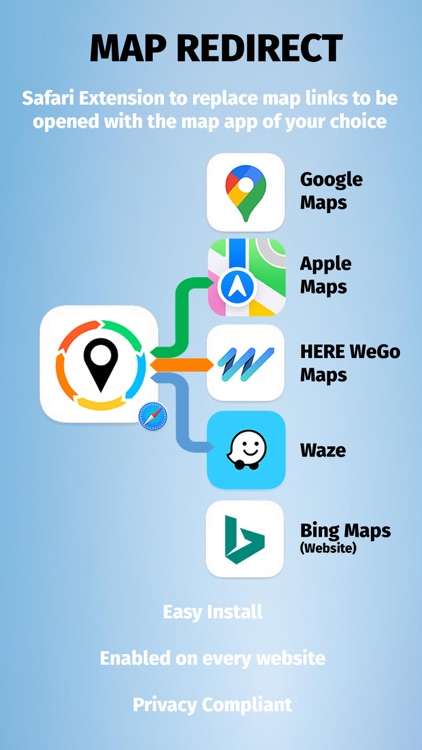
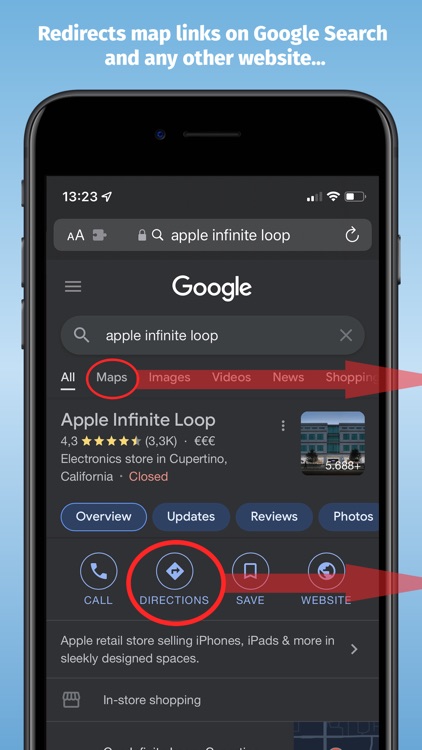
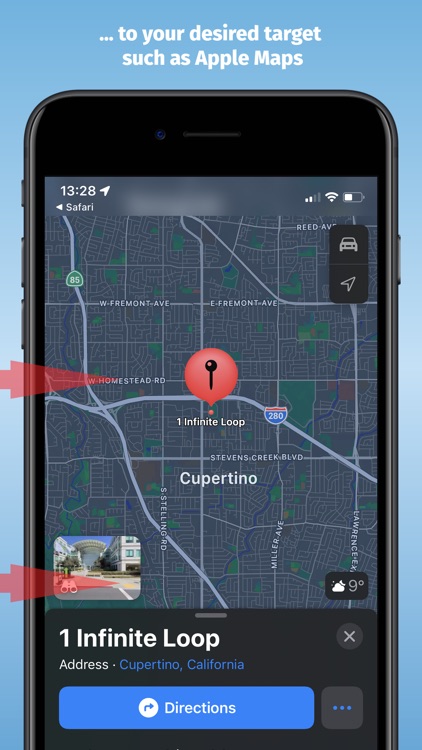
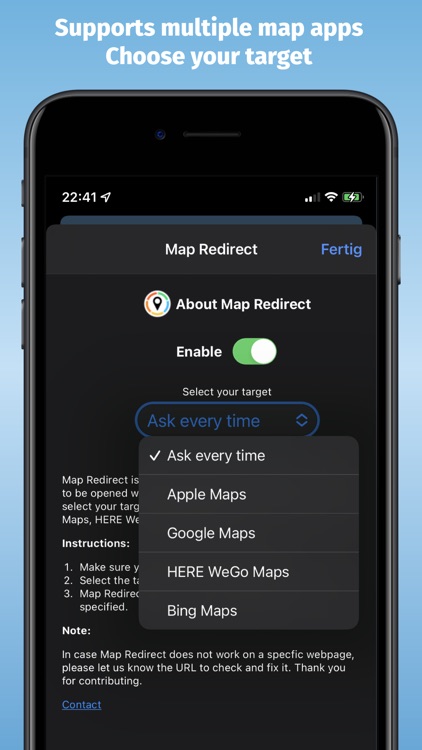
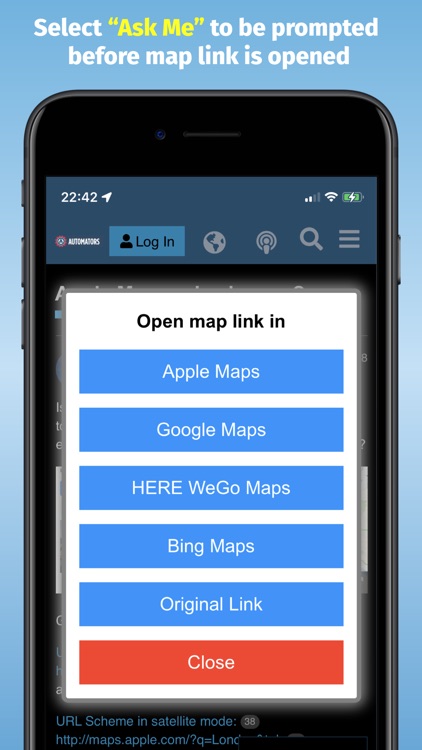
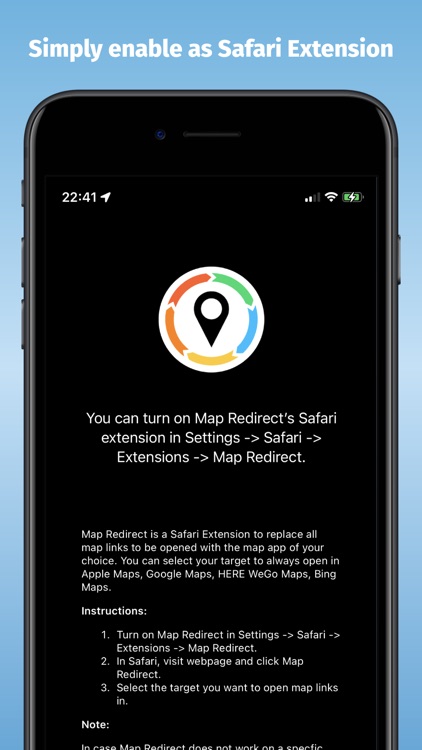
Open map links to your favorite map app with Map Direct.

Those who like what they like.

$1.99 $1.99
Why we picked this?

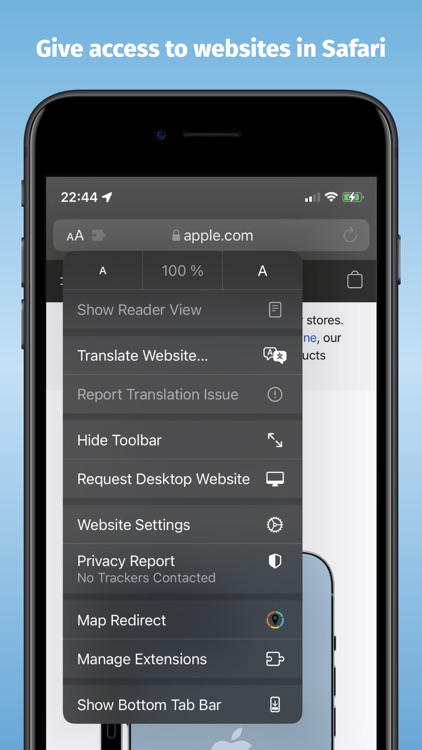
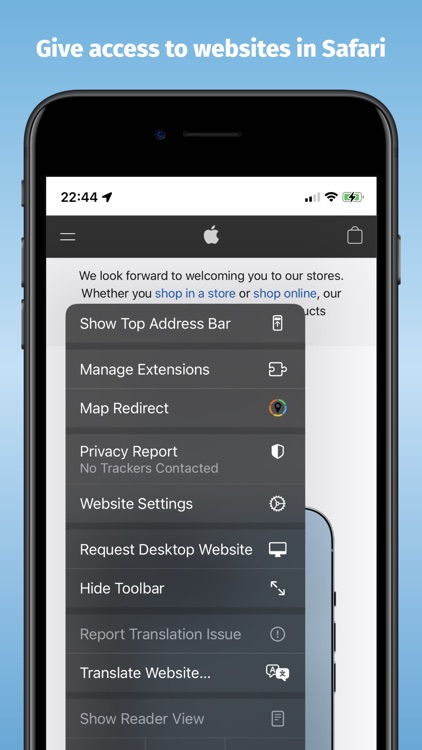
Map Direct is an extension for Safari that opens map links to the map app of your preference. All you have to do is turn on Map Redirect in Safari Extensions, then open Safari and allow access for Map Redirect, and you’re all set.

You get annoyed using multiple map apps for different things.

You don’t care which map app you use as long as it gets you where you need to go.