You are using an outdated browser. Please upgrade your browser to improve your experience.

Apps That
Went Free on
2023-02-25

Design personalized charts, sync Google Tasks across all of your devices, and go on a digital treasure hunt with today’s collection of apps and games.

Fast Chart - Chart maker plus
iPhone
iPad
Fast Chart - Chart maker plus

Fast Chart - Chart maker plus

朝勇 陈

Design personalized charts with Fast Chart.

Those looking for a graphical way to display data.

FREE ($0.99) For a limited time FREE ($0.99) For a limited time
Why we picked this?

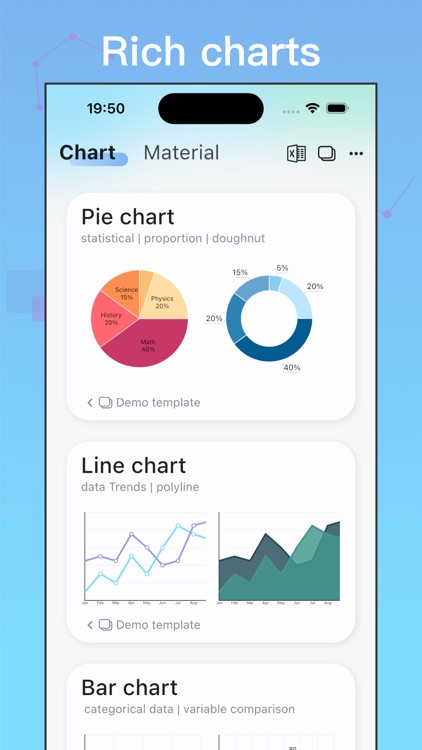
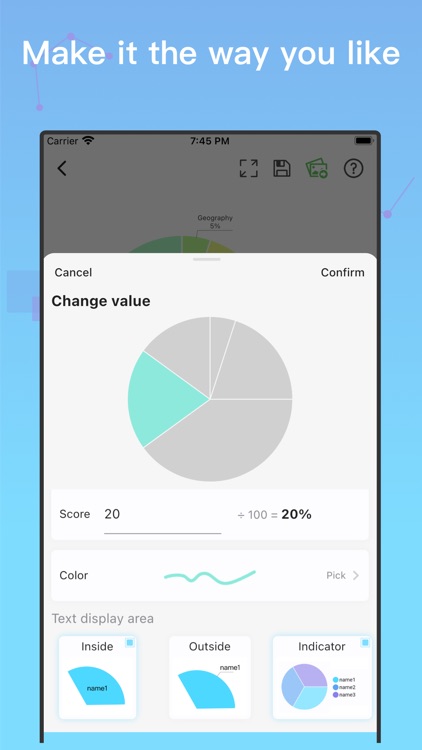
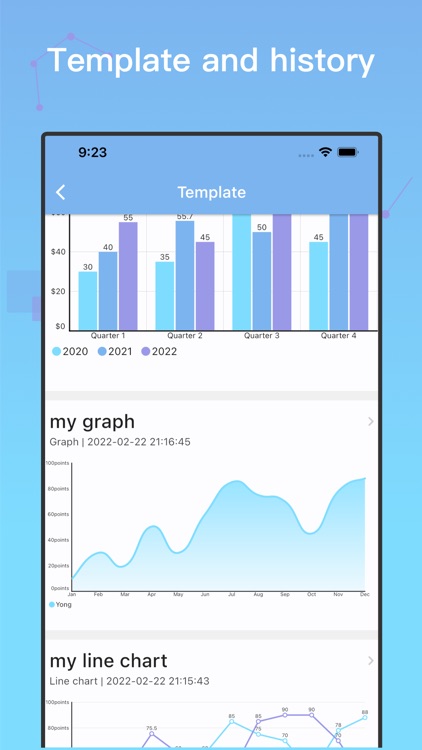
Fast Chart lets you show the relationship between multiple data sets. Depending on what you’re comparing it can be better to use one chart or graph over another. Don’t worry, this app has you covered. Choose from a pie chart, line chart, bar chart, radar chart, graph, stacked bar, or scatter plot. There is even a table function where you’re able to generate a variety of charts by creating a table.

You want to compare and contrast groups of things.

You simply don’t need to make your own charts.
Cachebot – Geocaching
iPhone
Cachebot – Geocaching

Cachebot – Geocaching

Thomas Cyron

Embark on a digital treasure hunt in Cachebot - Geocaching.

Anyone into geocaching.

$2.99 $2.99
Why we picked this?

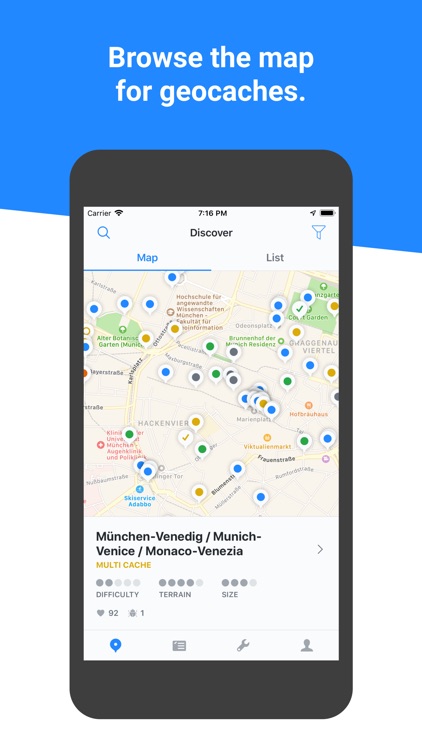
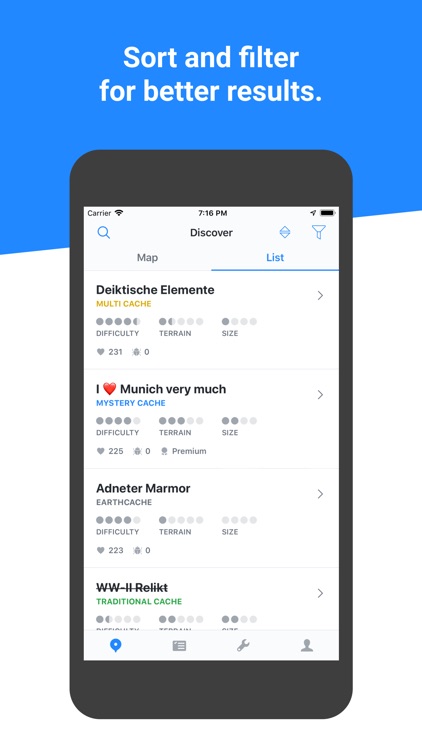
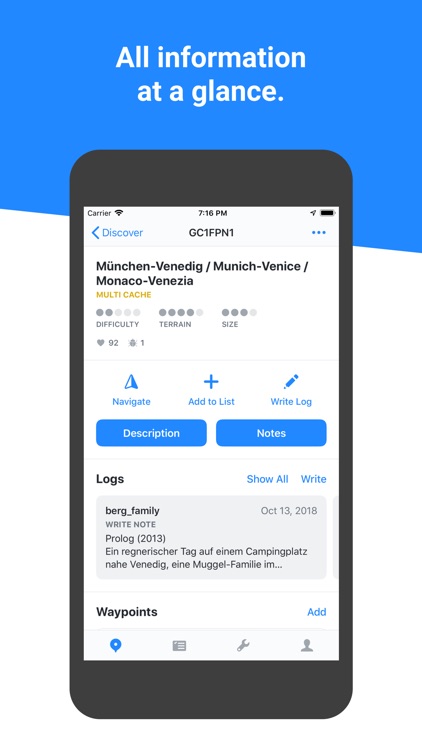
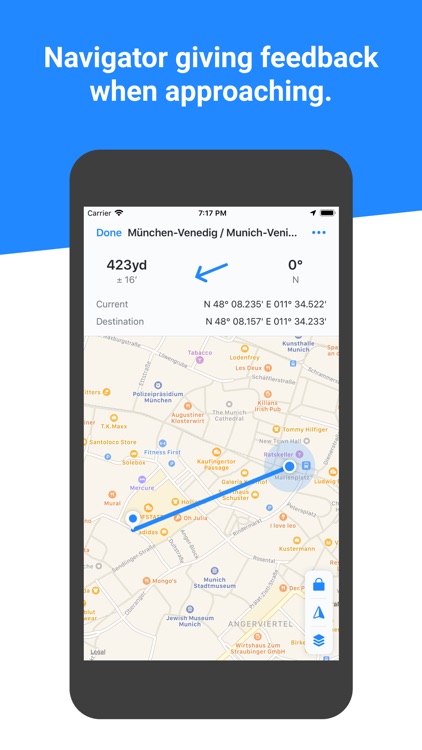
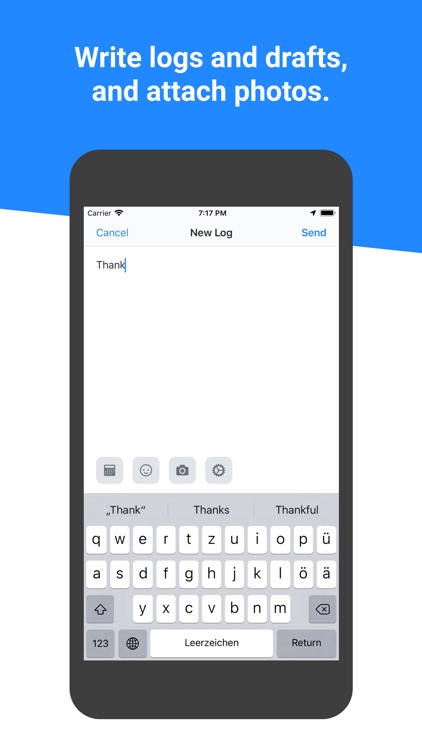
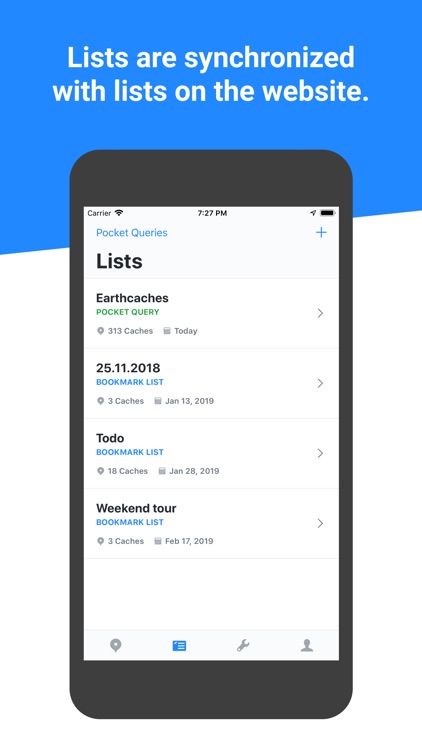
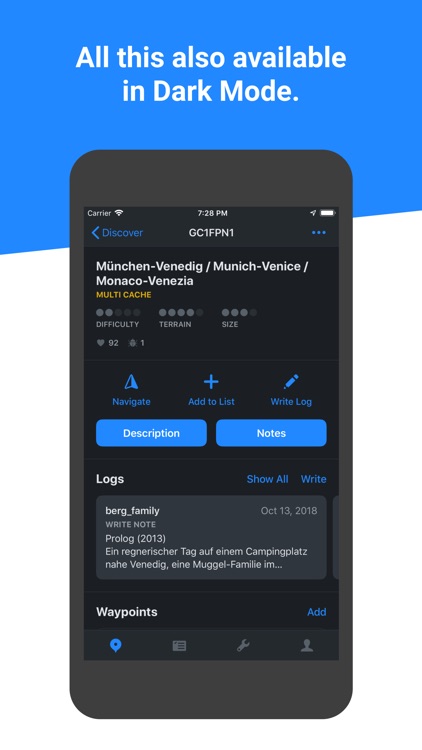
Cachebot - Geocaching lets you filter caches by type and size. You can view geocaches on the map or in list form. The navigator gives you feedback as you approach a geocache.

You enjoyed treasure hunting as a kid. Now you can go on a worldwide treasure hunt.

You prefer indoor activities.

gTasks Pro for Google Tasks
iPhone
iPad
gTasks Pro for Google Tasks

gTasks Pro for Google Tasks

JulyApps Ltd

Sync Google Tasks across all of your devices with gTasks.

Those who utilize Google’s suite of productivity services.

$19.99 $19.99
Why we picked this?

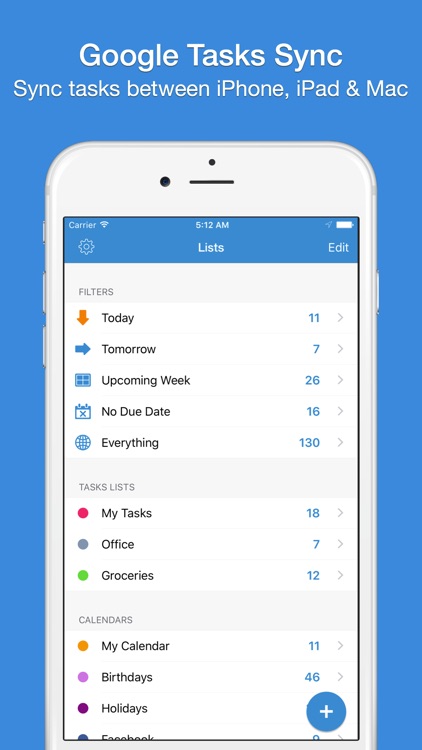
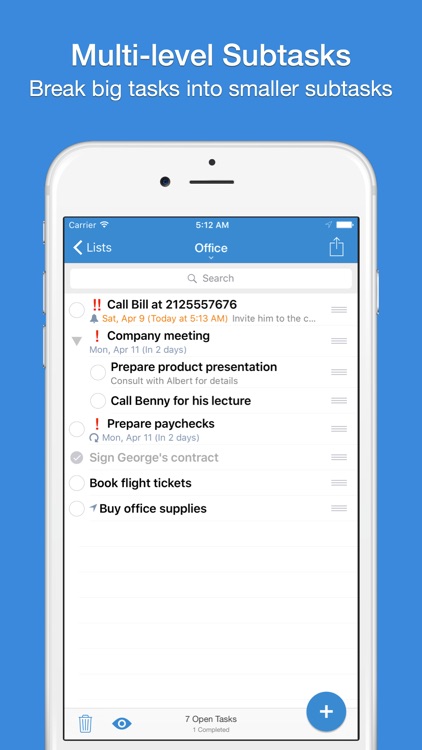
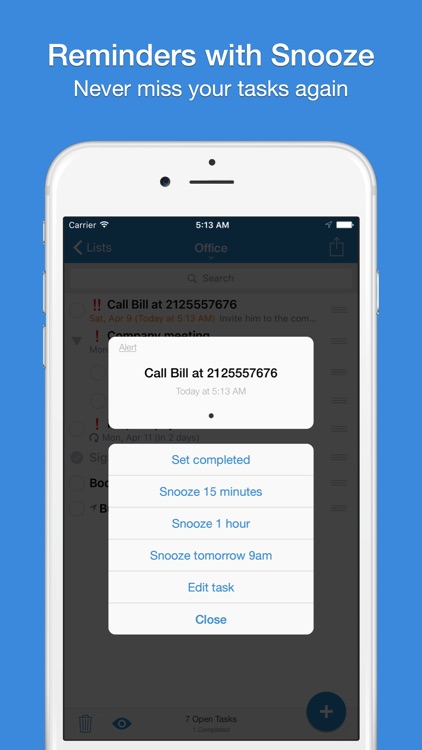
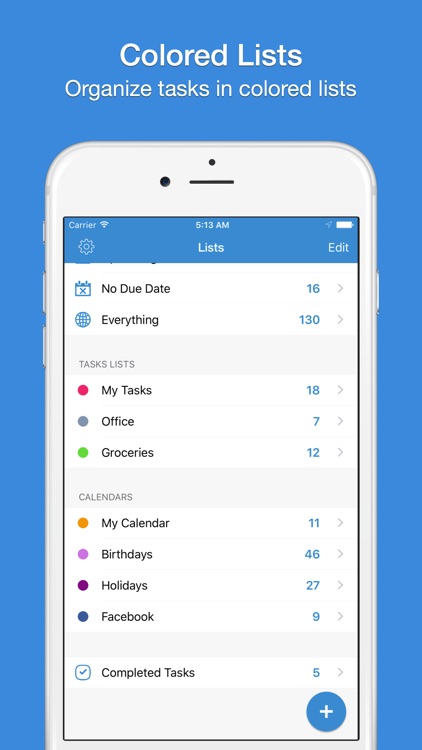
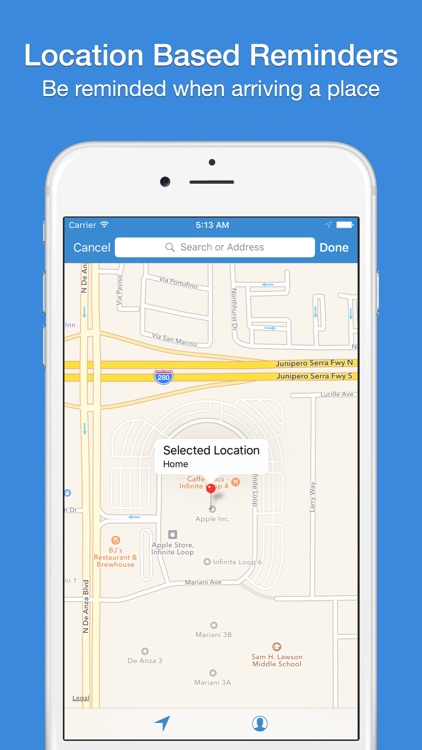
Your iPhone and iPad will always be in sync with gTasks. All you need to do is sign in to your Google account via gTasks. Your task lists will be populated and filtered automatically, allowing you to manage them online and offline. The app also allows you to create tasks and subtasks, add location based reminders, set repeating tasks, share tasks, view your calendar events, and even access your tasks via a Today widget. It also now has Apple Watch support, allowing you to be more productive from your wrist.

You’re not fond of the native Reminders app. Google’s productivity services are completely free, and they backup and sync seamlessly.

You don’t utilize any of Google’s services.