

You are using an outdated browser. Please upgrade your browser to improve your experience.

Apps That
Went Free on
2023-03-20

Engage in sci-fi battles, remember important things, and build your vocabulary with today’s collection of apps and games.

Zero+
iPhone
iPad
Zero+

Zero+

SaturnBoy, LLC

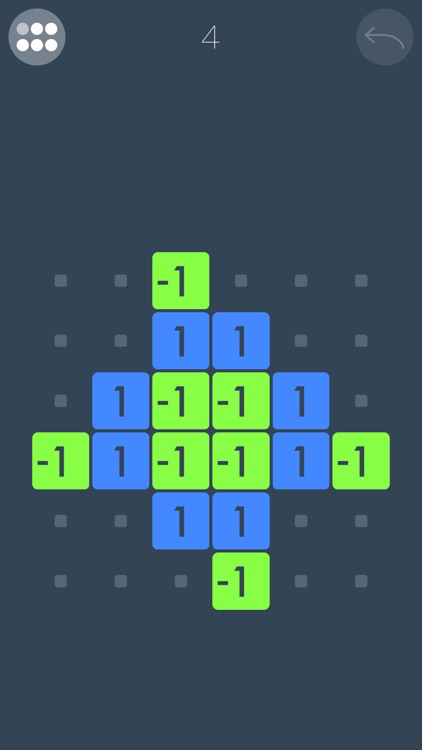
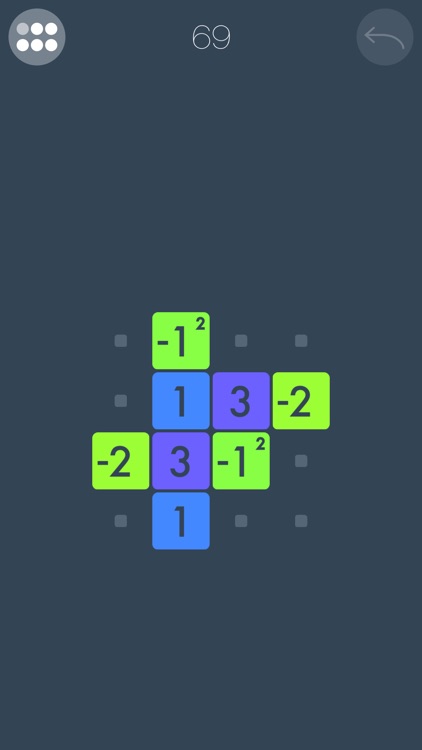
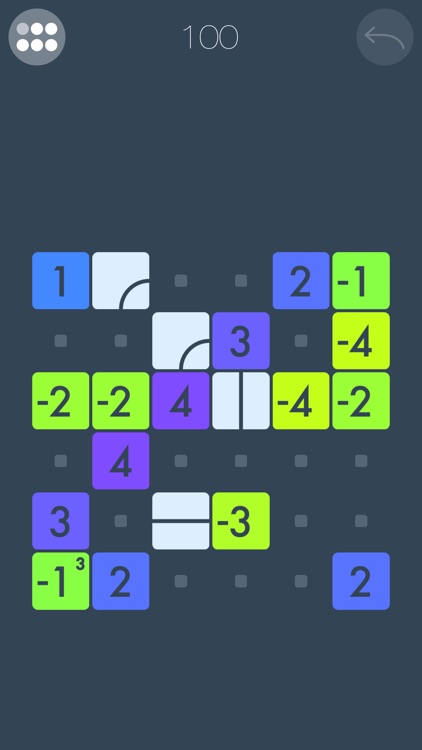
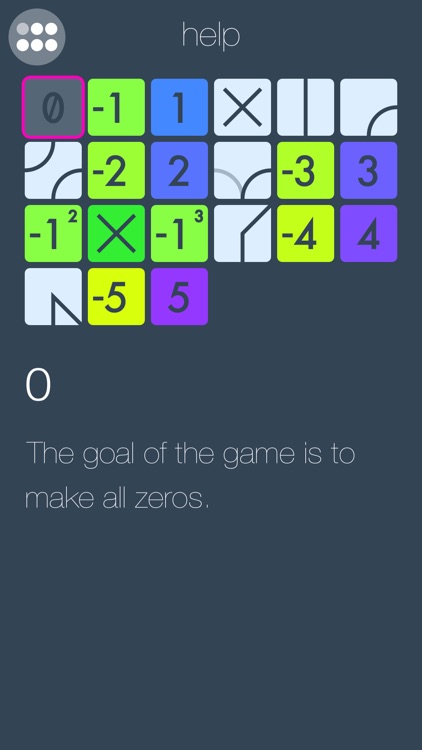
Swipe to slide numbered tiles in order to make them all zeroes in Zero+.

Fans of logic-based puzzle games.

FREE ($0.99) For a limited time FREE ($0.99) For a limited time
Why we picked this?

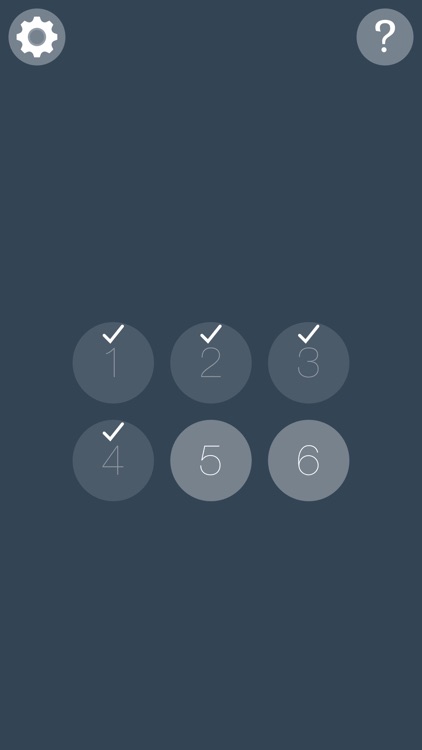
The basic gameplay mechanics in Zero+ are simple enough. You must slide positive and negative numbered tiles around the board in order to achieve zero. The first few levels consist of just ones and twos, but things get crazy pretty quickly when large numbers and new kinds of modifier tiles enter the mix. Also, keep in mind that tiles won’t stop sliding unless they run into something. The game includes a total of 120 levels.

You think math is fun.

You get frustrated easily since you can’t skip levels.

Iron Marines: RTS offline game
iPhone
iPad
Iron Marines: RTS offline game

Iron Marines: RTS offline game

Ironhide S.A.

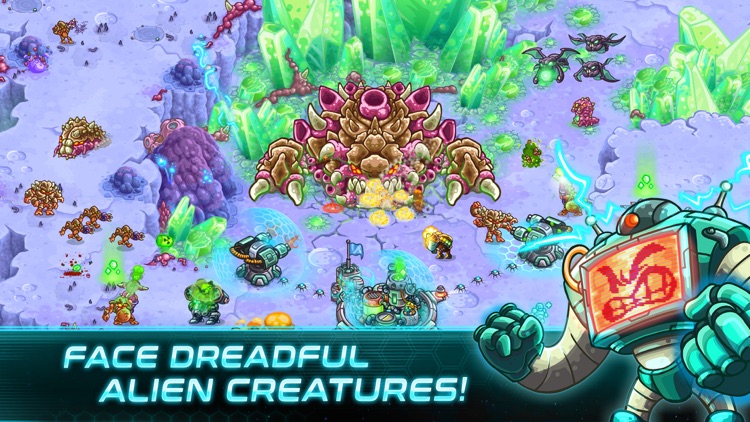
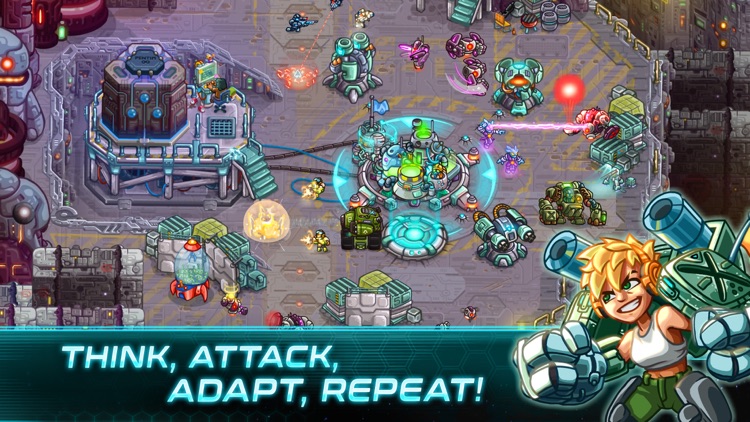
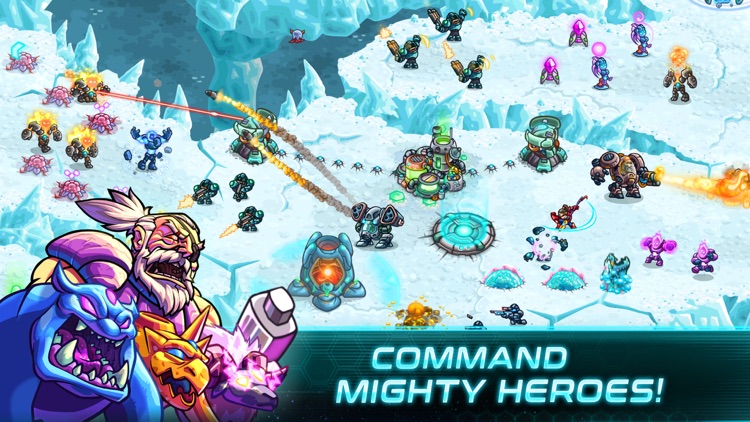
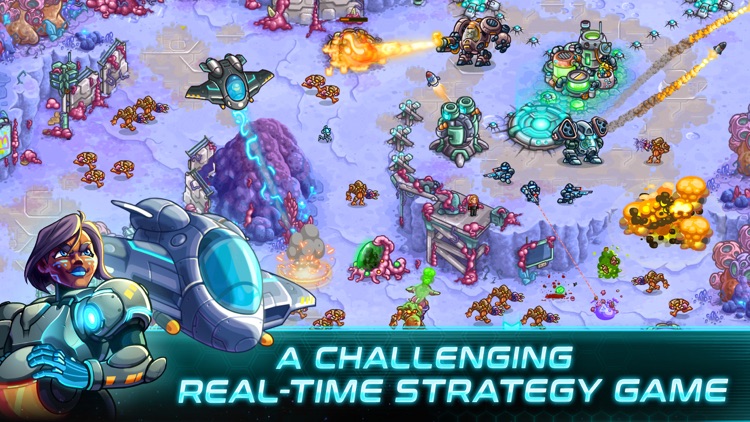
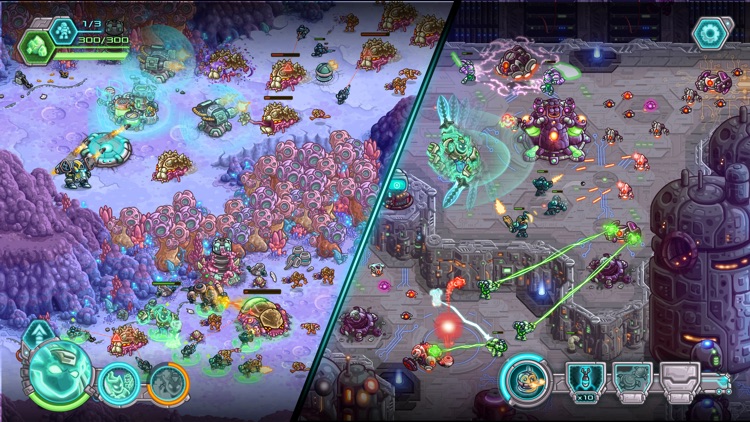
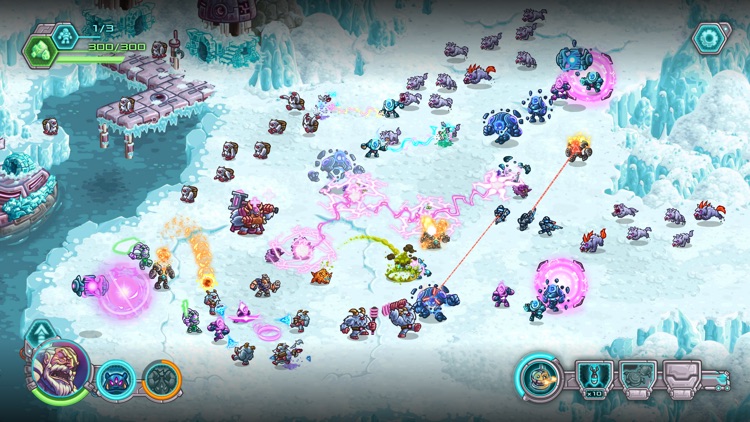
Engage in sci-fi battles on unknown planets in Iron Marines.

Fans of real-time strategy games.

$0.99 $0.99
Why we picked this?

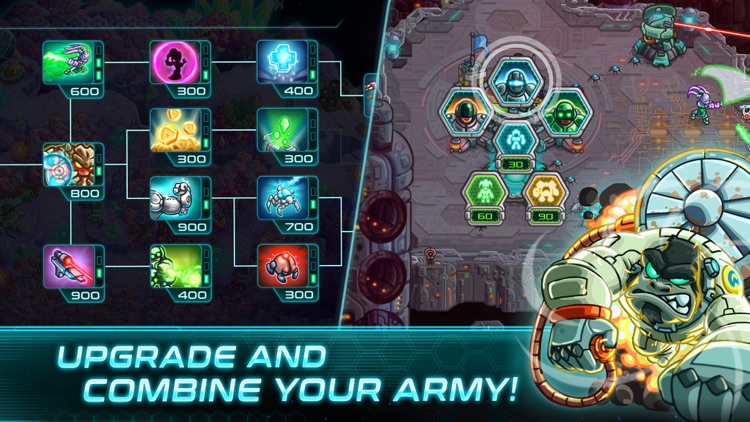
Take command and guide your troops through dangerous territories. The game will require you to think, strategize, and plan in order to defeat ever-adapting enemies. Iron Marines is from the makers of the Kingdom Rush trilogy. It includes 21 campaign missions across three plants and 12 special operations. There are four difficulty modes: casual, normal, veteran, and impossible.

You enjoy games like Starcraft 2, Ages of Empires, and Halo Wars.

You don’t like to be challenged. Those struggling to make it through the game can purchase higher level heroes to make the journey a little easier.

Remember: Stickies Widget
iPhone
iPad
Remember: Stickies Widget

Remember: Stickies Widget

Virtual GS

Remember important things with Remember: Stickies Widget.

Everyone.

$0.99 $0.99
Why we picked this?

Add a sticky note widget to your home screen with this handy app. Create custom widgets so you can remember any task, big or small. The app lets you select widget size, font, text color, and background color. You can even use emojis to add some fun to your notes. You need to open the app first before you can add widgets to the home screen. Remember: Stickies Widget will sync with all your devices.

You are always forgetting something.

You are satisfied with the native reminders app.