You are using an outdated browser. Please upgrade your browser to improve your experience.

Best iPhone Business Card Scanners

Are you tired of collecting business cards and manually entering the information into your contacts? Time consuming, isn't it? And what if you make a mistake when entering the phone number or email address? It kind of makes that contact useless. Stop collecting paper business cards the old fashioned way and scan them with your iPhone's camera. These apps will automatically add them to your contacts, so you can get on with your day.

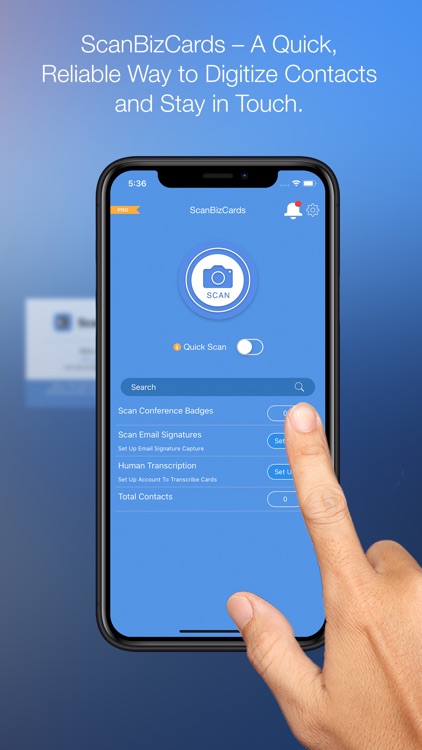
ScanBizCards
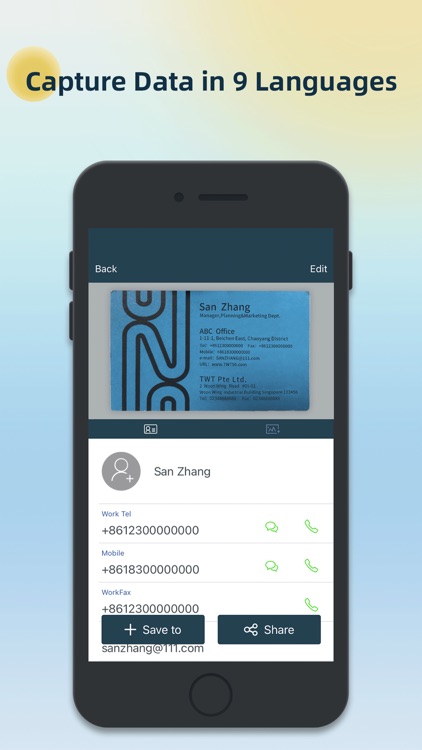
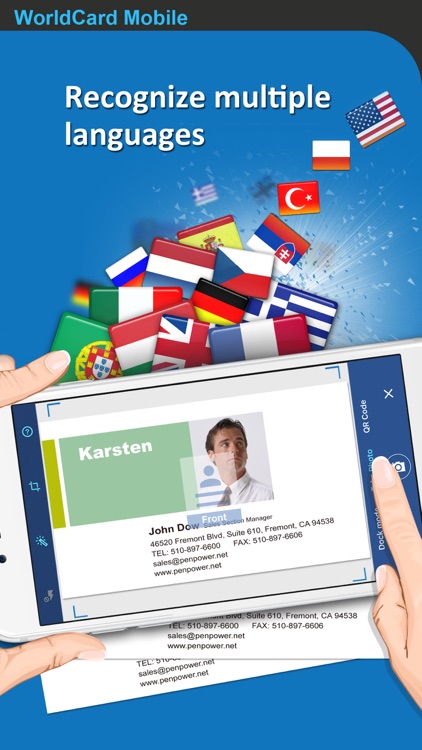
WorldCard Mobile
Business Card Reader
ABBYY Business Card Reader Pro
Haystack Business Cards

Best Apps

Highest scored apps in the category

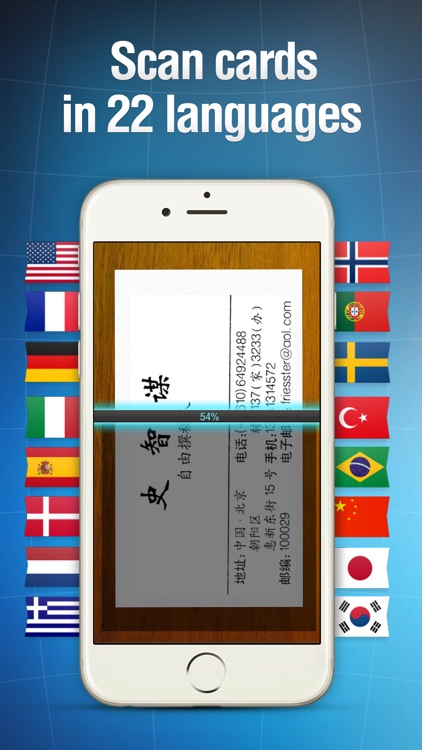
ScanBizCards
ScanBizCards

ScanBizCards

ScanBiz Mobile Solutions L.P.

When you need a powerful but fast business card reader

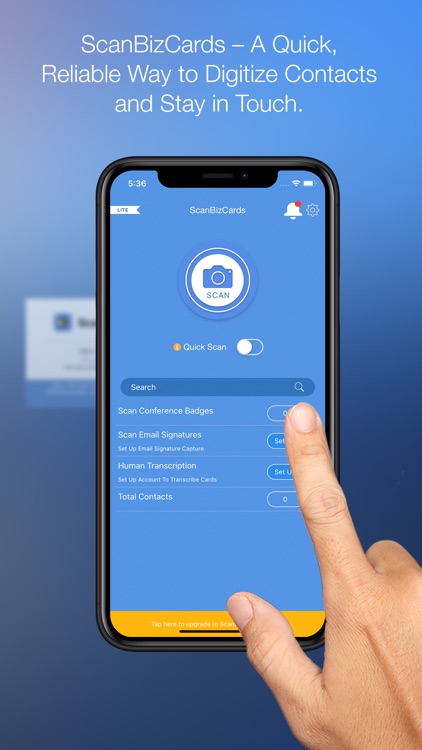
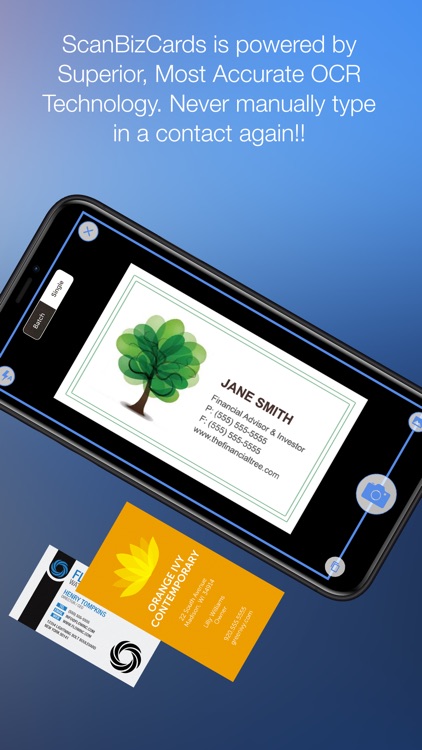
ScanBizCards is a fast and powerful app that makes it super easy to scan business cards and save the contact info.

WorldCard Mobile
WorldCard Mobile

WorldCard Mobile

Penpower Technology Ltd.

When you have to deal with a lot of business cards, you need this app

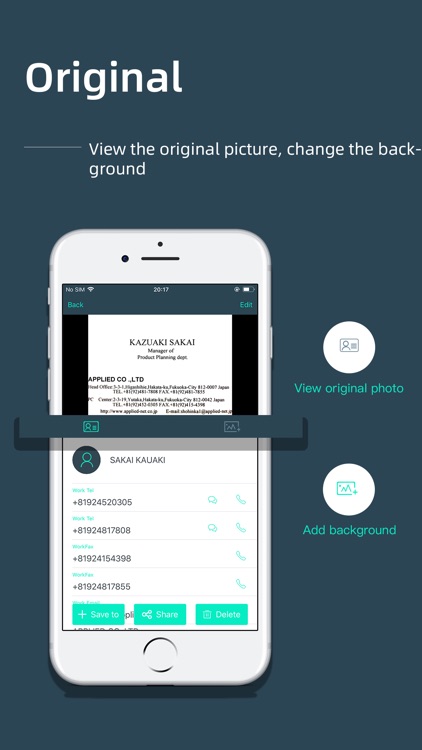
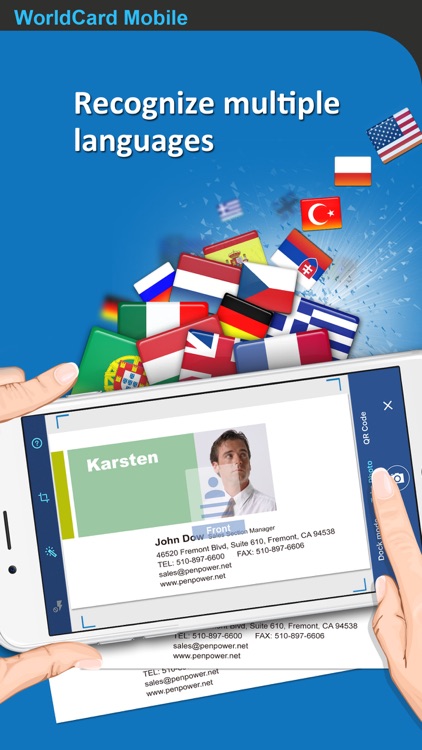
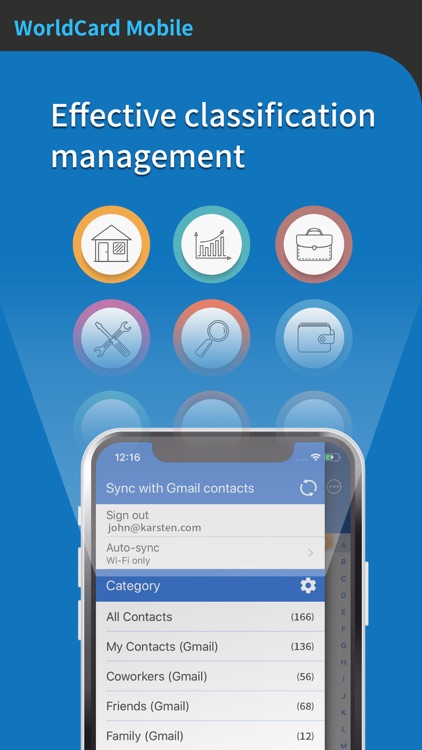
WorldCard Mobile is a popular app that makes it easy to scan business cards to save for later. Plus, you can directly contact people from within the app with no extra fuss.

Business Card Reader

Business Card Reader

ABBYY USA Software House Inc

ABBYY Business Card Reader –The World’s Fastest Business Card Scanner & Contact Management App for iPhone and iPad

ABBYY Business Card Reader –The World’s Fastest Business Card Scanner & Contact Management App for iPhone and iPad!

Recommended by The New York Times, CNN, The Telegraph, Computer Business Review, Macworld.
Winner of the RISING STAR Award in the Mobile Star Awards

ABBYY Business Card Reader easily & simply captures & stores contact from business cards in 25 languages to...

ABBYY Business Card Reader Pro

ABBYY Business Card Reader Pro

ABBYY USA Software House Inc

ABBYY Business Card Reader Pro –The World’s Fastest Business Card Scanner & Contact Management App for iPhone and iPad

ABBYY Business Card Reader Pro –The World’s Fastest Business Card Scanner & Contact Management App for iPhone and iPad!

Recommended by The New York Times, CNN, The Telegraph, Computer Business Review, Macworld.
Winner of the RISING STAR Award in the Mobile Star Awards

ABBYY Business Card Reader Pro easily & simply captures & stores contact from business cards in 25...

Haystack Business Cards

Haystack Business Cards

Haystack Ltd

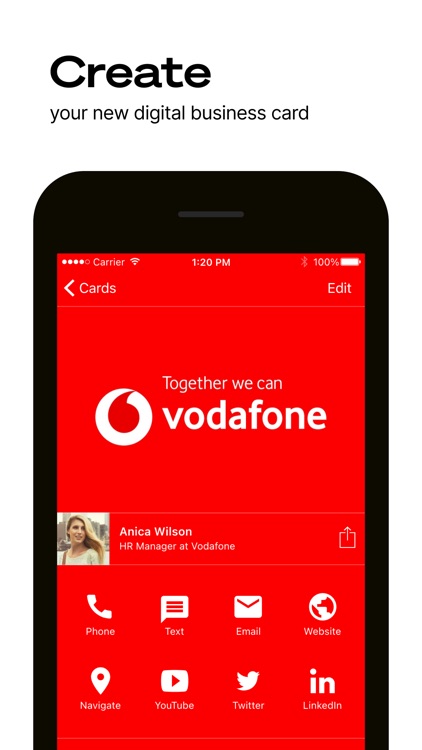
Haystack: Your New Digital Business Card

Haystack: Your New Digital Business Card

Join the world’s #1 digital business cards platform, create a stunning digital business card, and make a great first impression!

Haystack is trusted by 8 million people across 400,000+ companies, including leading organisations such as Vodafone and the UN.

Haystack’s digital business cards improve your sales efficiency, enhance customer engagement, and reduce your environmental footprint.

Share your contact...

Also Good

Apps with average score

Card Scanner
Card Scanner
Card Scanner

Card Scanner

Zoho Corporation

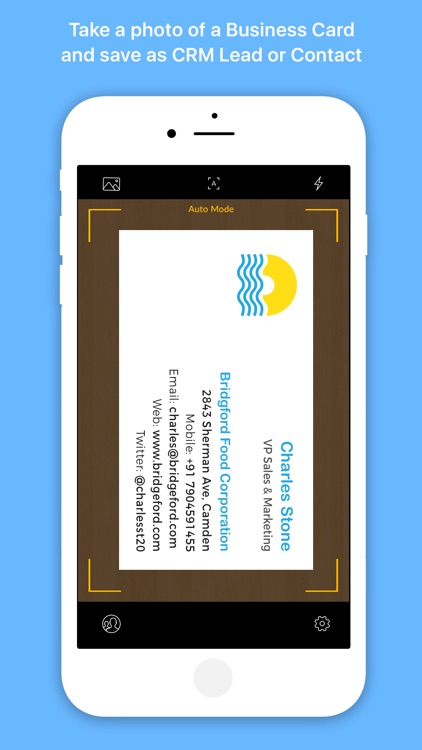
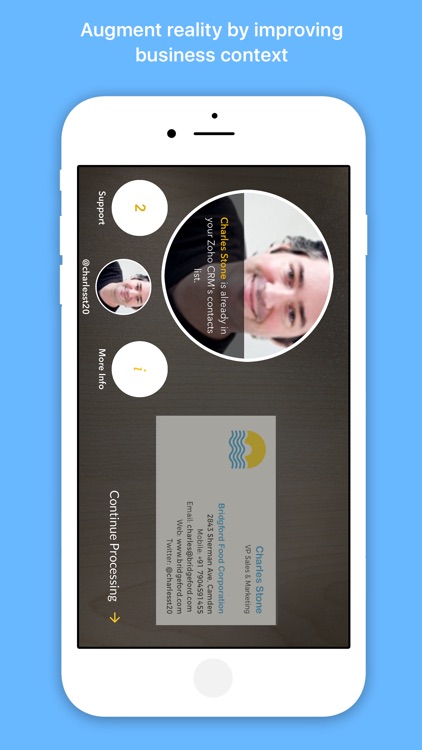
Scan business cards in 14 languages. Save leads and contacts to Zoho CRM, Salesforce, Google Cloud, and more.

Scan Cards
Scan business cards in 14 languages, including English, French, Spanish, German, Dutch, Portuguese, Polish, Turkish, Chinese, Russian.

Quick Fixes
Sometimes lighting isn't ideal and not all your data gets added perfectly. Make...

samcard- business card scanner

samcard- business card scanner

娜 林

Recognition Languages: English, French, German, Italian, Spanish, Portuguese, Swedish
Supported app languages: English, French,German, Italian, Spanish,Portuguese,Swedish

[Product Description]
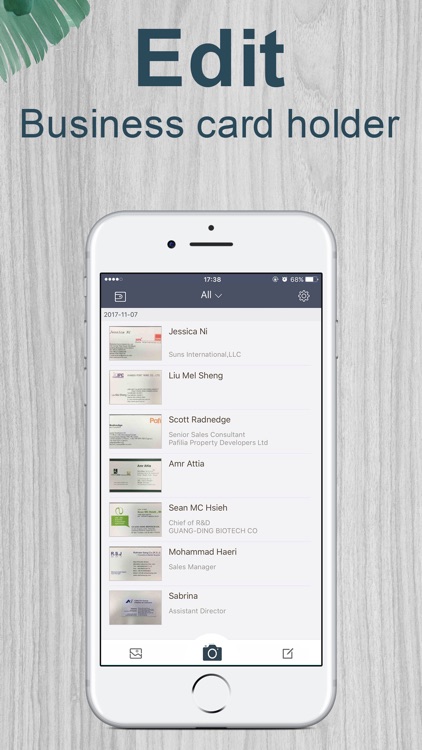
Snap a photo of the business card with iPhone camera and all the information
(Name, Job Title, Company, Department, Tel. …) is automatically recognized and go to iPhone Contacts.

[Features and Functions]
SamCard is a fantasic...

ScanBizCards - Lite
ScanBizCards - Lite
ScanBizCards - Lite

ScanBizCards - Lite

ScanBiz Mobile Solutions L.P.

Business Card Scanner App | Scan Business Cards Using QR Code | Scan Conference Badges - Capture More Leads at Events, Conferences and Tradeshows

Scan cards and badges in seconds or submit tricky cards for 100% accurate human transcription!

**Latest additions to ScanBizCards – Scan QR code, and save as contact in...

WeCard&business card scanner

WeCard&business card scanner

WeCard Tech co., LTD

WeCard reads and saves your business cards, remembering everyone you meet for business. It is the perfect fit for those who have lots of business cards.

* Must-Have Apps for Salespeople – The Wall Street Journal
* The best OCR scanner for business card - Wired
* The business cards just jump into...

business card scanner-sam pro

business card scanner-sam pro

娜 林

Recognition Languages: English, French, German, Italian, Spanish, Portuguese, Swedish

[Product Description]
Snap a photo of the business card with iPhone camera and all the information
(Name, Job Title, Company, Department, Tel. …) is automatically recognized and go to iPhone Contacts.

[Features and Functions]
SamCard is a fantasic visiting card reader with high recognition...

i-Card Business Card App

i-Card Business Card App

i-Card

Personnel and companies can now have their employees’ login online on the i-Card application and put in their information that will be visible to their customers or vendors online. The employees can choose what information they want to share online along with their picture. Each i-Card or contact detail will...

Scanzii - Business Card Scanner

Scanzii - Business Card Scanner

WillowRoot Apps, LLC.

Stop wasting time entering countless business cards collected at conferences and events. Scanzii allows you to take pictures of your business cards and automatically transcribe them allowing for quick submission to SAP CRM and your phone contacts.

Scanzii provides:
- Quick and intuitive SAP Login
- Fast application registration with your SAP system
-...

BusinessCards by snapAddy

BusinessCards by snapAddy

snapADDY GmbH

Your digital business card. Always with you.

With BusinessCards by snapAddy, you can create, share, and manage your digital business card – right from your smartphone, browser, or via QR code. Ideal for networking, trade shows, client meetings, or remote calls.

Scan paper cards instantly with AI support in over 40 languages....

Swapcard - Smart Event App

Swapcard - Smart Event App

SWAPCARD CORPORATION

Network, capture new leads, and manage your event schedule - all in one app!

Over 2 million attendees in 72 countries use the Swapcard app to enhance their events experience. Download the app today to see why!


• JOIN AN EVENT COMMUNITY IN SECONDS
Activate your profile using your email address and...

Contact Snapper
Contact Snapper
Contact Snapper

Contact Snapper

Laurent Garnier

Scan business cards and turn them into contacts instantly with Contact Snapper. Just snap a picture of a business card, and let Contact Snapper work its magic.

+++ Try it for free and save up to 3 contacts! +++

SAVE TIME
Say goodbye to tapping on your keyboard to create contacts. Let your...

Wantedly People
Wantedly People
Wantedly People

Wantedly People

Wantedly, Inc

Free contact management app that's loved by 3 million users.

Wantedly People — All your business cards, scanned in a flash.

It can scan 10 cards at a time with 3 easy steps.
Scatter out your cards
Tap a button
Watch them transform into digital contacts.

Spend less time organizing and start a conversation right...

Business card reader + Scanner

Business card reader + Scanner

Sounak Sarkar

Are you tired of manually entering contact information from countless business cards you collect during networking events or meetings? Introducing our cutting-edge Business Card Scanner app – the ultimate solution to streamline your contact management process.

With our Business Card Scanner, you can digitize and organize business cards with remarkable ease...

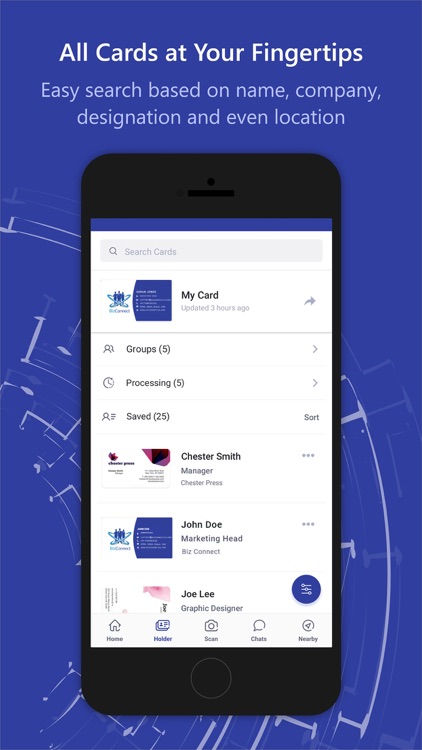
CardHQ - Business Card Reader

CardHQ - Business Card Reader

MASKL

CardHQ is 3 times faster than other name card scanner apps and it's forever free without ads. It's only 12MB.

Features:
• Scan unlimited name cards without any fees
• Scan cards 3 times faster than other apps (as fast as 3 seconds)*
• Detect text 3 times more accurate than others (as accurate...

Business card scanner--Wecard

Business card scanner--Wecard

WeCard Tech co., LTD

WeCard reads and saves and manages your business card.

The best business card scanner, more than a million users are using.

It has unique features that differ from other types of app:
Recognize the business card and quickly save it to the contact;
Add back images, text and notes to the business card;
Full local...

BizConnect Card Scanner

BizConnect Card Scanner

ATMAS SOFTWARES

No. 1 business card scanner and cloud-based contact management tool that is trusted by 200 thousand users over 191 countries.

-Best Business Card Reader & Scanner on Apple Store
-Must-Have Apps for Hubspot and Salesforce users

Features
1. Business Card Digitization: Digitizes business cards 100% accurately in all major languages.
2. QR code reader and...

CardKeeper App
CardKeeper App
CardKeeper App

CardKeeper App

BergTech, LLC

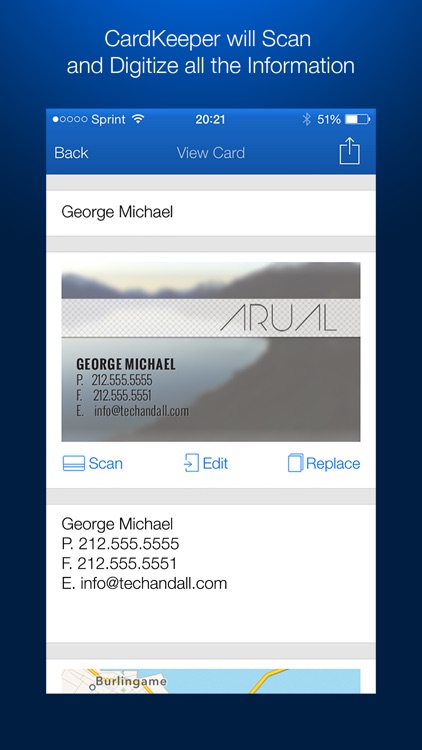
CardKeeper is the best Business Card Reader and Storage Application.

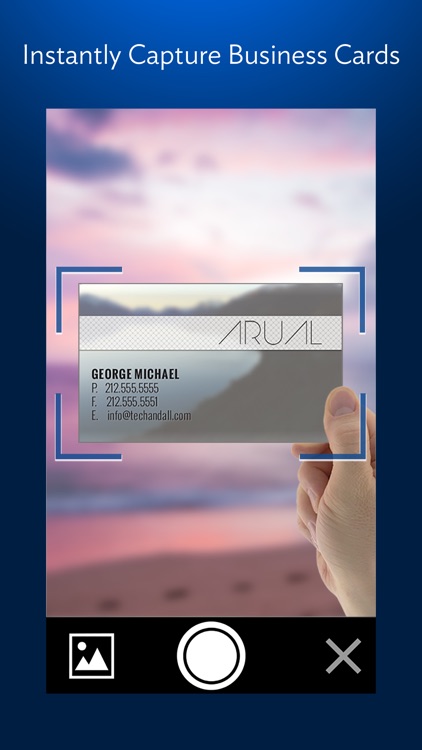
Tired of carrying all those numerous Business Cards with you? CardKeeper is here to scan, digitize, organize and help you manage your entire Business Card Collection.

- Quickly scan and add Business Cards
- Easily add the captured information to iPhone's Address Book
- Efficiently...

Business Card Scanner-Sam Full

Business Card Scanner-Sam Full

娜 林

SamCard reads and saves your business cards, remembering everyone you meet for business. It is the perfect fit for those who have lots of business cards.

* Must-Have Apps for Salespeople – The Wall Street Journal
* The best OCR scanner for business card - Wired
* The business cards just jump into...

CardWiz: Business Card Reader

CardWiz: Business Card Reader

Tapclay

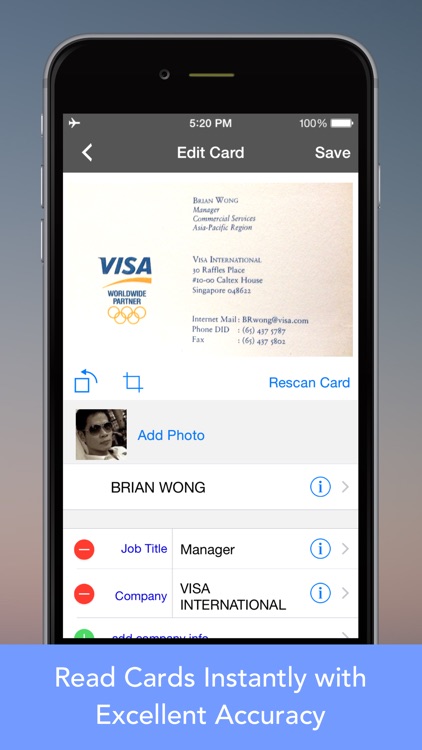
Snap a photo of your business card with iPhone camera, CardWiz instantly digitize all the card information into your personal contact, right on your iPhone. Fast and easy.

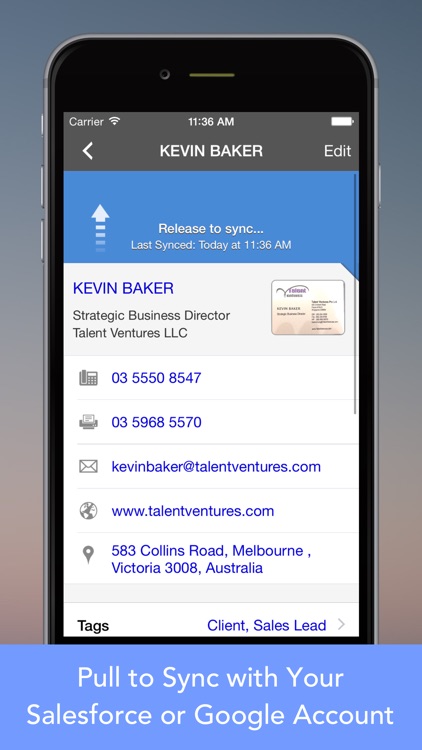
CardWiz securely sync contacts to your own Google or Salesforce account. CardWiz comes with easy to use contact management. You can label tag...

WorldCard Mobile Lite

WorldCard Mobile Lite

Penpower Technology Ltd.

Wall Street Journal recommends it to all professionals. Grab it, manage your life.

* Awards and Laurels *
• Named Best Mobile App OCR by 2010 MOBI Awards
• Winner of the CTIA 2010 E-Tech Award for Mobile Applications - Pro-sumer/Business Productivity
• Secured a spot among the Top 10 apps...

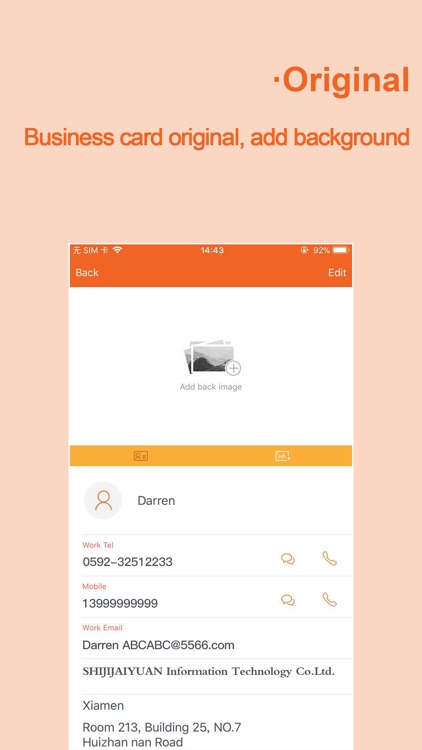
Business Card Scanner-SamCard

Business Card Scanner-SamCard

SamTeam

Supported language: English.

[Product Description]
Snap a photo of the business card with iPhone camera and all the information
(Name, Job Title, Company, Department, Tel. …) is automatically recognized and go to iPhone Contacts.

[Features and Functions]
SamCard is a fantasic visiting card reader with high recognition accuracy and speed.

Other features:
Anti-shake photo...

Business Card Scanner & Reader

Business Card Scanner & Reader

TapMedia Ltd

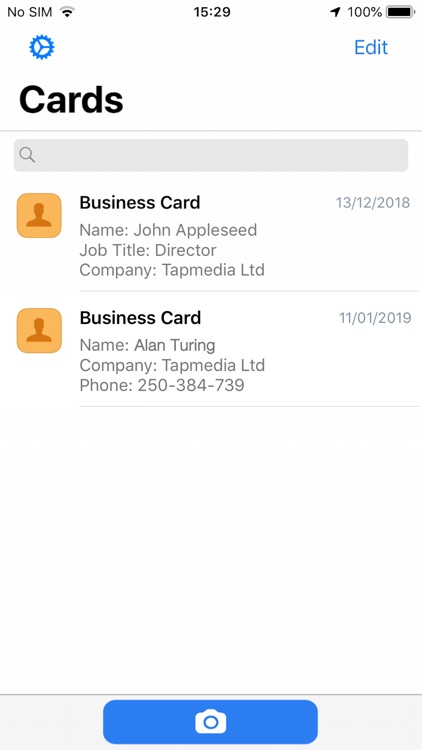
The most simple & easy business card reader - download now for FREE.

FEATURES
- Scan and store business cards
- Add scans to your Contacts
- Add notes to scans
- Save photo of original business card
- View addresses in Maps app
- Organize contacts into Folders


---------------------------------------------------

TAPMEDIA PRO SUBSCRIPTION

- You will receive access to the...

Business Card Reader

Business Card Reader

SHAPE GmbH

Instant recognition of business cards right on your iPhone. Import contact information from a business card directly to your iOS Contacts. Out-of-the-box integration with Salesforce and Evernote. Easy integration with other CRM systems. Featured in iPhone TV commercials.
"If you're a mobile networker, this is an app you'll definitely like." -TechCrunch

THIS...

Other Apps

Could be good for special cases

WorldCard HD

WorldCard HD

Penpower Technology Ltd.

* The Best Customer Management App *
• The first Business Card Management app compatible with iOS 6 and the new iPad
• Secured a spot among the Top 10 apps in the Reference/Business categories in many countries
• Over 20 million users worldwide
* Customers’ Reviews *
- Great app - Amazing recognition. The backup to Google Docs and SkyDrive makes it very easy to manage cards. (May 12, 2012 by Truong Nam)
- Professional app - Can't rate this app highly enough! Storing business details on my iPad has proven to be invaluable. (Apr 23, 2012 by Skooby 10)
- WorldCard HD - The intelligent business card manager (Apr 08, 2012 by Aki Eniego)
- Manage your business cards smartly with WorldCard HD (Apr 08, 2012 by Sung)

* Demo Video *
http://www.youtube.com/watch?v=jc85erF6ek8

* Product Overview *
No manual entries. No typos. No more confusion in your contacts!
WorldCard HD transforms your iPad into an intelligent Customer Relationship Manager. This is the iPad version of the award-winning business card scanning application, WorldCard Mobile. Powered with an advanced version of OCR (Optical Character Recognition) technology, this utilitarian app offers the best of business card scanning. WorldCard HD has an intuitive combination of an easy-to-use interface and a powerful search tool that allows you to find required information in seconds. Each business card is represented as a record in a special table with standard attributes such as name, address, company name and others – no typing and less chances of mess up!
With WorldCard HD in your iPad, dealing with business cards won't be frustrating anymore!

* Product Details *
Why WorldCard HD?
• Amazing accuracy of recognition
• Carries the tradition of its iPhone predecessor by offering accurate character recognition.
• Recognize business cards in 26 different languages: English, French, German, Italian, Dutch, Turkish, Polish, Hungarian, Russian, Swedish, Norwegian, Japanese, Korean, Finnish, Danish, Greek, Czech, Slovak, Traditional Chinese, Simplified Chinese, Spanish(Mexico & Spain), Portuguese(Portugal & Brazil), Czech, Slovak language.
• Allows you to scan and recognize large numbers of cards at a time. Manages your cards and saves your time effectively!
• Creates contact groups as you wish. With the effective search tool, finding the right contact will never be a problem from now on.
• Enhances images to have them in the best definition always.
Intuitive use of contact info
• Lets you carry out multiple functions such as connecting with FaceTime or Google Maps and sending emails just by tapping on the collected information from business cards.
• Use Google Maps to find your way easily and save your time on route planning.
• Get connected to your contacts with a single touch. The system will smartly use information such as names and emails to search on Facebook, LinkedIn and Twitter right away.
Easy to share & backup
• Exchange contact data through Open In, Mail and iTunes File Sharing. Import/export or backup your data quickly and conveniently.
• Share or backup your contacts via cloud services (iCloud/Dropbox). You can manage your contacts on all devices.
=================== Notes ========================
The resolution of the images taken by camera in iPad 2 might not be good enough for recognition.
We suggest you add contacts into WorldCard HD using the following methods:
- Add images from iPhone 4S/4/3GS Photo Stream
- Import WorldCard Data (*.wcxf) from iCloud or Dropbox storage services or via iTunes Files Sharing.

蒙恬名片王Mobile

蒙恬名片王Mobile

Penpower Technology Ltd.

Wall Street Journal recommends it to all professionals. Grab it, manage your contacts.

◆ Awards and Laurels ◆
- Named Best Mobile App OCR by 2010 MOBI Awards
- Winner of the CTIA 2010 E-Tech Award for Mobile Applications - Pro-sumer/Business Productivity
- Secured a spot among the Top 10 apps in the Business category in 194 countries
- Ranked #1 Business app in US App Store
- Ranked #1 Business Card Scanning application in Macworld.com
- Over 20 million users worldwide

◆ Testimonials ◆
- “For scanning business cards onto your iPhone, WorldCard Mobile stands out.” – Macworld
- “I’ve always been skeptical about contact capturing technologies…but I’m an overnight convert - [WorldCard Mobile] changed my outlook (pun intended).” - Bill French, iPhone CTO
- “WorldCard Mobile accurately read and sorted fax and mobile numbers, even when the cards labels used short-hand.” - Bob Tedeschi, New York Times

◆ App Description ◆
WorldCard Mobile, the leading business card scanning application for iPhone, uses OCR (Optical Character Recognition) technology to instantly transfer information from business cards to users' native contacts. With a simple click of the camera, you no longer have to manually input contact info from business cards or email signatures.

◆ Why WorldCard Mobile? ◆
● Capture business cards anytime & anywhere.
- Capture business card images with the iPhone’s camera.
- Recognize business cards in 26 different languages: English, French, German, Italian, Dutch, Turkish, Polish, Hungarian, Russian, Swedish, Norwegian, Japanese, Korean, Finnish, Danish, Greek, Czech, Slovak, Traditional Chinese, Simplified Chinese, Spanish(Mexico & Spain), Portuguese(Portugal & Brazil), Arabic language.
- Sort recognized information by name, position, company, phone number, fax number, address or other fields.

● Manage contacts easily
- View and manage contact info with Card holder function. Make a phone call, send SMS and email to your contacts directly.
- Select partially and recognize the specific area that contains the correct data.
- Find your contacts on Facebook, LinkedIn and Twitter. Expand your social and professional networks.

● Smart functions for your business
- Exchange contact data through Open In, Mail and iTunes File Sharing. Import/export or backup your data on Mac/Windows quickly and conveniently.
- Share or backup your contacts via cloud services (iCloud / Dropbox). Manage your contacts on all devices, such as Mac or Windows PC.
- Recognize QR code to get more information easily.
- Copy email signatures and add them to your contact lists.
- Support cover flow function in landscape mode

Business Card Manager Lite

Business Card Manager Lite

SOURCENEXT CORPORATION

An "Evernote" Supported Business Card Management Application

The "Business Card Manager" is an application which helps you to store and manage all your business cards on iPhone, just by taking photos of the business cards with your iPhone pre-installed camera.

By using the "Auto-Synchronize" feature to sync with "Evernote", the application allows you to add and search out business cards without having to type in any letters.
Want to exchange business cards with a client who also has "Business Card Manager"? By making the motion to exchange cards (by holding out your iPhones to each other) you can exchange your business cards with your partner, digitally through Bluetooth.


[ 4 Main Features ]

1. Add new cards - Simply by taking photos on your iPhone Camera
In this application, adding a new business card into your business card list is as easy as taking a picture of the business card on your iPhone camera. Not only can you add new cards one card at a time, you can also take pictures of all your cards at once, save the data temporarily and sort all the cards later to save the hassle of having to enter each business card one card at a time.

2. A Seamless Search Function interlinked with "Evernote"
[Auto-Synchronize with "Evernote"]
People who have an "Evernote" account can use the "Auto-Sync" feature to automatically synchronize the data in their business card list with a specified "Evernote" notebook. Once synchronized, the OCR (Optical Character Recognition) feature in "Evernote" will scan and recognize the characters in the business card as text data.

Running a search for a name or a number will search in the card list inside the application and also inside the "Evernote" notebook - allowing you to search out business cards seamlessly.

[Load Business Card data from "Evernote"]
This feature allows you to download business card data from your "Evernote" notebook onto your "Business Card Manager". For example, by using this function, you can scan and upload all your business card data to your "Evernote" account through your PC, and later on, load all the un-synchronized data onto your "Business Card Manager"

3. Use "Tags" to Manage Groups Easily
Although the pre-installed "Contacts" in iPhone is somewhat difficult to use, since it lacks a feature to create groups, the "Business Card Manager" comes with a feature to "tag" your business cards with a group name, and manage them based on these tags. Also, by using the "thumbnail display mode", you can select multiple cards and tag them to certain groups at once.


4. Exchange business cards from iPhone to iPhone
By holding out your iPhone to another iPhone user with "Business Card Manager", you can exchange your business card set inside the "My Business Card" with your partner. The transmission for the card exchange is done through Bluetooth so even in the offline mode, you can exchange business cards safely and swiftly.
The card exchanged through this feature is entered automatically into your list of cards, along with the GPS data of where the exchange was carried out.


[ Basic Features ]

- A zoomable thumbnail view
- Register multiple photos for a single entry
- Twitter, Facebook supported
- Call up your contacts while viewing the business card
- Export contact info to the iPhone default "Contacts"
- No Internet connection required for viewing or exchanging cards


[ About the "Lite Version" ]

All the features available in the FULL version is also available in the Lite Version, but the number of new cards which can be registered in the Lite Version is limited to 30 cards. (there is no limitations placed on the number of cards registered through the Bluetooth card exchange)


* If you use the iPhone3G, it is recommended that you use a scanner from a PC and save the image to "Evernote" instead. (Because it does not have an auto-focus function.)

WorldCard Link - Instant Business Card Reader

WorldCard Link - Instant Business Card Reader

Penpower Technology Ltd.

* Compatible with iOS 7/iPhone 5S/5C/5 *
WorldCard Link is an iOS app and the world's first iPhone stand and business card stand to manage your business cards on iPhone or in the cloud.

* Important Notice *
-WorldCard Link provides world's first automatic business card recognition system, and the iPhone dock supports iPhone 4S/4.
-WorldCard Link Pro, in addition to WorldCard Link's app and iPhone dock, provides a Windows sync software to sync your contacts from cloud to your PC.

* Why WorldCard Link? *
• Capture business cards and recognize them automatically
• Support interface in different languages - English, French, German, Italian, Spanish, Traditional/ Simplified Chinese, Japanese, Korean, Portuguese and Dutch.
• Recognition of 24 languages: English, French, German, Italian, Spanish, Traditional/ Simplified Chinese, Japanese, Korean, Portuguese, Dutch, Czech, Greek, Hungarian, Polish, Portuguese (Brazil), Russian, Slovak, Swedish, Norwegian, Danish, Finnish, Spanish (Mexico) and Turkish. You can switch from one language to another, just like that!
• Sort recognized information by name, position, company, email, website, phone number, fax number, address or other fields.

* Manage contacts easily *
• View and manage contact info with Card holder function. Make a phone call, send SMS and email to your contacts directly.
• Merge new business card info with existing contacts.
• Select partially and recognize the specific area that contains the correct data.
• Find your contacts on Facebook, LinkedIn and Twitter. Expand your social and professional networks.
• Sync with Google Contacts and manage your contacts seamlessly!
• Manage contacts from both Local Contacts and Cloud Contacts(Google Contacts) via WorldCard Link.
• Share or backup your contacts via cloud services (iCloud / Dropbox).

* Smart functions for your business *
• Exchange contact data through Open In, Mail and iTunes File Sharing.
• Import/export or backup your data on PC(Mac/Windows) quickly and conveniently.
• Share or backup your contacts via cloud services.
• Recognize QR code to get more information easily.
• Copy email signatures and add them to your contact lists.
WorldCard HD Lite

WorldCard HD Lite

Penpower Technology Ltd.

The Best Customer Management App

● Product Overview ●
No manual entries. No typos. No more confusion in your contacts!
WorldCard HD transforms your iPad into an intelligent Customer Relationship Manager. This is the iPad version of the award-winning business card scanning application, WorldCard Mobile. Powered with an advanced version of OCR (Optical Character Recognition) technology, this utilitarian app offers the best of business card scanning. WorldCard HD has an intuitive combination of an easy-to-use interface and a powerful search tool that allows you to find required information in seconds. Each business card is represented as a record in a special table with standard attributes such as name, address, company name and others – no typing and less chances of mess up!
With WorldCard HD in your iPad, dealing with business cards won't be frustrating anymore!

● Product Details ●
Why WorldCard HD?
• Amazing accuracy of recognition
• Carries the tradition of its iPhone predecessor by offering accurate character recognition.
• Recognize business cards in 26 different languages: English, French, German, Italian, Dutch, Turkish, Polish, Hungarian, Russian, Swedish, Norwegian, Japanese, Korean, Thai,Finnish, Danish, Greek, Czech, Slovak, Traditional Chinese, Simplified Chinese, Spanish(Mexico & Spain), Portuguese(Portugal & Brazil), Czech, Slovak language.
• Allows you to scan and recognize large numbers of cards at a time. Manages your cards and saves your time effectively!
• Creates contact groups as you wish. With the effective search tool, finding the right contact will never be a problem from now on.
• Enhances images to have them in the best definition always.
Intuitive use of contact info
• Lets you carry out multiple functions such as connecting with FaceTime or Google Maps and sending emails just by tapping on the collected information from business cards.
• Use Google Maps to find your way easily and save your time on route planning.
• Get connected to your contacts with a single touch. The system will smartly use information such as names and emails to search on Facebook, LinkedIn and Twitter right away.
Easy to share & backup
• Exchange contact data through Open In, Mail and iTunes File Sharing. Import/export or backup your data quickly and conveniently.
• Share or backup your contacts via cloud services (iCloud/Dropbox). You can manage your contacts on all devices.

====================== Notes ============================
** The Lite version allows you to save 70 contacts into cardholder. **

ClearSlide Connect - Track Email, Scan Business Cards, and Follow Up with Leads

ClearSlide Connect - Track Email, Scan Business Cards, and Follow Up with Leads

ClearSlide, Inc.

ClearSlide Connect is perfect for the sales person on-the-go. Track email, scan business cards, and follow up with leads in seconds.

Know when your content is being viewed and for how long so you can follow up at the right time. Manage your sales funnel away from the office or at conferences with our handy business card scanner. Stay up-to-the-minute on hot leads or customer requests.
____________________________

A ClearSlide account is required for use of this app. ClearSlide is an integrated sales engagement platform that transforms the way salespeople engage customers – on the phone, through email, or in person.

Features:
• Capture leads by snapping a photo of a business card or entering an email address
• Follow-up with customer and send collateral instantly
• Receive push alerts when customers view your collateral
• See page-by-page-by-second analytics of how long a viewer looked at each page
• Research and connect with customers without leaving the app by connecting your LinkedIn account
• Easily call or email contacts directly through the app

ScanCard - Bizcard Reader Pro

ScanCard - Bizcard Reader Pro

XIAMEN SCAN TECHNOLOGY CO.,LTD

【This is the pro version of ScanCard, which unlocks all the functions of ScanCard.】

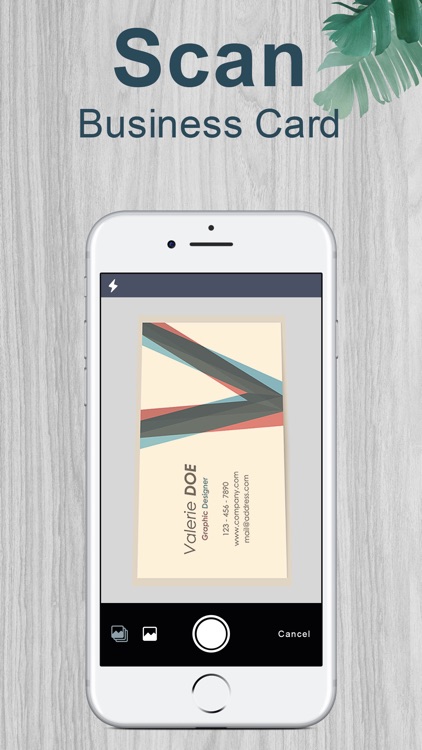
ScanCard, the leading business card scanning application for iPhone, uses OCR(Optical Character Recognition) technology to instantly transfer business cards into the contacts in your iPhone.Just snap a picture of your business cards, you will no longer have to manually enter contact information from business cards.

【With ScanCard you can】

-Instantly transfer business cards in 15 languages right into your iPhone "Contacts".
-Transfer dozens of business cards at the same time.
-Make a phone call, send SMS and email to your contacts directly.
-Forward recognized business cards via e-mail as vCard or JPG files or via SMS as a plain text.
-Search in iPhone Maps for the address of your contact with just one tap.
-Search contact by any keyword: any information recognized can be used to retrieved the full contact information.
-Import/export or backup your data quickly and conveniently. And sync with Aipim.cn cloud service with no limited storage.

【How to get good recognition results】

1. Place the business card on a flat surface.
2. Bright light or direct sunlight are necessary.
3. Hold the device right above the business card. Keep the business card covered by the finder frame.
4. Tap the screen to take the picture.
5. After the recognition is done, you can check the results.
6. Tap “Save” to add the contact into your iPhone address book.

【Range of application】

•Recognition of more than 15 languages: English, Simplified Chinese, Traditional Chinese, French, Spanish, German, Italian, Russian, Japanese, Portuguese, Dutch, Danish, Swedish, Finish and Turkish, etc.
•ScanCard is an excellent business card tool for business people.
•Compatible with iOS 7.
•Support the devices above iPhone 3GS.

Zappoint Card Scanner

Zappoint Card Scanner

Zappoint Inc.

SUPER FAST – Scan 12 business cards in under one minute!

Zappoint is the business card organizer with privacy. Be cautious about FREE! Many so-called “free” business card organizers capture your data and then sell your data or repurpose it for advertising. Zappoint Business Card Organizer is a paid service that treats your business data as your business data – the way it should be.

* SIMPLY EASY
Scan, capture and you're done. Information magically appears in your phone address book for everyday use.

* SUPER FAST
The integrated world-class advanced camera imaging technology is so fast that you can scan a dozen business cards in under a minute. So, getting your backlog organized has never been easier.

* TOTALLY PRIVATE
Your data is your data. Period. Unlike most alternatives that commercialize a so-called “free” service by selling your data or using it for advertising, we provide a straightforward paid corporate service for professionals who must ethically manage their business contacts with uncompromising privacy standards.
* BASIC Account – FREE, business card image capture without OCR
* PLUS Account – $1.99 per month, up to 50 business card scans per month
* PREMIUM Account – $9.99 per month, up to 300 business card scans per month

In today’s world of free everything and promiscuous disrespect to your privacy, we invite you to use a professional service that is refreshingly honest and straightforward.
Download Zappoint