You are using an outdated browser. Please upgrade your browser to improve your experience.

Stay On Top Of Your Finances With These Expense Report Trackers

Staying on top of your finances is not easy, but with these awesome expense trackers it will be. We've found the best apps that will help you stay on top of what you're spending and when.

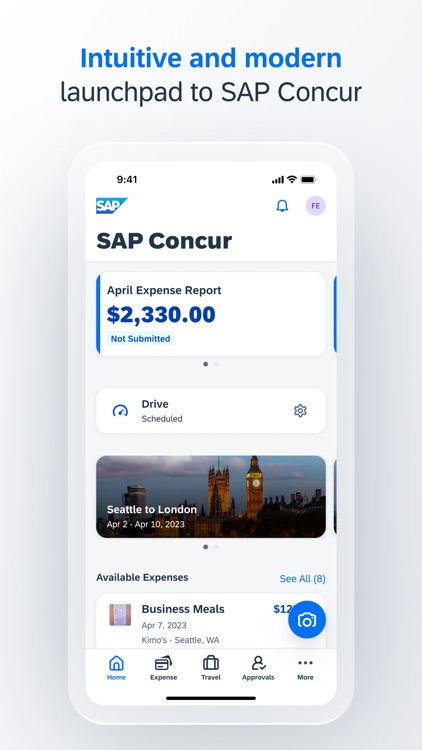
SAP Concur
Emburse Professional
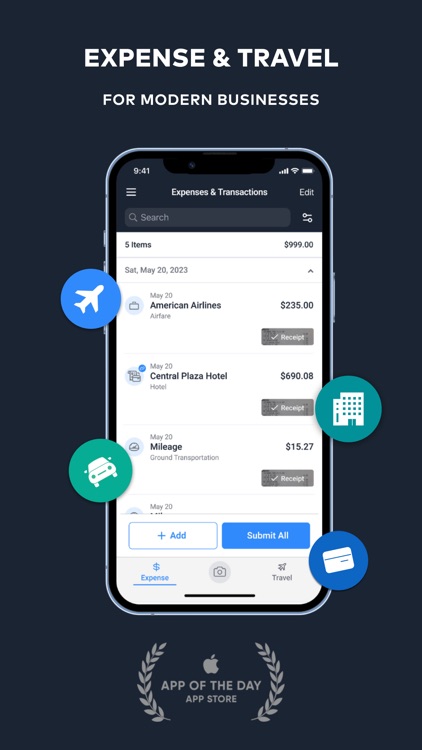
TravelBank Expenses and Travel
ExpenseOnDemand: Expenses App
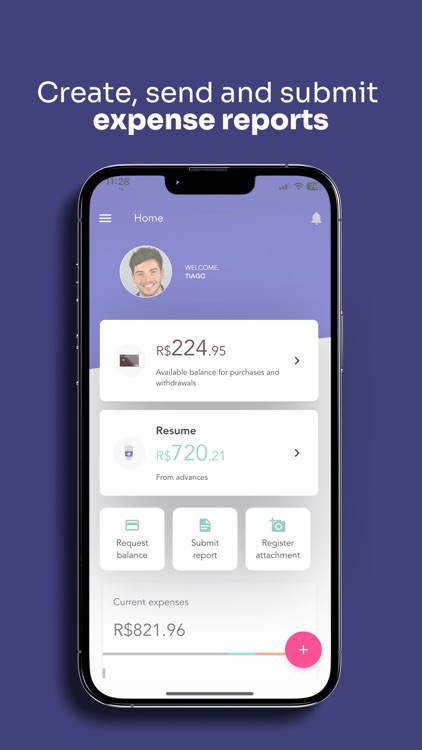
Espresso Despesas Corporativas

Best Apps

Highest scored apps in the category

SAP Concur
SAP Concur

SAP Concur

Concur

For those who want a full-featured expense tracking and reporting app with built-in trip planning.

If you use Concur® Travel, Concur® Expense, or Concur® Invoice at work, then download this companion app to your iPhone or iPad to manage your travel and expenses when you’re on the go!

With the SAP® Concur® mobile app, you can:
• Review and approve expense reports, invoices, and travel requests
• Snap a photo of your receipt and instantly add it...

Emburse Professional

Emburse Professional

Emburse, Inc.

Experience effortless expense management with the Emburse Professional app (formerly Certify Mobile)

Experience effortless expense management with the Emburse Professional app (formerly Certify Mobile). Simply capture each receipt with your smartphone and Emburse will accurately extract receipt data, using AI to automatically fill out and categorize expense entries. Employees can then easily create, submit, and approve expense reports on-the-go from the app.

*Empower your employees to efficiently manage their expenses from anywhere.
*Make paper...

TravelBank Expenses and Travel

TravelBank Expenses and Travel

Travelator, Inc.

For those who want an expense tracking and reporting tool with flight and hotel booking options.

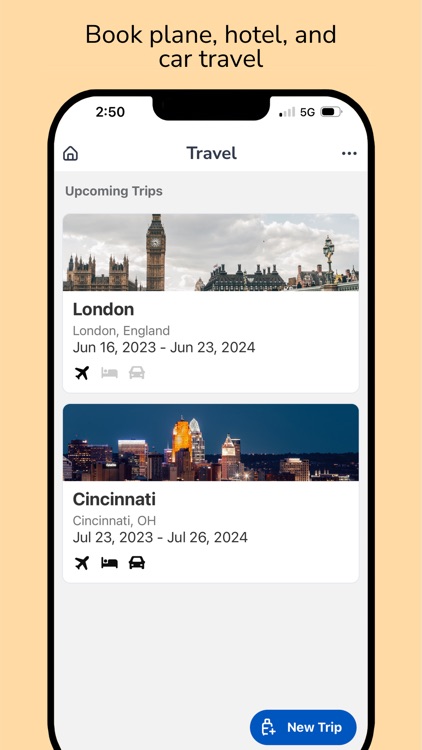
A smarter way to track expenses, book and manage business travel, and earn rewards. TravelBank is the last business travel and expense app you’ll ever need. Create and submit an expense report, book a flight, hotel, or car – all in minutes.

• Forbes: 6 Travel Apps to Help You Stay Organized While Traveling
• CNN: 15 Best Travel Apps
• Fast Company:...

ExpenseOnDemand: Expenses App

ExpenseOnDemand

Expense On Demand

Paper based claims or a manual Employee expense claim system is fraught with delays, mistakes and abuse

Paper based claims or a manual Employee expense claim system is fraught with delays, mistakes and abuse. Detecting fraud is nearly impossible!

Employee expense automations, where the mobile phone is leveraged is the answer to ensuring a seamless process with no delays, errors and 100% compliance. And bringing fraud to ZERO!

ExpenseOnDemand is a revolutionary 'on-the-go' business expense report app...

Espresso Despesas Corporativas

Espresso Despesas Corporativas

Espresso

Espresso: Your corporate expenses managed by a beautiful app which generates reports automatically, whenever you need them

Espresso: Your corporate expenses managed by a beautiful app which generates reports automatically, whenever you need them.

- Record your expenses in one touch:
It's extremely easy to record your expenses with food, transportation, accommodation or others. It only takes a few seconds, and you can do it on the go, wherever your are.

- Get rid of paper receipts
The app allows you...

Also Good

Apps with average score

Veryfi Receipts OCR & Expenses

Veryfi Receipts OCR & Expenses

Veryfi, Inc.

Experience the swiftest and safest OCR capture for receipts, bills, and invoices with Veryfi's powerful data extraction app. Bid farewell to manual entry and bookkeeping, saving hours weekly.

Veryfi swiftly extracts vendor details, payment information, totals, taxes, and line items. Achieve efficiency with SOC2 Type2 certification, CCPA, HIPAA, and GDPR compliance.

Witness...

Rydoo
Rydoo
Rydoo

Rydoo

Rydoo

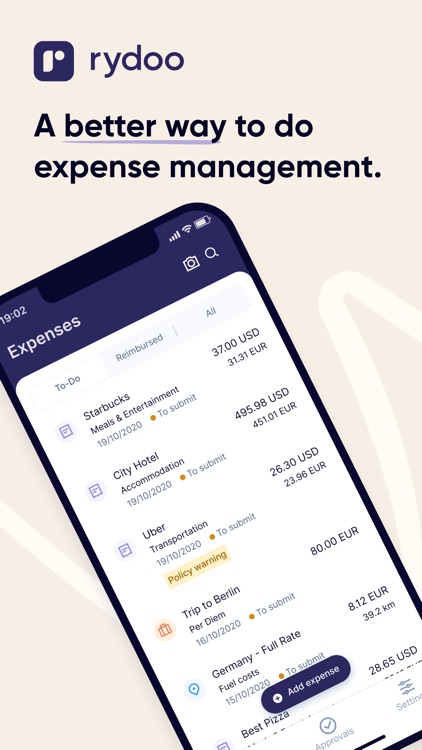
Join over a million professionals who manage their expenses and business trips with Rydoo!

Rydoo is a best-in-class expense management solution that helps employees and finance teams to reduce their expense work to a minimum.

With the Rydoo mobile app you can:

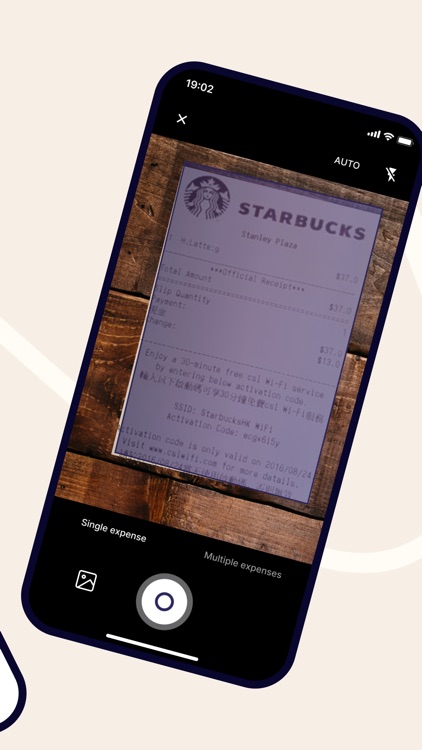
• Snap a picture of any receipt and upload it on...

Expense Tracker · Money Gone?

Expense Tracker · Money Gone?

Rafal Platek

Money Gone? is an expense tracker for spending, money, budget and savings control. This tracker helps you record every expense, understand spending patterns, protect money, build savings, and stay within a realistic budget.

Use it as a daily expense tracker, a simple spending log, or a lightweight companion for personal finance....

Expensya Next
Expensya Next
Expensya Next

Expensya Next

Expensya

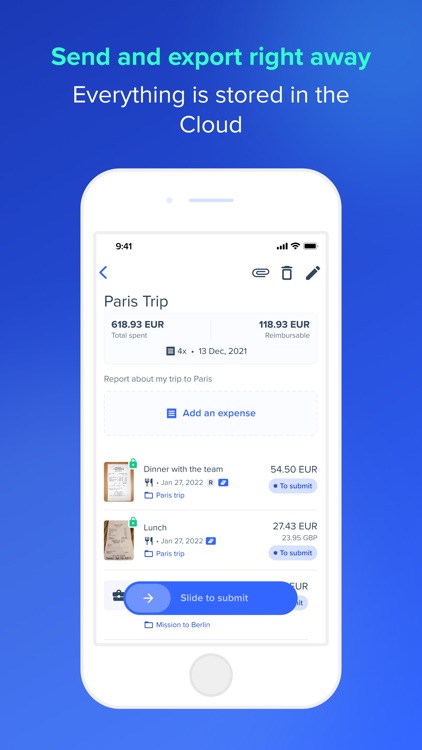
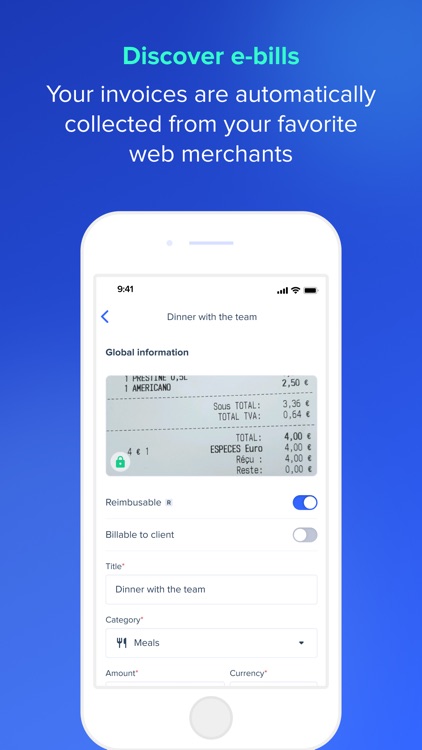
Expensya, the Business Spend platform you and your teams will love

Expensya is THE web and mobile solution that digitizes and simplifies business expense management: expense reports, business travel expenditure, remote working expenses, etc. Whether you are a freelancer, an employee, a manager, an accountant or a company CEO: Expensya...

Quick Expense Reporting

Quick Expense Reporting

Snappii

Quick Expense Reporting
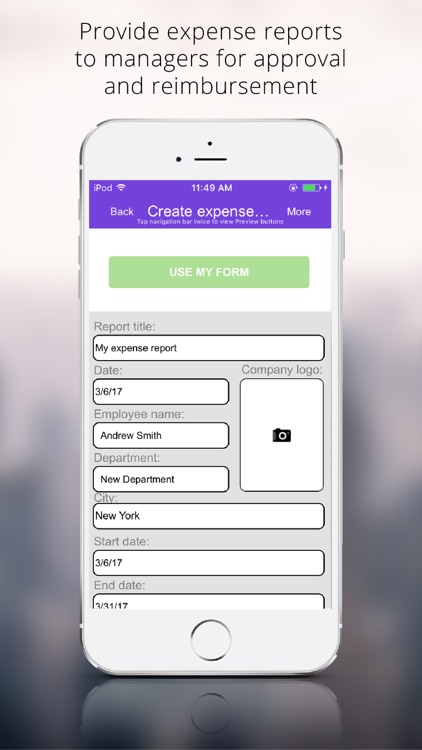
Would you like to have a perfect pocket travel expense report log that could help you instantly create expense reports, capture and insert images of checks, receipts, invoices and bills, and share this information as PDF and Excel reports on the spot? Look no further! We have designed...

Expense manager -Money tracker

Expense manager -Money tracker

Larisa Maria Berce

Application that helps you manage and track your daily expenses.

Designed to be simple and intuitive, this expense tracker app will help you manage, report and always be aware of what is happening in your own wallet. A great budget manager tool for everyone who is concerned about their spending.
Closely manage...

Mobile Expense Reports

Mobile Expense Reports

Onexma.com

With onexma you get your expense reports in no time. Companies only need one tool for their worldwide field service, sales force and branches. Onexma uses an automatic mileage calculator with miles and kilometers, individual by location or user.

Feature:
- Multilanguage
- Very easy to use for everyone
- Automatic currency converter
- Online...

CWMoney Pro - Expense Tracker

CWMoney Pro - Expense Tracker

CWMoney.NET

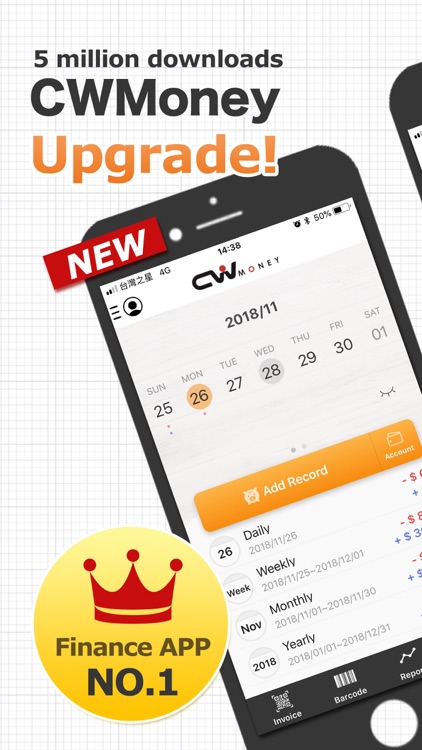
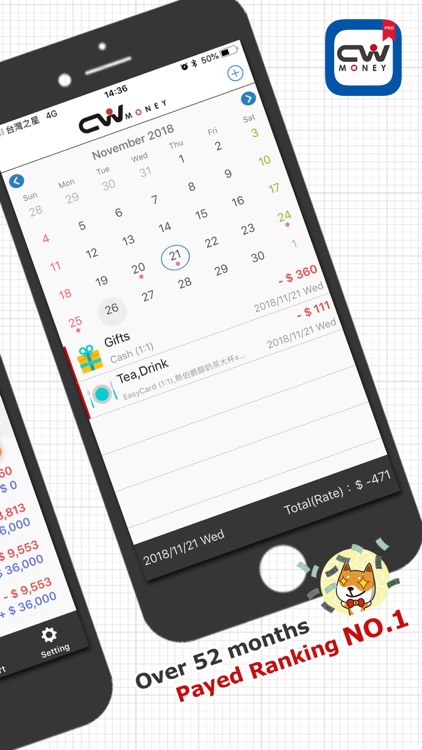
※※※ As Featured in the App Store “Finance catalog #1” Export, Account, Catalog, Income PieChart/BarChart set Priority, Daily BarChart.
※※Over 5,000,000 Users,CWMoney is the best Finance Management Software of Mobile, it's easy to record a daily expense, income money, if you feel this APP helps you, please rate 5 stars on...

Expensify - Travel & Expense

Expensify - Travel & Expense

Expensify, Inc.

Expensify helps more than 15 million people around the world track expenses, reimburse employees, manage corporate cards, send invoices, pay bills, and book travel. All at the speed of chat.

Expensify is built for:

* Self-employed: Track and categorize expenses for budgeting or tax purposes. Scan receipts, log distance, or just type...

Zoho Expense: Travel & Expense

Zoho Expense: Travel & Expense

Zoho Corporation

Zoho Expense is designed to automate expense tracking, handle the entire mileage expense lifecycle, book business trips, and manage corporate credit cards for your organization.

At Zoho, we believe your privacy is our #1 priority. That's why we have chosen to be GDPR compliant everywhere. Your data is safe with us,...

Coupa Mobile
Coupa Mobile
Coupa Mobile

Coupa Mobile

Coupa

Use Coupa’s Business Spend Management mobile app for rapid access, personalized for you:

HOME PAGE
• See an overview of your activity and navigate easily
• Take quick actions or jump directly to recent documents
• View announcements from your company

APPROVE
• Get push notifications when a request needs your attention
• Approve, reject, or hold...

XpenseTracker
XpenseTracker
XpenseTracker

XpenseTracker

Silverware Software, LLC

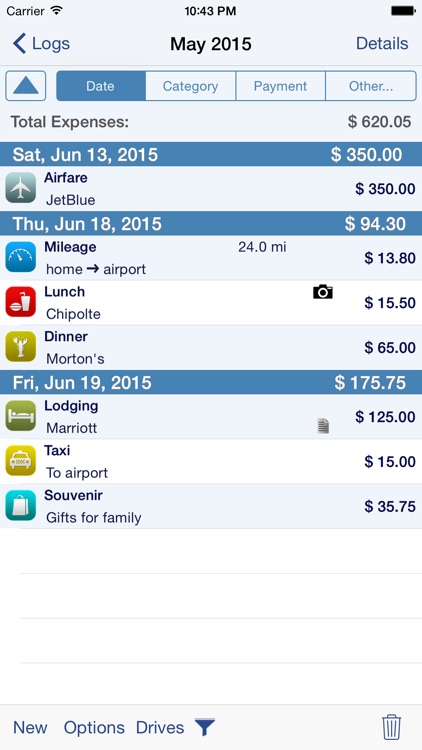
Save time & money! Track your MILEAGE and EXPENSES with the most powerful expense app available! A comprehensive, full featured app that's easy to use and extends to your desktop. XpenseTracker has been a customer favorite on the App Store since 2008.

*March 2017- "BEST FINANCE APP" http://www.creditdonkey.com/finance-apps.html

*XpenseTracker named "must have...

BizXpenseTracker
BizXpenseTracker
BizXpenseTracker

BizXpenseTracker

Silverware Software, LLC

BizXpenseTracker is your Full Featured app for tracking and reporting Expenses, Mileage and Time. With ease you can create beautiful, finished PDF reports using one of the over two dozen templates supplied. Get organized easily and save money too!

BizXpenseTracker (BXT) is finely tuned, exceptionally reliable and has been helping users...

Easy Budget Money Tracker Zeny

Easy Budget Money Tracker Zeny

Lemon LLC

Zeny is a simple money tracker. Free and No Registration Required. You can make an entry very fast with a few taps.

●Features
- Quick input with one hand
- Simple without too many choices
- No registration required & minimum ads

●Designed for People Who
- Don't need receipt scanning
- Don't require bank integration
- Prefer...

ABUKAI Expense Reports Receipt

ABUKAI Expense Reports Receipt

Abukai, Inc.

Tired of expense reports? Finish your expenses in seconds with ABUKAI!

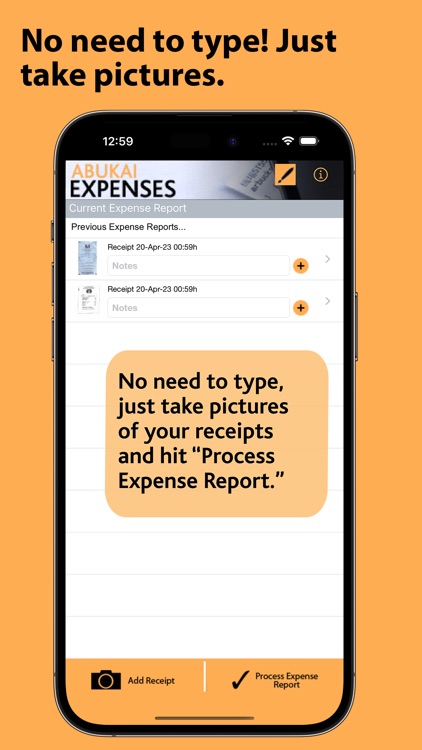
Step 1. Simply take a picture of each receipt while on the road or in the office.
Step 2. Hit “Process Expense Report” anytime you are ready.

You will receive your finished expense report with cost categorization, date, vendor and all the...

Time and Expense Center

Time and Expense Center

Starkode Limited Company

Tired of keeping track of your expenses and work hours? This amazing app keeps all your records organized on the go. 
 
Avoid all the mess of keeping your receipts and save time by logging working hours and expenses in three simple intuitive steps. Impress your customers by providing timely updates and...

Gorilla Expense Pro
Gorilla Expense Pro
Gorilla Expense Pro

Gorilla Expense Pro

Gorilla Expense

-----------------------------------------------
This app is only for business users who already own Gorilla Expense web app licenses!!
-----------------------------------------------
Gorilla Expense helps corporations eliminate reckless spending and gain visibility into corporate spend.

Gorilla Expense's mobile app provides business travelers with the ability to easily submit expenses and receipts while on travel. With this app, users...

N2F - expense report & mileage

N2F - expense report & mileage

N2JSOFT

N2F: Make expense report management effortless
Say goodbye to paperwork, long hours, and manual data entry — with N2F, managing expenses is fast, simple, and fully digital.
Start your free trial today!

Just snap a photo of your receipt — N2F’s smart scan extracts all key details (date, amount, currency, taxes...) and instantly...

V-Soft Expense Tracker

V-Soft Expense Tracker

V-Soft Consulting Group, Inc.

Expense Tracker is an application which helps track and close expenses in any enterprise. Registered users can login, create their main expense heads / categories, add line items inside each category, add bills and receipts as attachments, and submit them for approval to the concerned department in their company. All...

Pleo
Pleo
Pleo

Pleo

Pleo Technologies ApS

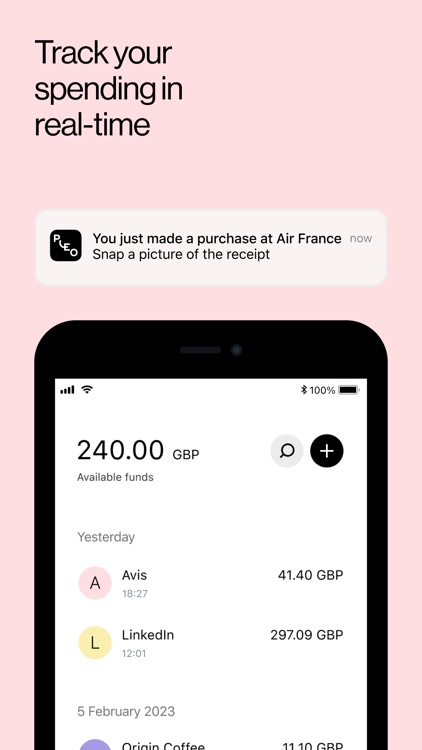
Simplify spend management with Pleo – Control, track and reimburse with ease
Ditch the hassle of expense reports and reimbursements. Pleo makes managing business spending effortless by giving your team the freedom to buy what they need while giving finance teams total visibility and control.

Pleo for team members:

• Make purchases instantly...

Easy Expenses Tracker

Easy Expenses Tracker

Mobile Innovations LLC

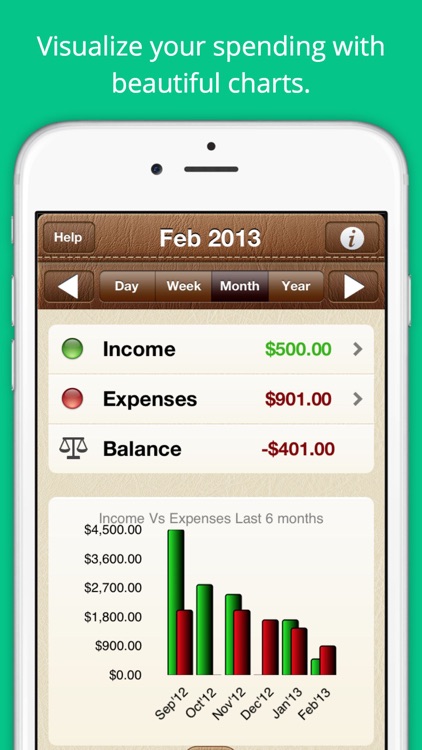
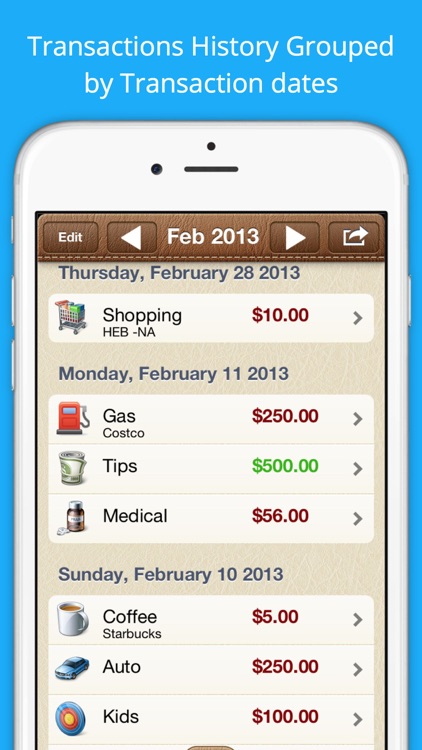
Easy Expenses Tracker is a simple and easy to use personal finance app to track your spending. It is absolutely free and fully functional with optional upgrade. This app helps you to keep track of money and visualize your spending using beautiful charts. Track your income or expenses by custom...

Hurdlr Mileage, Expenses & Tax

Hurdlr Mileage, Expenses & Tax

Hurdlr, Inc.

Are you self-employed, an independent contractor or agent? Do you freelance, have a gig, or drive for Uber or Lyft? Hurdlr’s business expenses and mileage tracker saves you thousands of dollars in IRS tax deductions. Plus, easily capture receipts and create expense reports.

Hurdlr connects with thousands of leading banks...

Captio Expenses
Captio Expenses
Captio Expenses

Captio Expenses

Captio Tech SL

Captio - Expense Reports

Captio captures your receipts and processes your expense reports automatically.

Forget all about any paperwork for your expense reports. Captio transforms your smartphone into the perfect tool for your corporate travel. Use it to capture your receipts, bills, mileage and other travel expenses and automatically generate your reports.

Captio...

Fyle: Expense Reports

Fyle: Expense Reports

FYLE TECHNOLOGIES PRIVATE LIMITED

Fyle is the ultimate companion for hassle-free expense management. With the Fyle app, you can track, report, and manage your business expenses effortlessly, all while ensuring compliance with your company's policies.

Key features:
- One-Tap Receipt Scanning: Snap a picture of your receipt, and Fyle's powerful OCR extracts details like...

Expense Manager - Pocket Edition

Expense Manager - Pocket Edition

Raj Kumar Shaw

Expense Manager Pocket Edition helps manage your expenses using attractive and easy to read charts. The charts help you understand your spending habits. It also easily syncs to all your Macs & iOS devices. Use this great tool to assist you in keeping track of your day-to-day expenses. This will...

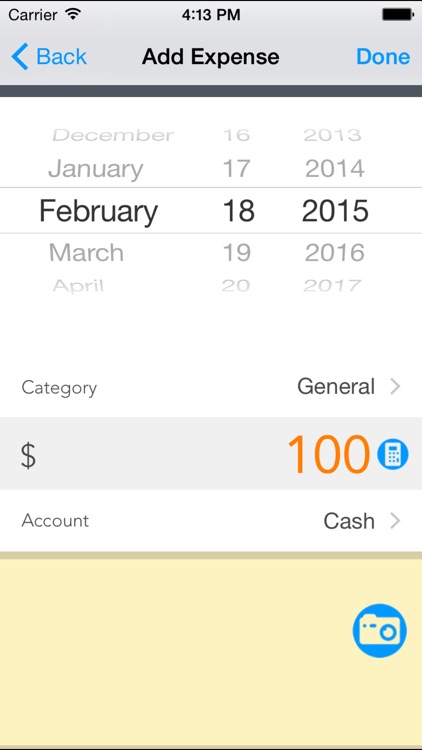
BusinessTravel Expense Track

BusinessTravel Expense Track

SuperNova Tech

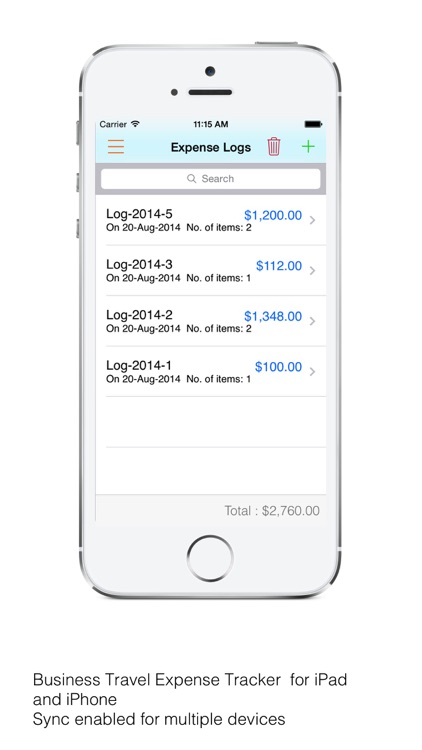
Business Travel Expense Tracker : Log expenses, create and send pdf invoices


Business Travel Expense Tracker app is to track business travel expenses like airfare, lodging, dining, registration fees, etc., Log expenses, create and send pdf invoices.


Features


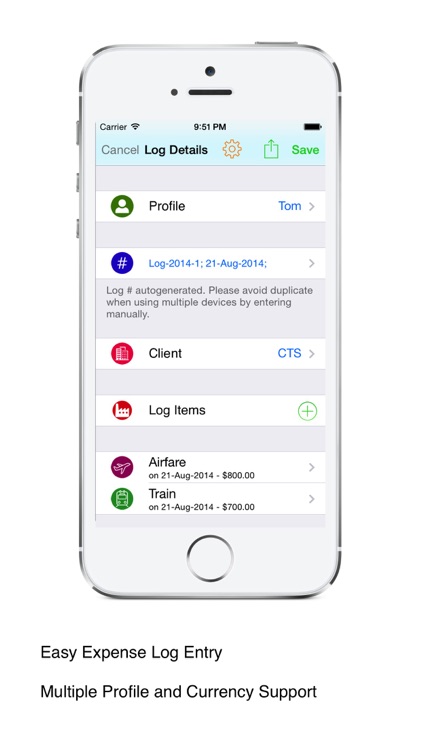
•Manage business travel related expenses


•Sync multiple devices using iCloud safe and securely


•Supports multiple profiles or...

Other Apps

Could be good for special cases

Pico Spend - Expense Tracker

Pico Spend - Expense Tracker

Dejan Petrovski

Pico Spend gives you a quick and easy way to enter your expenses, but also robust reporting and drill-down capabilities for everyday analysis of your spending.

All these features on your pocket device - no additional desktop programs, server components or fees. Spending data is saved on your device, so there is no need for data connection to enter an expense.

Apple Watch app is included with this version.

Free version - Pico Spend Lite is also available! Try it!


FEATURES

• Calculator-like screen for quick, simple and easy entry/editing of your expenses, foreign currency conversion

• List of all your spending grouped daily, searchable and editable

• Reports presented in table view, bar graphics, pie chart or PDF document

• Summary reports of your data - daily, weekly, monthly or by expense category

• Apple Watch app that shows how much did you spend today in total and by expense categories

• Option to define a comparison period for parallel analysis with your current reporting period

• Add, edit or delete any expense category from pre-populated list of most common expense categories

• Send/share the generated PDF report from within the app by using iOS activity view

• iCloud backup & restore, CSV export of your spending data

• Passcode protection on launch can be enabled

Deem Business Travel & Expense

Deem Business Travel & Expense

Deem, Inc.

Whether you use Deem through your company, travel agent or chauffeured transportation provider, you’ll find Deem's mobile application for travel and expense management to be fresh, fast and uncomplicated. Start booking your air, hotel, chauffeur and car rental reservations within the context of corporate policies even while on the go! View and make changes to itineraries, capture and upload expense receipts and create and submit expense reports, all from the Deem mobile application.
Flight alerts about delays, gate changes or cancellations keep you on track, and all your travel activity conveniently syncs to your work calendar, keeping you organized and connected.

You don't need to wait until the end of your trip to start working on your expense reports. Easily capture receipts and store them in your digital wallet, then effortlessly create and submit the report via Deem for review and approval. No more pockets full of crumpled receipts, just snap it and trash it. Managers can review and approve expense reports, ensuring company policies are enforced and your employees are reimbursed in timely fashion.

FLIGHT ALERTS
• Stay on top of gate changes, flight delays and cancellations

FLIGHT CHECK-IN
• Check-in up to 24 hours before your flight
• Get your mobile boarding pass (when available)
• Auto check-in for Southwest Airlines

TRAVEL RESERVATIONS
• Book and reserve new flights, hotels, car rentals and chauffeured transportation
• View, modify or cancel existing flights, hotel, car rental and chauffeured reservations
• Complete flight, hotel, rental car and chauffeured transportation booking capability, optimized for mobile
• Seat map selection within the flight booking flow
• TripAdvisor ratings included in hotel search results
• Fully integrates company preferences, policy and personalized travel preferences

EXPENSE REPORTING
• Upload images of business receipts directly and manage them in your digital wallet
• Create and submit expense reports
• Scan receipts using Deem’s smart automated receipt processing feature and eliminate manual data entry
• Itemize hotels and all other expenses
• Ability to add attendees to dining expense detail
• Manage cost allocations for expense reports and line items
• Approve or deny expense reports with a clear view of individual expenses and total claimed

CALENDAR SYNC
• Sync your travel plans with your work calendar (Outlook, Exchange, Google, IBM Notes/Domino)

MAPS AND WEATHER
• View maps for the locations of your booked services and driving directions
• Current weather and 7-day forecasts for all your reservation locations

SUPPORT
• Direct dial your travel agent should you need assistance
• Handy access to your company’s support numbers

Better than Budgeting

Better than Budgeting

Norbert Frank

Track where your money is going with this simple but powerful personal finance app. The Better-than-Budgeting-App is for everybody who doesn’t need thousands of features but are looking for a simple, beautiful app to track personal spending.

==========
IMPORTANT INFORMATION: This app has a successor app from the same developer called "Finfluence". Based on the same concepts, Finfluence was recreated from scratch with many enhancements and improvements. A data transfer from Better than Budgeting is available.
==========

Better than Budgeting:
This app has a strong focus on simplicity. It can be so easy to record a transaction: tap the desired category from the apps home screen --> the QuickAdd-dialog opens – from here, you can enter the desired amount with a large, easy to read number pad --> hit OK and you’re done. The amount you entered is automatically assigned to the current day. 95% of the time that’s all you need. And if you really need to enter more details (different date, payment method, comments, etc.) you can use a detailed dialog.

The app does not have every function you can imagine, but rather utilizes a solid set of features. It aims to be an app you actually use - not just install. It’s ad-free and no Internet connection is required.

Usage scenarios:
- Use it as your primary spending tracker
- Use it to record your spending on the road in combination with another tool at home
- The app can also be used temporarily to keep track of a shopping tour, vacation or business trip
- A compatible desktop app is also available (see below)

Main Features:
- From the Category List, you can reach all the central functions with a single tap
- Categories can be grouped by expenses, income and investments
- Assign each category a suitable icon
- Enter transactions with the QuickAdd dialog without having to use the native keyboard
- Several charts and reports are available
- Configure two standard payment options to be used within the QuickAdd dialog
- No Internet connection is required
- Export your data to CSV
- Mail yourself the exported data directly from the app
- Backup and recovery features
- Detailed documentation is also integrated

A free compatible desktop app for Windows or Mac is also available.

Receipt Scanner-Expense Report

Receipt Scanner-Expense Report

Anjali Aggarwal

50% OFF FOR A LIMITED TIME ONLY!!! REGULAR PRICE $7.99

Receipt Scanner is an all-inclusive app for tracking and reporting Personal and Business Expenses with copies of your receipts, Mileage Log and Time Sheet. Generate and email expense reports in seconds as PDF or Spreadsheet files. More importantly, Sync as many devices as you want in order to use the same data. Smart scanner with auto-crop and image enhancement features included.

Save hours on accounting, bookkeeping and tax preparation. Instantly send your extracted data to QuickBooks, Wave Accounting, Xero, Excel, FreshBooks or dozens of other accounting software. Above all else, easily import your bank statements from your online banking service.

Receipt Scanner also contains Time Tracker, Mileage Tracker and Smart Scanner for your business activities, the idea is to be able to manage must of your activities in one app.

FEATURES
* Universal app, it will be downloaded on your iPhone and your iPad at the same time. Orientation Landscape for iPad is supported.
* Import your bank statements in seconds (NEW)
* Manage receipts for different person or different businesses.
* Organize your receipts by Profile, Date, Vendor, Payment type, and Category.
* Custom expense reports with +20 professional templates.
* Create and send expense reports right from your iPhone/iPad.
* Export your expense reports by Profile, by Vendor, by Category and by periods or dates.
* Mark a receipt Paid, Submitted, Pending.
* Add Payment mode: Cash, Credit card, Debit card and others.
* Bar graph of all expenses by Vendor, by Category, Daily, Monthly and Annually.
* Export expenses as high definition PDF file or CSV.
* Smart scanner with auto-crop and image enhancement features included.
* E-mail and phone support available
* Mileage Tracker
* Time Tracker for business
* Backup and Restore data on Cloud
* Backup and Restore data on local Mac/PC

CUSTOM REPORTS (EXPENSE REPORTS)
* 20+ professional templates.
* Add your own company logo or choose one of ours
* Change the logo position to customize your reports
* Edit labels/titles on your report
* Add signature
* Hide unwanted section on PDF

PHOTO RECEIPTS

* Capture multiple images per entry

* Auto Crop feature
* Filters and image enhancements

* Zoom and scroll images


MILEAGE

* Track mileage for multiple vehicles

- Enter Start/Stop odometer reading

- Enter the start address and end address and the app will determine the travel distance.

* Mark an entry as round trip
* Miles or Kilometers
* Export Custom PDF reports, by Date, by Vehicle, by Origin and Destination


TIME

* Create custom rates:, Hourly
, Per Visit
, Per Day

* Auto calculate time worked

* Auto categorize your time with pre-set rates.
* Export Custom PDF reports by Date, by Client, by Jobs or Project.


INTERNATIONAL

* Live currency converter.
* Supports ALL major currencies

* Add your own currency (for traveling purposes)


BACKUP AND RESTORE

* Backup your data to Cloud services or directly to your computer via iTunes File Sharing.
* Easily clear all data after safe backup then re-start new fiscal year with empty data.
* Set backup to “Automatic” when using iCloud so your data is always safe


This application supports 12 languages: English, Spanish, French, Portuguese, Italian, Russian, Danish, Dutch, German, Chinese, Japanese, Korean.

Very Important: Please email us directly in the App, WE CANNOT REPLY ON REVIEW PAGE of iTunes App Store.

Cube Time & Expenses Pro

Cube Time & Expenses Pro

bitrzr, LDA

The Pro version of Forbes' "Must-Have iPad Apps For Professionals", Cube!
Time is money - so we built an app where you can start tracking your time and expenses in less than 15 seconds!

▪ Report and track your time, expenses and mileage on the move
▪ Keep an eye on the project's total income and gross profit
▪ Great looking charts and PDF reports, print them using AirPrint
▪ Reminders to fill in your time or when you have tasks due today
▪ Ultimate peace of mind: with Cloud Sync enabled, all data is instantly synced online
▪ iPad and iPhone universal app

This version also includes:
▪ Export data as a CSV or Excel spreadsheet - open it in apps like Numbers, send it by email or to your desktop to open it in Microsoft Excel
▪ PDF Reports - create great looking PDF reports right on your iPhone or iPad, share them by email
▪ Quick overview of project, task and client current running hours, expenses and total cost
▪ Gorgeous charts - chart your time, expenses, and total costs by day, week, month, or quarter, grouped by project, client, or tags
▪ All data is searchable by pulling down the lists, and Tags help you navigate your data and quickly identify items
▪ Timer to track your time - the timer keeps running even if you exit Cube or switch to another app
▪ Configurable cost and tax rates - configure the hourly work cost for multiple periods of time, and define tax rates for your expenses
▪ Record and share important events with your team, track mileage
▪ Standalone mode - no Internet connection required

Cloud Sync and CubeAnywhere Subscriptions (Optional)
▪ The Cloud Sync ($5.99 USD/month) and CubeAnywhere ($8.99 USD/month) subscriptions makes it easy to backup your data wirelessly and safely to the Google Cloud and to synchronize it with multiple devices.
▪ No new passwords, usernames or registration required - Cloud Sync uses your existing Google, Google Apps, Microsoft, Yahoo or AOL account.
▪ The subscriptions auto-renews automatically each month and you can manage them directly from Settings on your device. The subscriptions use your existing iTunes account so you do not have to enter any credit card data.

Contact us at support@bitrzr.com, or follow us on Twitter at twitter.com/cubeanywhere.
Consult our privacy policy at cubeanywhere.com/privacy and our terms of use at cubeanywhere.com/tos.

Receipts - Expense Tracker

Receipts - Expense Tracker

Tidal Pool Software

*** Featured by Apple in Taxes & Receipts collection ***

Track your personal and business income/expenses (including mileage) with Receipts. Receipts is the most customizable and powerful expense tracking app available. Create budgets, accounts, categories, filters, and nine different types of custom receipt fields. Receipts helps you save time when submitting expense reports and during tax season.

Add new receipts quickly using the autofill feature. Capture photos, add drawings, record voice memos, and attach files from other apps. Receipt totals may be entered in any currency and are instantly converted to your home currency. Create sophisticated filters based on multiple receipt fields to quickly find your receipts.

Browse through graphs to keep track of income and spending. See how much money is spent over time and by account, category, and currency.

Generate Excel, PDF, HTML, and CSV reports with attachments. Optionally embed photos and drawings in PDF reports. Specify report names and add custom headers. Select which receipt fields to include and sort/group receipts by any field. Share reports using a variety of options including Box, CloudApp, Dropbox, Evernote, and Google Drive.

Keep track of business, family, or group income/expenses by syncing to the cloud. Enable automatic sync support to keep multiple devices up to date. Import and export receipts (CSV) with attachments to multiple destinations.

Overview:

- pie and bar graphs for accounts, categories, units, spending over time, custom currency fields, and income/expenses
- email, print, and open graphs in other apps

Receipts:

- add income, expense, or mileage receipts
- add receipts in any currency and set account/home currency totals
- use autofill to populate new receipts based on previous receipts
- add repeating receipts with interval and end date
- attach photos, drawings, voice memos, and other files to receipts
- rotate, scale, crop, and adjust brightness, contrast, and saturation for receipt photos

Reports:

- generate Excel, PDF, CSV, and HTML reports with attachments
- add custom report headers
- select report file names and report names
- sort and group report receipts by any field
- specify which fields to include and their order
- option to embed photos and drawings in PDF reports (1, 2, or 4 per page)
- overlay receipt fields on photos and drawings
- include links to file attachments (Excel and HTML)
- zip report and attachment files
- preview report before sending
- send reports via email, iTunes File Sharing, WiFi, another app, print, iCloud, Box, CloudApp, Dropbox, Evernote, and Google Drive

Settings:

- add accounts to manage groups of receipts
- use budgets to keep track of spending
- create categories and subcategories
- select account and category icons (over 450 included) and a tint colour
- custom receipt fields including currency, date, list, number, percent, percent total, switch, tags, and text types
- create receipt filters using any combination of fields
- notifications remind you to add receipts, save backups, and create reports
- passcode for keeping financial data secure

Data:

- keep multiple devices in sync (requires Box, Dropbox, or Google Drive account)
- import and export receipts (CSV) with attachments
- backup/restore data and settings

Note: Receipts is free but limited to 10 receipts. Purchase an in-app upgrade to Pro for unlimited receipts.
Itemize Expense

Itemize Expense

Itemize

Don't waste hours doing expenses.
Let Artificial Intelligence do them for you in 15 seconds!

Itemize lets you create and approve quick, easy and accurate expense reports with a click of a button by capturing item details, taxes/VAT, totals and merchant info by taking a picture of a paper receipt. Connect your email and Itemize automatically captures, stores and reports your digital receipts.

With proprietary technology for increased accuracy of data collection, you can organize your expenses and data so you feel confident throwing away your receipts. Expense data syncs across the app and website. The data is archived securely in the cloud. Safely access your expenses from anywhere on any device.

Categorize by client, project, expense category or with custom tags. Generate comprehensive expense reports from both digital receipts and paper receipts without data entry. Expense reports can be exported to PDF, Excel, CSV and to your accounting software, such as Xero™, QuickBooks®, Sage, and FreshBooks.

See what people are saying about the app:
- "This has been a tremendous productivity booster and it is accurate" - by Mghwk
- "This is the application that I have been looking for!" - by Dren00
- "I've tried several similar apps...but this app is definitely my favorite." - by djmalenica
- "I've tried a few, this one is the best because of accurate, instant data capture" - by Leighaa
- "This app has helped me stay organized in so many ways." - by TAACHA

Key Features:
- Extract, compile and store expense data in real time from receipt photos
- Captures total amounts, VAT, sales tax and more
- Organizes digital receipts from your email
- Apply project codes, tags, notes and customized information

Benefits:
- Create detailed expense reports in minutes with zero data entry.
- Simple capture of both digital and paper receipts
- Streamlined reporting and reimbursement features
- Save time on compiling, submitting and reimbursing expense reports
- Keep receipts in a centralized and secure location

Please consider leaving a review and contact support with any questions.

Abacus - Expense Management

Abacus - Expense Management

Emburse, Inc.

Abacus is the easiest way for you to reimburse your team, reconcile corporate credit cards, and implement your expense policy.

Access your Abacus to track expenses from anywhere!

CAPTURE ACCURATE EXPENSE DATA FROM EMPLOYEES
Abacus drafts expenses using reliable data sources such as receipts, card transactions, past behavior, CRM fields, and geolocation to ensure records are complete and accurate.

AUTOMATE YOUR EXPENSE POLICY AND APPROVAL HIERARCHY
Policy rules are applied before expenses can be submitted in order to reduce violations. Routing rules then automatically send the expense to the best suited approver.

FAST REIMBURSEMENTS WITH DIRECT DEPOSIT
Once an expense is approved, Abacus handles the reimbursement and direct deposits into the employee's bank account.

CONTINUOUS ACCOUNTING SYNC
Sync expenses into your accounting software using either cash or accrual method as they are approved so that your books are always up-to-date.

INSTANT VISIBILITY INTO SPENDING AND BUDGETS
Build custom analysis reports with real time data to help you identify trends and manage budgets.

More about Abacus

Abacus is a real time expense reporting solution that automates expense creation and approvals. It is the only platform to remove the arbitrary employee-generated expense report from the process - making submitting and reviewing expenses faster and more accurate. Each expense is submitted and entered into the system in real time, giving admins instant visibility into spend. Expenses are then automatically and logically organized into Live Reports as they enter the system according to their business purpose.