You are using an outdated browser. Please upgrade your browser to improve your experience.

Create Tasks Using Your Voice

Driving in the car and you think of something really important? These apps make it easy to create lists and tasks with your voice. For those moments when you unable to type out reminders simply talk to your device and manage your tasks. These apps are perfect if you are busy and on the go!

CARROT To-Do
Voice Recorder ⁺ Recording
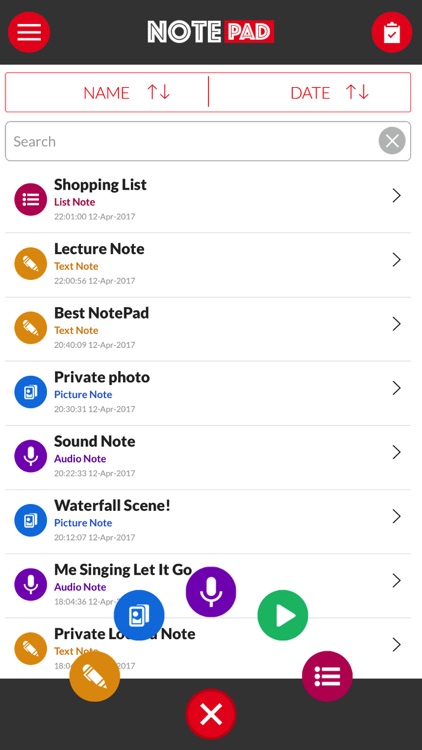
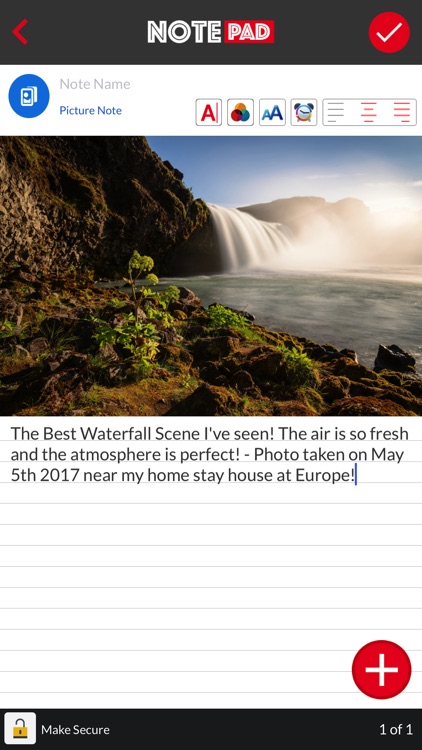
Notepad Everything - Note with Lock, Photo, Voice
Voice To-Do
Watodo: List & Task Reminder

Best Apps

Highest scored apps in the category

CARROT To-Do
CARROT To-Do

CARROT To

Grailr LLC

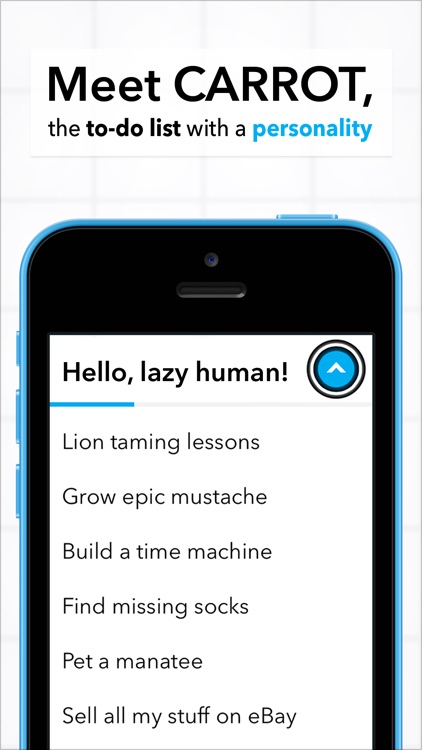
CARROT doesn’t just make getting things done fun – she makes getting things done addictive

A to-do list app with a ton of personality.

Voice Recorder ⁺ Recording

Voice Recorder ⁺ Recording

舒济 何

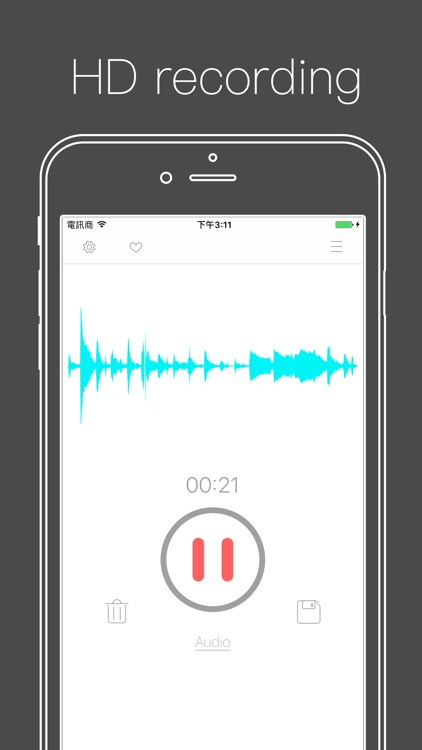
The BEST and MOST Convenient Voice Recorder

The BEST and MOST Convenient Voice Recorder!

FEATURES:
● Voice to text.
● Transfer recordings to computer easily using WiFi.
● Password Protect function to keep your private recordings safe.
● Tag special points of a track as many as you want while recording or during playback.
● Immediately jump to a tag by one tap during playback.
● Record and playback in the background.
● Auto-save...

Also Good

Apps with average score

Voice To-Do
Voice To-Do
Voice To-Do

Voice To-Do

Izumi Higa

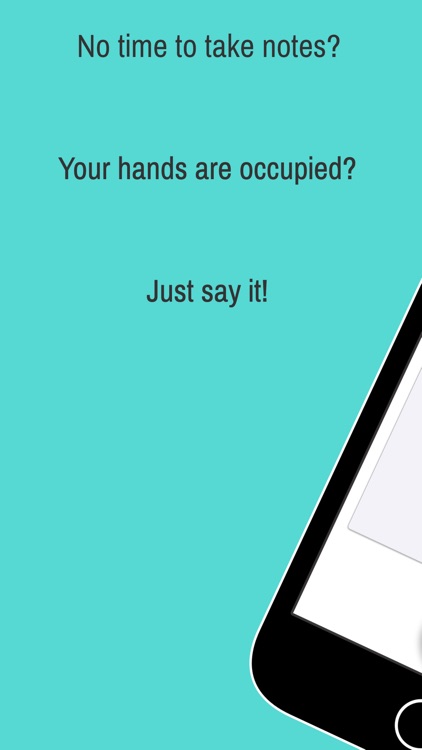
You want to jot down a task before you forget.
But your hands are occupied?
Or can't type while walking...?

This is the app for you!
Create your task lists by "saying".


##### FEATURES #####

[Speech-to-text]
Voice recognition is as high quality as Siri.

[Reminders]
Get reminded by the time or the location.

[Stars]
Flag your important tasks with stars.

[Task Categorization]
Create...

Watodo: List & Task Reminder

Watodo: List & Task Reminder

Tian Fei

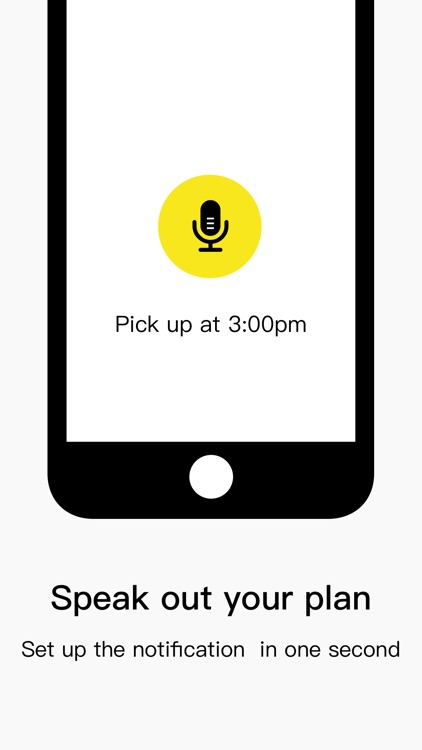
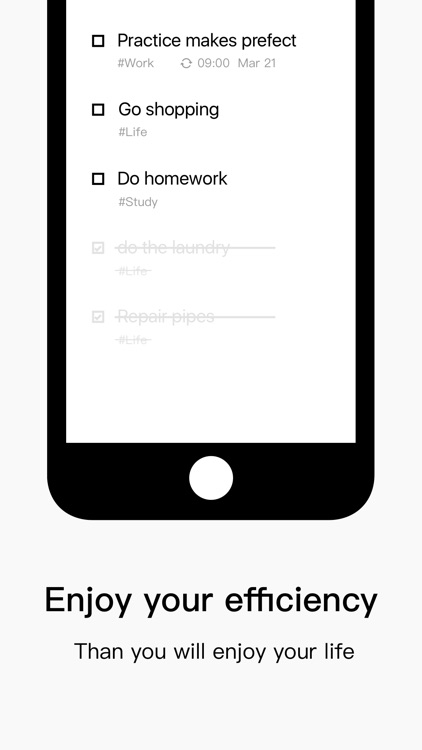
Create task reminder by voice, complete in one step, never be so easy
⊙Create schedules like what you do with WeChat’s voice feature, it’s super easy
⊙Slide to mark your tasks complete
⊙Sync to Evernote
⊙Smartly distinguishes the lunar calendar/holiday
⊙Original three-step mysterious calendar
-------
- If you found it useful, please support our developers
- If you...

Task Reminder
Task Reminder
Task Reminder

Task Reminder

hirenkumar patel

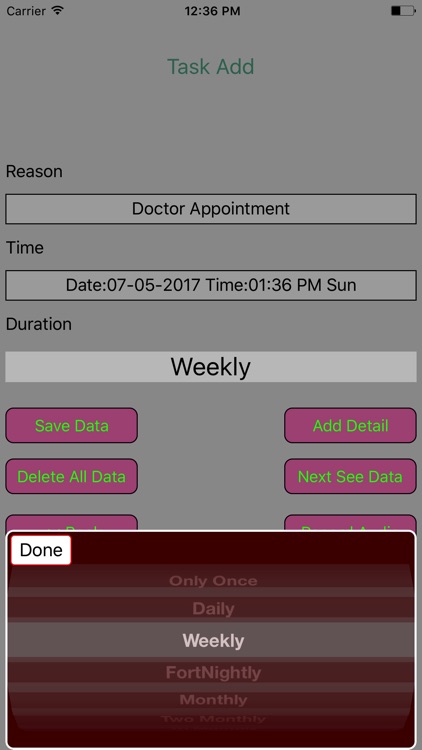
This New version improved better control of data by adding
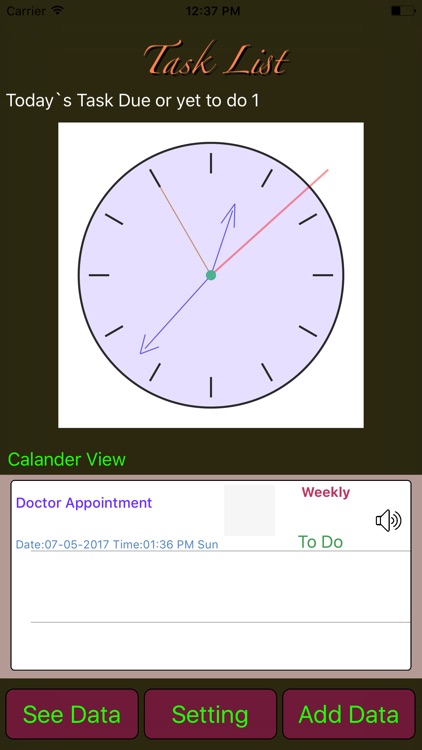
flying menu. When pressing cell longer in Table view, button menu pop up above the cell. Pressing menu buttons you can play recorded audio, flag or unFlag reminder data cell and edit task status to complete. Other bug fixes for...

Other Apps

Could be good for special cases

Task Assignments + By Tryvin

Task Assignments + By Tryvin

Mostafa Ashour

Keep track of your task assignemnts in a beautiful easy to use app that can be fully customized to match your exact needs.

——————
Features
——————
- Apple Watch support. View your data and voice search on your watch.
- Lightning fast search
- Sort by different fields
- Full template customization. A feature that allows you to add any extra details/fields to your app:
• Add pictures, videos and URLs
• Add voice notes
• Take handwritten notes or sketch drawings
• Track locations on the map
• Choose any of the available 20 different information types like Text, Number, Photos, Videos, Handwritten Notes, Voice Recordings (Full list below)

- Multiple data viewing options

- Offline access to your data

- Export your data to PDF or CSV

- Customizable appearance with multiple theme colors

- Password protect your data with a pin code

——————
Data types
——————
Modify your template to use any of the following data types:

• Text
• Number
• Choices (Multiple selections)
• Checkbox
• Photo and video collections
• Time
• Date
• Rating
• Location
• Phone Number
• Email
• URL
• Sketches and handwritten notes
• Slider
• Color
• Voice notes and audio recordings
• Stopwatch
• Lists of items
• Notes

The app can be used used as a:

- Task Manager app for iPhone
- Task Manager app for iPad
- Tasks app for iPhone
- Tasks app for iPad
- Task Management app for iPhone
- Task Management app for iPad

Record It Pro

Record It Pro

Jessica Tunnicliffe

Record It Pro has been created to help you manage your Recording and your To Do or Task List. Recording can include voice, music, etc.

There are four functions:
Recording Categories - Create, edit or delete the categories for the voice recording with option to select a photo from your photo album or take one with your camera. If you delete a Category, all Voice Recording under that category will be deleted as well. To search for a category, simply enter the Category Name. You can then change the photo or re-take another one.

Voice Recording - Create, edit or delete recordings for each category. For each recording, you enter the name, photo, description, notes. The category, date, time, size, and duration will be automatically displayed. You have the option to change the date and time. You can take a new photo or select one from your photo album. When you touch the record button, you will be taken to another screen where you can start your recording. You have the option to play back the recording or email it. To search for a recording, simply enter the Recording Name and the recording details will be displayed. You can then edit the details or the image.

Task Categories - Create, edit or delete the categories for each task with the option to select a photo from your photo album or take a new photo. If you delete a Category, all Tasks under that category will be deleted as well. To search for a category, simply enter the Category Name. You can change the photo or re-take another one.

Task - Create, edit or delete the tasks for each task category. You also have the option to delete all Checked tasks or one at a time. For each task, you enter the title, notes and completion (Checked/Unchecked). The category, creation time and creation date will be automatically displayed. You can change the date and time. You can also change fonts, font size and font colour when entering the task notes. To search for a task, simply enter the Task Title and the task details will be displayed. You can then edit the details. You have the option to email, display the pdf file, print, delete, set a reminder or SMS the task. The email will include the task in the email body and a pdf file as an attachment. You can print single or multiple copies of the selected task. The pdf file can also be sent to WhatsApp, Messenger, iBooks, Yahoo Mail, Evernote, Notes, Viber, iCloud Drive, etc.
Blinkr: Fast and Simple Task Manager

Blinkr: Fast and Simple Task Manager

Axon, Inc.

With Blinkr, you can manage your tasks faster and simpler than any other task manager apps.
· Using voice input, add your task 3 times faster than typing it
· Done your task by just swipe
· Manage your task's priority by just drag and drop
· Switching lists with drop down
· Set reminder automatically by smart recognition
· Supporting 4 languages (English, Chinese, Japanese, Korean)
· All data is stored in cloud, so it is safe even in accidents

○ We recommend Blinkr to the person who wants to:
· Manage what you have to do
· Store your ideas
· Make a list of books you want to read
· Organize a shopping list

◆ Voice input compatible languages
- English
- Chinese
- Japanese
- Korean

◯ Blinkr Premium
Blinkr is free to download and use. If you subscribe Blinkr Premium($4.99/month) through an auto-renewing monthly subscription, the number of uncompleted tasks becomes unlimited (Default limit is 10)

Subscriptions will be charged to your credit card through your iTunes account and be automatically renewed unless you cancel at least 24 hours before the current period expires. Subscriptions can not be canceled during the active period. After purchase, you can manage subscription with account settings.

Terms of Service: https://blinkr.jp/terms_of_service
Privacy Policy: https://blinkr.jp/privacy_policy

About Blinkr: https://blinkr.jp