You are using an outdated browser. Please
upgrade your browser to improve your experience.
Geometry 2D-Pad (Geometry Pad) is an application for iPad users, providing a set of tools in drawing and solving mathematics problems related to plane geometry

Geometry 2D-Pad
by KHUC TRUNG KIEN
What is it about?
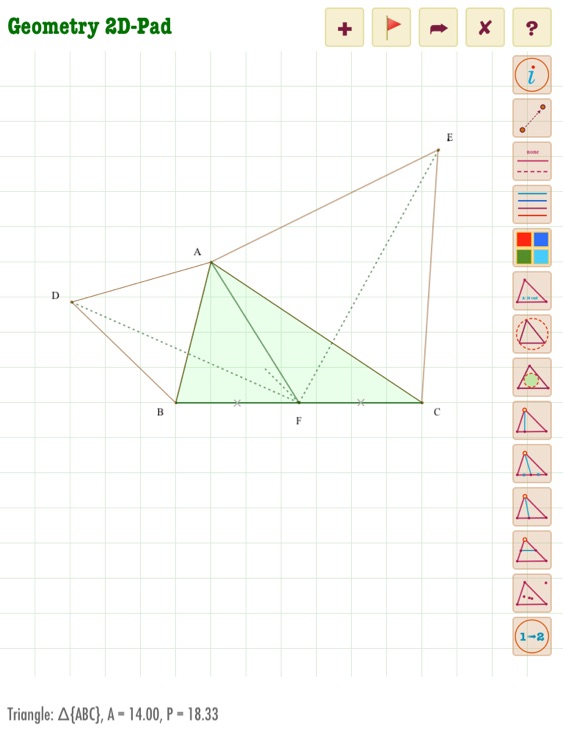
Geometry 2D-Pad (Geometry Pad) is an application for iPad users, providing a set of tools in drawing and solving mathematics problems related to plane geometry. This application turns an iPad into an useful tool to form and construct figures from basic to complex in plane geometry such as points, straight lines, line segments, triangles, quadrangles, perpendiculars, medians (of a triangle)…etc. All that you need for Geometry subject
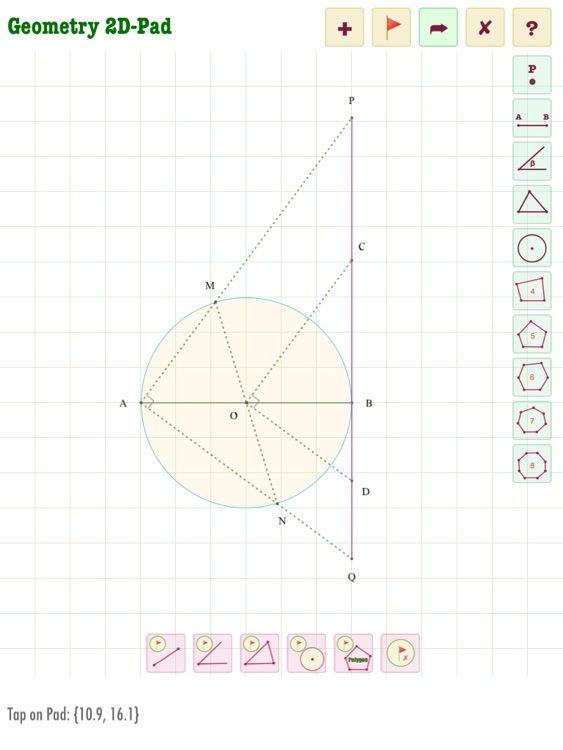
App Screenshots

App Store Description
Geometry 2D-Pad (Geometry Pad) is an application for iPad users, providing a set of tools in drawing and solving mathematics problems related to plane geometry. This application turns an iPad into an useful tool to form and construct figures from basic to complex in plane geometry such as points, straight lines, line segments, triangles, quadrangles, perpendiculars, medians (of a triangle)…etc. All that you need for Geometry subject
1) Drawing tools for basic figures (points, straight lines, segments, circles, triangles, rectangles, trapezoids, parallelograms,...etc.) and calculate their area, perimeter, length of sides, altitudes,...
2) Tools to construct figures based on a given point: to form a line segment with another point from a given point, to form a perpendicular to a straight line from a given point, to form a line parallel to a given straight line that passes through a given point, to form a circle which has a given point as its centre and passes through another point, to form a circle whose diameter is the line segment between a given point and another point…etc
3) Tools to construct figures based on a given line segment/straight line: to draw a perpendicular/parallel line to a given straight line, to lengthen a line segment, to draw a circle to which a given straight line is a tangent, to form a circle of which a given line segment is the diameter…etc.
4) Tools to construct figures based on a given circle: to draw a circle’s tangent, to draw a tangent circle to a given circle, to form a circular arc, to change the radius of a circle..etc.
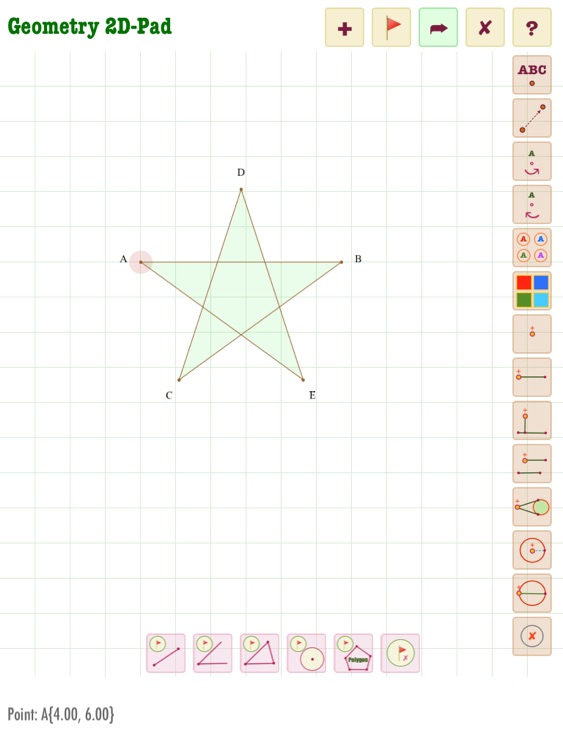
5) Texting tools to name points/vertices in the figures or create text with geometric symbols: perpendicularity, parallelism, intersection, subset,...etc
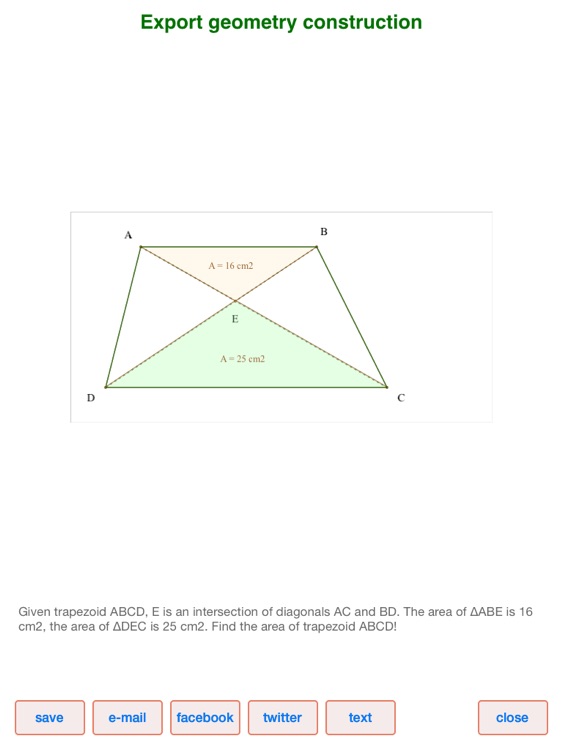
6) Export the output figures in image file type and save to camera roll or share through email, Facebook or Twitter
Disclaimer:
AppAdvice does not own this application and only provides images and links contained in the iTunes Search API, to help our users find the best apps to download. If you are the developer of this app and would like your information removed, please send a request to takedown@appadvice.com and your information will be removed.
AppAdvice does not own this application and only provides images and links contained in the iTunes Search API, to help our users find the best apps to download. If you are the developer of this app and would like your information removed, please send a request to takedown@appadvice.com and your information will be removed.
