You are using an outdated browser. Please
upgrade your browser to improve your experience.

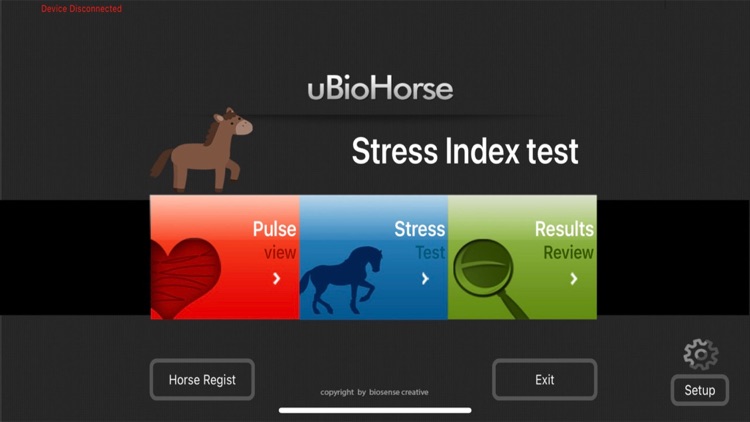
You can register horse information in 'Horse Regist' and connect the device to measure the values in 'Heartbeat' and 'Stress Index' and view the measurement results in 'Results Review'

uBioHorse
by KICHUL KWON

What is it about?
You can register horse information in 'Horse Regist' and connect the device to measure the values in 'Heartbeat' and 'Stress Index' and view the measurement results in 'Results Review'.
App Screenshots

App Store Description
You can register horse information in 'Horse Regist' and connect the device to measure the values in 'Heartbeat' and 'Stress Index' and view the measurement results in 'Results Review'.
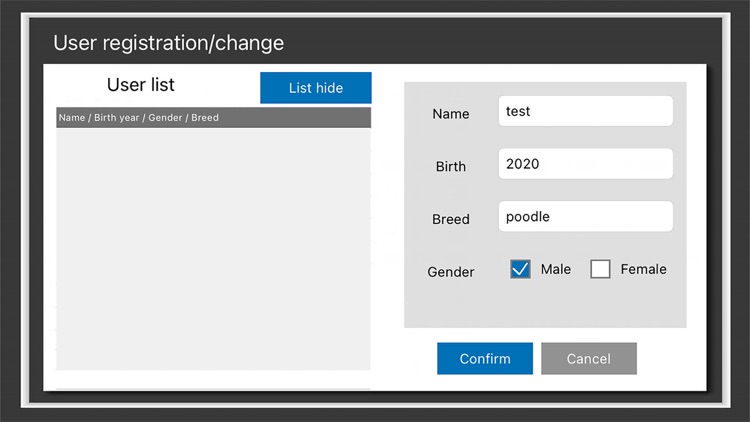
[ Horse Regist ]
Enter the Name, Birth, Breed, and Gender values.
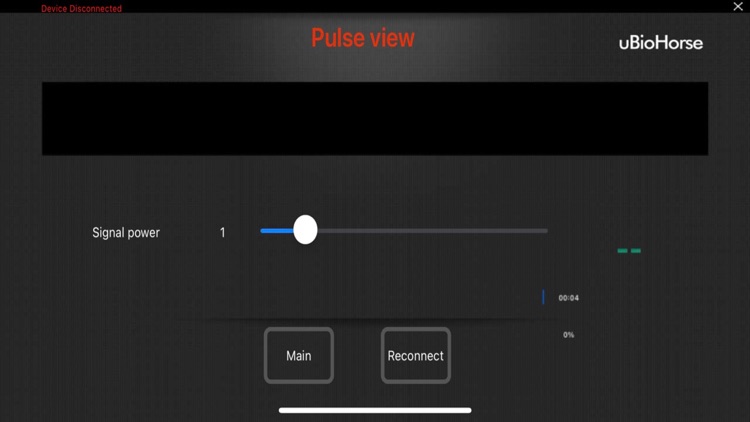
[ Heartbeat ]
A device connected to the horse measures the incoming pulse for a set period of time.
[ Stress Index ]
Through a device connected to the horse, the autonomic nerve is calculated through the variation of the incoming pulse for a set period of time, and the state or condition of the horse's body is checked.
[ Review ]
You can check the measured data of the specified horse.
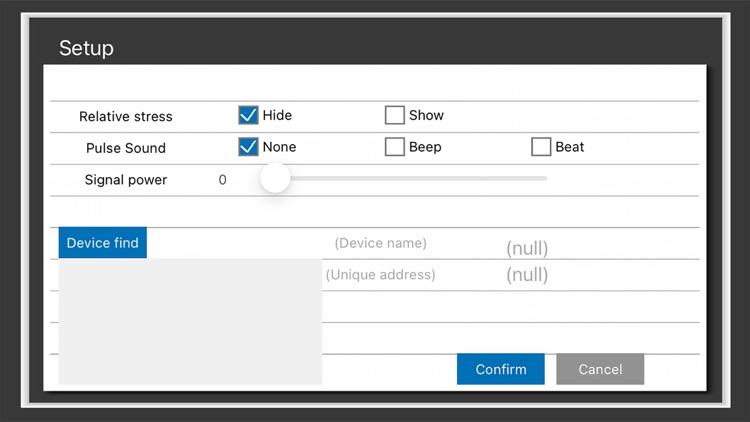
[ Setup ]
Configure the values such as Pulse Sound, Signal power, and Device find.
Disclaimer:
AppAdvice does not own this application and only provides images and links contained in the iTunes Search API, to help our users find the best apps to download. If you are the developer of this app and would like your information removed, please send a request to takedown@appadvice.com and your information will be removed.
AppAdvice does not own this application and only provides images and links contained in the iTunes Search API, to help our users find the best apps to download. If you are the developer of this app and would like your information removed, please send a request to takedown@appadvice.com and your information will be removed.
