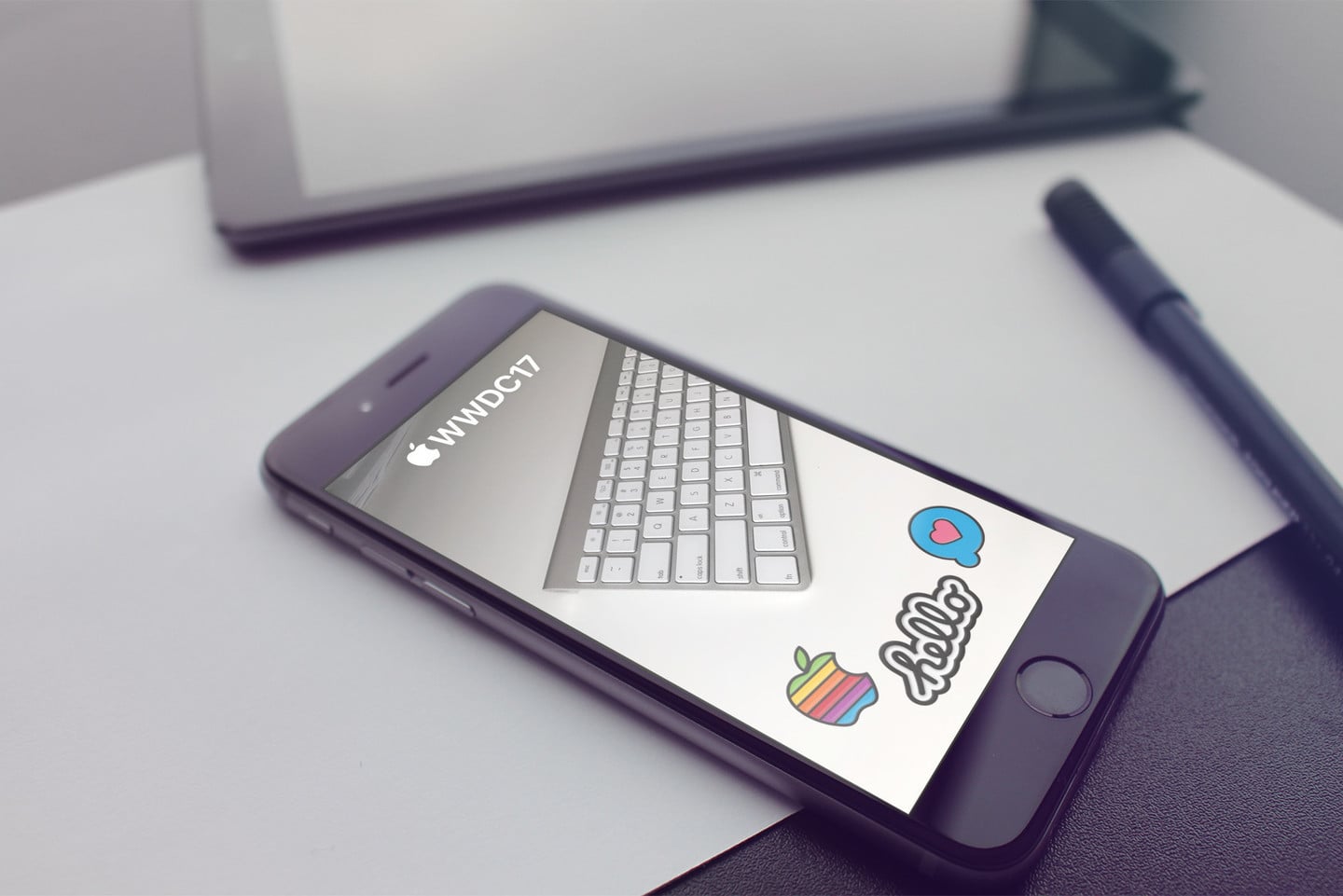
Show off Your Developer Spirit With the WWDC 2017 Snapchat filter
Last year, Apple provided Snapchat users near the Worldwide Develoeprs Conference (WWDC) with a Snapchat geofilter. Apparently that’s becoming a new tradition, because Cupertino has once again provided attendees with a WWDC 2017 Snapchat filter. Users of the social sharing app will be able to use the new filter on their photos when they’re close enough to the McEnery Convention Center in San Jose, California.
The WWDC 2017 Snapchat Filter

Last year, the filters included various options for users to choose from. That’s not the case this year, unfortunately. The filter overlays the Apple logo and “WWDC17” at the top of the shared photo, with three stickers at the bottom. The stickers can be found in the official WWDC app’s iMessage app.

Those same stickers were also given out to WWDC attendees as pins as part of their welcome kit when they pick up their badges. It’s great to see the flair behind WWDC, and the excitement is definitely building.
If you want to add a filter to a photograph in Snapchat, it’s pretty easy. First, make sure filters are enabled.
- Go to Snapchat Settings.
- Tap Manage Preferences under Additional Services.
- Toggle Filters on.
Next, make sure Snapchat has access to your location. Go to Settings > Privacy > Location Services, and turn the feature on for Snapchat
Keep up With WWDC's Keynote at AppAdvice
WWDC 2017 begins with the usual keynote today at 10 a.m. PDT. AppAdvice will be covering the keynote, so stay tuned. We’ve already begun our coverage, with news of the Apple Store being down and a mysterious Files app appearing (and then disappearing) on the iOS App Store.


