You are using an outdated browser. Please
upgrade your browser to improve your experience.
Adani Gas Self Service Mobile Application is intended for all Adani Gas's existing Customers and future Customers who would like to get Gas connection for their Domestic or Industrial or Commercial needs

Adani Gas
by KloudData Inc
What is it about?
Adani Gas Self Service Mobile Application is intended for all Adani Gas's existing Customers and future Customers who would like to get Gas connection for their Domestic or Industrial or Commercial needs
App Details
Version
1.3.1
Rating
(7)
Size
51Mb
Genre
Business
Last updated
July 7, 2020
Release date
December 19, 2016
More info
App Screenshots
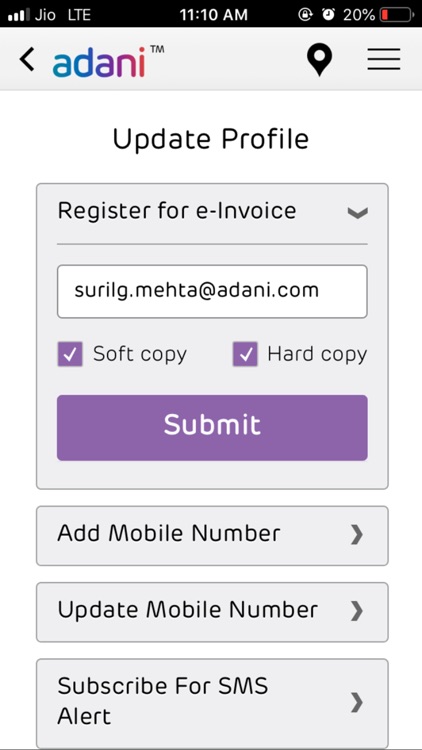

App Store Description
Adani Gas Self Service Mobile Application is intended for all Adani Gas's existing Customers and future Customers who would like to get Gas connection for their Domestic or Industrial or Commercial needs
Features -
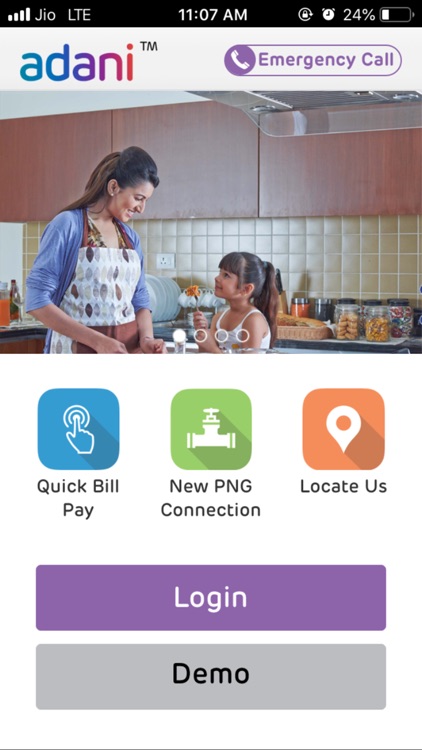
1. Landing page of the app offers users quick links along with the emergency call number. User can either login into account to perform an activity or view the demo of the app.
2. Quick Bill Pay is a public service through which user can pay bill of any customer after entering valid customer Id.
3. New PNG Connection is a public service through which user can request new PNG connection for different customer types (domestic, commercial, industrial) by selecting their customer type followed by entering appropriate customer details.
4. Locate Us service provides user with location list. Based on selection options (Type / City), user can further filter data according to the location of a particular city. Data can also be filtered based on Domestic, Commercial and Industrial.
5. Locate on Map works same as Locate Us but instead of the list, the user can view the location on Map with different markers according to selected types.
6. If user is using application for the first time then after entering valid credentials user can login with their existing account to use all the private services of app.
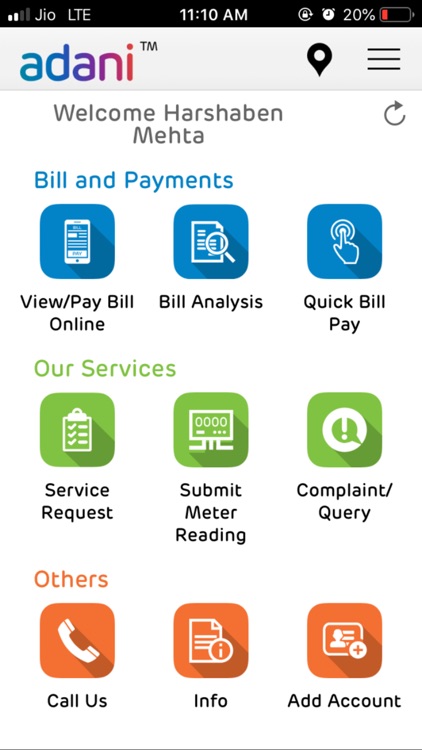
7. User can View Bills – with last 5 bills and last 5 payments, also with the option to Pay the current bill as well as download the bill copy.
8. User can view and download the current Account Statement.
9. User can view Bill Analysis on a yearly basis
10. User can Pay bills and see the outstanding bill amount too, if any
11. User can Raise a Service request by giving all the details, if it’s a paid service, user have to make the payment.
12. User can also view past service requests and check the status.
13. User can also submit meter reading in a particular time interval.
14. Once User files a complaint, it will generate the complaint number, complaint number help to check the status of the complaint.
15. A Call Us functionality is also provided to call customer care, by clicking on the call button.
16. With Account Functionality the user can link and unlink any other account with their primary account. User can also add a new account in the absence of one.
Disclaimer:
AppAdvice does not own this application and only provides images and links contained in the iTunes Search API, to help our users find the best apps to download. If you are the developer of this app and would like your information removed, please send a request to takedown@appadvice.com and your information will be removed.
AppAdvice does not own this application and only provides images and links contained in the iTunes Search API, to help our users find the best apps to download. If you are the developer of this app and would like your information removed, please send a request to takedown@appadvice.com and your information will be removed.
