You are using an outdated browser. Please
upgrade your browser to improve your experience.
Doc Scan turns your iPhone or iPad into a multipage scanner for documents, receipts, notes, whiteboards, and other text

Doc Scan - Multipage OCR scanner to export your scans anywhere
by Sparkling Apps BV
What is it about?
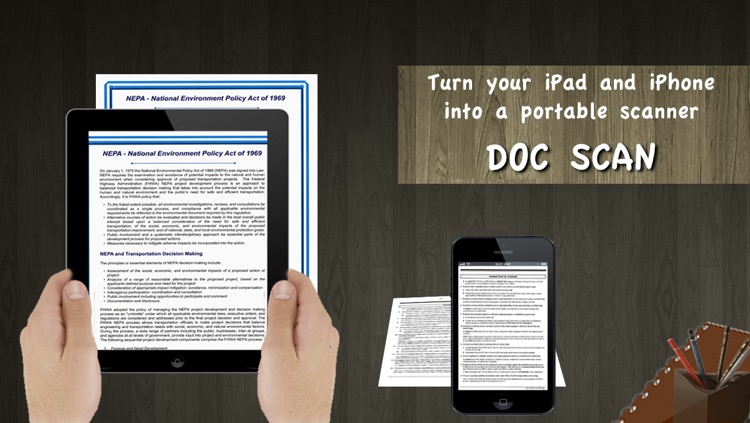
Doc Scan turns your iPhone or iPad into a multipage scanner for documents, receipts, notes, whiteboards, and other text.
App Screenshots
App Store Description
Doc Scan turns your iPhone or iPad into a multipage scanner for documents, receipts, notes, whiteboards, and other text.
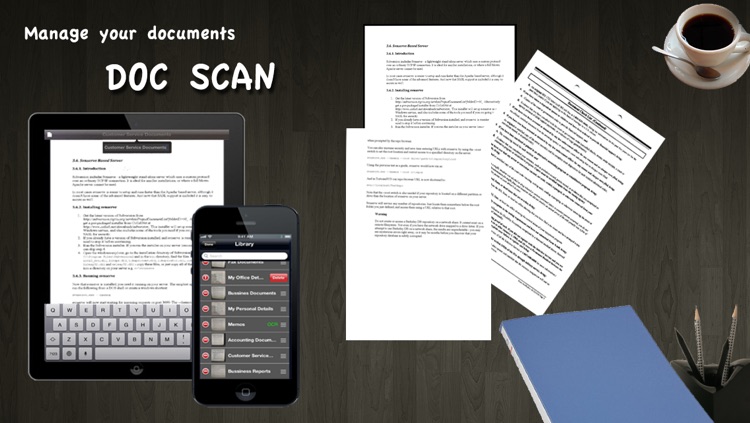
With Doc Scan, you can quickly scan your documents and store or share them as multipage PDF files.
Doc Scan boasts a powerful yet easy to use interface. No need to go into deep menus, most day to day functions are right there on the main screen.
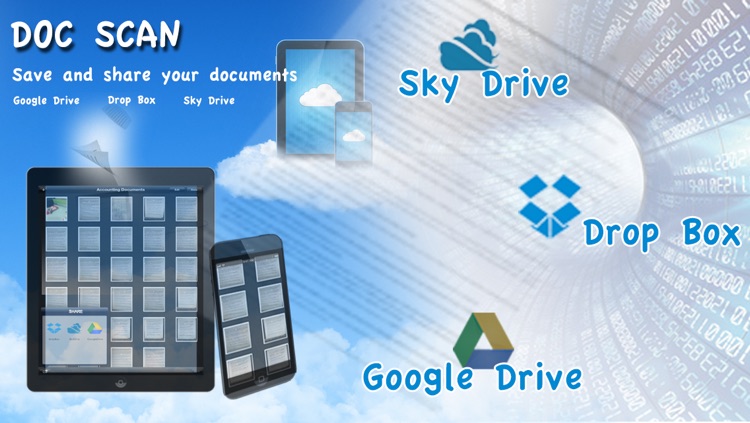
Doc Scan can export to the cloud in PDF format. Share your documents with anyone. But no internet connection is needed for the scanning and OCR processing, this all happens on your iPhone or iPad only. Security guaranteed for confidential documents.
Doc Scan uses optical character recognition (OCR) on your documents so you can do a simple, but powerful text search on them afterwards. Storing your documents within Doc Scan is practical and secure, using our library feature.
DOC SCAN FEATURES:
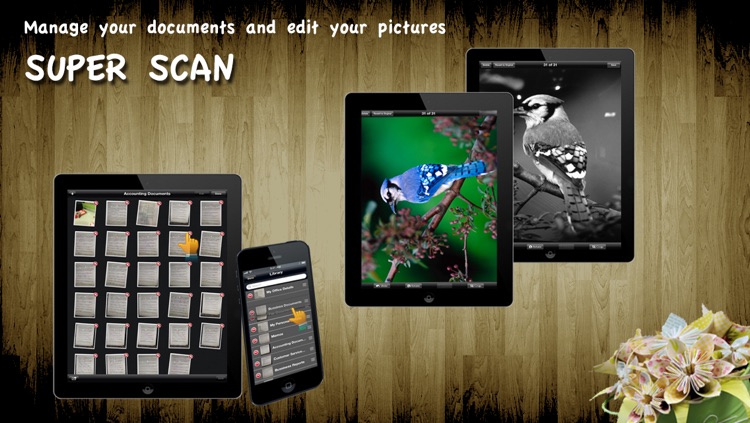
• Document naming, storage inside the app and search
• Multipage editing: reorder, delete and add pages
• Email document as PDF
• OCR
• Printing via AirPrint
• Share documents directly to the cloud in PDF format
NOTE: The built-in OCR in Doc Scan is performed offline (no use of internet required anywhere). But it is limited, just for regular printed documents. It's main purpose is for locating keywords in documents and searching accordingly.
If you have internet access and don't mind uploading your document, you can use the upload link to perform excellent OCR online.
Feedback has been great so far:
'Best of the scanners yet. Can scan to email etc and also can print to my HP network printer via wifi! Brilliant app'
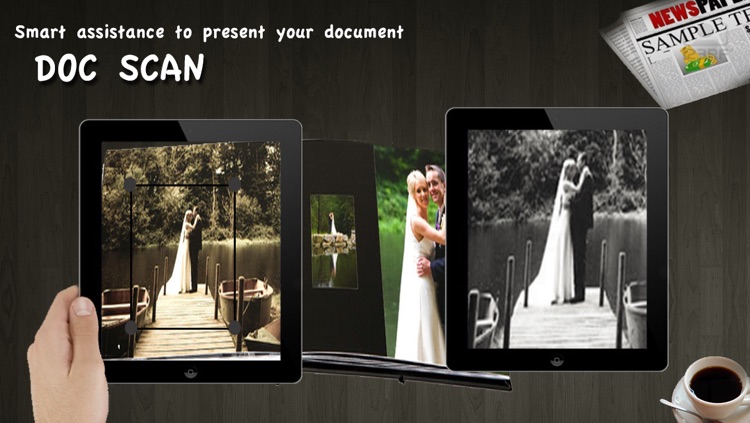
'Finally! A scanner application that will allow you to change perspective of a photo and convert to true black and white'
Please keep the feedback coming, reach us at support@sparklingapps.com
Disclaimer:
AppAdvice does not own this application and only provides images and links contained in the iTunes Search API, to help our users find the best apps to download. If you are the developer of this app and would like your information removed, please send a request to takedown@appadvice.com and your information will be removed.
AppAdvice does not own this application and only provides images and links contained in the iTunes Search API, to help our users find the best apps to download. If you are the developer of this app and would like your information removed, please send a request to takedown@appadvice.com and your information will be removed.
