You are using an outdated browser. Please
upgrade your browser to improve your experience.

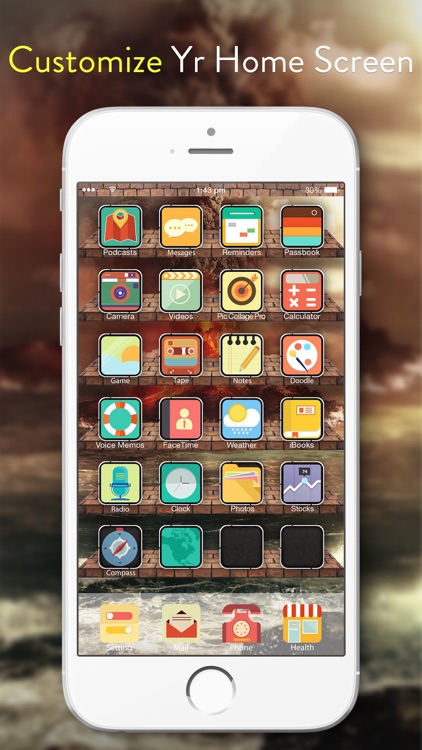
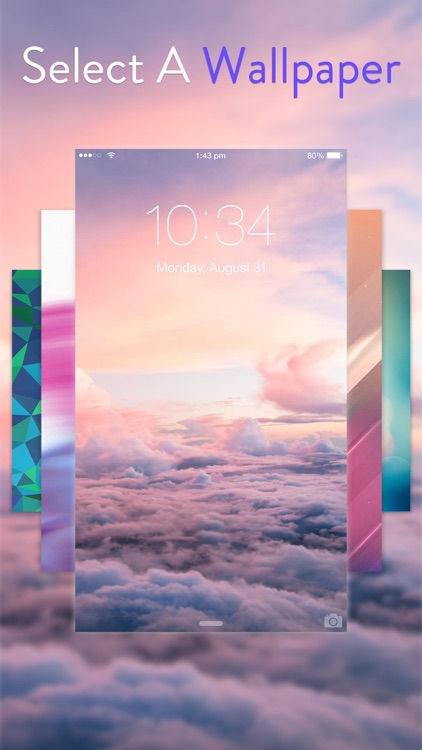
Magic Wallpapers & Backgrounds provides users with a wide array of high-quality background, status bar, and icon images

Magic Wallpapers & Backgrounds Pro - Home Screen Maker with Cool Retina Images
by Yanyu Xie
What is it about?
Magic Wallpapers & Backgrounds provides users with a wide array of high-quality background, status bar, and icon images.
App Screenshots
App Store Description
Magic Wallpapers & Backgrounds provides users with a wide array of high-quality background, status bar, and icon images.
We have been working around the clock to make these high quality, vibrant wallpapers for you to create OUTSTANDING Home Screen & Lock Screen.
Download it and you won't be disappointed.
========== How to DIY:
1. Pick an exquisite wallpaper from the App or photo album.
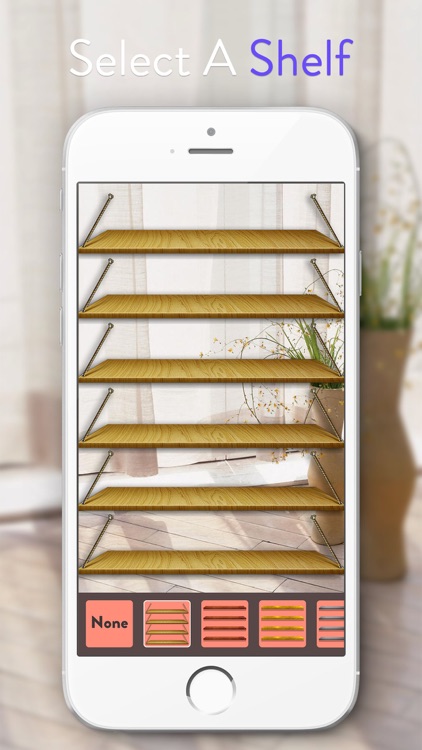
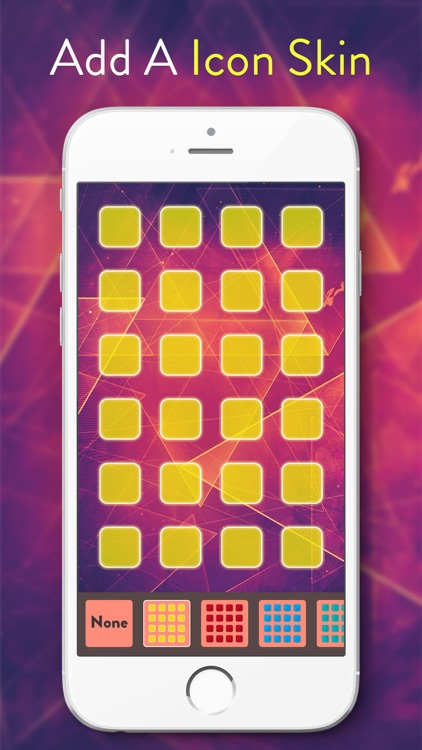
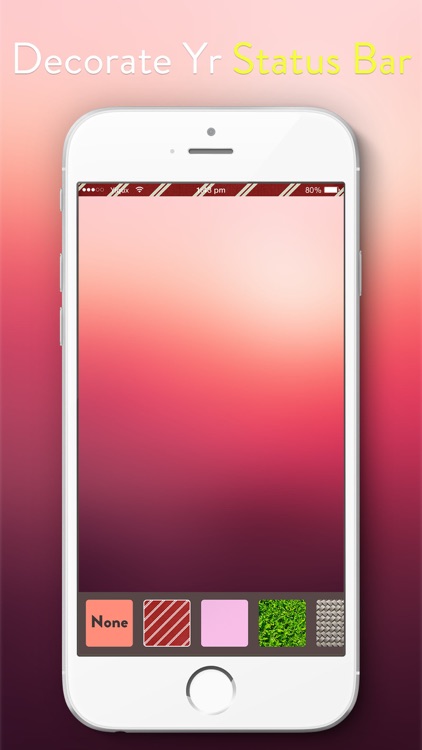
2. Add shelves, icon skins or bars on the selected wallpaper.
3. Save it and set it as Home Screen or Lock Screen.
========== Features:
* Beautiful wallpapers.
* Add shelves, icon skins or bars to make your wallpapers cool.
* Instantly preview your custom wallpaper.
========== Note:
* In order to use your new wallpaper perfectly, please turn the Reduce Motion ON.
Disclaimer:
AppAdvice does not own this application and only provides images and links contained in the iTunes Search API, to help our users find the best apps to download. If you are the developer of this app and would like your information removed, please send a request to takedown@appadvice.com and your information will be removed.
AppAdvice does not own this application and only provides images and links contained in the iTunes Search API, to help our users find the best apps to download. If you are the developer of this app and would like your information removed, please send a request to takedown@appadvice.com and your information will be removed.
