You are using an outdated browser. Please
upgrade your browser to improve your experience.
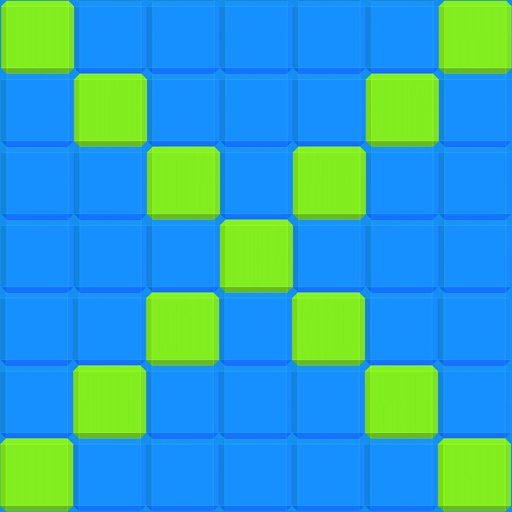
Want to envision multiplication tables as a potential works of ART

Multiplication Visualized
by Apex Technologies LLC
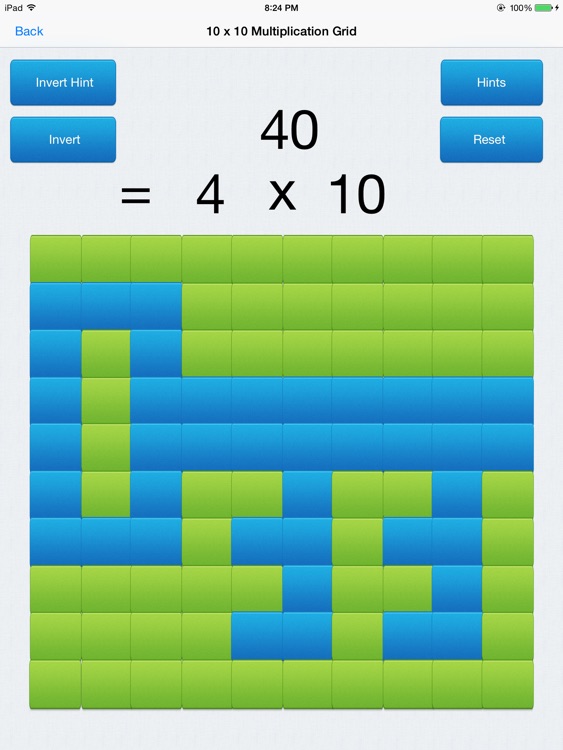
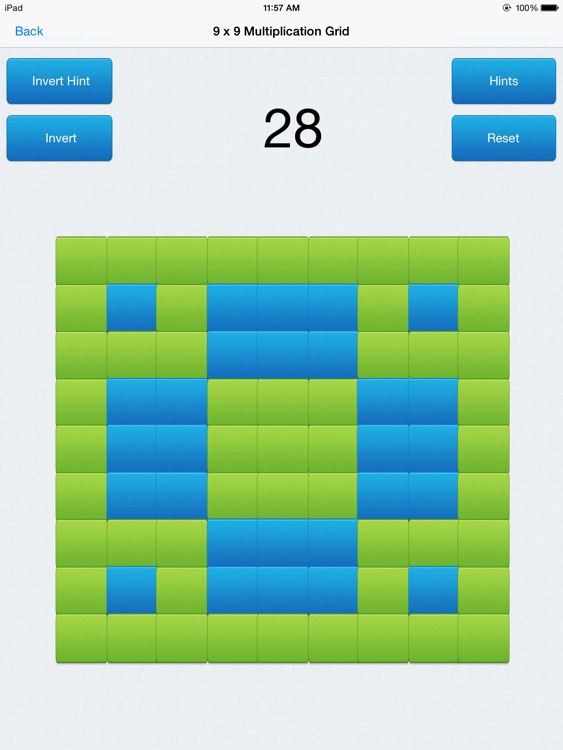
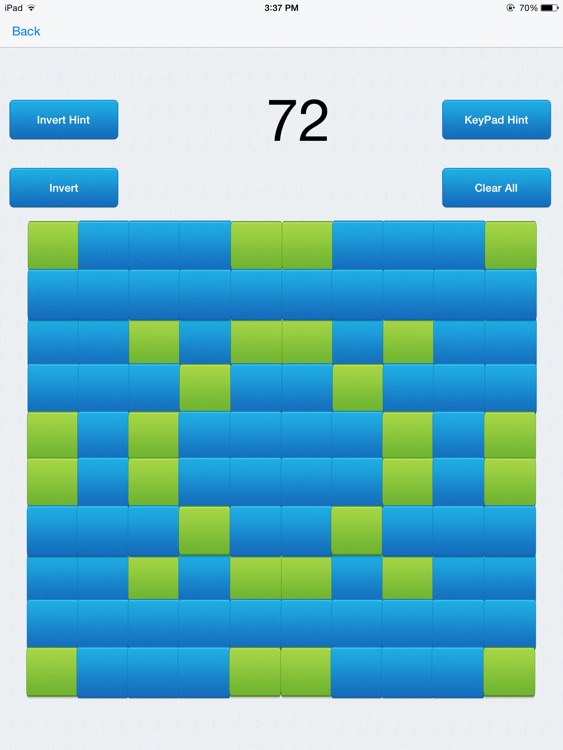
What is it about?
Want to envision multiplication tables as a potential works of ART ? in fact, as much as 1 x 10 ^ 30 ( 30 ZEROES!!!) possible combinations using a 10 x 10 colored button grid ?
App Screenshots
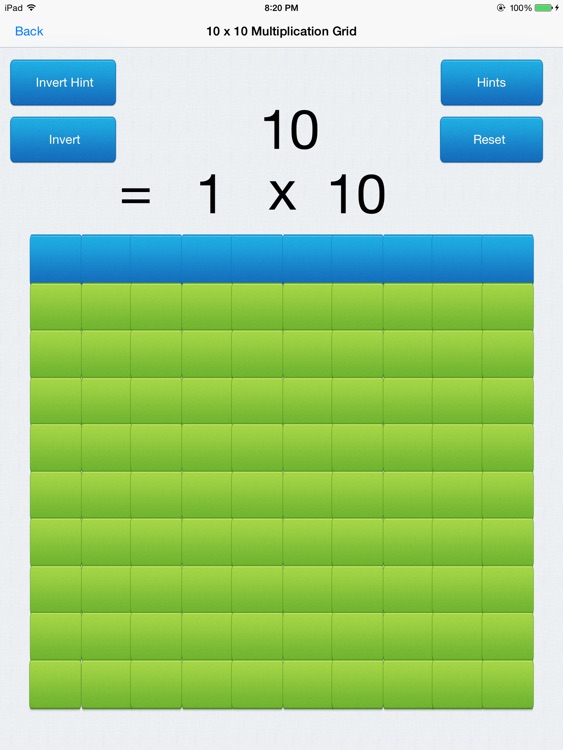
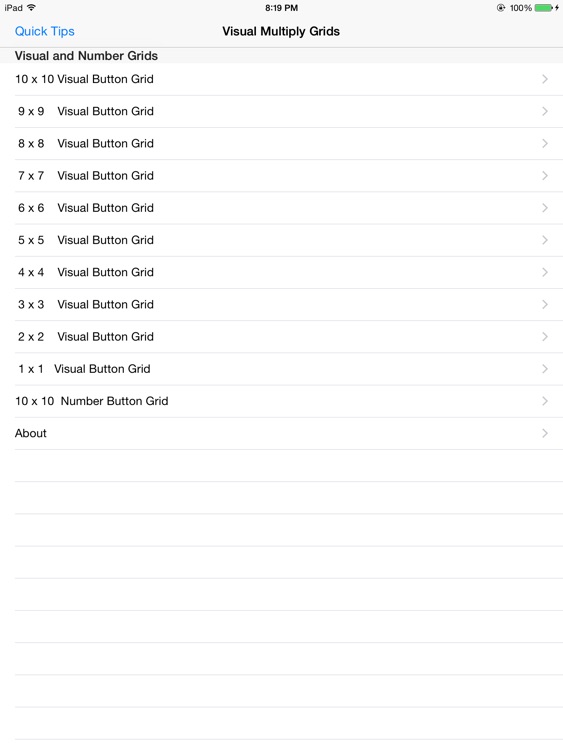
App Store Description
Want to envision multiplication tables as a potential works of ART ? in fact, as much as 1 x 10 ^ 30 ( 30 ZEROES!!!) possible combinations using a 10 x 10 colored button grid ?
In addition, Do you find the process of counting/multiplication using plain numbers so stiff, boring and not very engaging at all?
Well, this developer thinks so and based on his experience as a Math Tutor for about 15 years , developed Multiplication Visualized as a way to visualize the process of counting and multiplication and in turn, he himself discovered that, along with several people he beta tested this app with, from meeting people in shopping centers ,restaurants , all the to colleges, found it be very engaging and fun way to learn/relearn multiplication/counting. It works like this:
Starting from a small 1 button grid to a large 100 button colored grid , this app allows the user to learn counting/multiplication in a visual manner.
It does so with a series of plain colored button Grids without any markings on them. The 2 colors are green and blue ( Grid starts out all green , green : value = 0 blue : value = 1)
Then,:
1. Choose the size of the grid: from a 1 x1 button grid all the
way to a large 10 x 10 button grid by tapping on the
appropriate item on the Home page.
2. A 1 to 100 button grid appears based on user choice on
Home screen, On the first time the grid appears, all the
buttons are green and the total value to top of grid is 0.
( value of green buttons is 0, value of blue is 1)
3. Tap any green button on the grid to change color of tapped
button to blue and to add to total value by 1. Likewise tap
the blue button to change the button back to green and
subtract 1 from the total value.
4. If the value of the grid is a multiple of the grid size ( ex. value
is 48 and grid size is 8 ) the app will display the value (48) as
a product of the grid size (8) and the multiplier ( 6 ) on the
bottom row. If not,the display disappears. This happens in
real time as the user interacts with the grid.
5. Swipe Up or Down to grid panel or tap the invert button
( recommended for the 9 x9 and the 10 x 10 grids ) to invert
the grid colors and to recount all the resulting blue button that
appear
Using the above steps one can create a lifetime worth of art as
well as learn about counting and multiplication, as this developer has discovered while developing and testing this app.
In fact, one can create cool things with this grid such as flower patterns, Chinese characters,and more intricate patterns , some of those patterns actually have values that are multiples of the grid size.
In fact just for the 10 x10 button grid there are 2 ^ 100 = 1.26765 x 10^30
( That is 30 ZEROES!!!!!!!!! ) possible patterns to explore .
Have Fun !!!!
Disclaimer:
AppAdvice does not own this application and only provides images and links contained in the iTunes Search API, to help our users find the best apps to download. If you are the developer of this app and would like your information removed, please send a request to takedown@appadvice.com and your information will be removed.
AppAdvice does not own this application and only provides images and links contained in the iTunes Search API, to help our users find the best apps to download. If you are the developer of this app and would like your information removed, please send a request to takedown@appadvice.com and your information will be removed.
