You are using an outdated browser. Please
upgrade your browser to improve your experience.

Rock Every Party With Phogy

Phogy, 3D Parallax Camera
by Vivoti Ltd.

What is it about?
Rock Every Party With Phogy. It's a must have for each party freak and all users who enjoy innovations in photography!
Phogy, 3D Parallax Camera is FREE but there are more add-ons
-
$2.99
Phogy Pro
App Screenshots
App Store Description
Rock Every Party With Phogy. It's a must have for each party freak and all users who enjoy innovations in photography!
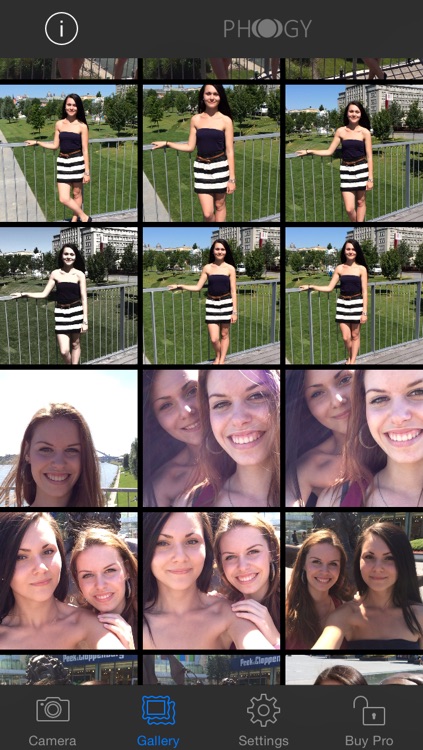
Have you ever made a picture with 3D effect which moves while you move your smartphone? It´s possible with Phogy. Create perfect moving selfies an shots which you can share on social media.
All you need is to download Phogy, take shot and move your smartphone. That is all what activates the new 3D photography experience on your devices. "This app changes the way how we act with camera", one of Phogy users said after he took first shot. Let´s Phogy your world!
Main features
• Unlimited number of Phogies (Pro).
• No special hardware required.
• Enables the creation of unique selfie shots with 3D effect.
• Enables sharing via email, social networks.
• Creates mp4 files you can use to share via Facebook, Google+, etc. (high quality in Pro).
• Creates gifs available to share via Google+, Tumblr, etc... (high quality in Pro).
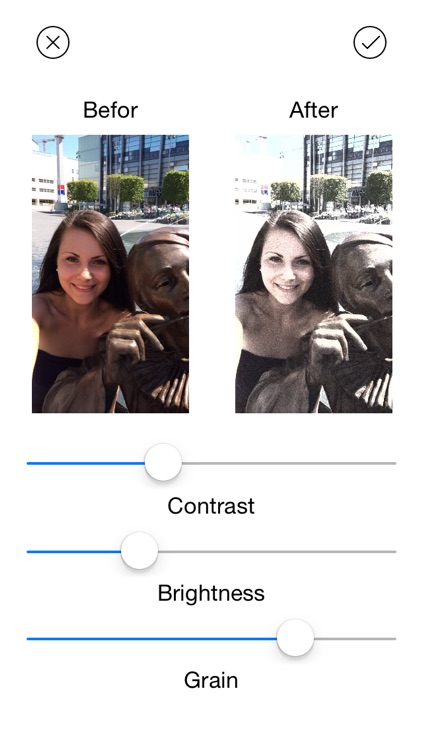
• Various number of filters to customize your Phogy (Pro).
• Quality ratings (from 1 star to 5 stars) announced after taking the Phogy.
• Control (set) the sensitivity of Phogy motion from low to high.
Make your photo memories vivid in 4 easy steps:
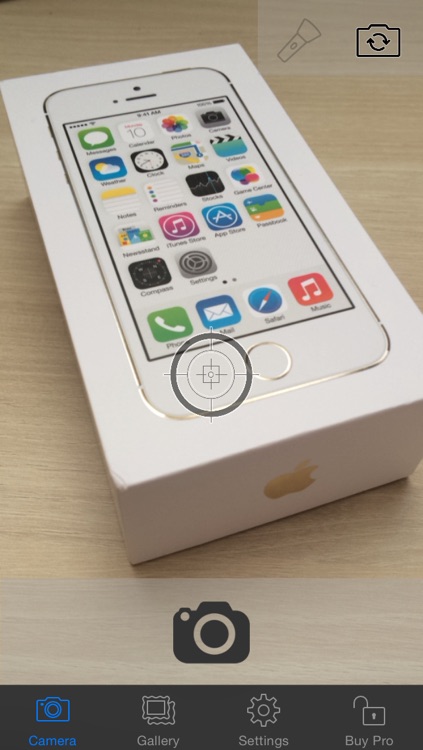
1. Start Phogy
2. Press Camera Button
3. Aim at the Target
4. Move your Device to the Right Side and Still Aim at the Target
Disclaimer:
AppAdvice does not own this application and only provides images and links contained in the iTunes Search API, to help our users find the best apps to download. If you are the developer of this app and would like your information removed, please send a request to takedown@appadvice.com and your information will be removed.
AppAdvice does not own this application and only provides images and links contained in the iTunes Search API, to help our users find the best apps to download. If you are the developer of this app and would like your information removed, please send a request to takedown@appadvice.com and your information will be removed.
