You are using an outdated browser. Please
upgrade your browser to improve your experience.

[Main Features]
![[Main Features]](https://is1-ssl.mzstatic.com/image/thumb/Purple211/v4/da/2c/2e/da2c2e93-51b7-8e10-06c2-187124e89adc/AppIcon-0-0-1x_U007epad-0-0-85-220.png/60x60bb.jpg)
PrivateFolders
by Beijing Tapfeng Technology Co., Ltd

What is it about?
[Main Features]
App Screenshots


App Store Description
[Main Features]
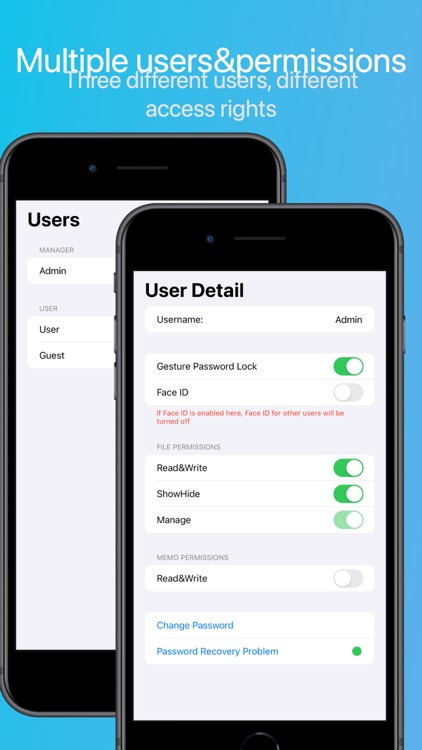
- Multiple Users, Multiple Permissions:
- Three different types of users: the first login is as an administrator, who can then create regular users and guests.
- Administrators can manage all users and manage private files.
- Regular users cannot view private files but can see regular files.
- Guests can only see memos.
- Administrators can manage all users' permissions and icons, etc.
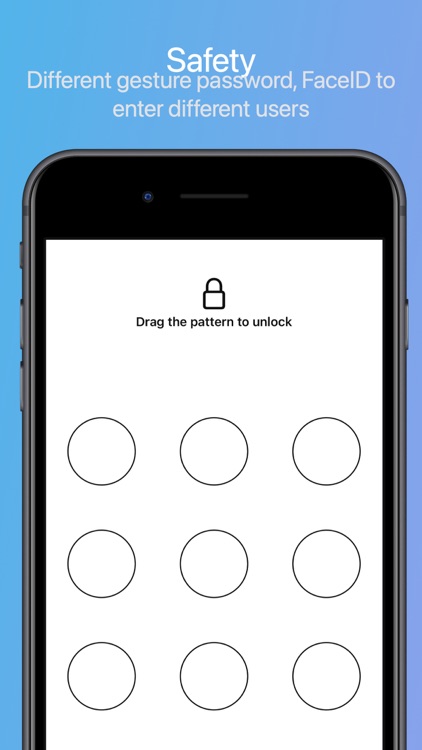
- Security:
- Each user can enable a gesture password.
- Only one user can enable FaceID.
- Different passwords lead to different users, each with different functions.
- Waterfall Flow, Immersive Mode:
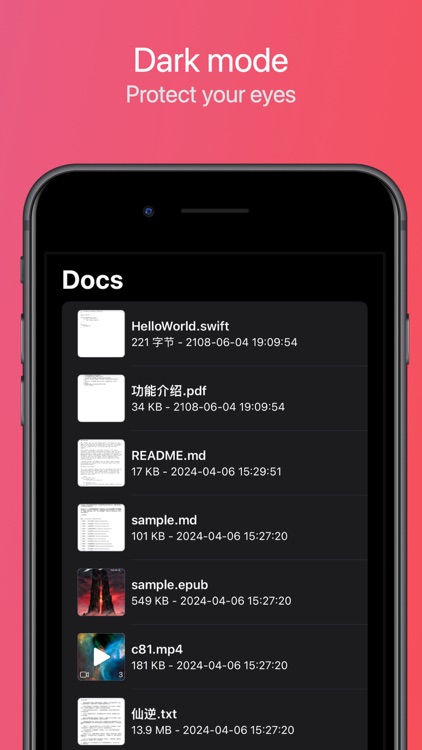
- Files can be displayed in three ways: list, grid, waterfall flow.
- Waterfall flow allows viewing the original style of files, maintaining aspect ratio.
- Shake the device to enter immersive mode, shake again to exit.
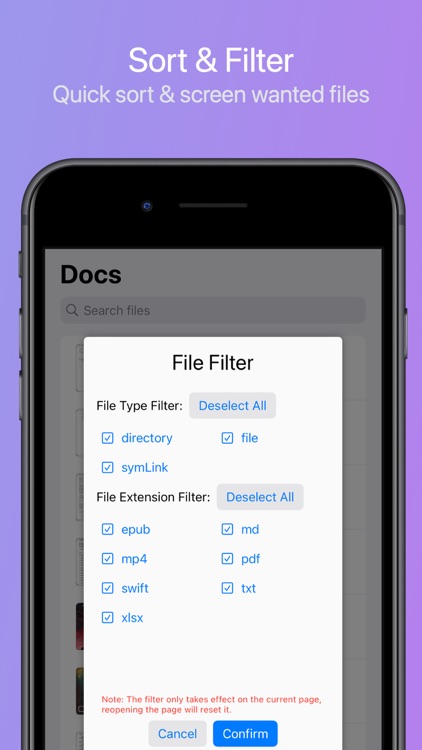
- Quick Filtering:
- Quick sorting through the menu.
- Convenient filtering by file extension, only displaying desired files.
- Scenario mode: differentiate scenarios with one click switch.
- Custom configurations: switch easily between viewing modes like picture, office, novel shelf, and notebook.
- File Transfer:
- Easily transfer files with other devices.
- Transfer files effortlessly with other file apps, mobile photo albums, iCloud.
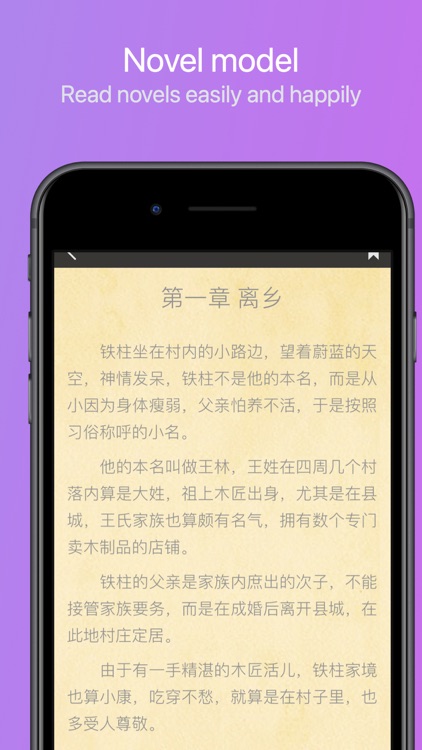
- Novel Mode:
- Supports Txt novels, intelligent parsing.
- Simulation, cover, translation. Scroll to change pages.
- Multiple themes, suitable for different scenarios.
- Adjustable font size, etc.
- Code Mode:
- Supports syntax highlighting for mainstream languages.
- Supports multiple themes.
- Automatically adapts themes and syntax highlighting.
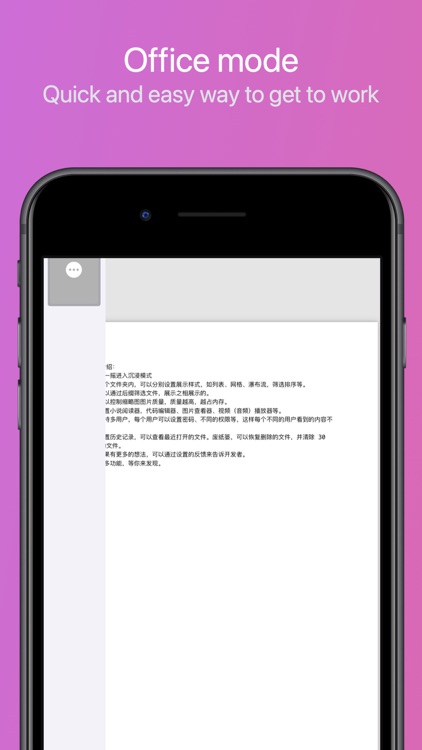
- Office Mode:
- Supports common office documents: .txt, .pdf, .doc, .docx, .ppt, .pptx, .xls, .xlsx, .csv, .rtf
- Office content thumbnail preview.
- Photo Mode:
- View mode, see pictures directly without clicking.
- HD mode: directly view a specific picture.
- Editing mode: modify a picture.
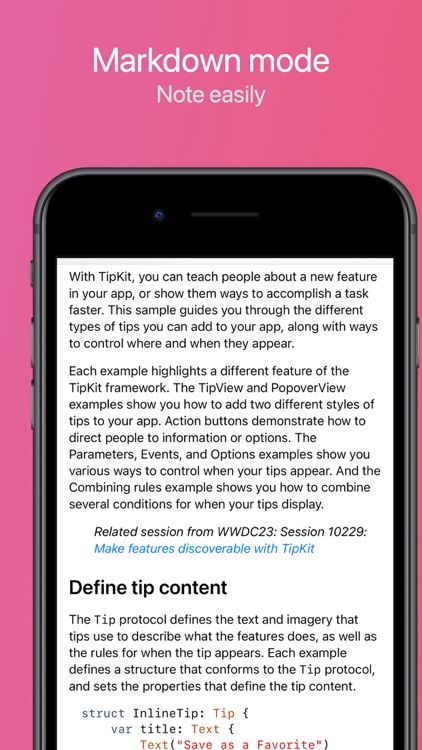
- Markdown Mode:
- Easily take notes.
- With the note scenario mode, it instantly turns into a note-taking app.
- Media Mode:
- Suitable for watching movies, listening to music.
- Others:
- Supports in-app Zip, 7z compression, Zip, Rar, 7z decompression, supports encryption.
- Supports trash function, saves up to 30 days.
[Premium Version]
- Unlock all features of the premium membership.
[User Agreement]: https://tapfeng.com/user-agreement/
[Privacy Policy]: https://tapfeng.com/privacy-policy/
[Contact and Feedback]
For any questions and suggestions about the product, feel free to contact us
Email: tapfeng@tapfeng.com
Disclaimer:
AppAdvice does not own this application and only provides images and links contained in the iTunes Search API, to help our users find the best apps to download. If you are the developer of this app and would like your information removed, please send a request to takedown@appadvice.com and your information will be removed.
AppAdvice does not own this application and only provides images and links contained in the iTunes Search API, to help our users find the best apps to download. If you are the developer of this app and would like your information removed, please send a request to takedown@appadvice.com and your information will be removed.
