You are using an outdated browser. Please
upgrade your browser to improve your experience.

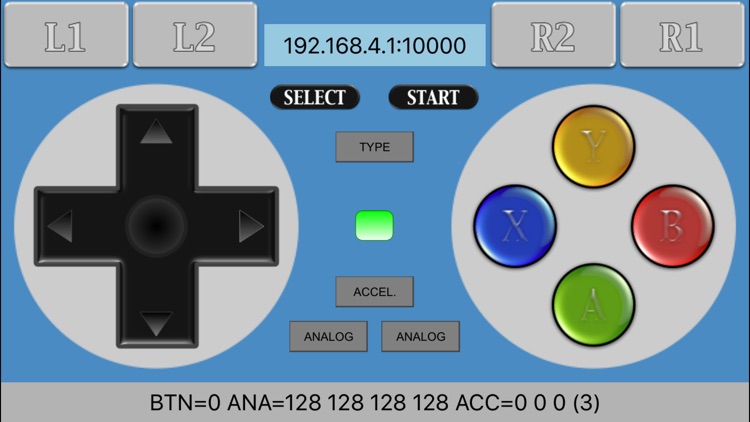
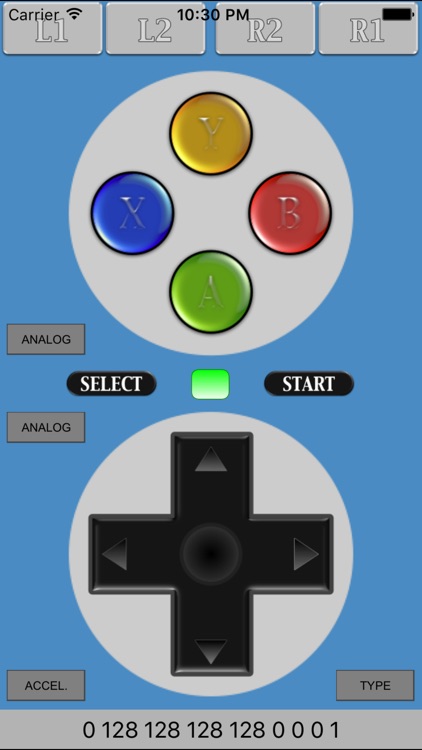
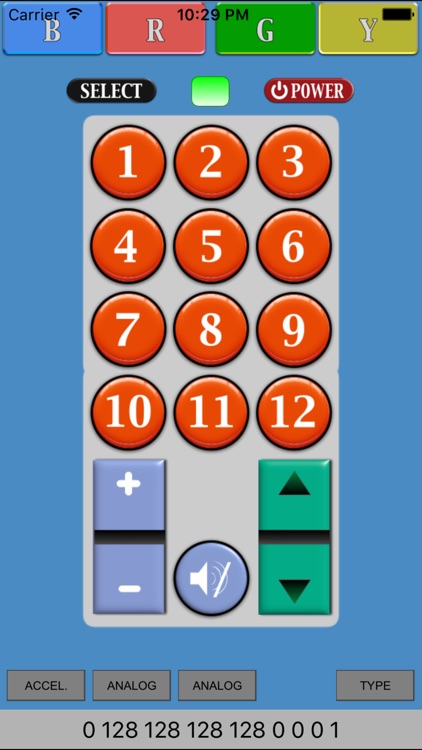
RCWController has an interface of a gamepad, and if these buttons are pushed, it will transmit the following data by Wi-Fi (UDP)

RCWController
by 道男 尾野
What is it about?
RCWController has an interface of a gamepad, and if these buttons are pushed, it will transmit the following data by Wi-Fi (UDP).
App Screenshots
App Store Description
RCWController has an interface of a gamepad, and if these buttons are pushed, it will transmit the following data by Wi-Fi (UDP).
When you use this App, I have not specified the Wi-Fi device for reception.
If you want to use this App, please program your Wi-Fi device to be able to receive the data of Wi-Fi which this App has transmitted.
[Transmit data format]
The 1 - 2nd byte: Button
(Right buttons)
UP: 0x0001
DOWN: 0x0002
RIGHT: 0x0004
LEFT: 0x0008
(Left buttons)
Y button: 0x0010
A button: 0x0020
B button: 0x0040
X button: 0x0100
left center: 0x0080
(Shift buttons)
L1: 0x0200
L2: 0x0400
R1: 0x0800
R2: 0x1000
(Other)
START: 0x0003
SELECT: 0x000C
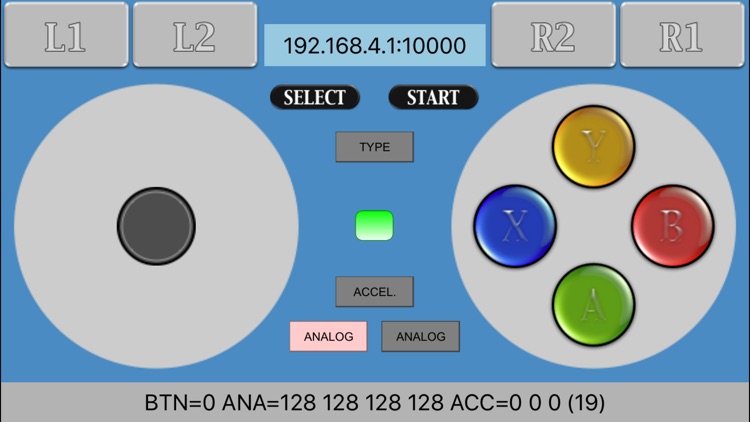
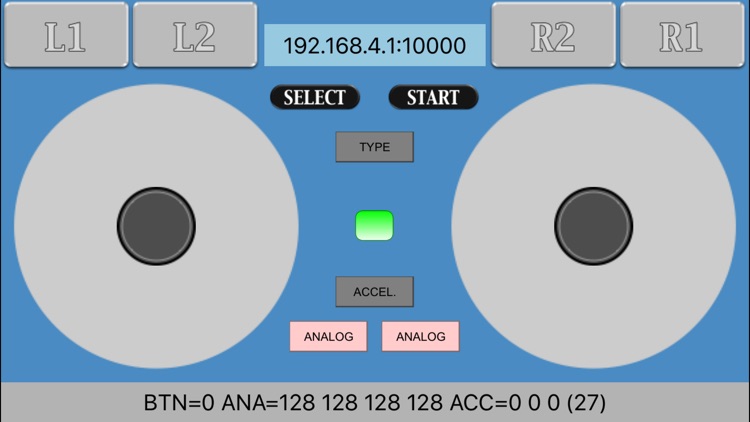
The 3 - 4th byte: Left analog Stick
Left - Right: 1-255 (Neutral=128)
Up - Down: 1-255 (Neutral=128)
The 5 - 6th byte: Right analog Stick
Left - Right: 1-255 (Neutral=128)
Up - Down: 1-255 (Neutral=128)
The 7 - 9th byte: Accelerator
X axis: 1-255 (Neutral=128)
Y axis: 1-255 (Neutral=128)
Z axis: 1-255 (Neutral=128)
The 10th byte: Status information
7 - 6th bit: Accelerator (0-3)
5th bit: Left analog (0-1)
4th bit: Right analog (0-1)
3-1st bit: Device direction (1-4)
[Support Home page]
http://rcbcontroller.micutil.com
[Wi-Fi]
MacBook Air, iMac, ESP8266/ESP-WROOM-2, ...
[DEMO Movie]
RCWController & ESP-WROOM-2 & Wall-bot
https://www.youtube.com/watch?v=zo43jGfj1E0
Disclaimer:
AppAdvice does not own this application and only provides images and links contained in the iTunes Search API, to help our users find the best apps to download. If you are the developer of this app and would like your information removed, please send a request to takedown@appadvice.com and your information will be removed.
AppAdvice does not own this application and only provides images and links contained in the iTunes Search API, to help our users find the best apps to download. If you are the developer of this app and would like your information removed, please send a request to takedown@appadvice.com and your information will be removed.
