You are using an outdated browser. Please
upgrade your browser to improve your experience.

Sensor Tag is a Bluetooth Smart / BLE 4

Sygonix Sensor Tag
by Conrad Electronic SE
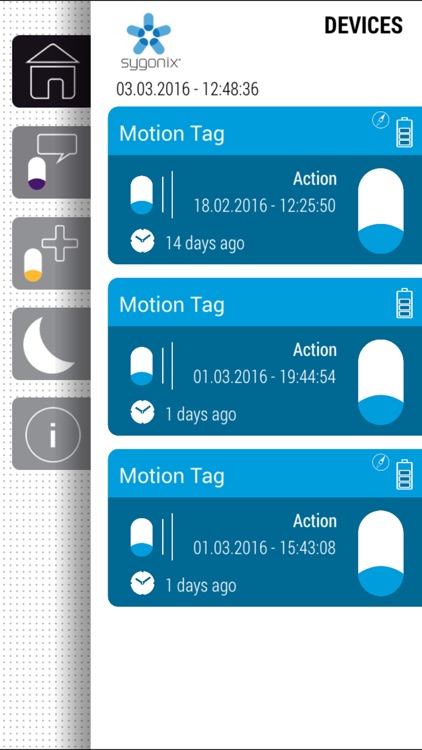
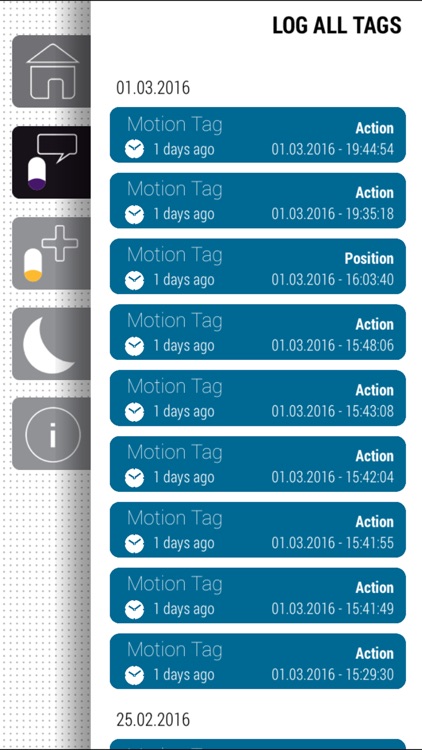
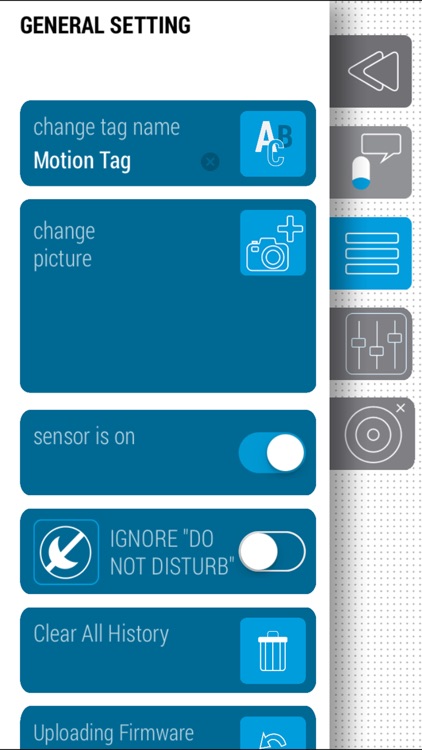
What is it about?
Sensor Tag is a Bluetooth Smart / BLE 4.0 TAG, the tag can be used for the different application like proximity, anti-lose, motion detection and position detection.
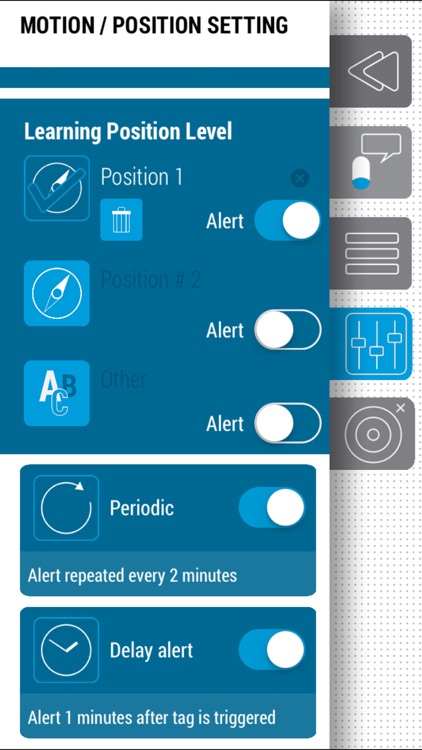
App Screenshots
App Store Description
Sensor Tag is a Bluetooth Smart / BLE 4.0 TAG, the tag can be used for the different application like proximity, anti-lose, motion detection and position detection.
Supporting features
- monitor everything you like
- just a motion of the tag is enough, to get alarmed
- mount the tag on window and see, when it's open or halph-open
- mount the tag on the cover of cookie jar. Come home and see, if somebody has opend the jar
- there are thousands of opportunities, where you can use the tag
- it's definitely more than just a funny gadget
- set different alert modes
- take picture, set sensitivity and define your own tag
- use tag in anti loss mode and never forget your handbag
Compatibility
iPhone 4S, iPhone 5, iPhone5S, iPhone 5C, iPhone 6, iPhone 6 Plus
iPod Touch 5th generation
iPad 3rd generation (New iPad)
iPad mini
Requirement
iOS 7.0 or later
App Demo
https://youtu.be/bw-8luuGRD4
Declaration
Continued use of GPS running in the background can dramatically decrease battery life.
Disclaimer:
AppAdvice does not own this application and only provides images and links contained in the iTunes Search API, to help our users find the best apps to download. If you are the developer of this app and would like your information removed, please send a request to takedown@appadvice.com and your information will be removed.
AppAdvice does not own this application and only provides images and links contained in the iTunes Search API, to help our users find the best apps to download. If you are the developer of this app and would like your information removed, please send a request to takedown@appadvice.com and your information will be removed.
