You are using an outdated browser. Please
upgrade your browser to improve your experience.

Web Page Recorder

Web Page Screen Recorder
by Albert Parti
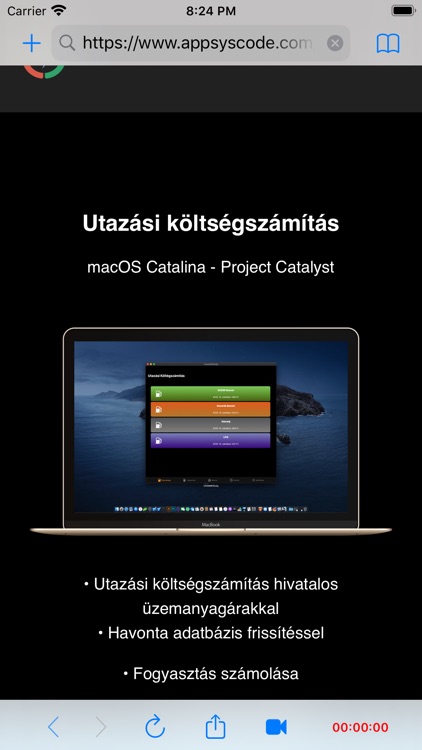
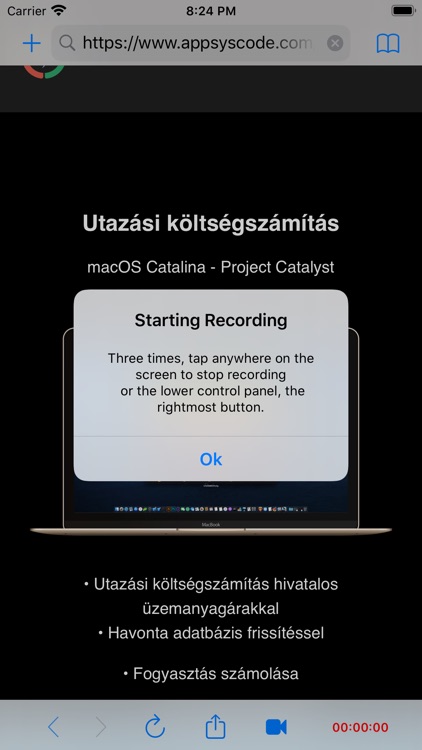
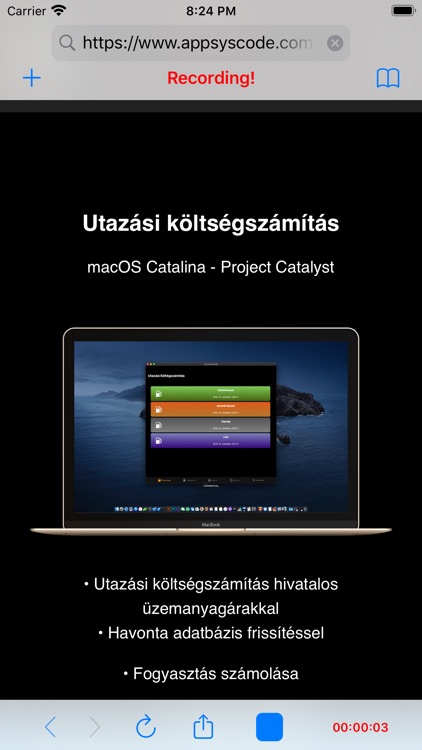
What is it about?
Web Page Recorder
App Screenshots
App Store Description
Web Page Recorder
Attention!
Recording the sound only takes the sounds recorded by the microphone.
The website that plays sounds will not record it!
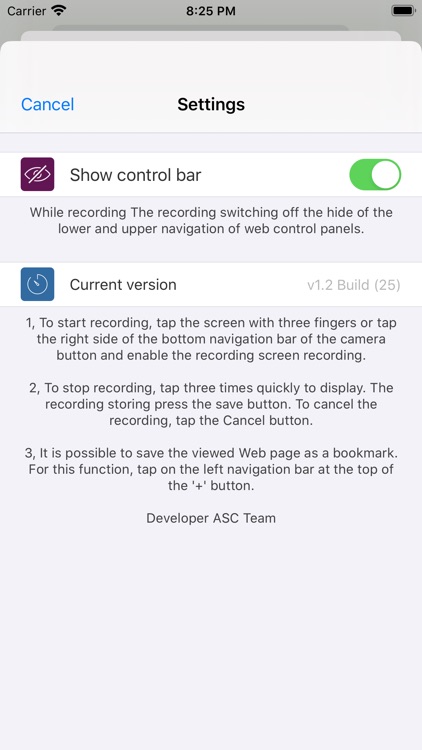
• To start recording, tap the screen with three fingers or tap the right side of the bottom navigation bar of the camera button and enable the recording screen recording.
• To stop recording, tap three times quickly to display. The recording storing press the save button. To cancel the recording, tap the Cancel button.
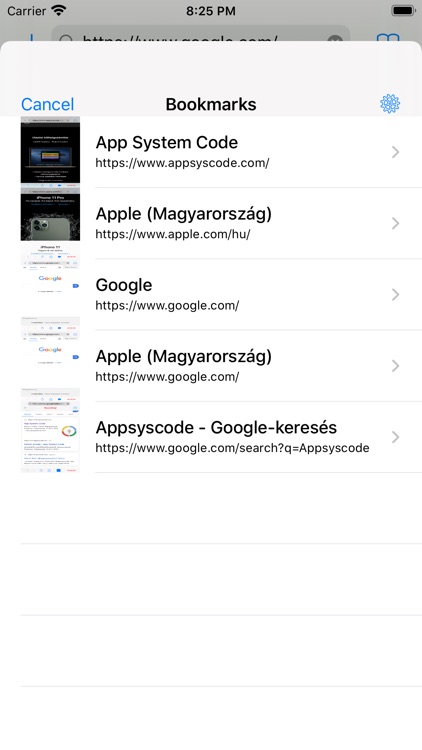
• It is possible to save the viewed Web page as a bookmark. For this function, tap on the left navigation bar at the top of the '+' button.
• Save and share the recorded video
• Open from Safari directly
• Save Bookmarks
Disclaimer:
AppAdvice does not own this application and only provides images and links contained in the iTunes Search API, to help our users find the best apps to download. If you are the developer of this app and would like your information removed, please send a request to takedown@appadvice.com and your information will be removed.
AppAdvice does not own this application and only provides images and links contained in the iTunes Search API, to help our users find the best apps to download. If you are the developer of this app and would like your information removed, please send a request to takedown@appadvice.com and your information will be removed.
