You are using an outdated browser. Please
upgrade your browser to improve your experience.
XPdfNotes is an application for PDF editing and for notetaking, sketching, keeping a journal using a stylus

XPdfNotes PDF notetaker
by SSA
What is it about?
XPdfNotes is an application for PDF editing and for notetaking, sketching, keeping a journal using a stylus. It is the application xournal running remotely and integrated in our cloud system- As such, it inherits the xournal functionalities and tools.
App Details
Version
3.4
Rating
(2)
Size
13Mb
Genre
Productivity Utilities
Last updated
October 4, 2021
Release date
July 15, 2016
More info
App Store Description
XPdfNotes is an application for PDF editing and for notetaking, sketching, keeping a journal using a stylus. It is the application xournal running remotely and integrated in our cloud system- As such, it inherits the xournal functionalities and tools.
XPdfNotes features are:
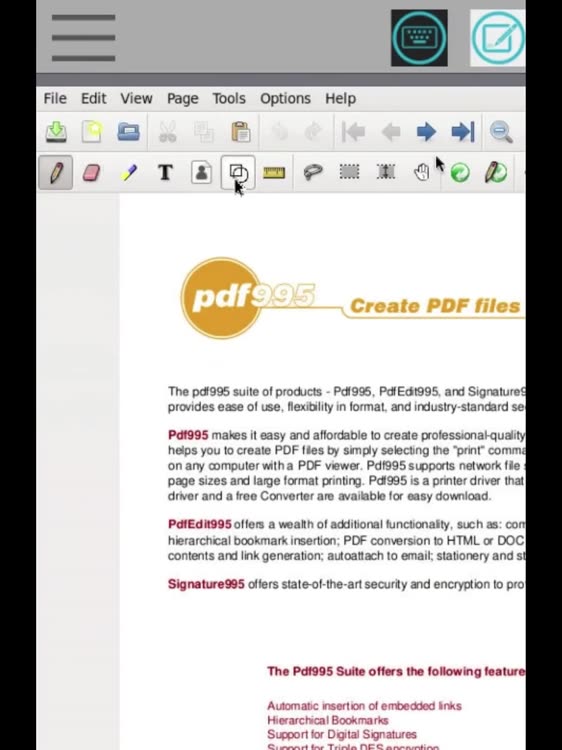
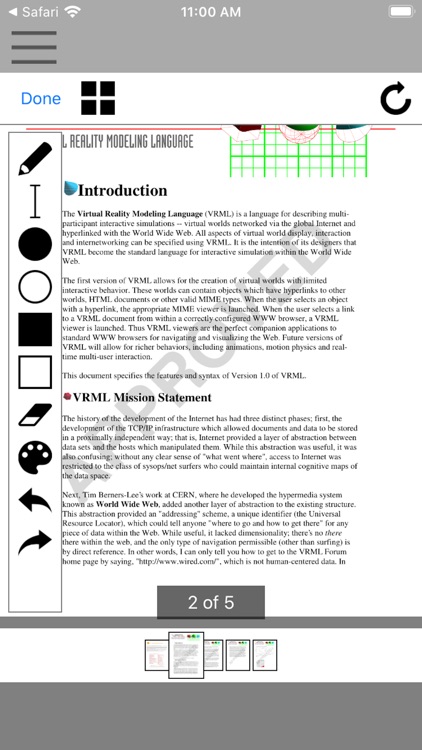
- "Pen" is the default drawing tool in Xournal. It comes in a variety of colors and thicknesses
- "Eraser" can either delete everything in its radius of operation, act as a white pen.mode or delete the whole length of any continuous stroke in the affected area.
- "Highlighter" acts as a semitransparent pen allowing the user to highlight areas of text or image.
- Text tool allows insertion of basic blocks of character-based text.
- Image tool allows to move or resize the newly inserted or any selected image.
- Shape recognizer can be enabled alongside with the pen to automatically detect circles, lines and polygons when they are drawn and replace them with a clean version.
Additionally, strokes and blocks of text can be selected, moved and copied using a rectangular selection tool.
This app is an access to a Xournal app that is run remotely. Note that in order to use this app you must use the following actions with your fingers:
- Left-click: Tap once.
- Double-click: Double-tap.
- Mouse-drag: Tap, hold long and move your finger.
- Scroll-wheel: Two-finger drag up/down and left/right.
- Zoom in/out with your fingers.
- Send text: Click on the button keyboard.
Disclaimer:
AppAdvice does not own this application and only provides images and links contained in the iTunes Search API, to help our users find the best apps to download. If you are the developer of this app and would like your information removed, please send a request to takedown@appadvice.com and your information will be removed.
AppAdvice does not own this application and only provides images and links contained in the iTunes Search API, to help our users find the best apps to download. If you are the developer of this app and would like your information removed, please send a request to takedown@appadvice.com and your information will be removed.
