A Chance To Win An Audium Promo Code With A Retweet Or Comment
March 19, 2012
AppAdvice has once again teamed up with Mic Pringle in order to offer you a chance to win one of 10 promo codes for Audium ($1.99) for iPhone and iPod touch.
Simple and clean, Audium is a music player for people who spend a lot of time listening to their music library and have adoration for all or at least most of the content therein. In fact, the app does not offer track lists, playlists, or even scrubbing. However, the few controls Audium does have are efficient.
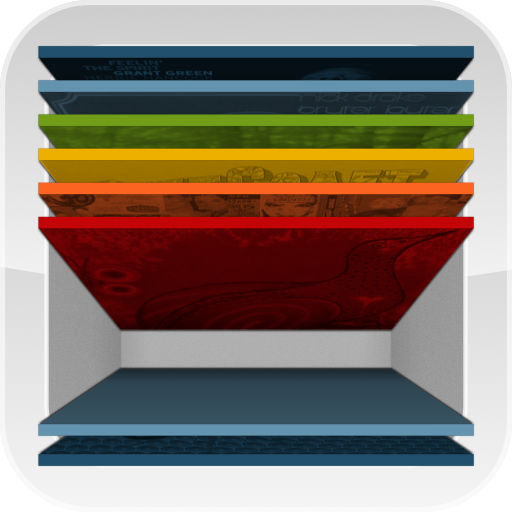
Your experience will begin with album selection. Browse your library by swiping left or right on the horizontal gallery at the bottom. If need be, swipe downward on an album to expose the name, otherwise, double tap to start playback.
To control playback and volume, it's as easy as flicking your finger. When performed on the currently playing album in the top half of the screen, a swipe up increases the volume, swipe down to decrease volume, swipe left or right to change tracks, and double tap to pause or resume playback. Giving your iDevice a quick shake will disable or enable song shuffling in the current album.
Even with such a minimal user interface, Audium still provides some customization and sharing features. If you want to share or otherwise recommend a song, tap and hold on the currently playing album and Audium will launch Recollect. In addition, you can also adjust the track title ribbon, sort albums by artist, connect to your Last.fm account, and more through the Audium section of the iOS Settings app.
Before I send you off to the entry instructions, I'd like to mention the latest update details. On March 17, Audium v1.0.7 was released to the App Store to provide the following additions and improvements:
- Audium is now fluent in ten languages
- Launch Center Compatibility
- Subtle UI Changes
- General Stability & Performance Tweaks