



You are using an outdated browser. Please upgrade your browser to improve your experience.

Apps That
Went Free on
2013-10-23

Challenge your reflexes and your patience in Nicholas Rapp’s cruel platformer, Bitless. We also have an app that allows you to reach your contacts in a snap, and a camera app that allows you to snap with a clap.

Swipe To iMessage or SMS - Tap to Call & Facetime - By ReachFast Contacts
iPhone
Swipe To iMessage or SMS - Tap to Call & Facetime - By ReachFast Contacts

Swipe To iMessage or SMS - Tap to Call & Facetime - By ReachFast Contacts

Sign.al (OFFSHORE) S.A.L

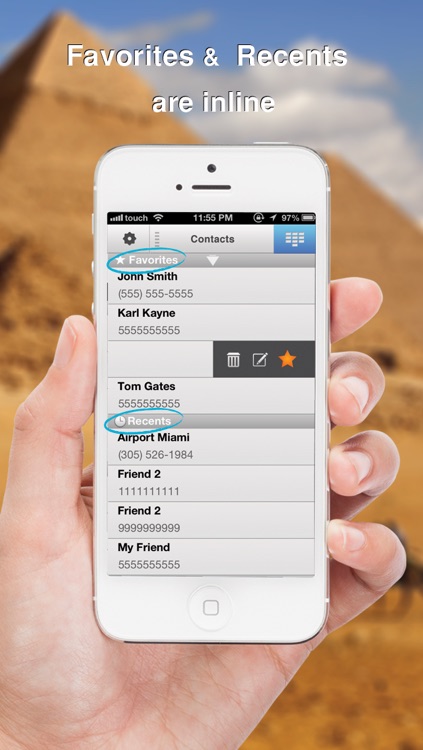
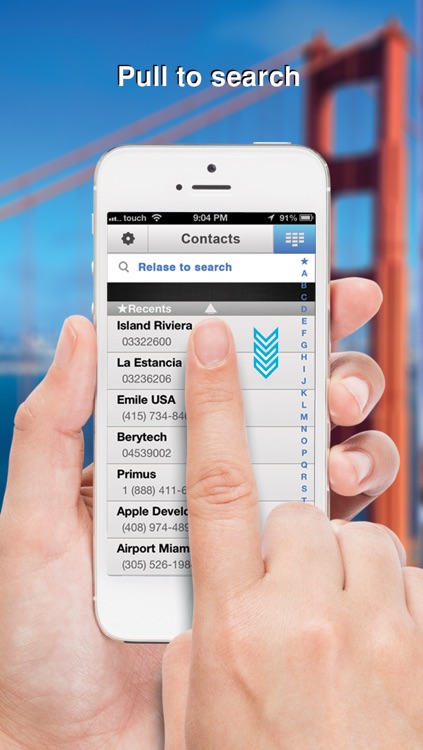
Reach any of your contacts in a snap with this productivity app.
FREE ($1.99) For a limited time FREE ($1.99) For a limited time
Why we picked this?

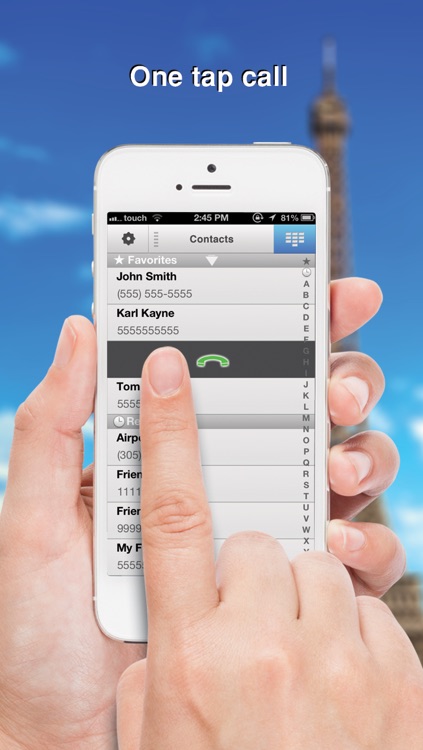
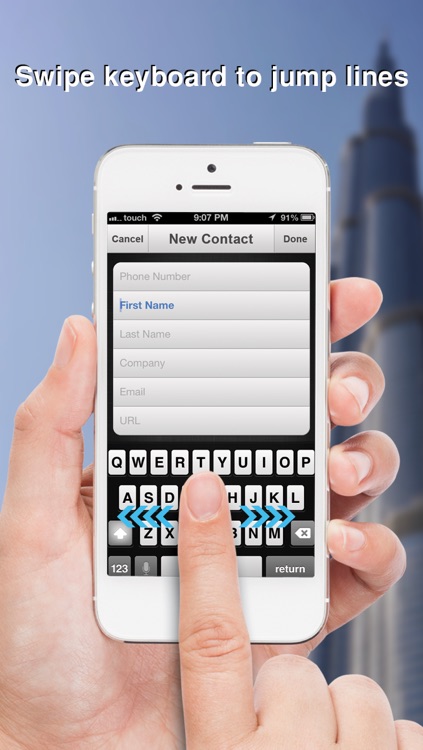
It automatically pulls in all of the information from your Contacts app, so you won't have to manually add them to get started. Then just tap on any contact to call them, double tap to FaceTime them, and swipe left to right to message them. You're also able to create favorites, search for contacts by name, and view recent contacts. The app includes a handful of sorting options, the ability to add new contacts, and the ability to dial out.

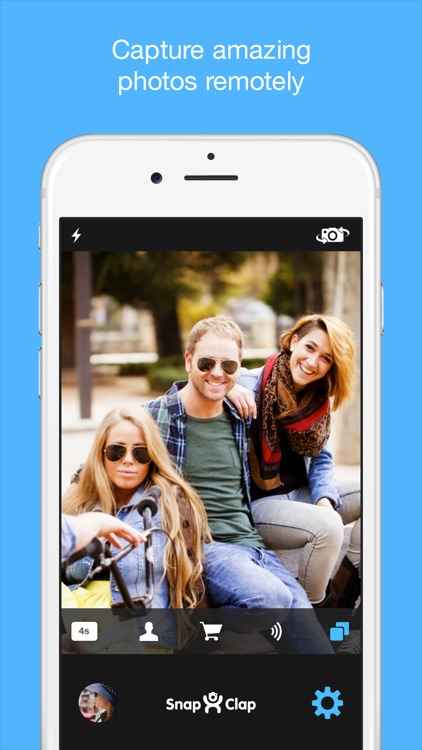
Snap Clap - Free Hands Selfie Photographer for Any Moment
iPhone
iPad
Snap Clap - Free Hands Selfie Photographer for Any Moment

Snap Clap - Free Hands Selfie Photographer for Any Moment

Dávid Šproch

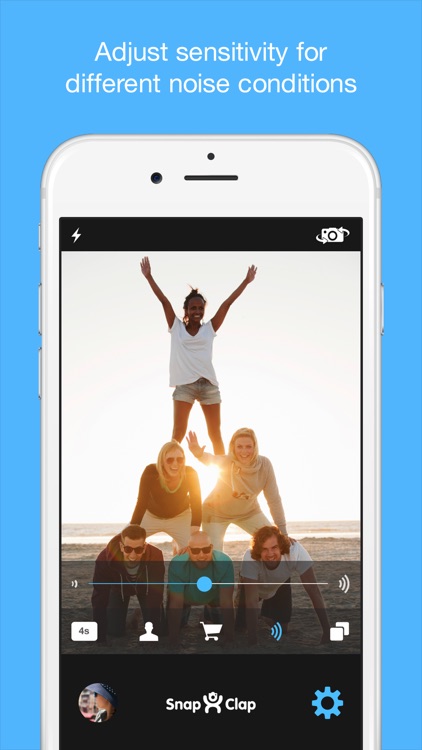
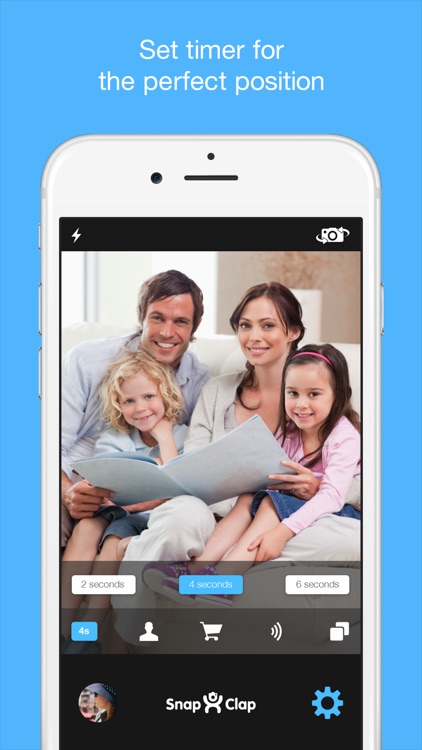
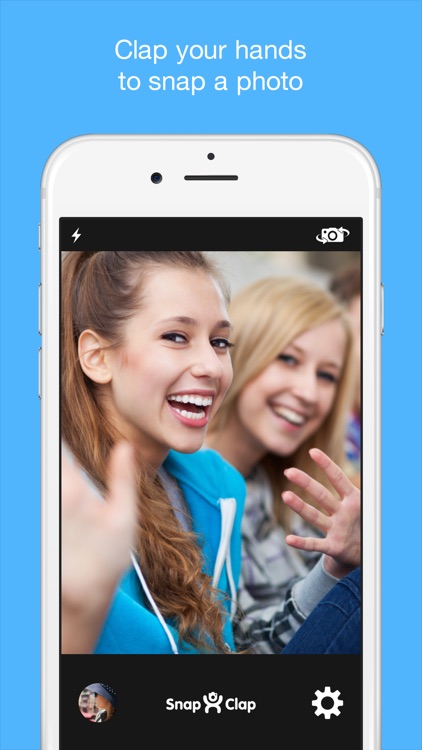
This camera app allows you to snap with a clap.

FREE ($0.99) For a limited time FREE ($0.99) For a limited time
Why we picked this?

It utilizes your iDevice's microphone to pick up that distinct sound your hands make when smashed together, so don't even consider trying to knock or snap your fingers. It just won't work. You're able to set a timer delay so the camera doesn't actually catch your hands clapping. The app also includes a grid option, editing tools, and the ability to share your photos via Facebook, Twitter, Tumblr, or email.

GarageBand
iPhone
iPad
GarageBand

GarageBand

Apple

Make your own kind of music with Apple’s GarageBand.

FREE ($4.99) For a limited time FREE ($4.99) For a limited time
Why we picked this?

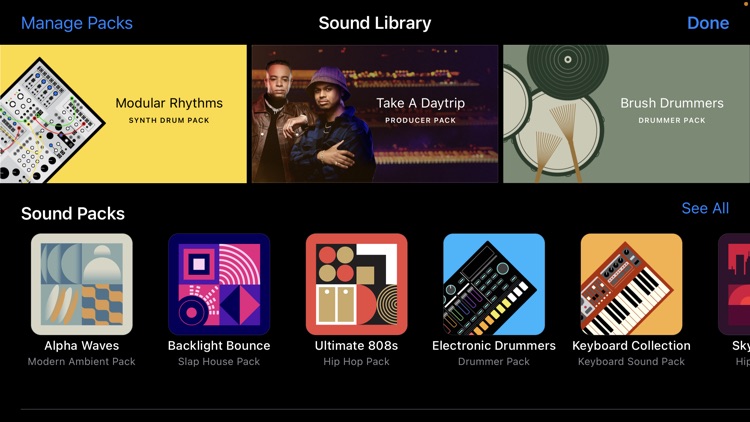
You’re able to choose from a variety of keyboard, drum, and guitar options. Just tap or strum with as few or as many fingers as you like to play each instrument. Record your sessions and arrange them across a timeline to create layers of sound. You’re also able to record vocals and put them over the top of your final track. The app includes more than 250 loops to choose from, the ability to import music from your library, 64-bit support, and the ability to share your creations via Facebook, SoundCloud, YouTube, AirDrop, or email. Additional instruments and sounds are available through in-app purchase.


Sandbox Web Browser
iPhone
iPad
Sandbox Web Browser

Sandbox Web Browser

Float, LLC

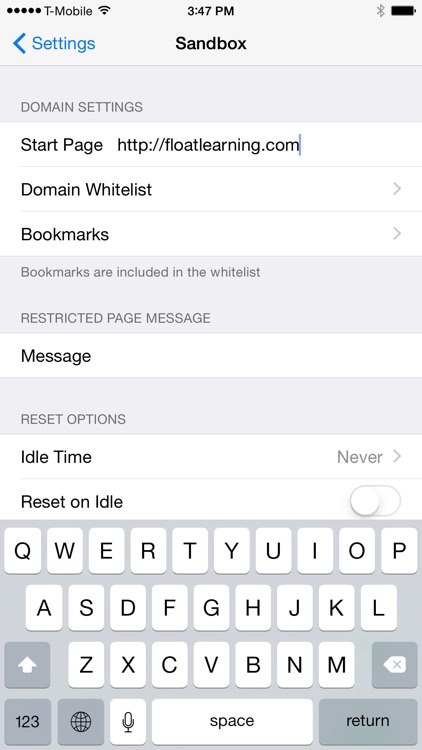
A Web browser that allows you to restrict users to a predefined list of allowed websites.

FREE ($2.99) For a limited time FREE ($2.99) For a limited time
Why we picked this?

It's perfect for the classroom, kiosks, places of business, and your home. After installing the app, launch your iDevice's Settings app and scroll down until you find Sandbox. This menu will allow you to customize everything from allowed websites and bookmarks to the message that appears for restricted pages. You can also lock the configuration settings with a passcode to prevent changes.

RabbleBrowser
iPad
RabbleBrowser

RabbleBrowser

Float, LLC

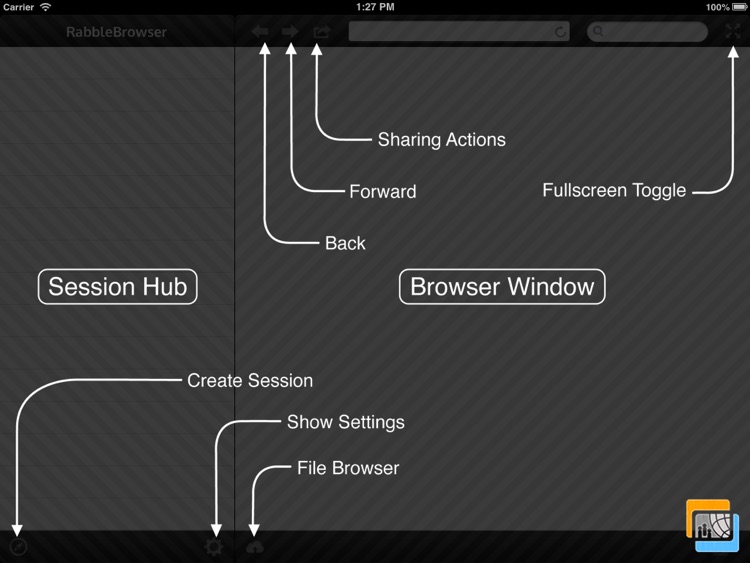
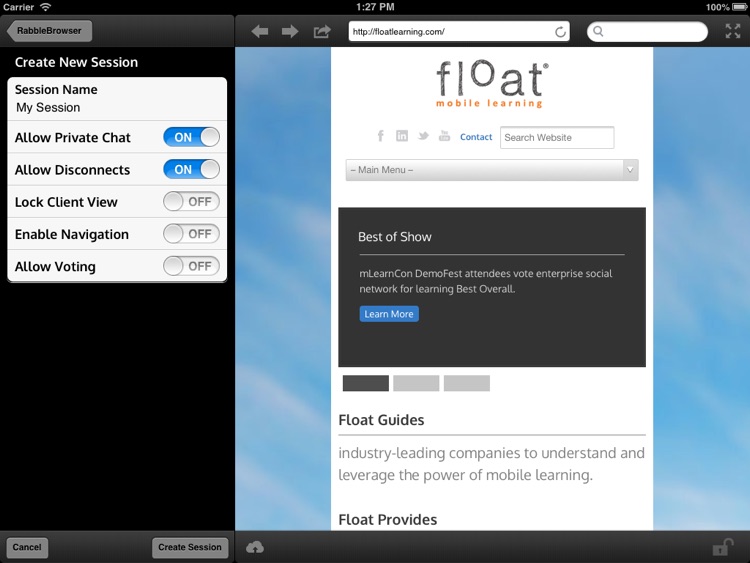
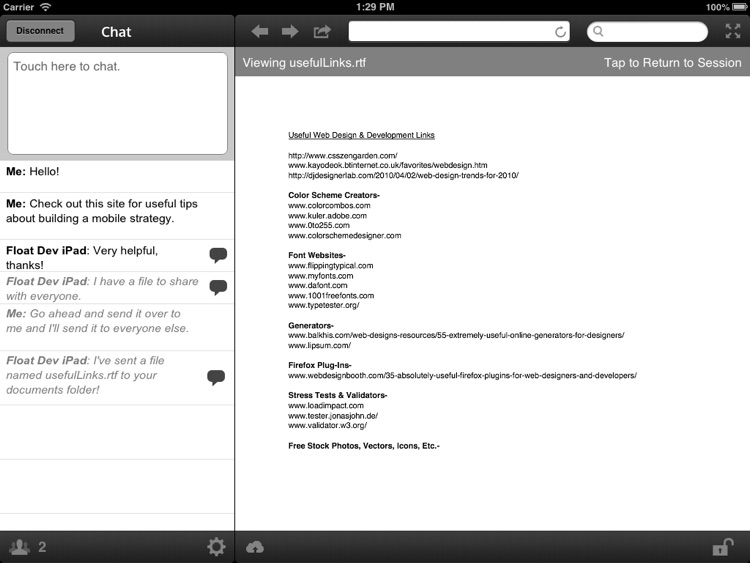
A collaborative Web browser that allows teachers, colleagues, and students to share websites or files with the group.

$2.99 $2.99
Why we picked this?

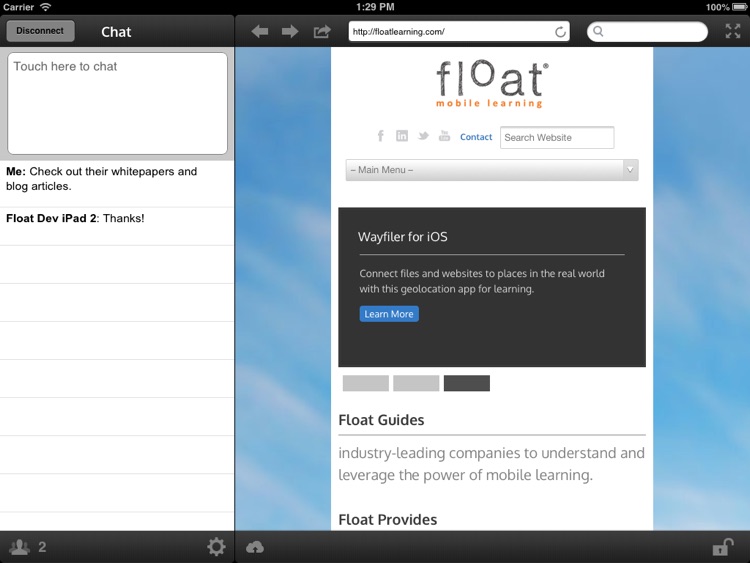
One person acts as the leader while all other devices on the network with RabbleBrowser installed can follow along. The app features integrated multi-user chat and private chat, so everyone can join in the conversation. It also includes bookmarks, Dropbox integration, AirPrint support, and the ability to share content via Twitter, Facebook, Google+, or email.

AbleConverter
iPhone
AbleConverter

AbleConverter

Hungerbuster

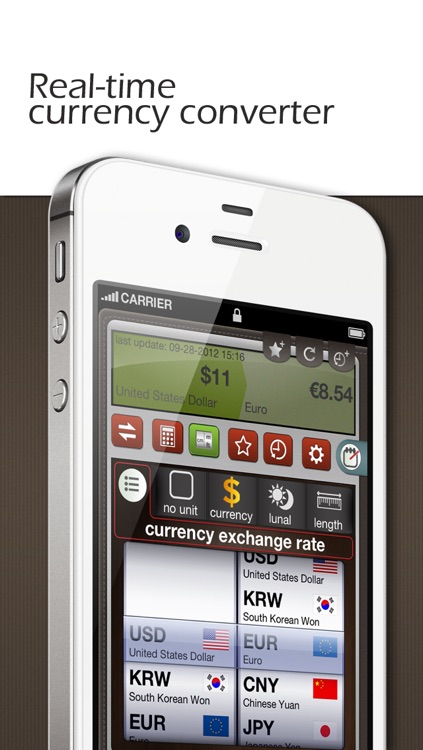
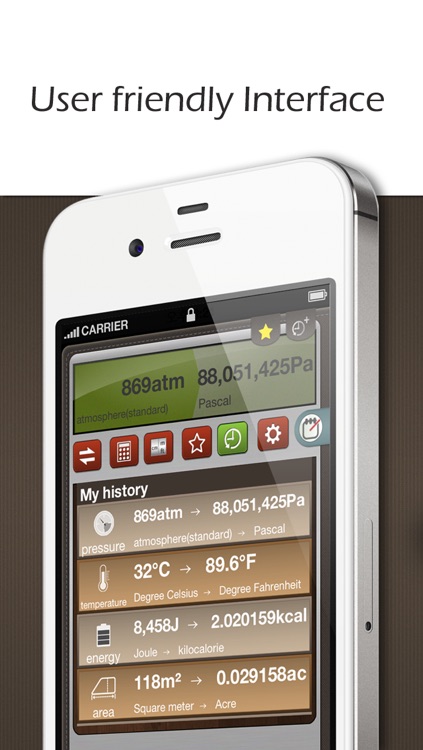
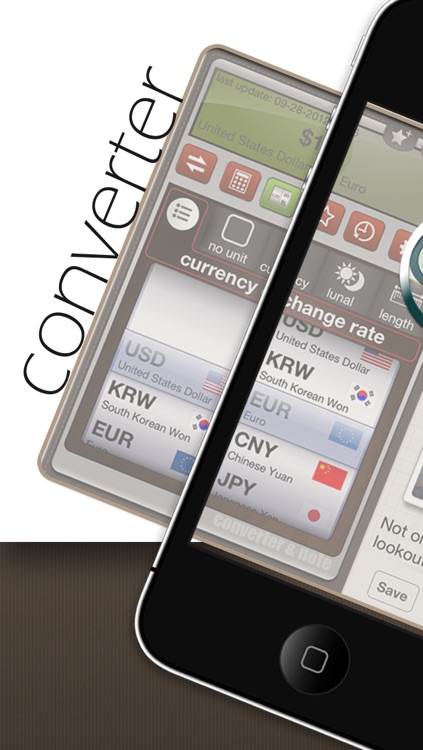
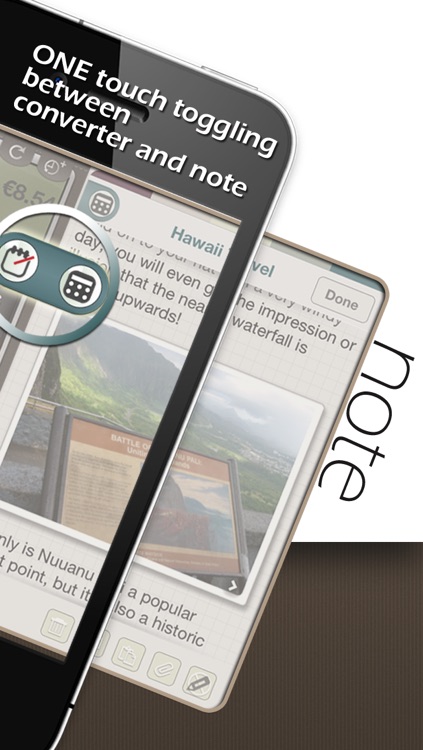
Convert almost anything and store your results in the cloud with this productivity app.

$1.99 $1.99
Why we picked this?

AbleConverter is actually two apps in one: unit converter and note taker. You’re able to quickly convert units of almost any kind, including currency, and then save your results as notes. The notes can be synced with your Evernote account as well, allowing them to be freely transferred between numerous devices. The app also includes copy and paste support, passcode protection, favorites, conversion history, and real time currency exchange rates for 34 countries.

Blocks!
iPhone
iPad
Blocks!

Blocks!

miSoftware

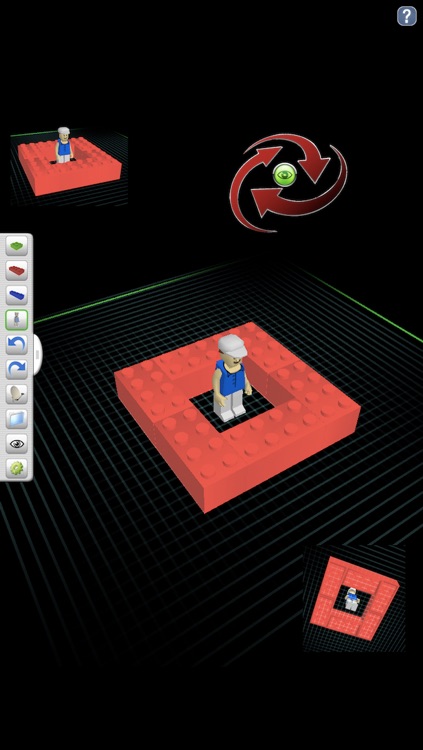
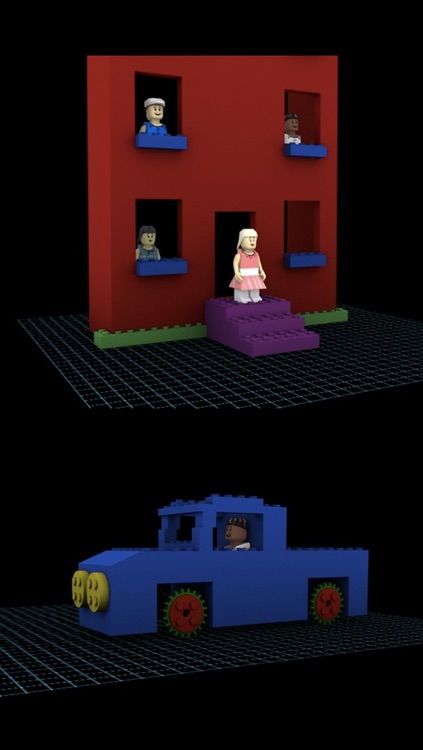
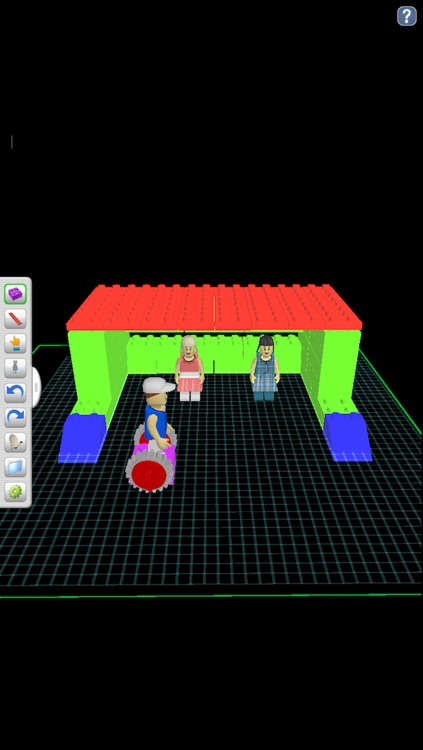
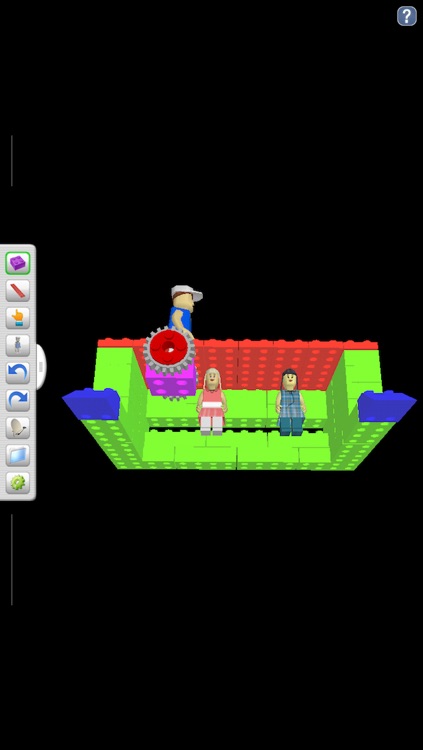
If you can dream it up, you can build it with this entertainment app.

$1.99 $1.99
Why we picked this?

It allows you to build block-based structures in an interactive 3-D environment. Choose from 49 block shapes and an endless array of colors, and then just tap where you want them to go. You’re able to have four separate blocks available at all times. When you’re finished building you can save or share your structure, or you can knock it down and start all over. The app also includes the ability to save and load boards, AirPrint support, undo and redo, and a grid view.

Bitless
iPhone
iPad
Bitless

Bitless

Nicholas Rapp

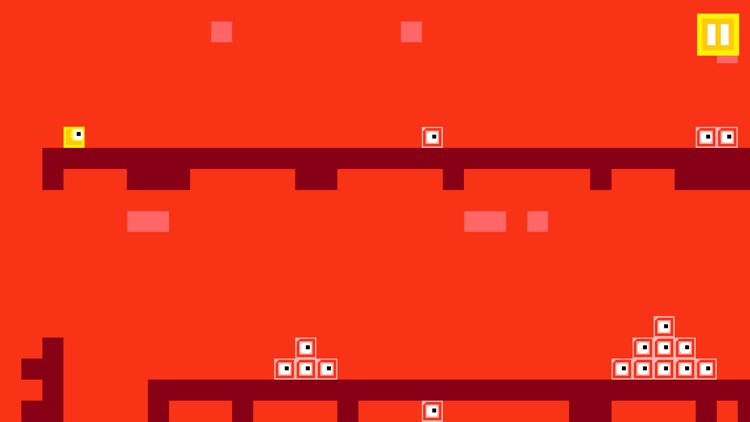
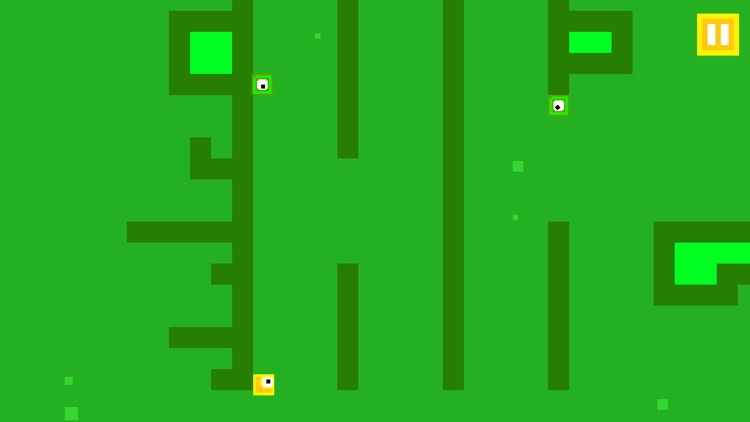
This platformer requires precision and patience.

$0.99 $0.99
Why we picked this?

You get to play as a little yellow cyclops block who is trying to evade the Bitless. You’re little block will scoot ahead on its own, but it’s up to you to tap to hop over gaps and obstacles. If you ram into a wall, your block will simply turn around and head the other way. You must use this to your advantage to complete all 50 levels. Oh, and there’s wall jumping. Lots of wall jumping! The game also includes four worlds, three bosses to conquer, and achievements and leaderboards via Game Center.

Piano Notes Fun
iPhone
Piano Notes Fun

Piano Notes Fun

Patrick Chan

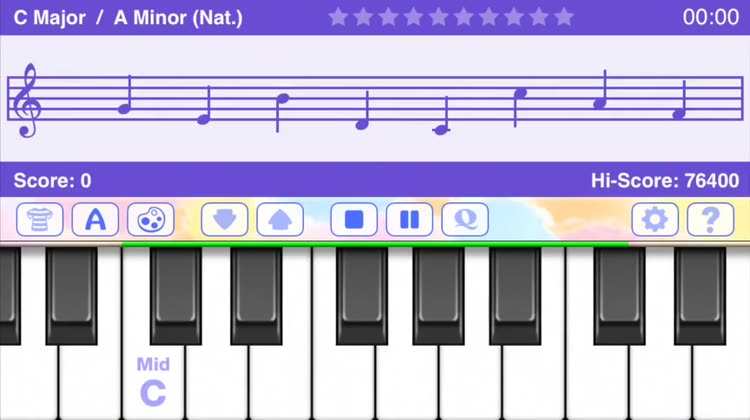
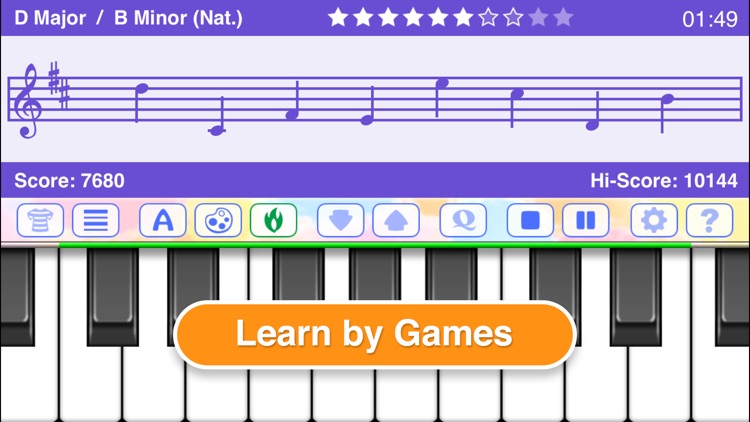
Practice reading notes anytime, anywhere with this digital piano app.

$1.99 $1.99
Why we picked this?

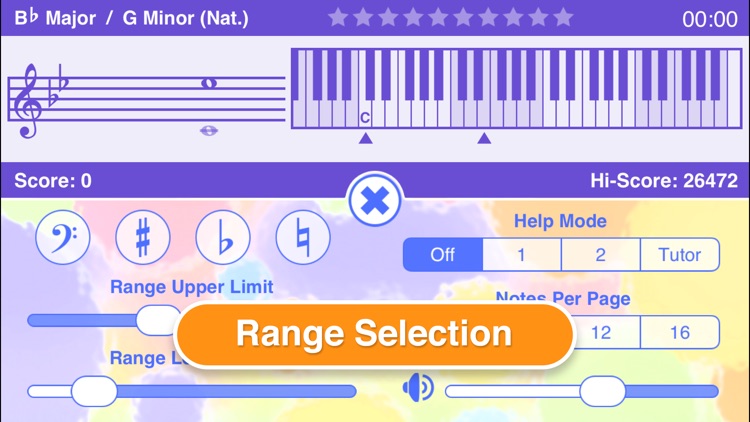
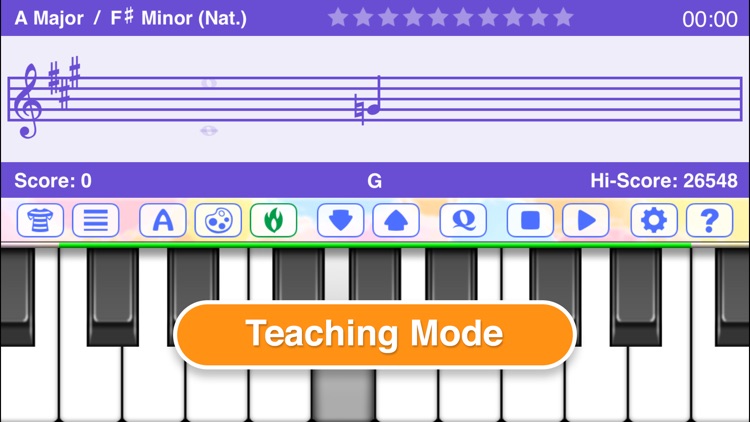
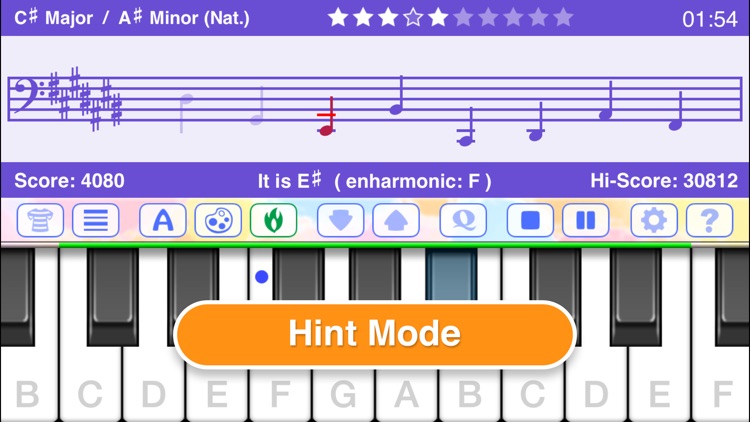
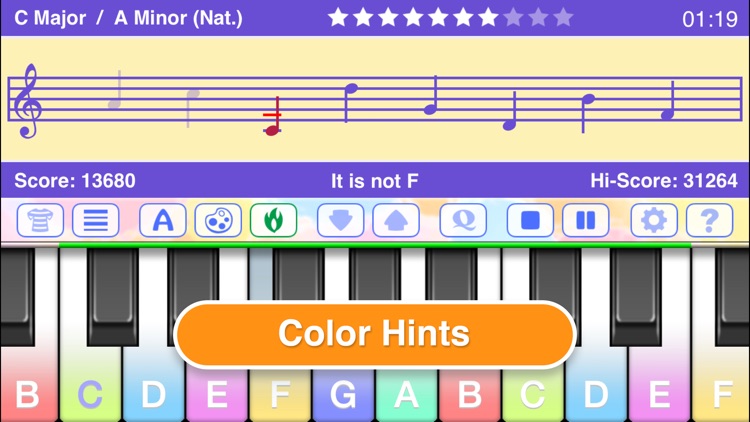
You can just mash away at the keys at your own pace to see their note and pitch names, or you can challenge yourself with the note quiz game. The app includes a customizable interface that allows you to view color-coded keys and pitch names. It also includes three help modes, a variety of quiz customization options, range selection, and much more.