



You are using an outdated browser. Please upgrade your browser to improve your experience.

Apps That
Went Free on
2013-10-28

Create and share outlines between all of your devices with Cloud Outliner. We also have a stunning interactive storybook that tells the tale of Little Dead Riding Hood, and a powerful productivity app that allows you to map out your thoughts.

Teleprompter by PowerCam
iPhone
Teleprompter by PowerCam

Teleprompter by PowerCam

Wondershare Technology Group Co.,LTD

Turn your iPhone or iPod touch into a powerful, multi-use camera with this photography app.
FREE ($1.99) For a limited time FREE ($1.99) For a limited time
Why we picked this?

It features eight shooting modes, allowing you to craft panoramas, miniaturize your subject, take self portraits with a timer, apply effects in real time, and more. You're also able to crop and rotate photos if necessary, apply filters and effects, and add frames and borders. Then share your creations via Facebook, Instagram, Twitter, Flickr, Tumblr, or YouTube.

Cloud Outliner: Outlining tool with Evernote integration
iPhone
iPad
Cloud Outliner: Outlining tool with Evernote integration

Cloud Outliner: Outlining tool with Evernote integration

Denys Yevenko

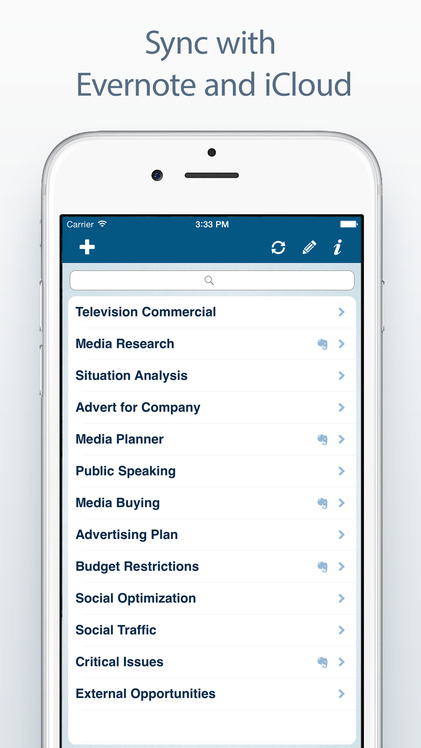
Create and share outlines between your iDevices, your Mac, and your Evernote account with this productivity app.

FREE ($4.99) For a limited time FREE ($4.99) For a limited time
Why we picked this?

Whenever an idea pops into your head, just add it to Outliner. You can flesh out your outlines later on. Outlines can be edited, reorder, indented, and adjusted. You’re also able to send outlines via email, sync them with iCloud, import outlines from other apps, and select multiple rows of outlines,. The app includes full copy and paste support, landscape support, undo and redo, wireless keyboard support, and search.

MagicalPad
iPhone
MagicalPad

MagicalPad

MagicalPad

Map out your thoughts with this powerful productivity app.

FREE ($0.99) For a limited time FREE ($0.99) For a limited time
Why we picked this?

Whether you need to take notes during class, research a topic, organize your tasks, or even plan a trip, MagicalPad has you covered. It allows you to create as many notebooks as necessary and give them unique covers. You can then add text notes and connect them, doodle or write just write with your finger, insert photos and other media, and so much more. The app’s absolutely loaded with features, so we recommend going through the tutorial to learn the ins and outs. The app also includes the ability to duplicate notebooks, iCloud integration, Evernote and Dropbox support, and all kinds of sharing options.

Grandpa's Workshop
iPhone
iPad
Grandpa's Workshop

Grandpa's Workshop

Fairlady Media

A collection of mini-games designed for children ages two through six.

$2.99 $2.99
Why we picked this?

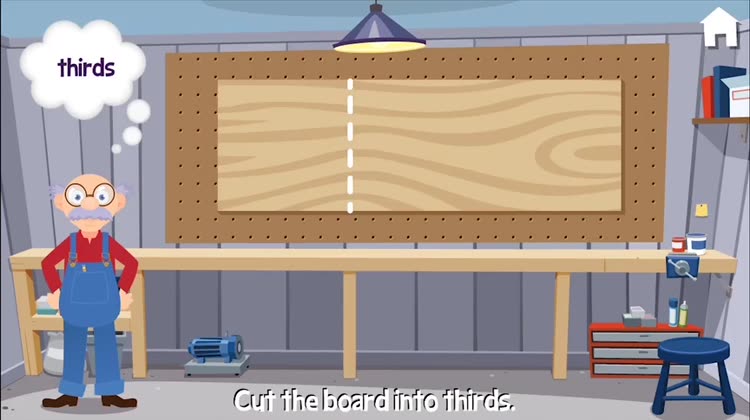
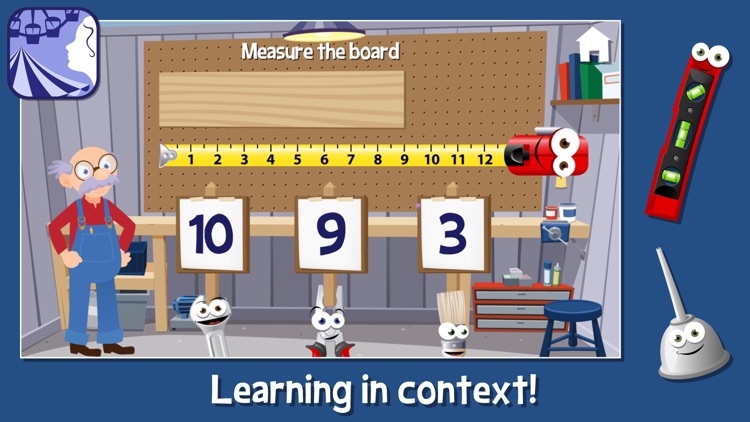
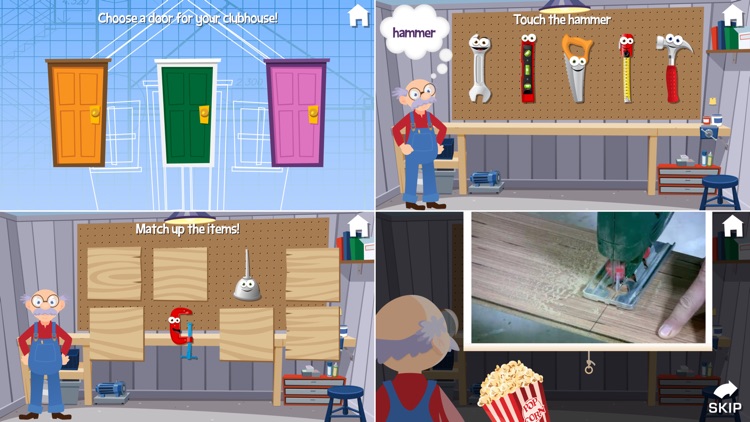
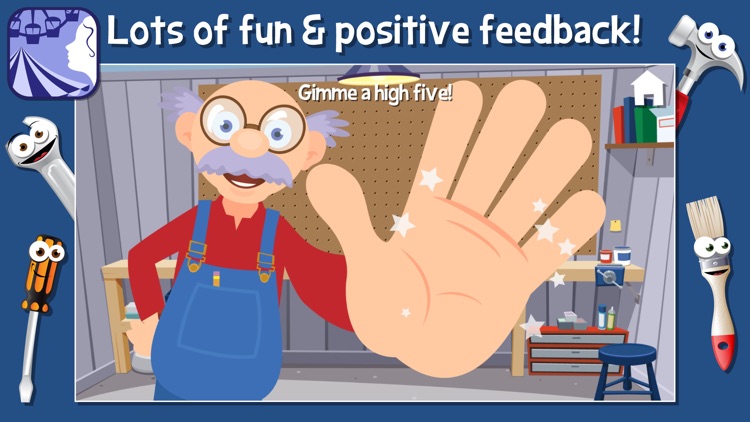
Grandpa’s Workshop is loaded with activities for your little ones. They will be asked to do everything from solve basic math problems to paint structures. Grandpa will guide them along the way, so you can just hand off your iDevice and let your child work. The app includes a total of seven mini-games, videos of real tools in action, and loads of positive reinforcement.

Spider Prank
iPhone
iPad
Spider Prank

Spider Prank

sebastian conley

Get ready for Halloween with this creepy entertainment app.

$2.99 $2.99
Why we picked this?

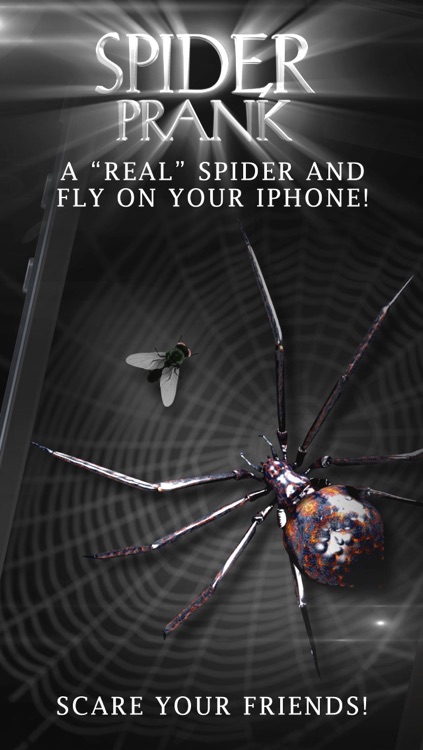
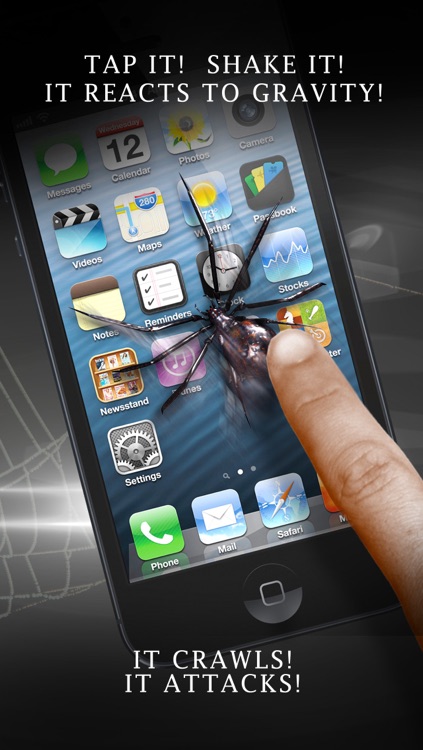
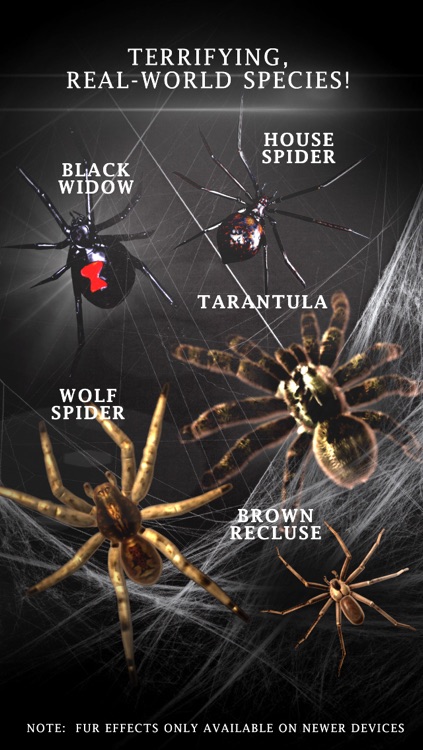
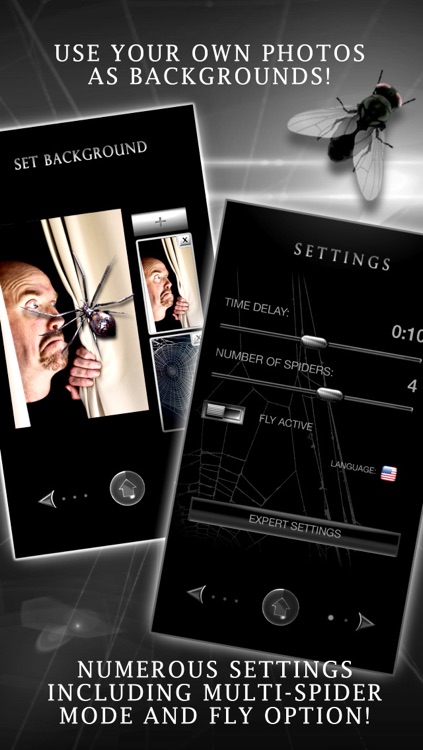
Choose from one of the three realistic 3-D spiders, and then watch them crawl all over the screen. You’re also able to set a background that looks just like your iDevice to scare your unsuspecting friends. The spiders can be interacted with with taps, drags, and shakes. You can also have multiple spiders on the screen along with a fly for them to attack.

Juxt-a-pose
iPhone
Juxt-a-pose

Juxt-a-pose

Brandon Phillips

Layer multiple photos to create unique works of art with this photography app.

$0.99 $0.99
Why we picked this?

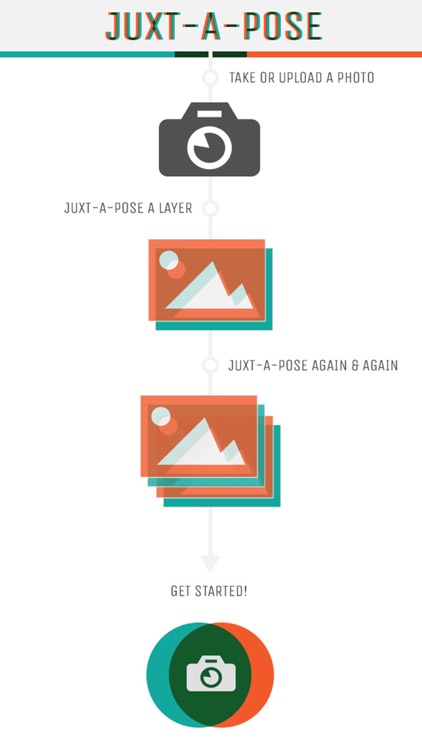
You’re able to layer new photos or use those from your library. With each layer you add, you’re able to adjust the transparency of the previous one and view it over the top of your current one. When you’re finished adding layers, choose one of the 15 blend modes and send it off via email, Twitter, Facebook, or AirDrop.

Little Dead Riding Hood
iPad
Little Dead Riding Hood

Little Dead Riding Hood

Itbook Editorial

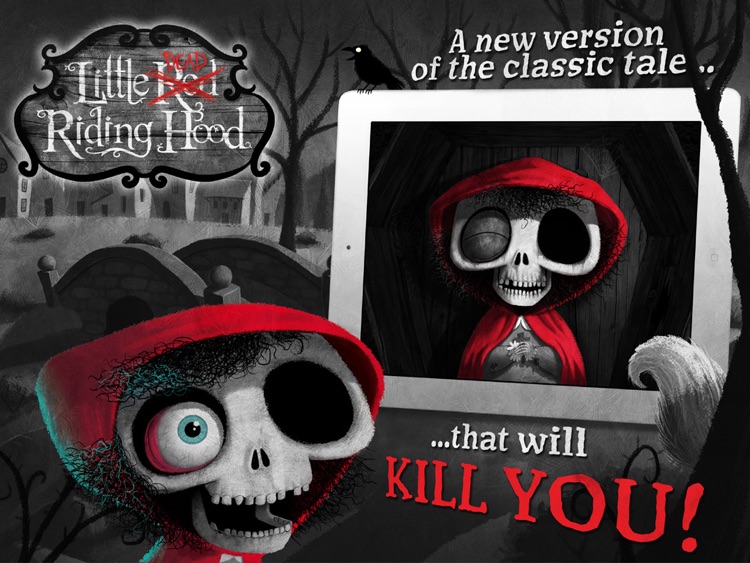
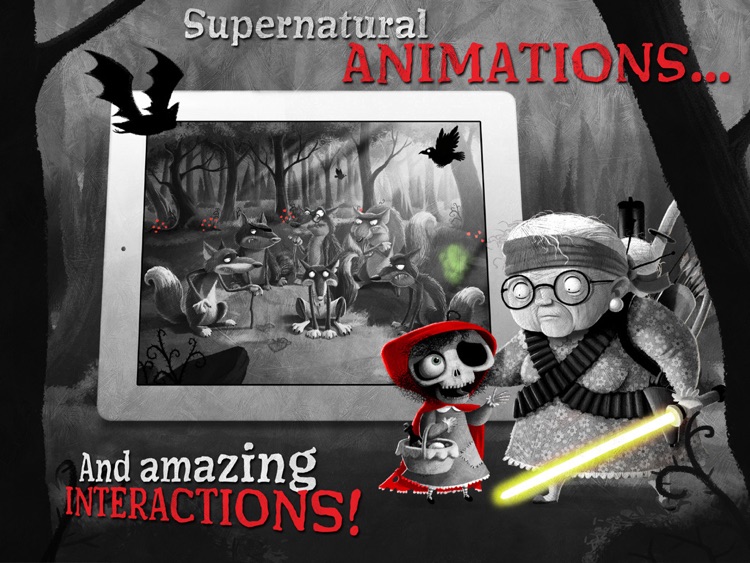
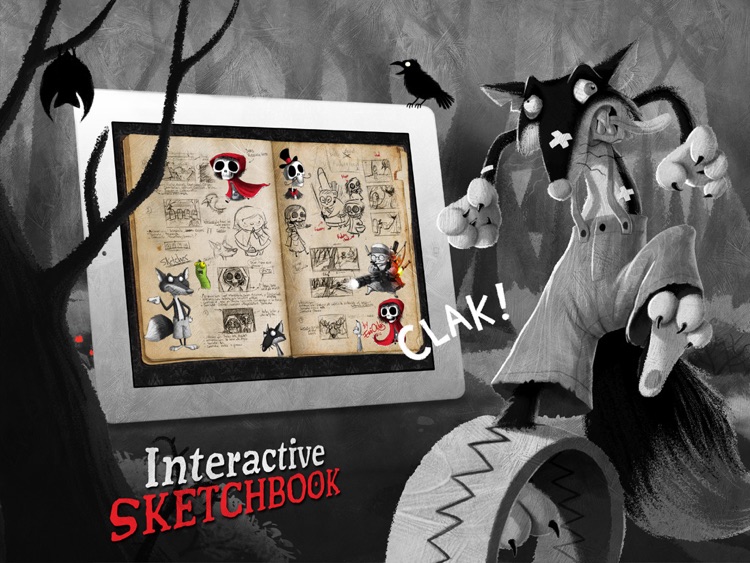
Little Red Riding Hood is back from the dead in this stunning interactive storybook.

$0.99 $0.99
Why we picked this?

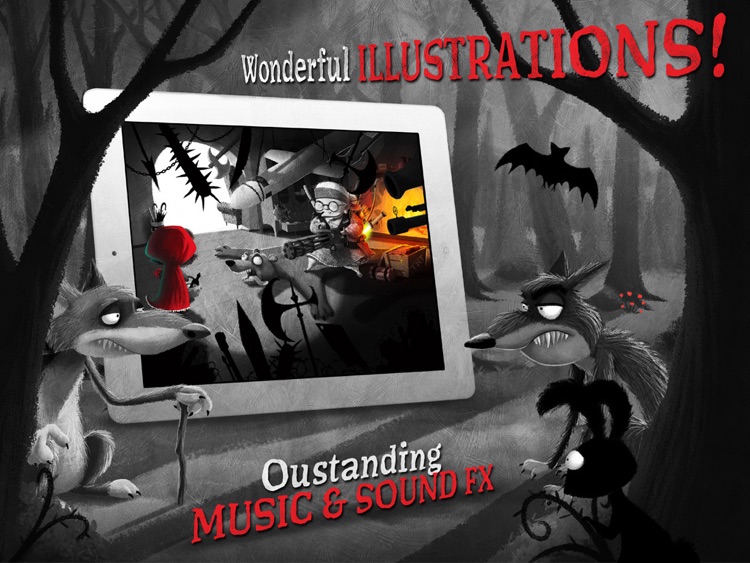
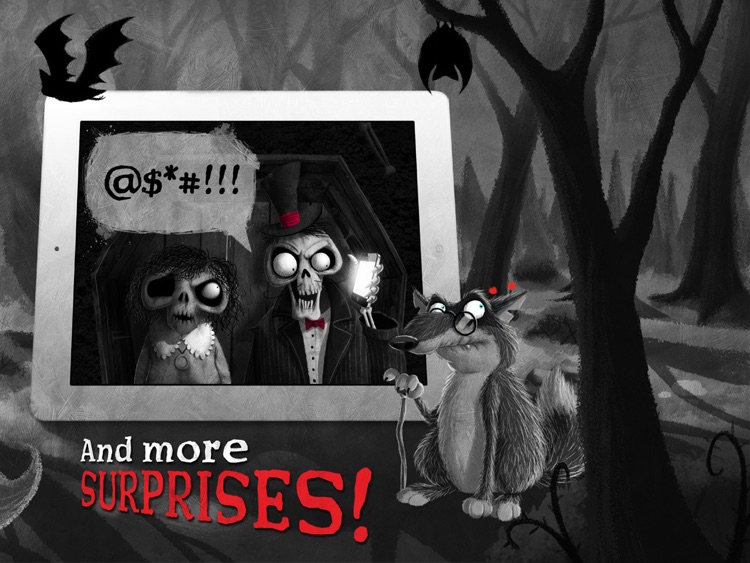
The story begins years after Little Red Riding Hood’s death, where she is now known as Little Dead. The professional narration and gorgeous animations will help fill in the rest of the story, so just sit back and enjoy. You’re able to tap on different objects along the way to cause all kinds of animations to kick in. The app includes 26 animated pages, and loads of interactive extras.