You are using an outdated browser. Please upgrade your browser to improve your experience.

Apps That
Went Free on
2013-11-19

Breath some life into your photos with AfterText. We also have an app that turns your iDevice into a portable scanner, and a drawing app for kids.

Jet Scanner | Photo to PDF, scan image documents
iPhone
iPad
Jet Scanner | Photo to PDF, scan image documents

Jet Scanner | Photo to PDF, scan image documents

DIGISET LLC

Use your iDevice's camera for something other than taking snapshots of your meals with this productivity app.

$1.99 $1.99
Why we picked this?

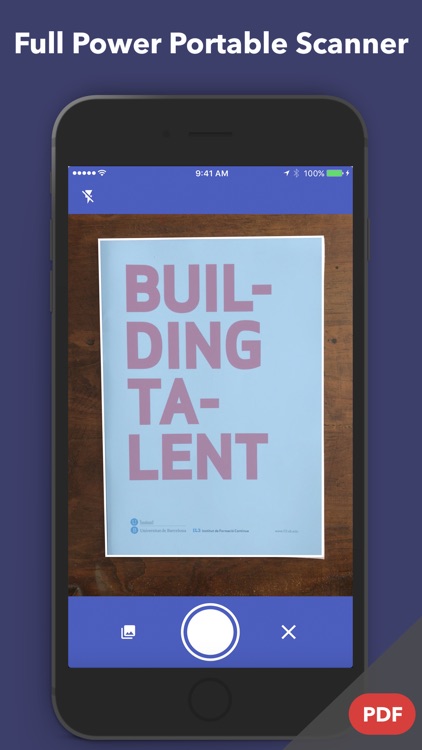
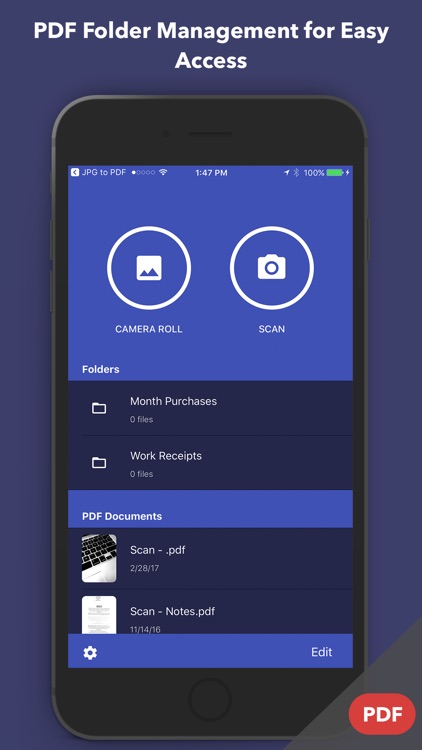
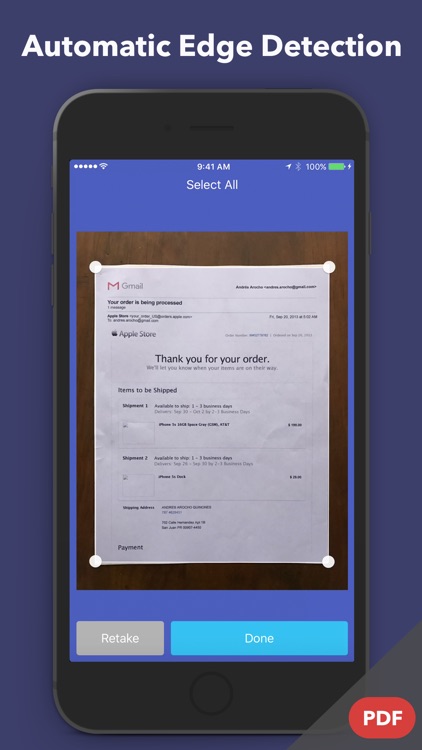
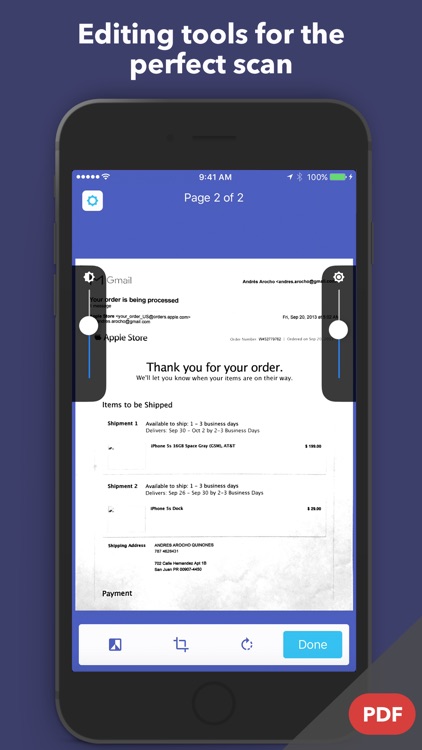
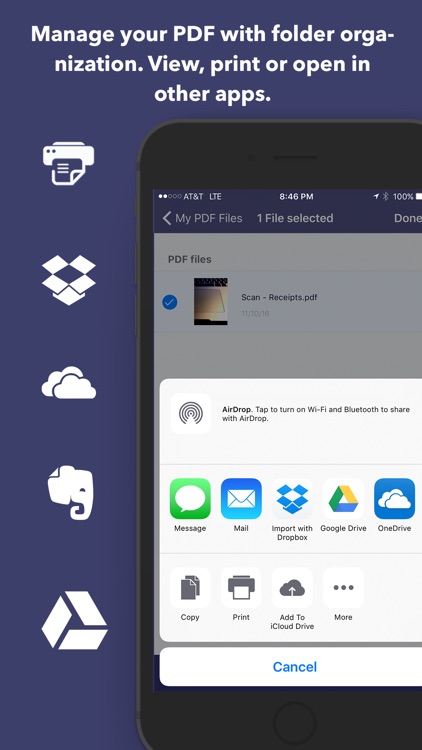
JetScanner is able to turn your camera-equipped iDevice into a portable scanner. Just point, shoot, crop, and share. You're also able to capture multiple pages and save them all within a single PDF file. The app supports a variety of cloud services, including Dropbox and Evernote, and the ability to share your files via email or AirDrop.

AfterText - Add text and artworks on your photos
iPhone
AfterText - Add text and artworks on your photos

AfterText - Add text and artworks on your photos

Steven Zhang

Breath some life into your photos with AfterText.

$0.99 $0.99
Why we picked this?

You’re able to snap a new photo in-app or import any one from your library. You can then crop, rotate, and resize it using common gestures. AfterText is absolutely loaded with different ways to further customize your photo. You’re able to apply one of 12 different filters, and layer personalized text, doodles, and phrases. You can then share your work via email, Twitter, Facebook, or Instagram. AfterText includes more than 20 fonts and 80 doodles to choose from.

BlurArt
iPhone
iPad
BlurArt

BlurArt

Shad Deen

Blur your photos to perfection with this photography app.

$0.99 $0.99
Why we picked this?

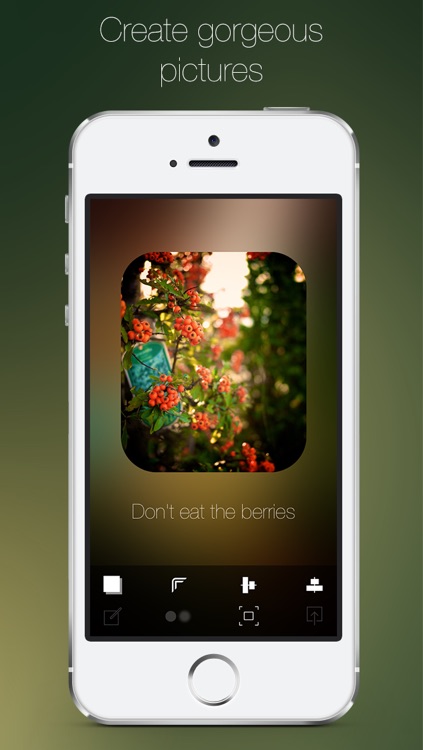
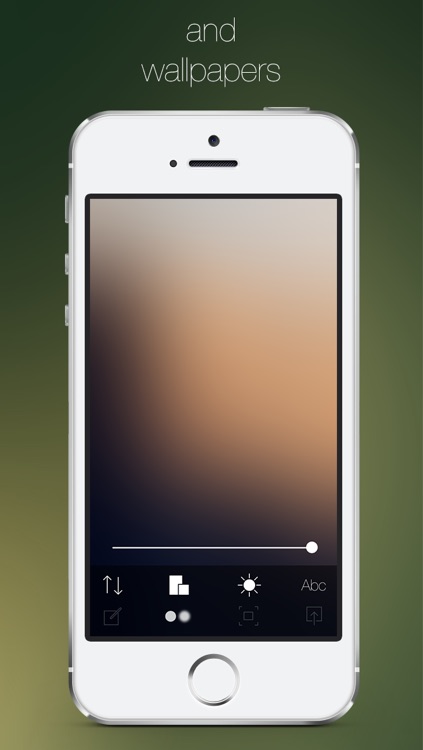
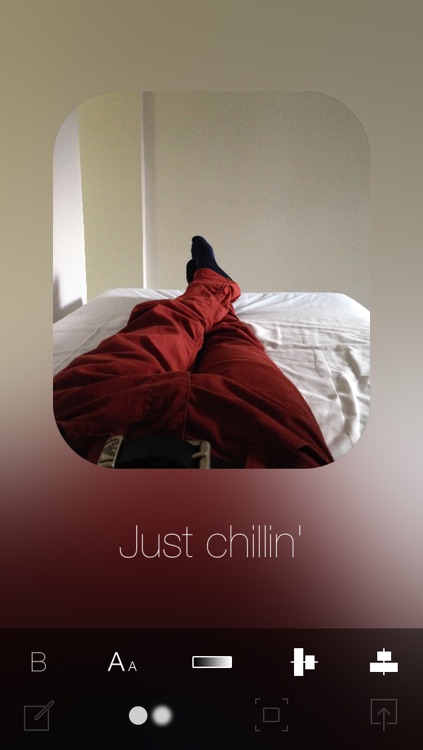
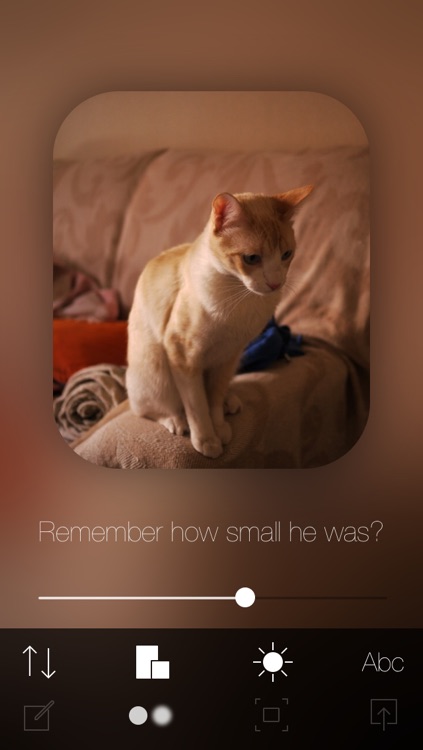
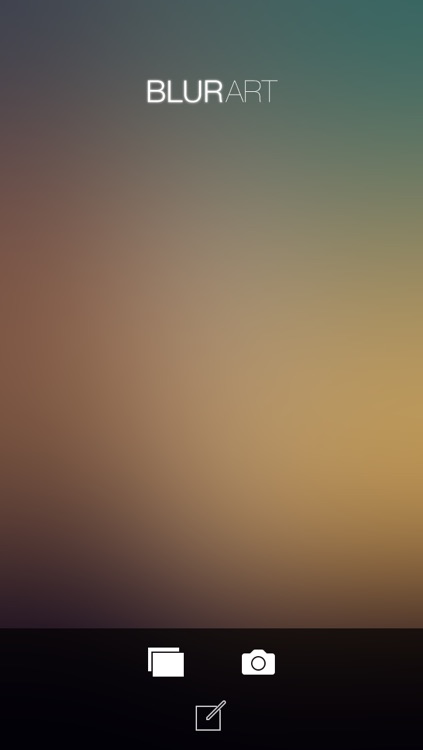
You’re able to import any photo from your library or take a new one from within the app. You can then adjust the blur level, brightness, and aspect ratio of your main background image. You’re also able to overlay text and the original photo. The original, crisp photo can be adjusted in a variety of ways as well. When you’re all finished, share your new creation via Twitter, Facebook, or email. The app also includes three aspect ratios to choose from, and shortcut buttons for alignment.

Death Ray Manta (DRM)
iPhone
iPad
Death Ray Manta (DRM)

Death Ray Manta (DRM)

PsychicParrot Games

An arena shooter that doesn't mess around.

$0.99 $0.99
Why we picked this?

DRM is all about blowing stuff up and nothing more. No need to upgrade weapons. No need to obtain in-app purchases. Just grab your iDevice, put your fingers to the screen, and find out how long you can survive. Oh, and prepare for a visual feast. Death Ray Manta takes the meaning of colorful to a whole new level.

Drawing for Kids (step by step)
iPad
Drawing for Kids (step by step)

Drawing for Kids (step by step)

Better World

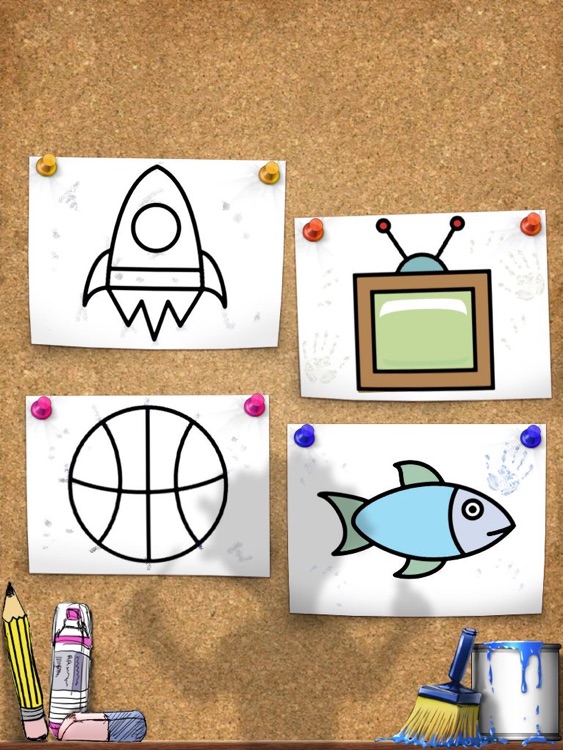
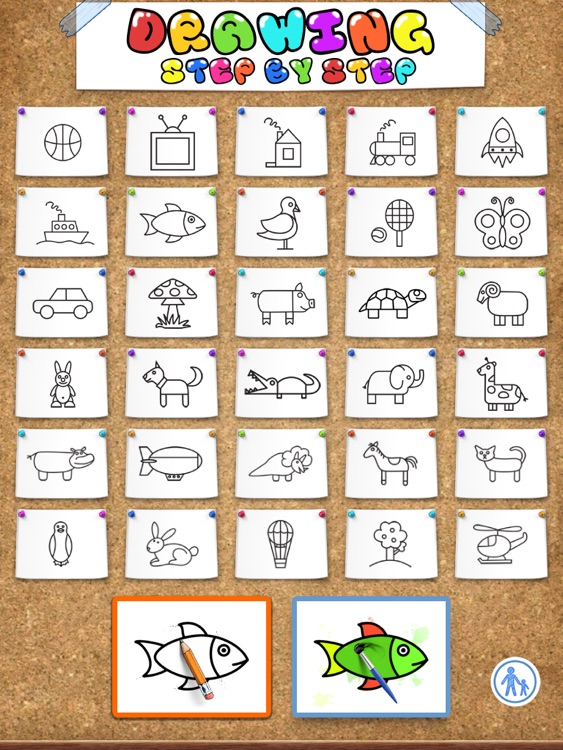
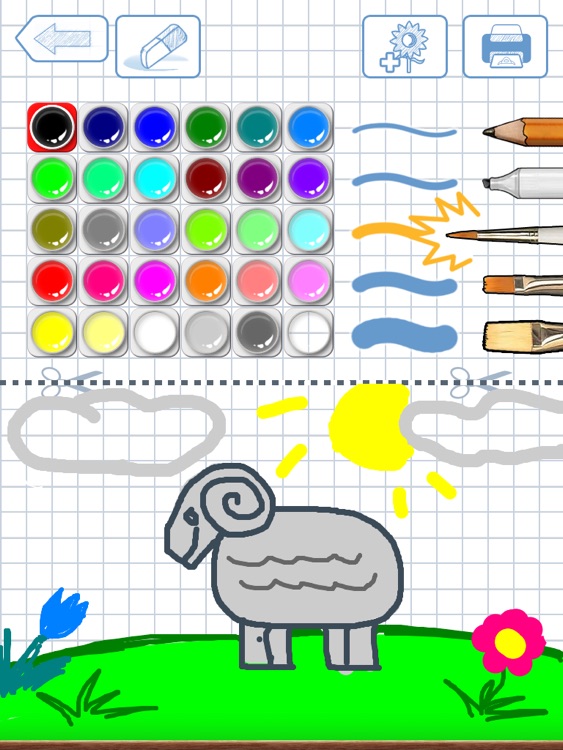
Your little one can learn to draw 30 different creatures and objects with this fun educational app.

$0.99 $0.99
Why we picked this?

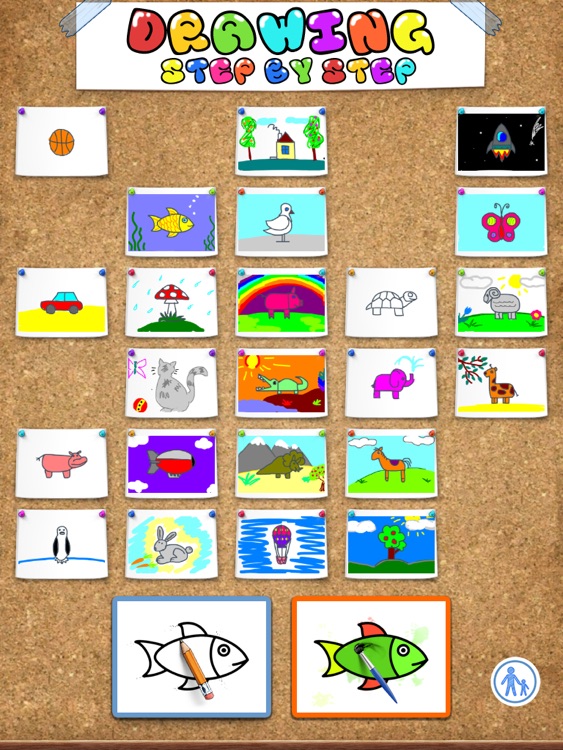
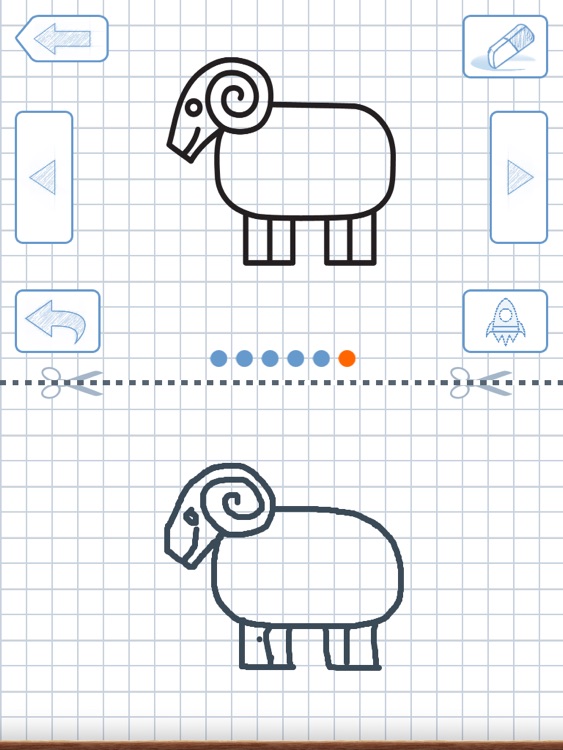
Each drawing tutorial features six-step instructions. The steps and tools are all located in the top half of the screen, while the bottom is reserved for your child to draw in. A tracing option is also available for younger children. When they’re finished drawing their picture, they can jump into the coloring stage to complete their work of art. The app includes five coloring tools to choose from, 30 colors, and the ability to save, print, or share your child’s final creations.