









iPad
PDF Cabinet
MOTECH LTD
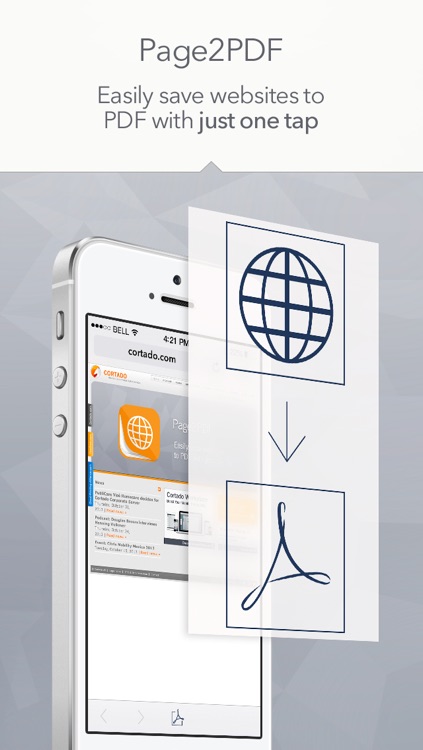
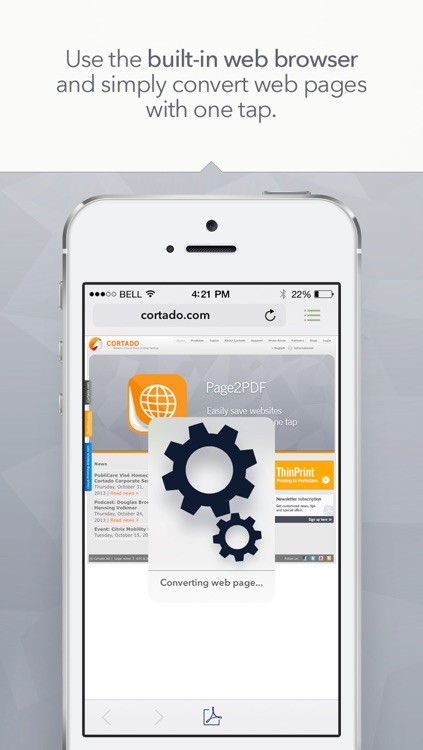
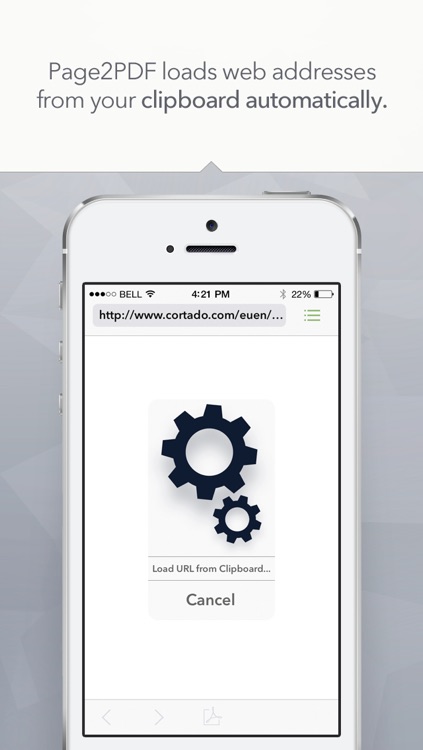
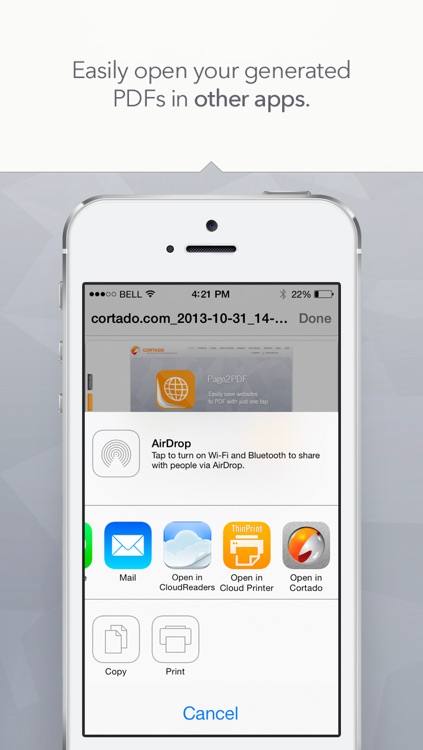
Take all of those PDFs you created with Page2PDF and annotate them with this productivity app.



Why we picked this?
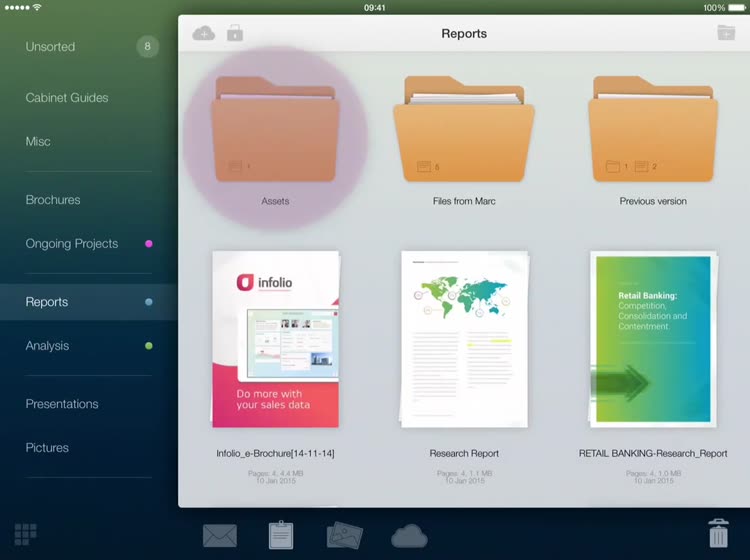
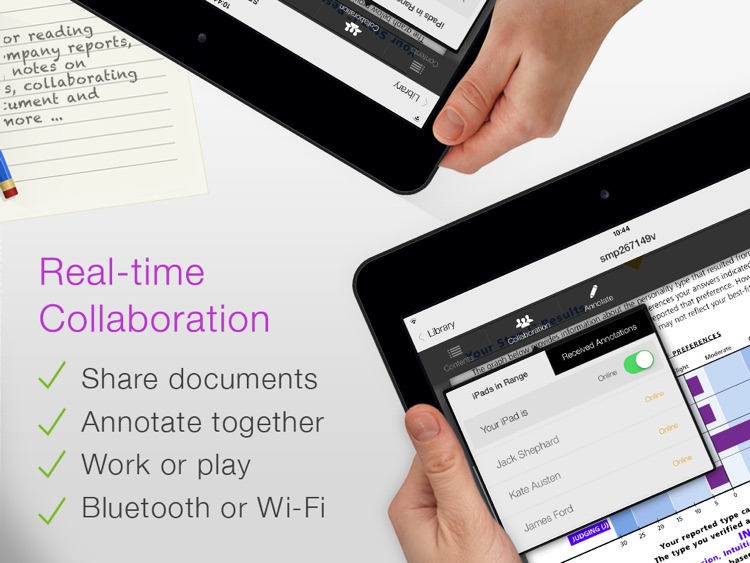
You’re able to import PDFs via iTunes File Sharing, from your photo library, or from the web. You can then organize them within folders just by dragging and dropping them into place. When viewing PDFs you’re able to jump to different pages, bookmark pages, search for specific text, and annotate pages. PDF Cabinet’s annotation options are vast and powerful, allowing you to draw freely on the screen with different colors, highlight text with a marker, and add objects, icons, text, and notes. You’re also able to collaborate with your coworkers or friends in real-time by annotating the same document from different iPads.