



You are using an outdated browser. Please upgrade your browser to improve your experience.

Apps That
Went Free on
2014-03-02

Get the time and weather all in one place with Red Clock. We also have an app that allows you to cut out portions of your photos and use them elsewhere, and an interactive seek and find book for your little ones.

Background Eraser: AI Remove
iPhone
Background Eraser: AI Remove

Background Eraser: AI Remove

SUNWOONG JANG

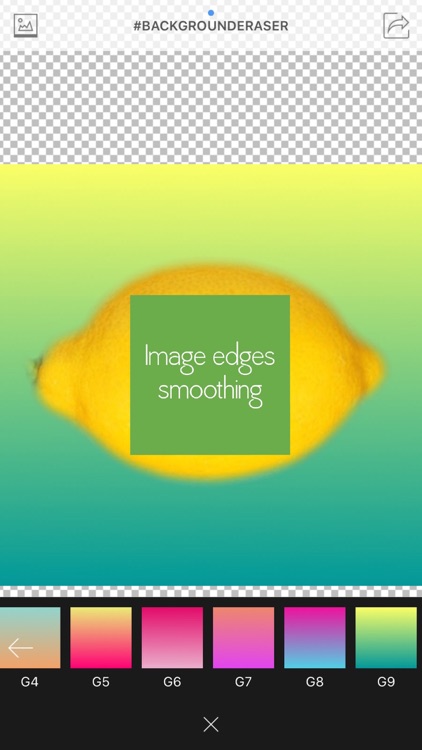
Crop out portions of your photos and use them in other places with this powerful editing app.

FREE ($0.99) For a limited time FREE ($0.99) For a limited time
Why we picked this?

You’re able to import any photo from your library. You can then crop it down manually or choose from one of the 15 ratio presets. Jump into the eraser mode to start chopping off pieces of your photo. You’re able to utilize the “Target” function to remove swaths of similar colors automatically. Then use common pinch and swipe gestures to zoom in and manually remove the rest. The app includes other handy features like the ability to offset your touch area and adjustable widths to make things even easier. When your subject has been cropped out, you’re able to adjust its exposure, contrast, temp, and vignette before exporting and sharing it via Instagram, Facebook, Twitter, or email.
Red Clock.
iPhone
Red Clock.

Red Clock.

KYU TAE PARK

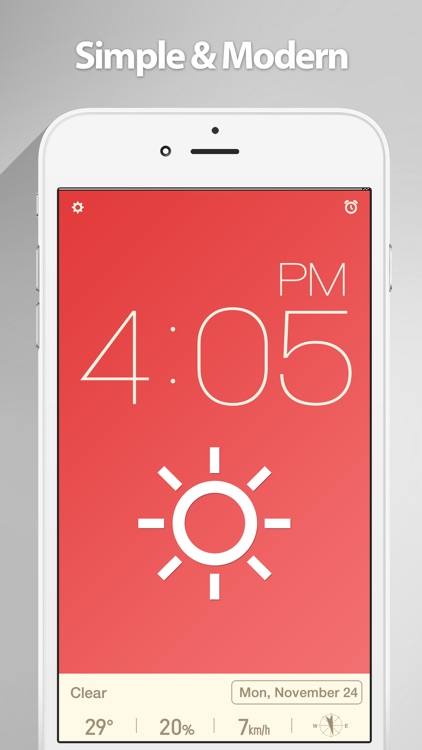
A minimalistic desk clock that provides you with more than the time.

$3.99 $3.99
Why we picked this?

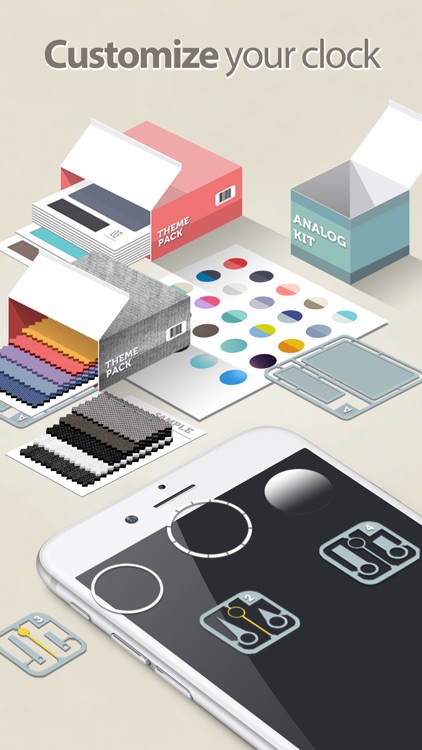
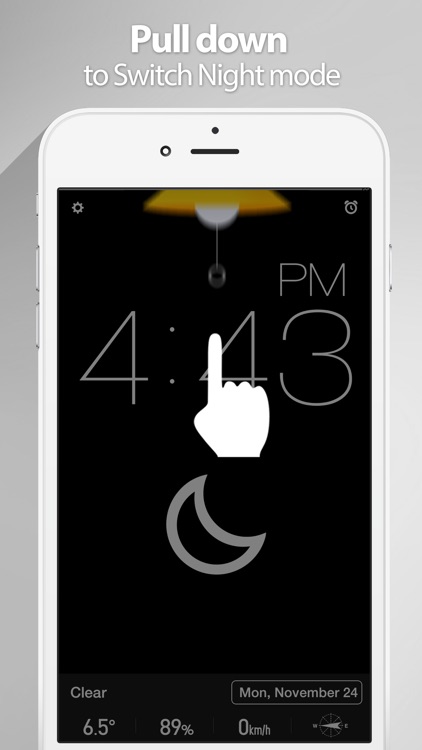
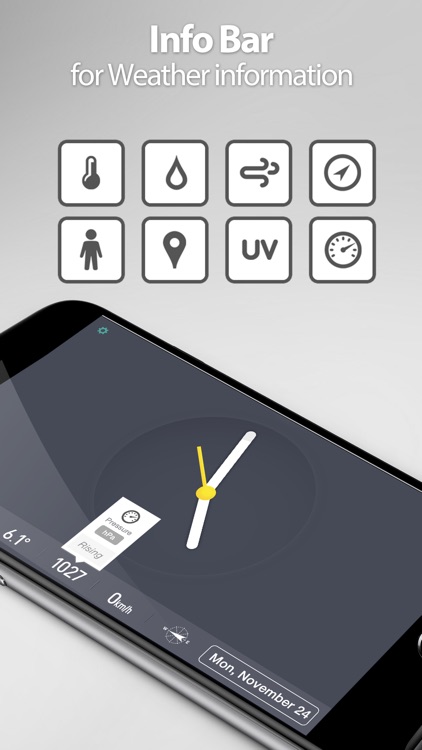
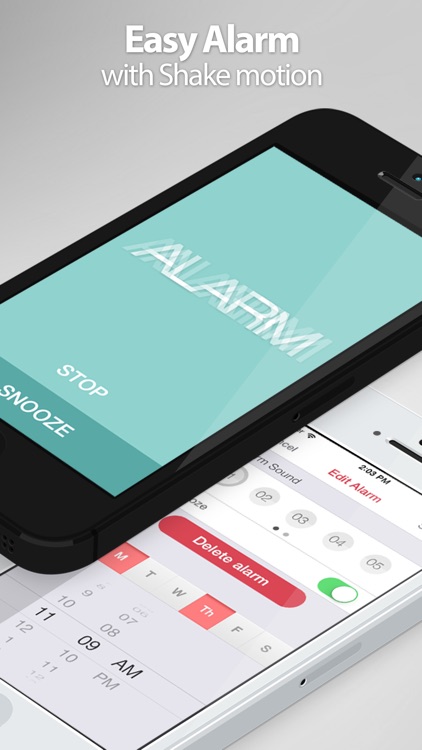
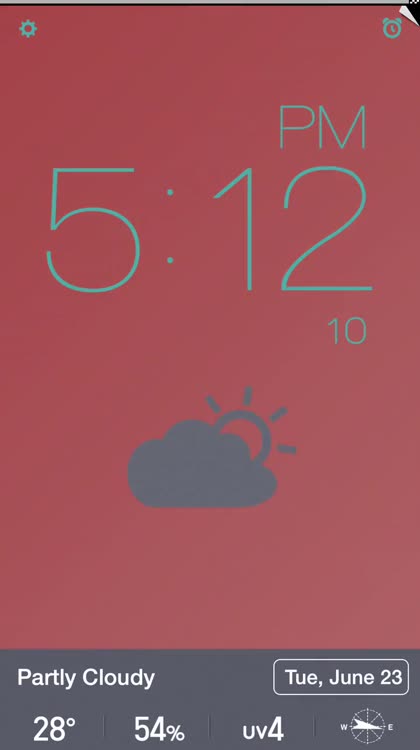
Red Clock is absolutely loaded with customization options. You’re able to keep things simple by just displaying the time, or you can go all out by adding weather icons, complete weather data, battery bar, seconds, and the day of the week. You’re also able to choose from 27 colored themes, enable a 24-hour mode, see the time in landscape orientation, customize the weather data, and set custom repeating alarms.

KeepNote
iPhone
KeepNote

KeepNote

Jon Como

Create reminders in a snap with this easy to use productivity app.

$0.99 $0.99
Why we picked this?

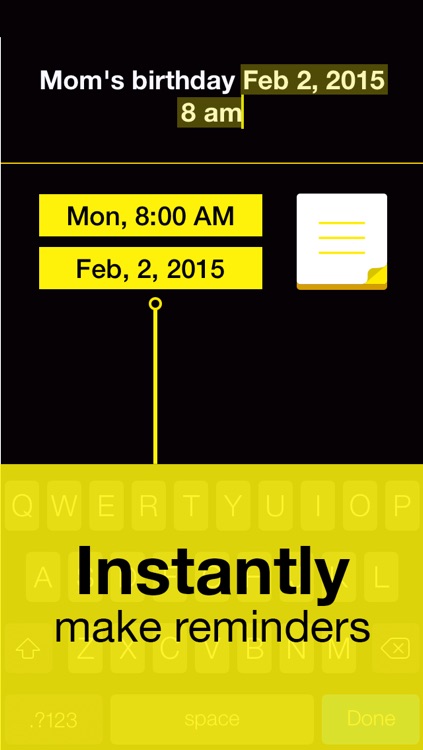
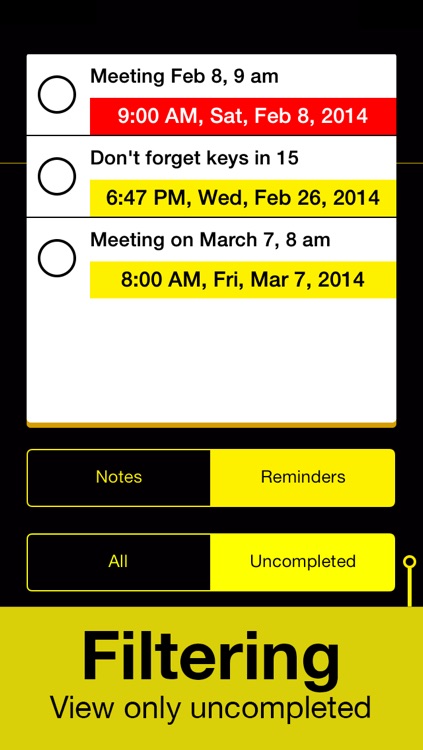
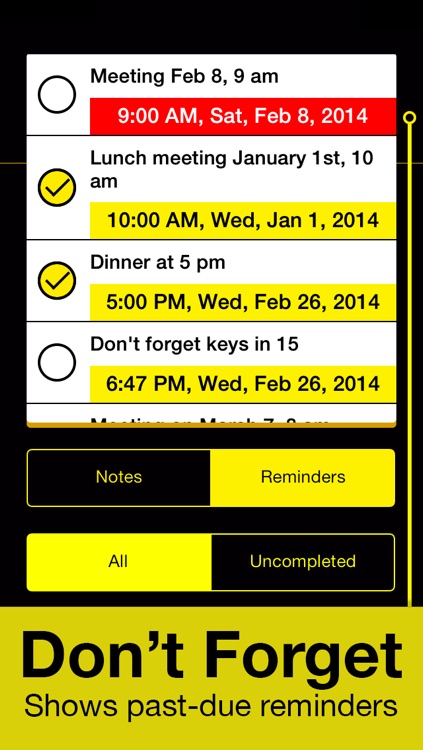
KeepNote was designed to speed up the reminder creation process with its intuitive date and time entry. When creating a note, simply title it and add when you want to be reminded. KeepNote is able to recognize many different units of time, so there’s no need to go spinning dials or picking out dates on a calendar. Just write it out as you normally would on a notepad. You’re able to filter reminders to show completed and past-due as well.

NoteCube
iPhone
NoteCube

NoteCube

rakko entertainment

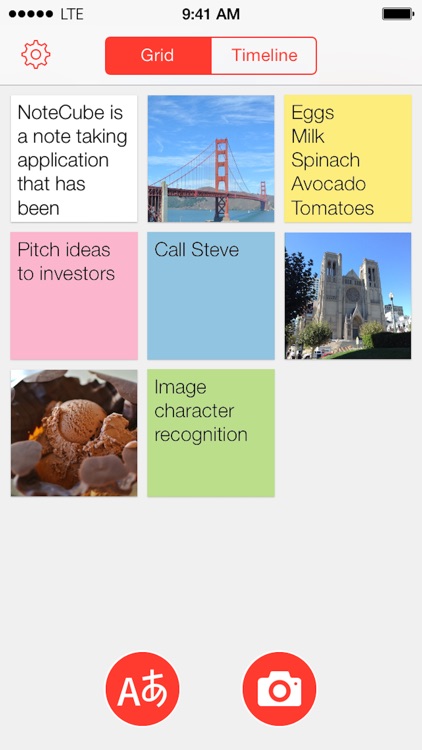
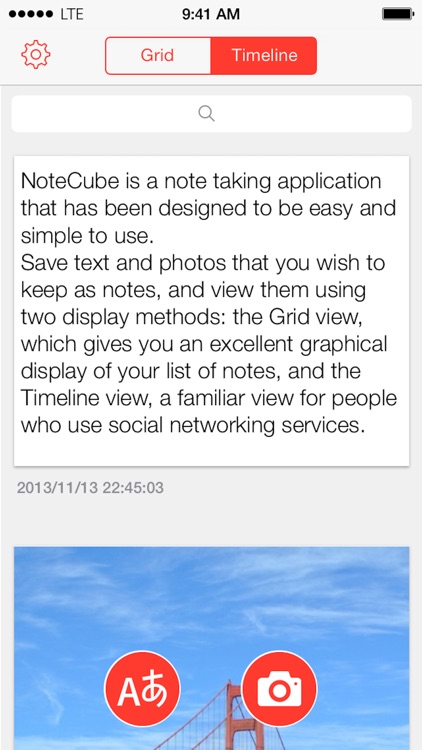
Visualize your notes with this straightforward productivity app.

$1.99 $1.99
Why we picked this?

You’re able to create basic text notes or visualize what you need to recall with photos. All of your notes can then be organized within grid or timeline views, allowing you to get a quick look at everything without having to dig deep. Notes can be searched for by keyword, shared via Facebook, Twitter, Messages, AirDrop, or email, and backed up to Evernote.

The Secret of Crimson Manor
iPhone
iPad
The Secret of Crimson Manor

The Secret of Crimson Manor

MediaCity Games

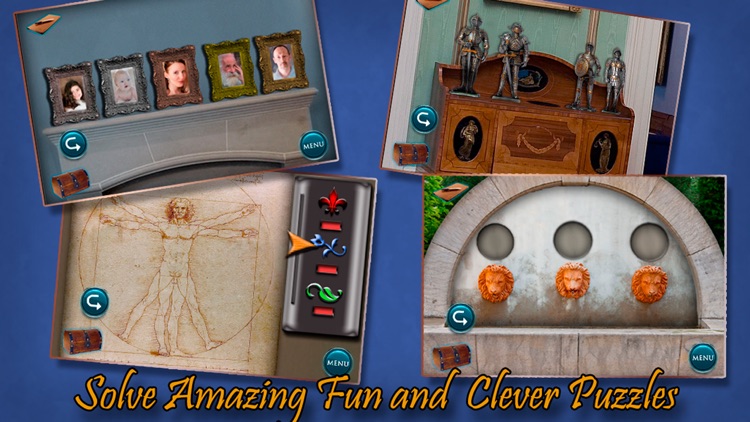
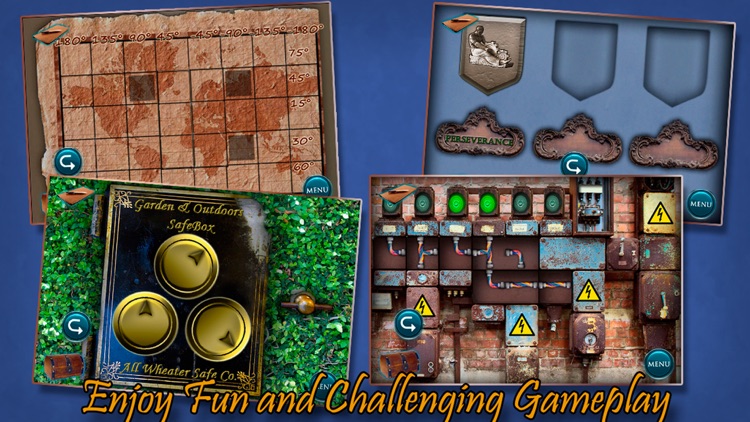
Discover the secret behind the mysterious crimson manor in this adventure game.

$0.99 $0.99
Why we picked this?

Strange weather events have been taking place around town, and the residents believe it has something to do with an eccentric old scientist. As the best reporter in town, you must accept his invitation and see what’s really going on in his mansion. The only problem is that when you arrive at his place of residence, not a single soul can be found. You must explore the mansion and its surrounding areas to discover clues and unlock its secrets.

Tiny Firefighters: Kids' App
iPhone
iPad
Tiny Firefighters: Kids' App

Tiny Firefighters: Kids' App

wonderkind GmbH

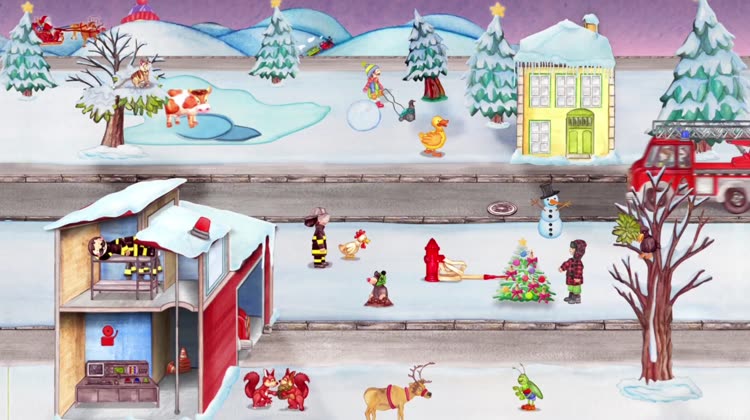
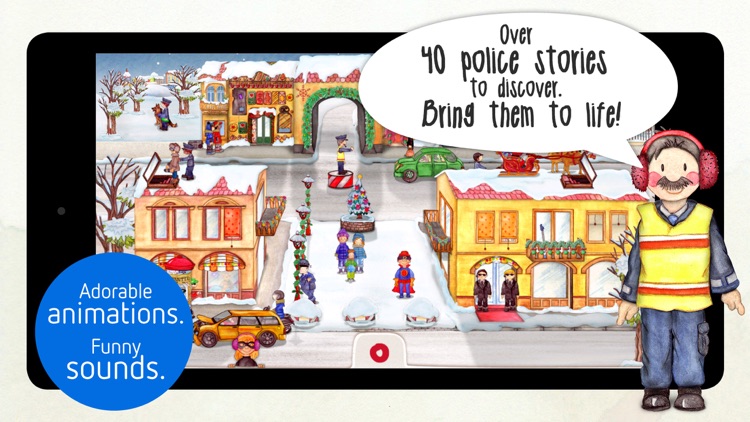
Your little one can help tiny firefighters and policemen do their job in this interactive seek and find book.

$3.99 $3.99
Why we picked this?

The app features separate scenes for the tiny firefighters and policemen, both of which are loaded with interactions to discover. Your child is able to put out blazes, rescue kittens, control traffic, catch burglars, and so much more. Tap on the circle that’s popping up from the bottom of the screen to view all of the possible interactions in the selected scene. The app also includes a winter landscape option.

Converter Pro - Best Unit Converter
iPhone
iPad
Converter Pro - Best Unit Converter

Converter Pro - Best Unit Converter

Ajeet Kumar

Convert units like you mean it with Converter Pro.

$0.99 $0.99
Why we picked this?

Swipe left to right to reveal all of the conversion categories and select one. Then enter a value and instantly see the conversion. You’re able to scroll through the list of units to have them all converted on the fly, and you can reverse the conversion by tapping on either side of the screen. The app includes 20 categories, quick access to recently used categories, and up to the minute exchange rates.

ThinkWriter
iPhone
iPad
ThinkWriter

ThinkWriter

kazuhiko takahashi

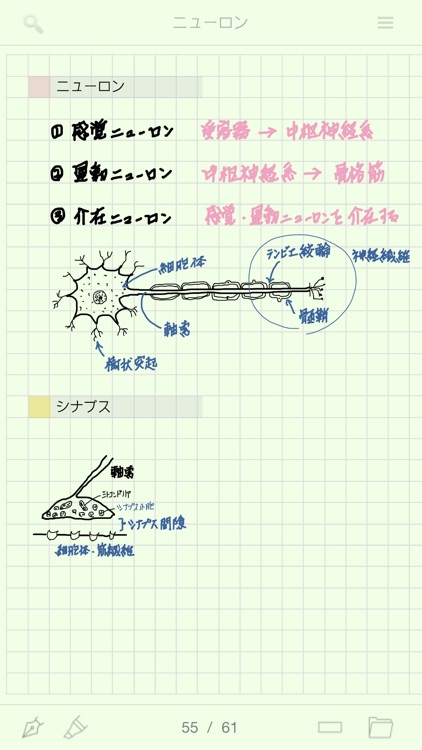
Take natural, handwritten notes with this productivity app.

$8.99 $8.99
Why we picked this?

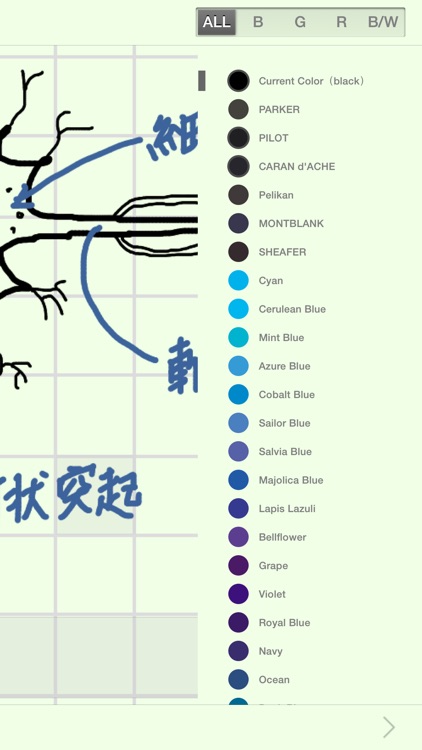
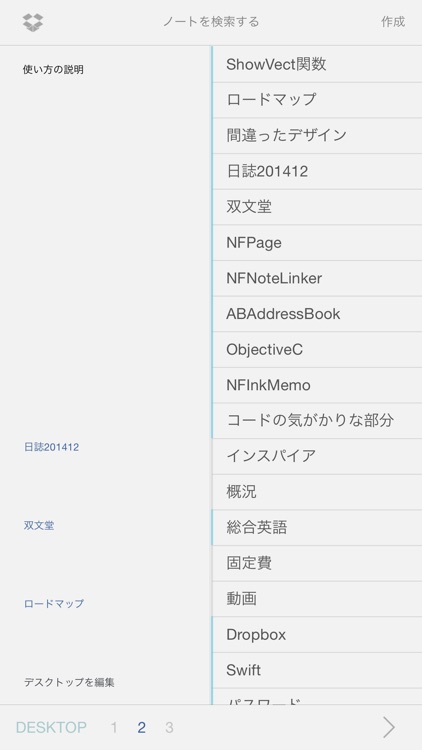
You’re able to create notes that include multiple pages. Notes can have soothing background colors, horizontal lines, grid lines, and dots. While taking your handwritten notes, you’re able to zoom way in, change the size of your pen and its color, undo and redo strokes, highlight sections, and erase sections. Notes can also be stored within folders, searched for, and backed up to Dropbox.