






You are using an outdated browser. Please upgrade your browser to improve your experience.

Apps That
Went Free on
2014-04-18

Grab a friend and enjoy Lub vs Dub, a two-player game with a lot of heart. We also have a brutally difficult platformer, and an app that allows you to see how you’ve changed.

Monki Animal Builder - Language Learning for Kids and Toddlers
iPhone
iPad
Monki Animal Builder - Language Learning for Kids and Toddlers

Monki Animal Builder - Language Learning for Kids and Toddlers

Monkimun Inc

Your child can get really creative with this entertainment app.
FREE ($0.99) For a limited time FREE ($0.99) For a limited time
Why we picked this?

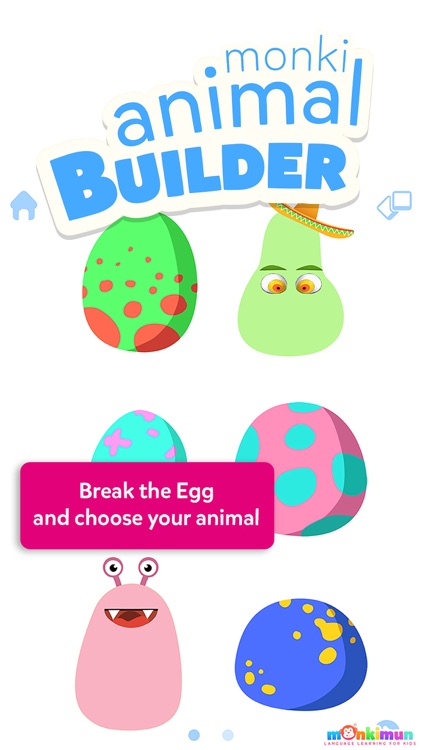
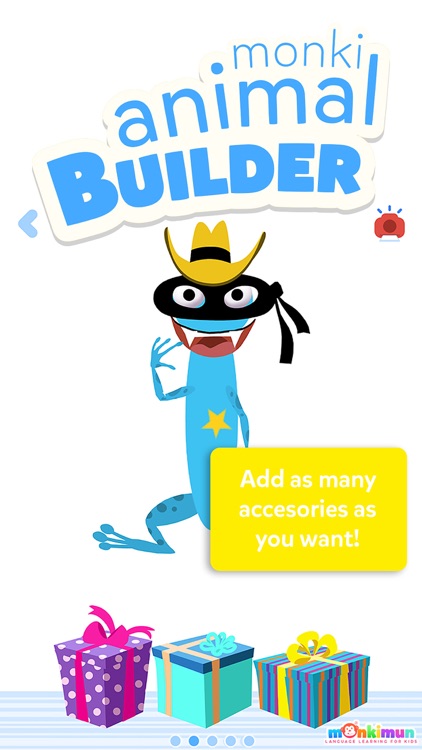
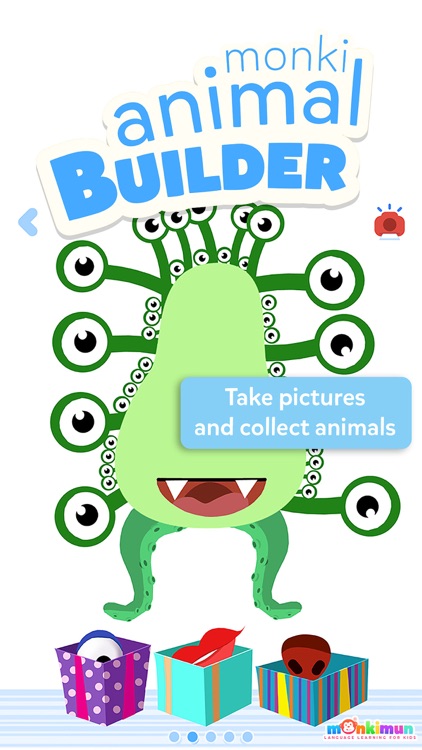
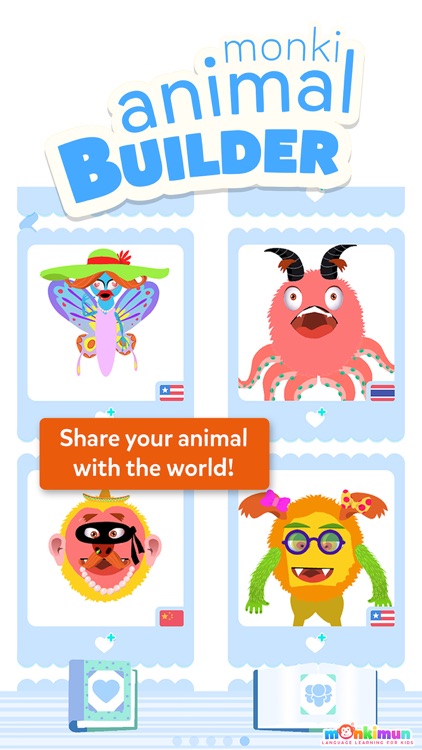
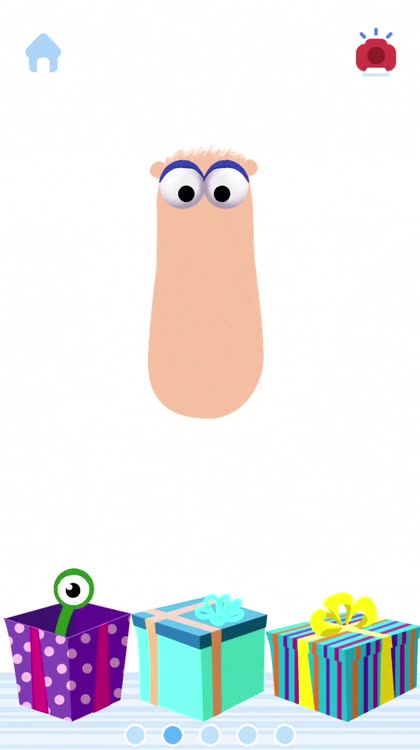
They’re able to choose a character by cracking one of the six eggs. They’re then able to paint the body of their creatures and start adding parts by pulling them out of packages. Each part is animated, bringing their little creature to life. The app includes more than 30 body parts, over 60 animations, 15 accessories, and 90 audio tracks.

DailyCost - Expense Tracker
iPhone
DailyCost - Expense Tracker

DailyCost - Expense Tracker

RSQUARED INVESTMENT PTE. LTD.

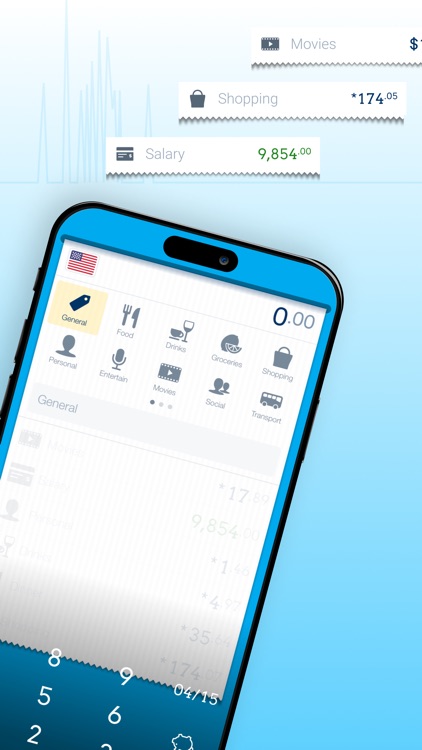
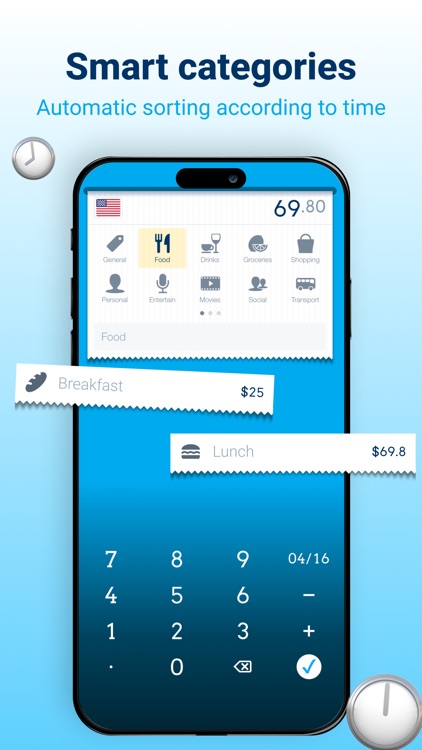
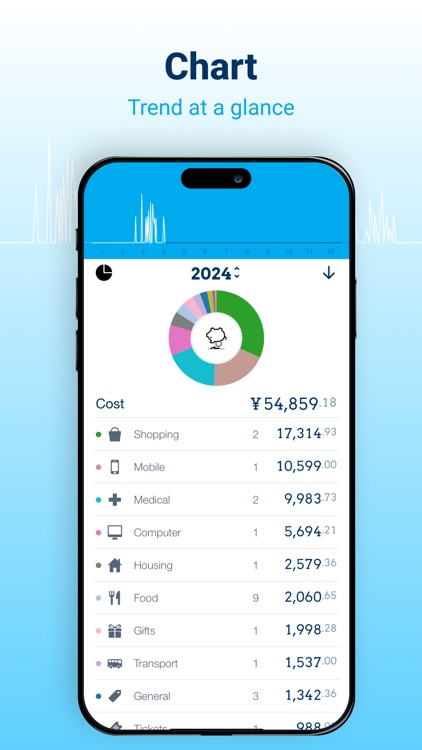
Track your expenses throughout the day with this easy to use and easy on the eyes finance app.

FREE ($1.99) For a limited time FREE ($1.99) For a limited time
Why we picked this?

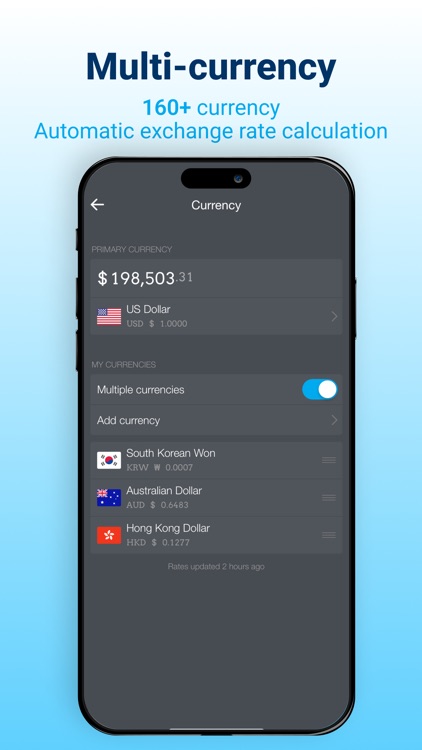
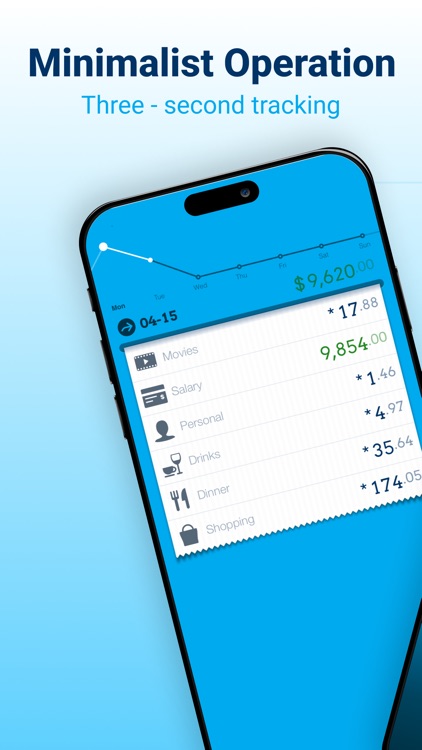
Just pull down on the receipt tape to add an expense. You can then define an amount and pick a category. The amount you entered is accompanied by the category icon on the receipt tape for quick reference. You can also swipe left and right to tear the tape and see your totals from other days. The app includes the ability to reorganize categories, loads of currencies to choose from, passcode protection, and 13 wallpaper options.
Lub vs Dub
iPhone
iPad
Lub vs Dub

Lub vs Dub

No Code Ltd

A two-player game with a lot of heart.

$0.99 $0.99
Why we picked this?

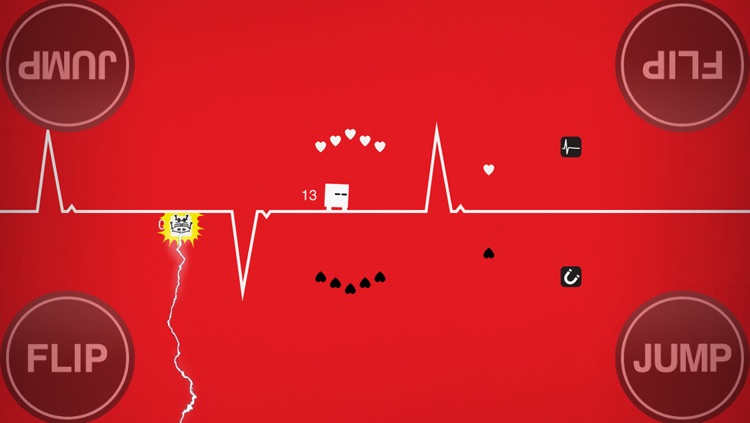
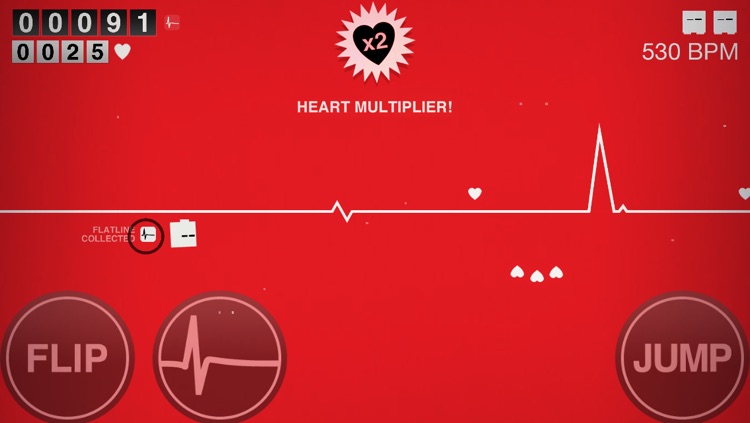
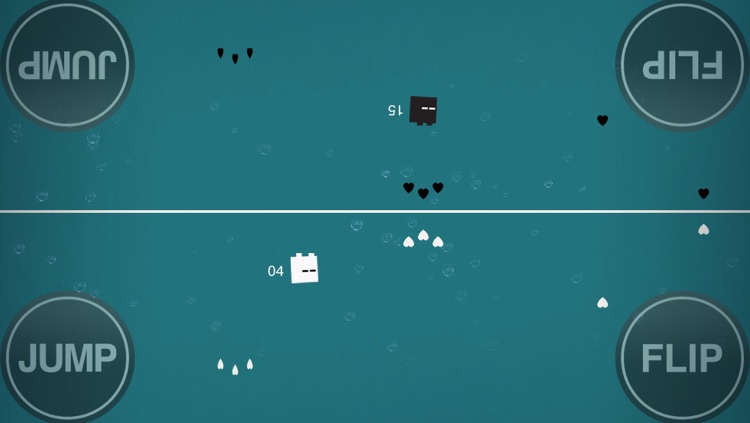
Grab a friend and take your places on each side of the screen. Then start running across the central ECG line to collect hearts and race by your opponent. You and your opponent are both able to leap over obstacles and flip to the other side of the line via your own personal controls. You’re also able to gather power-ups to boost ahead of or hinder your opponent. A single-player mode is available so you can work on your technique. The game also includes achievements and leaderboards via Game Center.

Jazzy 123 - Count with Music
iPhone
iPad
Jazzy 123 - Count with Music

Jazzy 123 - Count with Music

The Melody Book

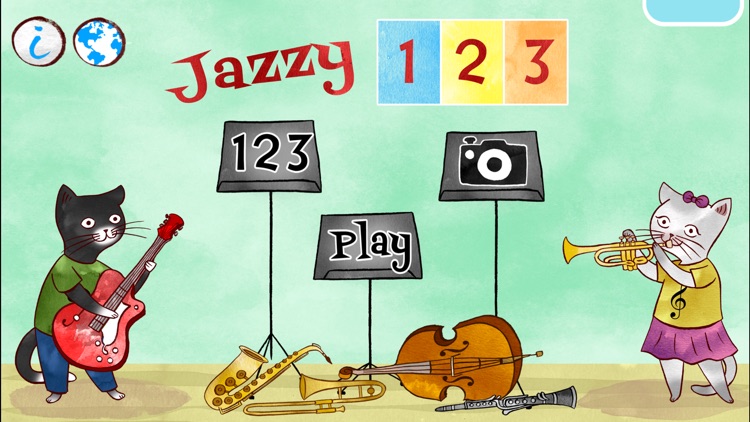
Learn to count with music with Jazzy 123.

$0.99 $0.99
Why we picked this?

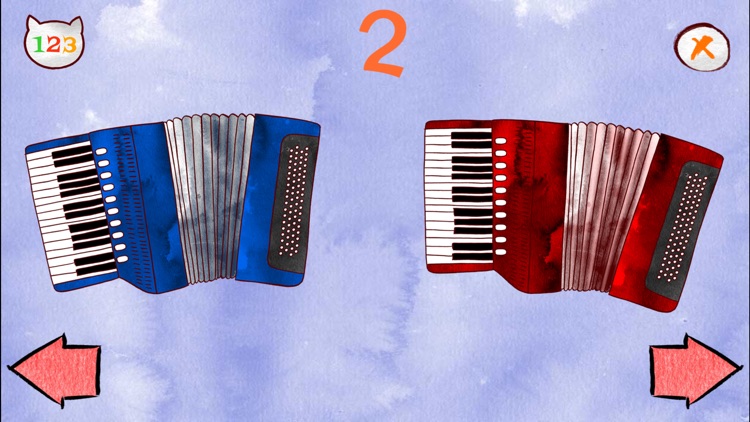
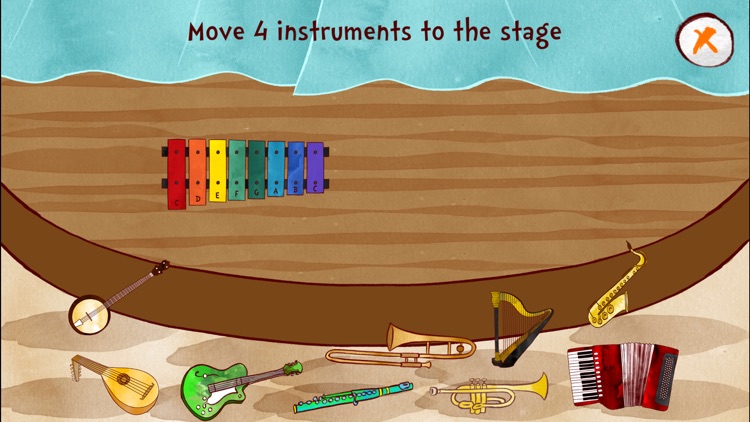
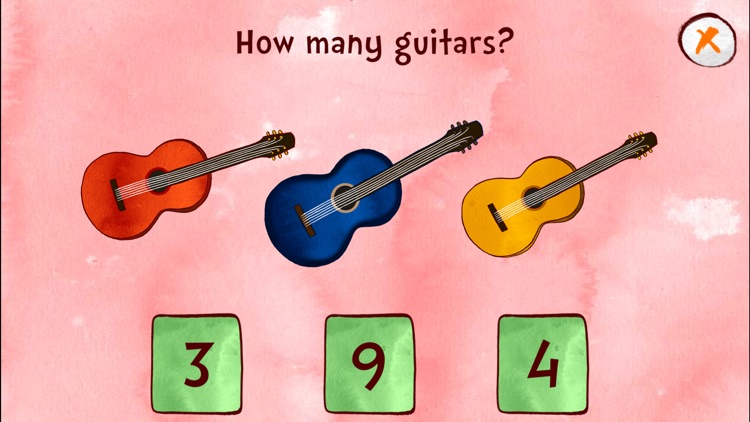
Your child will get to learn all about different musical instruments while working on their counting skills. They’re able to count up to 10 using different musical instruments. They’re also able to play two different games that will put what they’ve learned to the test. A camera mode allows them to take a photo with the musical kittens and share it via Twitter or email.

100 Cameras in 1 HD
iPad
100 Cameras in 1 HD

100 Cameras in 1 HD

Stuck In Customs

The most fun you’ll ever have with a camera app on your iPad.

$2.99 $2.99
Why we picked this?

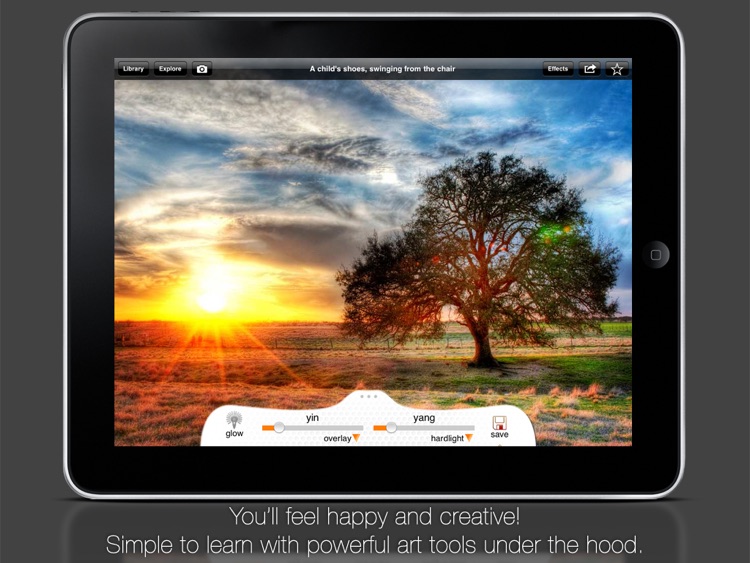
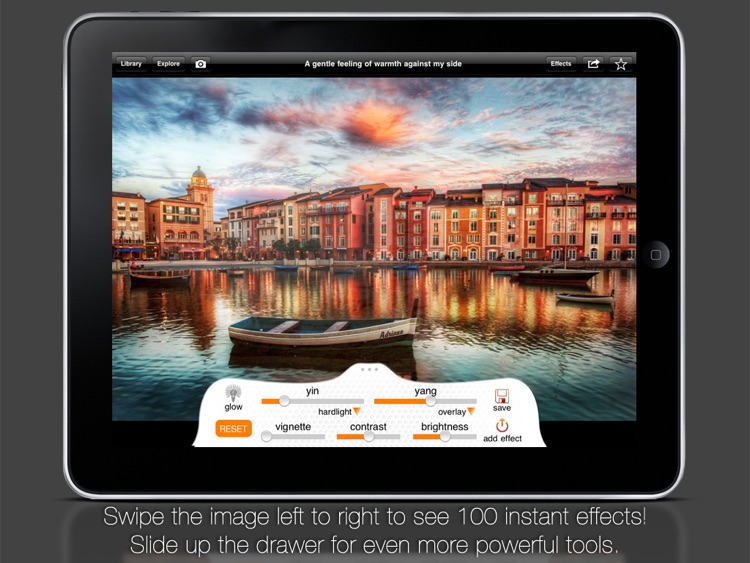
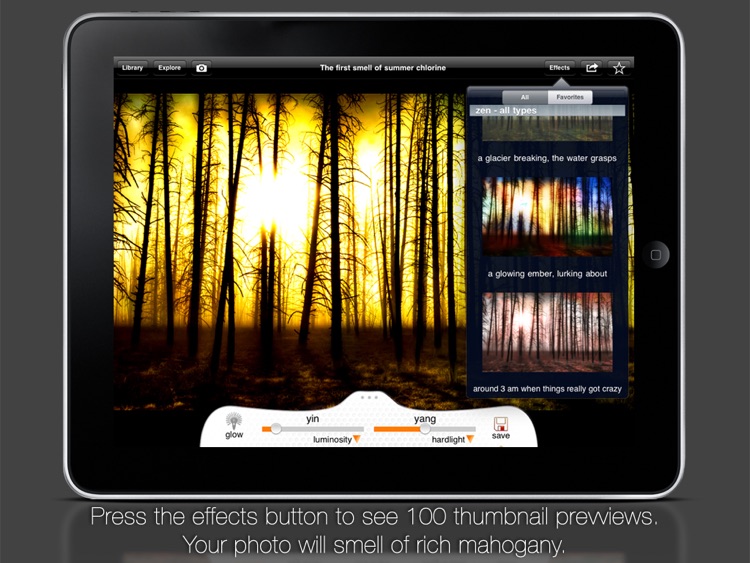
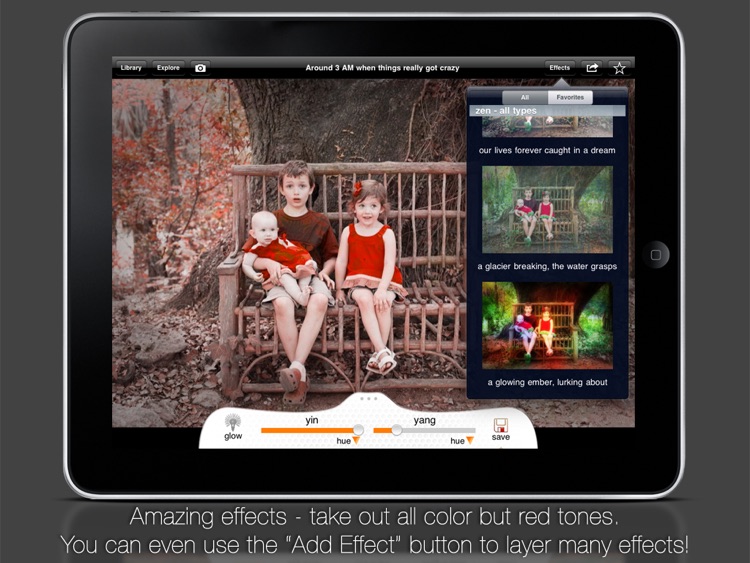
You’re able to import any photo from your library or take a new one from within the app. You’re then able to apply 100 different effects by swiping left and right or by choosing from a list. Your favorites can be saved for quick access later on. You can apply one of six different frames before sharing your creations via Facebook, Twitter, Flickr, or Instagram. The app also includes achievements and leaderboards via Game Center.

Kid Tripp
iPhone
iPad
Kid Tripp

Kid Tripp

Michael Burns

A brutally difficult yet wholly rewarding retro-inspired platformer.

$0.99 $0.99
Why we picked this?

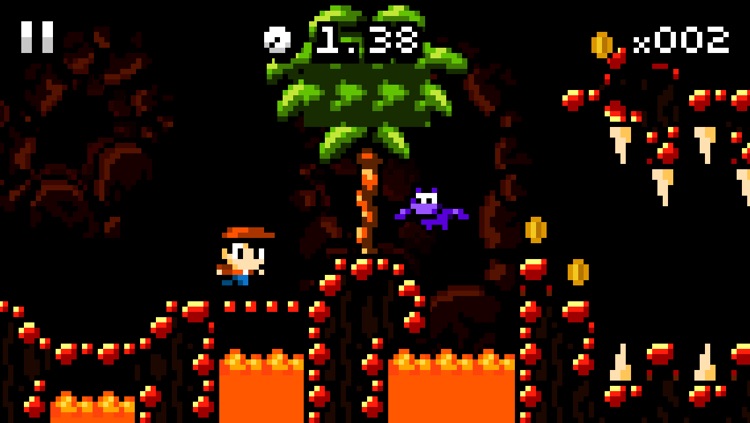
Run and jump your way through 8-bit-style environments as quickly and efficiently as possible. Kid Tripp will run on his own, so it's up to you to time his jumps and sprints to avoid the many obstacles. Kid Tripp is also armed with stones, which can be chucked at his enemies with a tap. The game includes four beautifully crafted worlds, 20 levels, and achievements and leaderboards via Game Center.

Fliptastic Pro
iPhone
iPad
Fliptastic Pro

Fliptastic Pro

Ting Tze Chuen

Craft one happy memory from many others with this slideshow maker designed for Instagram.

$1.99 $1.99
Why we picked this?

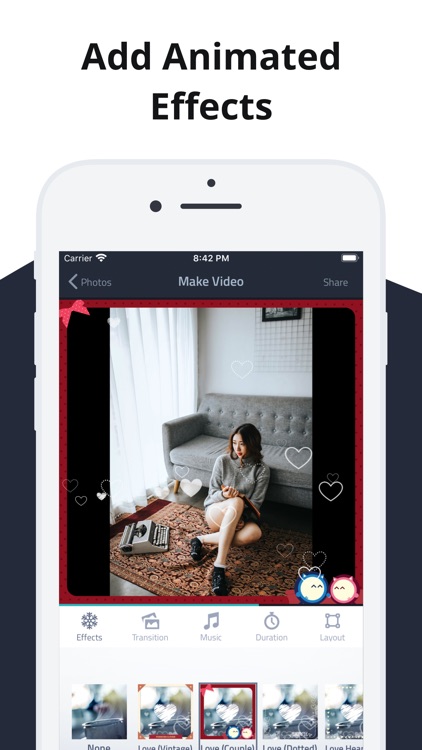
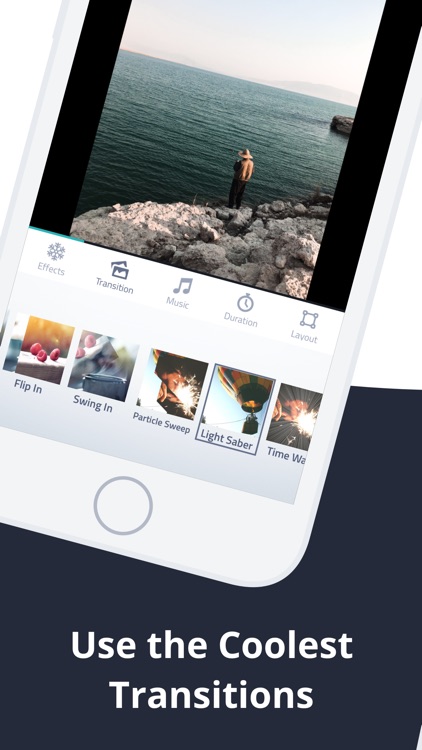
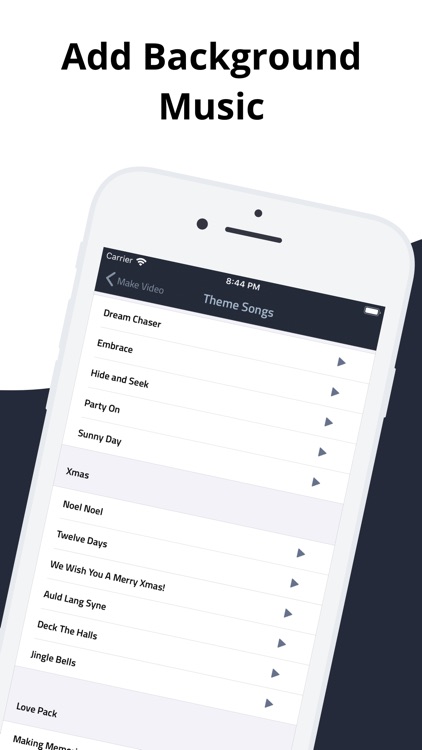
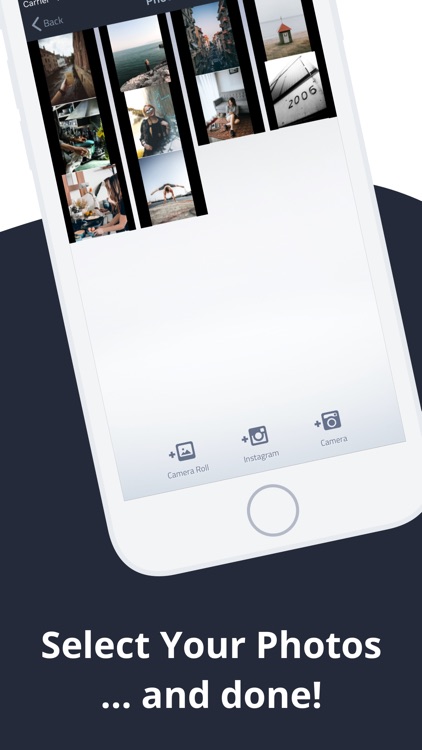
You’re able to choose up to 100 different photos, which can be pulled from Instagram, your photo library, and your camera roll. You can then edit each photo separately with different filters and captions. Photos can be rearranged as well by tapping and dragging them into place. Finish your slideshow off by adding cool animated transitions and some background music. You’re able to share your final creations via Facebook, YouTube, and Instagram. There’s also a convenient Instagram optimization button, which automatically cuts your slideshow down to the 15 second limit.

Imagination Box - creative fun with play dough colors, shapes, numbers and letters
iPad
Imagination Box - creative fun with play dough colors, shapes, numbers and letters

Imagination Box - creative fun with play dough colors, shapes, numbers and letters

Software Smoothie

Crack open the Imagination Box and allow your child’s creative side to flourish.

$2.99 $2.99
Why we picked this?

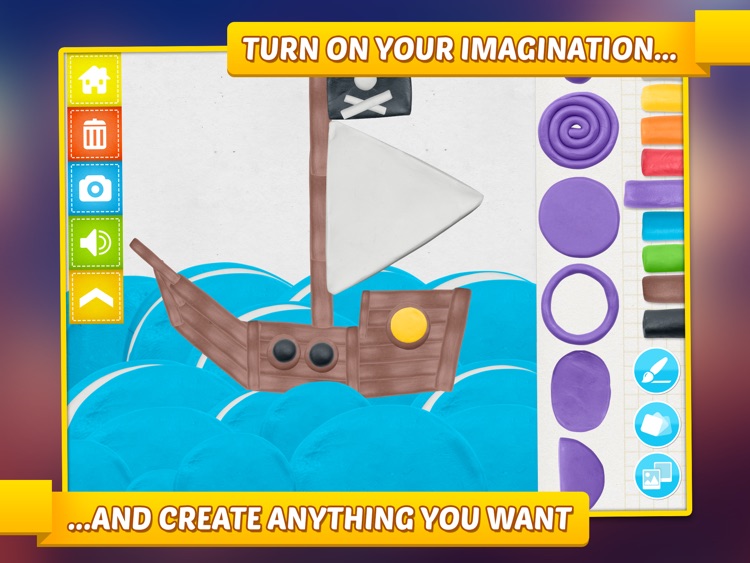
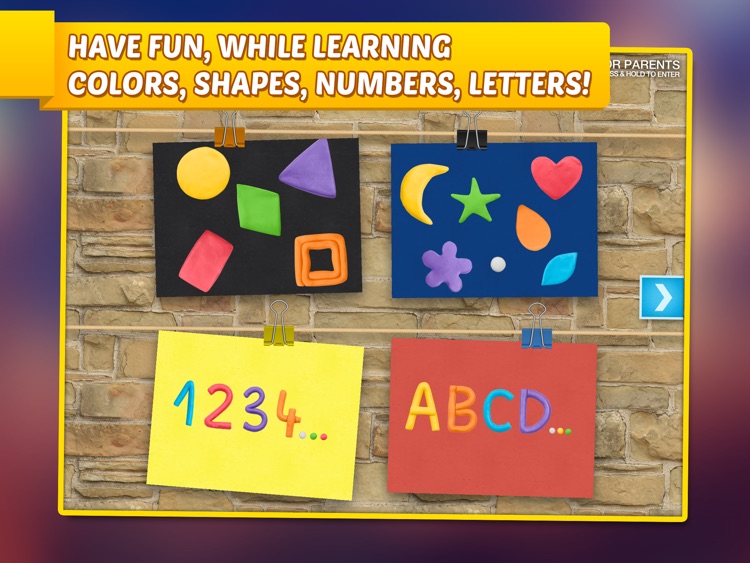
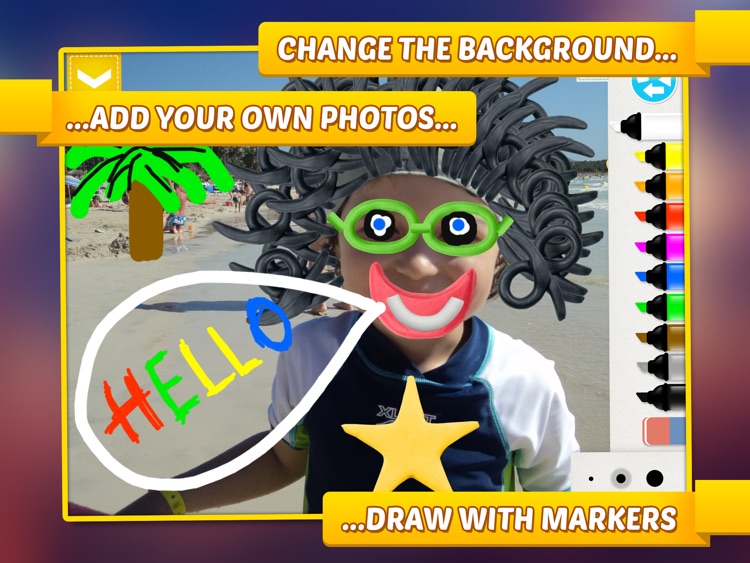
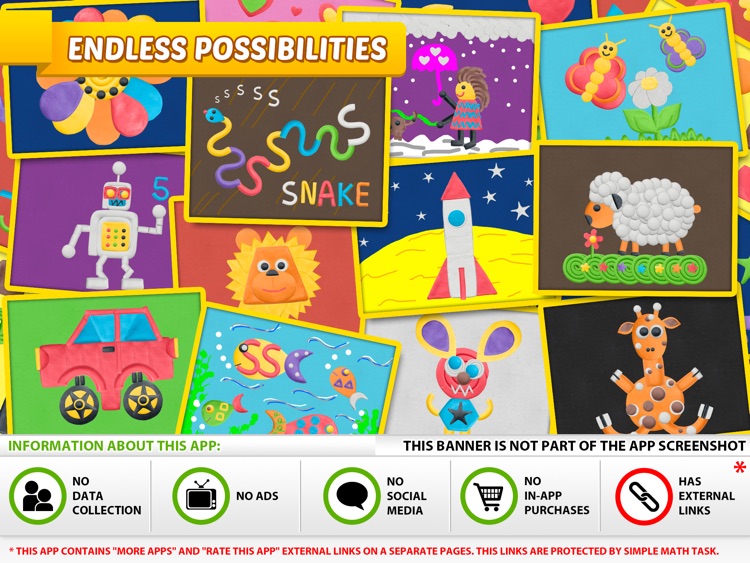
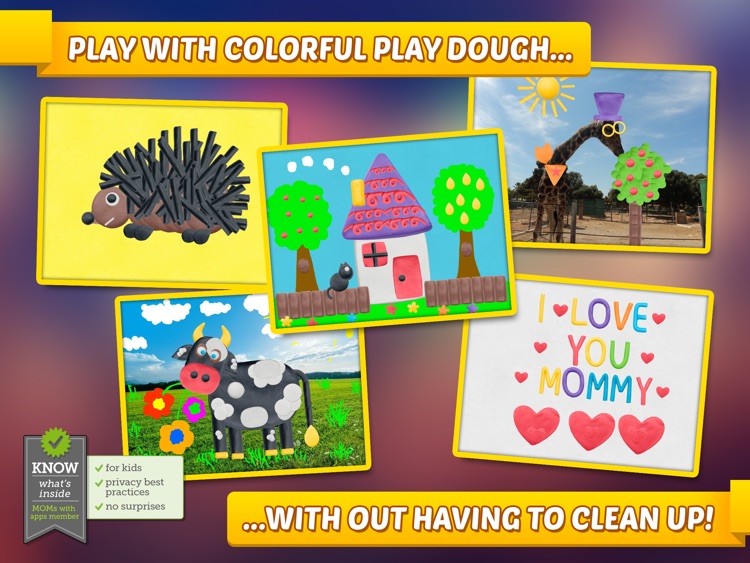
They’re able to pick from 12 different background styles and colors, or they can import a photo from your iPad’s library and use it as a background. They’re able to place 62 different pieces of play dough, including shapes, numbers, and letters, anywhere on the screen just by dragging and dropping them into place. Each piece can be rotated, resized, flipped, and colored however your child wishes. They’re also able to draw freely on the canvas with 10 colorful markers. When your child is done creating, save their masterpiece to your iPad’s library.

Dayli — Everyday Photo Journal
iPhone
Dayli — Everyday Photo Journal

Dayli — Everyday Photo Journal

Adam Swinden

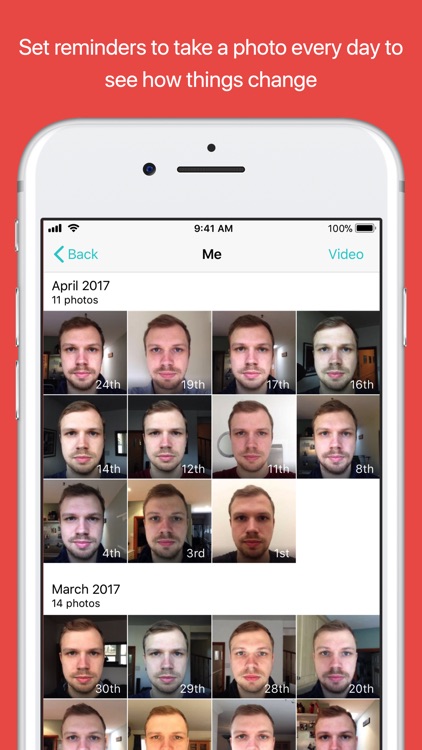
See how you’ve changed each and every day of the year with Dayli.

$2.99 $2.99
Why we picked this?

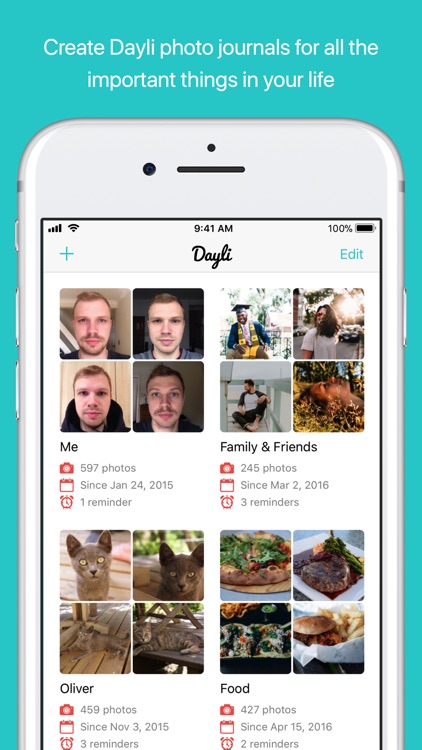
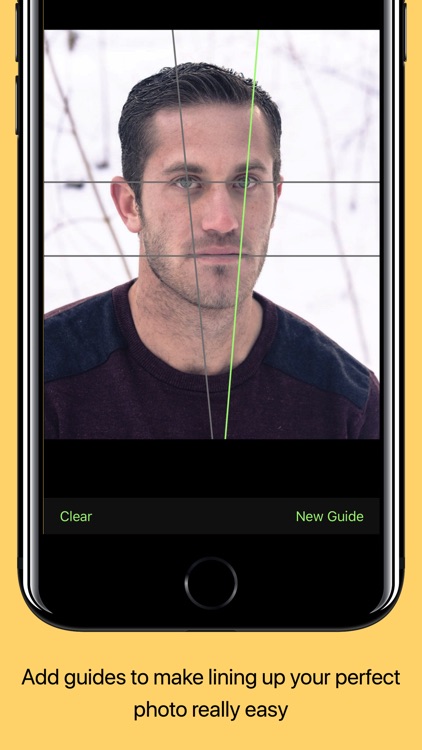
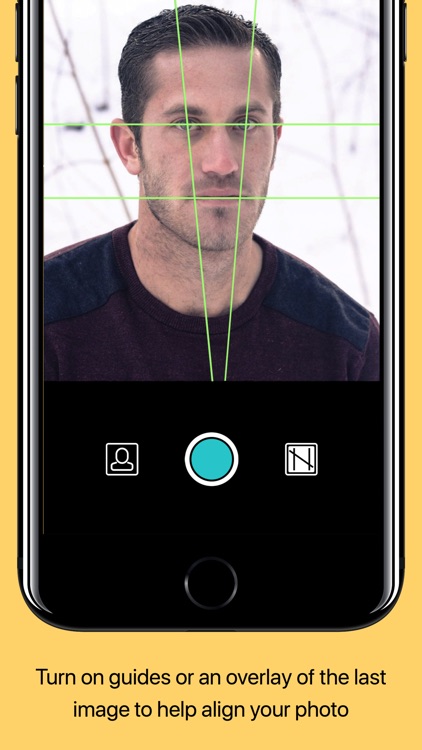
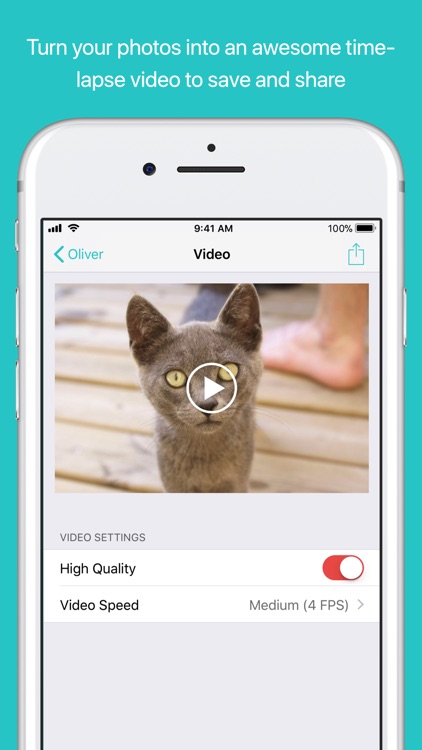
Start off by taking your very first photo. You’re able to create guidelines to help ensure you are in the same position in subsequent photos. Then come back each and every day to continue cataloguing your life. Reminders can be set to make sure you take your photo at the same time each day. Once you’ve built up a nice collection, you’re able to create a time-lapse video that can be played back at three different speeds. The app also includes the ability to import and export photos, and the ability to create multiple profiles for other people, creatures, or objects.

Spelling Monster
iPhone
iPad
Spelling Monster

Spelling Monster

Desire Life Software

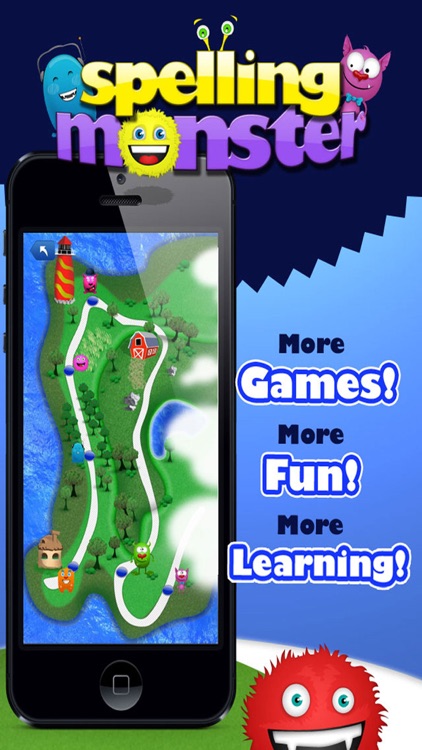
Your child gets to practice spelling words through interactive mini-games in Spelling Monster.

$0.99 $0.99
Why we picked this?

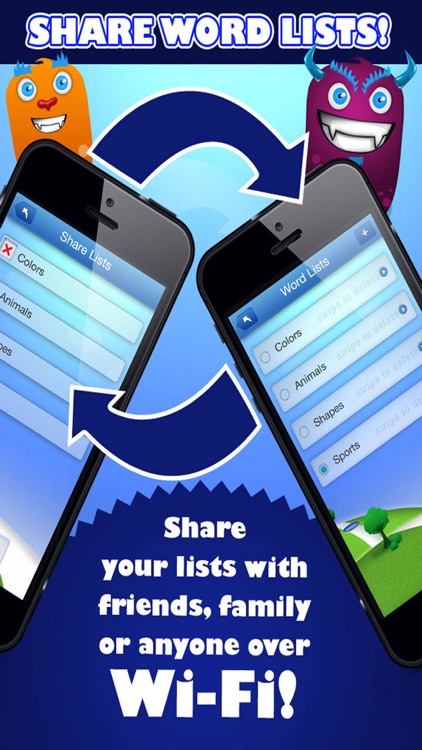
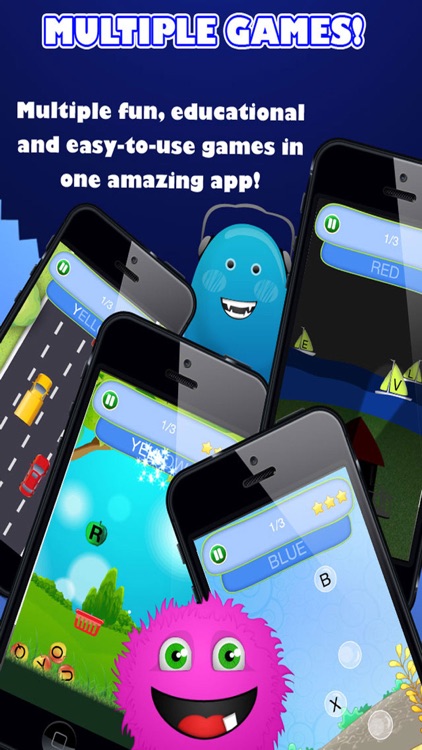
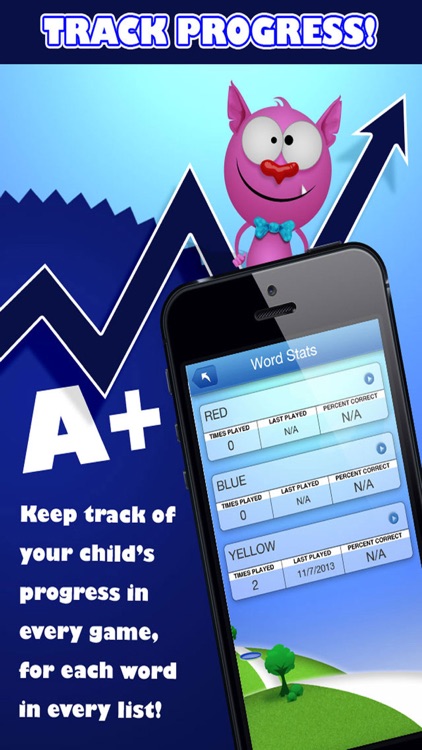
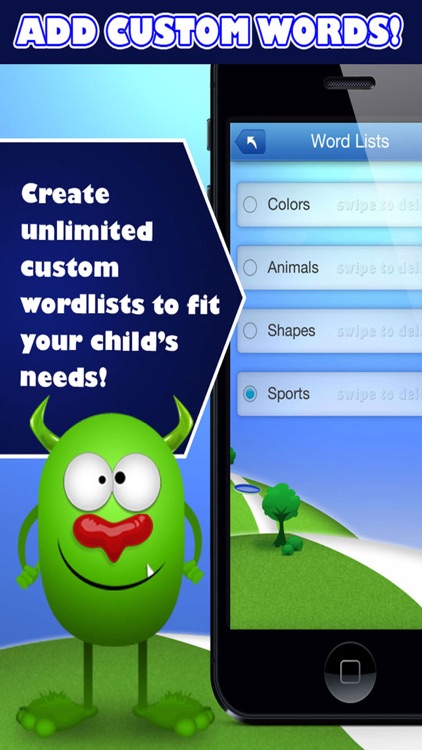
You must first choose a shared word list or create your own. You’re able to add as few or as many words as you want as long as they are all 13 letters or less. Your child can then make their way around the colorful world playing different types of mini-games based on the word list you created. The app also includes the ability to share created lists, multiple difficulty settings, upper and lowercase options, and stat tracking.