




You are using an outdated browser. Please upgrade your browser to improve your experience.

Apps That
Went Free on
2014-05-12

Ensure everyone in your photo is smiling with Smile Catcher. We also have an app that’s able to perfectly align your photos, and a powerful, do-everything camera app for your iPad.

Breathful
iPhone
Breathful

Breathful

Cookies & Milk

Practice your mindfulness with this health app.
FREE ($0.99) For a limited time FREE ($0.99) For a limited time
Why we picked this?

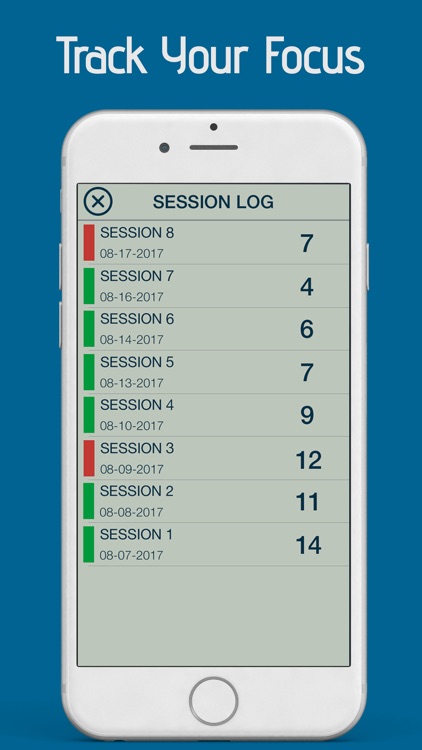
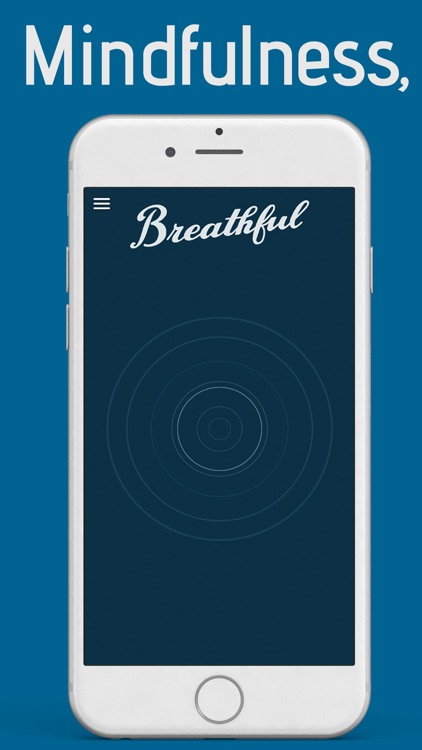
Breathful allows you to engage in 10-minute sessions of mindfulness practice. Tap on the screen to start the timer, and then tap again at any point while the timer is running to record a distraction. You get to decide on what constitutes a distraction, but it’s suggested that you should avoid minor, split-second interruptions of your mindfulness. At the end of each session you’ll be able to see how focused you are via Breathful’s log.
Cubic Block
iPad
Cubic Block

Cubic Block

Vegestone

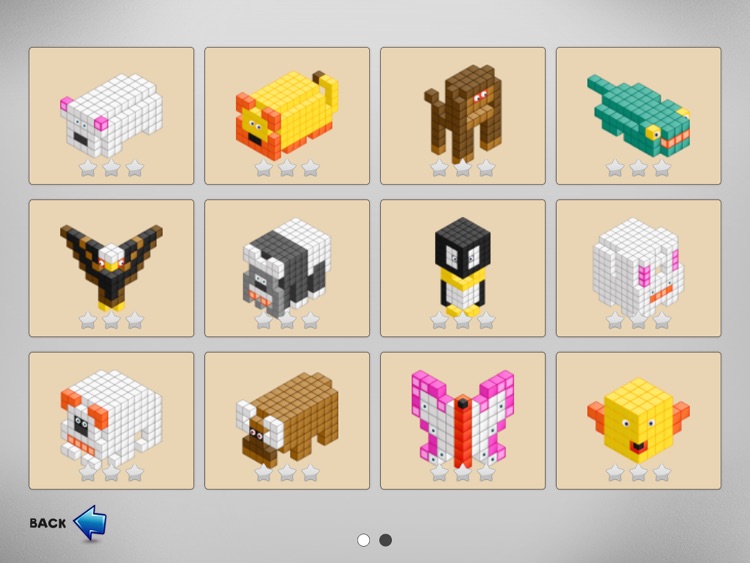
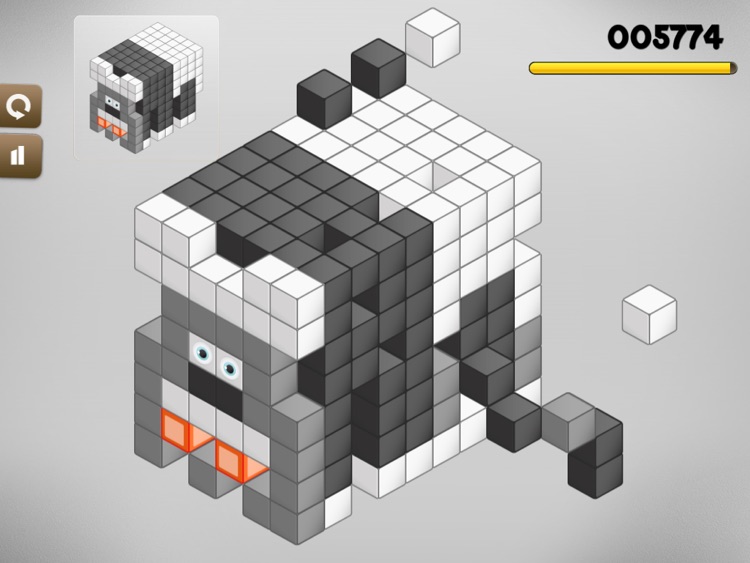
Cut away at collections of cubes to match the blueprint provided to you in this puzzle game.

FREE ($0.99) For a limited time FREE ($0.99) For a limited time
Why we picked this?

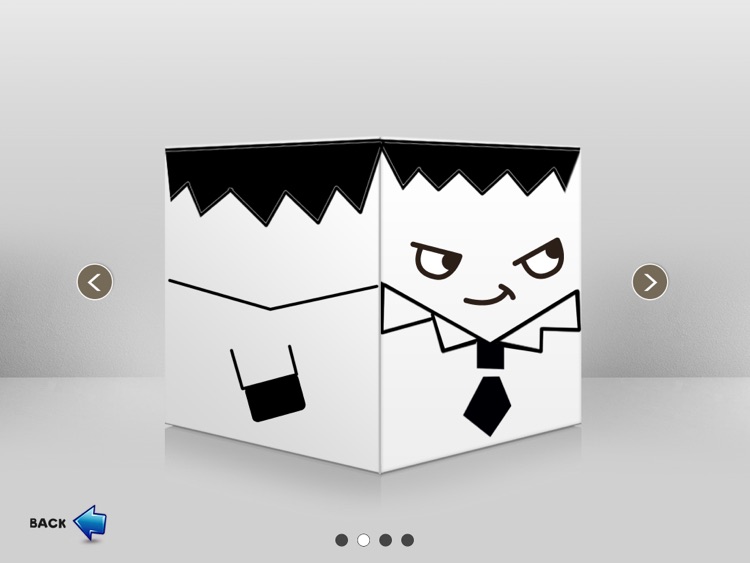
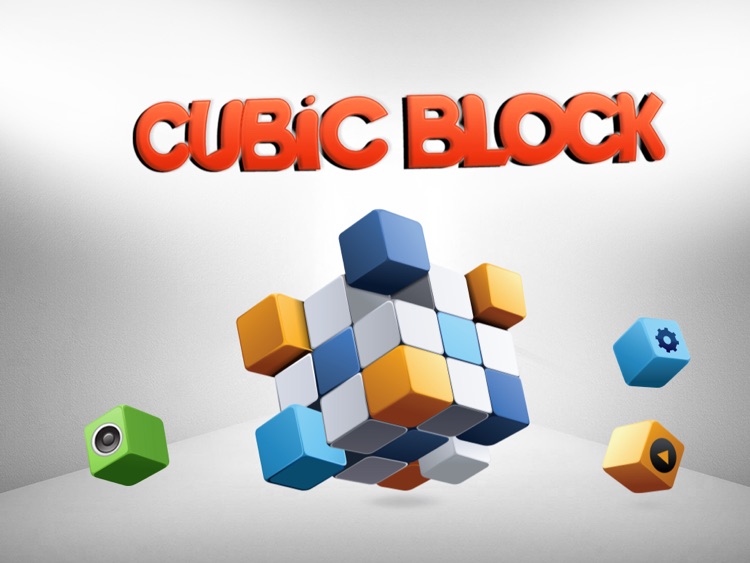
Your blueprint will appear in the top left corner of the screen. You have a limited amount of time to cut away at the collection of cubes in the middle by tapping on each one separately to match the blueprint. The game includes four different themes, and a total of 80 levels.

Orient - The Self Aligning Camera
iPhone
iPad
Orient - The Self Aligning Camera

Orient - The Self Aligning Camera

Ajit Katti

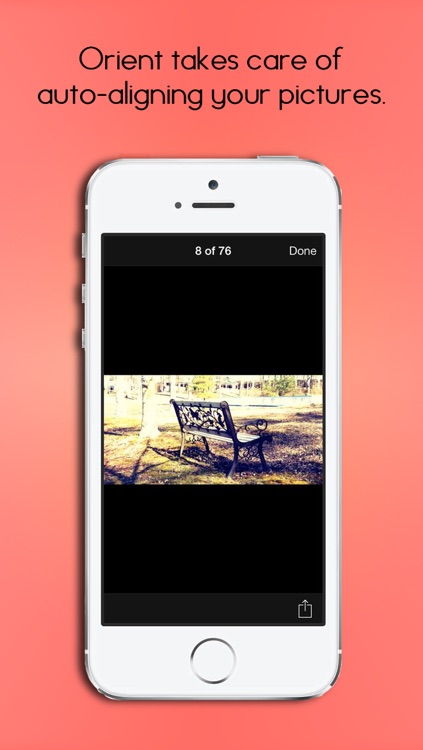
Your photos will always turn out perfectly with this self-aligning camera app.

$0.99 $0.99
Why we picked this?

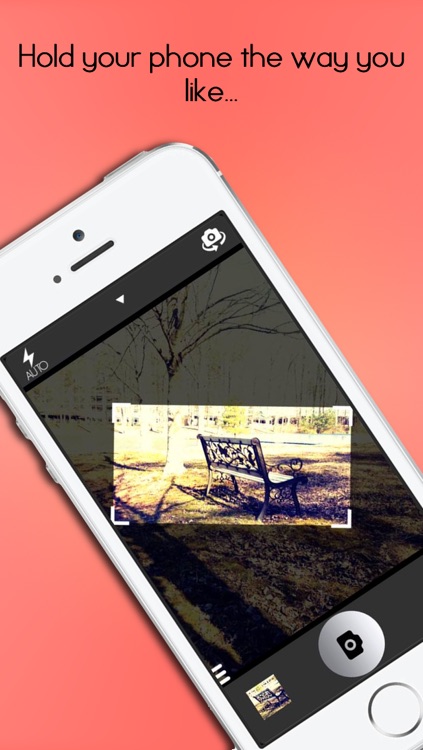
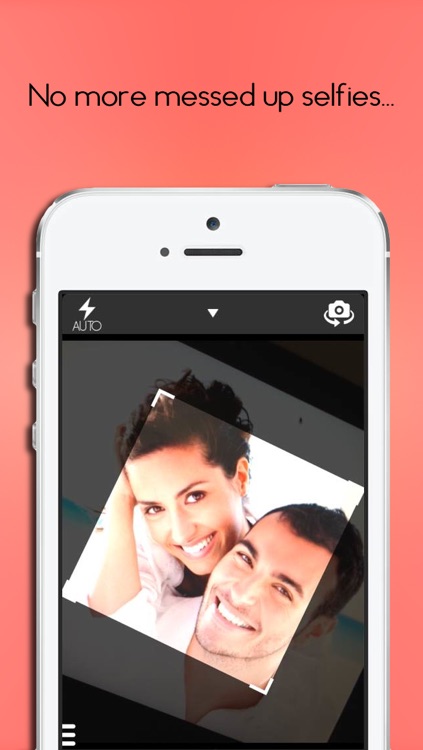
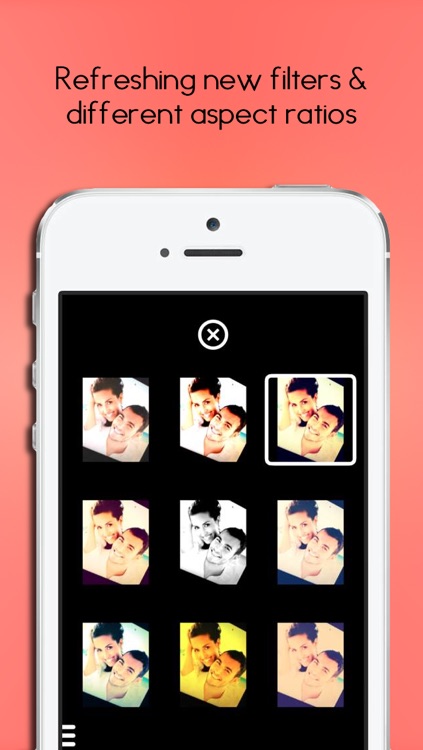
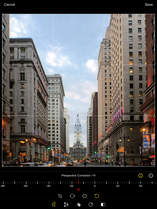
Tap on the icon in the lower right corner of the screen to choose from one of the nine aspect ratios. Then hold your iDevice any which way you like and your photo will come out perfectly. You’re also able to apply one of eight different filters to your live camera feed. Your final creations can be shared via Messages, Twitter, Facebook, AirDrop, or email. The app also includes two resolution options, front and back camera support, and the ability to disable automatic alignment.

Skill Game Arcade
iPhone
iPad
Skill Game Arcade

Skill Game Arcade

Sebastian Miedtank

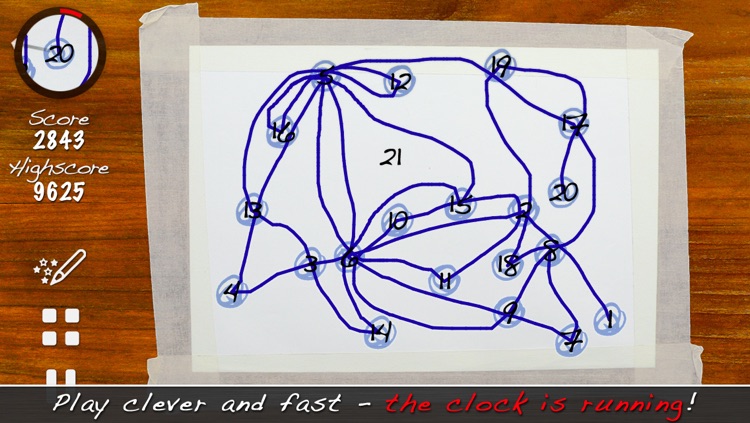
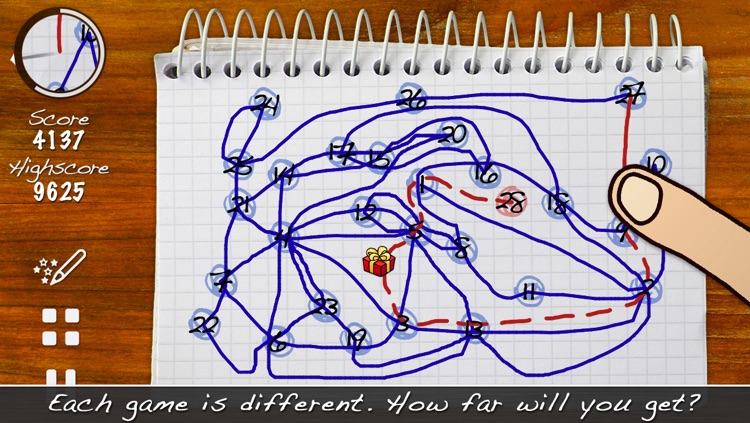
A true game of skill that has you endlessly counting up.

$1.99 $1.99
Why we picked this?

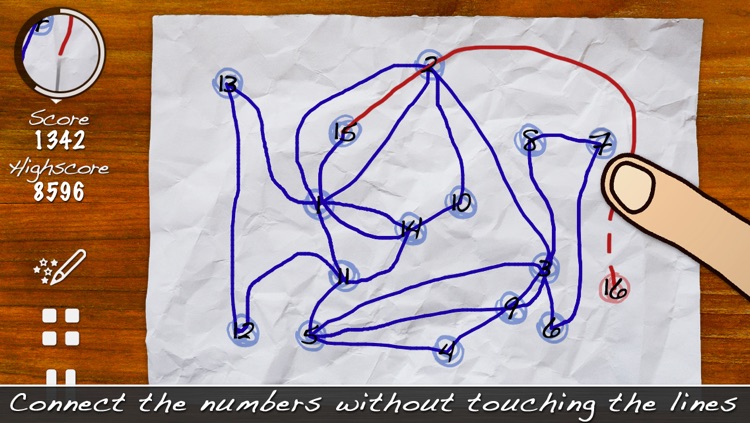
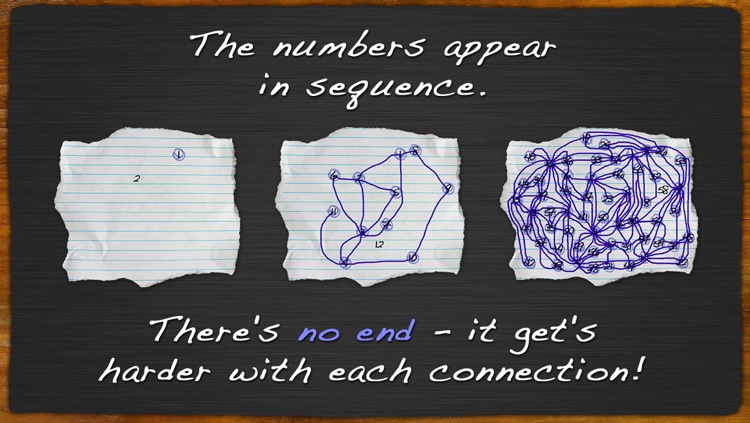
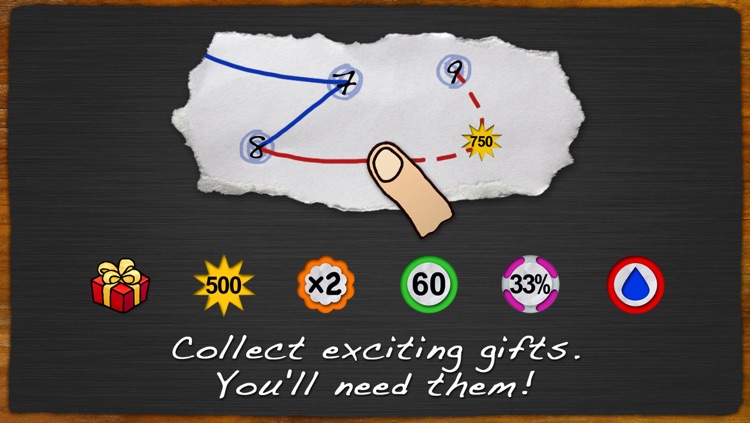
Your objective is to connect all of the numbers in ascending order without touching the lines you’ve already created. The process of doing so, however, requires a deft hand and a little strategy. Make sure to utilize the viewfinder in the top left corner of the screen, otherwise you won't stand a chance. The game includes an unlimited number of randomly generated levels, random gifts to collect, and achievements and leaderboards via Game Center.

ProCam XL 2 - Camera and Photo / Video Editor
iPad
ProCam XL 2 - Camera and Photo / Video Editor

ProCam XL 2 - Camera and Photo / Video Editor

Samer Azzam

With ProCam XL 2, the best just keep on getting better.

$3.99 $3.99
Why we picked this?

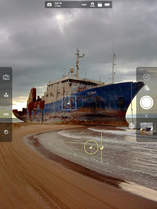
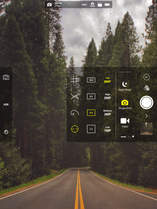
ProCam XL 2 offers more than just an iOS 7-inspired visual makeover. It’s packed with all kinds of brand new features that will surely make it the go-to camera app on your iPad. It features a fully orientation adaptive user interface, so no matter which way you hold your iPad you’ll be able to access its many features. Buttons across the left side of the screen provide you with control over focus and exposure, while pop-up menus around the shutter button allow you to apply live effects and lenses, adjust contrast and white balance, and choose different shooting modes. We don’t have enough space here to list all of ProCam XL 2’s fantastic features, so just give it a download and dig around. You’ll love it!

Smile Catcher
iPhone
Smile Catcher

Smile Catcher

Hideki Itakura

This camera app ensures everyone is smiling.

$0.99 $0.99
Why we picked this?

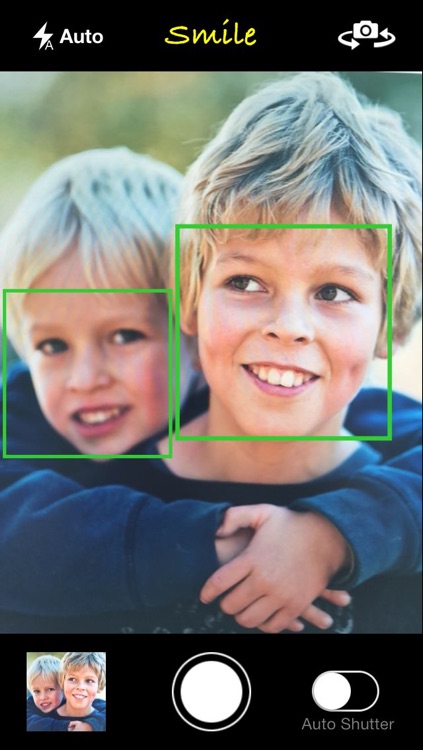
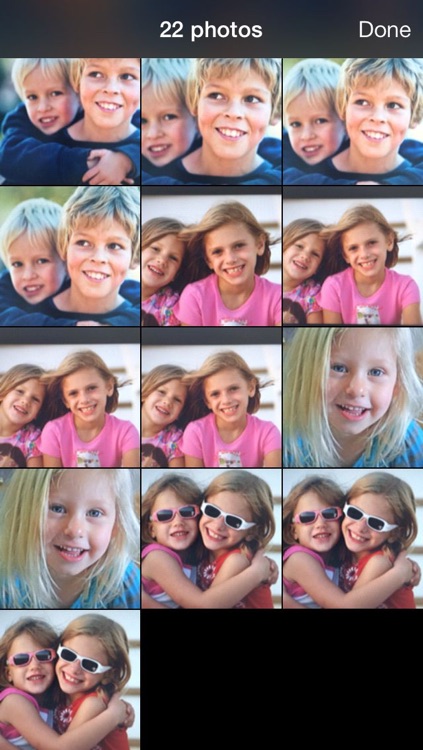
Smile Catcher will automatically snap up to three photos when you and everyone in your group is flashing a big smile and only then. Photos are automatically saved to your camera roll and the built-in library, where you can share them via Messages, Facebook, Twitter, or email. The app also includes pinch to zoom, front and back camera support, and a manual mode.