





You are using an outdated browser. Please upgrade your browser to improve your experience.

Apps That
Went Free on
2014-07-20

Snap photos and edit them in a wide variety of ways with PaintLife. We also have an app that allows you to grab snapshots from your videos, and an intense tactically strategy game.

Breach & Clear: Tactical Ops
iPhone
iPad
Breach & Clear: Tactical Ops

Breach & Clear: Tactical Ops

GameClub

An intense tactical strategy game designed exclusively for mobile devices.

FREE ($3.99) For a limited time FREE ($3.99) For a limited time
Why we picked this?

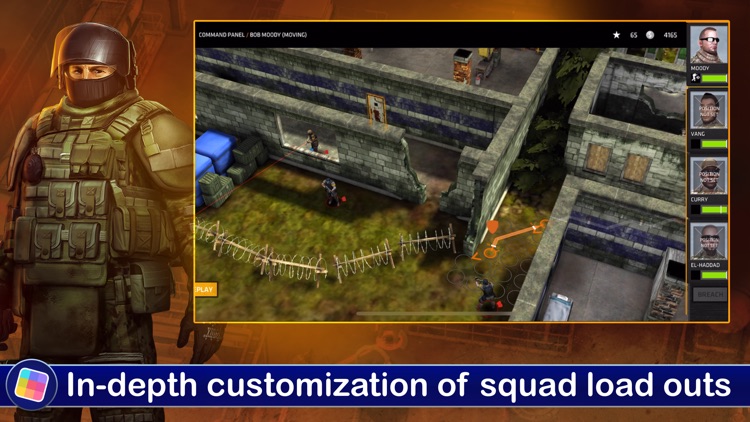
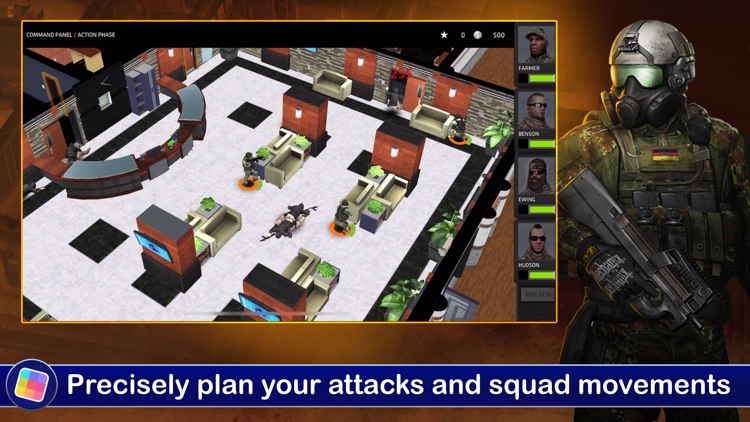
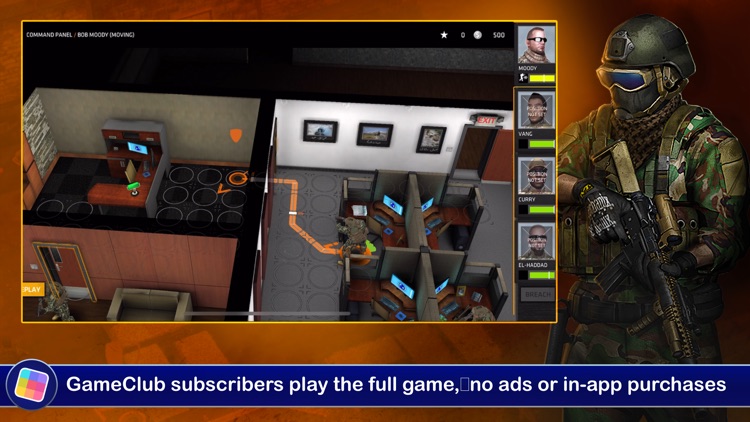
Start off by piecing together your squad from collections of US Army Rangers, US Navy Seals, Canada’s JTF2, and more. Each soldier in your squad can be outfitted with different perks, armor, camo, and inventory. You’ll then be given an objective, and you must plan every part of your attack by setting up entrance points, routes, fields of fire, and cover areas. The game includes three game modes with 25 missions each, and achievements and leaderboards via Game Center.

SnapStill - Extract Photos From Video
iPhone
iPad
SnapStill - Extract Photos From Video

SnapStill - Extract Photos From Video

Magic App Factory LLC

Grab a snapshot from any of your videos with this remarkably easy to use photography app.

$0.99 $0.99
Why we picked this?

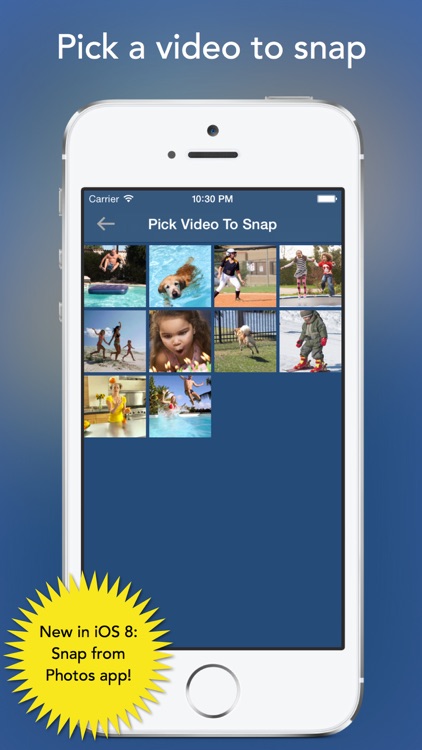
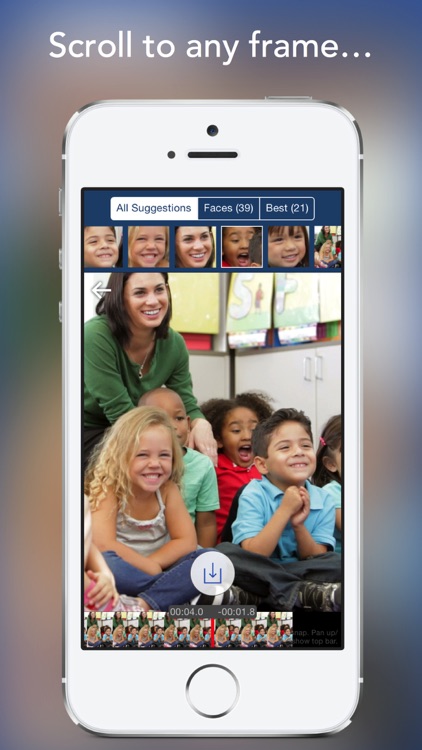
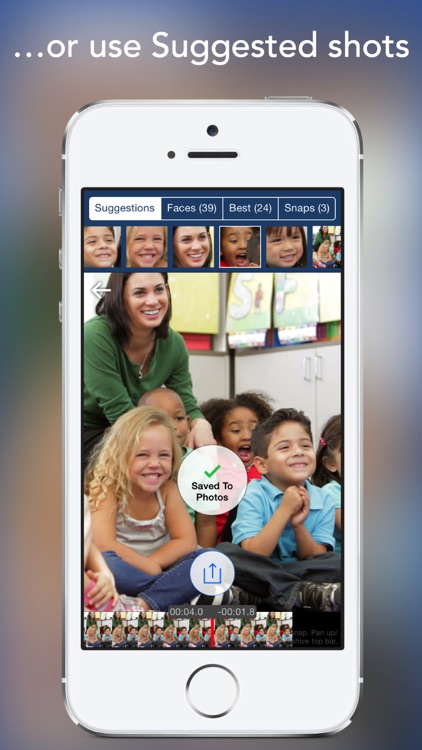
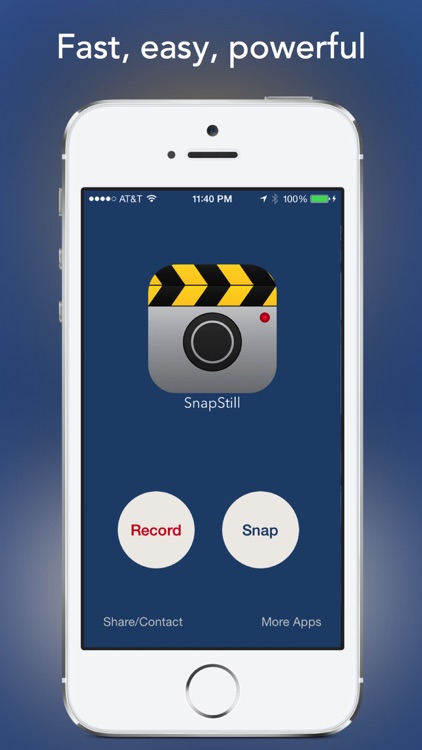
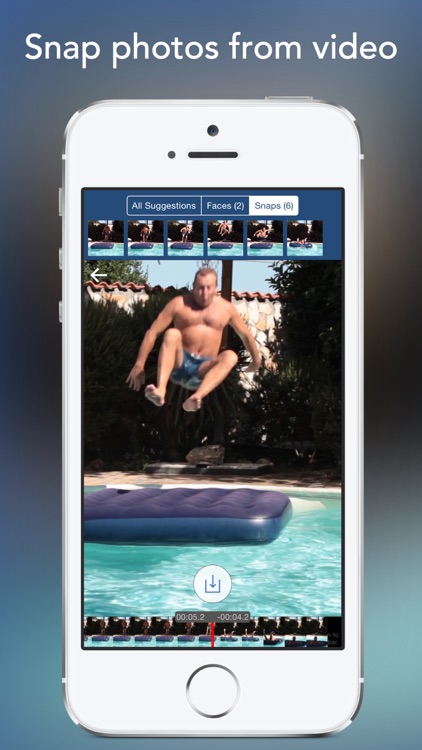
SnapStill will hunt down all of the videos in your library and present them in a scrollable thumbnail list. You can also record new videos from within the app. You can then quickly jump to a point in the video by sliding your finger across the timeline at the bottom. Slide your finger across the video itself to move through it frame-by-frame. Once you have found the shot you want, capture it with a tap and share it from your library. The app also provides suggestions in case you’re having a difficult time finding the perfect shot.

Groceries - Smart Shopping List - create, edit and share your grocery lists and recipes
iPhone
Groceries - Smart Shopping List - create, edit and share your grocery lists and recipes

Groceries - Smart Shopping List - create, edit and share your grocery lists and recipes

Itzik Adler

Improve your shopping experience with this productivity app.

$0.99 $0.99
Why we picked this?

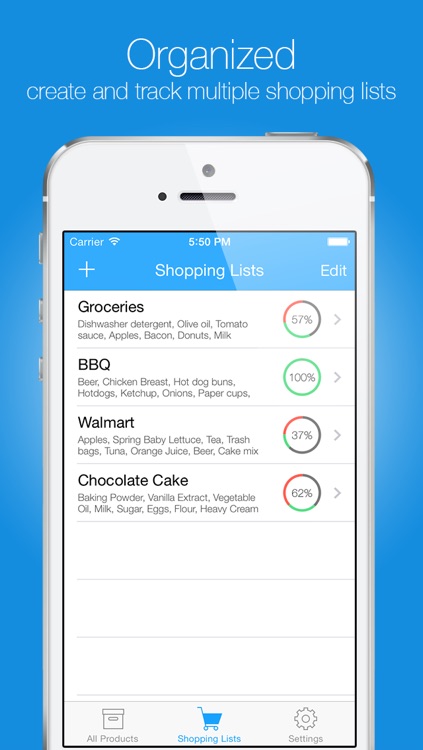
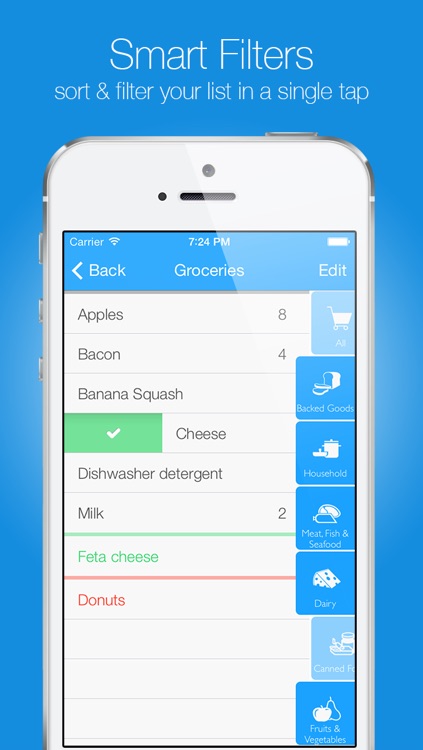
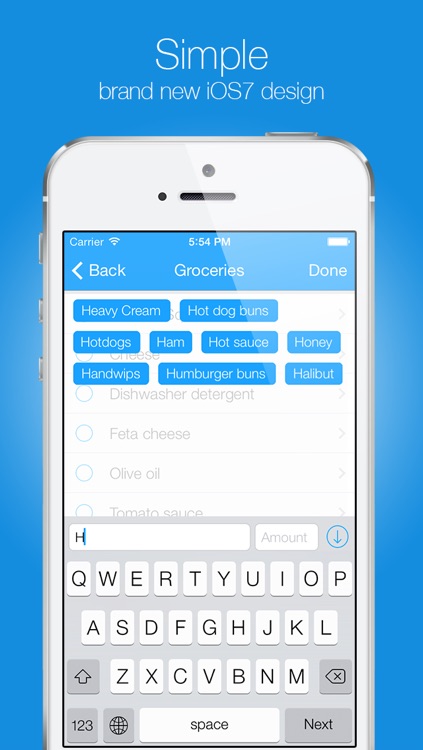
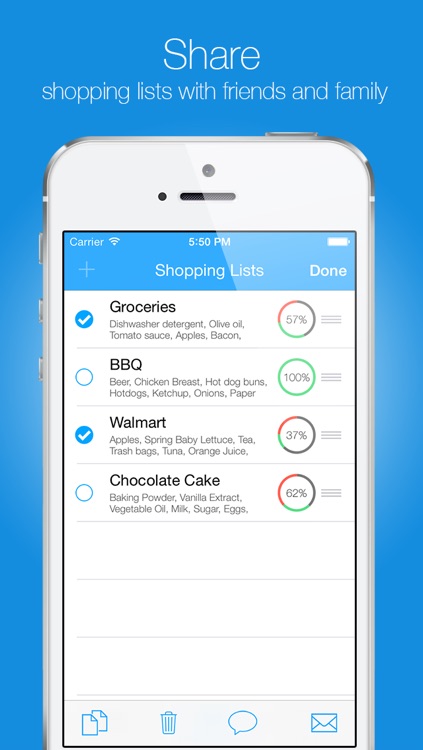
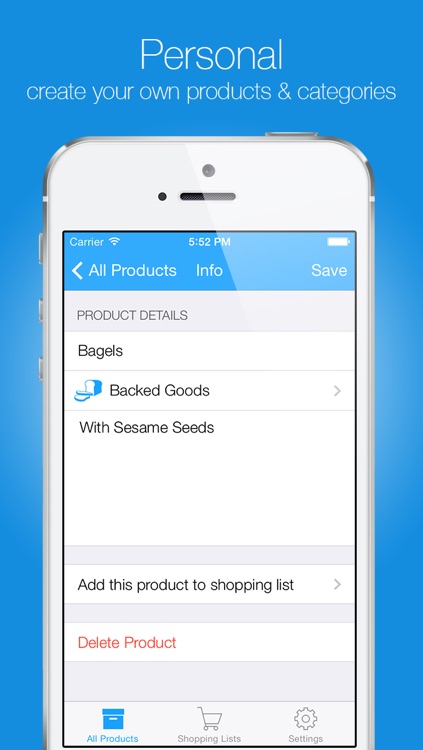
You’re able to create and save multiple shopping lists. The app features a built-in self-learning database, so all you have to do is start typing and suggestions will show up. Tap on a suggestion to select it and then enter an amount. When searching for items, you’re also able to sort them alphabetically, by category, or by most used. Items can be reorganized, edited, noted, and arranged by store department as well. To mark an item off your list while shopping, just swipe across it. The app also includes the ability to edit categories and disable screen lock.

Particle Box
iPhone
iPad
Particle Box

Particle Box

PDJ Apps

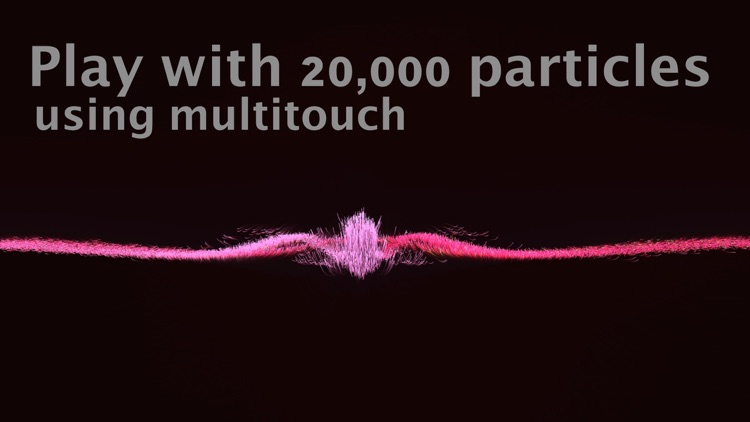
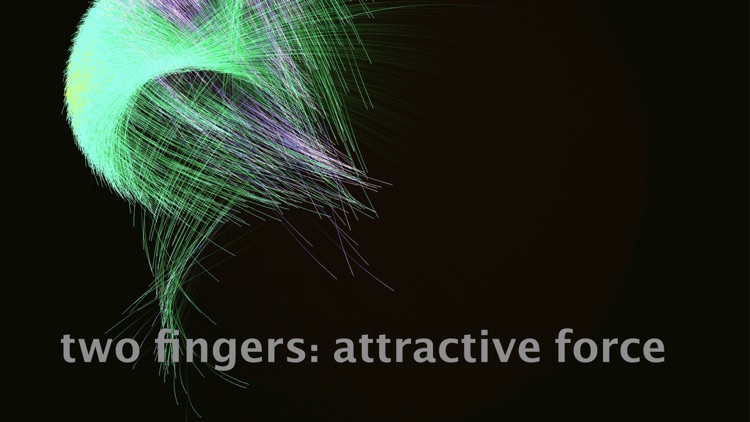
Find out what it’s like to command 20,000 different particles with only the tips of your fingers with this interactive entertainment app.

$0.99 $0.99
Why we picked this?

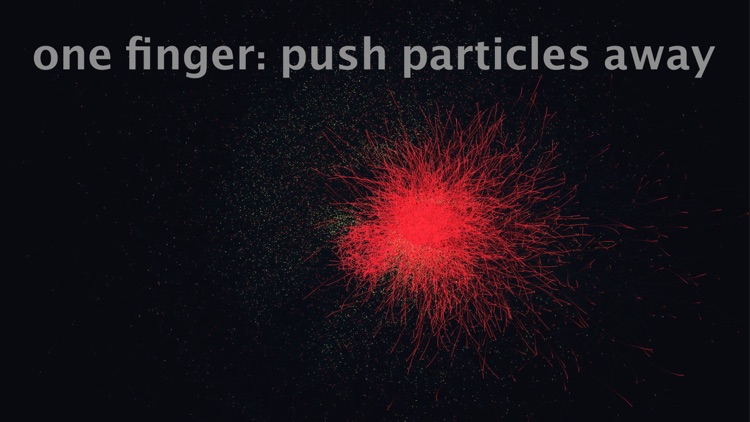
Particle Box allows you to manipulate huge amounts of particles in a wide variety of ways. Just tap and swipe with multiple fingers all over your iDevice's screen and watch what happens. You’re also able to stream the action through your TV via AirPlay.

"Easy Sales Goal Tracker"
iPhone
"Easy Sales Goal Tracker"

"Easy Sales Goal Tracker"

Calls On Fire LLC

A real-time sales activity tracker that will keep you motivated.

$9.99 $9.99
Why we picked this?

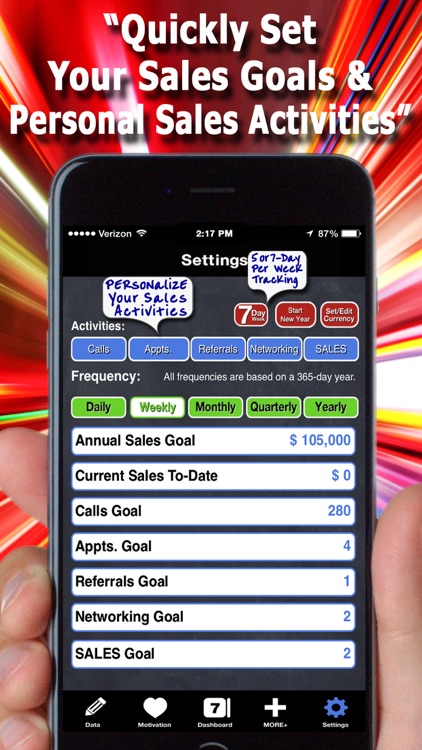
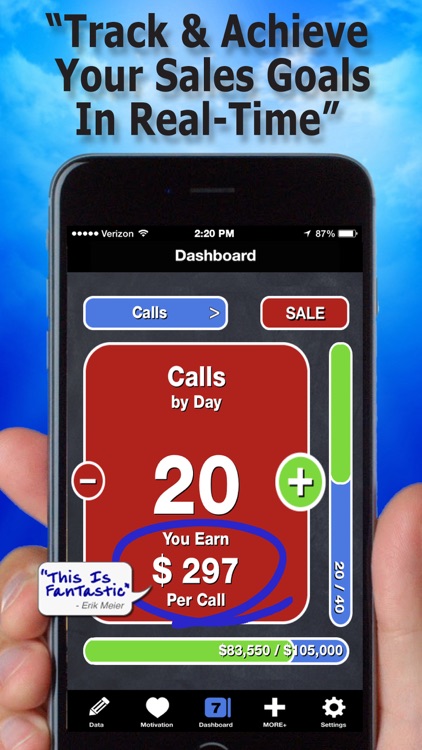
You must first add your sales, appointment, and call goals. Then pull up the dashboard and get to work. You're able to quickly record any and all activities you have performed and sales you have completed. Then watch as the meters begin to fill and inch closer towards your goals. The app also includes the ability to edit sales activities, the ability to create custom activities, and motivational quotes.

Pixcape - Powerful Photo Editor & Camera
iPhone
iPad
Pixcape - Powerful Photo Editor & Camera

Pixcape - Powerful Photo Editor & Camera

Xuegang Teng

A powerful camera app and photo editor wrapped into one neat package.

$1.99 $1.99
Why we picked this?

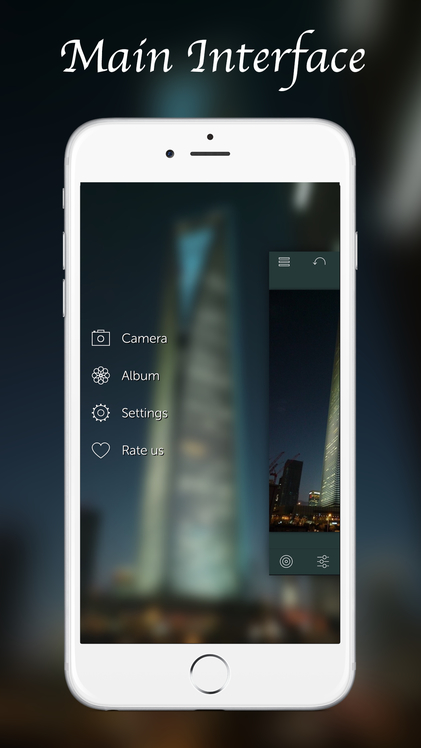
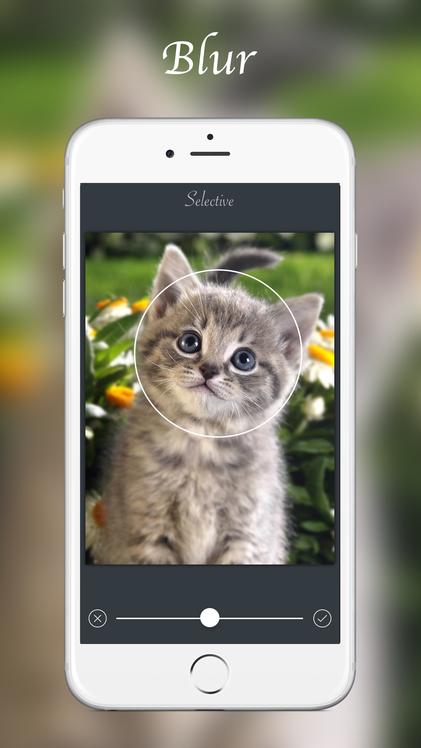
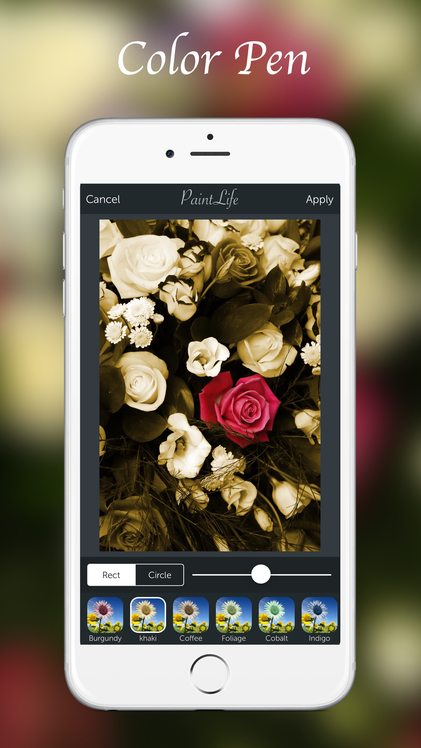
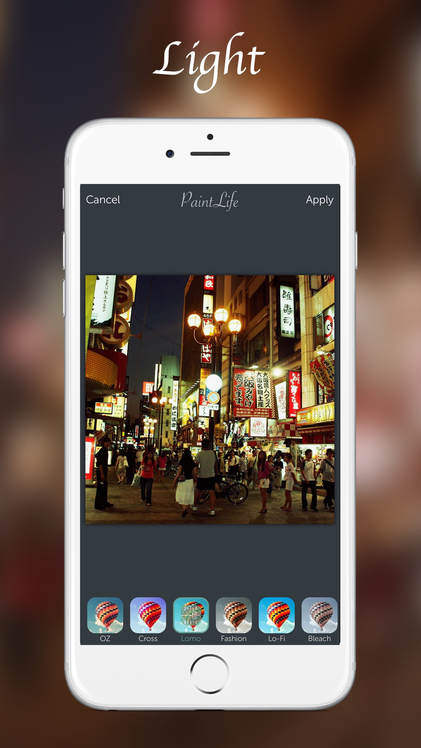
The camera portion of PaintLife allows you to adjust the parameters of your photo, apply filters and effects, utilize a grid view, and zoom in on your subject. If you already have a photo you want to work with, you’re able to import it from your library. PaintLife then provides you with the same editing tools available in its camera mode while also allowing you to draw, paint, and add live objects to your photo. All in all, you have 10 particle brushes, 14 artistic brushes, 10 color brushes, and more than 130 filters and effects to choose from. The app also includes the ability to crop your photos, undo and redo strokes, and the ability to share your creations via Facebook, Instagram, Sina, Flickr, Twitter, and email.