




You are using an outdated browser. Please upgrade your browser to improve your experience.

Apps That
Went Free on
2014-07-21

Block out the world with Sleepy Fan. We also have a vibrant arcade game that has you blasting swarms of deadly alien creatures, and an app that allows you to create your own custom retro-style posters.

Actions for iPad
iPad
Actions for iPad

Actions for iPad

Actions

Turn your iPad into a computer control center with Actions.

FREE ($3.99) For a limited time FREE ($3.99) For a limited time
Why we picked this?

You’ll first need to download the free companion software for your Mac or PC. Then follow the instructions to get everything set up. Once completed, you’ll be able to control apps and other features on your computer just by tapping on touchpads. The pads can be customized in a variety of ways in order to get everything up and running just how you want it. Actions also includes both landscape and portrait orientation support, 900 touchpad icons to choose from, multitouch support, the ability to backup and exchange your touchpad sets with friends, Dropbox sync, and built-in presets for the most popular apps.

Sleep Better Fan ~ White Noise
iPhone
iPad
Sleep Better Fan ~ White Noise

Sleep Better Fan ~ White Noise

Franz Bruckhoff

Block out the world with this relaxation app from the creators of Windy and Thunderspace.

$1.99 $1.99
Why we picked this?

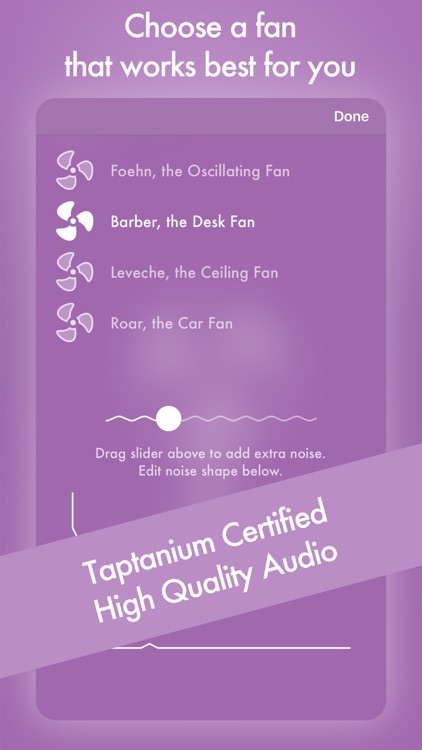
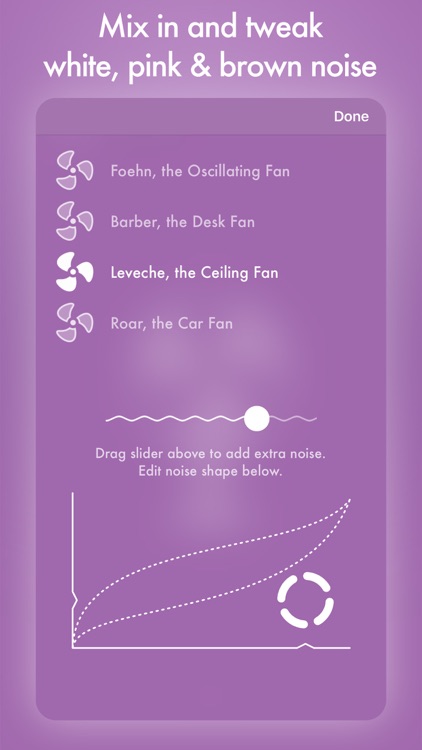
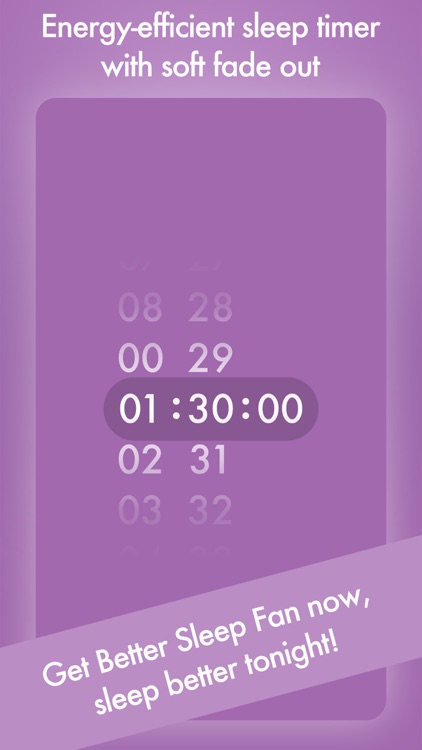
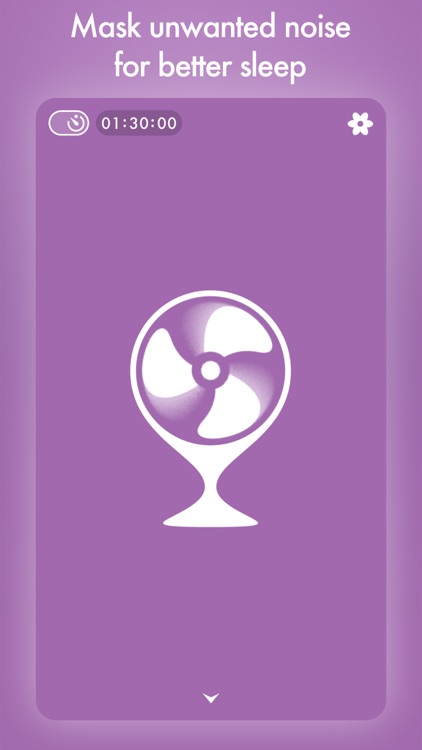
Tap on the icon in the upper right corner to choose an oscillating, ceiling, or desk fan. You’re able to mix in and tweak white, pink, and brown noise by dragging your finger across the target area at the bottom. Then grab some headphones, sit back and get comfortable, and tap on the fan to get the blades spinning. The app also includes a sleep timer, and high quality audio encoded in 256 kbps AAC.

BlastTrax
iPhone
iPad
BlastTrax

BlastTrax

James Gamble

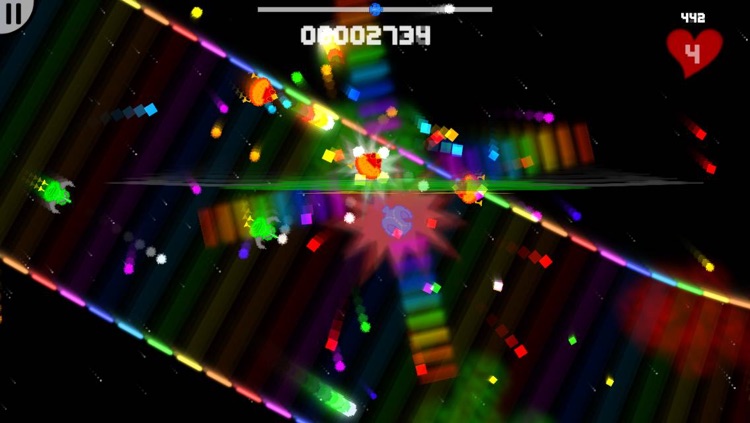
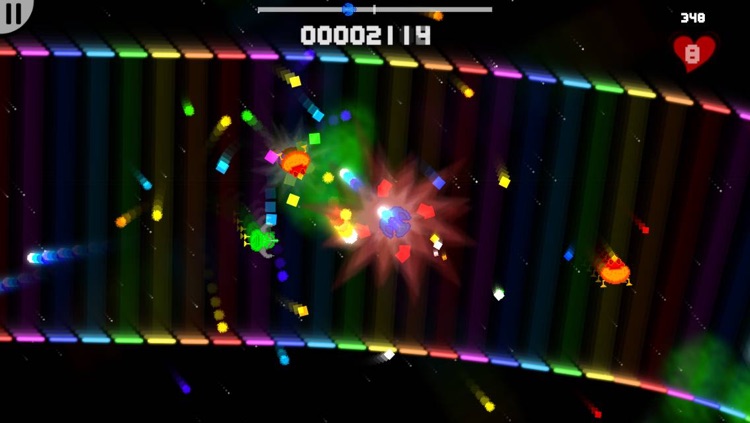
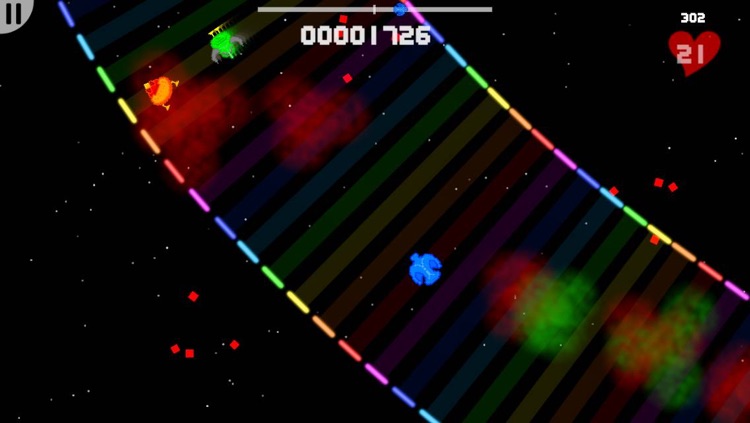
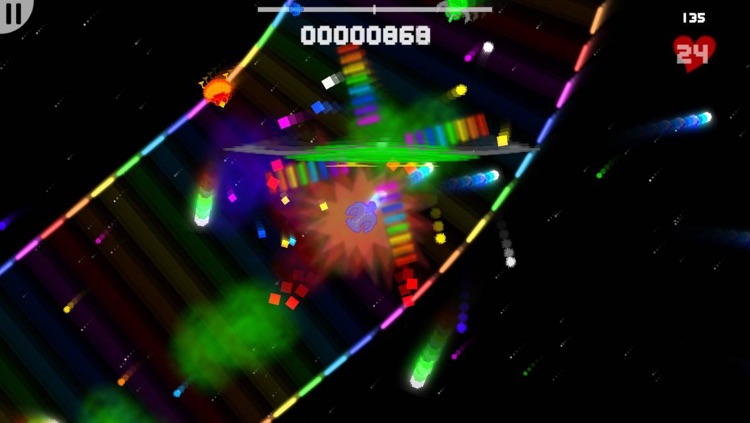
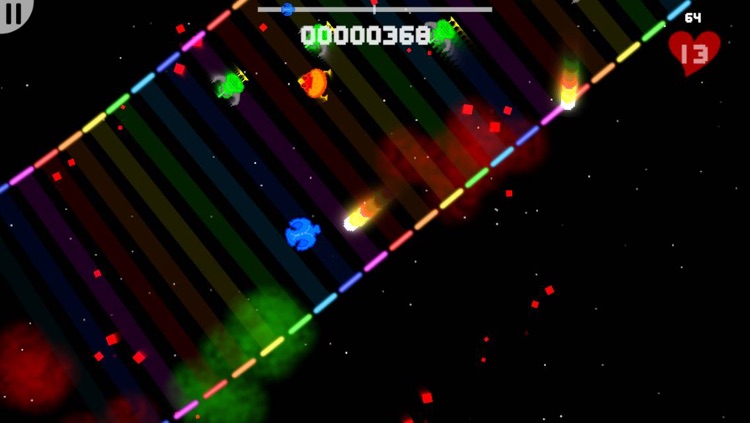
Travel through colorful space lanes swarming with deadly alien creatures to get to your next destination in this arcade game.

$0.99 $0.99
Why we picked this?

You’re able to control your vessel with either thumb. Travel along the path dodging enemy fire and destroying everything in sight in order to reach the end with your health intact. Your performance is graded on how well you clear each space lane, so don’t take any pity on your alien foes. The game includes three modes, three difficulty settings, iCade support, and achievements and leaderboards via Game Center.

Retromatic HD 2.0
iPad
Retromatic HD 2.0

Retromatic HD 2.0

Peta Vision

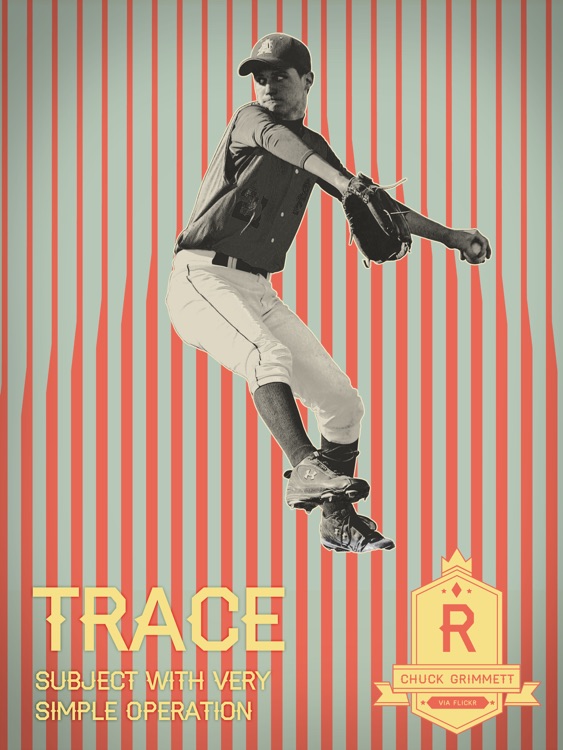
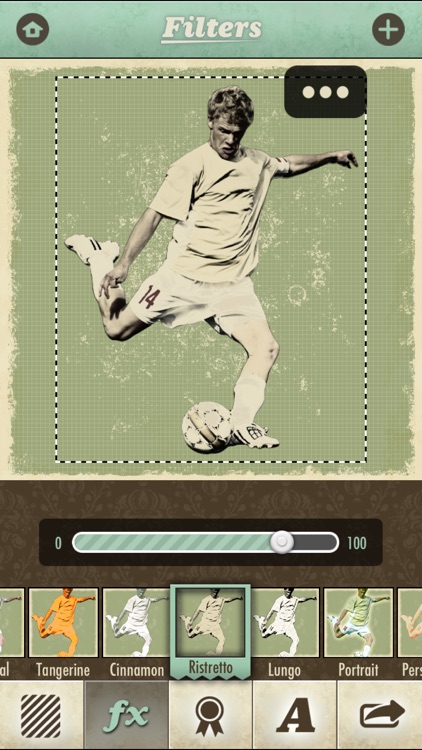
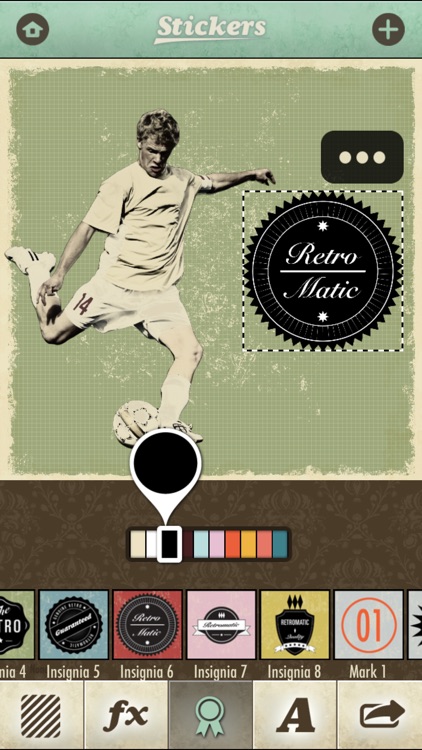
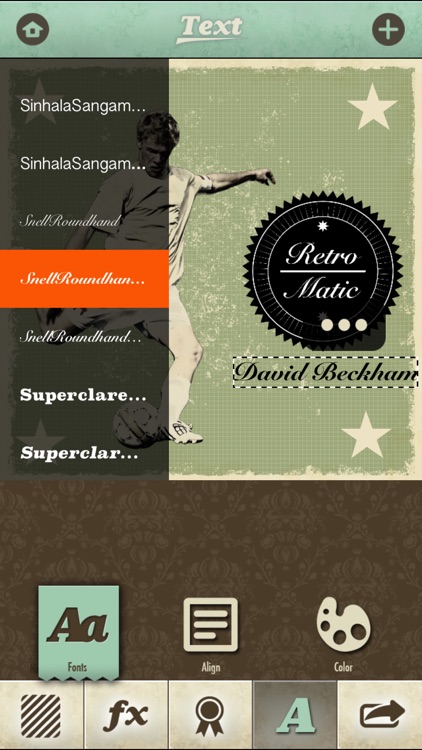
Craft your very own retro-style poster with this photo effects app.

$1.99 $1.99
Why we picked this?

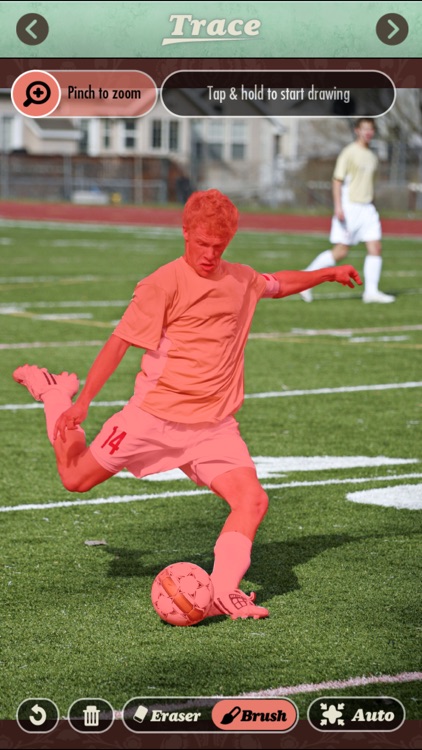
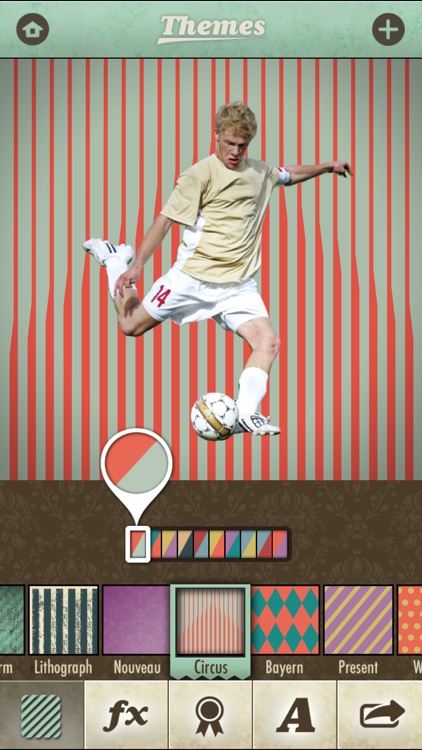
You can either import a photo from your library or snap a new one from within the app. Then highlight the edge of your subject to grab only what's necessary. Your subject will be placed on a colorful wallpaper, where you can also apply effects, stamps, and text. The app includes 18 retro filters, 17 themes with 17 color options, 70 modifiable retro stickers, and the ability to share your photos via Instagram, Facebook, Twitter, or Flickr.

Retromatic 2.0
iPhone
Retromatic 2.0

Retromatic 2.0

Peta Vision

Craft your very own retro-style poster with this photo effects app.

$1.99 $1.99
Why we picked this?

You can either import a photo from your library or snap a new one from within the app. Then highlight the edge of your subject to grab only what's necessary. Your subject will be placed on a colorful wallpaper, where you can also apply effects, stamps, and text. The app includes 18 retro filters, 17 themes with 17 color options, 70 modifiable retro stickers, and the ability to share your photos via Instagram, Facebook, Twitter, or Flickr.

Persistence - Goal Tracker
iPhone
Persistence - Goal Tracker

Persistence - Goal Tracker

Samuel Clark

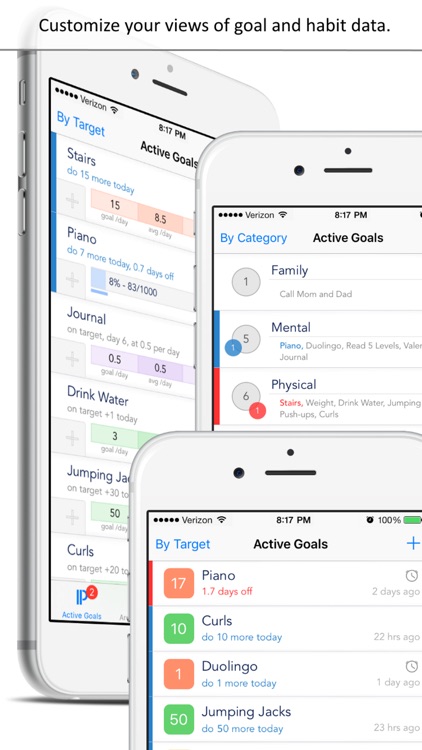
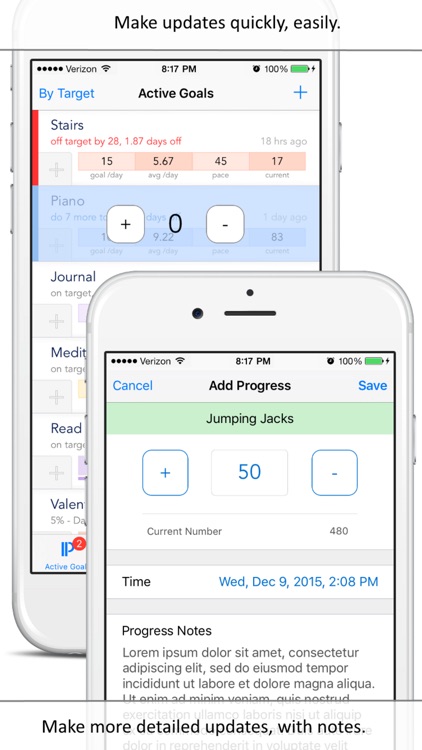
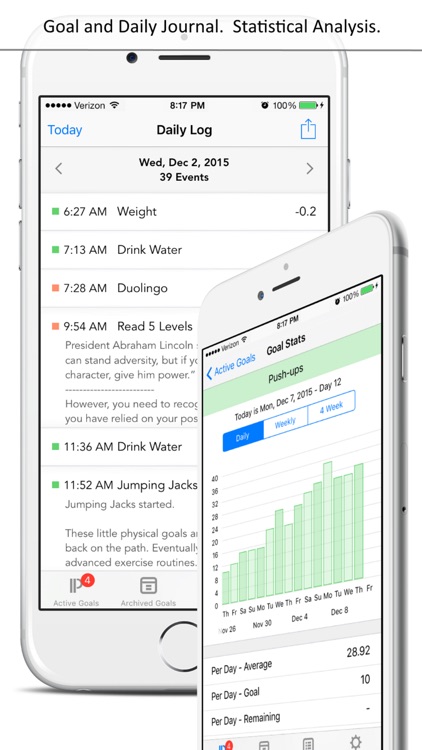
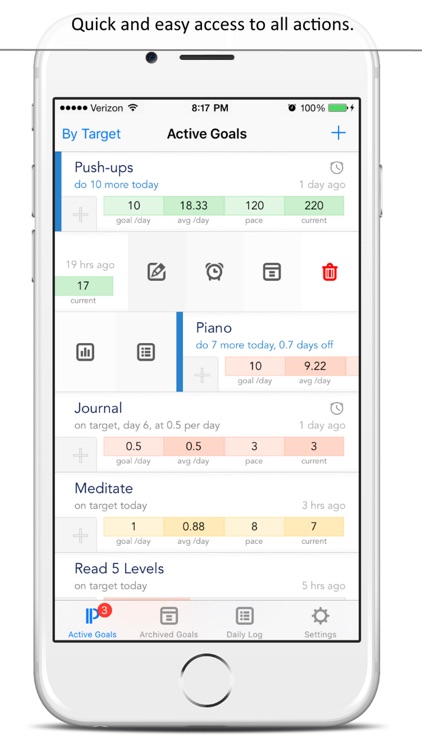
Stay persistent and complete your goals with this productivity app.

$1.99 $1.99
Why we picked this?

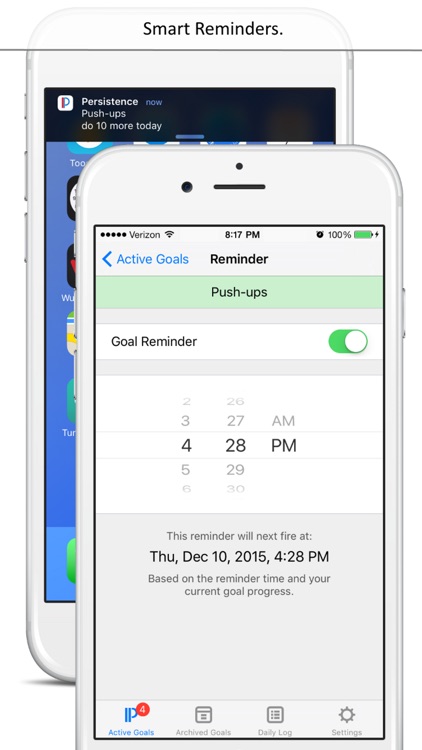
When creating a new goal, you’re able to title it and enter the number of times you want to work on it or the amount of time you want to spend on it each and everyday. After completing a goal for the day, simply enter your progress and attach notes if necessary. If you start to get behind on a goal, don’t fret, you can make up for it by doing more the next day. The idea is to keep those vertical blue and red bars from appearing on the side of your goal. The app also includes the ability to edit goals, set reminders, view statistical progress, and share your daily logs.

Trimaginator Photo Editor
iPhone
iPad
Trimaginator Photo Editor

Trimaginator Photo Editor

Paul Ollivier

Turn your photos into mind-blowing works of art with Trimaginator.

$3.99 $3.99
Why we picked this?

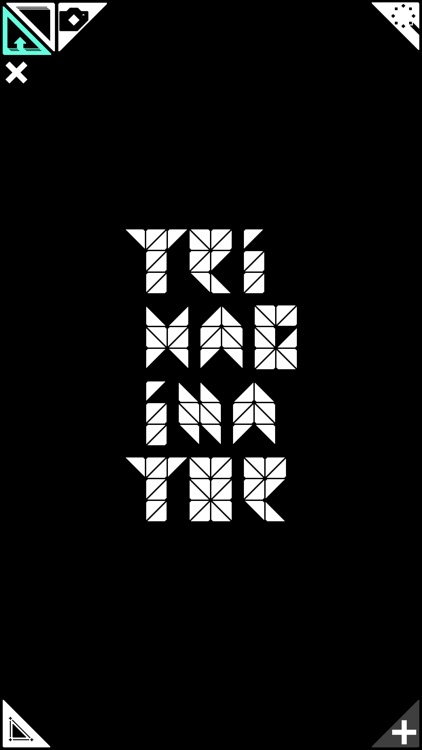
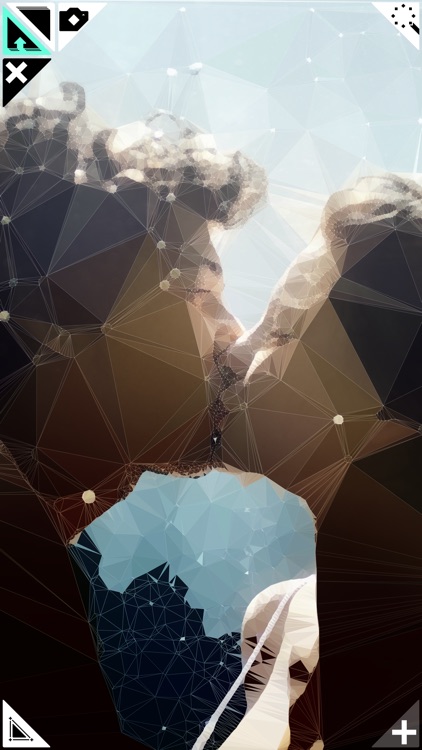
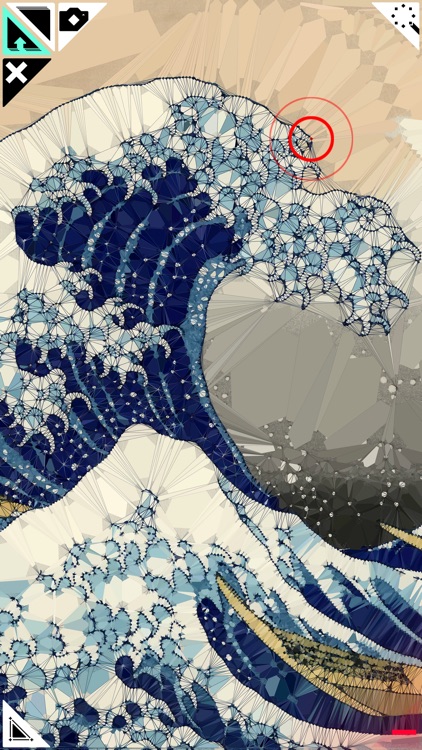
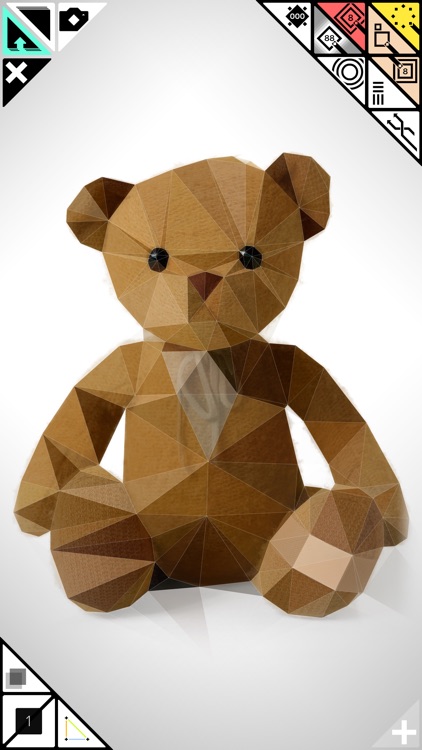
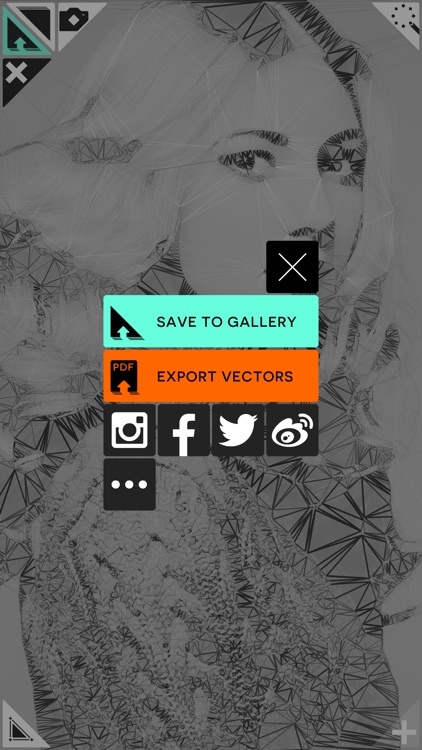
Inspired by the mathematical process, triangulation, Trimaginator allows you to reduce your favorite photos to their essentials and then turn them into triangle meshes. You’re able to import any photo from your library or take a new one from within the app. The button in the top right corner allows you to choose your effect while the button in the bottom left allows you to change the rendering mode. Tap on your photo to add mesh points or drag your finger across it to add multiple points. You’re also able to remove points if necessary. The geometry of your photo will change almost instantly while performing your drawings, so just play around and see what you can come up with. The app includes a total of 11 vision techniques and 10 rendering options.